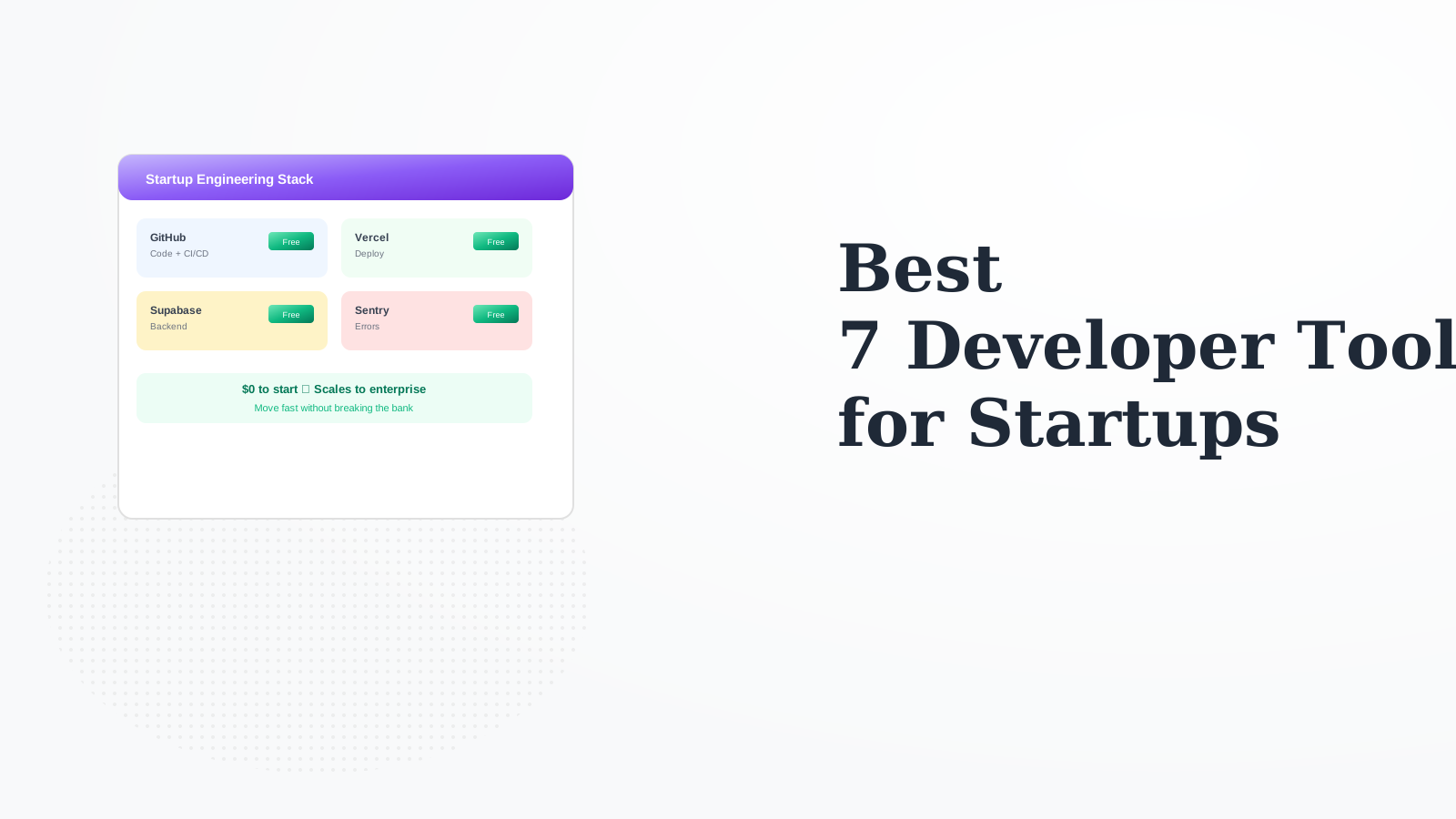
7 Best Developer Tools for Startup Engineering Teams in 2026

Startups need developer tools that are free or cheap to start, scale with growth, and don't slow you down. We selected tools that balance cost, capability, and speed - the startup engineering stack that works.

Last updated: February 4, 2026Reviewed 15+ tools

7 Best Developer Tools for Startups comparison

Feature Comparison

ToolFree TierPaid StartsScales ToEssential?Our Rating
VercelGenerous$20/userLargeYes9.4/10
GitHubGenerous$4/userAny sizeYes9.5/10
SupabaseGood$25/moLargeHigh9.2/10
Linear250 issues$8/userAny sizeHigh9.1/10
Sentry5K events$26/moAny sizeYes9.0/10
Posthog1M eventsUsageLargeHigh8.9/10
SlackLimited history$7.25/userAny sizeYes9.0/10

Deep Dives

1

Vercel

Best Overall
Vercel

Vercel provides the best frontend deployment experience. Preview deployments for every PR, edge functions, and great performance. Free tier covers early stage, scales smoothly.

Strengths

  • Best DX
  • Preview deploys
  • Edge performance
  • Next.js native
  • Free to start
  • Scales well

Limitations

  • Per-user pricing
  • Lock-in concerns
  • Bandwidth costs
Who it's for: Essential for frontend-focused startups.
Visit Vercel
2

GitHub

Best for Enterprise
GitHub

GitHub is the complete developer platform. Code hosting, Actions for CI/CD, Projects for planning, and Copilot for AI. The foundation of modern engineering.

Strengths

  • Complete platform
  • Generous free tier
  • Actions included
  • Industry standard
  • Copilot available
  • Great ecosystem

Limitations

  • Actions limits
  • Advanced features paid
  • Enterprise expensive
Who it's for: Essential for every startup.
Visit GitHub
3

Supabase

Best for Beginners
Supabase

Supabase provides complete backend infrastructure - Postgres, auth, storage, and realtime - with a generous free tier. Open source means no lock-in.

Strengths

  • Complete backend
  • Great free tier
  • Open source
  • Postgres based
  • Auth included
  • Good DX

Limitations

  • Younger platform
  • Resource limits
  • Self-host complex
Who it's for: Great backend for early-stage.
Visit Supabase
4

Linear

Best for Budget
Linear

Linear is the best-designed issue tracker. Fast, keyboard-driven, and beautiful. Free for small usage, reasonable pricing at scale. Makes engineering planning enjoyable.

Strengths

  • Best UX
  • Fast
  • Keyboard-driven
  • GitHub integration
  • Cycles/projects
  • Good pricing

Limitations

  • 250 issue free limit
  • Less flexible
  • Opinionated
Who it's for: Best issue tracker for startups.
Visit Linear
5

Sentry

Sentry

Sentry catches errors before users report them. Detailed stack traces, release tracking, and performance monitoring. Essential once you have users.

Strengths

  • Essential for prod
  • Detailed errors
  • Performance too
  • Release tracking
  • Good free tier
  • Many SDKs

Limitations

  • Event limits
  • Pricing scales
  • Complex config
Who it's for: Essential once in production.
Visit Sentry
6

Posthog

Posthog

Posthog is open source product analytics with feature flags and experiments. Self-host or cloud. Generous free tier and fair usage pricing.

Strengths

  • Open source
  • Feature flags
  • A/B testing
  • Session recording
  • Generous free
  • Fair pricing

Limitations

  • Newer platform
  • Less polish
  • Self-host effort
Who it's for: Great open source analytics.
Visit Posthog
7

Slack

Slack

Slack is where startup teams communicate. Channels, threads, huddles, and integrations with everything. Free tier works early on.

Strengths

  • Team communication
  • Great integrations
  • Huddles
  • Channels
  • Bot ecosystem
  • Mobile apps

Limitations

  • Free limits history
  • Per-user pricing
  • Can be noisy
Who it's for: Standard for team communication.
Visit Slack

How We Evaluated

We evaluated tools for startup-specific needs.

  • Free Tier (30%)Good free tier to start.
  • Speed (25%)Helps you move fast.
  • Scalability (20%)Grows with you.
  • DX (15%)Great developer experience.
  • Pricing Trajectory (10%)Fair pricing at scale.

How to Choose

  • Choose Vercel if you need Frontend deployment.
  • Choose GitHub if you need Code + CI/CD.
  • Choose Supabase if you need Backend.
  • Choose Linear if you need Issue tracking.
  • Choose Sentry if you need Error tracking.

Common Questions

GitHub (code) + Vercel (deploy) + Supabase (backend) + Sentry (errors) + Slack (comms). Total: $0 to start, scales to ~$50-100/user/month at growth stage.

Linear is faster, better designed, and more startup-friendly. Jira has more features but more complexity. Startups should use Linear; switch to Jira if enterprise requirements demand it.

When free limits become constraints or when paid features save significant time. Usually: Slack when history matters, Linear when issues exceed 250, Sentry when errors exceed 5K.