8 Best Customer Journey Mapping Tools for CX in 2026
We tested 16+ journey mapping platforms to find the best for visualizing customer experience. These tools help you map, analyze, and optimize every touchpoint in the customer journey.
Smaply is purpose-built for customer experience professionals. Create journey maps, personas, and stakeholder maps in one integrated platform. Hierarchy feature connects micro-journeys to macro experience. Export beautiful PDFs for stakeholder presentations.
Starting price$19/mo
Strengths
CX-focused
All CX artifacts
Beautiful exports
Journey hierarchy
Templates
Limitations
Learning curve
Limited free tier
No real-time collab free
Dated UI
Who it's for: Best for CX professionals needing comprehensive journey mapping.
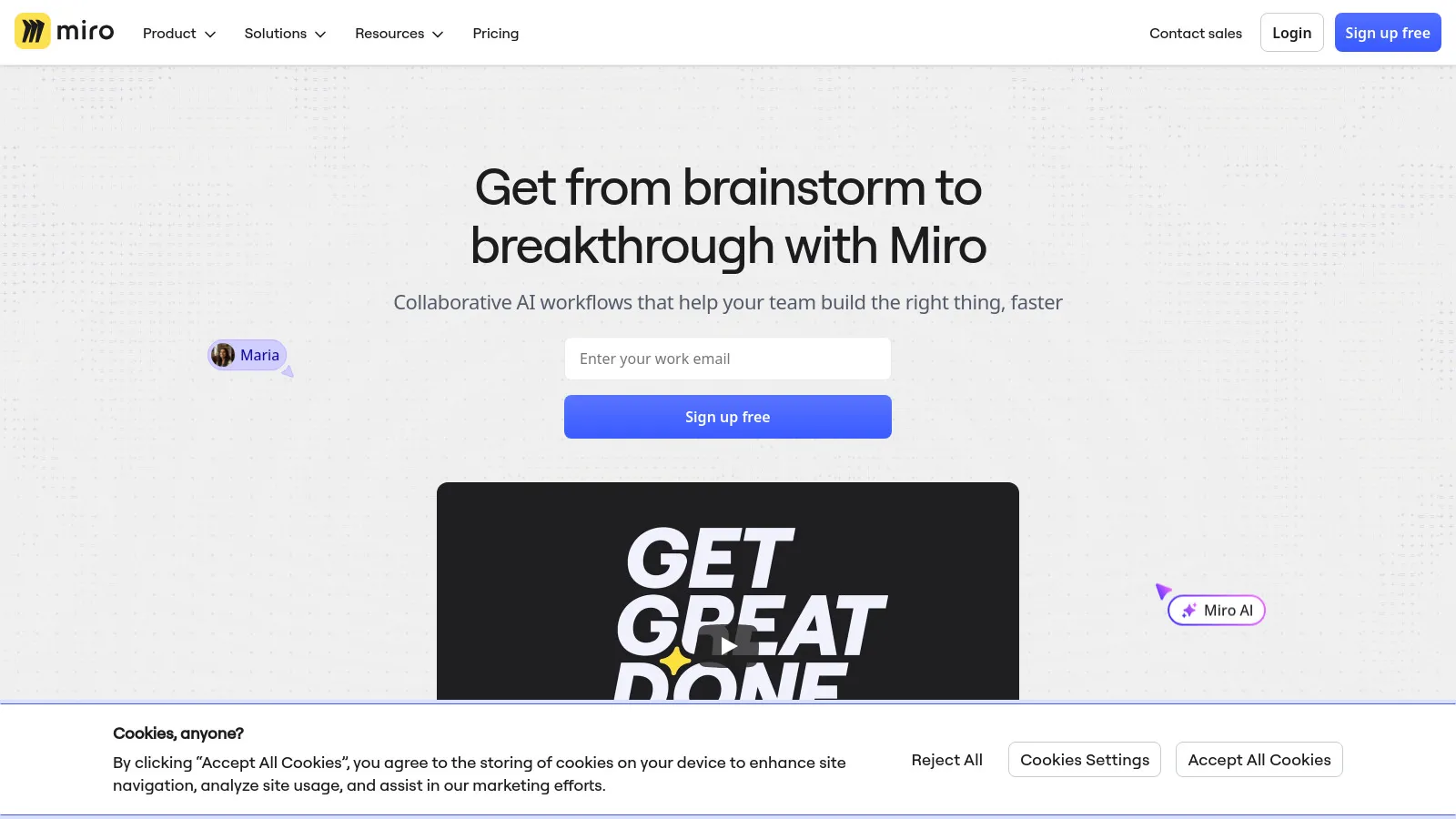
Miro infinite whiteboard offers ultimate flexibility for journey mapping. Templates get you started quickly. Real-time collaboration makes workshop facilitation seamless. Integrations connect to your existing workflow tools.
Starting priceFree/$8/mo
Strengths
Flexible canvas
Great collaboration
Many templates
Integrations
Good free tier
Limitations
Not CX-specific
Can get messy
Manual structure
Template quality varies
Who it's for: Best for teams wanting flexible visual collaboration.
UXPressia is designed for UX researchers and designers. Journey maps include emotional curves, touchpoints, and opportunities. Impact maps connect journeys to business outcomes. Exports are presentation-ready with beautiful styling.
Starting priceFree/$16/mo
Strengths
UX-focused
Emotional curves
Impact maps
Beautiful exports
Good templates
Limitations
Limited analytics
Smaller feature set
Less enterprise focused
Export limits
Who it's for: Best for UX teams creating presentation-ready journey maps.
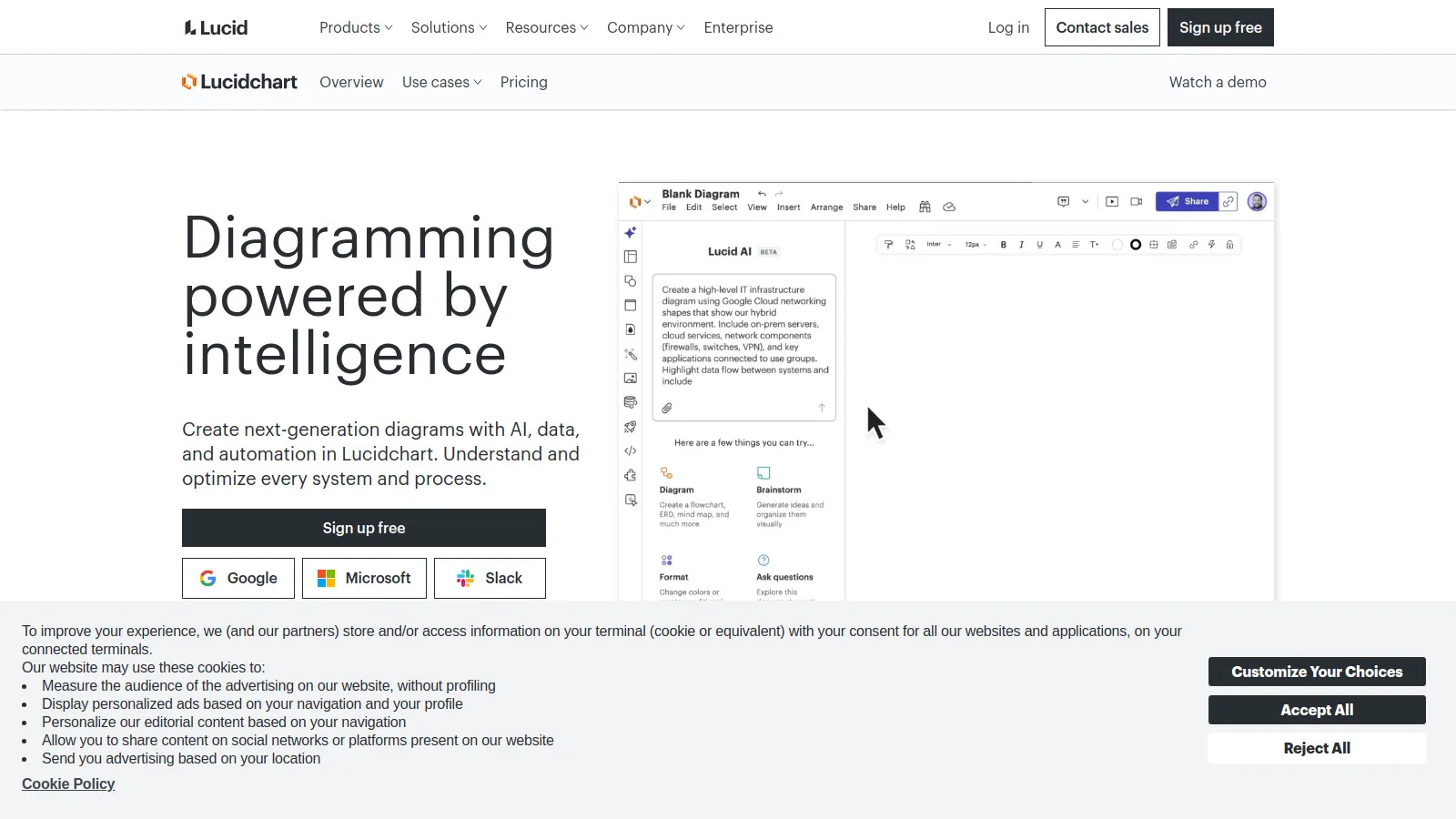
Lucidchart is powerful diagramming with journey mapping templates. Data linking connects diagrams to live data sources. Enterprise features include SSO, permissions, and audit logs. Integrates with Google Workspace and Microsoft 365.
Starting price$7.95/mo
Strengths
Powerful diagramming
Data linking
Enterprise ready
Many integrations
Familiar UI
Limitations
Not CX-specific
Generic templates
Can be complex
Extra cost for features
Who it's for: Best for enterprises already using Lucid suite.
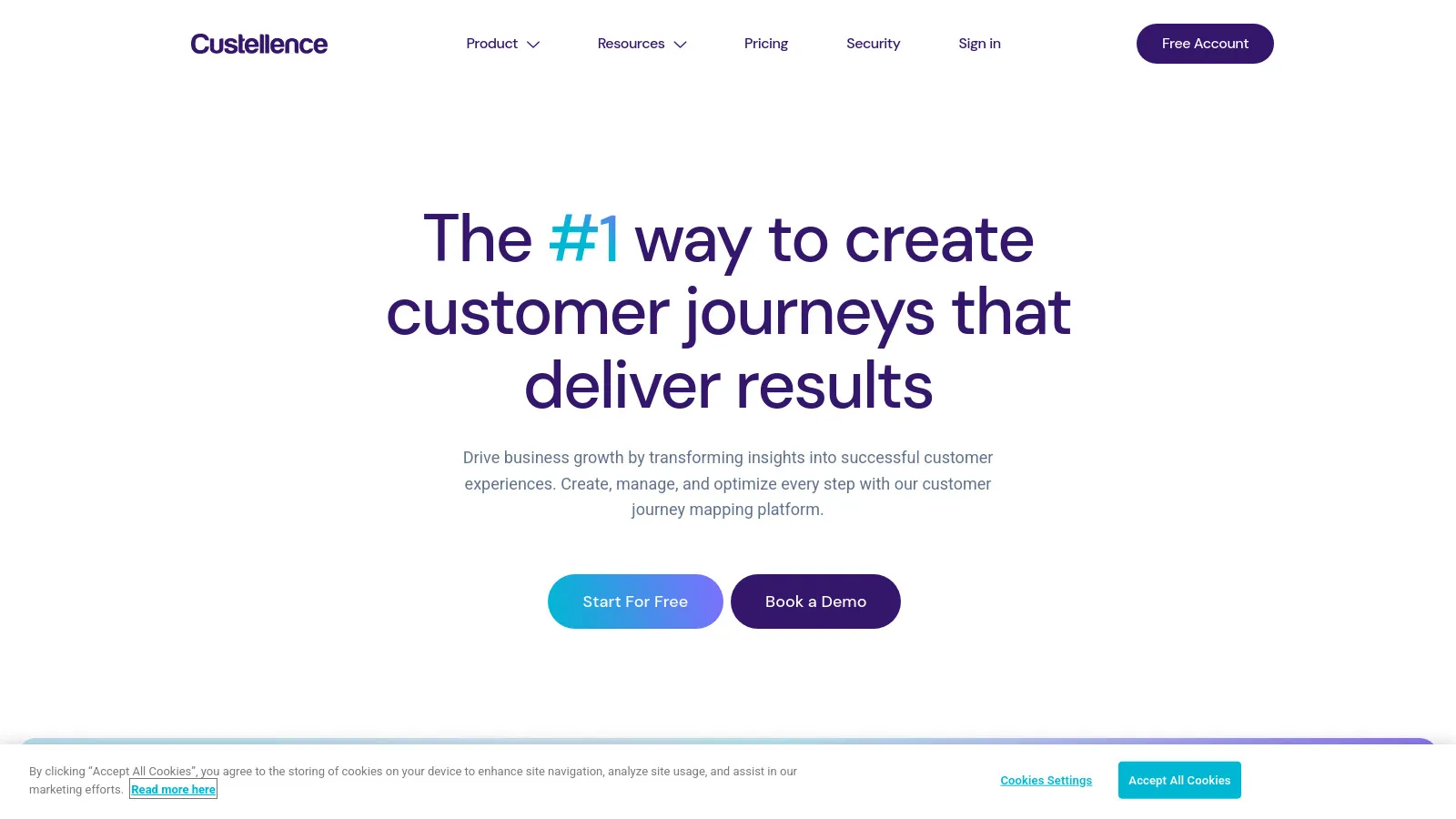
Custellence connects journey maps to real customer data. Import analytics and survey data to validate touchpoints. Metrics show actual performance at each stage. Data-driven approach moves beyond assumptions to evidence-based CX.
Starting priceCustom
Strengths
Data integration
Metrics per touchpoint
Evidence-based
Good structure
CX focused
Limitations
Complex setup
Custom pricing
Learning curve
Smaller community
Who it's for: Best for teams wanting data-driven journey mapping.
TheyDo is a journey management platform for enterprise CX teams. Link journeys to opportunities and solutions. Roadmapping connects CX improvements to product development. Built for teams managing many journeys across the organization.
Starting priceCustom
Strengths
Journey management
Opportunity tracking
Roadmap integration
Enterprise scale
Governance
Limitations
Expensive
Enterprise only
Complex onboarding
Overkill for small teams
Who it's for: Best for large enterprises managing CX at scale.
Figma design tool can be used for journey mapping with community templates. Design teams already in Figma can map journeys without new tools. Component libraries enable consistent, reusable journey elements. Free tier is generous for individual use.
Starting priceFree/$12/mo
Strengths
Already using it
Community templates
Design flexibility
Good free tier
Components
Limitations
Not CX-specific
Manual setup
No CX features
Template dependency
Who it's for: Best for design teams already working in Figma.
Touchpoint Dashboard focuses on simplicity and quick wins. Get a journey map started in minutes. Touchpoint inventory tracks all customer interactions. Affordable pricing suits smaller teams and consultants.
Starting price$29/mo
Strengths
Simple to start
Touchpoint focus
Affordable
Quick wins
Clean interface
Limitations
Basic features
Limited depth
Small community
Fewer integrations
Who it's for: Best for teams wanting simple, fast journey mapping.
Collaboration (25%) — Real-time editing, sharing, and stakeholder access.
Ease of Use (20%) — Time to create a useful journey map.
CX Artifacts (15%) — Personas, touchpoints, and related deliverables.
Value (10%) — Features relative to pricing.
How to Choose
Choose Smaply if you need comprehensive CX artifacts.
Choose Miro if you need flexible collaboration.
Choose UXPressia if you need beautiful UX deliverables.
Choose Custellence if you need data-driven mapping.
Choose Touchpoint Dashboard if you need quick simple maps.
Common Questions
Start with macro-level journey (5-7 stages) for alignment, then create micro-journeys for specific improvement areas. Too much detail upfront makes maps overwhelming and hard to maintain.
Include cross-functional stakeholders: marketing, sales, support, product, and operations. Customer insights from research or support teams are essential. Executive sponsorship helps drive action.
Review quarterly or after major product changes. Journey maps should be living documents. Set calendar reminders to validate touchpoints and update pain points based on new data.
Map current state first to align on reality and identify pain points. Then create future state vision for roadmapping. Gap analysis between both drives prioritization.