7 Best Workflow Automation Tools for No-Code in 2026
The average knowledge worker toggles between 10+ apps daily, spending hours on repetitive tasks that could be automated. No-code workflow automation tools let anyone connect apps and build automations without writing code. We tested 12 platforms, building real automations for sales, marketing, and operations to find which deliver the best combination of power, ease, and value.
Make (formerly Integromat) offers the most powerful visual workflow builder available. The drag-and-drop canvas lets you create complex automations with branching paths, loops, error handling, and data transformations. While it has a steeper learning curve than Zapier, the payoff is automations that would require multiple Zaps or custom code elsewhere. The pricing is also significantly more generous than competitors.
Strengths
Most powerful visual workflow builder
Advanced logic: branching, loops, iterations
More operations per dollar than Zapier
1000+ app integrations
Built-in data transformation tools
Excellent error handling and logging
Limitations
Steeper learning curve than Zapier
Visual canvas can get complex
Some newer apps added slower
Documentation could be better
Who it's for: Best for power users who need complex automations with branching logic. If you've outgrown Zapier's linear approach, Make is the upgrade.
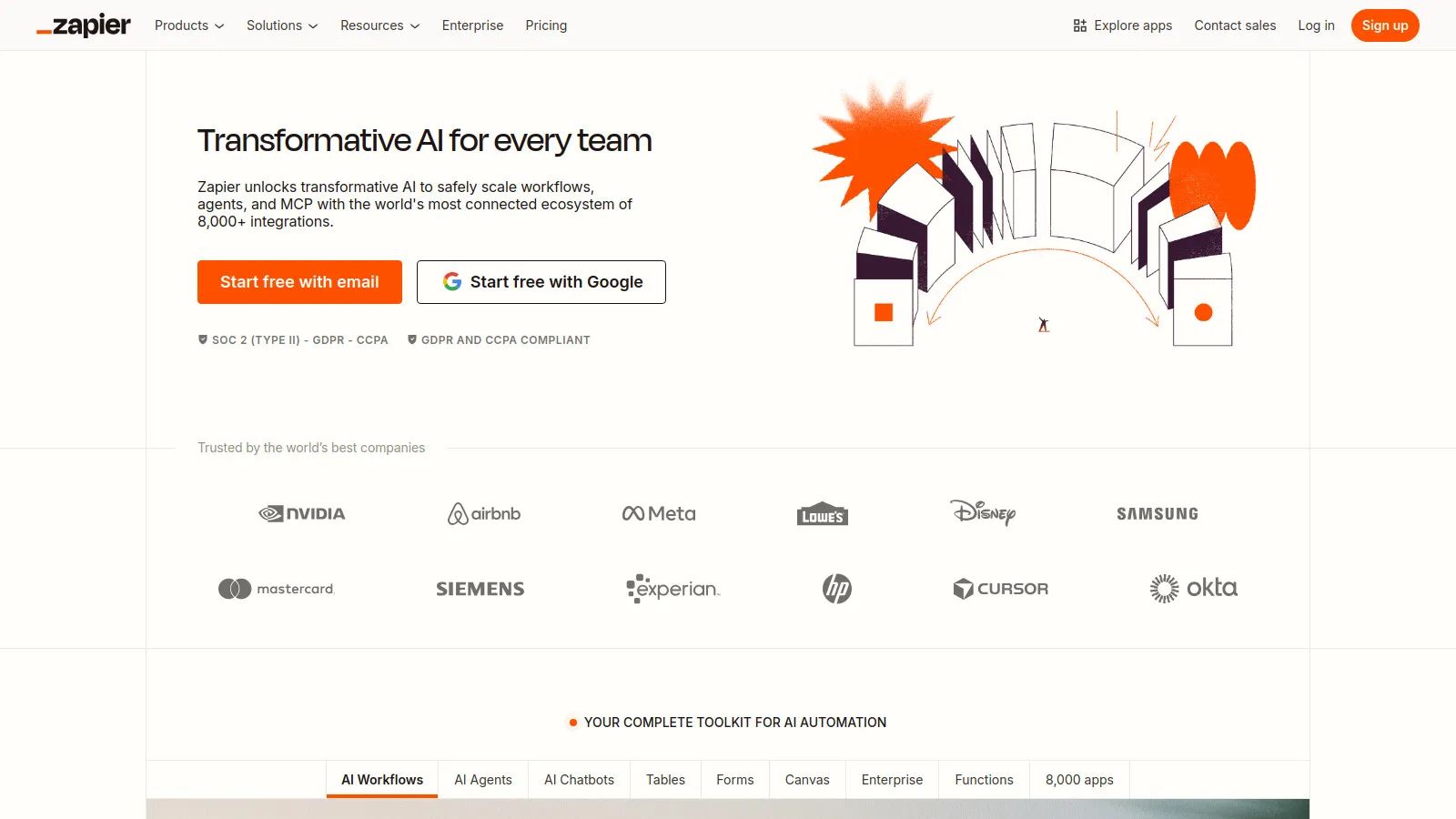
Zapier is the market leader with the largest integration library at 6000+ apps. Creating a "Zap" is incredibly intuitive - select a trigger, add actions, and you're done. The tradeoff is that complex workflows with branching logic are harder to build. For straightforward automations like "when X happens, do Y," nothing beats Zapier's simplicity and reliability.
Starting price$19.99/mo
Strengths
Largest app library at 6000+
Simplest automation builder
Most established and reliable
Excellent documentation and templates
Strong customer support
Paths feature for some branching
Limitations
More expensive than alternatives
Complex logic requires workarounds
Multi-step Zaps add up quickly
Less value per dollar than Make
Who it's for: Ideal for teams that need quick, simple automations across many apps. The reliability and app coverage justify the premium for many businesses.
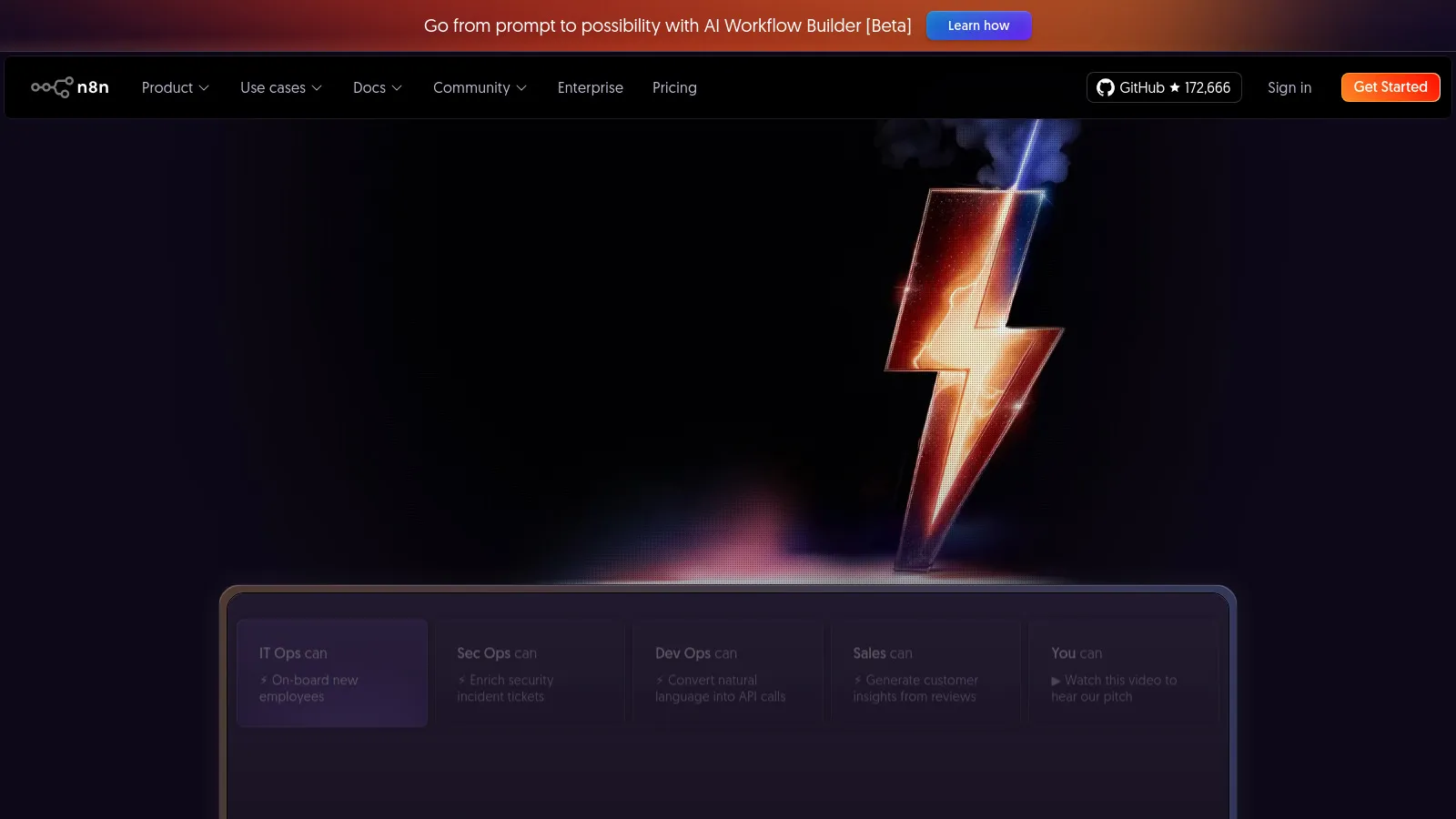
n8n is an open-source workflow automation tool that you can self-host for free with unlimited executions. The visual builder is powerful like Make, and you can add custom JavaScript when the no-code options aren't enough. Self-hosting means you control your data and have no operation limits. The cloud version offers convenience with fair pricing.
Starting priceFree/$20
Strengths
Open source and self-hostable
No execution limits self-hosted
Add custom code when needed
Powerful visual workflow builder
Active community and development
Fair cloud pricing
Limitations
Self-hosting requires technical skills
Smaller integration library than Zapier
Documentation improving but gaps exist
Less polished than commercial alternatives
Who it's for: Best for technical teams who want control over their automation infrastructure. Self-hosting eliminates per-operation costs at scale.
Power Automate is Microsoft's automation platform, deeply integrated with Microsoft 365. It excels at automating workflows within the Microsoft ecosystem - Teams, SharePoint, Outlook, Excel, and Dynamics. The desktop automation (RPA) feature can automate legacy Windows applications. Many organizations already have access through their Microsoft licenses.
Starting price$15/mo
Strengths
Deep Microsoft 365 integration
Desktop RPA included
Often included in existing licenses
Teams integration for approvals
AI Builder for intelligent automation
Enterprise security and compliance
Limitations
Best for Microsoft ecosystem
Interface can be confusing
Non-Microsoft integrations less refined
Pricing complexity
Who it's for: Obvious choice for organizations already invested in Microsoft 365. The included access makes it effectively free for many teams.
Pipedream bridges no-code and code better than any alternative. Start with pre-built actions, then add custom Node.js, Python, Go, or Bash when needed. The free tier is exceptionally generous with no time-based limits. Execution is fast, and the built-in code editor with npm packages makes it feel like a serverless platform with a no-code layer.
Starting price$19/mo
Strengths
Best hybrid of code and no-code
Generous free tier
Fast execution times
Full npm package access
Developer-friendly experience
Active community
Limitations
Best with some coding knowledge
Smaller integration library
Less visual than Make
Enterprise features developing
Who it's for: Perfect for developers and technical users who want no-code convenience with code power when needed. The free tier is hard to beat.
Activepieces is an open-source automation tool positioning as a simpler Zapier alternative. The interface is clean and beginner-friendly. While the integration library is smaller (150+ and growing), it covers common apps well. Self-hosting is straightforward, and the cloud pricing is the most affordable of commercial options.
Starting price$5/mo
Strengths
Open source and self-hostable
Very affordable cloud pricing
Clean, simple interface
Rapidly growing integrations
Active development
Good for beginners
Limitations
Smaller integration library
Less advanced features than Make
Newer with smaller community
Some enterprise features missing
Who it's for: Great for budget-conscious teams or those wanting an open-source option with a simpler interface than n8n.
IFTTT (If This Then That) is the simplest automation tool available. One-click "applets" connect apps without any configuration. It excels at personal automation and smart home integration. While limited for business use, IFTTT is perfect for quick personal automations like saving email attachments to Dropbox or controlling smart home devices.
Starting price$2.99/mo
Strengths
Simplest automation tool
One-click applet setup
Great for smart home/IoT
Large applet library
Very affordable
No learning curve
Limitations
Limited to simple automations
No branching or complex logic
Business features limited
Slower execution than others
Who it's for: Perfect for personal automation and smart home integration. Not suited for complex business workflows but unbeatable for simplicity.
We built identical multi-step automations on each platform, testing real scenarios like lead routing, data sync, and notification workflows.
Automation Power (30%) — Branching, loops, error handling, and complex logic.
Integration Library (25%) — Number and quality of app connections.
Ease of Use (20%) — Learning curve and workflow building experience.
Reliability (15%) — Uptime, error handling, and execution consistency.
Value for Money (10%) — Pricing relative to included operations and features.
How to Choose
Choose Make if you need Complex visual workflows.
Choose Zapier if you need Need most app integrations.
Choose n8n if you need Want self-hosted control.
Choose Power Automate if you need Microsoft 365 heavy.
Choose Activepieces if you need Budget-conscious.
Choose IFTTT if you need Simple personal automation.
Common Questions
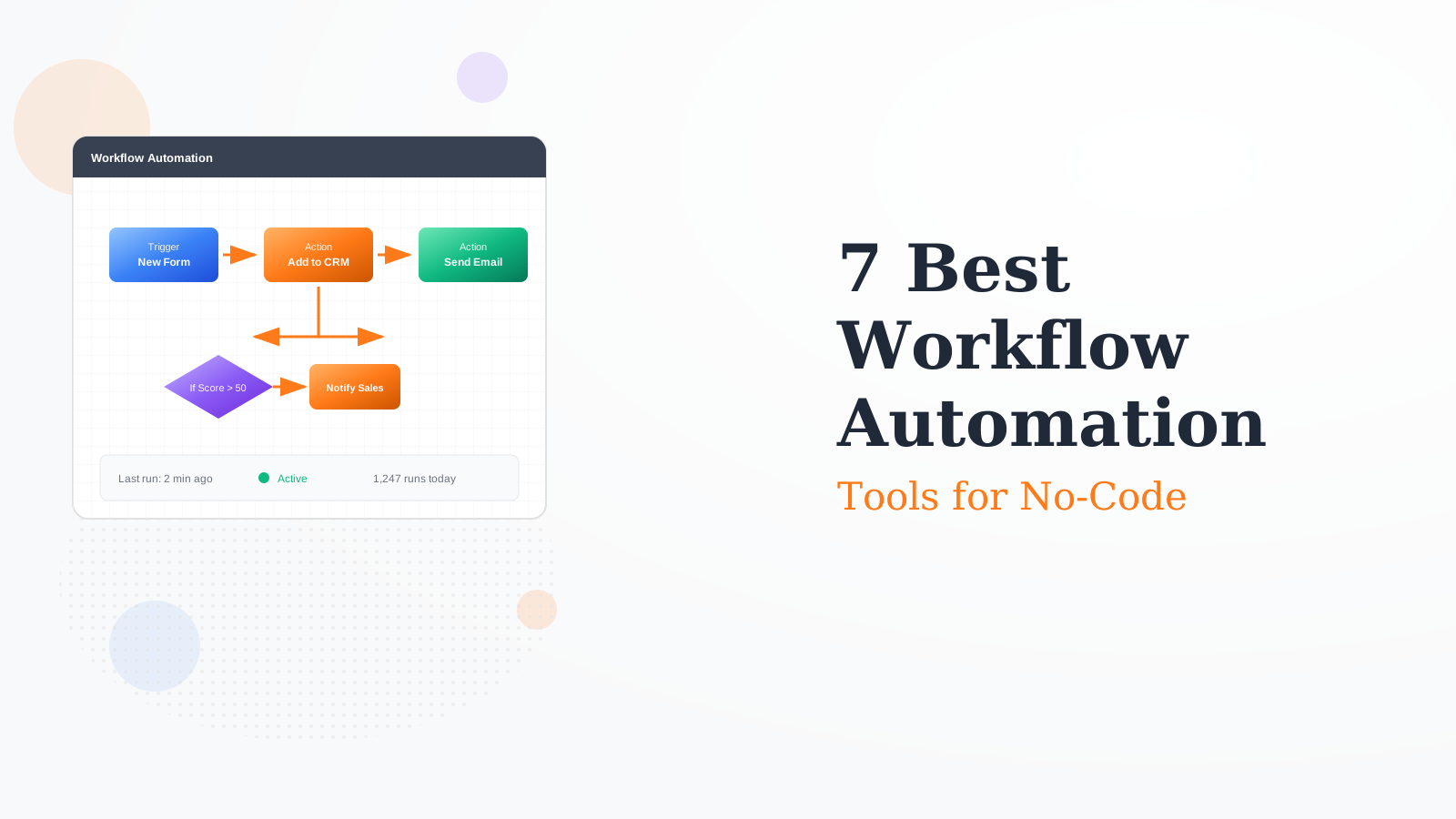
Workflow automation connects apps and automates repetitive tasks. For example: when a form is submitted, add the contact to your CRM, send a welcome email, and notify your team in Slack - all automatically.
No. All tools in this list offer no-code interfaces. Some like Pipedream and n8n let you add code when needed, but it's optional.
Ranges from free (IFTTT, self-hosted n8n) to enterprise pricing. Most charge based on number of "operations" or "tasks" executed per month.
Zapier is simpler with more integrations. Make is more powerful for complex workflows and offers better value. Start with Zapier for simple needs, move to Make when you need advanced logic.