Best Video Selling Tools for Personalized Outreach
We tested 12+ video selling platforms to find the best for sales outreach. These tools help you record, send, and track personalized video messages that cut through inbox noise and increase response rates.
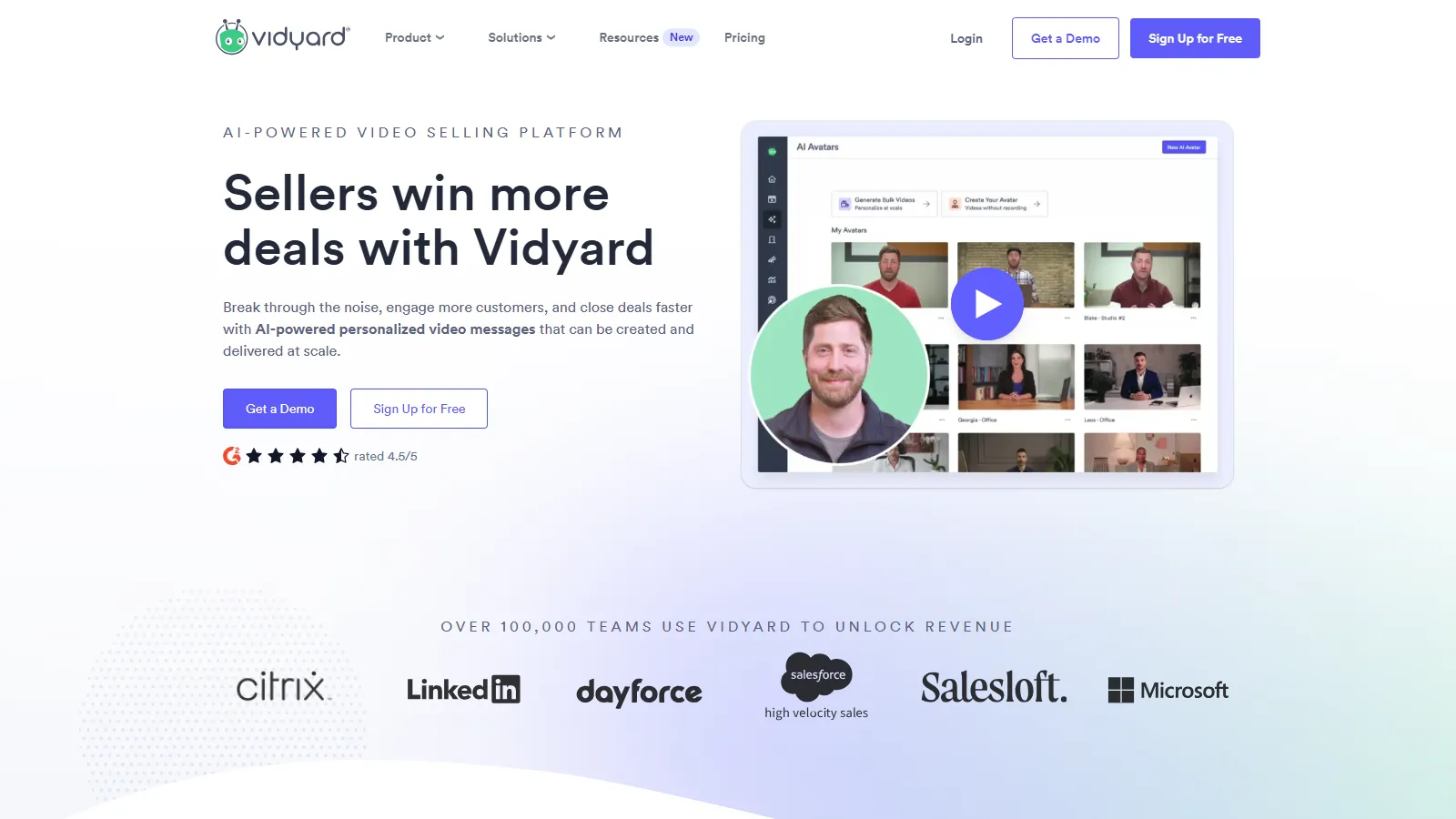
Vidyard is the enterprise standard for video selling. Deep analytics show exactly who watched your video, for how long, and which parts they rewatched. Native integrations with Salesforce, HubSpot, and Outreach make it perfect for structured sales teams.
Starting priceFree
Strengths
Best-in-class analytics
Deep CRM integration
Enterprise security
Video hosting included
Chrome extension
Limitations
Can be expensive
Learning curve for advanced features
Some features require higher tiers
Mobile recording limited
Who it's for: Best for enterprise sales teams with formal sales processes and CRM integration needs.
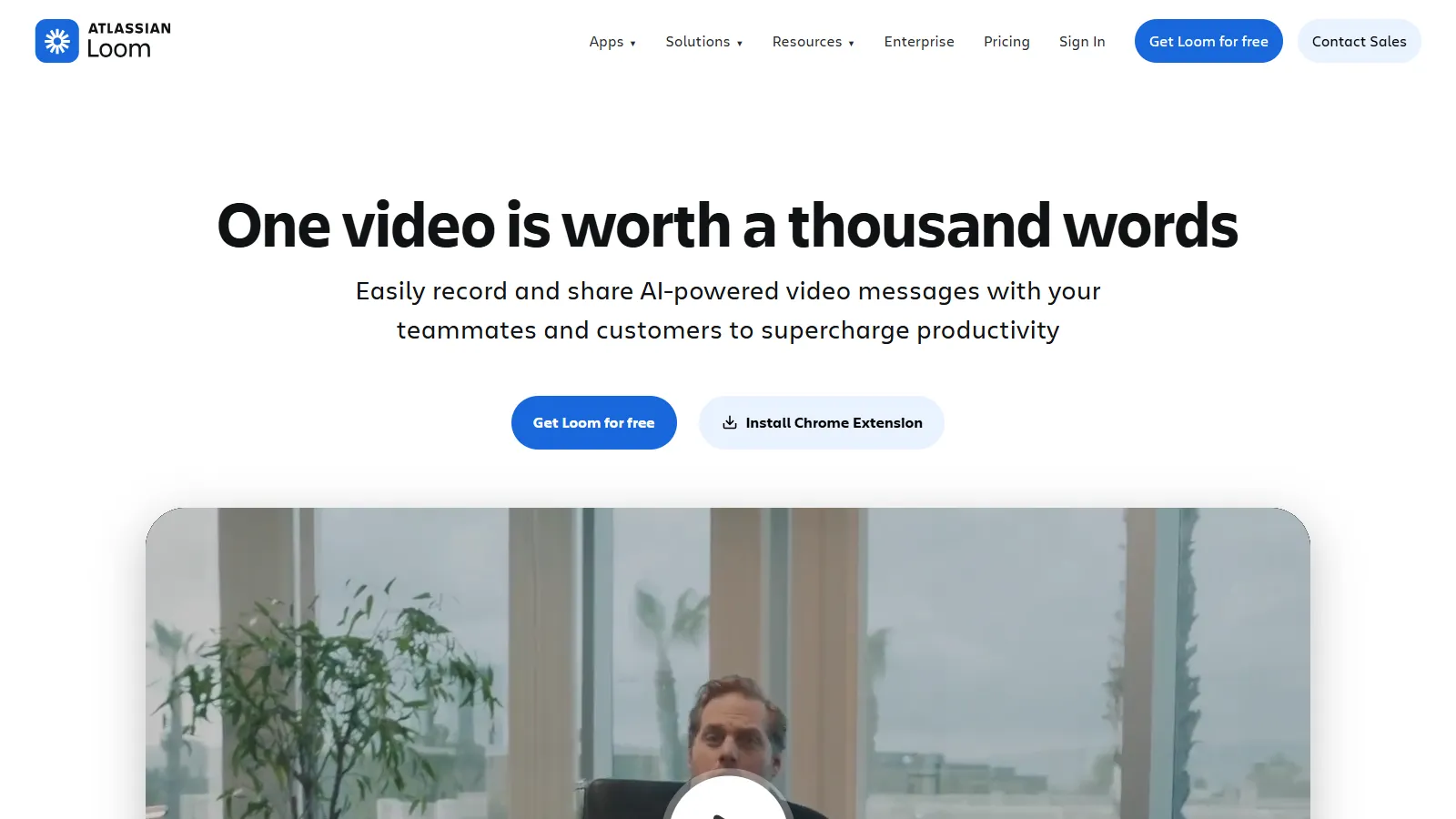
Loom makes video recording effortless. Click record, capture your screen and webcam, and share instantly with a link. The focus on speed and simplicity makes it the go-to for quick personalized messages.
Starting priceFree
Strengths
Incredibly easy to use
Fast recording and sharing
Auto transcripts
Generous free tier
Great for async communication
Limitations
Less sales-specific
Analytics less detailed
Fewer CRM integrations
Not built for high-volume outreach
Who it's for: Best for individuals and small teams who want quick video without complexity.
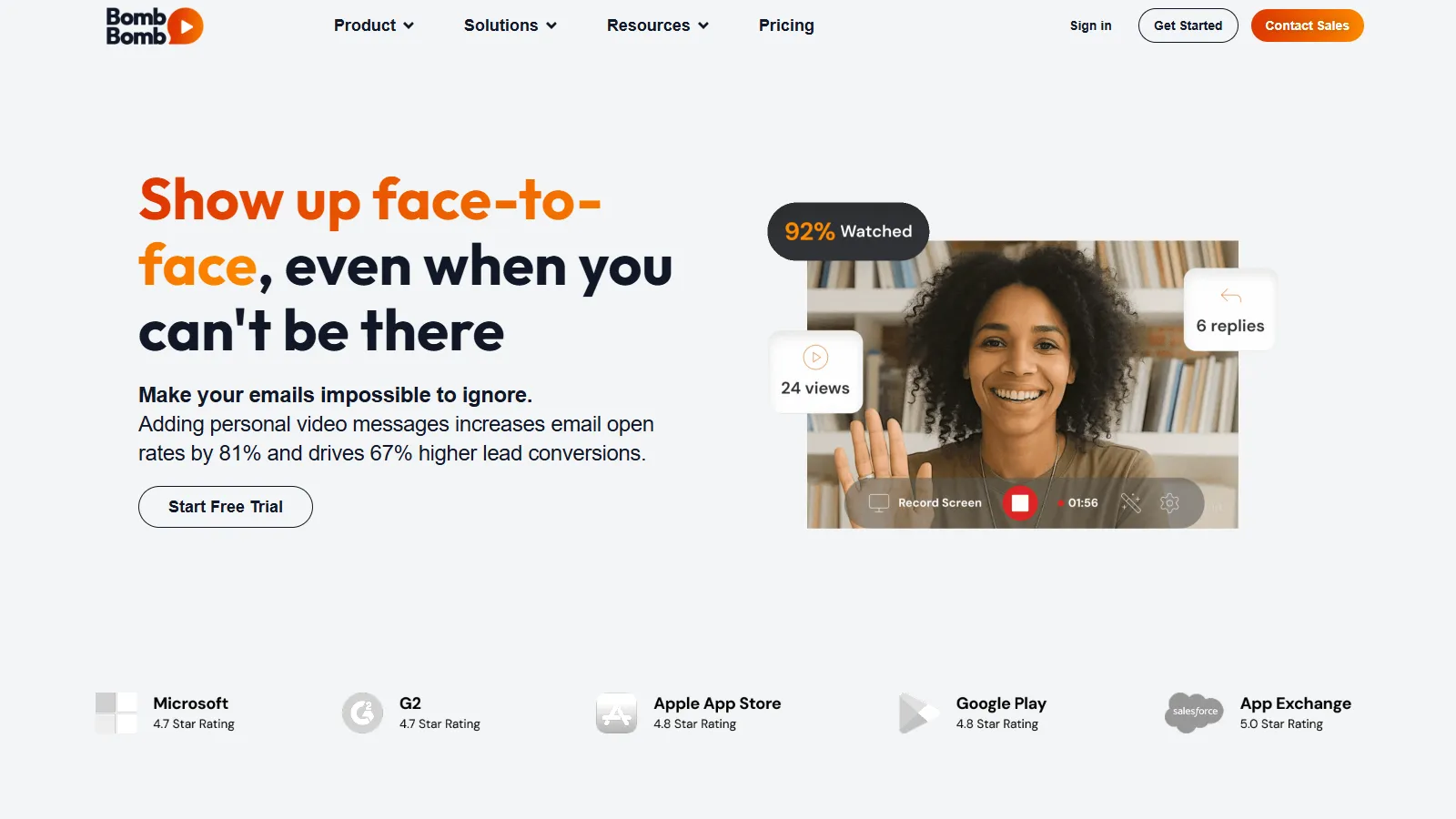
BombBomb is purpose-built for video email. Record directly in Gmail or Outlook, track opens and views, and use templates for common scenarios. The mobile app makes field recording easy.
Starting price$33/mo
Strengths
Email-first design
Great Gmail/Outlook integration
Mobile app for field sales
Template library
Proven in real estate and sales
Limitations
Higher starting price
No free tier
Interface dated
Less flexible than competitors
Who it's for: Best for sales teams who live in email and want seamless inbox integration.
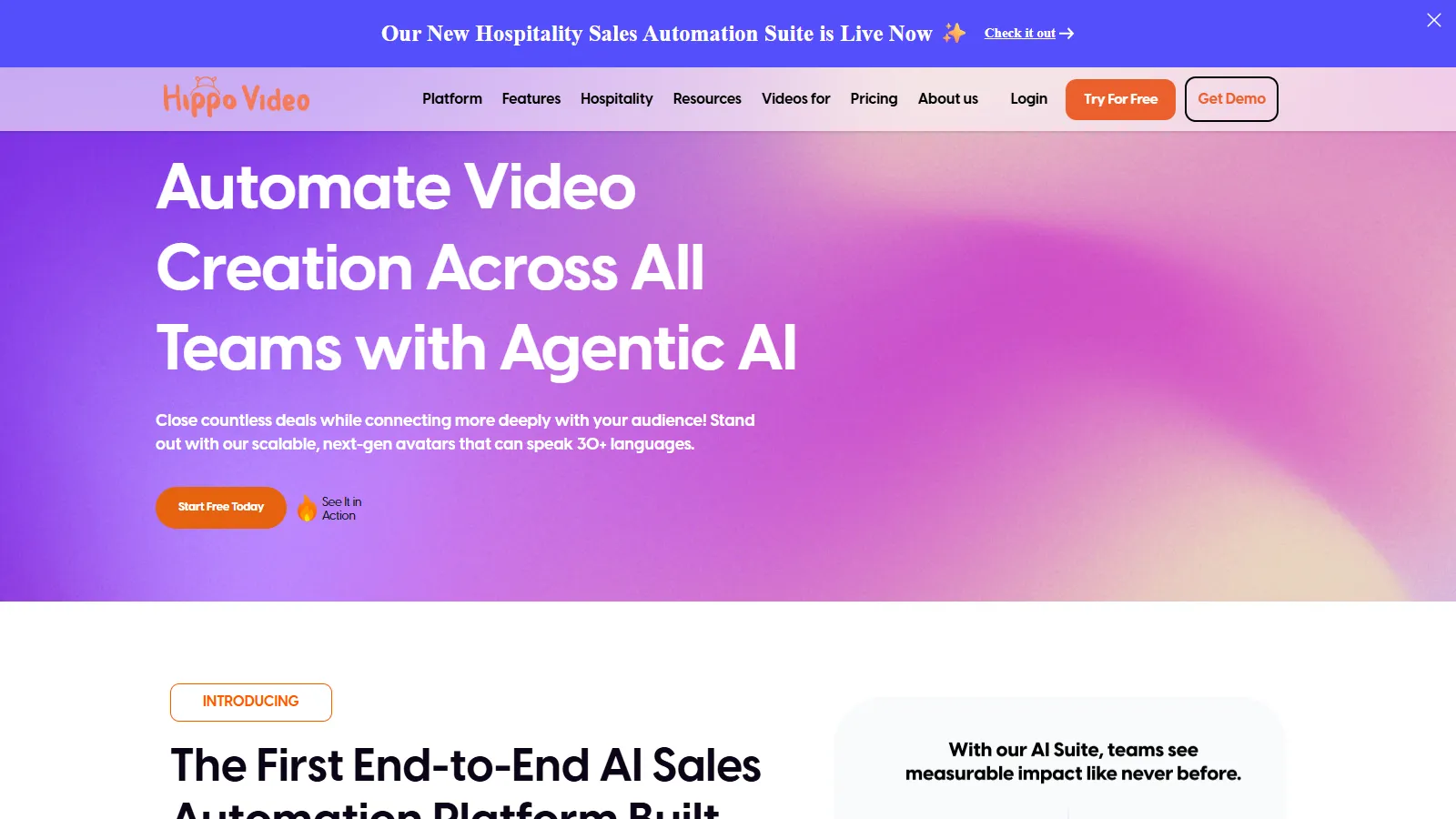
Hippo Video focuses on personalization at scale. Create video sales pages, use dynamic personalization to customize videos automatically, and leverage AI features for editing and enhancement.
Starting priceFree
Strengths
Dynamic personalization
Video sales pages
AI editing features
Good free tier
Humanizer technology
Limitations
More complex setup
Some features in beta
Learning curve
Newer platform
Who it's for: Best for teams doing high-volume outreach who need personalization at scale.
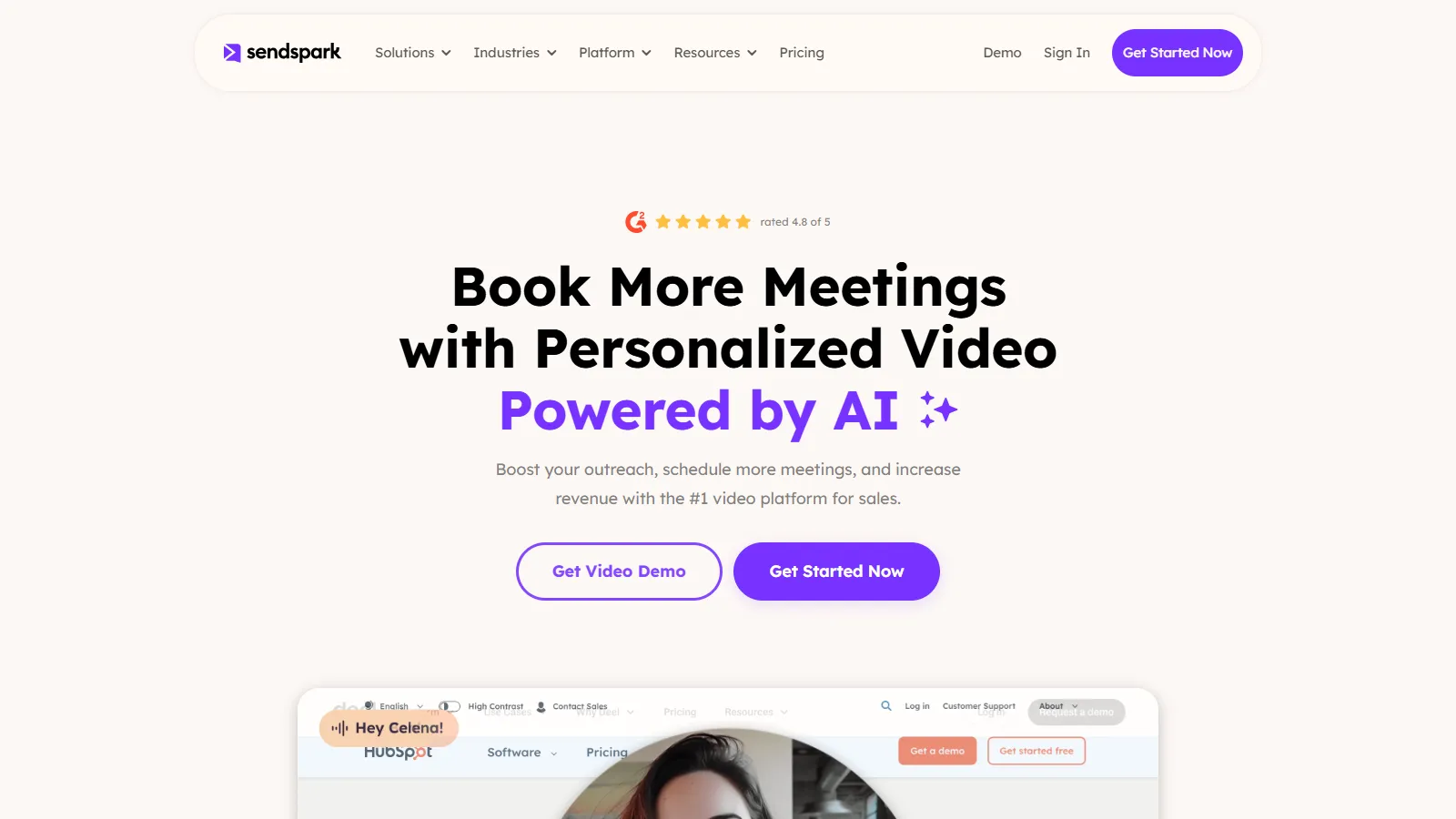
Sendspark combines video messaging with video landing pages. Record a video, create a branded landing page, and include booking links for a complete prospecting flow.
Starting priceFree
Strengths
Video landing pages
Built-in scheduling
Request videos from others
Simple interface
Good free tier
Limitations
Fewer enterprise features
Limited analytics
Basic CRM integration
Smaller ecosystem
Who it's for: Best for individuals who want video + landing page + scheduling in one flow.
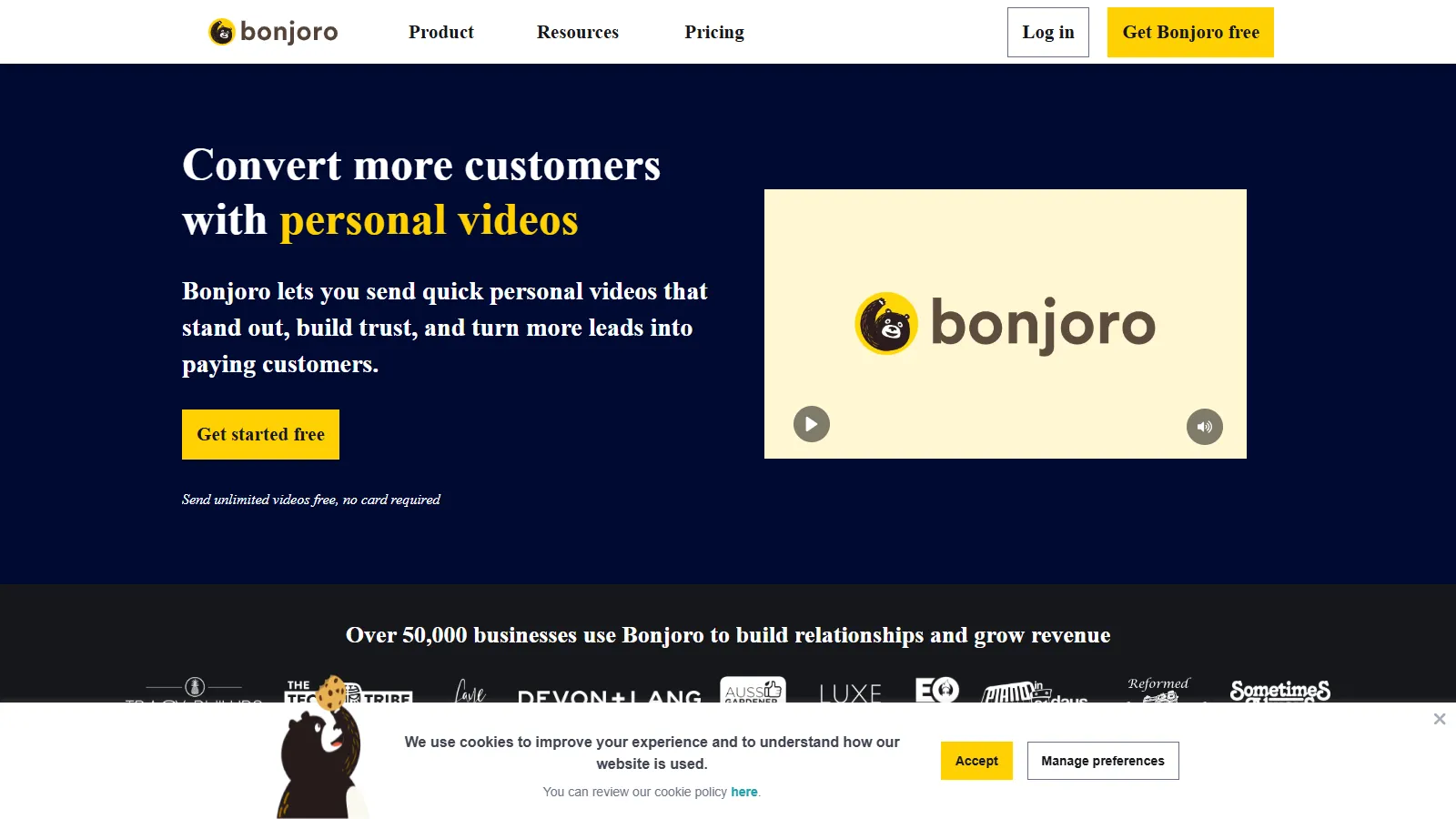
Bonjoro takes a task-based approach to personal video. Integrations trigger tasks when leads take action, prompting you to record a personal video at exactly the right moment.
Starting priceFree
Strengths
Task-based workflow
Mobile-first design
Great integrations
Personal touch focus
Affordable
Limitations
Not for cold outreach
Limited analytics
Smaller scale
Less polished editing
Who it's for: Best for customer success and relationship building at key journey moments.
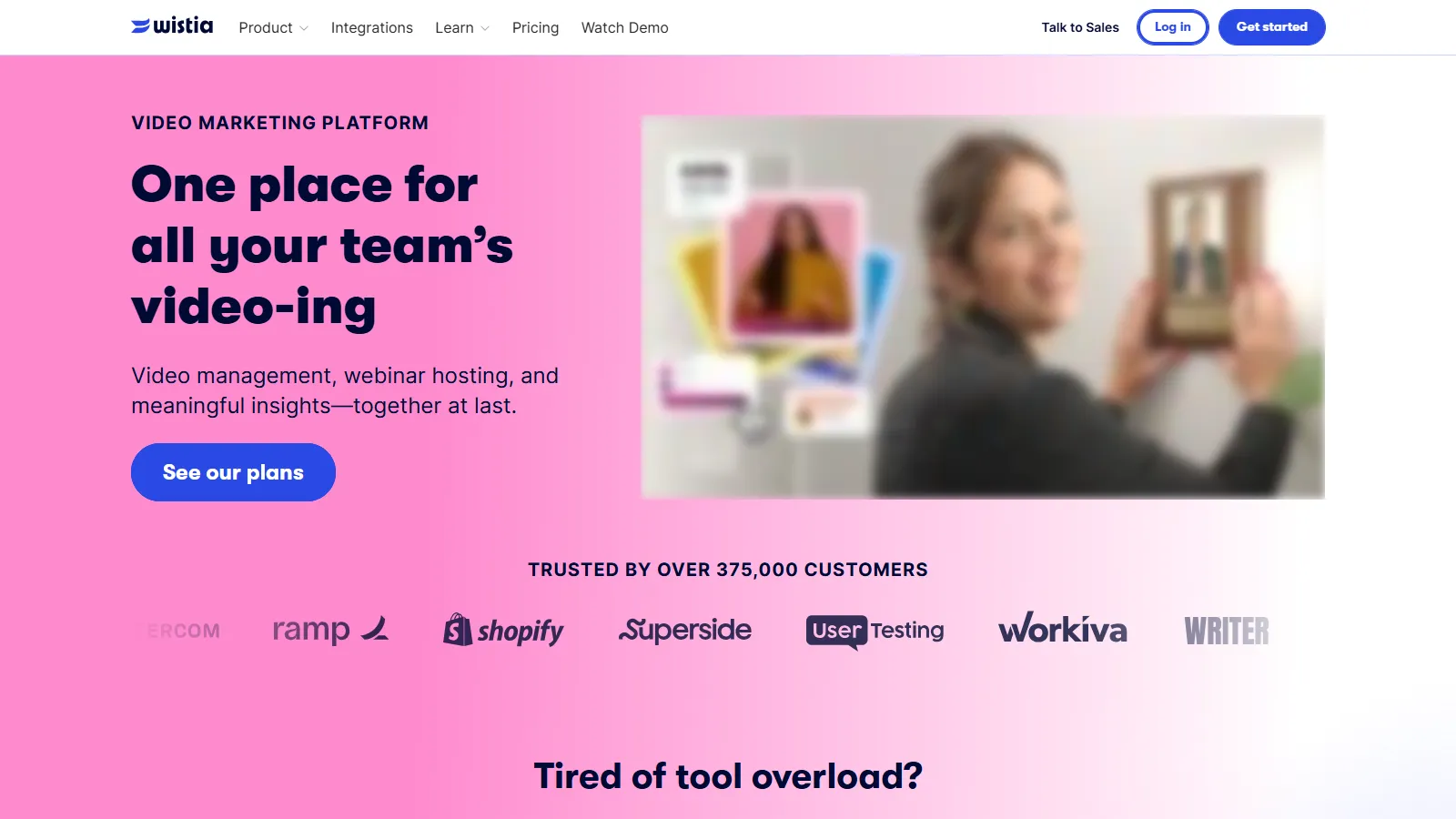
Wistia is professional video hosting that also works for sales. Advanced analytics, channels for organizing content, and strong branding controls make it a premium choice.
Starting priceFree
Strengths
Professional hosting
Advanced analytics
Excellent branding
Marketing-sales bridge
Soapbox for quick recording
Limitations
More marketing-focused
Higher pricing at scale
Less sales-specific
Overkill for quick prospecting
Who it's for: Best for teams who need professional video hosting with detailed analytics.
We tested each platform for sales-specific video use cases and workflows.
Sales Features (30%) — Video tracking, CRM integration, and sales workflow fit.
Recording Quality (25%) — Ease of recording, editing, and sharing videos.
Analytics (20%) — View tracking, engagement data, and alerts.
Integrations (15%) — CRM, email, and sales tool connections.
Pricing (10%) — Value for sales teams at different sizes.
How to Choose
Choose Vidyard if you need enterprise sales team.
Choose Loom if you need quick personal videos.
Choose BombBomb if you need video in email.
Choose Hippo Video if you need personalization at scale.
Choose Bonjoro if you need relationship moments.
Common Questions
Yes. Multiple studies show video emails get 2-3x higher response rates than text-only. The key is personalization - generic videos dont perform much better than text. Mention the recipients name, company, or specific context.
For prospecting, under 60 seconds. For proposals or demos, 2-3 minutes maximum. Shorter is almost always better - you can always send a follow-up video if they engage.
Depends on the context. For demos and walkthroughs, screen + webcam. For personal outreach and follow-ups, webcam only often feels more personal. Test both with your audience.