We tested 30+ free SEO tools to find the ones that deliver genuine value without hidden paywalls—tools that professionals actually use daily for keyword research, technical audits, rank tracking, and competitive analysis without spending a dollar.
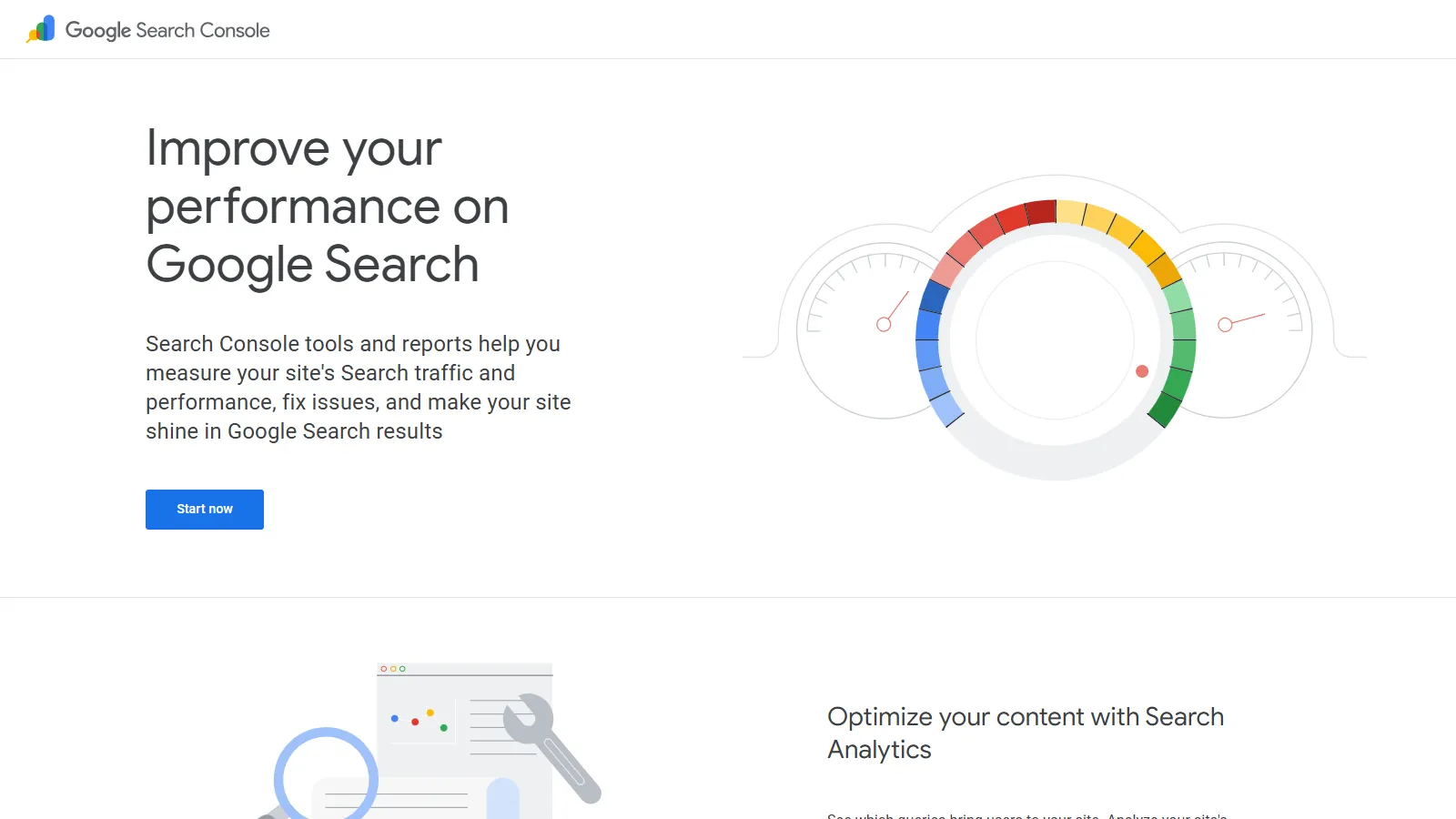
Google Search Console is the foundation of any SEO strategy, providing official Google data you can't get anywhere else. The Performance report shows exactly which keywords drive clicks, impressions, CTR, and average position—no third-party estimates. Index Coverage catches crawling errors, canonicalization issues, and indexation problems. Core Web Vitals monitoring tracks speed metrics Google actually uses for rankings. Rich Results reports validate schema markup. For anyone doing SEO, GSC is mandatory regardless of budget.
Strengths
Official Google data—the source of truth for organic performance
Performance report shows exact keywords with clicks and impressions
Index Coverage catches technical issues before rankings suffer
Core Web Vitals monitoring for speed optimization
Completely free with no limitations or paywalls
Limitations
Limited historical data (16 months)
No competitor analysis
Learning curve for beginners
Data sampling on very high-traffic sites
Who it's for: Essential for everyone doing SEO regardless of experience or budget. Even with paid tools, GSC provides Google's official view of your site. Set this up before anything else.
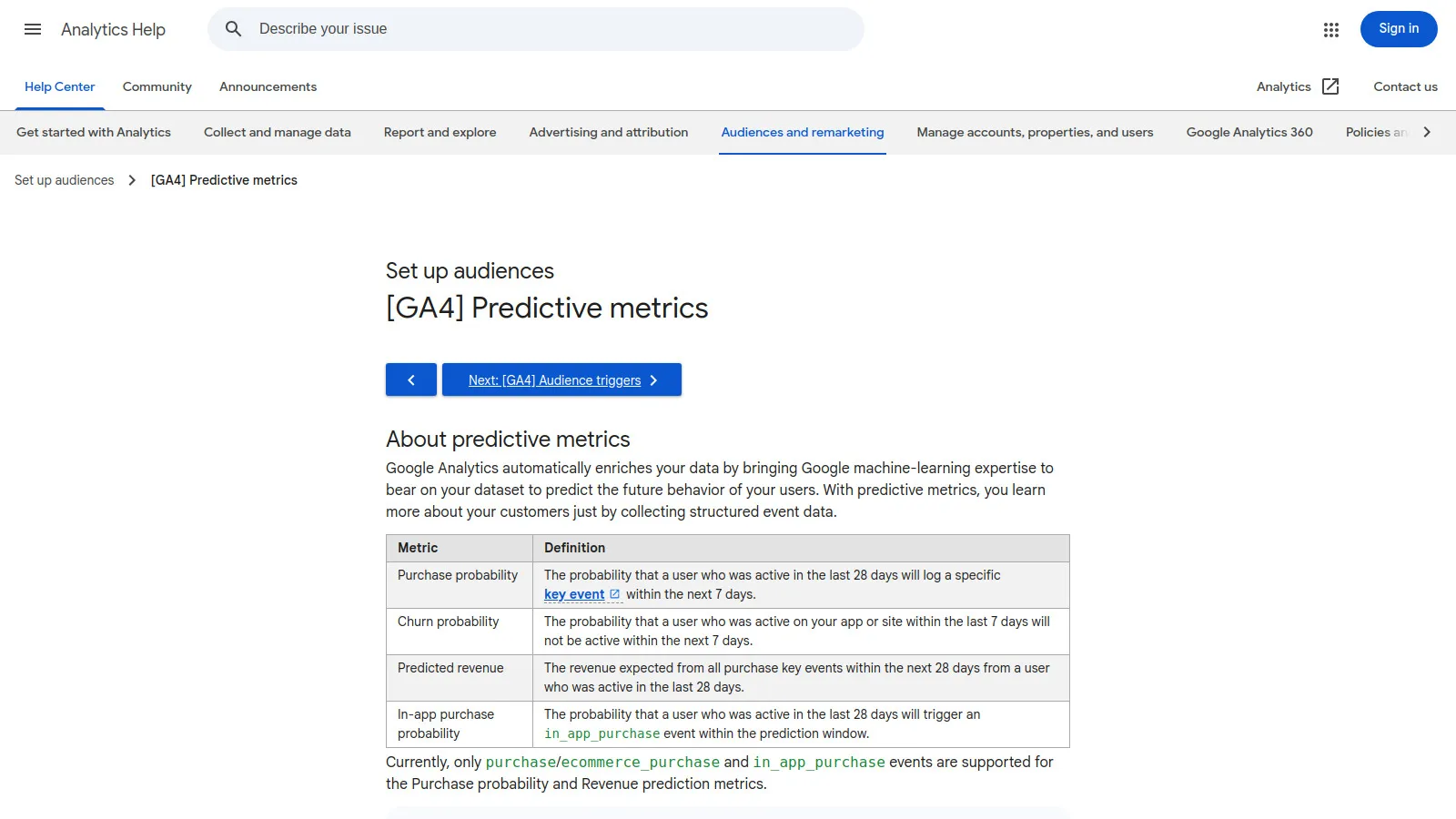
Google Analytics 4 provides enterprise-grade traffic analysis completely free. Track unlimited traffic with event-based data showing exactly how users interact with your site. Set up conversion tracking to measure SEO ROI. The Acquisition report shows which channels drive traffic. User Explorer reveals individual visitor journeys. Audience segmentation helps understand visitor types. GA4's event tracking is more flexible than Universal Analytics, capturing custom interactions specific to your business.
Strengths
Completely free for unlimited traffic
Event-based tracking captures any user interaction
Conversion tracking measures SEO ROI
Real-time reporting shows live visitor activity
Integration with Google Ads and Search Console
Limitations
Steeper learning curve than Universal Analytics
Less intuitive interface for beginners
Historical data doesn't migrate from UA
Complex setup for ecommerce tracking
Who it's for: Mandatory for all websites measuring SEO traffic and conversions. GA4's free tier handles millions of monthly visitors—most sites never need the paid version.
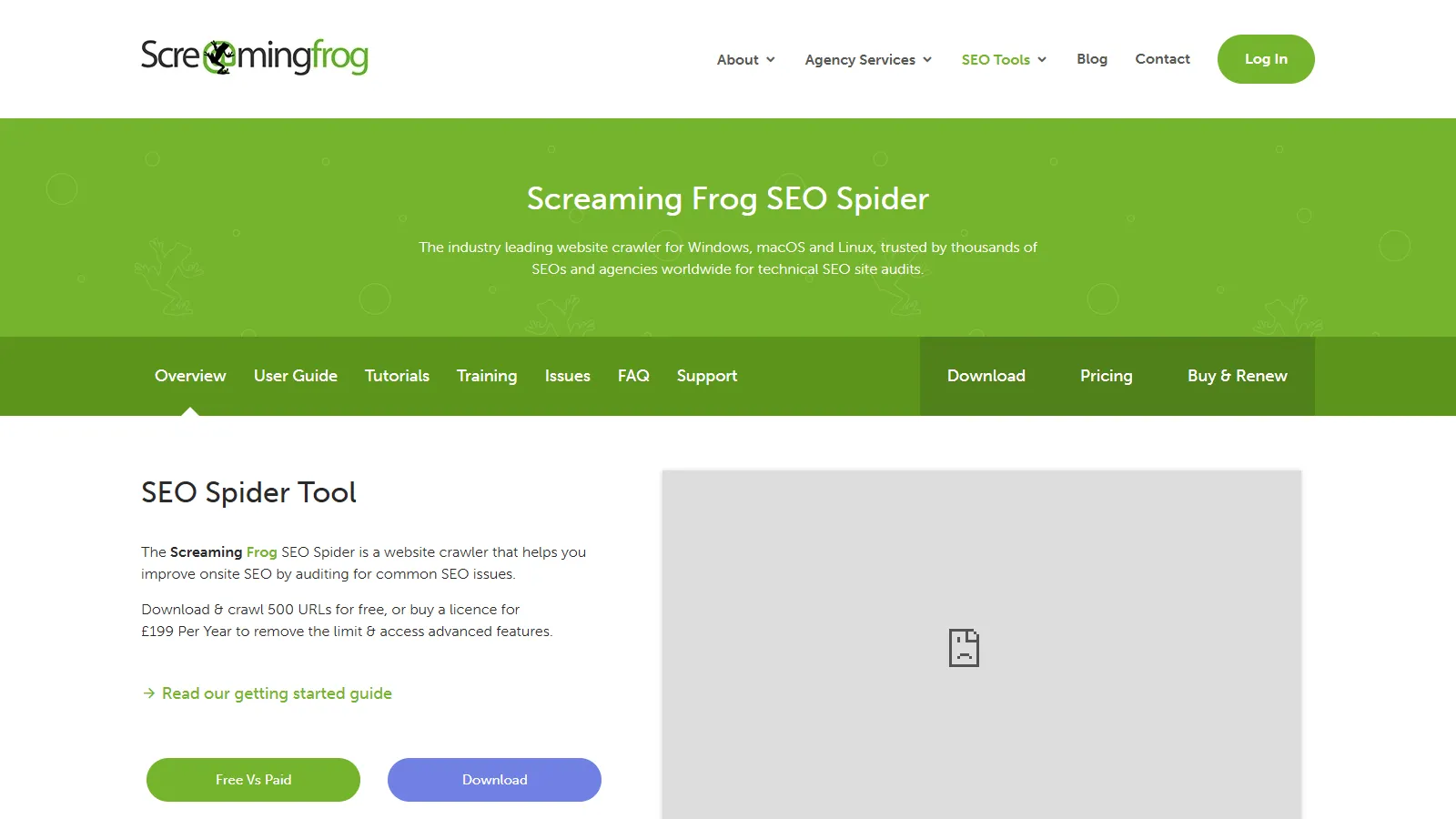
Screaming Frog is the industry-standard technical SEO crawler, and the free version handles sites up to 500 URLs—perfect for small-to-medium sites. Crawl your entire site to identify broken links, redirect chains, duplicate content, missing meta descriptions, and technical issues. The custom extraction feature pulls specific elements from HTML for analysis. For technical audits, Screaming Frog provides depth that browser-based tools can't match. Many SEO professionals use the free version exclusively for smaller client sites.
Strengths
Industry-standard crawler used by professionals
Free version handles 500 URLs—adequate for many sites
Identifies technical issues paid tools miss
Custom extraction for advanced analysis
Desktop software—no data sent to third parties
Limitations
500 URL limit restricts large sites
Desktop software requires installation
Learning curve for advanced features
No scheduling or ongoing monitoring
Who it's for: Essential for anyone doing technical SEO on sites under 500 pages. Freelancers, consultants, and agencies use it for client audits. The free version is genuinely professional-grade.
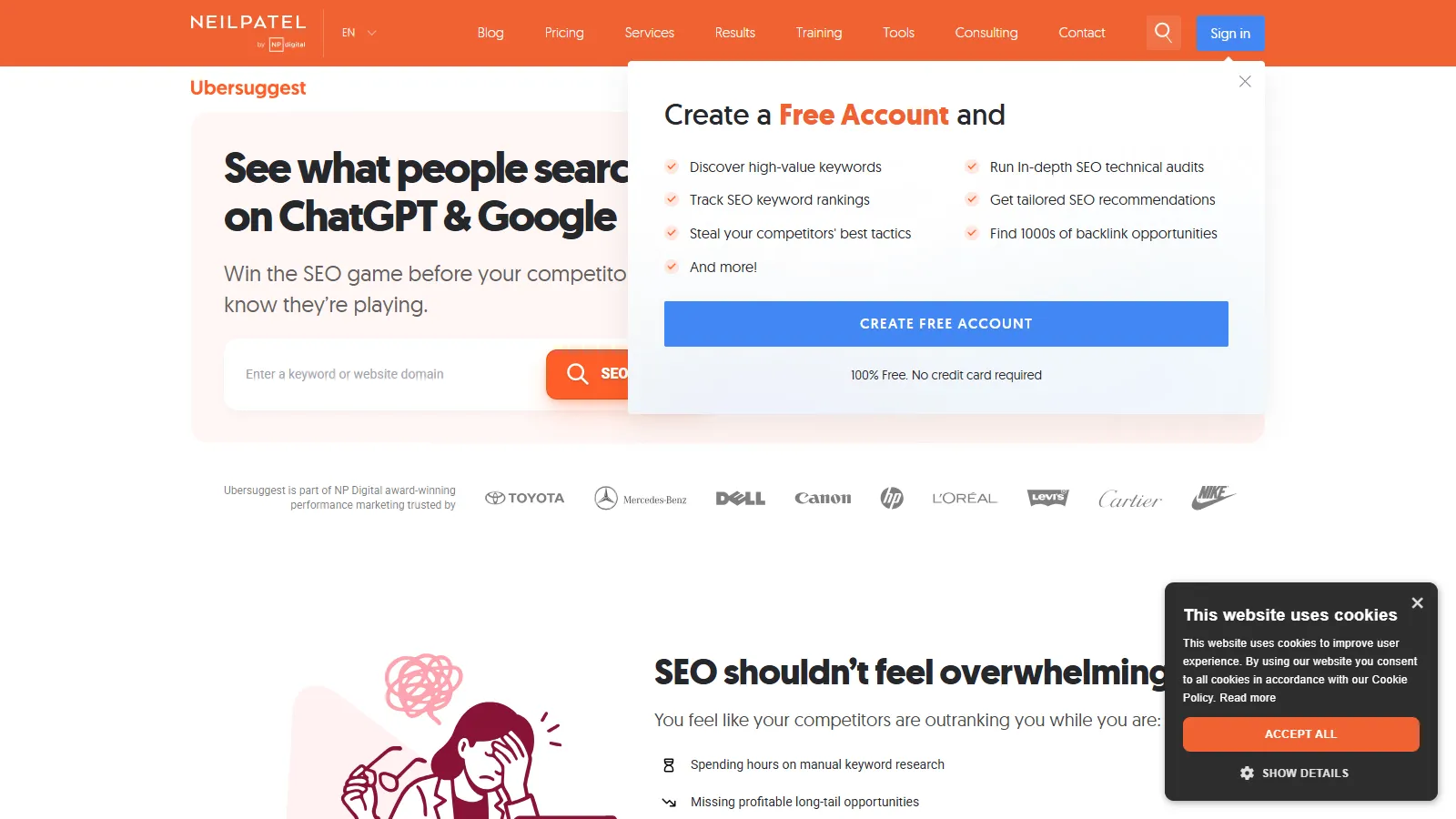
Ubersuggest's free tier provides 3 daily searches for keyword research with search volume, competition scores, and CPC data. It suggests related keywords and content ideas based on your seed term. While limited to 3 searches daily, that's adequate for focused keyword research sessions. The SERP analysis shows top-ranking pages with their estimated traffic. For small businesses and bloggers researching keywords occasionally, Ubersuggest's free tier delivers genuine value without requiring payment.
Strengths
Free keyword research with volume and competition
Related keyword suggestions for content ideas
SERP analysis shows ranking difficulty
Content ideas based on top-performing pages
No credit card required for free tier
Limitations
Only 3 searches per day
Historical data requires paid plan
Keyword difficulty accuracy varies
Some features hidden behind paywall
Who it's for: Perfect for bloggers and small businesses doing occasional keyword research. If you research 2-3 keywords daily, the free tier is adequate. Power users will hit limits quickly.
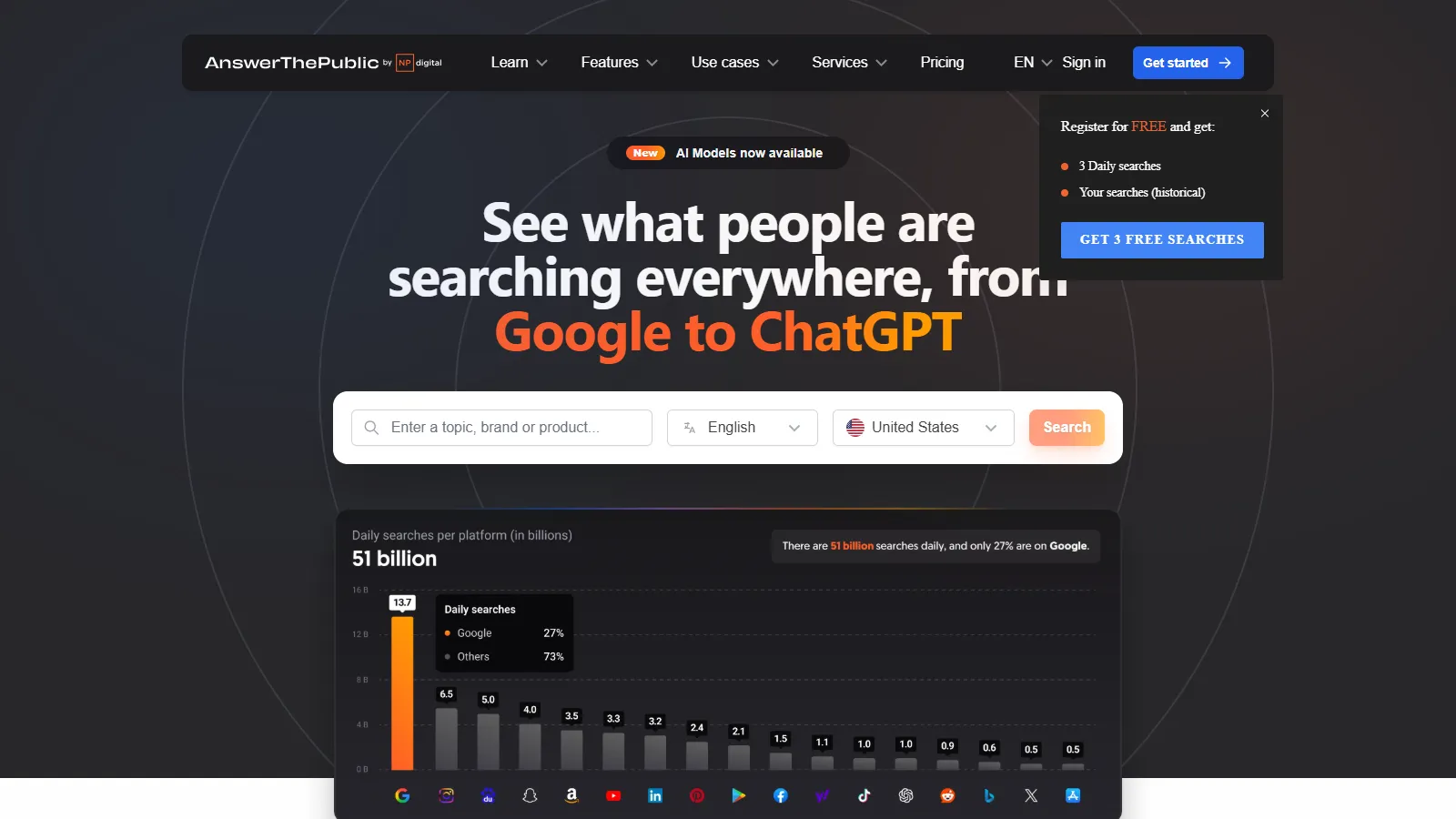
AnswerThePublic visualizes questions and phrases people search around your keywords. Enter "SEO tools" and see hundreds of questions (what, why, how, when, where) people ask. The visual wheel makes patterns obvious—perfect for content planning and FAQ sections. The free tier allows 3 searches daily without registration. While limited, it's excellent for brainstorming content angles competitors miss. The question-focused approach reveals long-tail keywords with high intent.
Who it's for: Excellent for content marketers and bloggers planning articles. Use it to brainstorm FAQ sections, identify question-based keywords, and find angles competitors aren't covering.
Google Keyword Planner provides official Google search volume data (in ranges like 1K-10K) completely free forever. While exact numbers require active Google Ads campaigns, the ranges are adequate for keyword prioritization. Enter seed keywords to get hundreds of suggestions with competition levels and CPC data. The forecasting tool estimates clicks and impressions. For anyone wanting Google's official keyword data without paying for third-party tools, Keyword Planner is the source.
Strengths
Official Google search volume data
Free forever with no daily limits
Keyword suggestions from Google's database
Competition and CPC data for paid search
Forecasting tool for traffic estimates
Limitations
Volume shown as ranges, not exact numbers
Requires Google Ads account (can be inactive)
Interface designed for paid search, not SEO
Some keywords grouped together
Who it's for: Best for anyone wanting free Google keyword data without third-party estimates. While ranges aren't perfect, they're adequate for prioritizing which keywords to target.
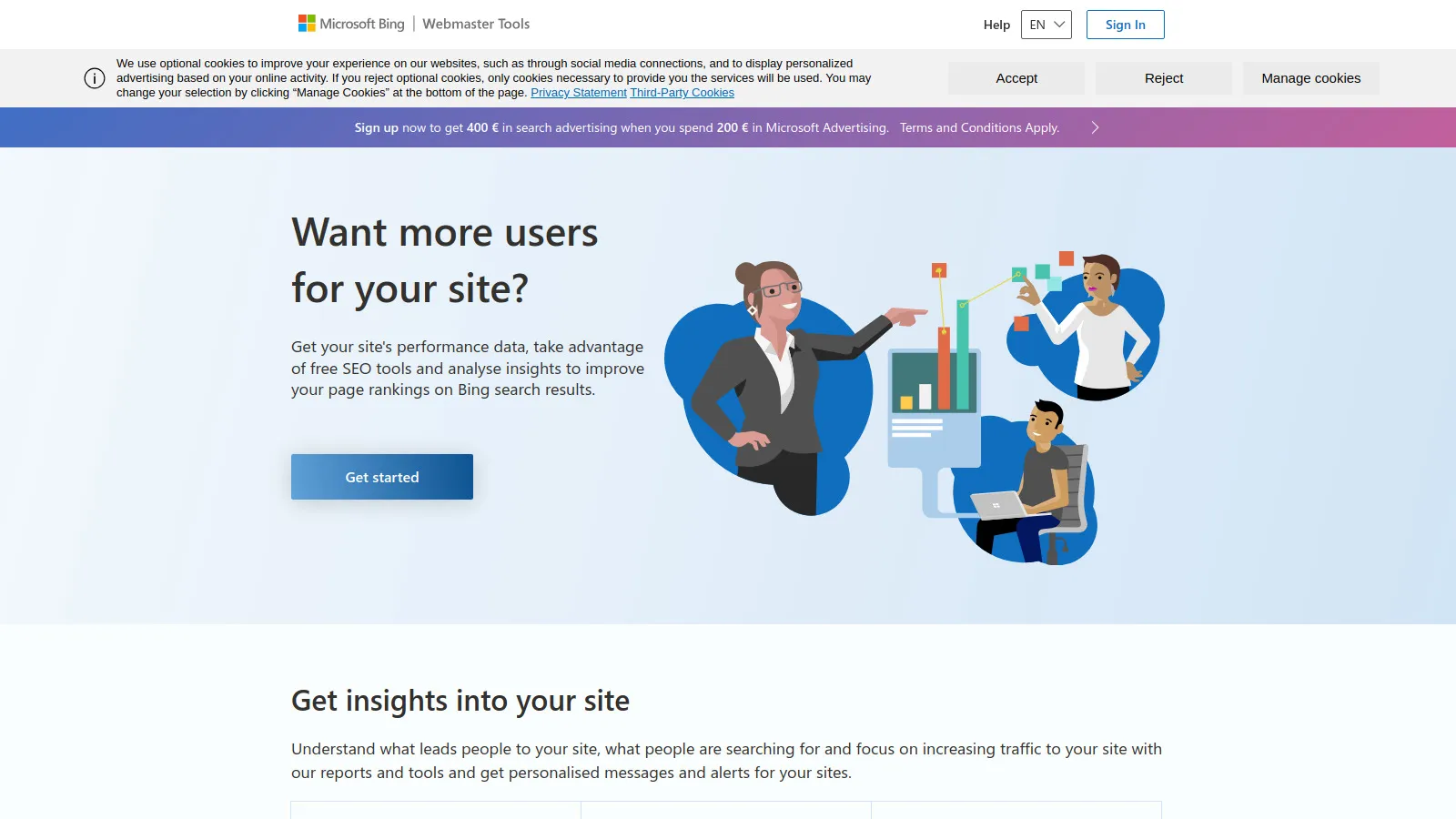
Bing Webmaster Tools provides Bing SEO data similar to Google Search Console but with unique keyword research features. The Keyword Research tool shows search volume, competition, and related keywords with no daily limits—completely free. Site audits identify technical issues. SEO Reports offer optimization recommendations. While Bing traffic is smaller than Google, the free keyword research tool alone makes it worth setting up. Many professionals use Bing Webmaster's keyword tool instead of paid alternatives.
Strengths
Free keyword research with no daily limits
Bing performance data for sites
Site audit identifies technical issues
SEO reports with recommendations
URL inspection tool like GSC
Limitations
Bing traffic much smaller than Google
Less accurate than Google for most markets
Keyword volume estimates vary in accuracy
Interface less polished than GSC
Who it's for: Essential for anyone targeting Bing traffic (20-30% of US searches). Even if focused on Google, the unlimited free keyword research makes Bing Webmaster worth setting up.
PageSpeed Insights provides Google's official Core Web Vitals data plus specific optimization recommendations. Enter any URL to see lab data (simulated load) and field data (real user experiences from Chrome users). The tool identifies exactly what's slowing your site—large images, render-blocking JavaScript, unused CSS—with file-level specificity. Core Web Vitals (LCP, FID, CLS) are ranking factors, making PSI essential for technical optimization. Lighthouse integration provides comprehensive performance audits.
Strengths
Official Google Core Web Vitals data
Specific file-level optimization recommendations
Both lab and field data (real users)
Lighthouse audit integration
Mobile and desktop testing
Limitations
Point-in-time testing—not ongoing monitoring
Technical recommendations need developer interpretation
Lab scores don't always match real-world experience
No historical tracking
Who it's for: Mandatory for anyone optimizing site speed and Core Web Vitals. Use it before and after technical changes to measure improvements. The recommendations are Google's official guidance.
SERPChecker analyzes Google search results showing metrics for top-ranking pages. Enter a keyword and see DA, PA, estimated traffic, backlinks, and social shares for the top 10 results. This reveals ranking difficulty and what it takes to compete. The free tier allows limited searches without registration. While not unlimited, it's useful for occasional competitive analysis. The visual SERP preview shows featured snippets, ads, and SERP features competing for clicks.
Strengths
Free SERP analysis showing competitor authority
Ranking difficulty estimation
Visual SERP preview with features
No registration required for free searches
Shows top pages' backlink profiles
Limitations
Limited free searches (exact number varies)
Full features require Mangools subscription
Metrics are estimates, not exact
Can't track keywords over time
Who it's for: Good for occasional competitive keyword analysis. If you research 5-10 keywords monthly to assess ranking difficulty, the free tier covers that. Daily users need paid plans.
Yoast SEO is the most popular WordPress SEO plugin with 5+ million active installations. The free version handles all essential on-page optimization—meta titles, descriptions, XML sitemaps, robots.txt editing, canonical URLs, and basic schema markup. The content analysis provides real-time suggestions for optimizing posts. The readability checker improves user experience. For WordPress users, Yoast covers 90% of on-page SEO needs without paying for premium. It's the standard WordPress SEO plugin for good reason.
Strengths
Completely free with 5M+ installations
Covers all essential WordPress on-page SEO
Real-time content optimization suggestions
XML sitemap generation automatic
Schema markup for basic content types
Limitations
WordPress-only (not for other platforms)
Advanced schema requires premium version
Multiple keyword optimization requires premium
Some features designed to upsell premium
Who it's for: Essential for all WordPress sites. The free version handles 90% of on-page SEO needs. Only upgrade to premium if you need advanced schema, multiple keyword optimization, or redirect management.
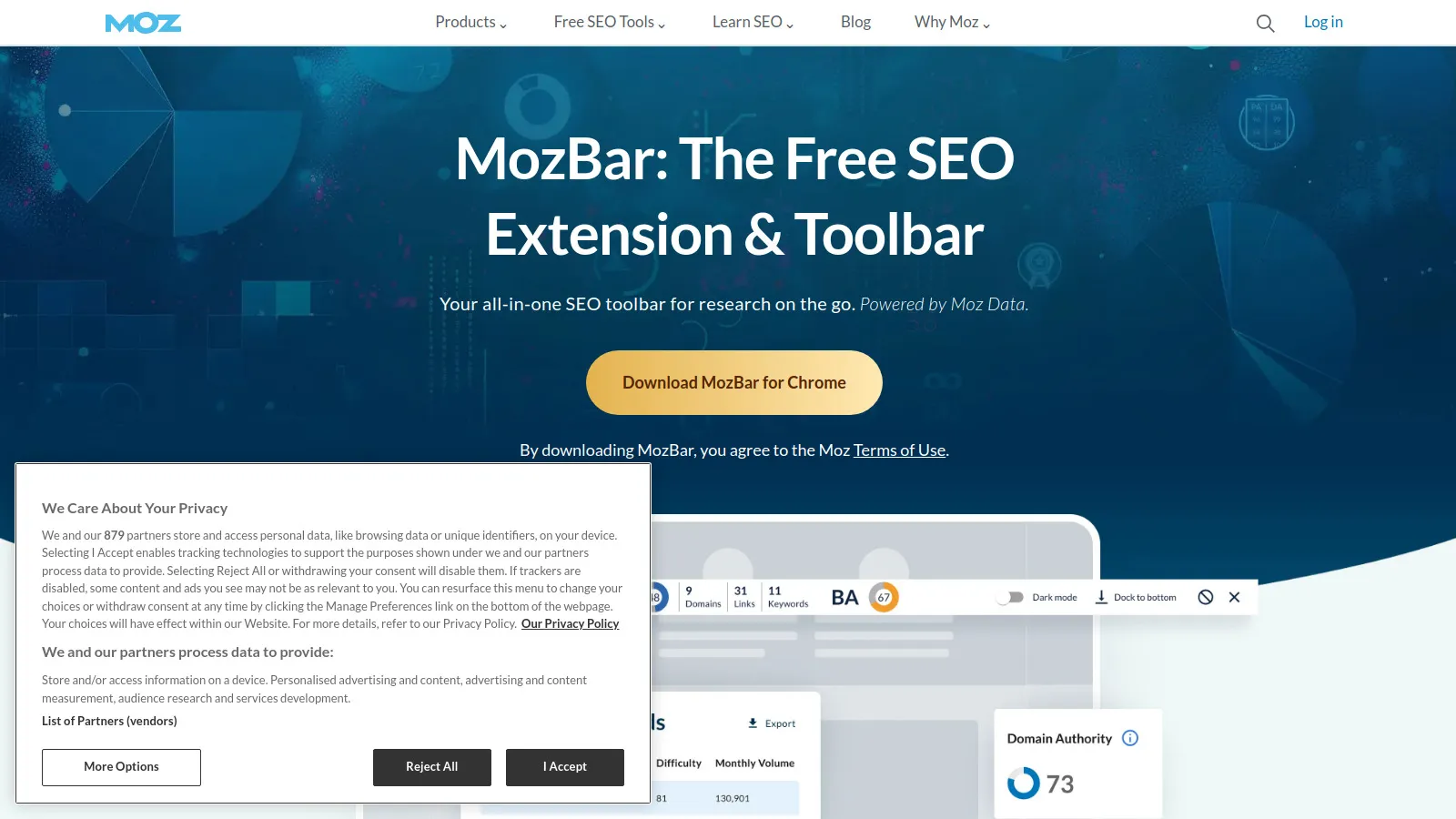
MozBar is a Chrome extension showing Moz's Domain Authority and Page Authority while you browse any website. Click the toolbar icon to see link metrics, on-page elements, and HTTP status codes. The SERP overlay shows DA/PA for all results directly in Google search—instantly revealing which pages have high authority. While DA/PA are estimates (not official Google metrics), they're useful directional indicators. The free version provides basic metrics; Moz Pro subscription unlocks full features.
Strengths
Free Chrome extension with basic metrics
Shows DA/PA while browsing any site
SERP overlay reveals competitor authority
Instant link metrics without leaving page
On-page element analysis
Limitations
DA/PA are estimates, not official metrics
Full features require Moz Pro subscription
Chrome only—no Firefox or Safari
Can slow down browsing slightly
Who it's for: Useful for anyone doing quick competitive analysis or link prospecting. If you frequently check site authority while browsing, MozBar adds convenience. The free version covers basic use cases.
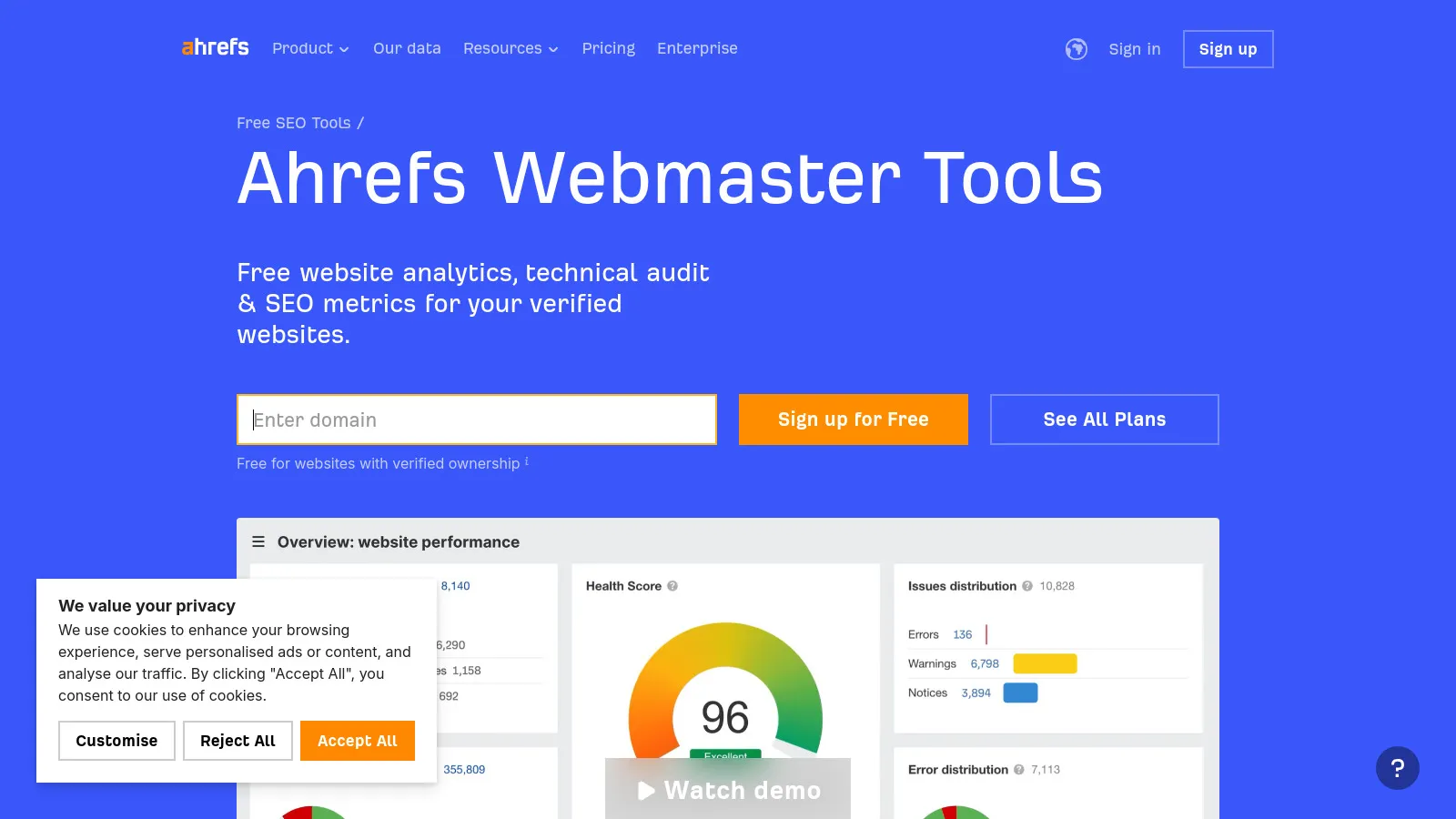
Ahrefs Webmaster Tools provides free access to Ahrefs' backlink database and Site Audit for websites you own. After verifying ownership, see all backlinks pointing to your site with Ahrefs' industry-leading data—referring domains, anchor text, and link quality. The Site Audit crawls your site identifying 100+ technical issues. While limited to your own websites (no competitor research), getting free Ahrefs data is remarkable. For site owners wanting professional backlink analysis without $99/month Ahrefs subscriptions, this is incredible value.
Strengths
Free Ahrefs backlink data for your sites
Site Audit crawls and identifies issues
Industry-leading backlink database access
No limitations on audit frequency
Same data quality as paid Ahrefs
Limitations
Only for sites you own and verify
No competitor research or Content Explorer
No rank tracking or keyword research
Must verify ownership via HTML/DNS
Who it's for: Essential for website owners wanting professional backlink data. If you only need to analyze your own sites (not competitors), Ahrefs Webmaster Tools provides enterprise-grade data free.
We used exclusively free tools for 6 months managing 10 websites, measuring data accuracy, feature limitations, and practical value vs. paid alternatives.
Genuine Value (30%) — Tools providing legitimate utility without paywall bait-and-switch.
No Hidden Limits (25%) — Free tiers with transparent limitations, not crippled versions.
Data Quality (20%) — Accuracy and freshness of data provided by free tier.
Professional Usability (15%) — Tools professionals actually use, not just beginner toys.
Sustainability (10%) — Tools likely to remain free long-term.
How to Choose
Choose Google Search Console if you need foundation SEO data.
Choose Google Analytics 4 if you need traffic and conversion tracking.
Choose Screaming Frog if you need technical site audits (under 500 pages).
Choose Ubersuggest or Keyword Planner if you need keyword research with volume.
Choose AnswerThePublic if you need question keyword discovery.
Choose Bing Webmaster Tools if you need Bing SEO and unlimited keyword research.
Choose PageSpeed Insights if you need Core Web Vitals optimization.
Choose SERPChecker if you need SERP competitive analysis.
Choose Yoast SEO if you need WordPress on-page SEO.
Choose MozBar if you need quick DA/PA checks.
Choose Ahrefs Webmaster Tools if you need backlink analysis (your sites).
Common Questions
Yes for small-to-medium sites (under 10,000 pages). Use Google Search Console + GA4 for analytics, Screaming Frog for audits (if under 500 pages), Keyword Planner for research, and Ahrefs Webmaster for backlinks. You'll miss competitor research and advanced features, but fundamentals are covered. Most limitations are time/convenience, not capability.
Main limitations: 1) No competitor research (can't spy on competitor keywords/backlinks), 2) Daily search limits (Ubersuggest, AnswerThePublic), 3) Historical data restrictions, 4) No automation or scheduling, 5) Limited scale (Screaming Frog 500 URL cap). For small sites and side projects, these are acceptable trade-offs.
Upgrade when: 1) Managing 10+ clients or sites (free tools don't scale), 2) Need competitor research (essential for competitive niches), 3) Sites over 500 pages (Screaming Frog limit), 4) Daily keyword research (hit search limits), or 5) Your time is worth more than $100/month (automation saves hours). Revenue should justify tool costs.
Depends on limits. Tools with genuine free tiers (GSC, GA4, Ahrefs Webmaster) are excellent. Tools with severe limitations designed to force upgrades (1 search/day) waste time. Ubersuggest (3/day) and AnswerThePublic (3/day) hit the sweet spot—limited but usable for light usage.
No single free tool replaces them. Combine: Google Search Console (performance data), Ahrefs Webmaster Tools (backlinks for your sites), Ubersuggest (keyword research), and Screaming Frog (technical audits). You lose competitor research—the killer feature of paid tools—but cover basics.