Best Redirect Management Tools for Site Migrations
We tested 10+ redirect tools to find the best options for site migrations. These platforms help map redirects, validate implementations, and monitor redirect health over time.
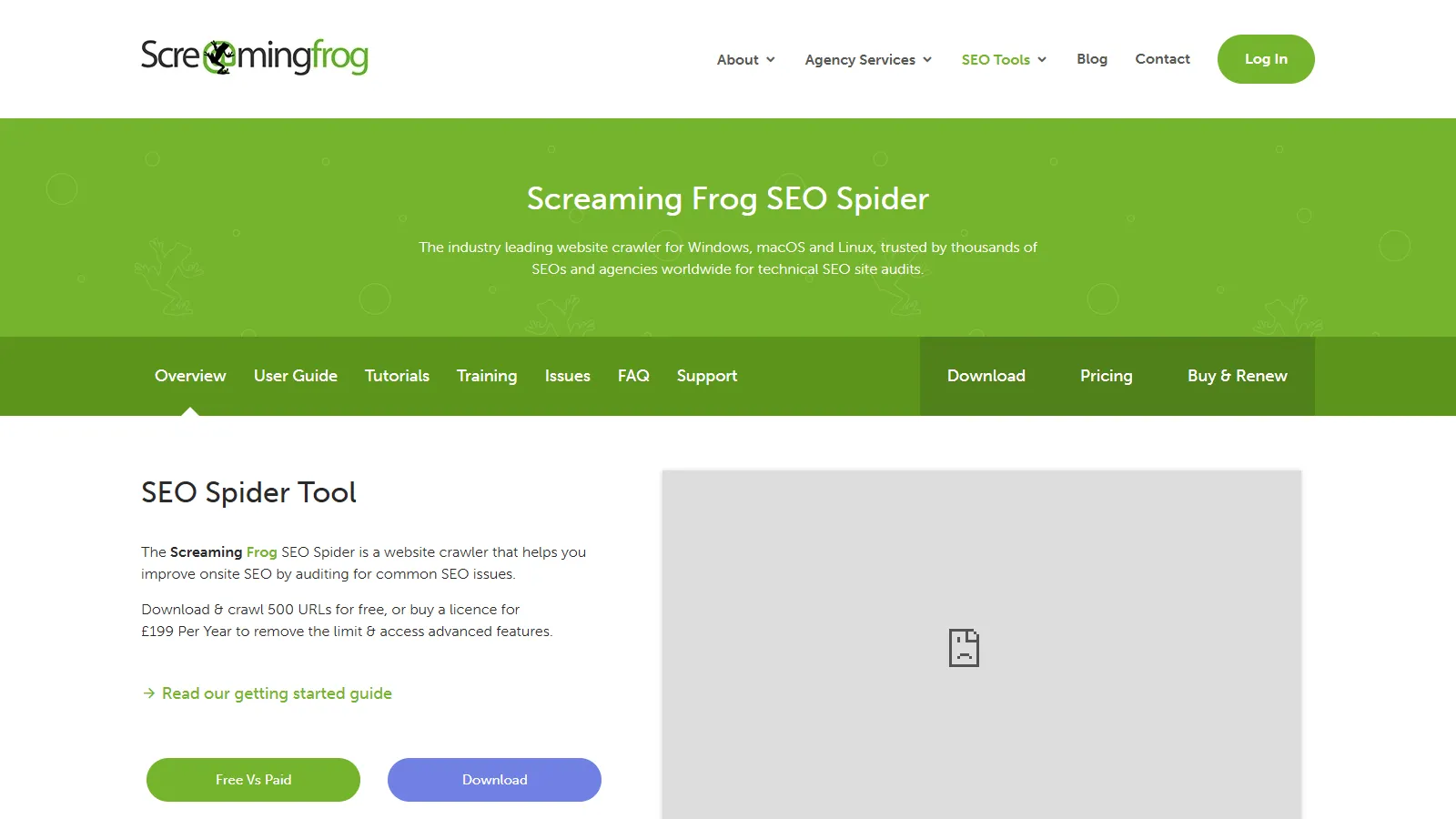
Screaming Frog is the go-to tool for migration redirect planning. Crawl old and new sites, export URL lists, test redirects in bulk, and detect chains and loops.
Starting priceFree/$259/yr
Strengths
Complete crawling
Redirect chain detection
Bulk testing
Export for mapping
One-time cost
Limitations
Desktop app
Learning curve
Manual mapping
No monitoring
Who it's for: Best for technical SEOs planning and validating site migrations.
We tested each tool for redirect management and site migration workflows.
Redirect Testing (30%) — Ability to test redirects at scale.
Chain Detection (25%) — Finding redirect chains and loops.
Mapping Capability (20%) — URL mapping for migration planning.
Monitoring (15%) — Ongoing redirect health tracking.
Value (10%) — Features relative to cost.
How to Choose
Choose Screaming Frog if you need migration planning.
Choose Ahrefs if you need prioritize by impact.
Choose Redirect Path if you need quick testing free.
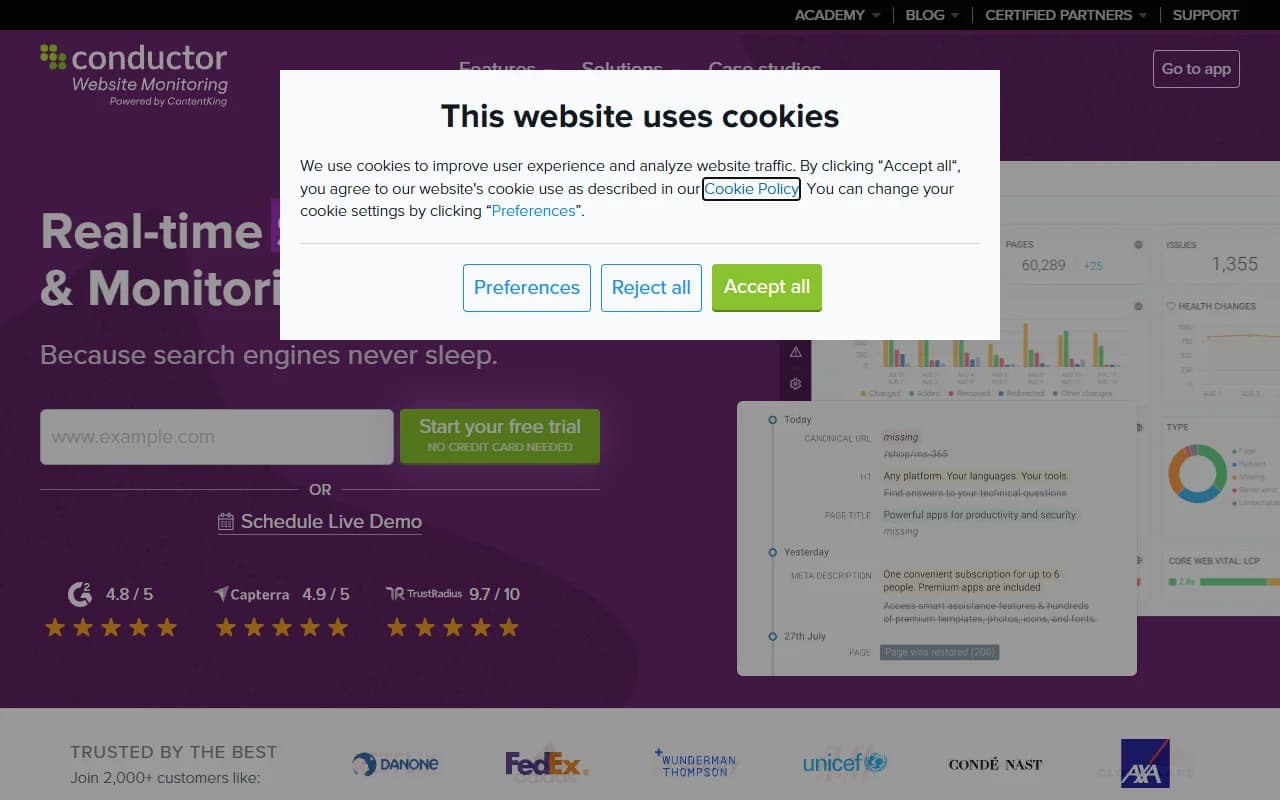
Choose ContentKing if you need ongoing monitoring.
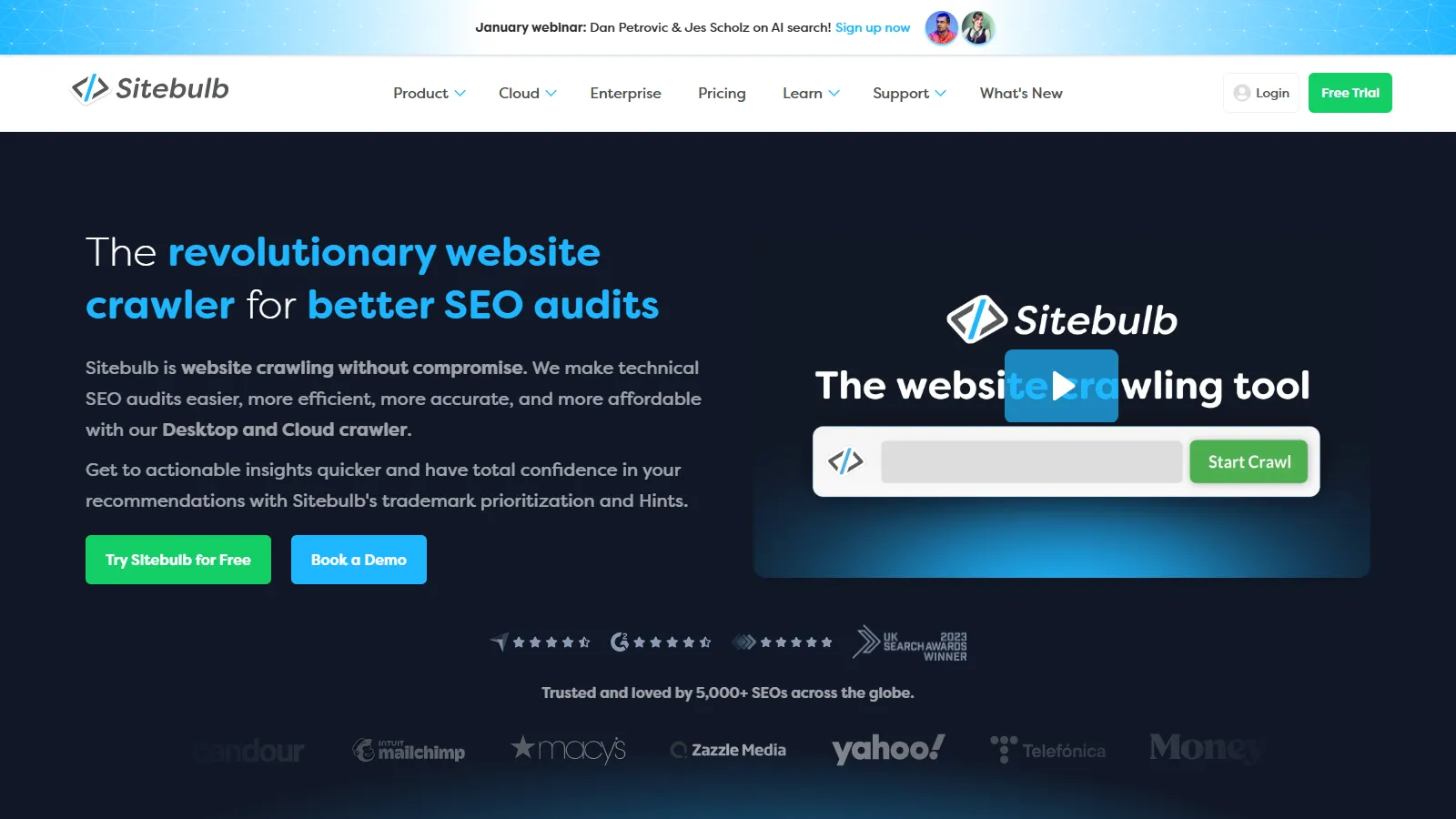
Choose Sitebulb if you need visual analysis.
Common Questions
301 redirects for permanent moves. They pass most link equity. Use 302 only for temporary changes. Avoid redirect chains by going directly to final destination.
Google follows up to 10 redirects but recommends 3 or fewer. Each hop loses some link equity and slows crawling. Flatten chains where possible.
Keep important redirects indefinitely. Google continues passing value through 301s over time. Remove only when the old URL has no remaining traffic or backlinks.