We tested 18+ SEO reporting platforms to find tools that automate client deliverables, white-label dashboards with agency branding, and integrate data from Google Analytics, Search Console, and rank trackers—eliminating manual report creation.
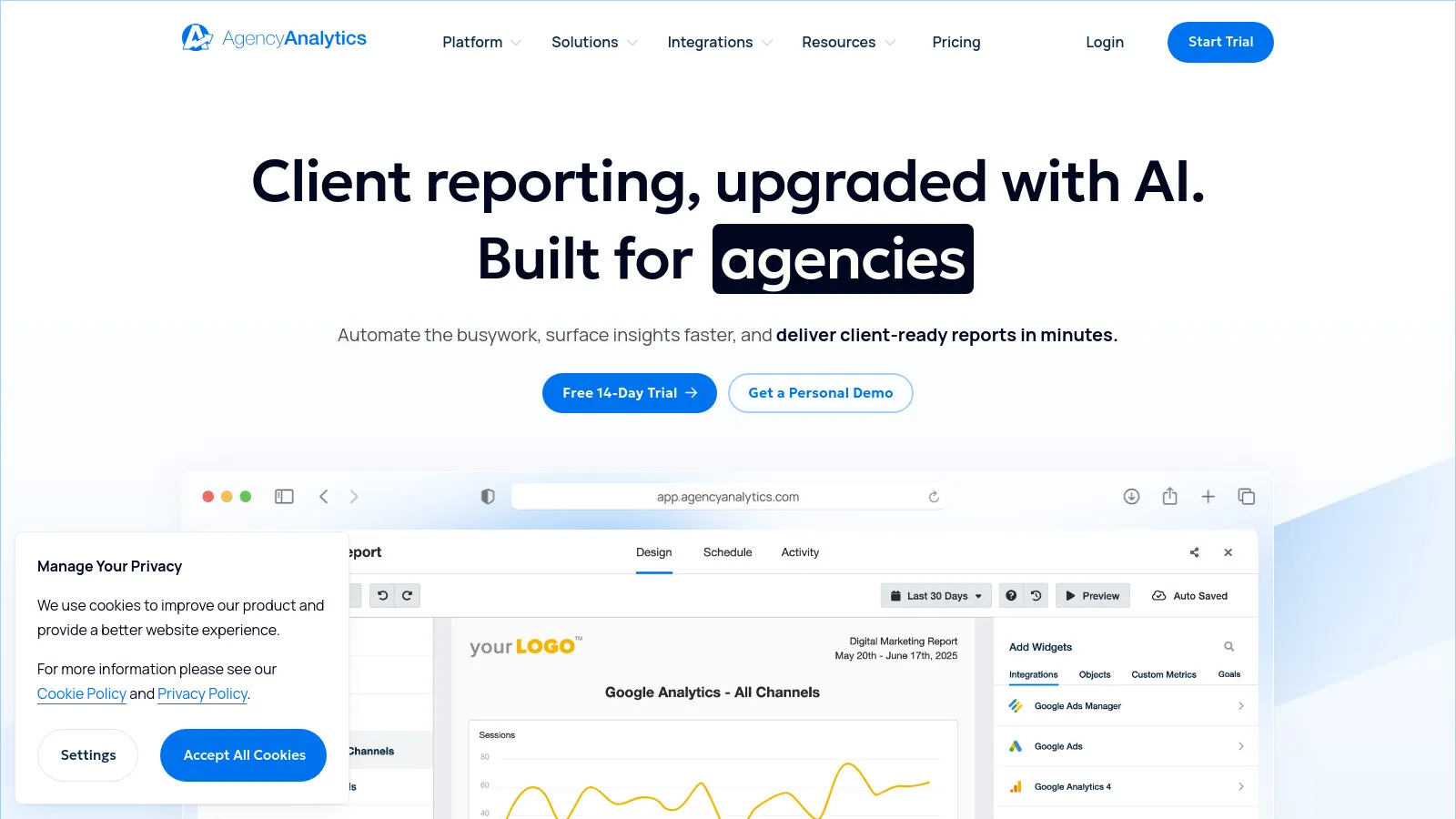
AgencyAnalytics is the most comprehensive agency reporting platform with 80+ marketing integrations. Connect Google Analytics, Search Console, SEMrush, Ahrefs, Google Ads, Facebook Ads, and 70+ more platforms to create unified client dashboards. The drag-and-drop builder includes 100+ pre-built report templates (SEO, PPC, social, email) customizable to your needs. White-label every element—logo, colors, domain—so dashboards match your agency branding. Automated monthly reports generate and email to clients without manual work. For agencies managing 5+ clients, AgencyAnalytics eliminates 10+ hours weekly spent on report creation.
Starting price$12/client/mo
Strengths
Most integrations (80+) covering SEO, PPC, social, email
100+ pre-built report templates save setup time
Complete white-labeling with custom domains
Automated report scheduling eliminates manual work
Client portal access with self-service dashboards
Limitations
Per-client pricing adds up for large agencies (100+ clients)
Some advanced customization requires learning curve
Data refresh intervals (hourly) not real-time
Who it's for: Essential for digital marketing agencies managing 5-100 clients. If you offer multi-channel services (SEO + PPC + social) and spend 5+ hours weekly on client reports, AgencyAnalytics' automation justifies its cost immediately.
DashThis prioritizes simplicity and speed—build client dashboards in under 5 minutes using pre-configured widgets. Select your data sources (Google Analytics, Search Console, Google Ads), choose widgets (organic traffic, keyword rankings, top pages), and the dashboard auto-populates. Auto-refresh keeps data current without manual updates. White-label branding adds your logo and colors. Automated email delivery sends dashboards to clients monthly. For agencies wanting reporting without complexity, DashThis provides 80% of features at 50% of the learning curve.
Starting price$42/mo
Strengths
Fastest dashboard creation—under 5 minutes
Pre-configured widgets for common metrics
Auto-refresh eliminates manual data updates
Clean interface with minimal learning curve
Flat pricing vs. per-client fees
Limitations
Fewer integrations (30+) vs. AgencyAnalytics
Less customization for complex reports
Basic compared to enterprise tools
Who it's for: Perfect for small agencies (5-20 clients) prioritizing simplicity. If you want client dashboards without technical complexity and can work within standard reports, DashThis delivers results quickly.
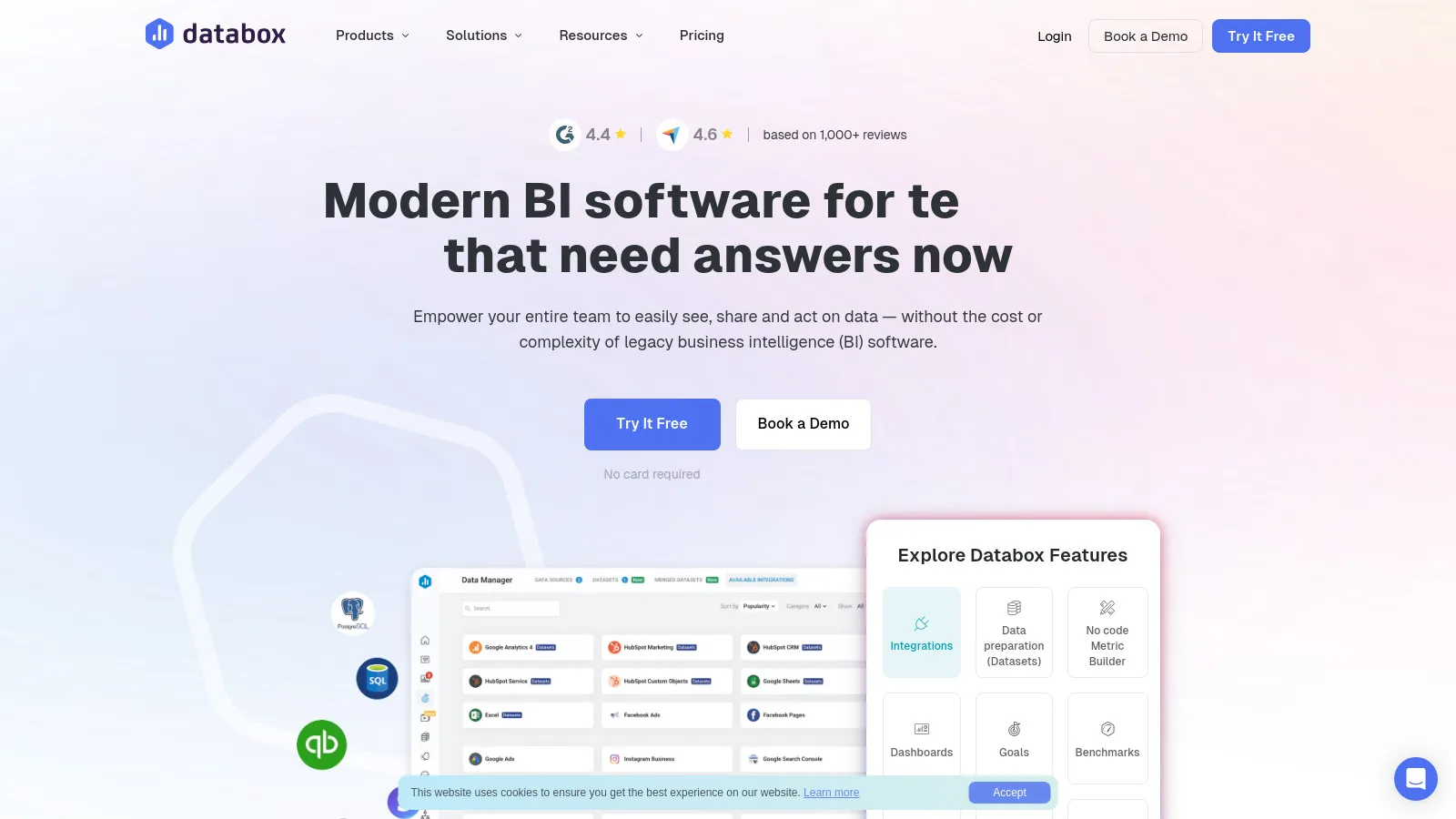
Databox provides real-time KPI dashboards updating every 15 minutes instead of daily refreshes. Clients see live performance metrics via web dashboard or mobile app. The mobile app is particularly powerful—clients check SEO metrics anywhere without logging into websites. Alert system notifies stakeholders when metrics hit thresholds (traffic drops 20%, rankings fall for priority keywords). For agencies with clients obsessed with real-time data, Databox satisfies that need while maintaining professional presentation.
Starting priceFree/$72/mo
Strengths
Real-time dashboards update every 15 minutes
Best mobile app for clients checking metrics on-the-go
Alert system notifies on threshold breaches
100+ integrations cover most marketing tools
Free tier available for single-dashboard testing
Limitations
Real-time focus means higher refresh costs at scale
Dashboard builder more complex than DashThis
White-labeling requires higher-tier plans
Who it's for: Best for agencies with enterprise clients demanding real-time visibility. If clients check dashboards daily and want mobile access, Databox's real-time updates and app justify premium pricing.
SEMrush My Reports is the native reporting tool for SEMrush users. Pull data directly from SEMrush projects—rank tracking, position changes, site audits, backlink analysis, keyword rankings—into white-label PDF or scheduled email reports. Templates are pre-configured for common SEO deliverables. For agencies already using SEMrush for SEO work, My Reports eliminates exporting data to external tools. The integration is seamless: run audits and tracking in SEMrush, generate client reports with one click.
Strengths
Native SEMrush integration—no data exports needed
Pre-configured templates for SEO deliverables
White-label PDF reports with agency branding
Automated scheduling eliminates manual generation
Included with SEMrush subscription
Limitations
Limited to SEMrush data—no GA4 or other platforms
Less flexible than dedicated reporting tools
PDF-focused—no interactive dashboards
Who it's for: Perfect for agencies using SEMrush as primary SEO platform. If you're already paying for SEMrush and your reports primarily cover SEO metrics (not PPC/social), My Reports provides adequate client deliverables without additional tool costs.
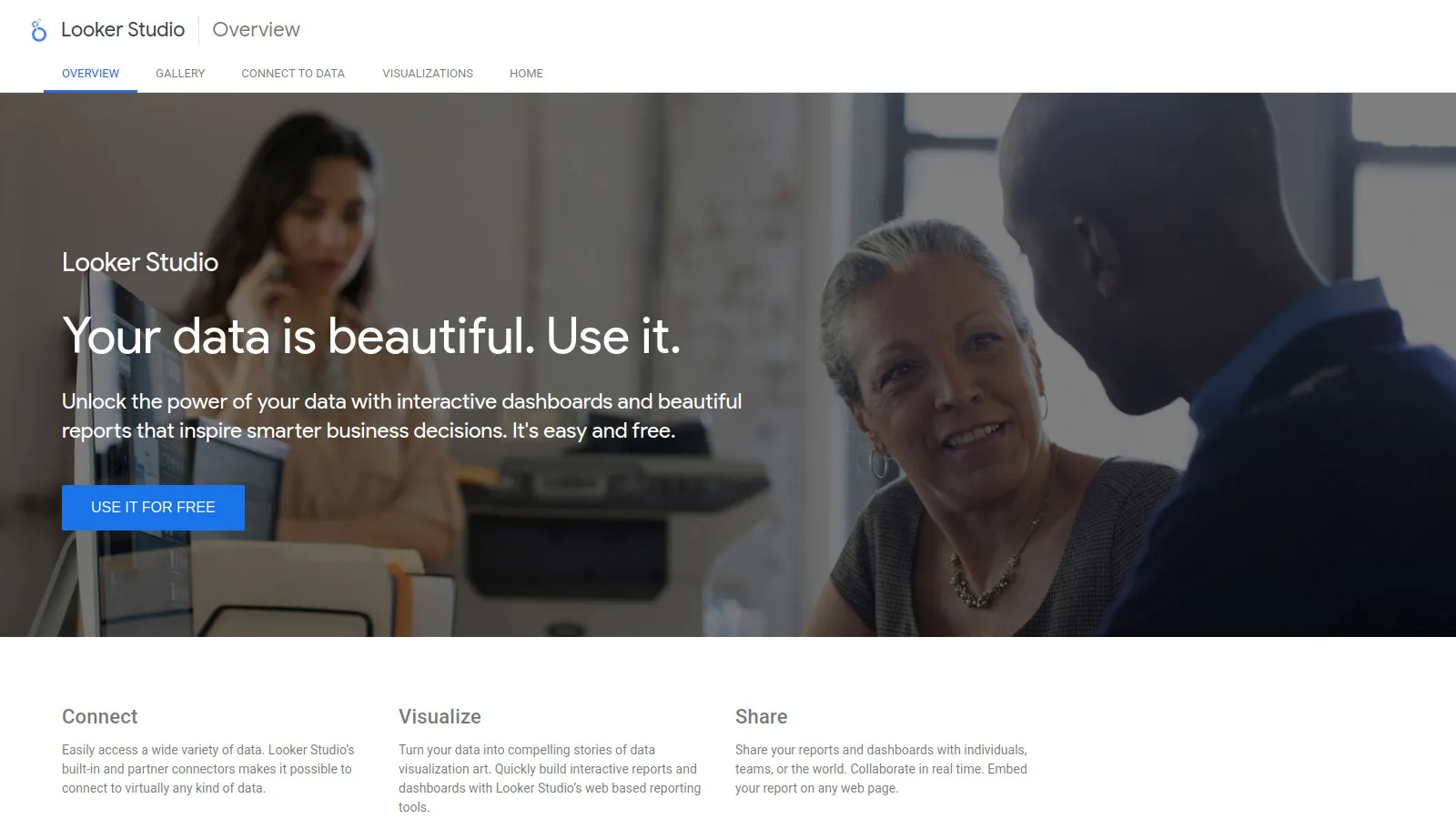
Google Data Studio (now Looker Studio) provides completely free reporting with unlimited dashboards and sharing. Native integration with Google Analytics 4, Search Console, Google Ads, and BigQuery makes Google ecosystem reporting seamless. The visual builder lets you create custom charts, tables, and scorecards. Community templates provide starting points for common SEO reports. While lacking white-label features and non-Google integrations, Data Studio covers 60% of agency reporting needs at zero cost.
Strengths
Completely free with unlimited dashboards
Native Google platform integration (GA4, GSC, Ads)
Community templates for common reports
Real-time data from Google sources
Shareable links for client access
Limitations
No white-labeling—clients see "Google" branding
Limited non-Google integrations
Steeper learning curve than AgencyAnalytics
No automated PDF email delivery
Who it's for: Perfect for freelancers, consultants, and small agencies on tight budgets. If your reporting focuses on Google Analytics and Search Console, Data Studio delivers professional dashboards without subscription costs.
Whatagraph specializes in beautiful visual reports that clients actually read and understand. The drag-and-drop builder creates infographic-style reports with charts, graphs, and visual storytelling. Cross-channel integration pulls SEO, PPC, social, and email into unified reports showing complete marketing impact. Automated scheduling sends reports to clients monthly. For agencies where report presentation quality influences client retention, Whatagraph's visual polish impresses non-technical stakeholders.
Starting price$223/mo
Strengths
Beautiful visual reports clients love
Infographic-style presentation vs. data tables
Cross-channel marketing integration
Strong white-labeling capabilities
Good for client-facing presentations
Limitations
Premium pricing at $223+ monthly
Fewer integrations than AgencyAnalytics
Visual focus means less data depth
Who it's for: Best for agencies selling to C-level executives and non-technical clients. If your clients value presentation quality over granular data and you compete on professionalism, Whatagraph's visual reports differentiate your agency.
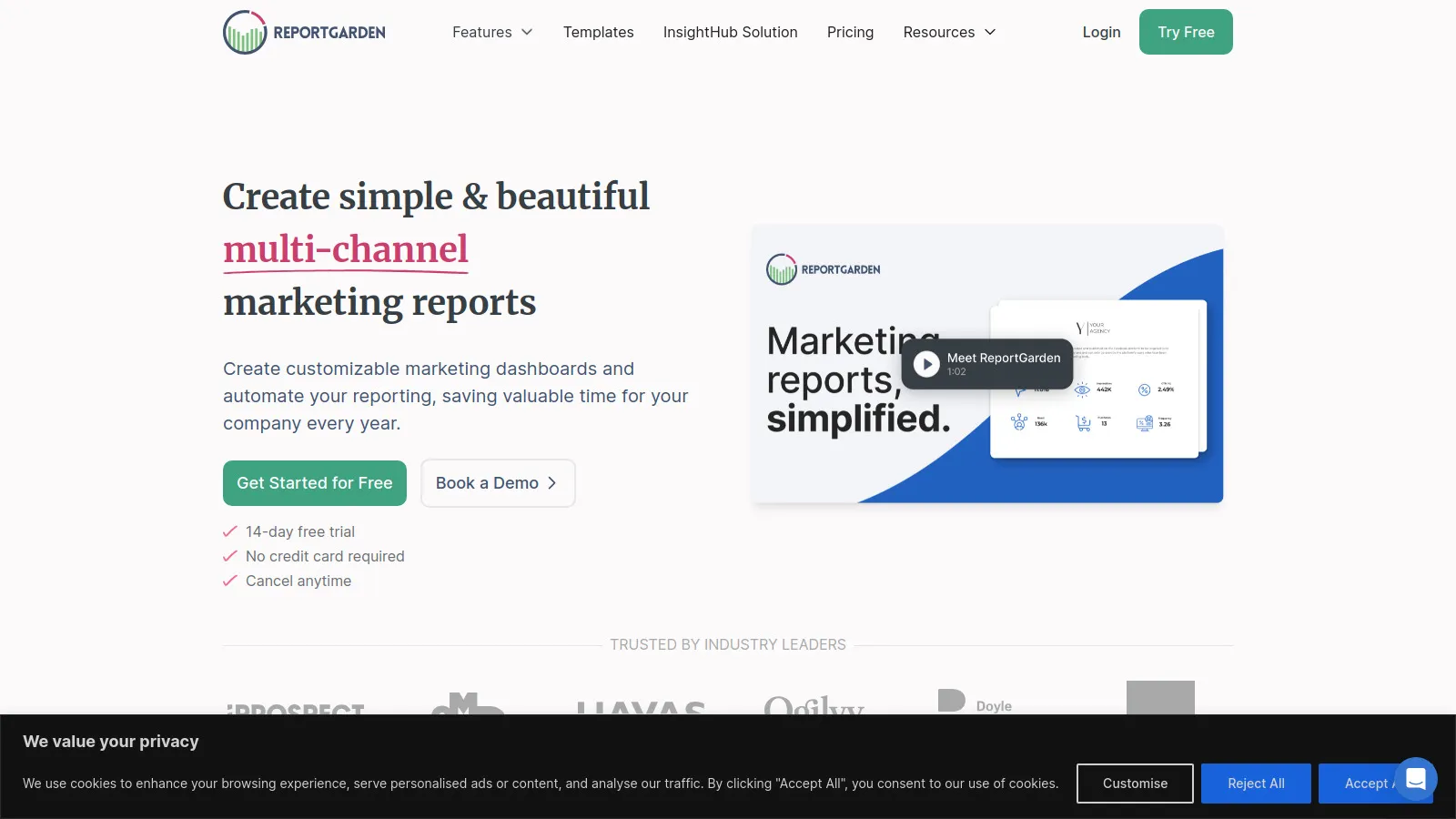
ReportGarden extends beyond reporting into complete agency operations management. Track client budgets, hours spent, profitability per client alongside performance dashboards. The proposal tool creates client quotes integrated with reporting packages. Project management features track deliverables. For agencies managing 20+ clients where client profitability and operations matter as much as performance reporting, ReportGarden consolidates tools that would otherwise require 3-4 separate platforms.
Starting price$249/mo
Strengths
Complete agency operations beyond just reporting
Budget and profitability tracking per client
Proposal generation integrated with reporting
Project management and time tracking
Good for agencies prioritizing operations
Limitations
Expensive at $249+ monthly
Complex with many features to learn
Reporting features less polished than specialists
Who it's for: Built for established agencies (20-100 clients) managing complete client lifecycle. If you need client management, budgeting, proposals, and reporting in one platform, ReportGarden's breadth consolidates your tech stack.
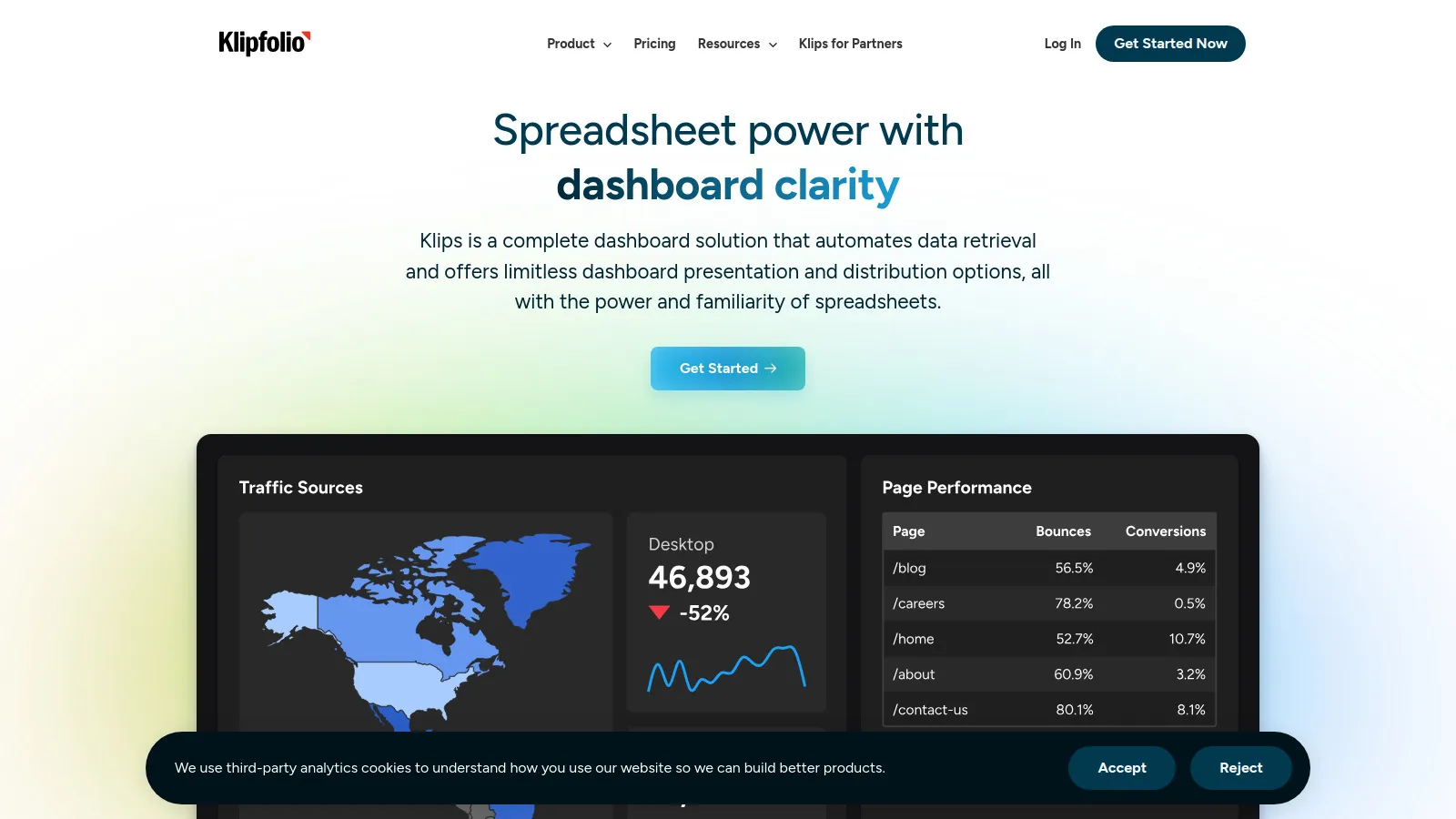
Klipfolio excels at custom metric flexibility through formula builders and calculated fields. Combine data from multiple sources—show "organic traffic value" by multiplying Google Analytics traffic with SEMrush keyword CPC estimates. The formula builder handles complex calculations other tools can't. With 140+ integrations, Klipfolio connects to virtually any data source. For agencies with technical resources who need custom metrics beyond standard reporting, Klipfolio provides the flexibility to build anything.
Starting price$90/mo
Strengths
Build custom metrics with formula builder
Combine data from multiple sources with calculations
140+ integrations cover most platforms
API access for custom data sources
Good for technical teams
Limitations
Steep learning curve requires technical skills
Complex setup for simple reports
Less pre-built templates than competitors
Who it's for: Best for agencies with developers or technical marketers. If you need custom calculated metrics, advanced data blending, or unique KPIs that pre-built tools don't support, Klipfolio provides maximum flexibility.
Supermetrics acts as a data pipeline pushing SEO data into Google Sheets, Excel, BigQuery, or business intelligence tools. Instead of providing its own dashboards, Supermetrics feeds data to platforms you already use. The Google Sheets integration is popular—automatically refresh SEO data in spreadsheets for custom analysis. For agencies with existing BI infrastructure or strong spreadsheet workflows, Supermetrics provides the data layer while you control presentation.
Starting price$99/mo
Strengths
Pipes SEO data into tools you already use
Google Sheets integration popular with analysts
BigQuery connection for enterprise data warehouses
Automated data refresh eliminates manual exports
Works with any BI tool (Tableau, Power BI)
Limitations
Not a reporting tool—just data pipeline
Requires separate tool for dashboard/reports
Technical setup for BigQuery/databases
Who it's for: Perfect for agencies with existing BI infrastructure or strong Excel/Sheets workflows. If you've built custom reporting systems and just need data fed in automatically, Supermetrics eliminates manual exports.
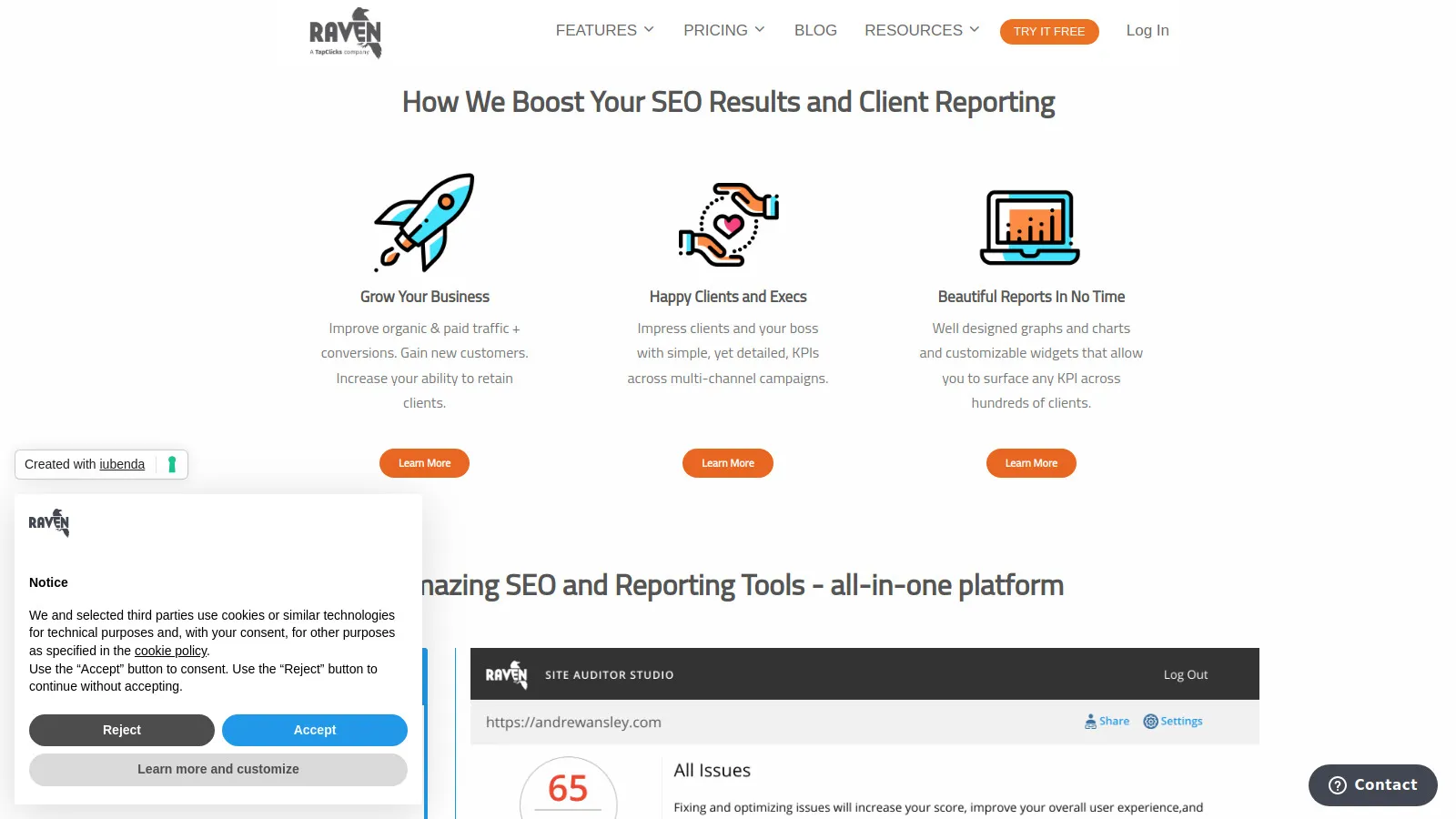
Raven Tools combines SEO tools (rank tracking, site audits, link monitoring) with client reporting at budget-friendly pricing. The Campaign Manager organizes clients with integrated reporting, making it good for small agencies just starting white-label services. While less feature-rich than AgencyAnalytics, Raven delivers adequate reporting plus SEO tools for $39/month—less than standalone reporting tools cost. For new agencies building their first 5-10 clients, Raven provides acceptable functionality without enterprise pricing.
Starting price$39/mo
Strengths
Most affordable at $39/month with tools included
Integrated SEO tools (rank tracking, audits)
Campaign manager organizes multi-client work
White-label reporting included
Good for agencies starting out
Limitations
Less polished than modern tools
Fewer integrations than competitors
Basic reporting features
Interface feels dated
Who it's for: Perfect for new agencies with 3-10 clients on tight budgets. If you need basic white-label reporting plus SEO tools and can't afford $100+ subscriptions, Raven covers essentials affordably.
We managed 30 client accounts across 6 months, measuring report creation time savings, client satisfaction scores, and dashboard adoption rates.
Time Savings (30%) — Automation and templates reducing manual report creation hours.
Client Usability (25%) — How easily non-technical clients understand and use dashboards.
Integration Breadth (20%) — Connections to SEO tools, analytics, and marketing platforms.
White-Label Quality (15%) — Branding customization and professional presentation.
Value for Money (10%) — Pricing relative to time saved and client satisfaction.
How to Choose
Choose AgencyAnalytics if you need comprehensive agency reporting (5-100 clients).
Choose DashThis if you need simplicity and speed priority.
Choose Databox if you need real-time dashboards and mobile app.
Choose SEMrush Reports if you need existing SEMrush users.
Choose Google Data Studio if you need free solution for Google platforms.
Choose Whatagraph if you need beautiful visual reports for executives.
Choose ReportGarden if you need agency operations management (20+ clients).
Choose Klipfolio if you need custom calculated metrics.
Choose Supermetrics if you need data pipeline to BI tools.
Choose Raven Tools if you need budget agency starting out.
Common Questions
Most agencies save 5-10 hours weekly per employee on report creation. At $50/hour, that's $1,000-2,000 monthly saved. Tools cost $50-300/month, delivering 3-20x ROI immediately. More importantly, freed time goes toward billable client work or business development instead of copying data into spreadsheets.
Yes! White-label dashboards under your branding reinforce agency value vs. clients seeing "Powered by AgencyAnalytics." Clients paying $2,000/month for SEO should see your brand, not your tools. White-labeling also prevents clients from contacting tool providers directly.
Monthly is standard for most retainers. Weekly works for high-touch enterprise clients or during active campaigns. Quarterly is acceptable for maintenance-level clients. Provide 24/7 dashboard access so clients can check anytime—automated monthly reports then formalize what they've been monitoring.
Essential metrics: 1) Organic traffic (GA4), 2) Keyword rankings (top 10-20 priority terms), 3) Conversions from organic (leads/sales), 4) New backlinks gained, 5) Technical issues fixed. Advanced: traffic value, click-through rate, Core Web Vitals. Focus on business impact over vanity metrics.
Yes, but lack of white-labeling is an issue—clients see "Google" everywhere. It's fine for freelancers and small consultants. Once you have 5+ clients paying $1,500+ monthly, invest in proper white-label tools. Professional presentation justifies premium pricing and reduces churn.