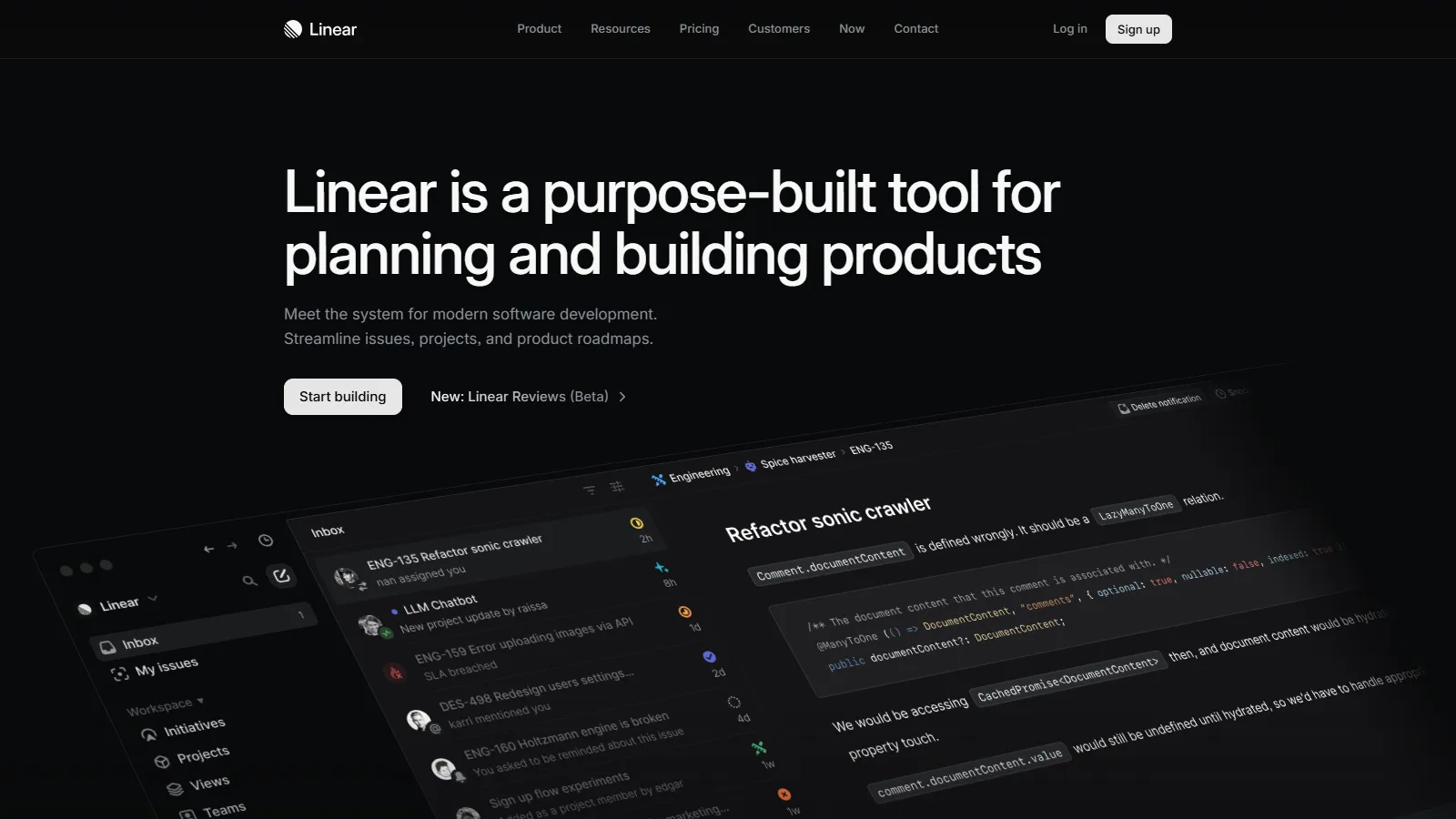
Linear has redefined what project management should feel like for software teams. Built by former Uber engineers, it prioritizes speed, keyboard navigation, and developer experience above all else.
Starting priceFree / $10/user/mo
Strengths
Fastest PM interface available (sub-50ms response)
Cycles and roadmaps designed for product development
Native GitHub, GitLab, and Slack integrations
Automatic issue prioritization with triage queues
Beautiful, distraction-free design
Limitations
Less suitable for non-engineering workflows
Fewer integrations than Asana or Jira
Limited time tracking features
Who it's for: Perfect for SaaS product and engineering teams who value speed and focus. Especially strong for teams practicing continuous deployment with weekly or bi-weekly cycles.
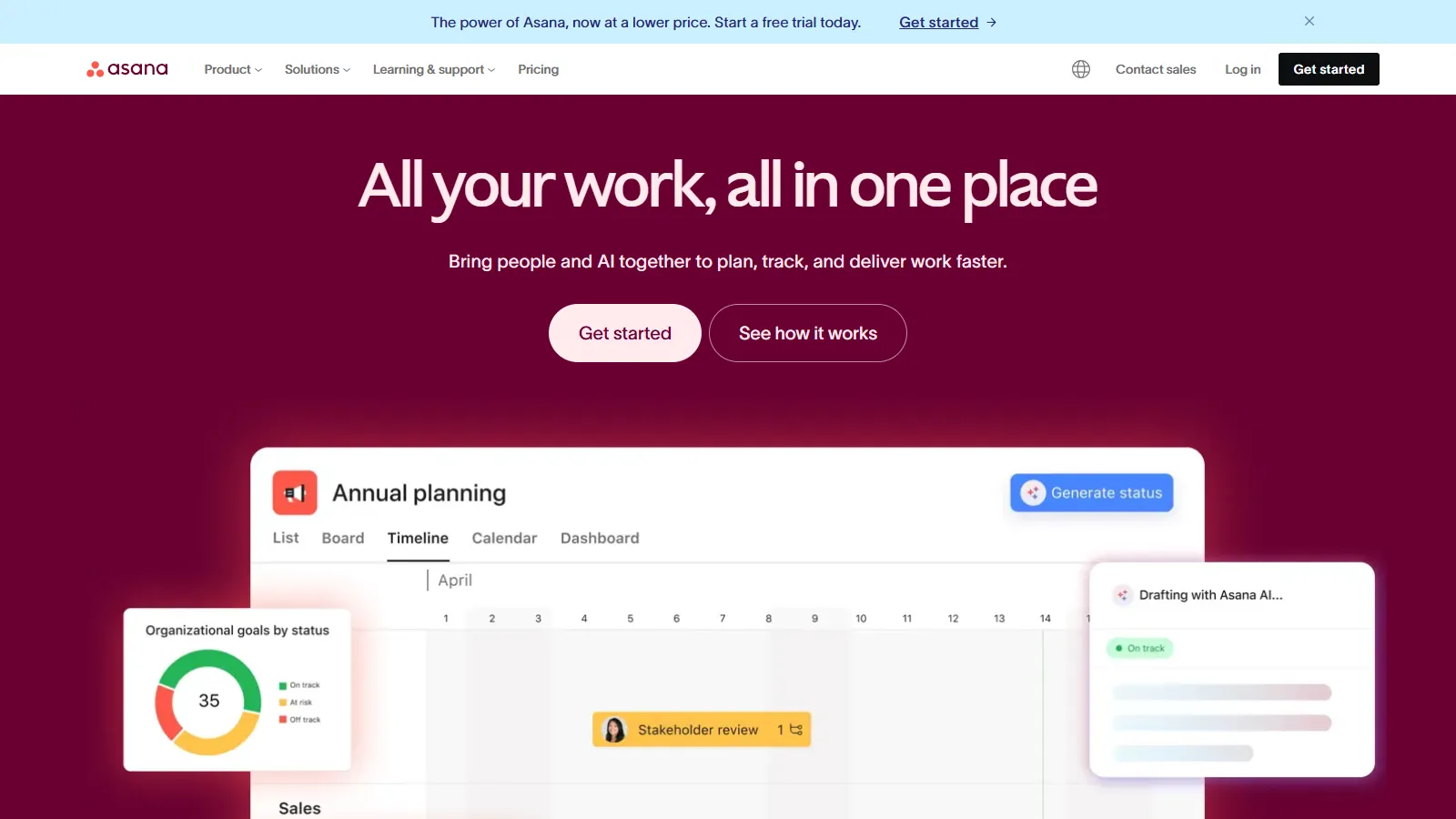
Asana excels at connecting different departments within a SaaS company. Its flexible project views and powerful automation make it ideal for organizations where product, marketing, and customer success need to stay aligned.
Starting priceFree / $10.99/user/mo
Strengths
Excellent cross-functional workflow management
Powerful automation rules with complex logic
Goals and Portfolios for executive visibility
Timeline view for visual project planning
Strong forms and intake workflows
Limitations
Can feel complex for simple task management
Sprint-specific features less robust than Linear/Jira
Premium features require Business tier
Who it's for: Ideal for SaaS companies where go-to-market coordination matters as much as engineering velocity. Great for connecting product launches, marketing campaigns, and customer onboarding.
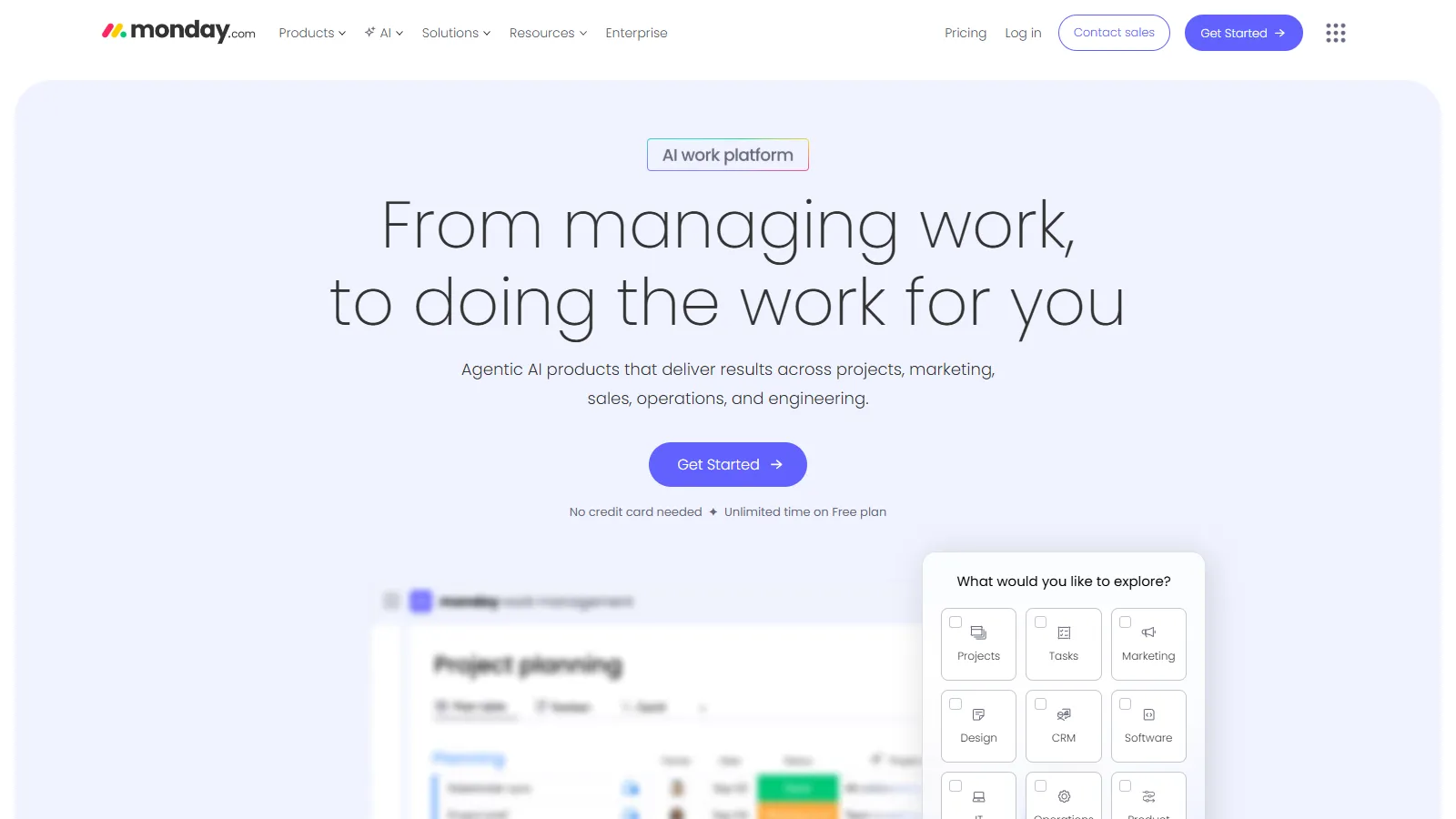
Monday.com offers the most customizable and visual approach to project management. Its "Work OS" philosophy means you can build exactly the workflow you need, from Kanban boards to complex automations.
Starting priceFree / $9/seat/mo
Strengths
Highly visual and intuitive interface
Extremely customizable board structures
Strong dashboard and reporting capabilities
Built-in docs and workdocs for context
Easy to onboard non-technical stakeholders
Limitations
Can become cluttered with too many columns
Less opinionated about best practices
Per-seat pricing adds up for large teams
Who it's for: Best for SaaS teams who want visual project tracking without rigid methodology. Works well for teams that include non-technical members like sales ops or customer success.
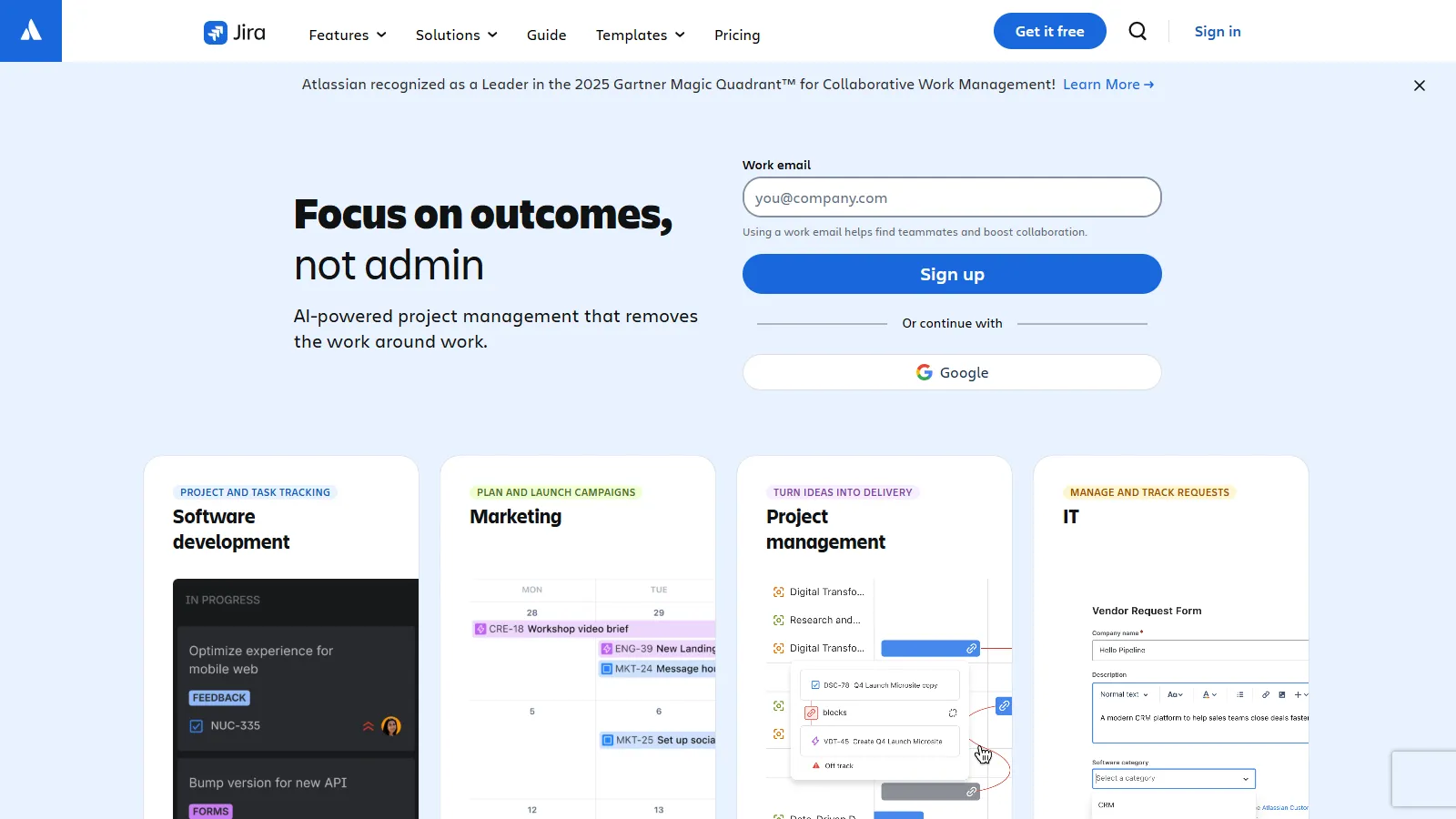
Jira remains the industry standard for enterprise software development. Its deep Atlassian integration, extensive customization, and mature agile features make it the default choice for larger engineering organizations.
Starting priceFree / $9.05/user/mo
Strengths
Most mature agile and scrum implementation
Deep Confluence integration for documentation
Extensive marketplace with 3,000+ apps
Advanced permission and workflow customization
Strong DevOps and CI/CD integrations
Limitations
Notoriously slow interface and page loads
Steep learning curve and admin overhead
Can feel bloated for smaller teams
Who it's for: Best for enterprise SaaS companies with dedicated Jira admins and complex compliance requirements. The Atlassian ecosystem shines when you need Confluence, Bitbucket, and Jira together.
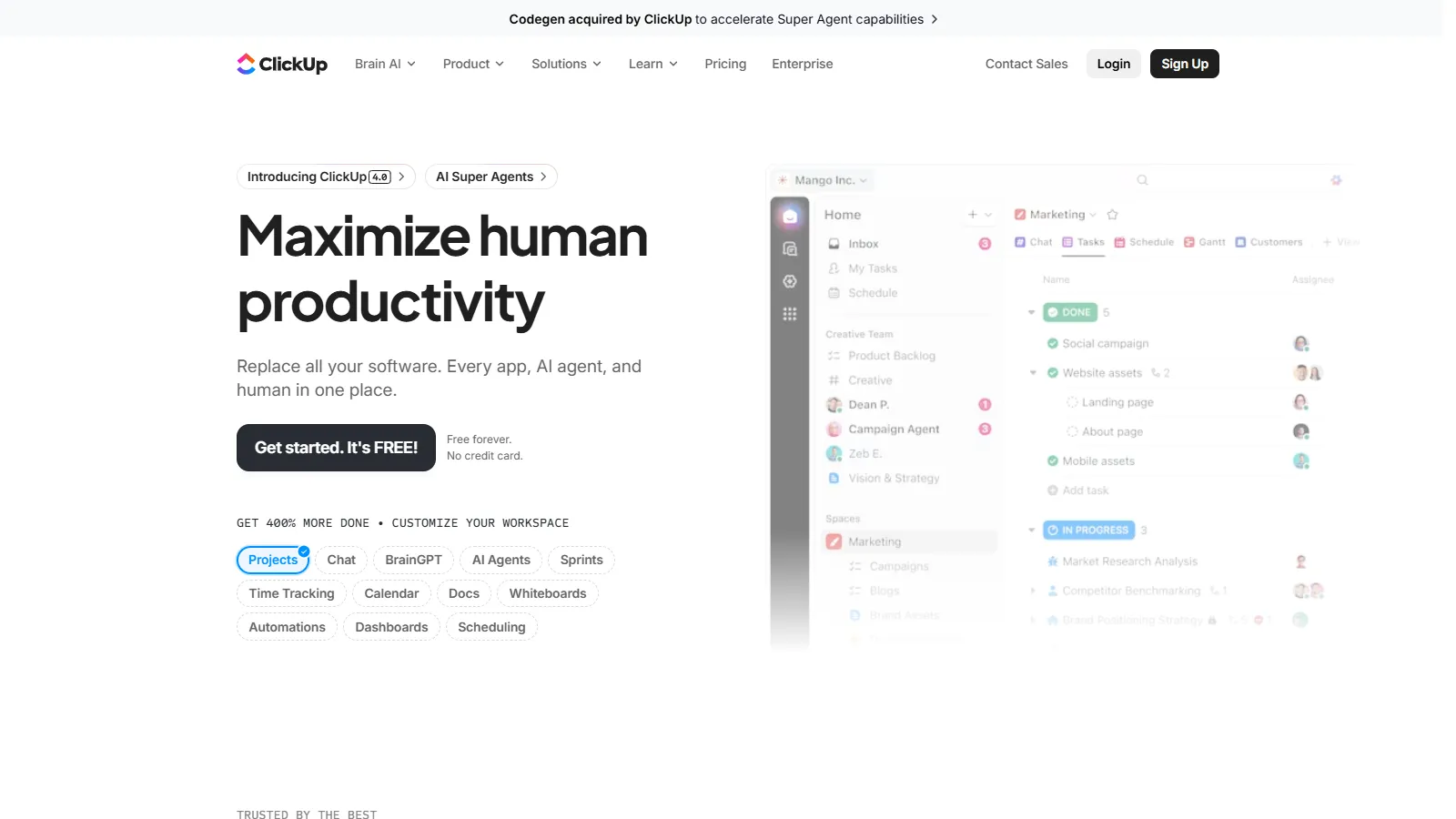
ClickUp aims to replace your entire productivity stack with one platform. It includes docs, whiteboards, goals, time tracking, and project management at a price that undercuts most competitors.
Starting priceFree / $7/user/mo
Strengths
Best value with most features per dollar
Built-in docs, whiteboards, and goals
Native time tracking and estimates
Highly customizable views and hierarchies
Generous free tier for small teams
Limitations
Feature overload can overwhelm new users
Performance can lag with large workspaces
Frequent updates sometimes introduce bugs
Who it's for: Great for budget-conscious SaaS startups who want one tool for everything. Works best for teams willing to invest time in setup to replace multiple subscriptions.
Choose Linear if you need a fast, developer-focused experience.
Choose Asana if you need cross-functional team alignment.
Choose Monday.com if you need visual, highly customizable boards.
Choose Jira if you need enterprise agile at scale.
Choose ClickUp if you need maximum features at lowest cost.
Choose Linear or Asana Free if you need simplicity for a small team.
SaaS Project Management Questions
SaaS teams need sprint/cycle planning, roadmap views, Git integrations, and cross-team visibility. The best tools connect engineering velocity with go-to-market coordination and customer feedback loops.
It depends. Some SaaS companies use Linear for engineering and Asana for GTM. Others prefer one unified platform. Consider whether your teams need tight integration or specialized workflows.
For SaaS dev teams, Git integration is critical. Linear and Jira excel here with automatic issue linking, branch tracking, and PR status sync. Asana and Monday offer integrations but less depth.
Yes, Linear and Asana both offer Jira importers. Migration typically takes 1-2 weeks. The hardest part is often changing team habits, not moving the data.
Expect $100-300/month for most tools at team tier. Linear costs ~$160/mo, Asana Business ~$220/mo, Monday ~$180/mo. ClickUp is cheapest at ~$140/mo with more features.