7 Best API Documentation Tools for Developer Experience

API documentation generators for creating developer-friendly docs. Compare OpenAPI support, interactive testing, and customization.

Last updated: February 1, 2026Reviewed 12+ tools

7 Best API Documentation Tools comparison

Feature Comparison

ToolStarting PriceOpenAPITry ItAnalyticsCustomizationOur Rating
ReadmeFree/$99High9.5/10
StoplightFree/$99High9.3/10
Swagger UIFreeMedium9.0/10
RedoclyFree/$69High9.1/10
PostmanFree/$14Medium8.8/10
GitBookFree/$8Medium8.5/10
MintlifyFree/$120High8.7/10

Deep Dives

1

Readme

Best Overall
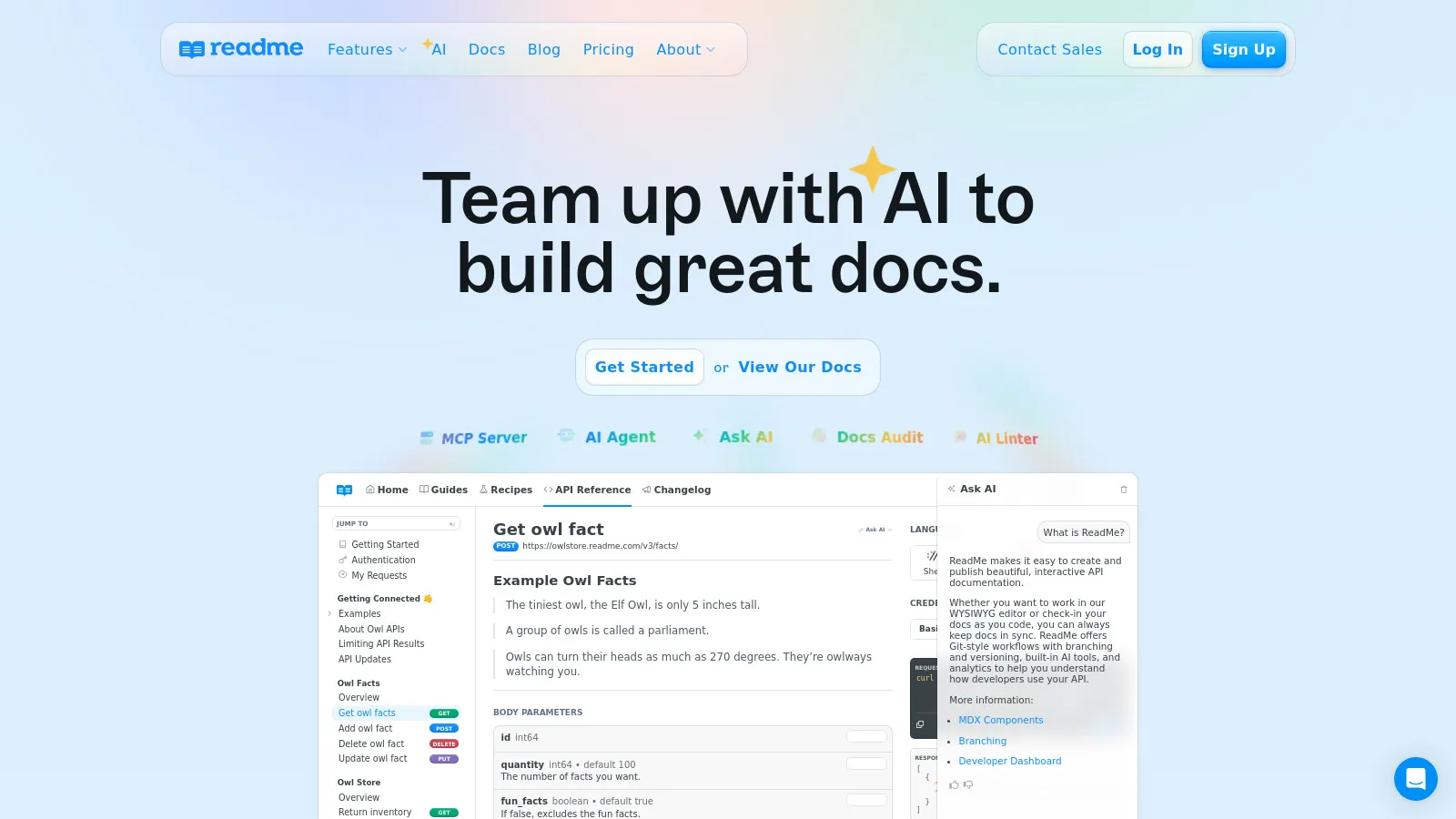
Readme API docs

Readme creates beautiful, interactive API documentation with built-in metrics. See which endpoints developers use, where they get stuck, and improve based on data. The best developer experience.

Starting priceFree/$99

Strengths

  • Best developer experience
  • Usage analytics
  • Interactive console
  • Beautiful design

Limitations

  • Premium pricing
  • Enterprise features locked
Who it's for: Best for companies serious about developer experience and API adoption.
Visit Readme
2

Stoplight

Best for Enterprise
Stoplight API design

Stoplight is a design-first API platform. Design your API spec visually, generate mocks for testing, and publish documentation. Great for governance at scale.

Starting priceFree/$99

Strengths

  • Design-first approach
  • Visual API editor
  • Mock servers
  • Enterprise governance

Limitations

  • Complex for simple needs
  • Enterprise pricing
Who it's for: Ideal for enterprises with API-first development and governance needs.
Visit Stoplight
3

Swagger UI

Best for Budget
Swagger UI docs

Swagger UI is the industry standard for OpenAPI documentation. Generate interactive docs from your OpenAPI spec for free. Self-hosted with full control.

Starting priceFree

Strengths

  • Completely free
  • Industry standard
  • Self-hosted
  • Interactive testing

Limitations

  • Basic design
  • No analytics
Who it's for: Great for teams wanting free, self-hosted OpenAPI documentation.
Visit Swagger
4

Redocly

Best for Beginners
Redocly docs

Redocly creates stunning API documentation with a focus on performance and design. The three-panel layout is clean and navigable. Free tier is generous.

Starting priceFree/$69

Strengths

  • Beautiful design
  • Fast performance
  • Good free tier
  • Easy setup

Limitations

  • Less interactive than Readme
  • Fewer analytics
Who it's for: Perfect for teams wanting beautiful API docs without complexity.
Visit Redocly
5

Postman

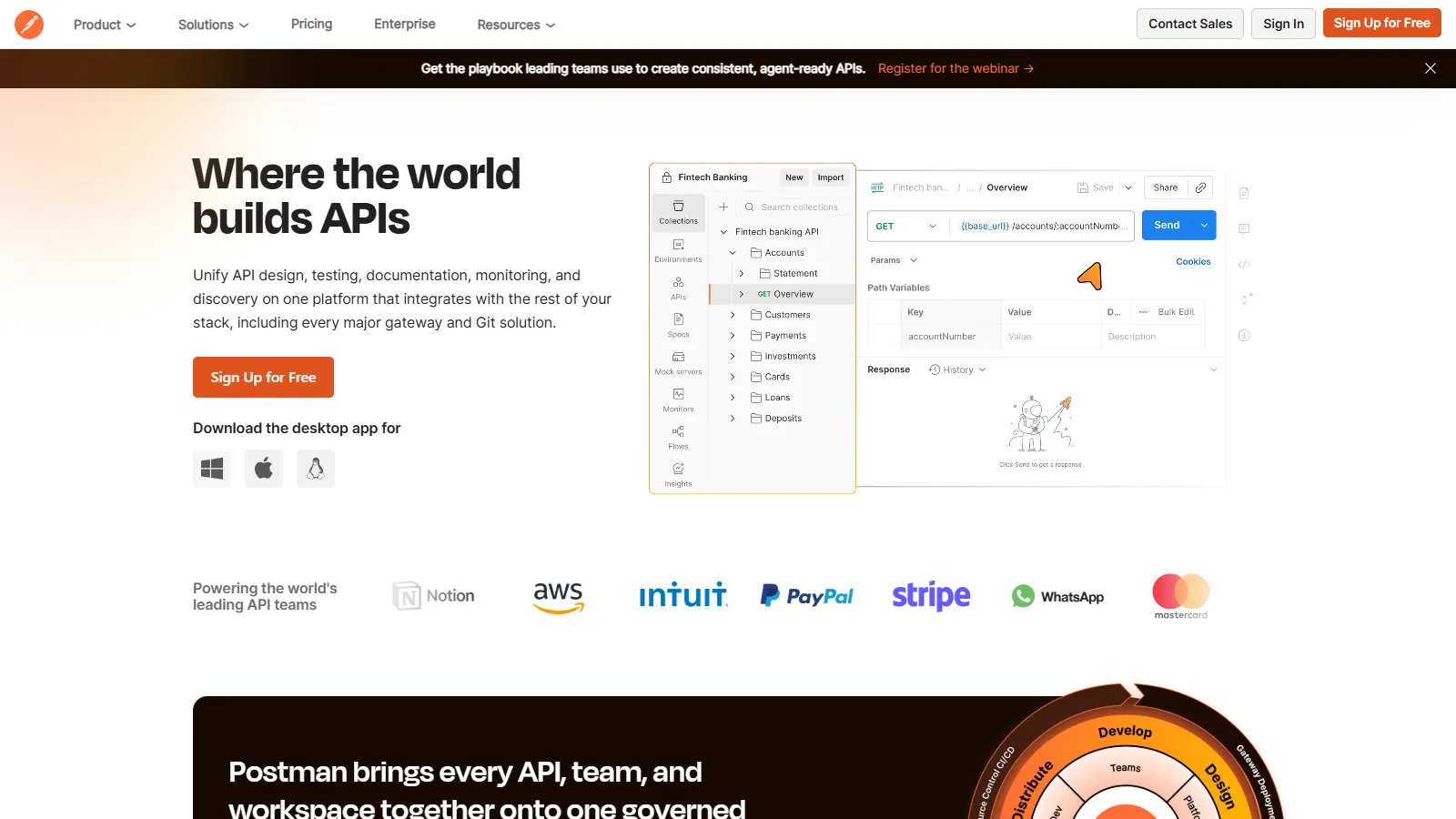
Postman docs

Postman can publish documentation directly from your API collections. If you already use Postman for testing, this is a natural addition without new tools.

Starting priceFree/$14

Strengths

  • Docs from collections
  • Built-in API testing
  • Team collaboration
  • Run in Postman button

Limitations

  • Less customizable
  • Collection-centric
Who it's for: Best for teams already using Postman for API development and testing.

Visit Postman
6

GitBook

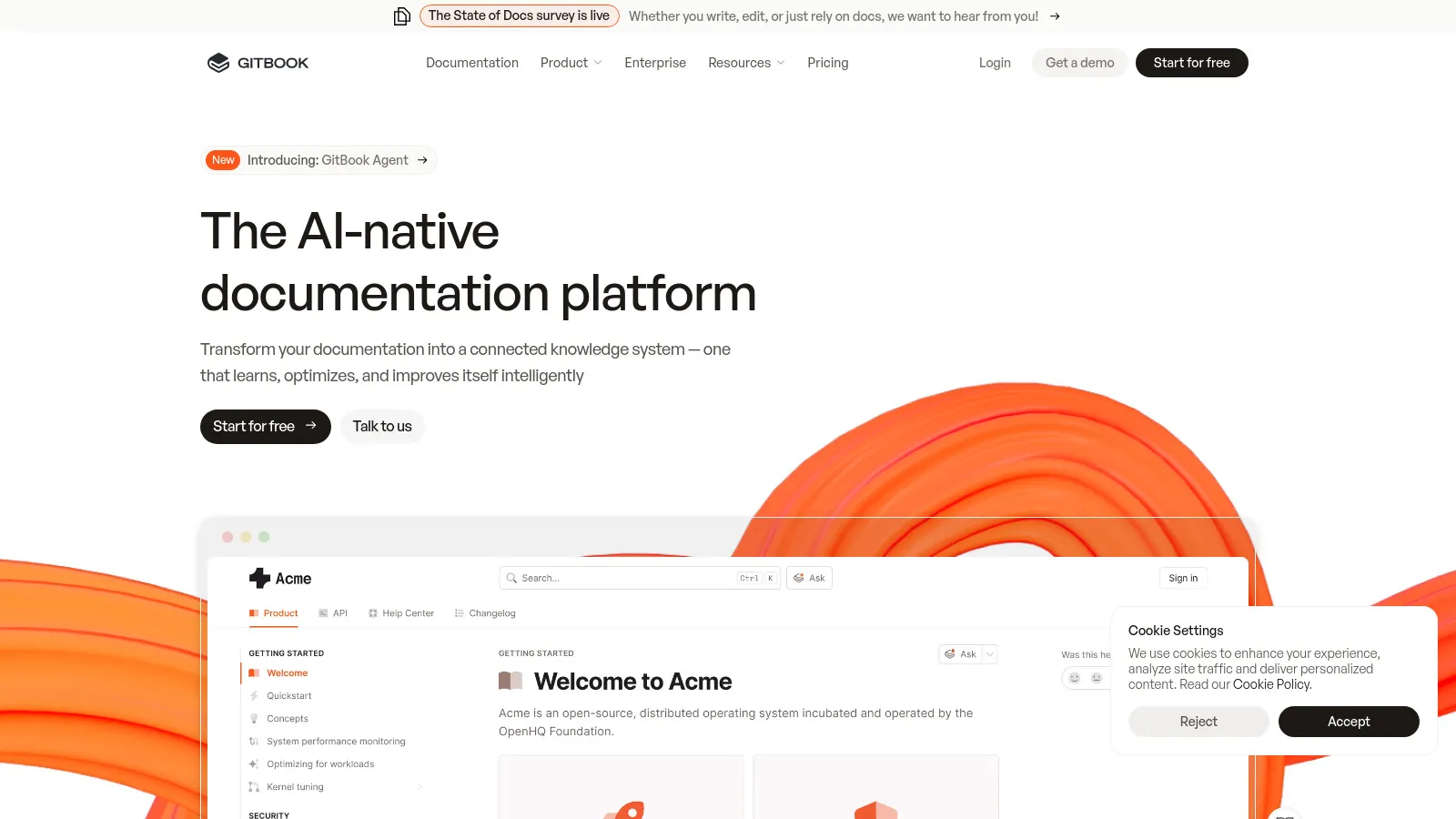
GitBook docs

GitBook is a general documentation platform that works well for API docs. Write in Markdown with Git sync. Less API-specific but very flexible.

Starting priceFree/$8

Strengths

  • Great for all docs
  • Git-based workflow
  • Good search
  • Team collaboration

Limitations

  • Not API-specific
  • No OpenAPI import
Who it's for: Great for teams needing API docs alongside other documentation.
Visit GitBook
7

Mintlify

Mintlify docs

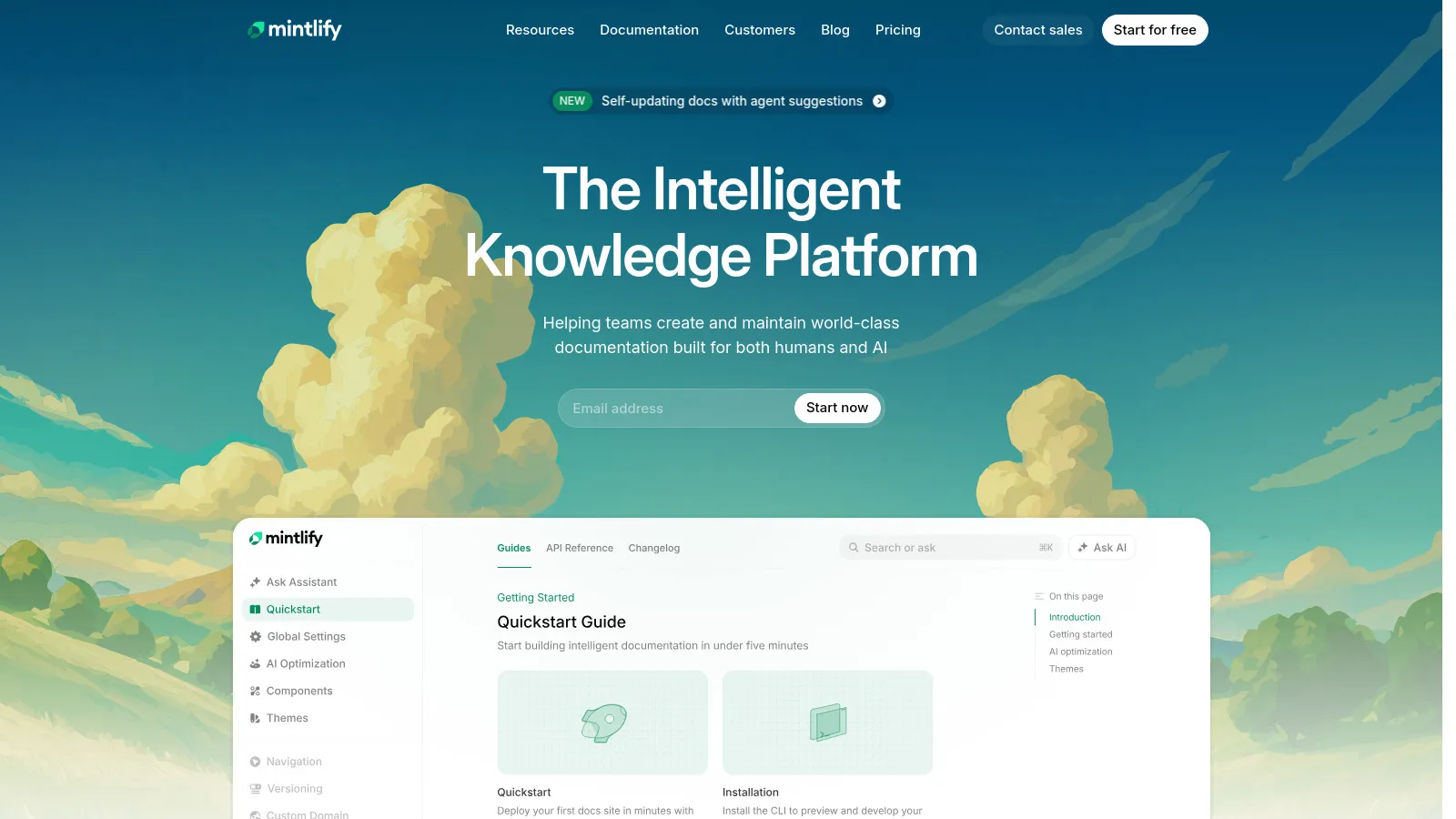
Mintlify creates modern, beautiful documentation with AI-powered search and MDX support. The design is stunning and setup is quick from your codebase.

Starting priceFree/$120

Strengths

  • Stunning design
  • AI-powered search
  • MDX support
  • Quick setup

Limitations

  • Higher pricing
  • Newer platform
Who it's for: Perfect for startups wanting modern, beautiful API documentation.
Visit Mintlify

How We Evaluated

We documented real APIs with each tool:

  • Developer Experience (30%)How easy to use for API consumers.
  • OpenAPI Support (25%)Spec support and generation.
  • Customization (20%)Branding and layout options.
  • Analytics (15%)Usage metrics and insights.
  • Value (10%)Pricing for features.

How to Choose

  • Choose Readme if you need Best DX + analytics.
  • Choose Stoplight if you need Design-first.
  • Choose Swagger UI if you need Free & self-hosted.
  • Choose Redocly if you need Beautiful & easy.
  • Choose Mintlify if you need Modern startup.

Common Questions

OpenAPI (formerly Swagger) is the standard specification for describing REST APIs. Most documentation tools use it.

Yes, developers expect to try API calls directly in the docs. All top tools support this.

Yes, many teams use Stoplight for design and Readme for public docs, for example.

Apollo Studio for GraphQL. These tools focus mainly on REST APIs with OpenAPI specs.