Best API Testing Tools for Developers in 2026

We tested 14+ API testing tools to find the best options for REST, GraphQL, and microservices. These platforms help explore, test, and automate API testing in development and CI/CD.

Last updated: January 23, 2026Reviewed 14+ tools

API testing tools for REST and GraphQL

Feature Comparison

ToolPriceTypeGraphQLAutomationTeam CollabOur Rating
PostmanFree/$14Desktop/Web9.5/10
InsomniaFree/$5Desktop9.2/10
BrunoFreeDesktopCLIGit9.0/10
HoppscotchFreeWebSelf-host8.7/10
RapidAPIFree/$20Web8.6/10
HTTPieFreeCLI/DesktopScripts8.5/10
Thunder ClientFreeVS CodeBasicGit8.4/10

Deep Dives

1

Postman

Best Overall
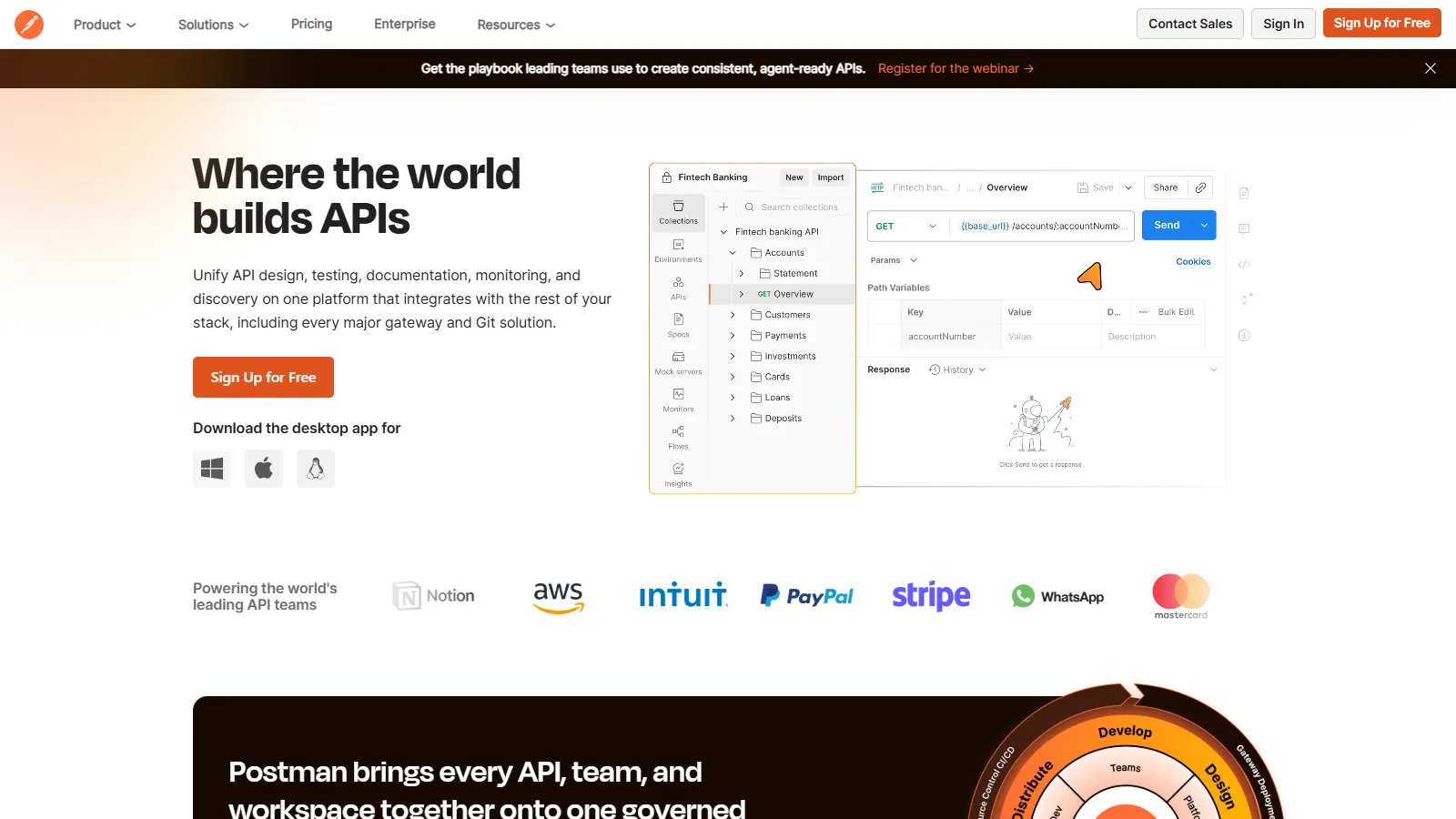
Postman collections and testing

Postman is the industry-standard API platform with collections, environments, and powerful automation. Newman CLI enables CI/CD integration.

Starting priceFree/$14

Strengths

  • Industry standard
  • Powerful collections
  • Environments
  • Newman for CI
  • Great collaboration

Limitations

  • Can be heavy
  • Free tier limits
  • Account required
  • Sync dependency
Who it's for: Best for teams needing complete API testing and collaboration.
Try Postman
2

Insomnia

Best for Beginners
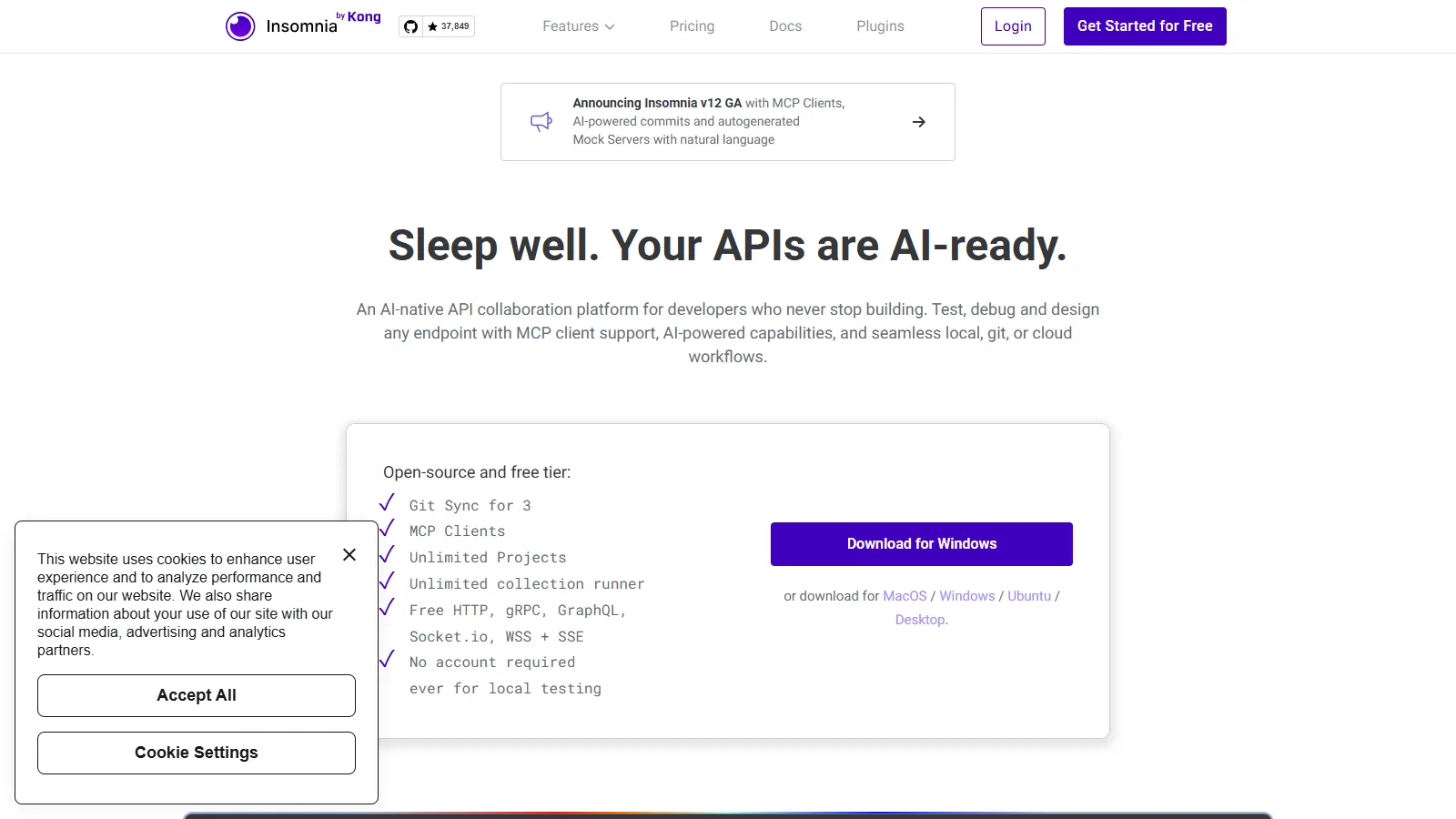
Insomnia API client

Insomnia provides a clean, developer-focused API client with excellent GraphQL support. Git sync keeps collections in version control.

Starting priceFree/$5

Strengths

  • Clean interface
  • Excellent GraphQL
  • Git sync
  • Design features
  • Plugin system

Limitations

  • Fewer integrations
  • Smaller community
  • Kong ownership changes
  • Less automation
Who it's for: Best for developers wanting a clean, focused API client.
Try Insomnia
3

Bruno

Best for Budget
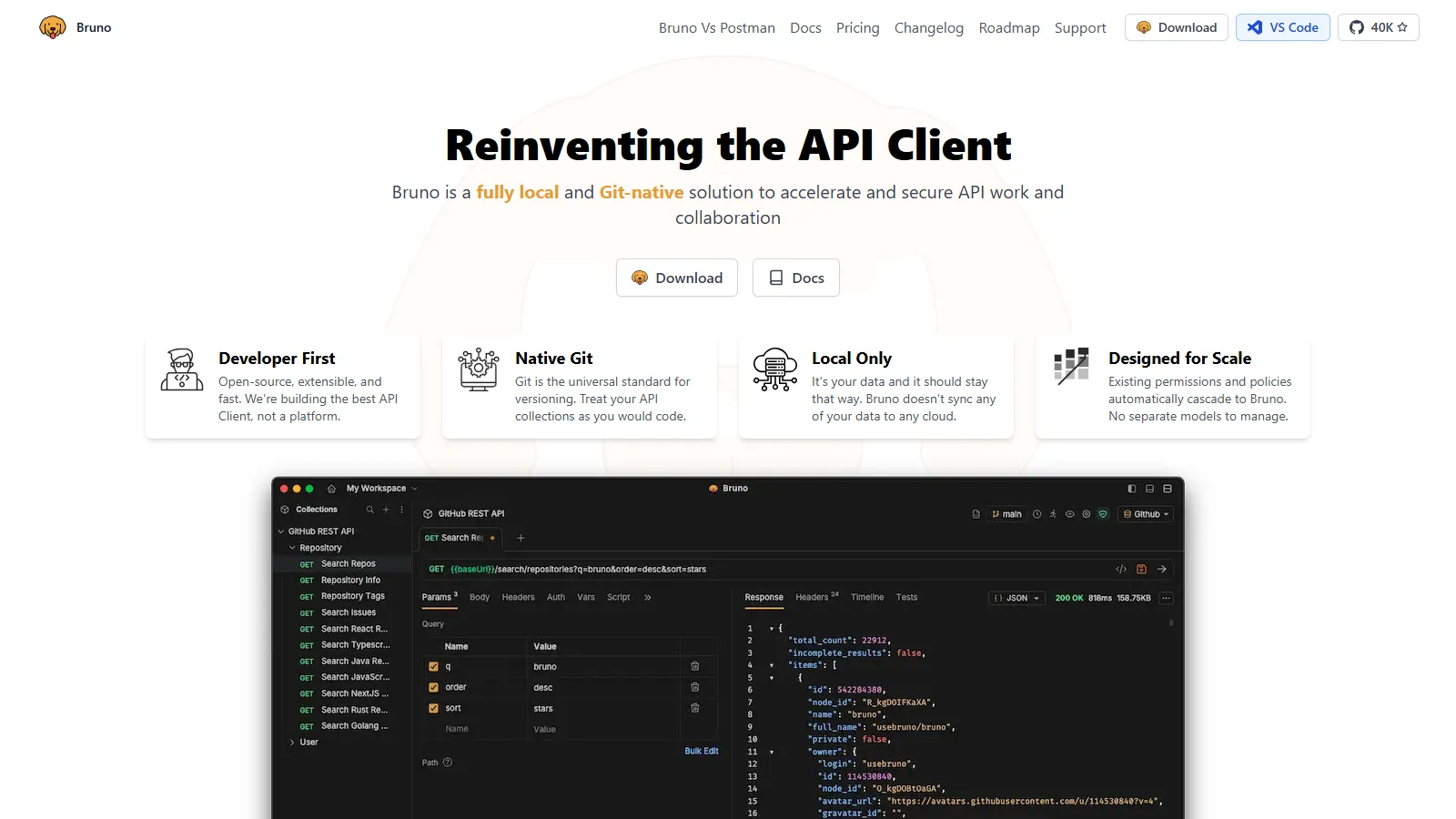
Bruno git-native collections

Bruno stores API collections as plain files in Git. No cloud sync, no accounts - just files you control. Open source and free forever.

Starting priceFree

Strengths

  • Git-native
  • Free forever
  • Offline first
  • Open source
  • Privacy focused

Limitations

  • Newer tool
  • Less polish
  • Manual sync
  • Smaller ecosystem
Who it's for: Best for developers who want collections in Git without cloud dependency.
Try Bruno
4

Hoppscotch

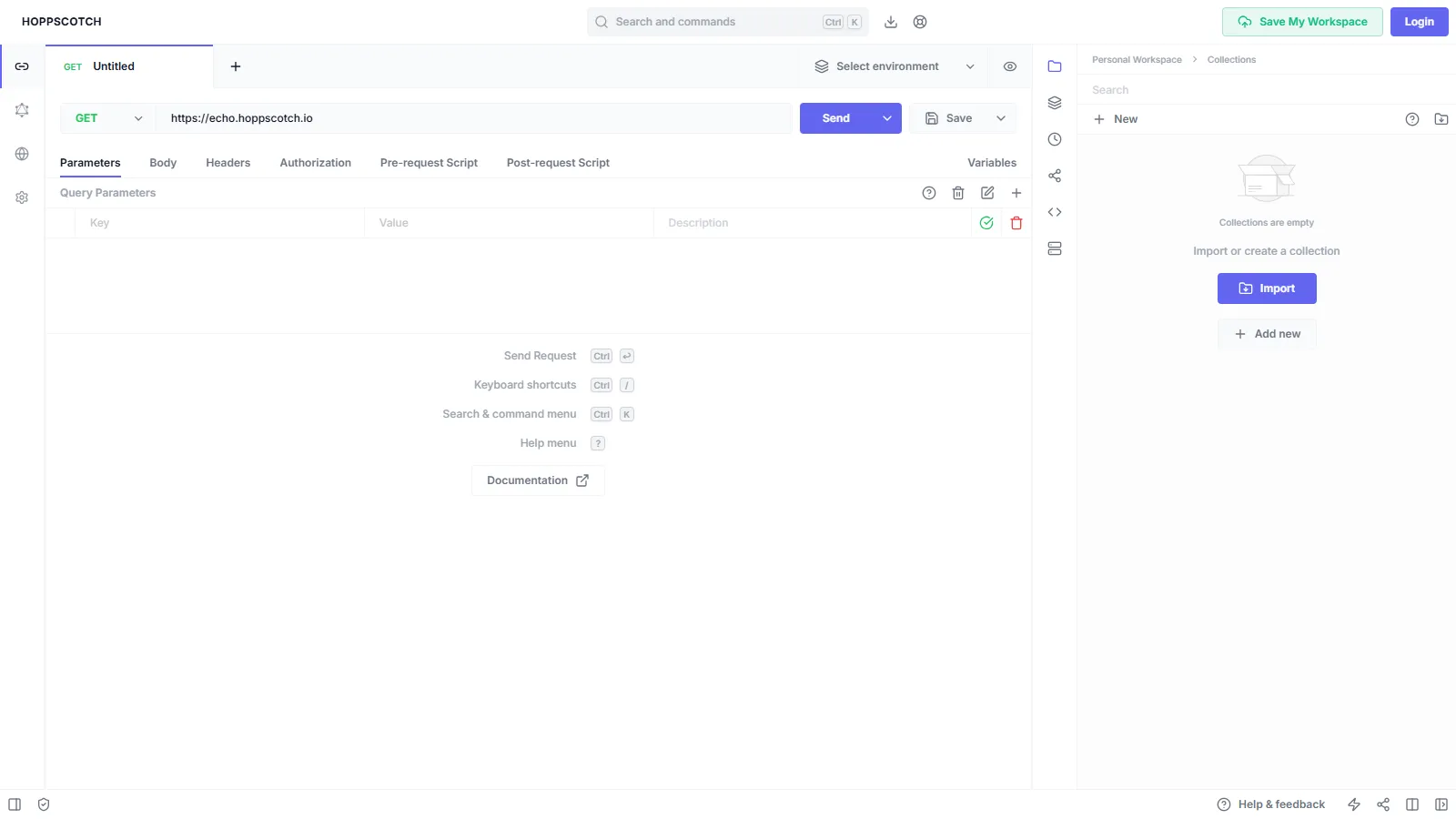
Hoppscotch web interface

Hoppscotch is a lightning-fast web-based API client. Self-hostable for teams who want control, with PWA support for offline use.

Starting priceFree

Strengths

  • Very fast
  • Web-based
  • Self-hostable
  • PWA support
  • Free

Limitations

  • Less automation
  • Web limitations
  • Fewer features
  • Smaller community
Who it's for: Best for quick API testing without installing software.
Use Hoppscotch
5

RapidAPI

Best for Teams
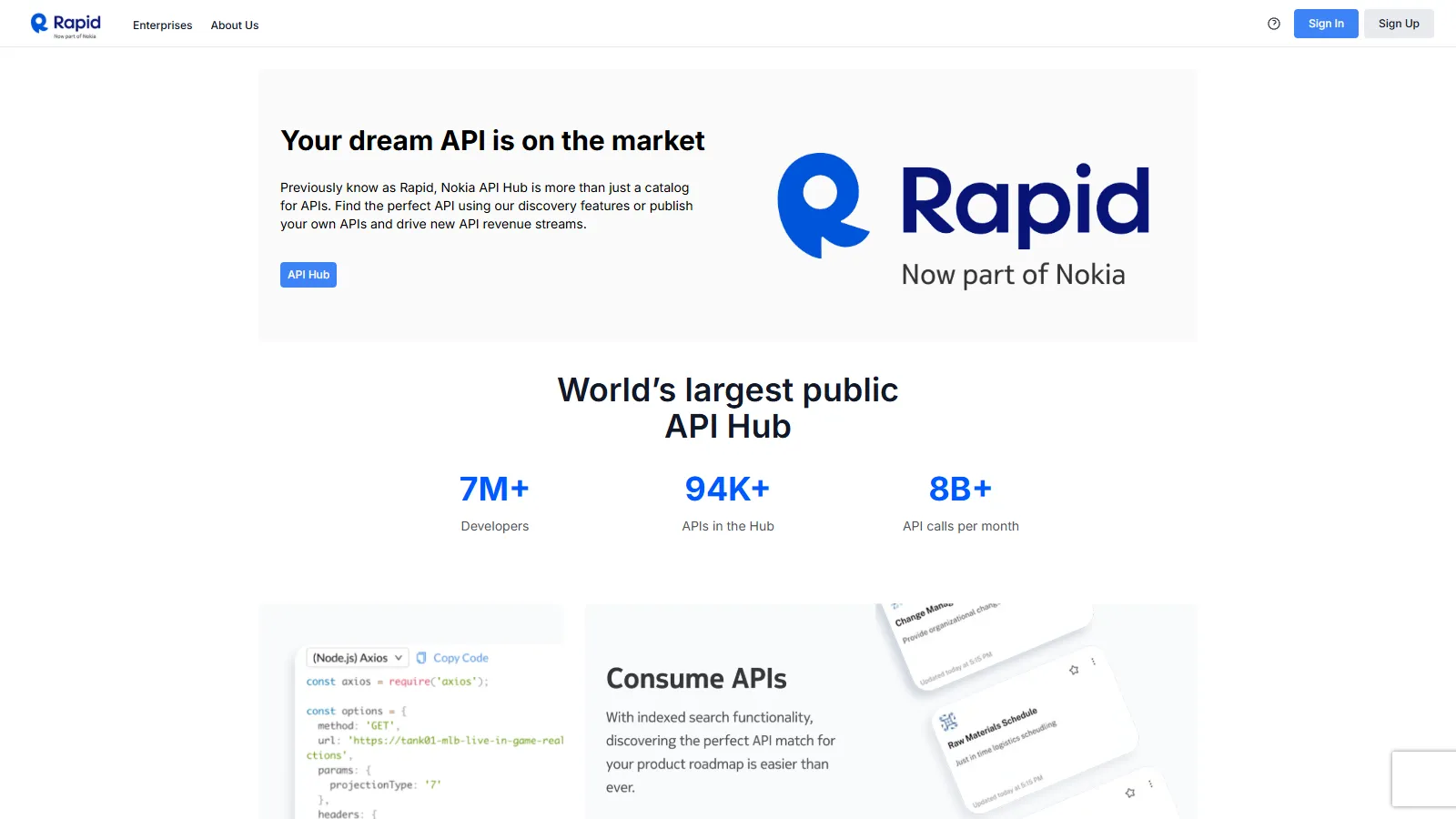
RapidAPI testing and marketplace

RapidAPI combines API marketplace with testing tools. Test third-party and internal APIs with monitoring and team collaboration.

Starting priceFree/$20

Strengths

  • API marketplace
  • Testing + discovery
  • Monitoring
  • Enterprise features
  • Hub for teams

Limitations

  • Complex pricing
  • Marketplace focus
  • Learning curve
  • Overkill for simple needs
Who it's for: Best for teams using and building APIs at scale.
Try RapidAPI
6

HTTPie

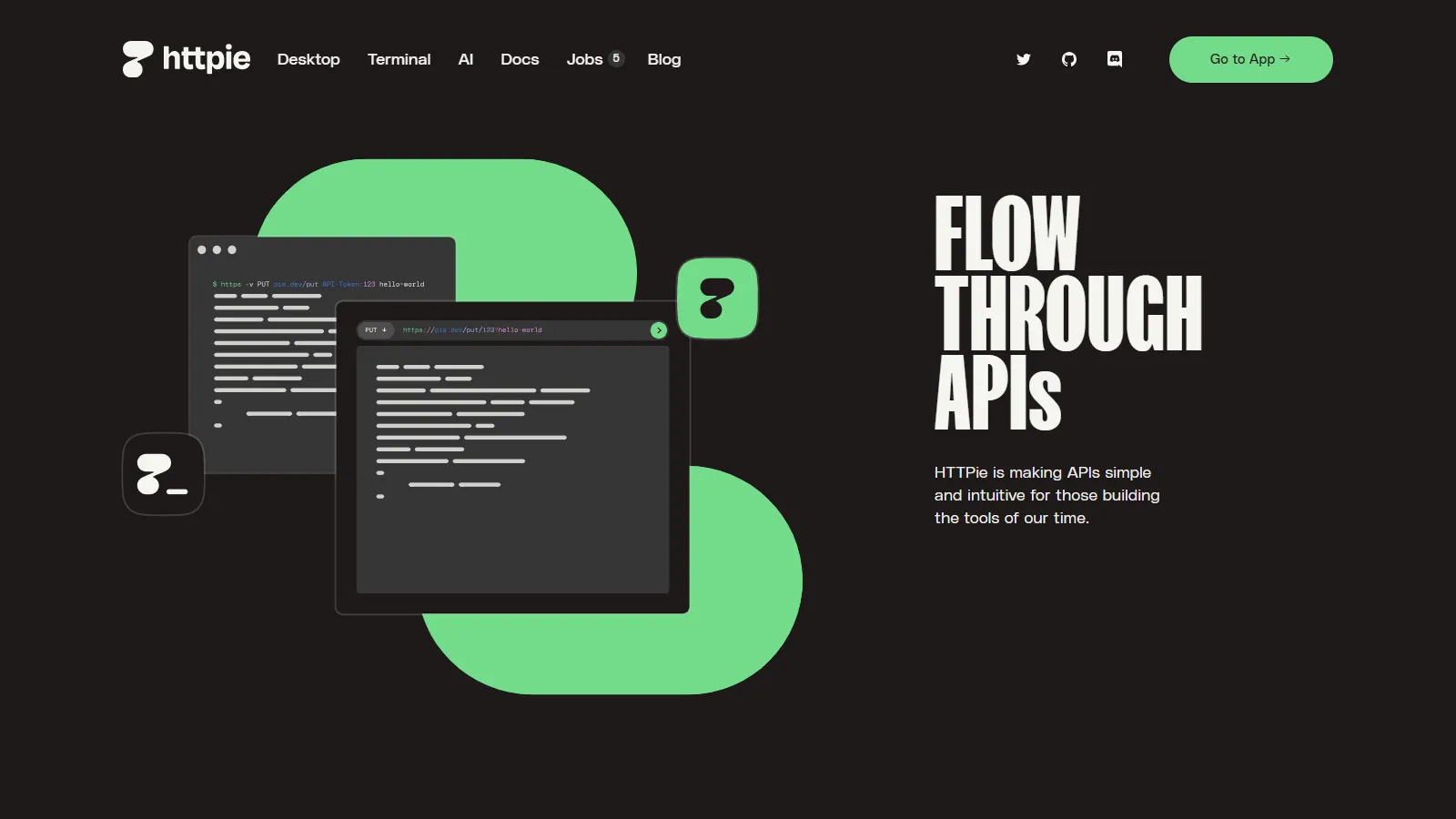
HTTPie CLI output

HTTPie provides human-friendly API testing from the command line. Beautiful output formatting and simple syntax make CLI testing pleasant.

Starting priceFree

Strengths

  • Beautiful CLI
  • Simple syntax
  • Great output
  • Scriptable
  • Desktop app available

Limitations

  • CLI focused
  • No GUI collections
  • Limited collaboration
  • Learning curve
Who it's for: Best for developers who prefer command-line API testing.
Install HTTPie
7

Thunder Client

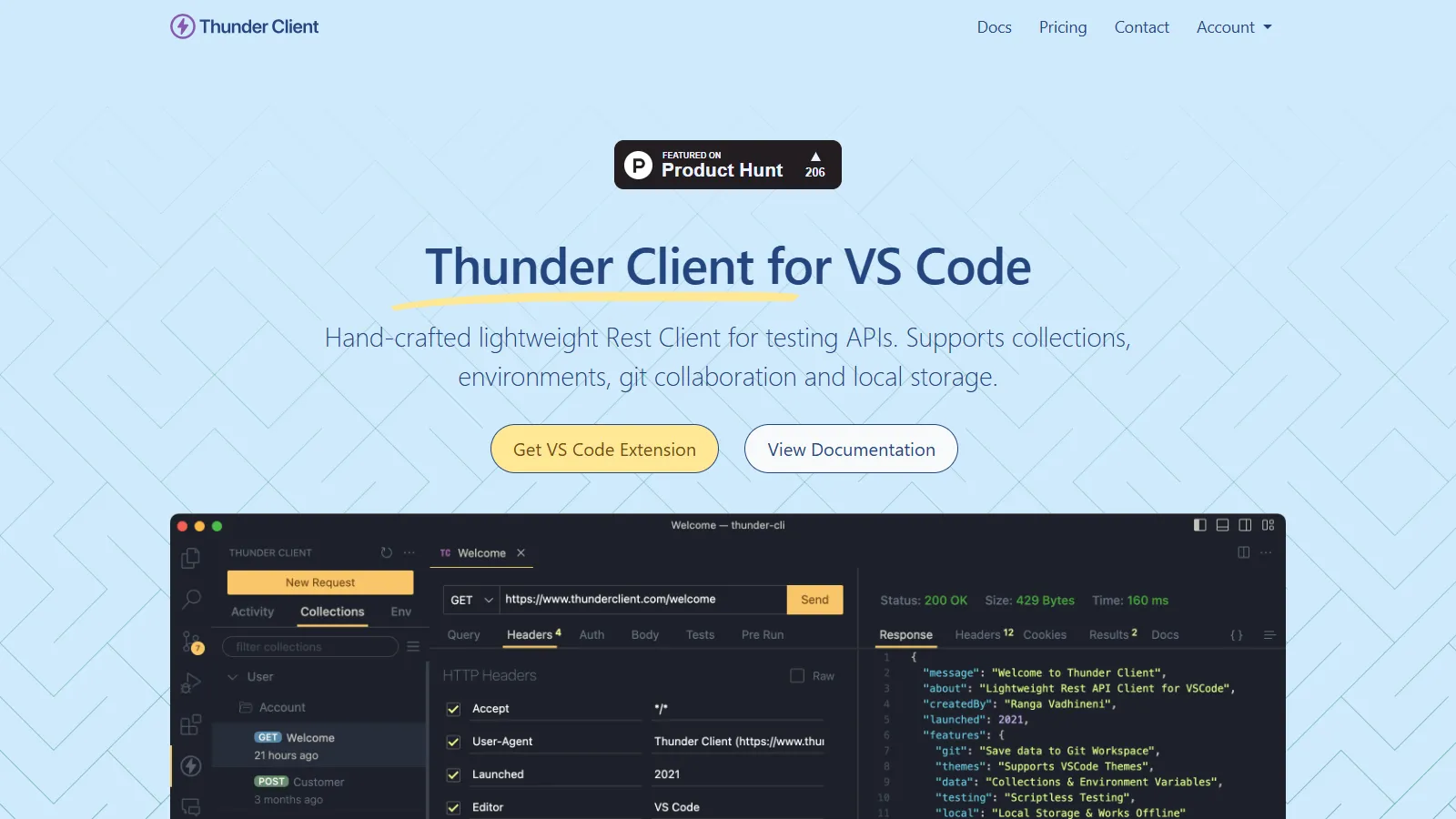
Thunder Client in VS Code

Thunder Client is a lightweight API client extension for VS Code. Test APIs without leaving your editor.

Starting priceFree

Strengths

  • VS Code native
  • Lightweight
  • Collections
  • Environment variables
  • Free

Limitations

  • VS Code only
  • Less powerful
  • Limited automation
  • Basic features
Who it's for: Best for developers who want API testing in VS Code.
Install Thunder Client

How We Evaluated

We tested each tool for API testing effectiveness and developer workflow.

  • Testing Features (30%)Request building, assertions, and automation.
  • Developer Experience (25%)UI, speed, and ease of use.
  • Collaboration (20%)Team sharing and version control.
  • Protocol Support (15%)REST, GraphQL, gRPC, WebSocket.
  • Value (10%)Features relative to cost.

How to Choose

  • Choose Postman if you need complete API platform.
  • Choose Insomnia if you need clean focused client.
  • Choose Bruno if you need git-native collections.
  • Choose Hoppscotch if you need quick web-based testing.
  • Choose Thunder Client if you need VS Code integration.

Common Questions

Postman for teams and complete features. Insomnia for cleaner UI and better GraphQL. Both are excellent - try both and see which workflow fits.

Postman uses Newman CLI. Bruno and Insomnia have CLI tools. You can also use language-specific libraries like supertest or pytest with requests.

Insomnia has the best GraphQL experience. Postman and Bruno also support GraphQL well. For schema exploration, GraphQL Playground or GraphiQL are helpful.