Best Browser Testing Tools for Cross-Browser QA

We tested 12+ browser testing tools to find the best options for cross-browser QA. These platforms provide real browsers, visual testing, and automation for ensuring your site works everywhere.

Last updated: January 23, 2026Reviewed 12+ tools

Cross-browser testing tools for visual and functional QA

Feature Comparison

ToolStarting PriceReal BrowsersVisual TestingAutomationMobileOur Rating
BrowserStack$29/mo9.5/10
LambdaTest$15/mo9.2/10
Sauce Labs$49/mo9.1/10
Percy$99/moVia BS9.0/10
PlaywrightFreeLocalPluginEmulation9.3/10
ChromaticFree/$149ChromeResponsive8.8/10
CrossBrowserTesting$39/mo8.5/10

Deep Dives

1

BrowserStack

Best Overall
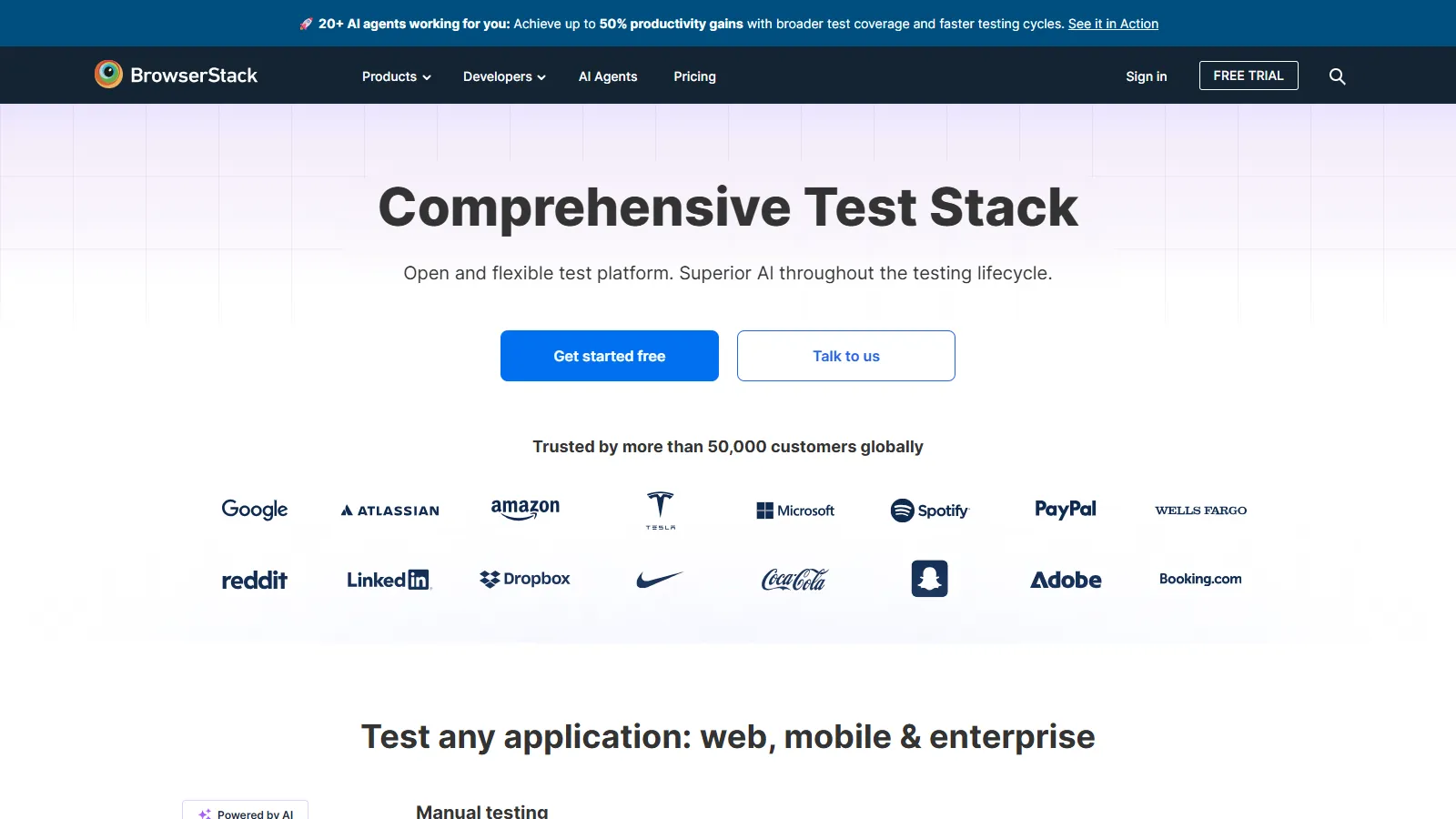
BrowserStack real device testing

BrowserStack is the most comprehensive browser testing platform with real devices, automation, and live testing. Percy integration adds visual regression.

Starting price$29/mo

Strengths

  • Real devices
  • Most browsers
  • Automation support
  • Live testing
  • Percy integration

Limitations

  • Can be expensive
  • Parallel limits
  • Learning curve
  • Occasional slowness
Who it's for: Best for teams needing comprehensive browser and device coverage.
Try BrowserStack
2

LambdaTest

Best for Budget
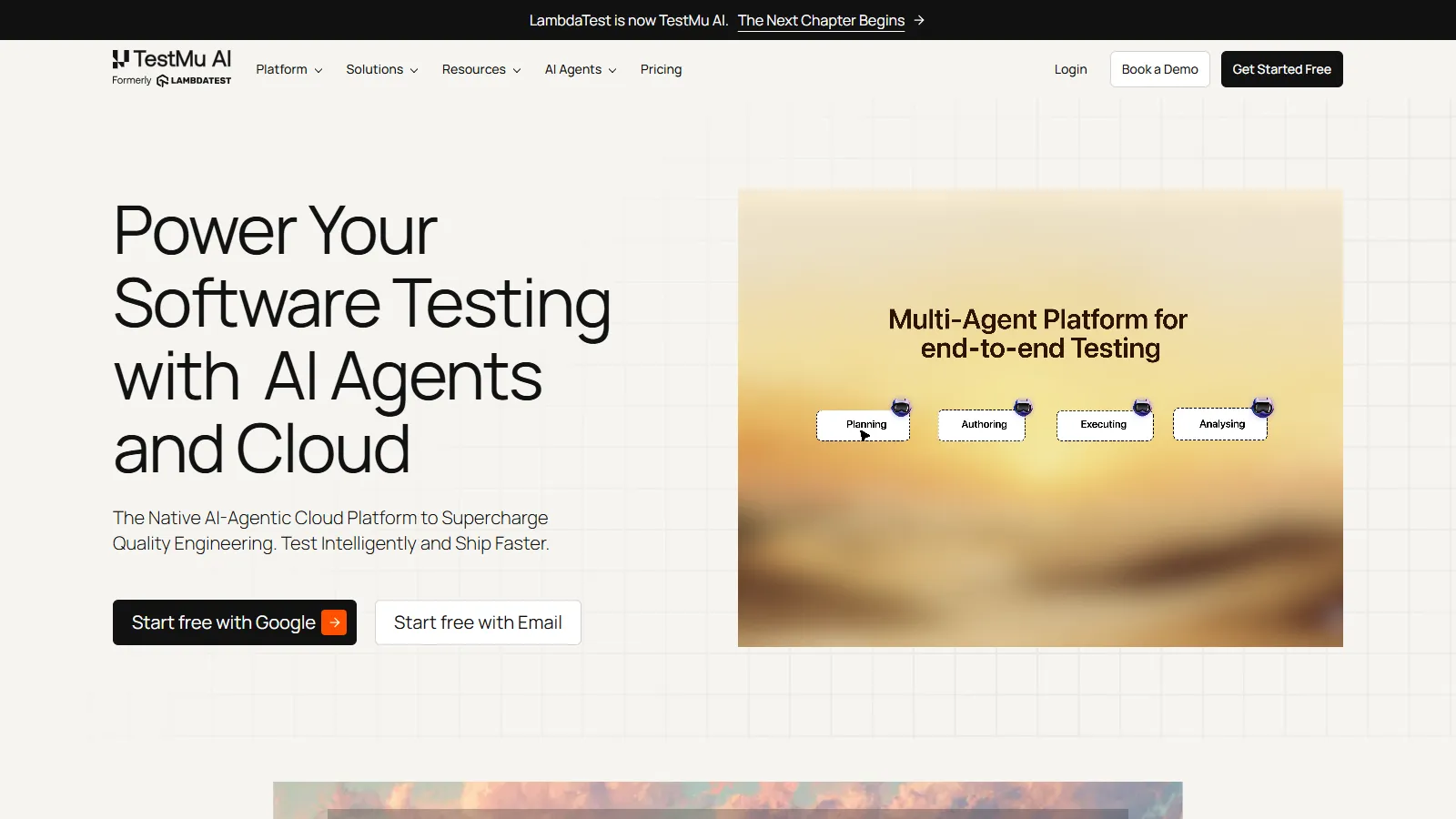
LambdaTest browser testing

LambdaTest provides feature-rich browser testing at a more affordable price point. Smart visual testing and good automation support.

Starting price$15/mo

Strengths

  • Affordable
  • Good coverage
  • Smart testing
  • Automation
  • Responsive testing

Limitations

  • Less devices than BrowserStack
  • Newer platform
  • Some browser gaps
  • Speed varies
Who it's for: Best for teams wanting solid browser testing at lower cost.
Try LambdaTest
3

Sauce Labs

Best for Teams
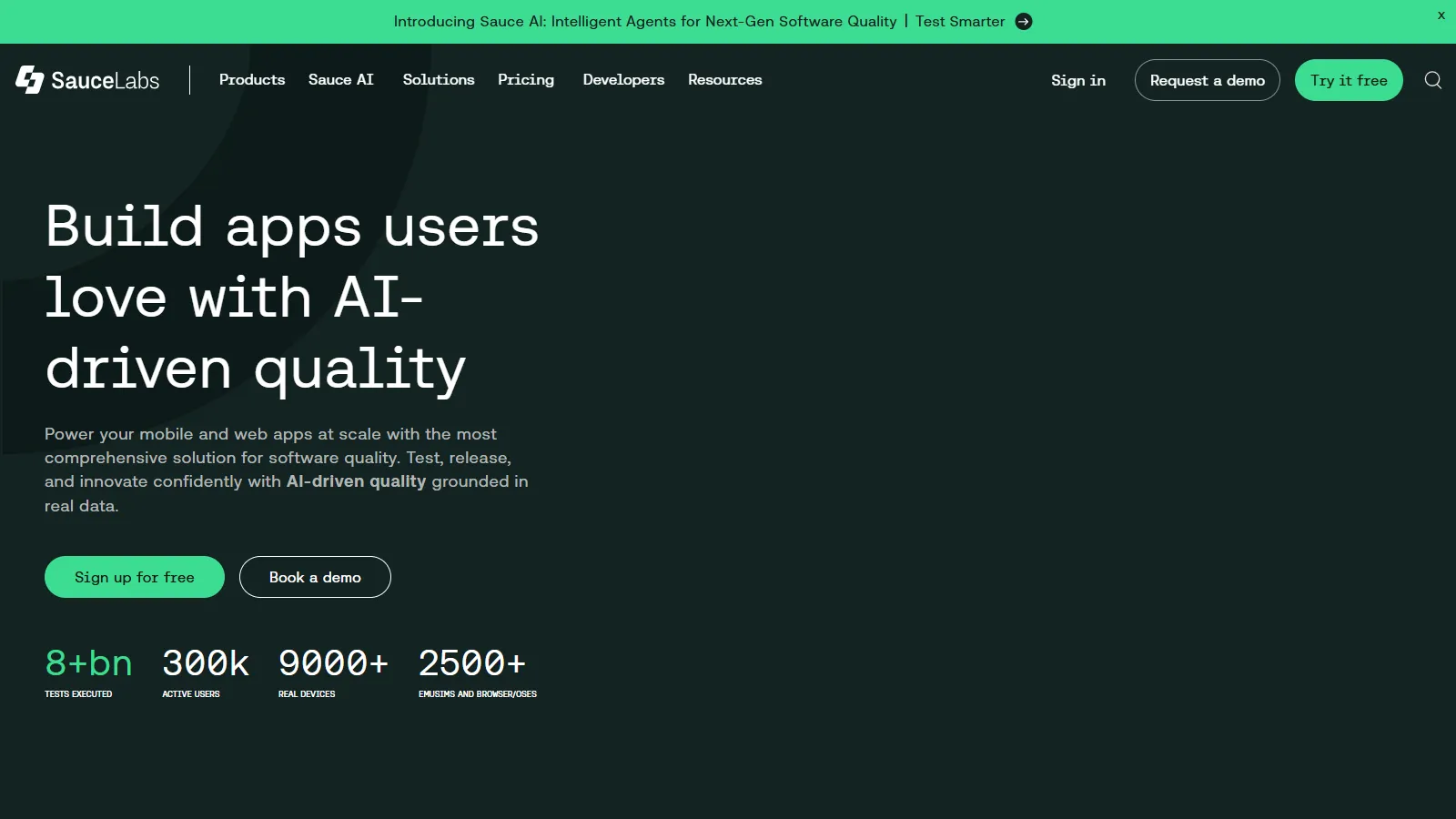
Sauce Labs enterprise testing

Sauce Labs provides enterprise-grade browser automation with powerful analytics and insights. Best for large-scale Selenium and Appium testing.

Starting price$49/mo

Strengths

  • Enterprise scale
  • Great analytics
  • Selenium/Appium
  • Reliability
  • Support

Limitations

  • Expensive
  • Enterprise focused
  • Complex pricing
  • Overkill for small teams
Who it's for: Best for enterprises running large-scale automated testing.
Try Sauce Labs
4

Percy

Percy visual regression

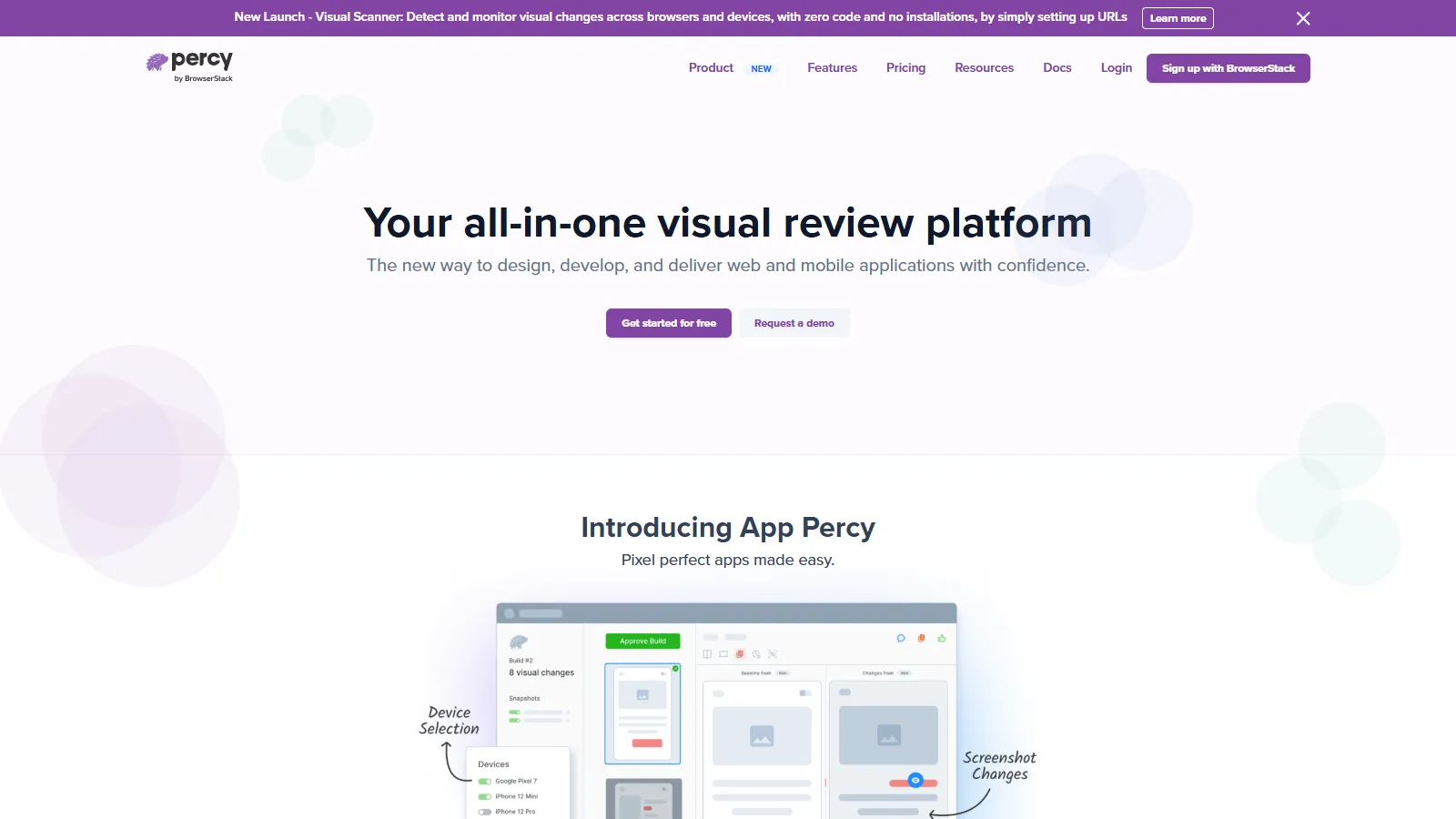
Percy provides best-in-class visual regression testing. Catch unintended UI changes with automatic screenshot comparison and approval workflows.

Starting price$99/mo

Strengths

  • Best visual testing
  • CI native
  • Approval workflow
  • Good integrations
  • BrowserStack owned

Limitations

  • Visual only
  • Per-screenshot pricing
  • Needs other tools for functional
  • Cost at scale
Who it's for: Best for teams focused on catching visual regressions.
Try Percy
5

Playwright

Best for Beginners
Playwright cross-browser testing

Playwright provides free cross-browser testing locally with Chromium, Firefox, and WebKit. Excellent debugging tools and trace viewer.

Starting priceFree

Strengths

  • Free
  • Cross-browser
  • Great debugging
  • Microsoft backed
  • CI friendly

Limitations

  • Local only
  • No real devices
  • Emulation limits
  • Setup required
Who it's for: Best for teams wanting free cross-browser testing locally.
Use Playwright
6

Chromatic

Chromatic Storybook testing

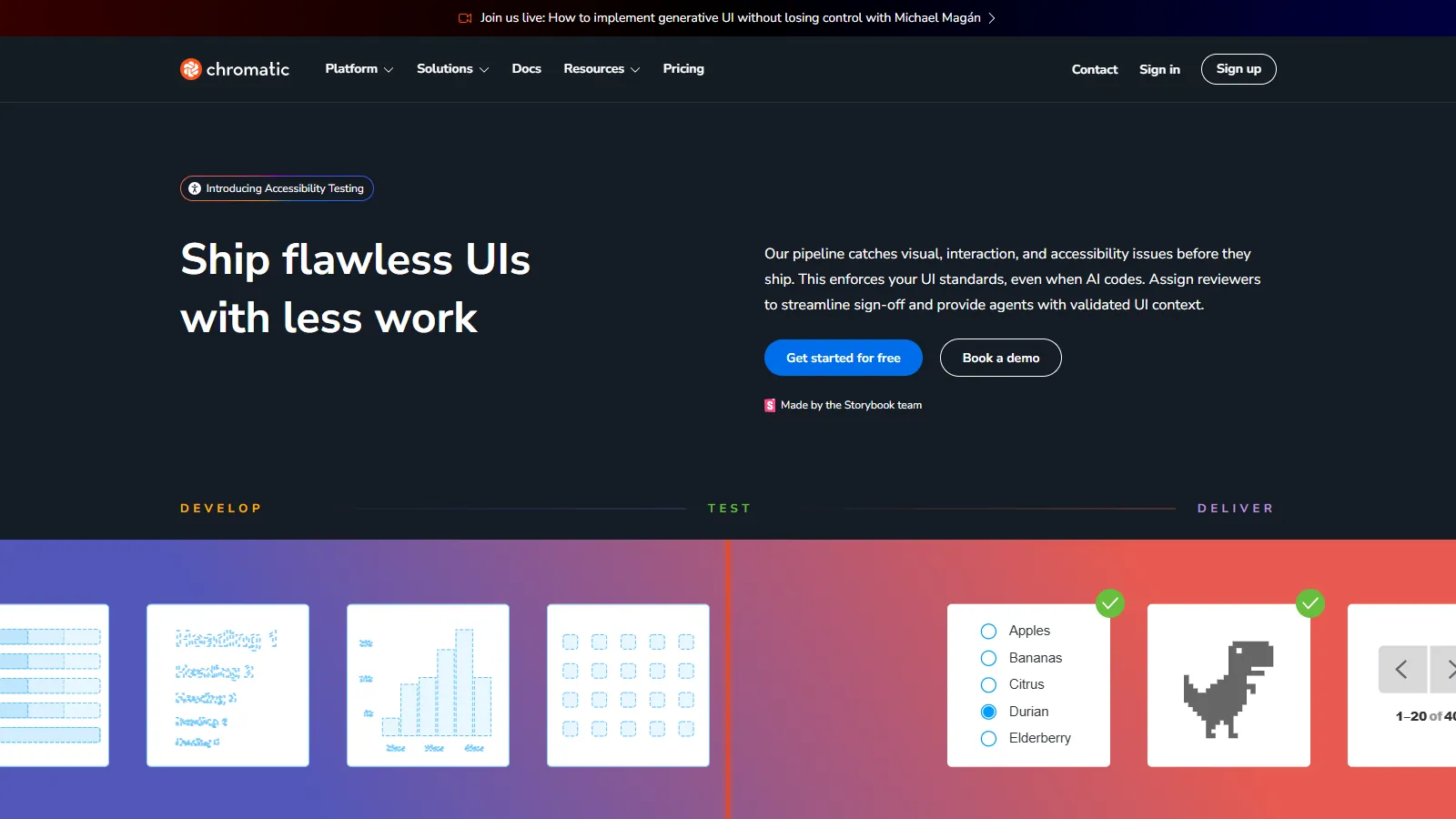
Chromatic provides visual testing specifically for Storybook. Test components in isolation with automatic change detection and review workflows.

Starting priceFree/$149

Strengths

  • Storybook native
  • Component testing
  • Visual review
  • Free tier
  • Made by Storybook team

Limitations

  • Storybook only
  • Chrome focused
  • Component level
  • Pricing at scale
Who it's for: Best for teams using Storybook for component development.
Try Chromatic
7

CrossBrowserTesting

CrossBrowserTesting interface

CrossBrowserTesting from SmartBear provides real browser testing with record-and-playback automation. Integrates with SmartBear ecosystem.

Starting price$39/mo

Strengths

  • Real browsers
  • Record and playback
  • SmartBear integration
  • Screenshots
  • Good coverage

Limitations

  • Less modern
  • SmartBear focus
  • UI dated
  • Fewer integrations
Who it's for: Best for teams already using SmartBear tools.
Try CrossBrowserTesting

How We Evaluated

We tested each tool for cross-browser testing effectiveness and workflow integration.

  • Browser Coverage (30%)Range of browsers and versions.
  • Testing Capabilities (25%)Visual, functional, and automation.
  • CI Integration (20%)Pipeline integration and reporting.
  • Ease of Use (15%)Setup and daily workflow.
  • Value (10%)Features relative to cost.

How to Choose

  • Choose BrowserStack if you need comprehensive coverage.
  • Choose LambdaTest if you need budget conscious.
  • Choose Sauce Labs if you need enterprise scale.
  • Choose Percy if you need visual regression focus.
  • Choose Playwright if you need free local testing.

Common Questions

For production apps, yes. Emulators miss real-world issues. Use emulators for development, real devices for release testing and debugging specific issues.

Chrome, Firefox, Safari, and Edge cover most users. Check your analytics for actual browser usage. Mobile Safari and Chrome are essential for mobile.

All major tools have CI integrations. Run smoke tests on every commit, full suites nightly or on release branches. Use parallel execution to stay fast.