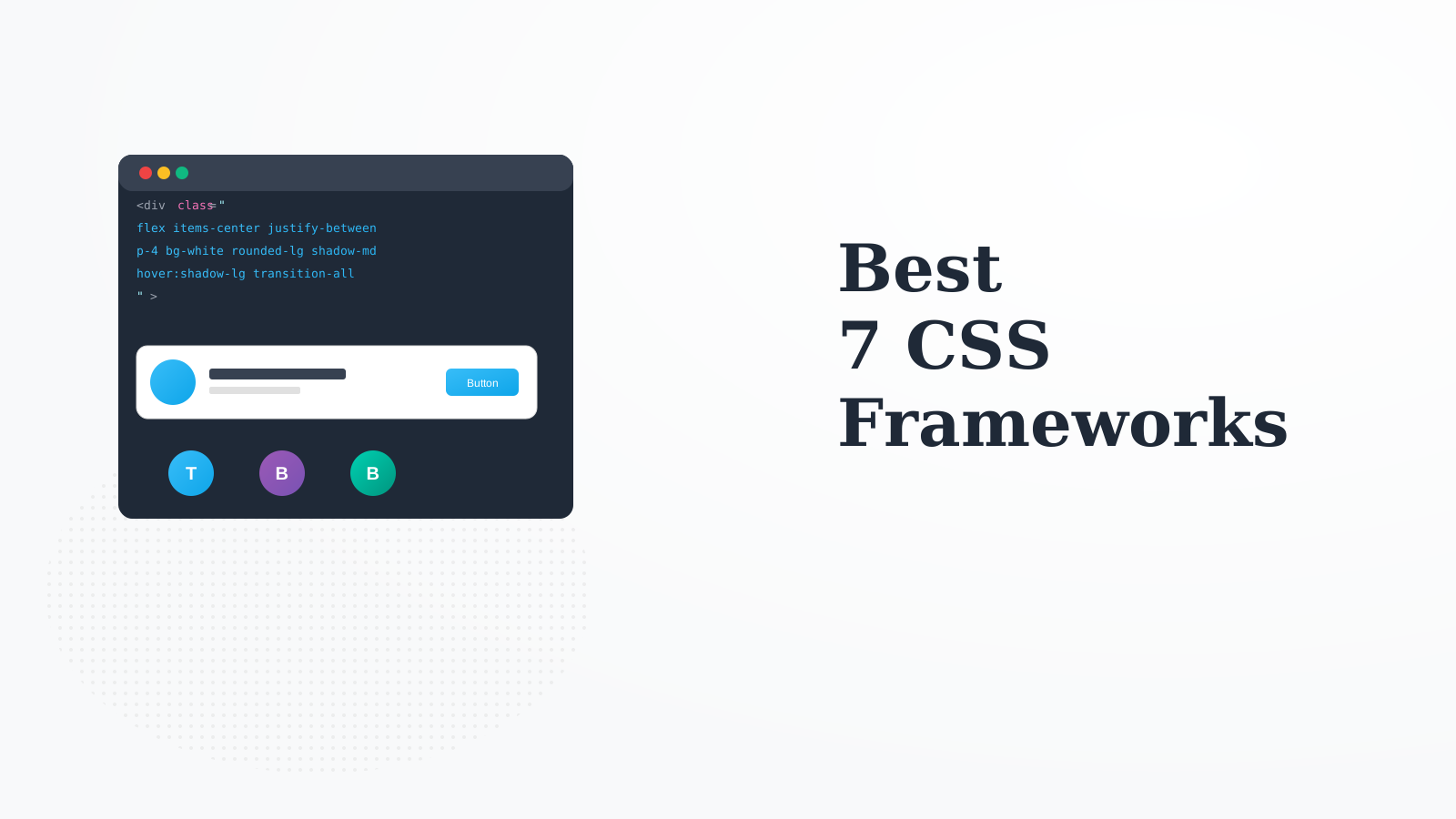
Tailwind CSS revolutionized styling with utility-first classes. The JIT compiler purges unused styles for tiny bundles. Most teams now prefer Tailwind for new projects.
Strengths
Best developer experience
Tiny production builds
Highly customizable
Great ecosystem
Limitations
Verbose HTML
Learning curve
Who it's for: Best for most modern web projects wanting productivity and performance.
Bootstrap remains the most documented and mature CSS framework. The component library is comprehensive and battle-tested. Great for prototypes and teams familiar with it.
Strengths
Most documentation
Mature ecosystem
Complete components
Great browser support
Limitations
Harder to customize
Sites can look similar
Who it's for: Great for rapid prototyping and teams familiar with Bootstrap.
Bulma is a pure CSS framework with no JavaScript dependencies. Simple class-based components with Flexbox grid. Great for developers who want simplicity.
Strengths
No JavaScript
Clean and simple
Modular imports
Good docs
Limitations
Smaller ecosystem
Less customizable
Who it's for: Perfect for developers wanting simple, JavaScript-free CSS components.
MUI is the most comprehensive React component library implementing Material Design. The components are polished and customizable. MUI X adds advanced data grid and date pickers.
Strengths
Comprehensive components
Material Design
Great theming
MUI X advanced
Limitations
React only
Larger bundle
Who it's for: Best for React apps wanting polished Material Design components.
Chakra UI builds accessible React components with excellent theming. The style props approach is intuitive. Focus on accessibility makes it great for public-facing apps.
Strengths
Accessible by default
Great theming
Intuitive style props
Good docs
Limitations
React only
Less components than MUI
Who it's for: Ideal for React apps prioritizing accessibility and developer experience.
DaisyUI adds component classes to Tailwind CSS. Get pre-built components while keeping Tailwind's utility approach. Multiple themes included out of the box.
Strengths
Tailwind components
Multiple themes
No JavaScript
Easy customization
Limitations
Tailwind required
Less mature
Who it's for: Great for Tailwind users who want pre-built component classes.
UnoCSS is the fastest atomic CSS engine, compatible with Tailwind syntax but more flexible. Great for performance-critical applications or custom design systems.
Strengths
Fastest engine
Tailwind compatible
Highly flexible
Smallest output
Limitations
Smaller ecosystem
More setup
Who it's for: Perfect for performance-focused teams who want Tailwind-like utilities.