6 Best Developer Tools for Beginners Learning to Code in 2026
Learning to code is hard enough without fighting your tools. The right beginner-friendly tools reduce friction and let you focus on learning. We selected tools that are easy to start with but won't limit you as you grow.
VS Code is the editor professionals use, but it's also great for beginners. Free, fast, and the extension ecosystem grows with you. Learn it once, use it forever.
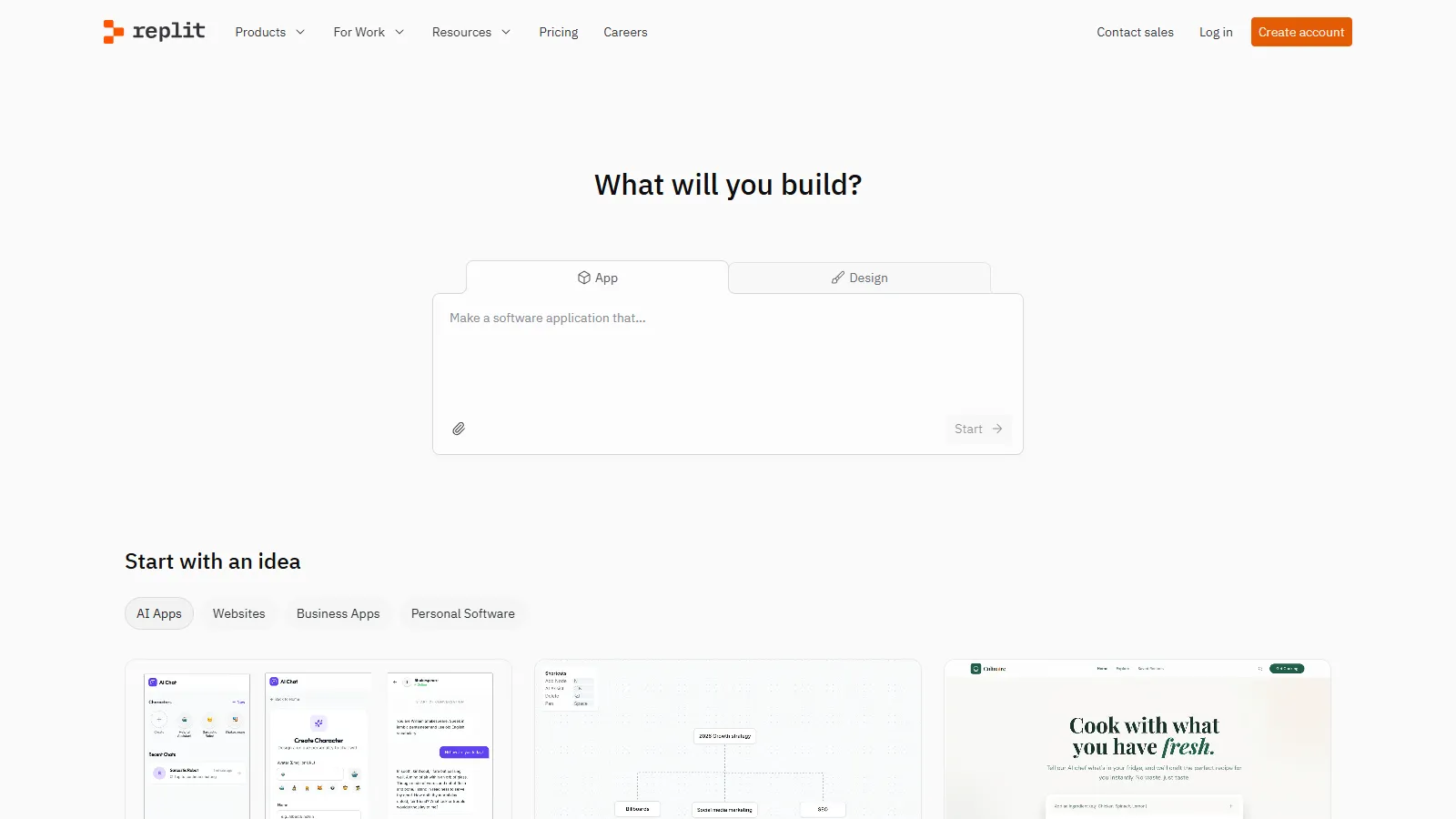
Replit lets you code in your browser with zero setup. Pick a language, start coding. Share instantly, deploy easily. Perfect for learning without installation headaches.
CodePen is a playground for web development. Write HTML, CSS, and JavaScript with instant preview. Great for learning web fundamentals and experimenting.
We evaluated tools on how well they help beginners learn.
Beginner Friendly (35%) — Low friction to start.
Growth Potential (25%) — Won't outgrow quickly.
Learning Support (20%) — Helps you learn.
Cost (10%) — Free or cheap.
Community (10%) — Help available.
How to Choose
Choose Replit if you need Just starting.
Choose CodePen if you need Learning web.
Choose VS Code if you need Ready to install.
Choose Cursor or Copilot if you need Want AI help.
Choose GitHub + Copilot if you need Student.
Common Questions
Start with Replit (zero setup) or CodePen (for web). When ready, install VS Code + GitHub. Add Copilot if you're a student (it's free).
Yes, but carefully. AI explains code and helps when stuck. But also try to solve problems yourself first - that's how you learn. Use AI as a tutor, not a crutch.
Start with Replit for zero friction. Move to local (VS Code) when you want more control, work offline, or build larger projects. Both are valid.