10 Best AI Coding Assistants for Faster Development in 2026
AI coding assistants have transformed software development. From inline completions to full function generation to codebase-wide understanding, these tools can significantly accelerate your workflow. We spent three months comparing 15 AI coding tools across real projects in multiple languages to find which actually improve productivity versus adding noise.
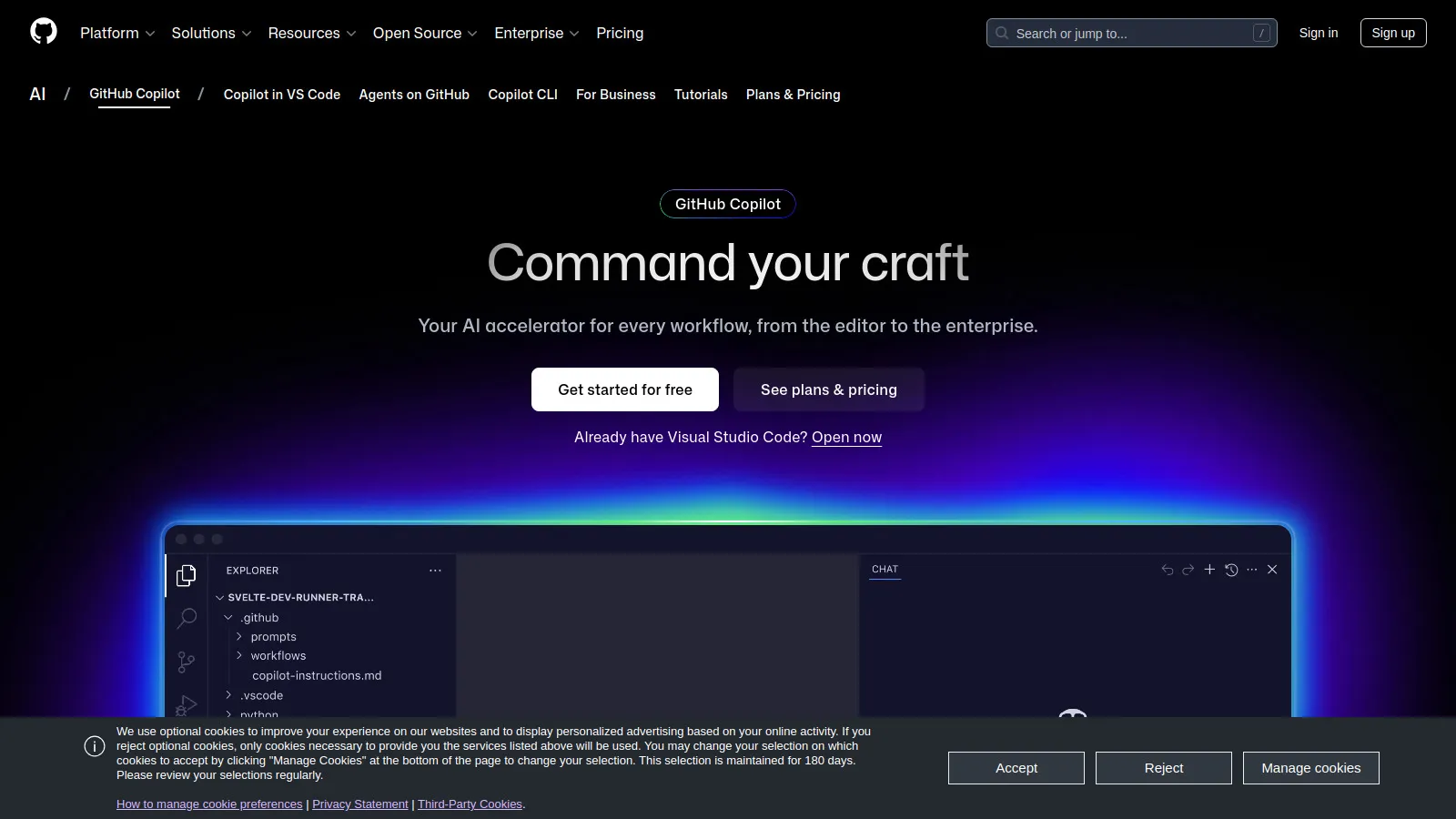
GitHub Copilot remains the most polished AI coding assistant. Powered by GPT-4, it provides accurate inline completions, function generation, and test writing. Copilot Chat adds conversational AI for explanations and refactoring. Works seamlessly in VS Code, JetBrains, Neovim, and more. Enterprise adds org-wide policies and metrics.
Starting price$10-19/mo
Strengths
Best completion quality
Widest IDE support
Copilot Chat integration
Enterprise features
Regular updates
GitHub integration
Limitations
Subscription required
Occasional hallucinations
Privacy concerns for some
Can be distracting
Who it's for: The default choice for most developers. The quality and IDE support make it hard to beat.
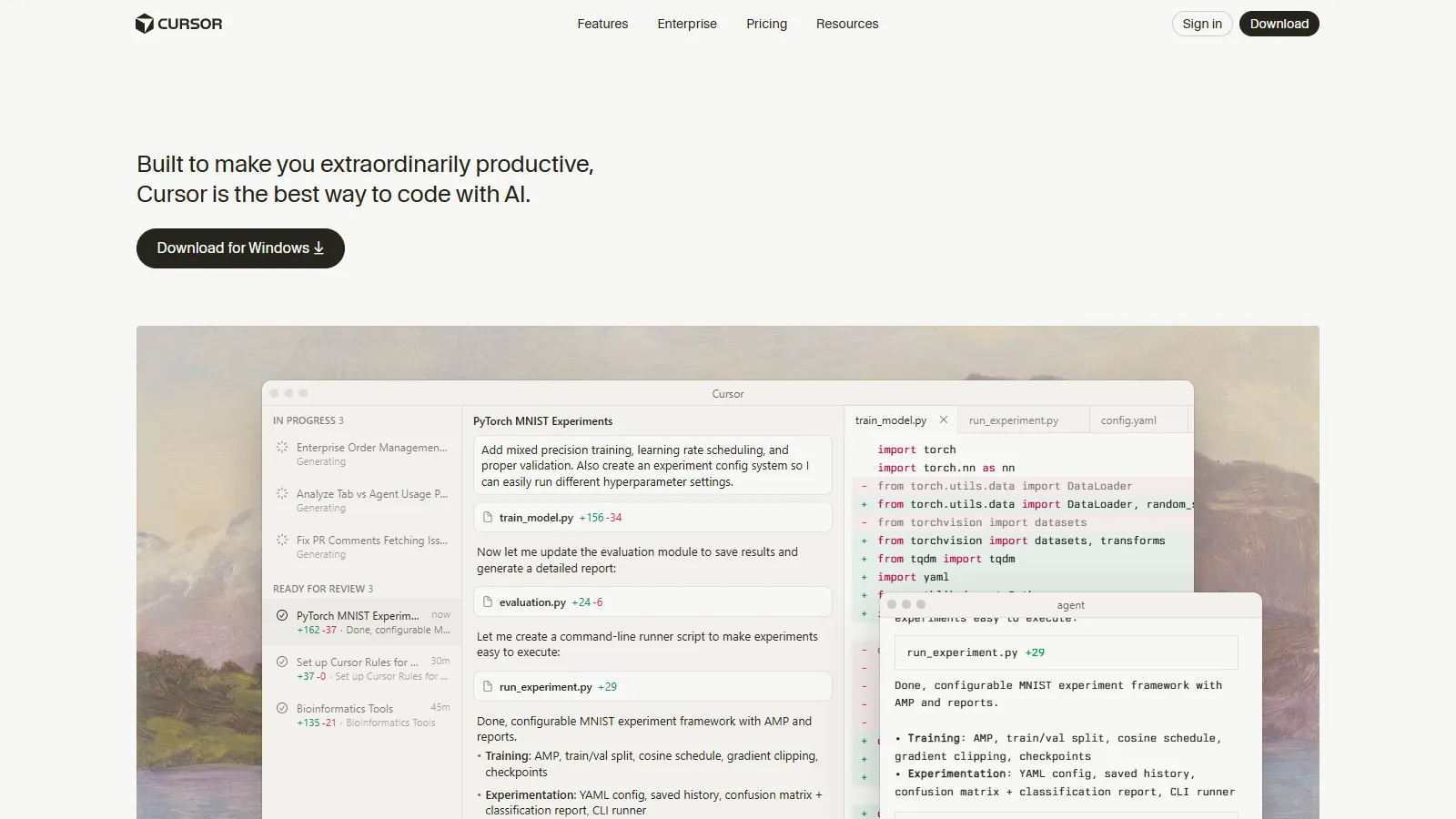
Cursor is a VS Code fork rebuilt around AI. It understands your entire codebase and can make multi-file edits from a single prompt. The Composer feature generates complete features across files. You can use Claude or GPT models. The tradeoff is using their IDE instead of your preferred one.
Starting priceFree/$20
Strengths
Best codebase understanding
Multi-file edits
Model choice (Claude/GPT)
Cmd+K for inline edits
Chat with codebase
Fast iteration
Limitations
Must use Cursor IDE
VS Code extensions mostly work
Learning curve
Subscription for best models
Who it's for: For developers willing to switch IDEs for significantly better AI integration.
Codeium offers Copilot-quality completions completely free for individual developers. It's fast, supports 70+ languages, and works in all major IDEs. The chat feature helps with explanations. Teams can pay for additional features and self-hosting options.
Starting priceFree/$12
Strengths
Free for individuals
Very fast completions
70+ languages
All major IDEs
Chat included
Enterprise options
Limitations
Quality slightly below Copilot
Less codebase awareness
Fewer advanced features
Team features paid
Who it's for: Excellent free alternative to Copilot. The quality gap has narrowed significantly.
CodeWhisperer excels with AWS services - it understands AWS SDKs and suggests appropriate service configurations. Security scanning identifies vulnerabilities. Free for individual use. Best for teams building on AWS.
Strengths
Best AWS code suggestions
Security scanning
Free individual tier
Reference tracking
Enterprise features
Good language support
Limitations
Less general-purpose quality
Fewer IDE options
AWS-centric
Less codebase context
Who it's for: The obvious choice for AWS-heavy development. The security scanning adds real value.
Tabnine focuses on privacy and team learning. It can run entirely on-premise with no code leaving your network. The model learns from your team's coding patterns. Good for regulated industries or security-conscious organizations.
Starting priceFree/$12
Strengths
On-premise option
Team code learning
Privacy-focused
Fast completions
Wide IDE support
Enterprise controls
Limitations
Lower quality than GPT-4 tools
Learning requires time
Limited chat features
On-prem requires resources
Who it's for: Best for privacy-conscious teams, especially in regulated industries.
Cody has the deepest codebase understanding through Sourcegraph's code intelligence. It can answer questions about your entire codebase, explain unfamiliar code, and suggest changes with full context. Great for onboarding to new codebases.
Strengths
Best codebase Q&A
Deep context
Explains existing code
Sourcegraph integration
Claude powered
Good for learning
Limitations
Requires Sourcegraph for full power
Fewer IDE options
Completions less smooth
Enterprise pricing
Who it's for: Excellent for understanding large codebases and onboarding to new projects.
Replit AI is built into the Replit cloud IDE. Ghostwriter provides completions, and you can generate entire applications from prompts. Great for learning and prototyping. The browser-based workflow suits certain use cases.
Starting price$10/mo
Strengths
Generate entire apps
Browser-based
Great for learning
Deployment included
Collaborative
Mobile access
Limitations
Replit platform only
Not for large projects
Performance limits
Monthly subscription
Who it's for: Perfect for learners, prototyping, and developers who like browser-based workflow.
Cline is an AI coding agent that executes multi-step tasks autonomously. Give it a goal and it writes code, creates files, runs tests, and fixes errors. Uses Claude or GPT via your API key. More autonomous than assistants - closer to an AI developer.
Strengths
Autonomous task execution
Creates and edits files
Runs terminal commands
Fixes its own errors
Free (bring API key)
Open source
Limitations
API costs can add up
Needs supervision
Can go off track
VS Code only
Who it's for: For developers wanting AI to handle larger tasks with minimal intervention.
Continue is an open-source AI code assistant that works with any model - cloud or local. Highly customizable with your own prompts and workflows. Use Ollama for local models or any cloud provider. The community contributes extensions.
Starting priceFree
Strengths
Open source
Any model (including local)
Highly customizable
Privacy with local models
Active community
Free
Limitations
Setup required
Quality depends on model
Less polished UX
Documentation scattered
Who it's for: For developers who want full control over their AI assistant and model choice.
Supermaven focuses on speed with the fastest completions we tested. The 300,000 token context window means it understands more of your codebase. Created by the founder of Tabnine with lessons learned.
Starting priceFree/$10
Strengths
Fastest completions
300K token context
High quality
Tabnine founder
Free tier
Growing features
Limitations
VS Code only currently
Newer product
Smaller team
Limited features vs Copilot
Who it's for: For developers who prioritize speed and large context windows.
We used each tool for real development across TypeScript, Python, and Go projects:
Completion Quality (30%) — Accuracy and usefulness of suggestions.
Speed (20%) — Latency and responsiveness.
Codebase Understanding (20%) — Context awareness across files.
IDE Integration (15%) — Smoothness of workflow.
Value (15%) — Features relative to cost.
How to Choose
Choose GitHub Copilot if you need Best all-around.
Choose Cursor if you need AI-native IDE.
Choose Codeium if you need Free option.
Choose CodeWhisperer if you need AWS development.
Choose Tabnine if you need Privacy required.
Choose Cody if you need Understand codebase.
Choose Cline if you need Autonomous agent.
Choose Continue if you need Full control.
Common Questions
For most professional developers, yes. Studies show 30-55% faster task completion. If your hourly rate is above minimum wage, it pays for itself quickly.
Not automatically. They can introduce vulnerabilities. CodeWhisperer includes security scanning. Always review AI-generated code, especially for security-critical paths.
Most require internet. Continue with Ollama runs fully local. Tabnine has an on-premise option. Local models have lower quality than cloud.
No. These tools augment developers, handling boilerplate and suggestions. Architecture, design decisions, and complex problem-solving still require humans.
Replit AI for beginners (generates and explains). Cody for understanding existing code. Copilot Chat for explanations while coding.