8 Best Developer Productivity Tools for Efficiency in 2026
Great developers aren't just better at coding - they're better at optimizing their workflow. The right tools can save hours every week by automating repetitive tasks, reducing context switching, and streamlining common operations. We tested 20+ productivity tools to find which ones actually make a measurable difference in daily development work.
Raycast replaces Spotlight on Mac with a developer-focused launcher. Search files, run scripts, manage clipboard history, and control apps - all from one hotkey. The extension ecosystem adds GitHub PRs, Jira tickets, npm search, and hundreds more. The built-in AI assistant answers quick questions without leaving your flow.
Starting priceFree/$8
Strengths
Replaces multiple tools
Huge extension ecosystem
Built-in AI assistant
Clipboard history
Window management
Custom scripts
Limitations
Mac only
Pro needed for AI
Can be overwhelming
Who it's for: Essential for Mac developers who want a unified productivity hub. The extensions make it infinitely customizable.
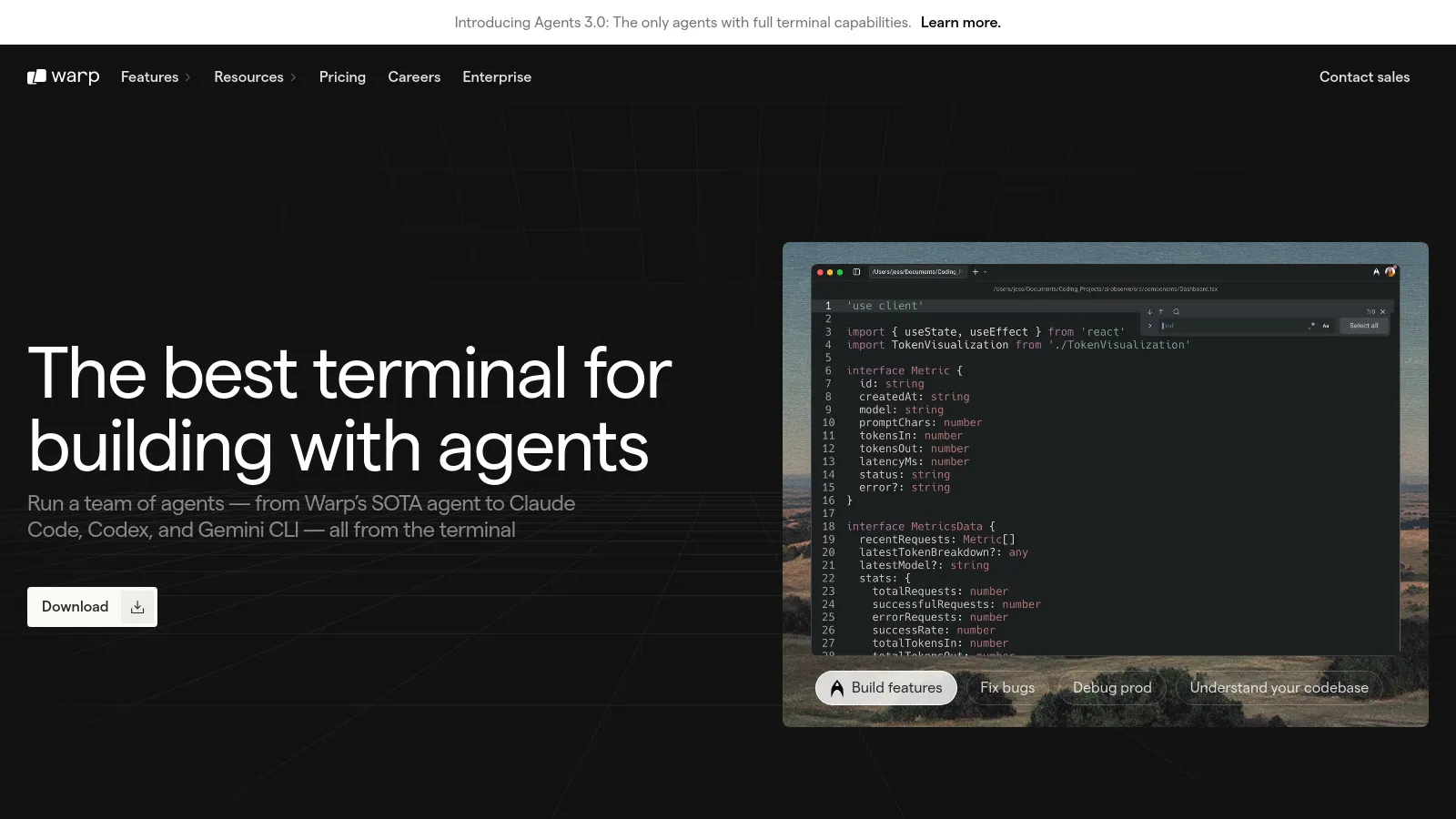
Warp reimagines the terminal with modern UX. Commands are organized into "blocks" that you can search, edit, and share. The AI assistant explains commands and suggests fixes for errors. Native rendering makes it fast, and the input editor feels like a real text editor with multi-line editing.
Starting priceFree/$18
Strengths
Modern intuitive UX
AI command help
Command blocks
Fast native performance
Built-in workflows
Team sharing
Limitations
Requires account
Mac/Linux only
Different from traditional terminals
Who it's for: Perfect for developers frustrated with legacy terminal UX. The AI assistant is genuinely helpful for learning commands.
Fig adds IDE-style autocomplete to any terminal. Type a command and see suggestions with descriptions, arguments, and examples. It works in Terminal, iTerm, Hyper, VS Code terminal, and more. Fig also manages dotfiles and provides AI assistance for complex commands.
Starting priceFree/$15
Strengths
Works in any terminal
Smart autocomplete
Dotfile management
AI suggestions
Custom completions
Limitations
Can be heavy
Occasional conflicts
Learning the suggestions
Who it's for: Great for developers who live in the terminal but want IDE-like intelligence without switching tools.
Dash provides instant offline access to 200+ documentation sets. Download React, Python, AWS, and any other docs once, then search across all of them instantly. The snippet manager stores reusable code. Integration with editors means you can look up docs without leaving your code.
Starting price$29.99
Strengths
Offline access to all docs
Instant search
Editor integration
Snippet manager
One-time purchase
No internet required
Limitations
Mac only (DevDocs for others)
Manual doc updates
Large disk usage
Who it's for: Essential for developers who frequently reference documentation and want instant access without browser tabs.
TablePlus is a beautiful, native database GUI that supports PostgreSQL, MySQL, SQLite, MongoDB, Redis, and 15+ more. The interface is clean and fast. Features like safe mode, SSH tunnels, and query history make database work safer and more productive.
Starting price$89
Strengths
Beautiful native UI
20+ database support
Safe mode
SSH tunnels
Fast performance
Cross-platform
Limitations
One-time purchase per major version
Some features locked
Advanced features learning curve
Who it's for: The best database GUI for developers who work with multiple database types and appreciate good design.
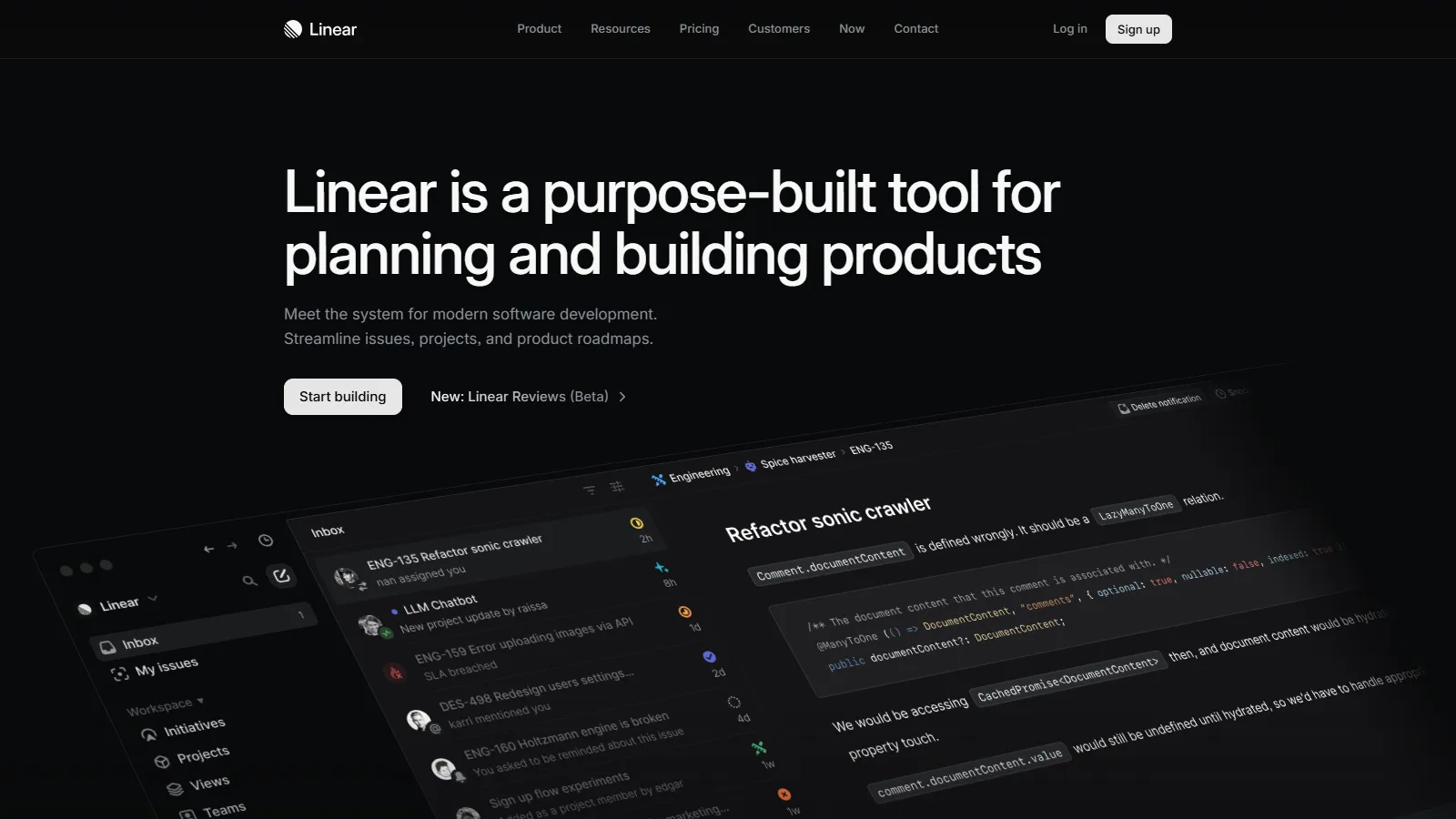
Linear is the fastest issue tracker ever made. Every interaction is instant thanks to sync engine architecture. Keyboard shortcuts for everything make it efficient. The GitHub and GitLab integrations automatically link PRs to issues. Cycles and projects organize work at scale.
Starting priceFree/$8
Strengths
Incredibly fast
Keyboard-first design
Beautiful UI
Git integration
Cycles and projects
API and automations
Limitations
Opinionated workflow
Less customizable than Jira
Team pricing adds up
Who it's for: For teams tired of slow, bloated issue trackers. Linear proves project management can be fast and pleasant.
HTTPie makes API testing human-friendly. The CLI uses intuitive syntax (http GET example.com) instead of cryptic curl flags. The desktop app adds collections, environments, and a beautiful interface. Both CLI and desktop sync sessions.
Starting priceFree/$5
Strengths
Human-friendly syntax
Beautiful desktop app
Sessions and environments
CLI and GUI sync
JSON highlighting
Cross-platform
Limitations
Less powerful than Postman
Fewer team features
Learning the syntax
Who it's for: For developers who find curl too cryptic and Postman too heavy. The balance of power and simplicity is perfect.
DevToys is a Swiss Army knife of developer utilities. JSON formatter, Base64 encoder, JWT decoder, regex tester, hash generator, UUID creator - all offline in one app. No more searching for random websites for simple conversions.
Starting priceFree
Strengths
30+ tools in one
Completely offline
Free and open source
Fast and native
No ads or tracking
Cross-platform
Limitations
Basic functionality only
No customization
Windows-first (Mac newer)
Who it's for: Every developer needs quick access to converters and formatters. DevToys consolidates them all offline.
We integrated each tool into real development workflows for at least two weeks, measuring actual time savings:
Time Savings (30%) — Measurable reduction in repetitive tasks.
Integration (25%) — Works with existing dev stack.
Learning Curve (20%) — Time to become productive.
Reliability (15%) — Stable and doesn't break workflow.
Value (10%) — Worth the price for productivity gains.
How to Choose
Choose Raycast if you need Mac launcher replacement.
Choose Warp if you need Modern terminal.
Choose Fig if you need Terminal autocomplete.
Choose Dash if you need Offline documentation.
Choose TablePlus if you need Database GUI.
Choose Linear if you need Fast issue tracking.
Common Questions
Yes. Developer time is expensive. If a tool saves 30 minutes per week, it pays for itself quickly. Most offer free tiers to try first.
TablePlus, DevToys, and HTTPie work on Windows. PowerToys is a great Raycast alternative. Windows Terminal with Oh My Posh provides similar terminal improvements.
No. Start with one tool that addresses your biggest pain point. A launcher (Raycast) or terminal improvement (Warp/Fig) gives the most daily benefit.
All tools listed are native and performant. Raycast and Warp are notably fast. The exception is if you install too many extensions.