7 Best Git Clients for Visual Git Management in 2026
We tested 12+ Git GUI clients to find the best options for visual branch management, commit history exploration, and complex Git operations. These tools make Git more accessible and help visualize repository state.
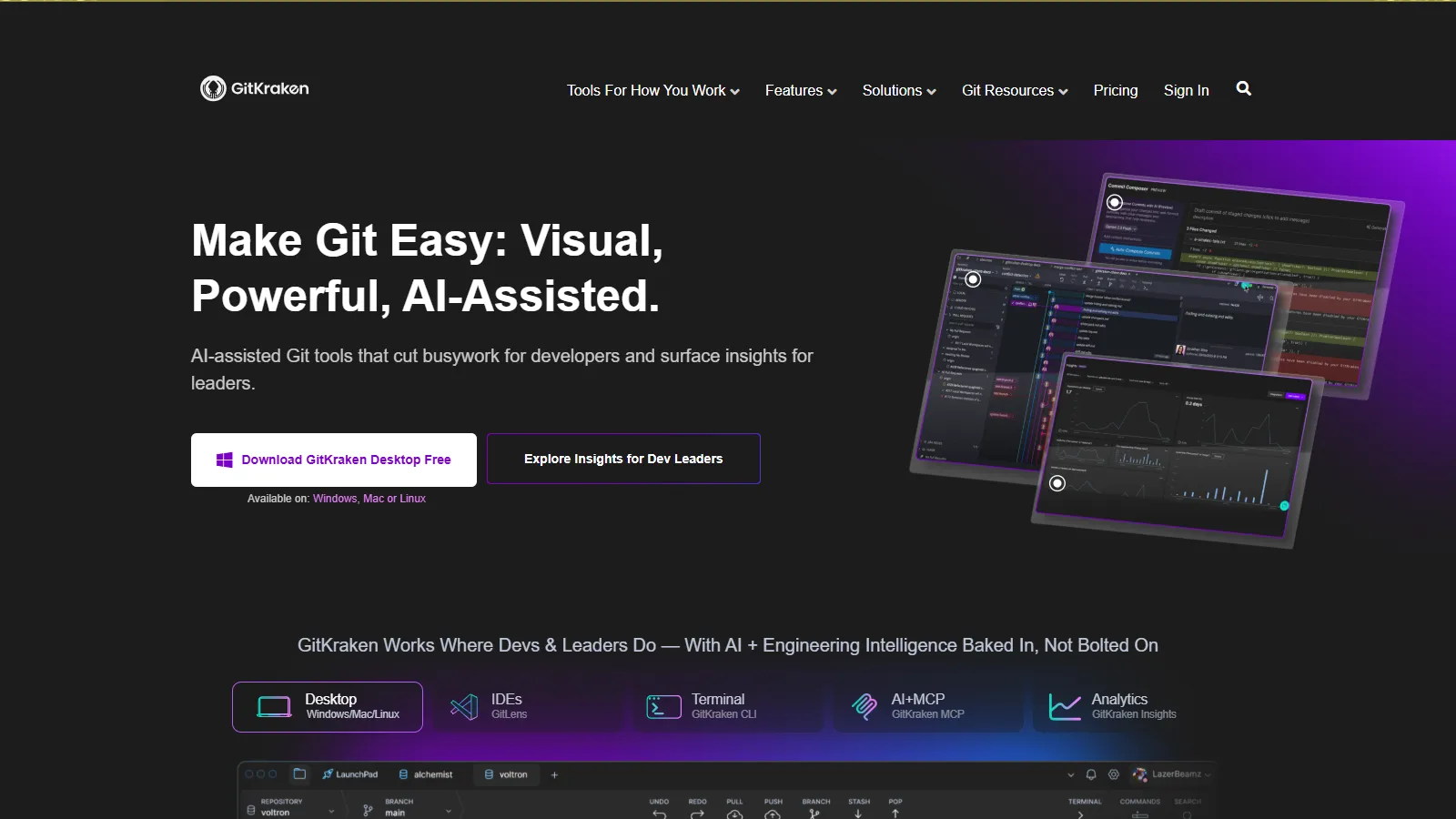
GitKraken offers the most beautiful and intuitive Git GUI experience. The visual commit graph is exceptionally clear, and the built-in merge conflict tool handles complex merges gracefully. Integrations with GitHub, GitLab, and Bitbucket streamline pull request workflows.
Starting priceFree/$4.95/mo
Strengths
Most intuitive visual branch graph
Excellent built-in merge conflict tool
Deep GitHub/GitLab/Bitbucket integration
Cross-platform including Linux
Glo Boards for issue tracking
Limitations
Free tier limited for private repos
Subscription pricing adds up
Can be slower on very large repos
Electron-based uses more memory
Who it's for: Best for developers who want the most visual and intuitive Git experience. Ideal for teams wanting consistent Git workflow across platforms.
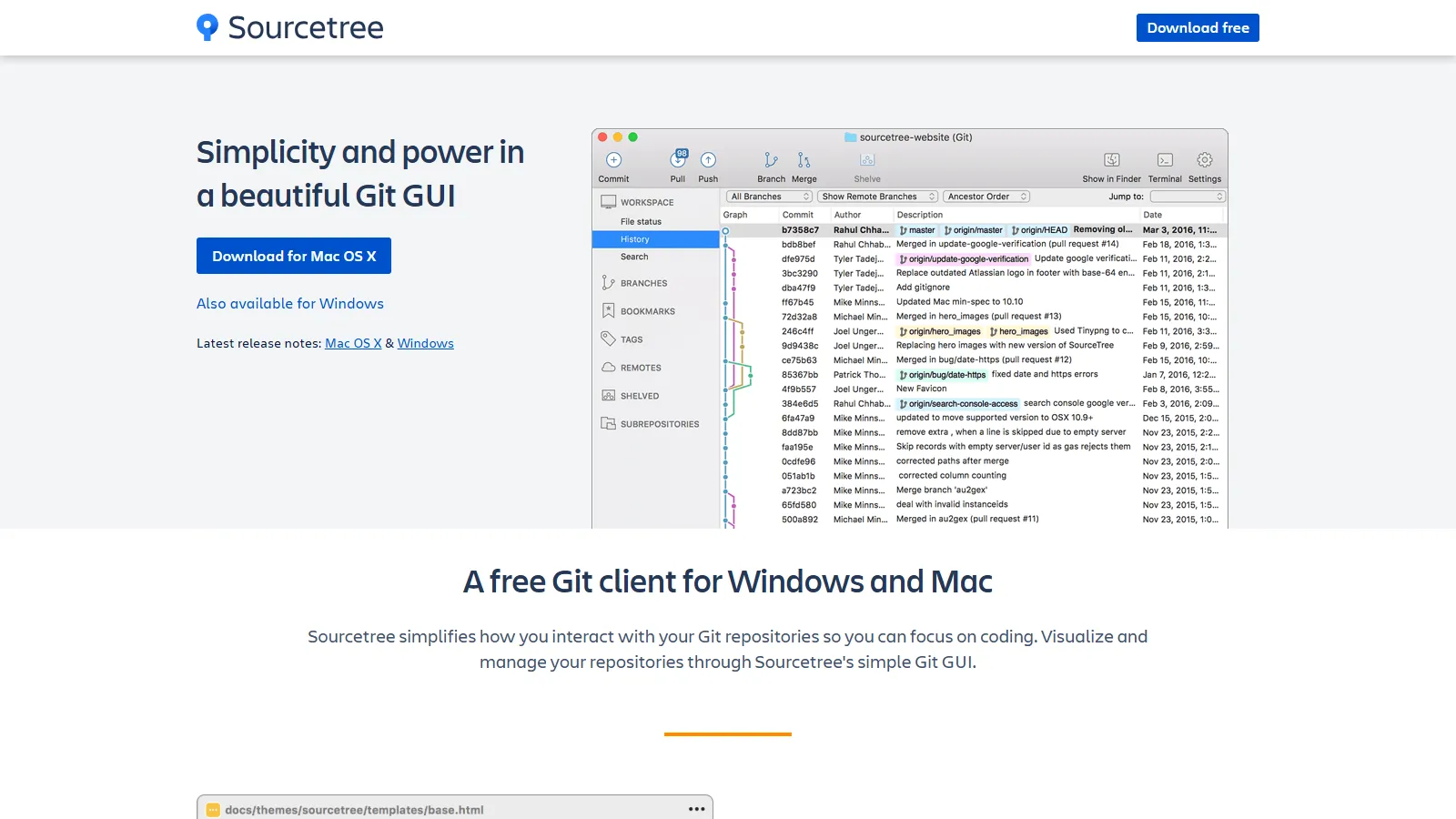
Sourcetree is a completely free Git client from Atlassian with advanced features other clients charge for. Git Flow support, submodules, and large file storage work out of the box. Excellent for Bitbucket users but works with any Git repository.
Starting priceFree
Strengths
Completely free with all features
Built-in Git Flow support
Submodule management
Interactive rebase
Large file storage support
Limitations
No Linux version
Can feel slow on large repos
Interface dated compared to others
Requires Atlassian account
Who it's for: Best for developers wanting full-featured Git GUI without paying. Ideal for Bitbucket users and those needing Git Flow or submodule support.
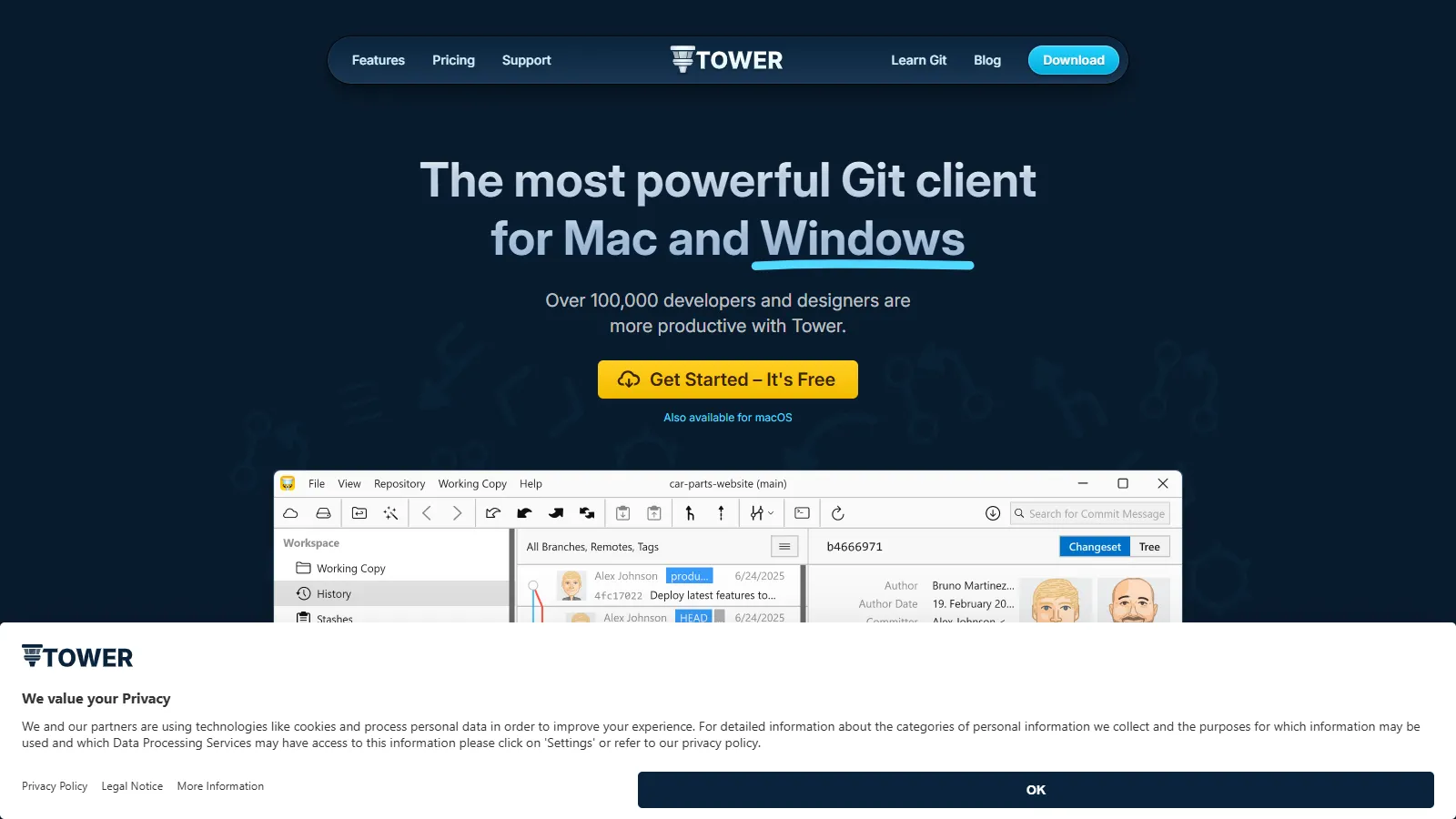
Tower is the most polished Git client with thoughtful details throughout. The unique undo feature can recover from almost any Git mistake. Drag-and-drop operations and the conflict resolution wizard make complex operations simple.
Starting price$69/yr
Strengths
Undo feature recovers from mistakes
Most polished interface
Drag-and-drop branch operations
Excellent conflict wizard
Great documentation and support
Limitations
Paid subscription required
No Linux version
Higher price than alternatives
No free tier for private repos
Who it's for: Best for professional developers who value polish and safety. Ideal for teams where Git mistakes are costly and productivity matters.
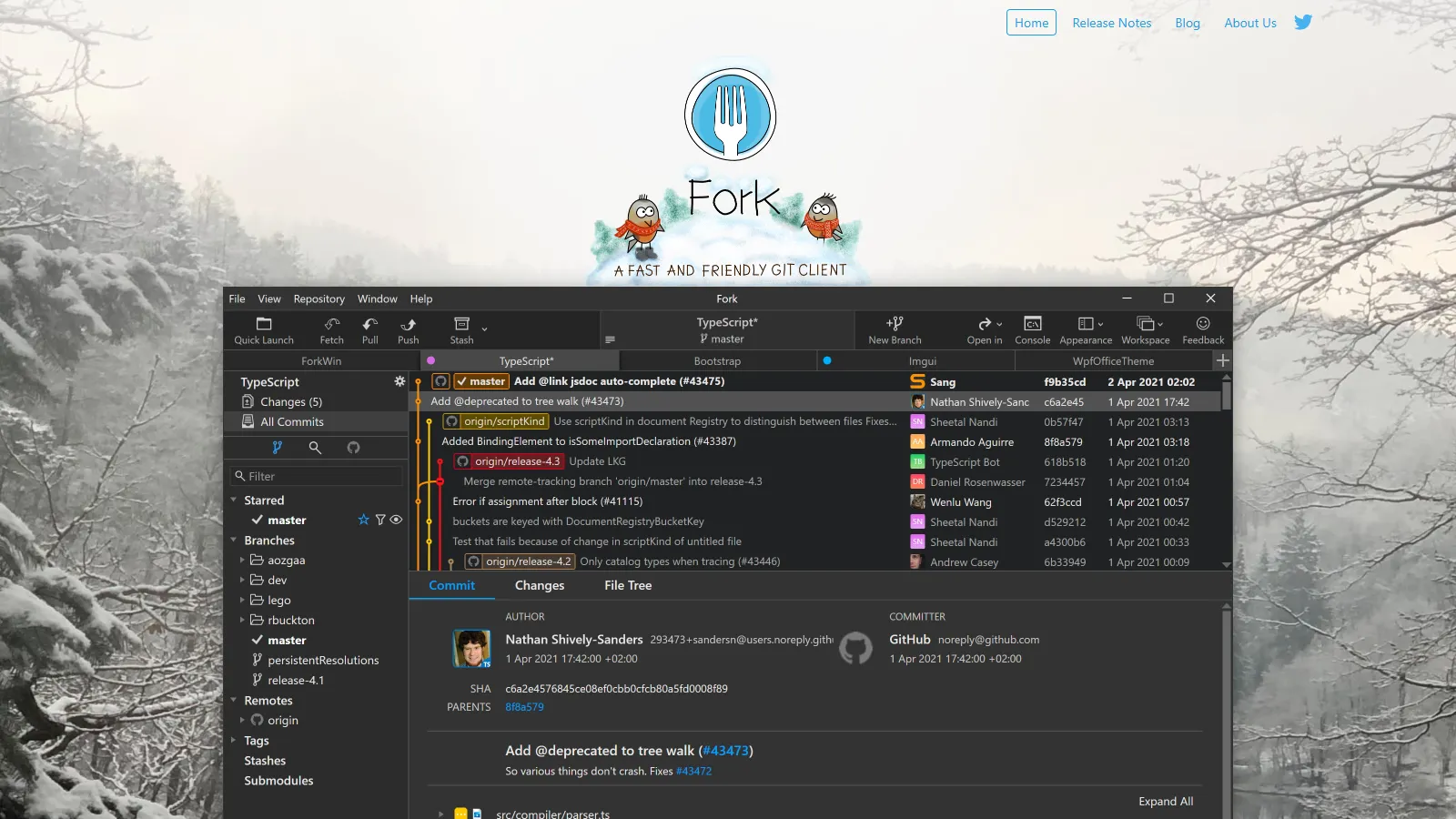
Fork is a fast, lightweight Git client with a beautiful interface. Image diffs, interactive rebase, and merge conflict resolution work smoothly. Developed by a husband-and-wife team, it punches above its weight class.
Starting priceFree/$49.99
Strengths
Fast and lightweight
Beautiful clean interface
Image diff support
Interactive rebase
Free during evaluation
Limitations
No Linux version
Smaller feature set than some
Less integration depth
Smaller development team
Who it's for: Best for developers wanting a fast, clean Git client without bloat. Ideal when you value speed and simplicity over extensive features.
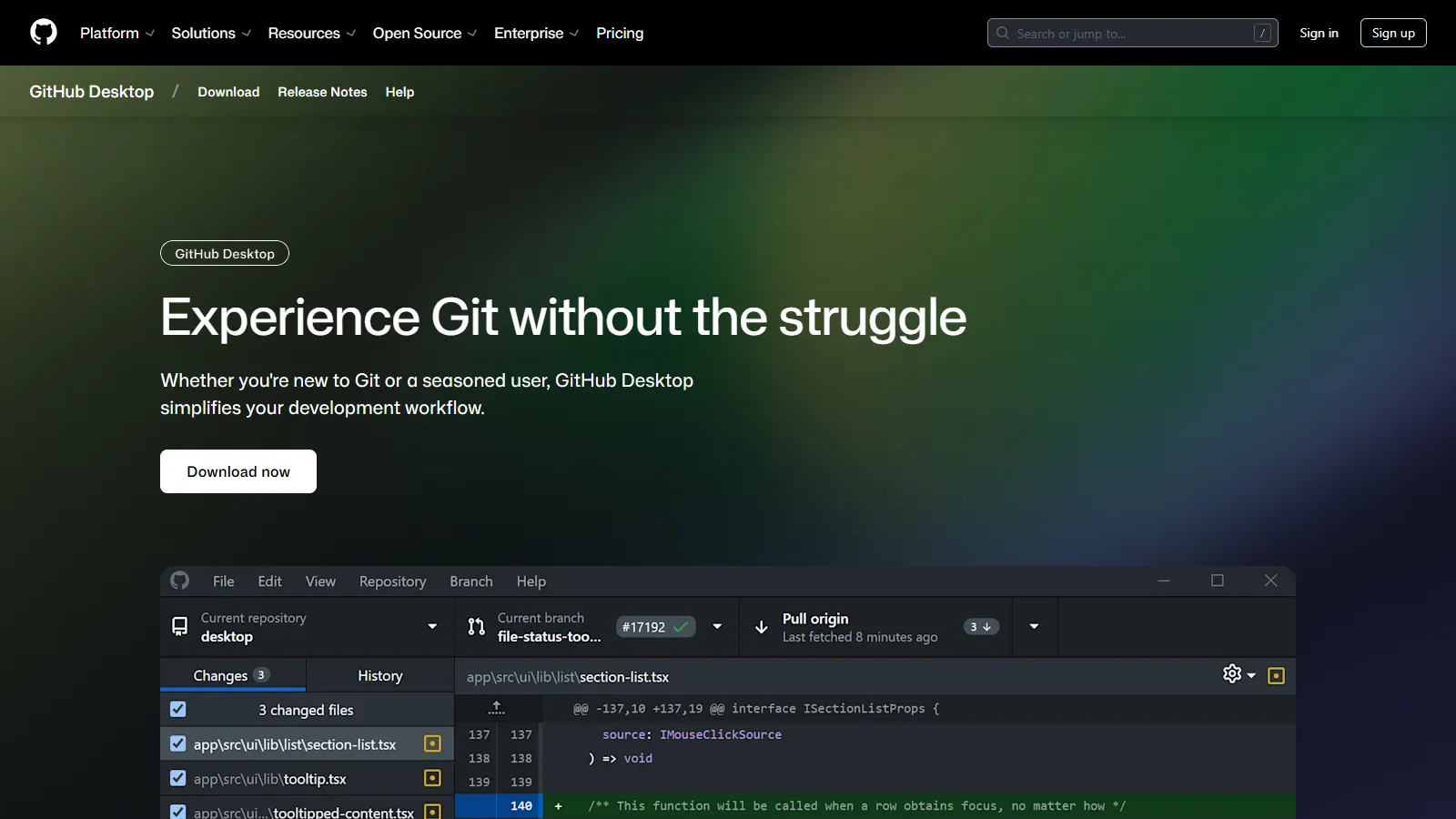
GitHub Desktop is the simplest Git client, perfect for beginners or those who primarily use GitHub. It abstracts away Git complexity while supporting core workflows like branching, committing, and pull requests.
Starting priceFree
Strengths
Simplest learning curve
Native GitHub integration
Pull request workflow built-in
Completely free
Open source
Limitations
No visual branch graph
No built-in merge tool
Limited advanced features
GitHub-focused design
Who it's for: Best for Git beginners and those using GitHub. Ideal when you want simplicity over power and primarily work with GitHub repositories.
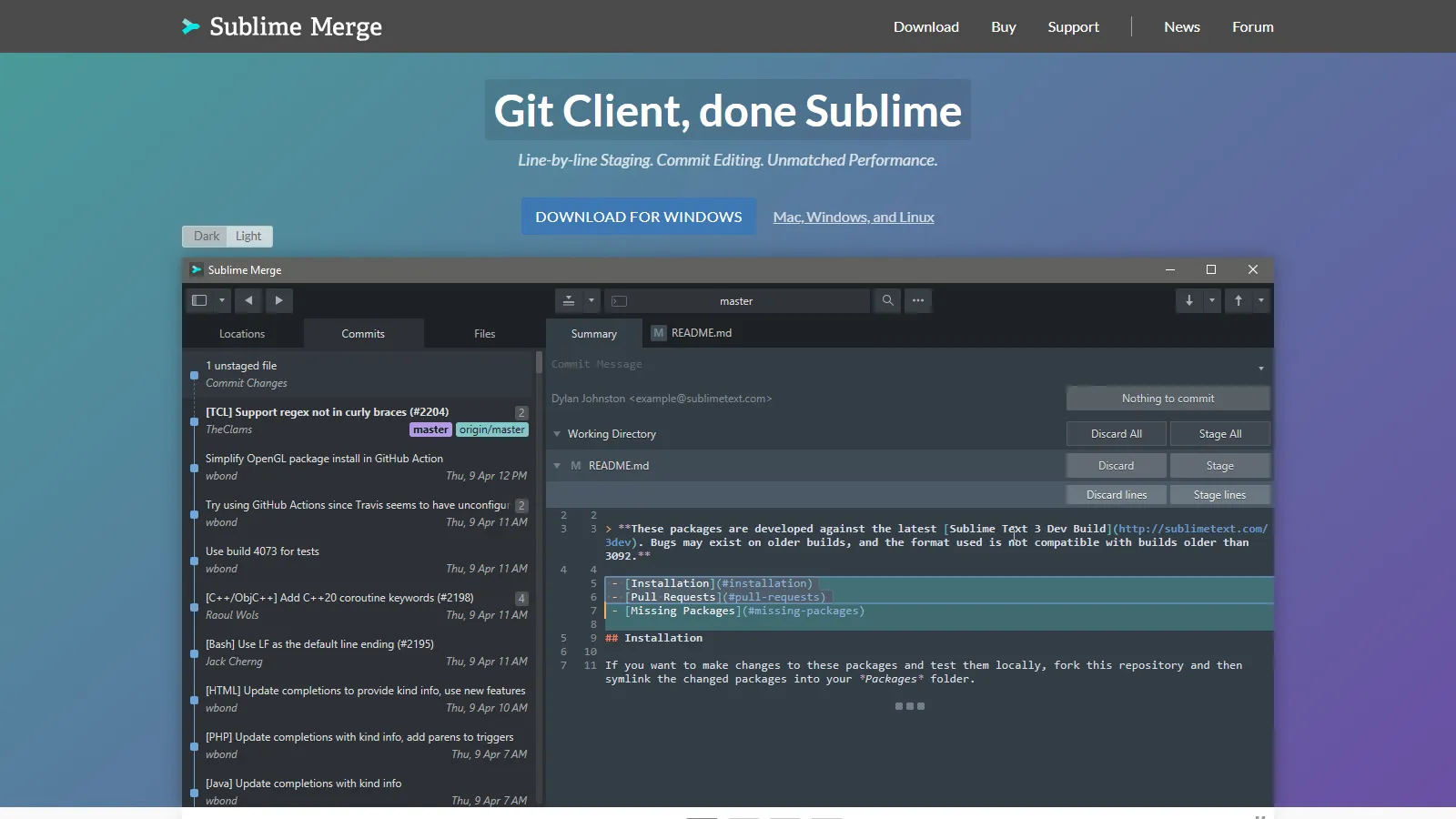
Sublime Merge brings Sublime Text speed and keyboard-centric design to Git. The command palette, syntax highlighting in diffs, and line-by-line staging make it powerful for developers who prefer keyboard over mouse.
Starting priceFree/$99
Strengths
Blazing fast performance
Command palette for everything
Syntax highlighting in diffs
Line-by-line staging
Cross-platform including Linux
Limitations
No Git Flow support
Less visual than others
Fewer integrations
Power-user focused
Who it's for: Best for developers who love Sublime Text and keyboard-driven workflows. Ideal for power users who prioritize speed over visual features.
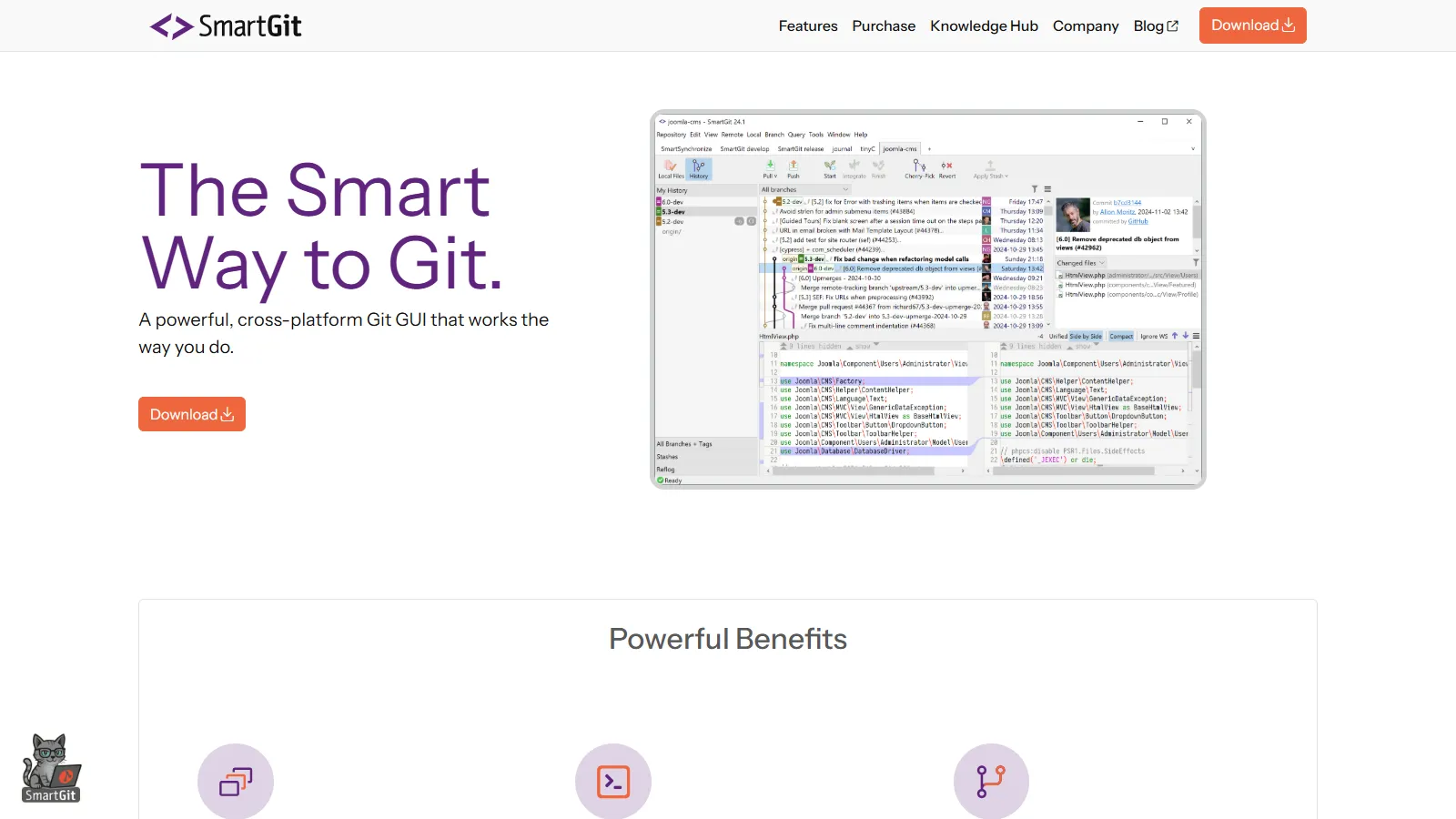
SmartGit offers the most advanced Git features including SVN bridge support and deep commit analysis with DeepGit. The comprehensive feature set covers edge cases other clients miss, at the cost of interface simplicity.
Starting priceFree/$79/yr
Strengths
Most comprehensive features
SVN repository support
DeepGit for commit analysis
Cross-platform including Linux
Free for non-commercial use
Limitations
Interface not as polished
Steeper learning curve
Can feel overwhelming
Design feels dated
Who it's for: Best for developers needing advanced Git features or SVN support. Ideal when you need comprehensive Git operations beyond typical workflows.
Performance (20%) — Speed with large repos and many branches.
Feature Depth (15%) — Support for advanced Git operations.
Value (15%) — Features provided relative to cost.
How to Choose
Choose GitKraken if you need the best visual Git experience.
Choose Sourcetree if you need free full-featured Git GUI.
Choose Tower if you need most polished professional client.
Choose Fork if you need fast and lightweight.
Choose GitHub Desktop if you need learning Git with GitHub.
Choose Sublime Merge if you need keyboard-driven workflow.
Choose SmartGit if you need advanced Git or SVN support.
Common Questions
Command line is sufficient for basic Git. GUIs excel at visualizing branch history, resolving merge conflicts, and handling complex operations. Many developers use both depending on the task.
Sourcetree, GitHub Desktop, and SmartGit (for non-commercial use) are completely free. GitKraken and Fork offer free tiers with limitations on private repositories.
For teams and professional developers, GitKraken Pro is worth it for private repo support, advanced features, and cross-platform consistency. Hobbyists may find free alternatives sufficient.
GitHub Desktop is simplest for absolute beginners. GitKraken offers the best visual learning experience. Sourcetree is good once you understand basic Git concepts.
Some clients like Tower, Fork, and Sourcetree focus on macOS and Windows markets. GitKraken, Sublime Merge, and SmartGit support Linux. VS Code with GitLens is also excellent on Linux.