We tested 15+ code editors to find the best options for web developers. These editors offer excellent HTML, CSS, and JavaScript support with extensions for React, Vue, Angular, and modern web frameworks.
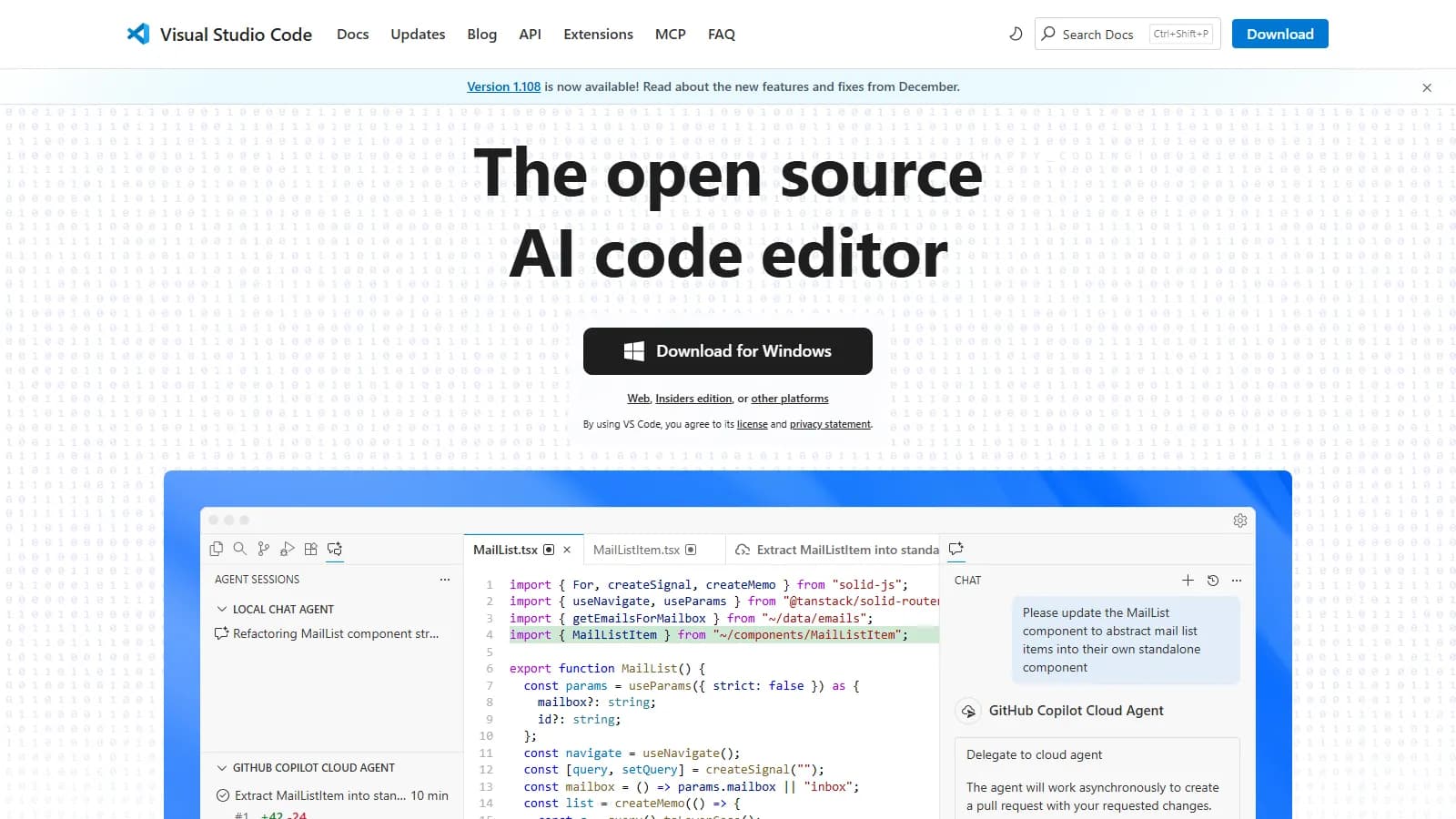
Visual Studio Code dominates web development with the largest extension ecosystem and excellent built-in features. IntelliSense for JavaScript and TypeScript, integrated Git, debugging, and terminal make it a complete development environment out of the box.
Starting priceFree
Strengths
Largest extension marketplace
Excellent JavaScript/TypeScript IntelliSense
Built-in Git and debugging
Integrated terminal
Copilot and AI integrations available
Limitations
Can become slow with many extensions
Electron-based uses more memory
Some prefer native performance
Who it's for: Best for web developers of all levels. The default choice for JavaScript, TypeScript, React, Vue, Angular, and Node.js development.
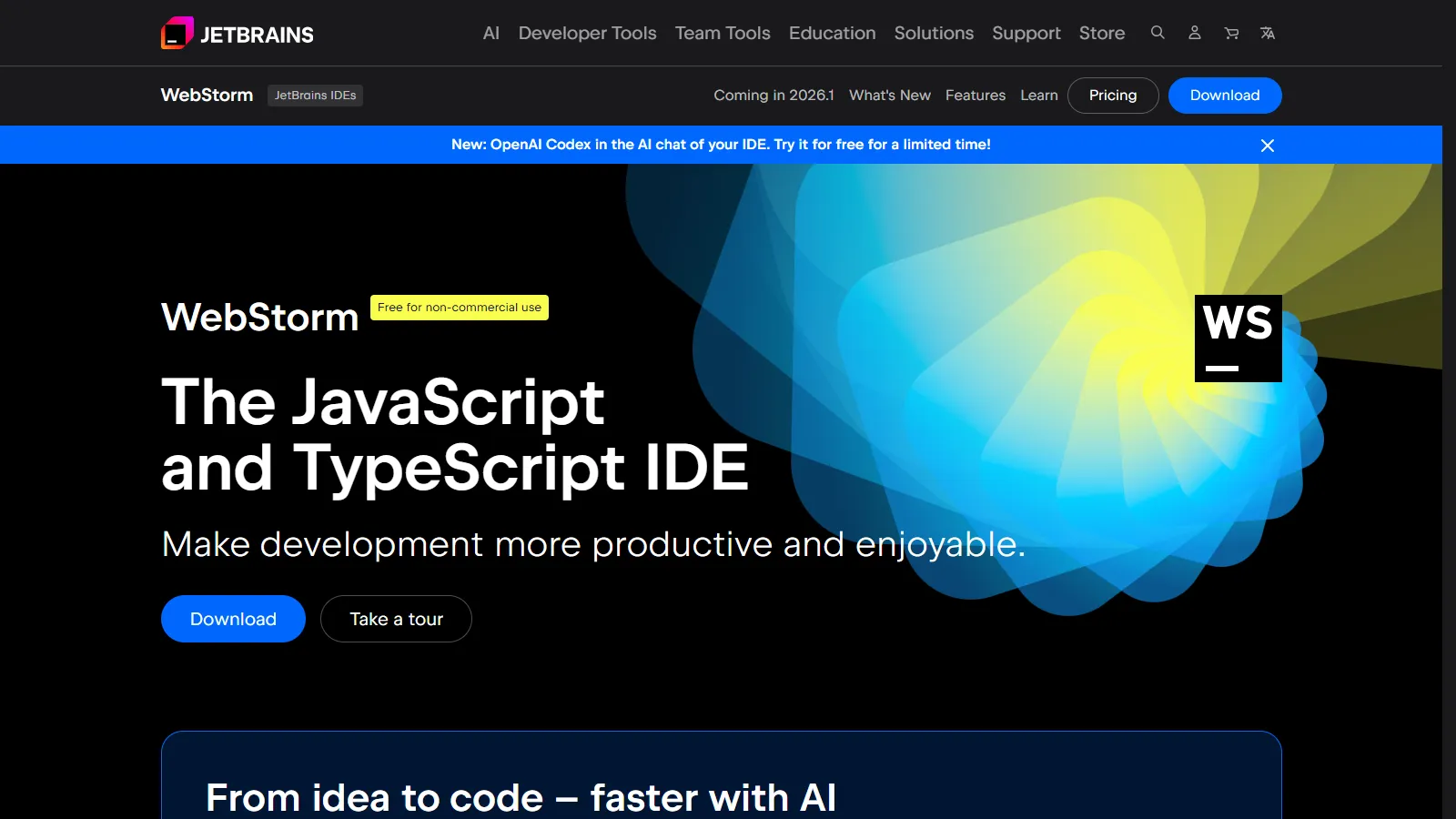
WebStorm provides the most intelligent JavaScript development experience with deep understanding of frameworks and code structure. Refactoring, navigation, and debugging work flawlessly for React, Vue, Angular, and Node.js without configuration.
Starting price$16.90/mo
Strengths
Best-in-class JavaScript refactoring
Framework-aware code completion
Zero-config debugging
Excellent testing integration
JetBrains AI Assistant available
Limitations
Paid subscription required
Heavier resource usage
Overkill for simple projects
Extension ecosystem smaller than VS Code
Who it's for: Best for professional JavaScript developers and teams. Ideal when code quality, refactoring, and integrated tooling matter more than cost.
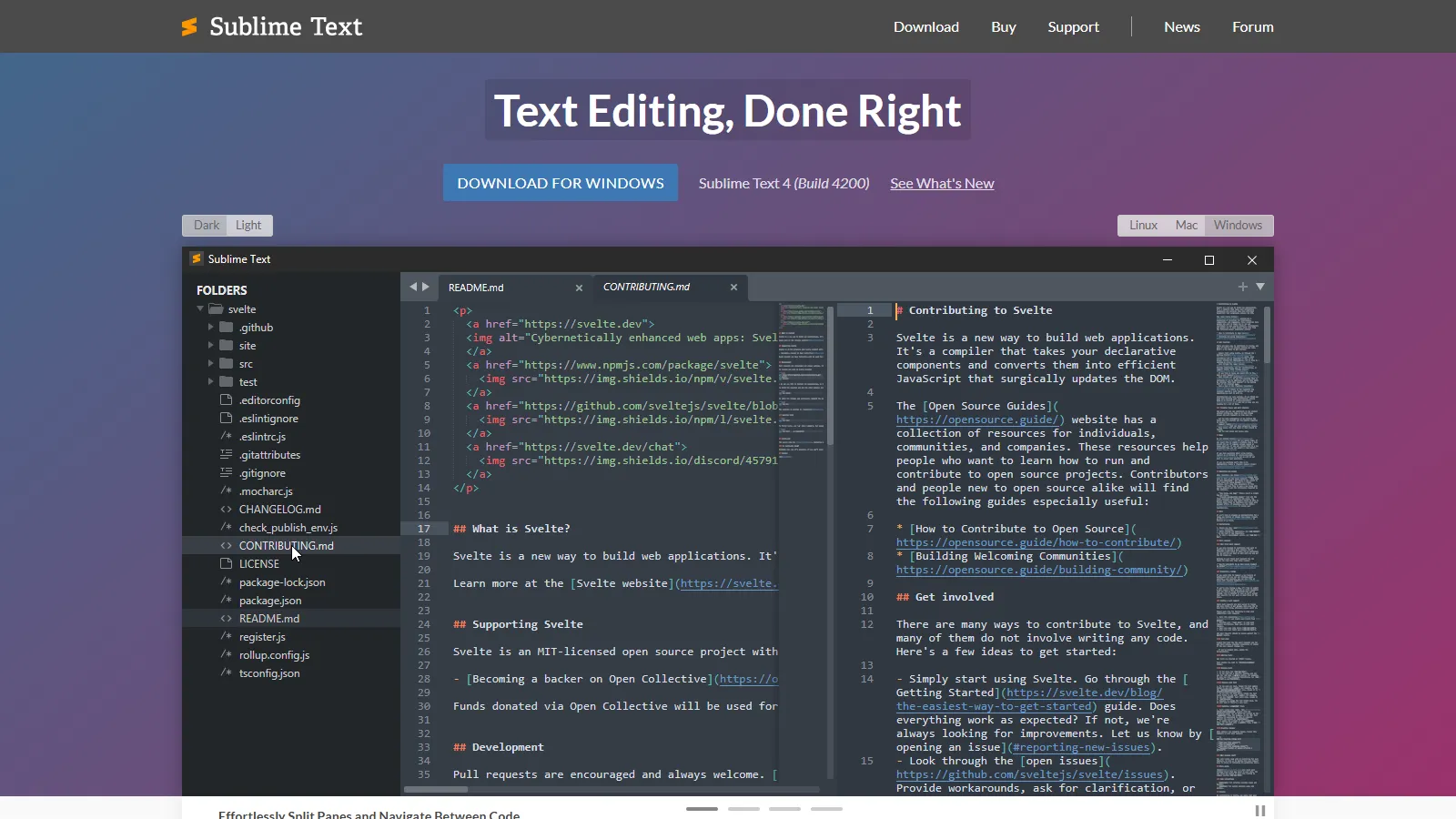
Sublime Text remains the fastest code editor with instant startup and lag-free editing even on large files. Goto Anything, multiple cursors, and command palette inspired many features now standard in other editors.
Starting priceFree/$99
Strengths
Fastest startup and file opening
Handles large files effortlessly
Powerful keyboard shortcuts
Distraction-free mode
One-time license option
Limitations
No built-in Git or debugging
Fewer modern features built-in
Package ecosystem smaller
Less active development
Who it's for: Best for developers who value speed and simplicity. Ideal when you prefer lightweight tools and configure your own workflow.
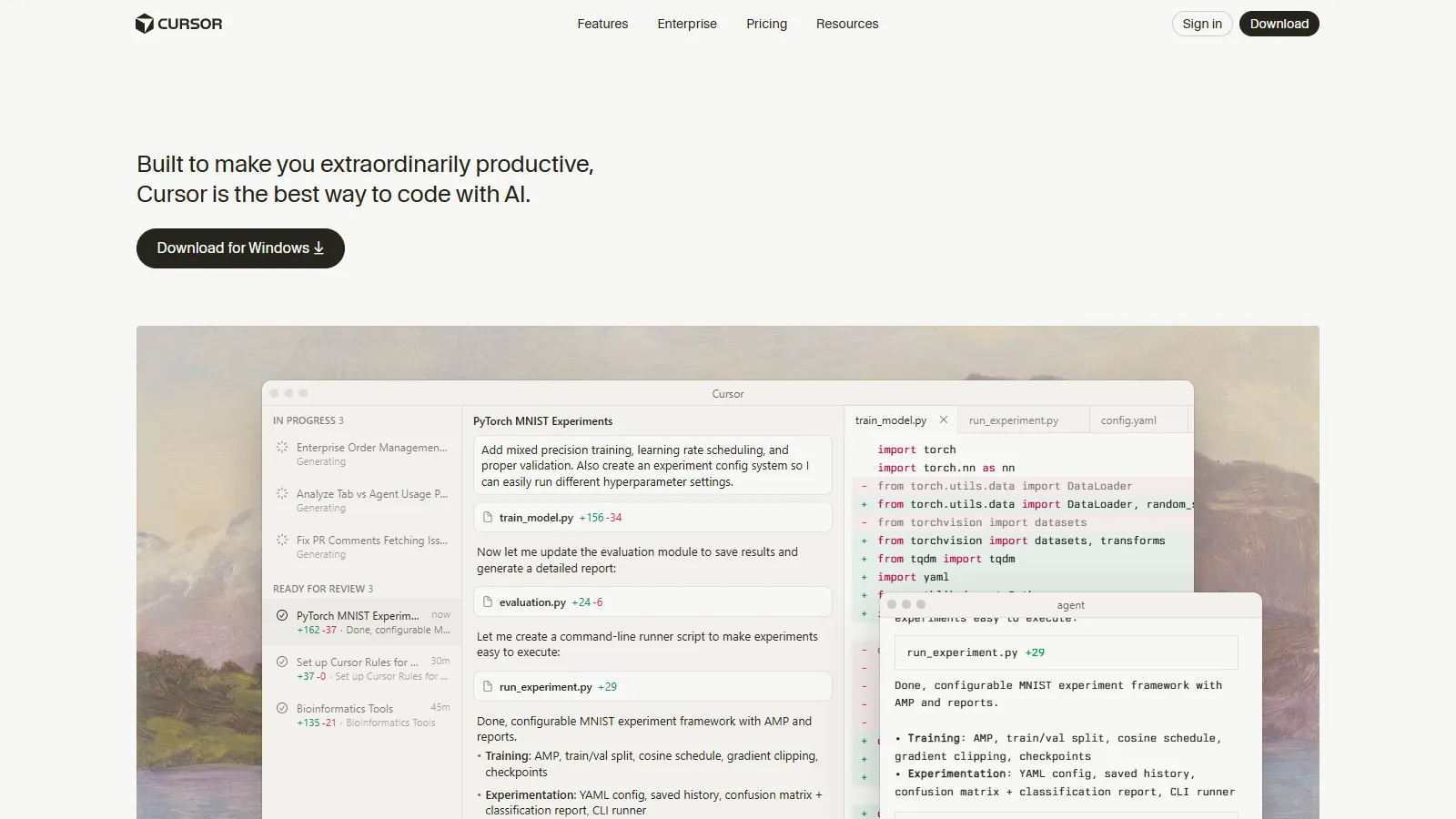
Cursor is an AI-first code editor built on VS Code with codebase-aware autocomplete and chat. It understands your entire project context, making AI suggestions more relevant than generic copilots.
Starting priceFree/$20/mo
Strengths
AI understands your whole codebase
Built on VS Code compatibility
Chat with code context
Multi-file edits via AI
Active development and updates
Limitations
Paid for full AI features
Newer with smaller community
AI can suggest incorrect code
Requires internet for AI
Who it's for: Best for developers who want AI deeply integrated into their editor. Ideal for those comfortable with VS Code who want smarter AI assistance.
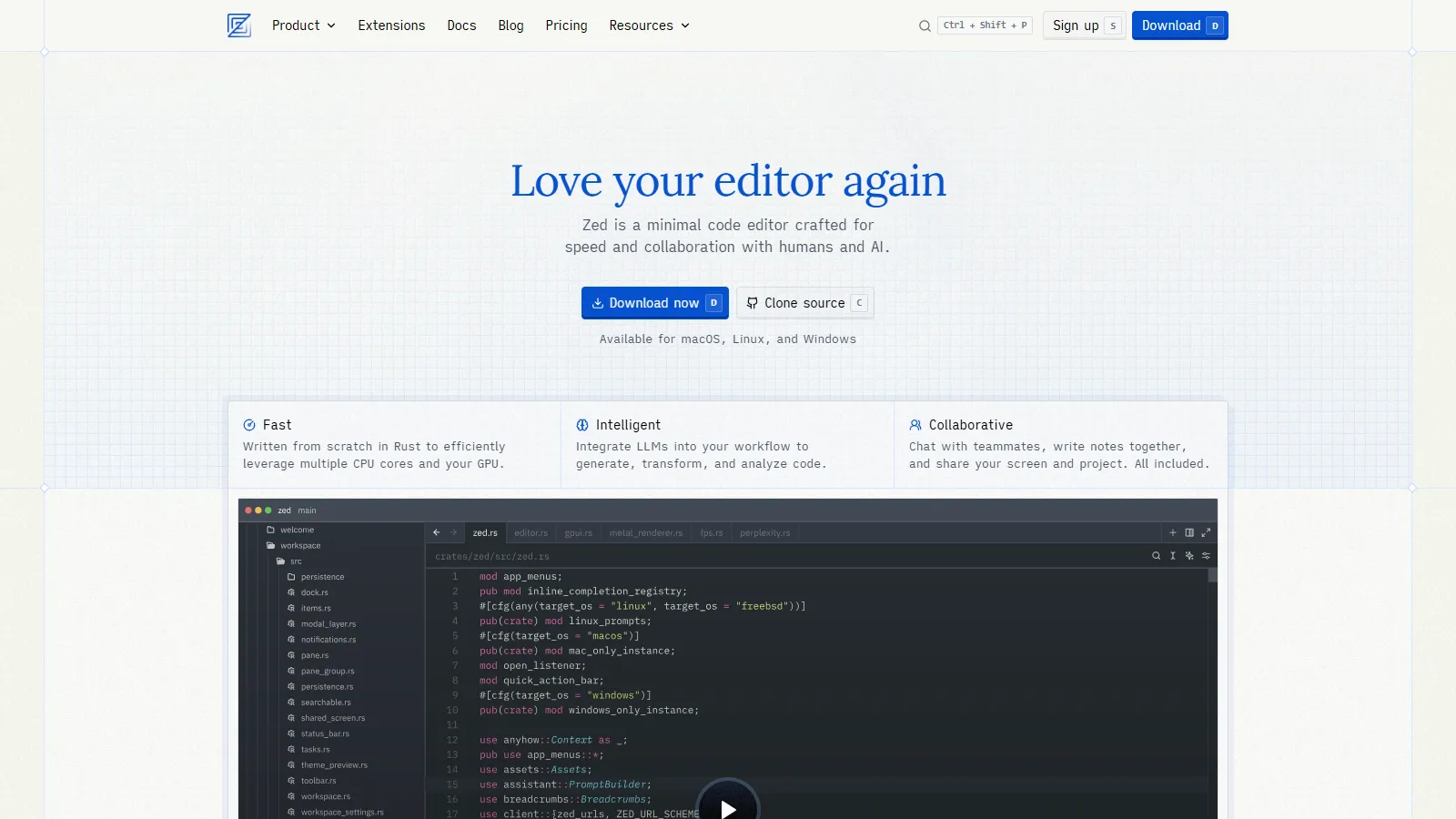
Zed is built from scratch in Rust for native performance, offering instant startup and buttery-smooth editing. Real-time multiplayer collaboration lets multiple developers edit the same file simultaneously.
Starting priceFree
Strengths
Native Rust performance
Real-time multiplayer editing
Modern minimal interface
Built-in AI features
Free and open source
Limitations
Newer with fewer extensions
macOS and Linux only currently
Missing some VS Code features
Debugging not built-in
Who it's for: Best for developers who prioritize performance and want a modern alternative to VS Code. Ideal for pair programming and collaborative coding.
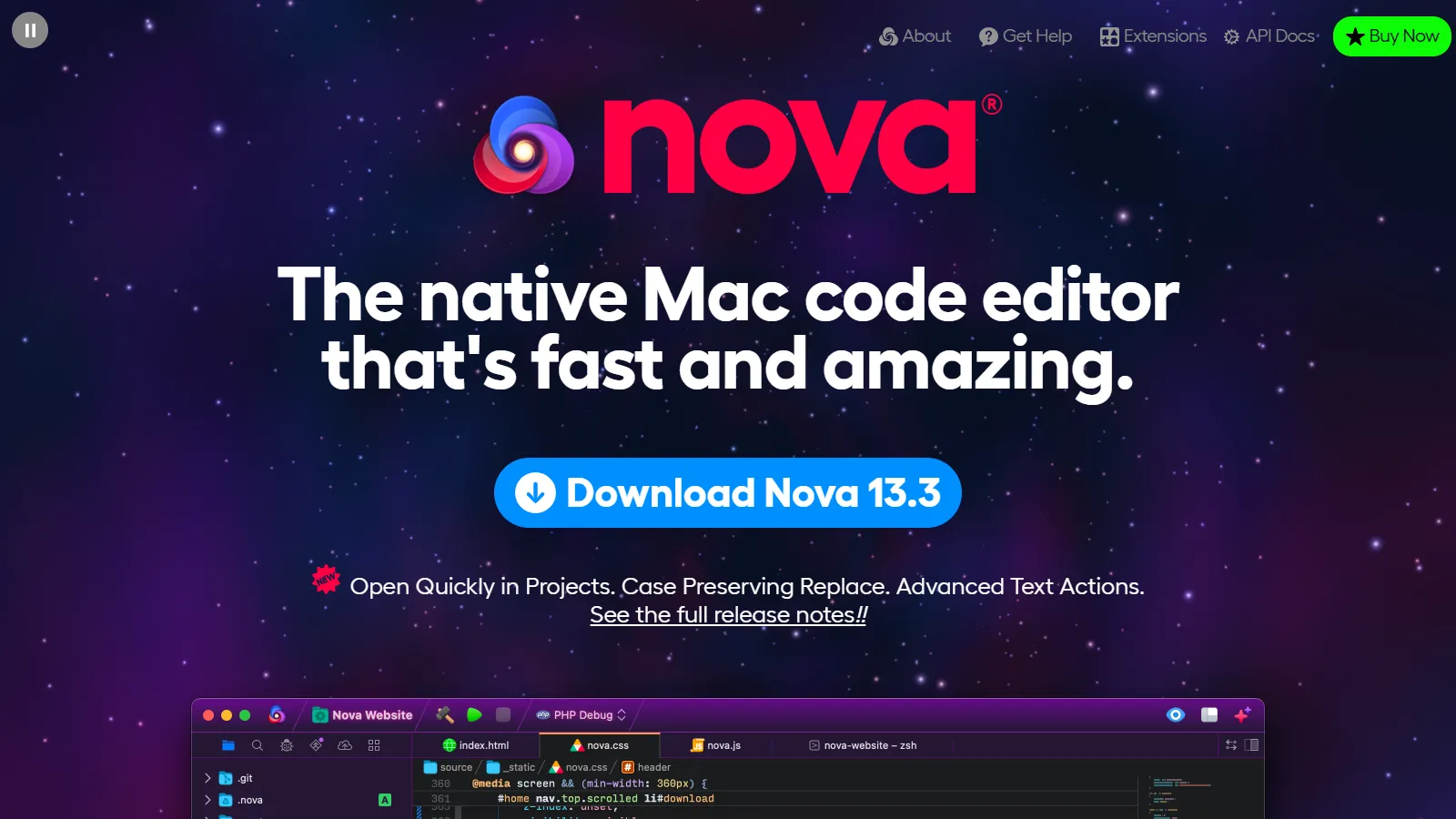
Nova is a beautiful Mac-native code editor from Panic. Built specifically for macOS, it offers performance and design that matches Apple standards with comprehensive web development features.
Starting price$99
Strengths
True Mac-native experience
Beautiful design and attention to detail
Built-in Git and terminal
Good extension library
Local development server
Limitations
macOS only
One-time purchase required
Smaller extension ecosystem
Less community support
Who it's for: Best for Mac developers who value native design and performance. Ideal when you want a polished Mac experience over cross-platform compatibility.
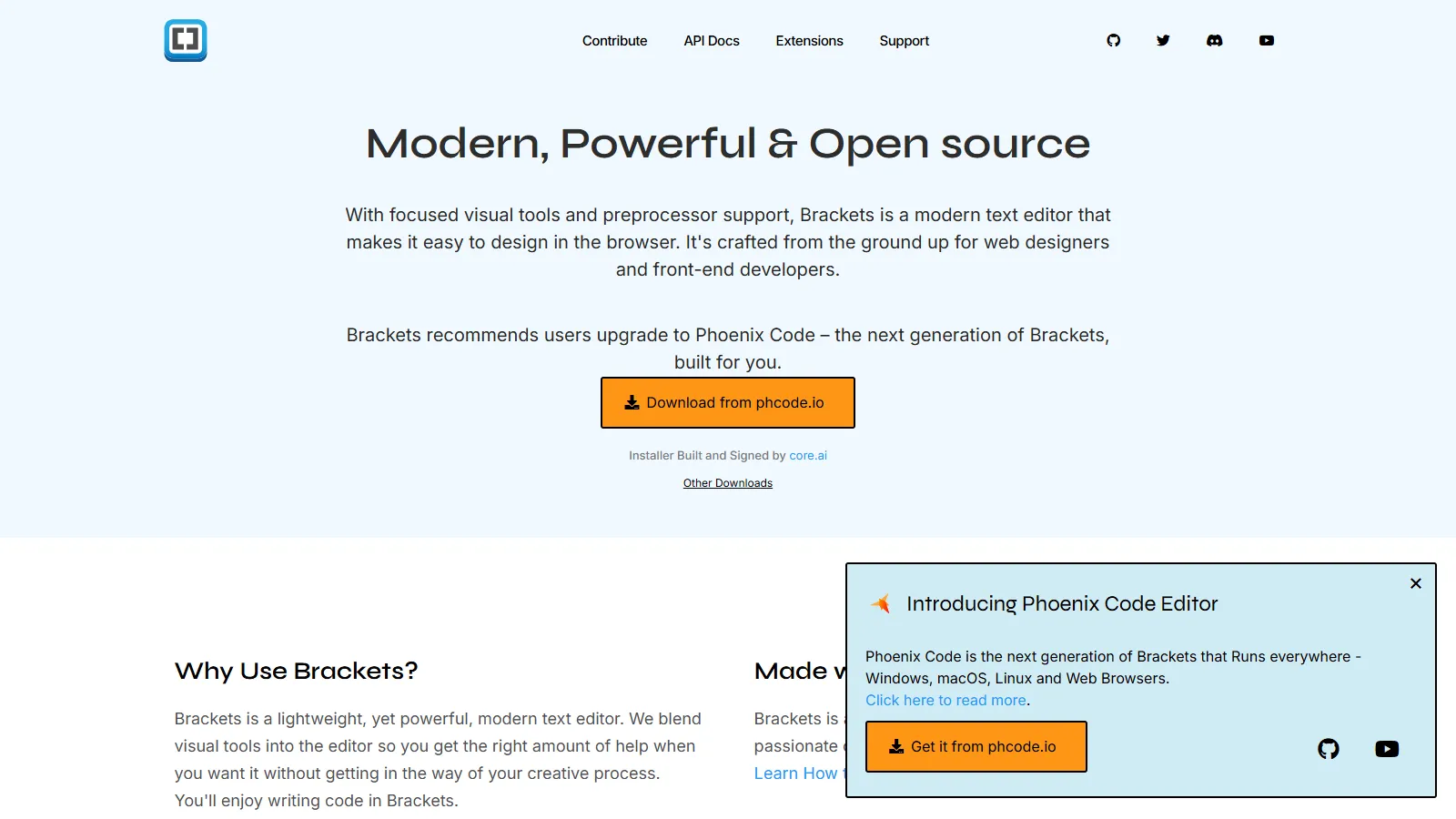
Brackets focuses on visual web development with live browser preview that updates as you type HTML and CSS. Originally from Adobe, it remains a good choice for designers learning to code.
Starting priceFree
Strengths
Live browser preview
Visual editing focus
Free and open source
Simple learning curve
Extract from design files
Limitations
Development slowed
Fewer modern features
Limited debugging
Smaller extension ecosystem
Who it's for: Best for beginners learning HTML and CSS who benefit from live visual feedback. Ideal for designers transitioning to front-end coding.
We tested each editor for real web development workflows including React, Vue, and vanilla JavaScript projects.
Web Dev Features (30%) — HTML, CSS, JavaScript support plus framework-specific tooling.
Performance (20%) — Startup time, large file handling, and responsiveness.
Extension Ecosystem (20%) — Available extensions for web frameworks and tools.
Developer Experience (15%) — Keyboard shortcuts, customization, and workflow efficiency.
Value (15%) — Features provided relative to cost.
How to Choose
Choose Visual Studio Code if you need the most popular choice.
Choose WebStorm if you need best JavaScript intelligence.
Choose Sublime Text if you need maximum speed and simplicity.
Choose Cursor if you need AI-powered development.
Choose Zed if you need native performance and collaboration.
Choose Nova if you need beautiful Mac-native experience.
Choose Brackets if you need learning HTML and CSS visually.
Common Questions
Yes, VS Code is completely free and open source under the MIT license. Microsoft provides it free to encourage adoption of their development ecosystem. Some extensions may have costs.
For professional JavaScript developers, WebStorm offers superior refactoring, navigation, and debugging that can save significant time. Teams often find the productivity gains justify the cost.
GitHub archived Atom in December 2022. We recommend VS Code, Zed, or Sublime Text as alternatives. Many Atom users migrated to VS Code for its similar extensibility.
AI editors like Cursor can boost productivity for complex projects. If you already use VS Code with Copilot, the switch to Cursor adds codebase-aware context. Try free tiers first.
VS Code with the ES7+ React extension is the most popular choice. WebStorm offers the best React intelligence out of the box. Both handle JSX, hooks, and component navigation well.