We tested 12+ Python development environments to find the best options for web development, data science, and general Python programming. These IDEs offer intelligent code completion, debugging, and virtual environment management.
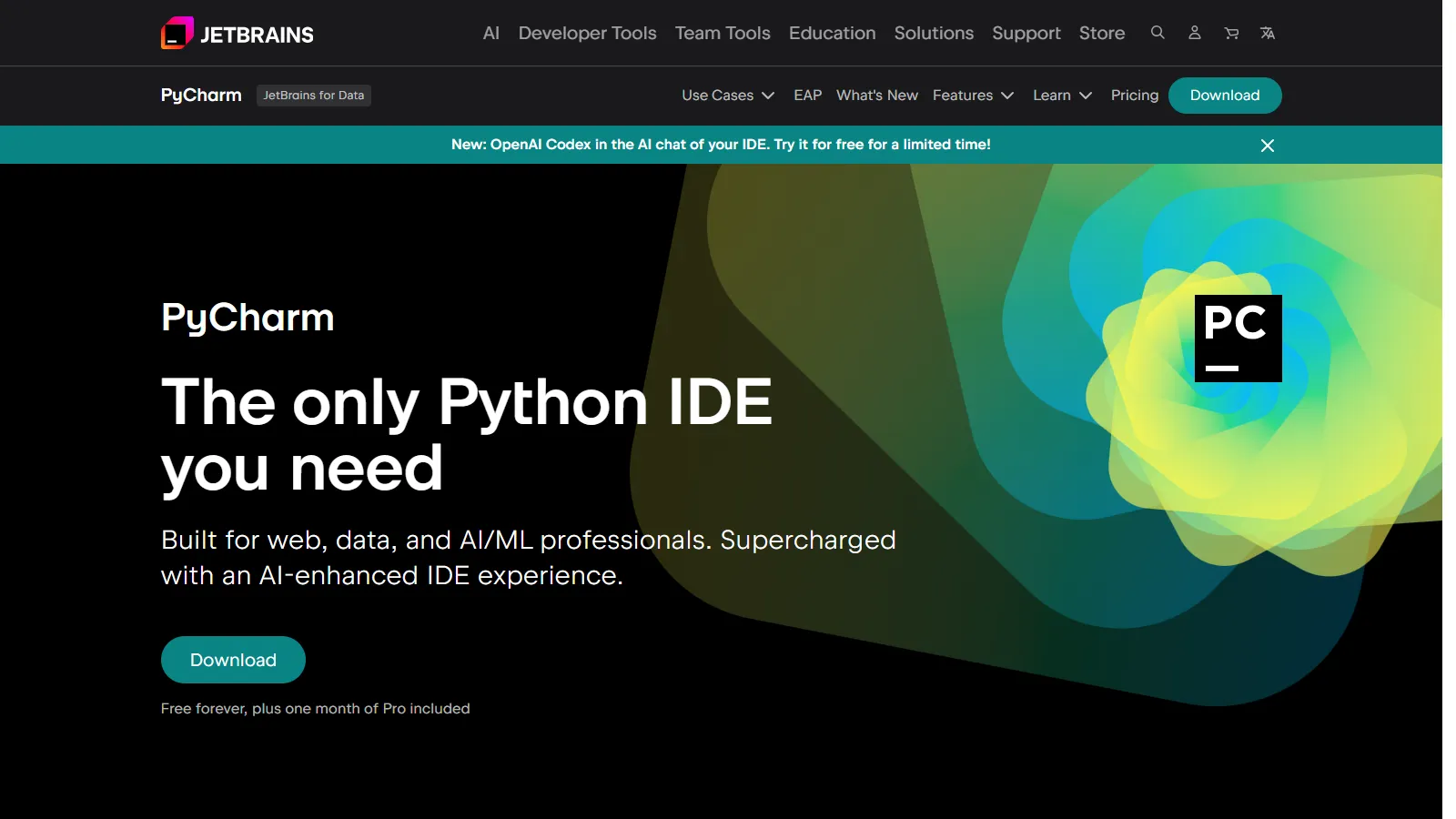
PyCharm is the most intelligent Python IDE available, with deep understanding of Python code, frameworks, and best practices. Refactoring, debugging, and testing work flawlessly. The free Community Edition handles most needs, while Pro adds web framework and database support.
Starting priceFree/$24.90/mo
Strengths
Best-in-class Python code intelligence
Excellent refactoring and navigation
Built-in debugging and testing
Django, Flask, FastAPI support (Pro)
Database tools included (Pro)
Limitations
Pro version requires subscription
Heavier resource usage than editors
Can be slow on large projects
Overkill for simple scripts
Who it's for: Best for professional Python developers building web applications or complex systems. The Community Edition works well for scripts and learning.
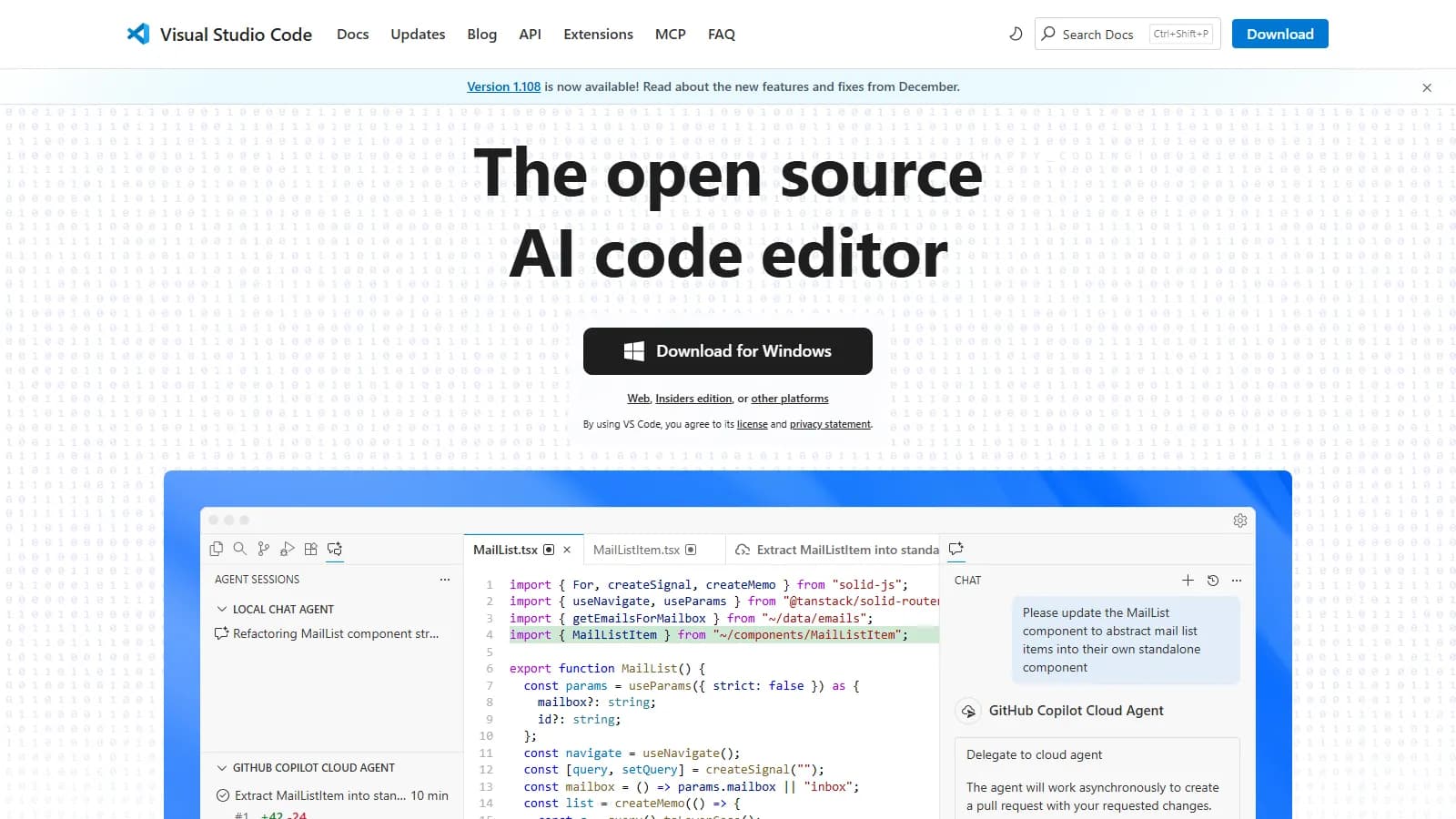
VS Code with the Python extension offers an excellent balance of features and speed. Jupyter notebooks, debugging, linting, and virtual environment management all work well. The extension ecosystem adds support for any Python workflow.
Starting priceFree
Strengths
Excellent Python extension from Microsoft
Jupyter notebooks integrated
Fast and lightweight
Massive extension ecosystem
Completely free
Limitations
Python features via extensions
Less intelligent than PyCharm
Configuration sometimes needed
Multiple extensions can conflict
Who it's for: Best for developers who use multiple languages or want a lightweight editor with good Python support. Great for teams with mixed technology stacks.
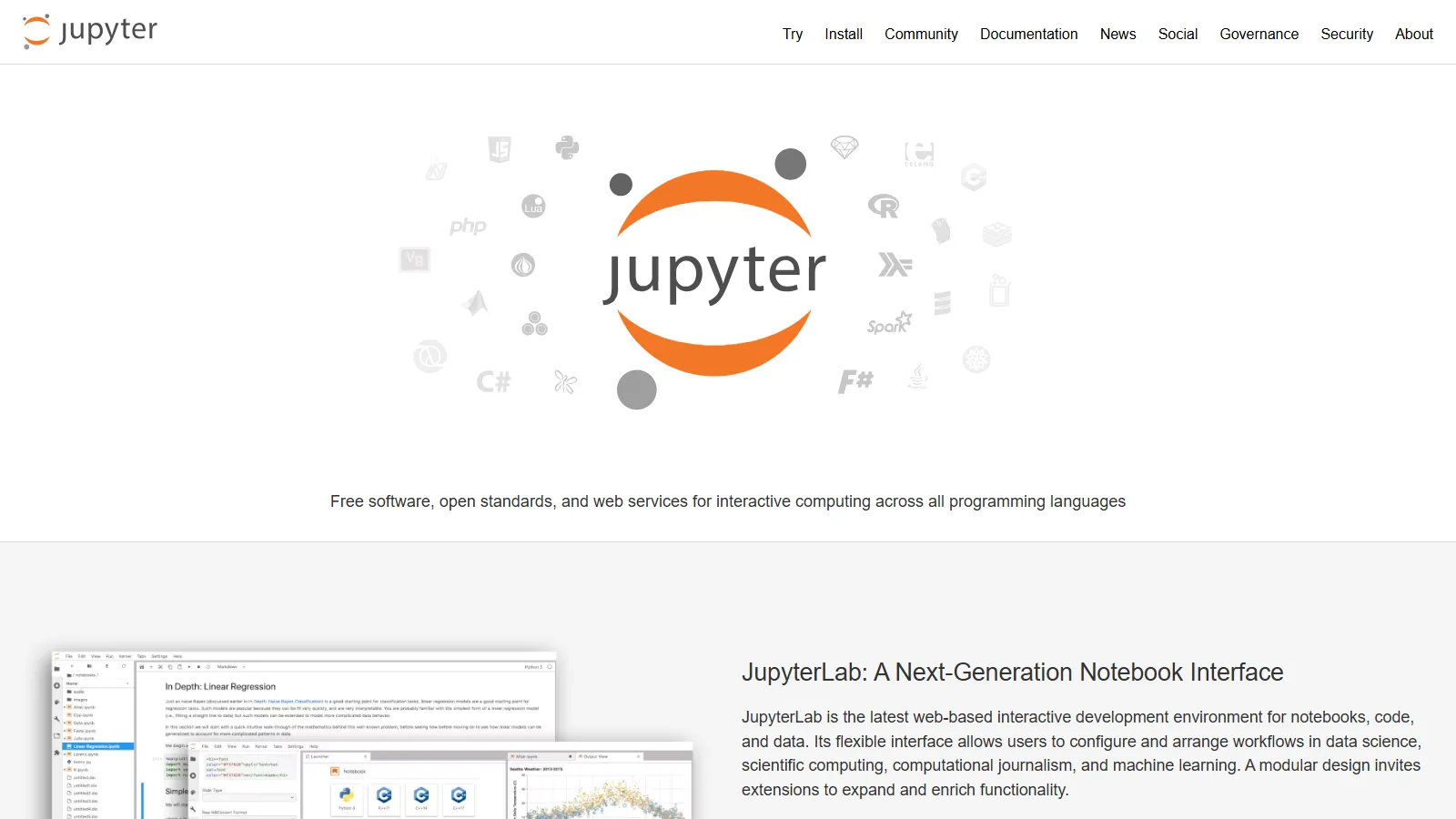
JupyterLab is the industry standard for data science and machine learning work. Interactive notebooks combine code, output, and documentation in shareable documents. The interface supports multiple notebooks, terminals, and file browsers.
Starting priceFree
Strengths
Industry standard for data science
Interactive notebook format
Excellent visualization support
Shareable and reproducible
Free and open source
Limitations
Not suited for traditional software development
No refactoring or debugging like IDEs
Version control with notebooks tricky
Code organization can become messy
Who it's for: Essential for data scientists, analysts, and researchers. Best for exploratory analysis, machine learning experimentation, and creating reproducible research.
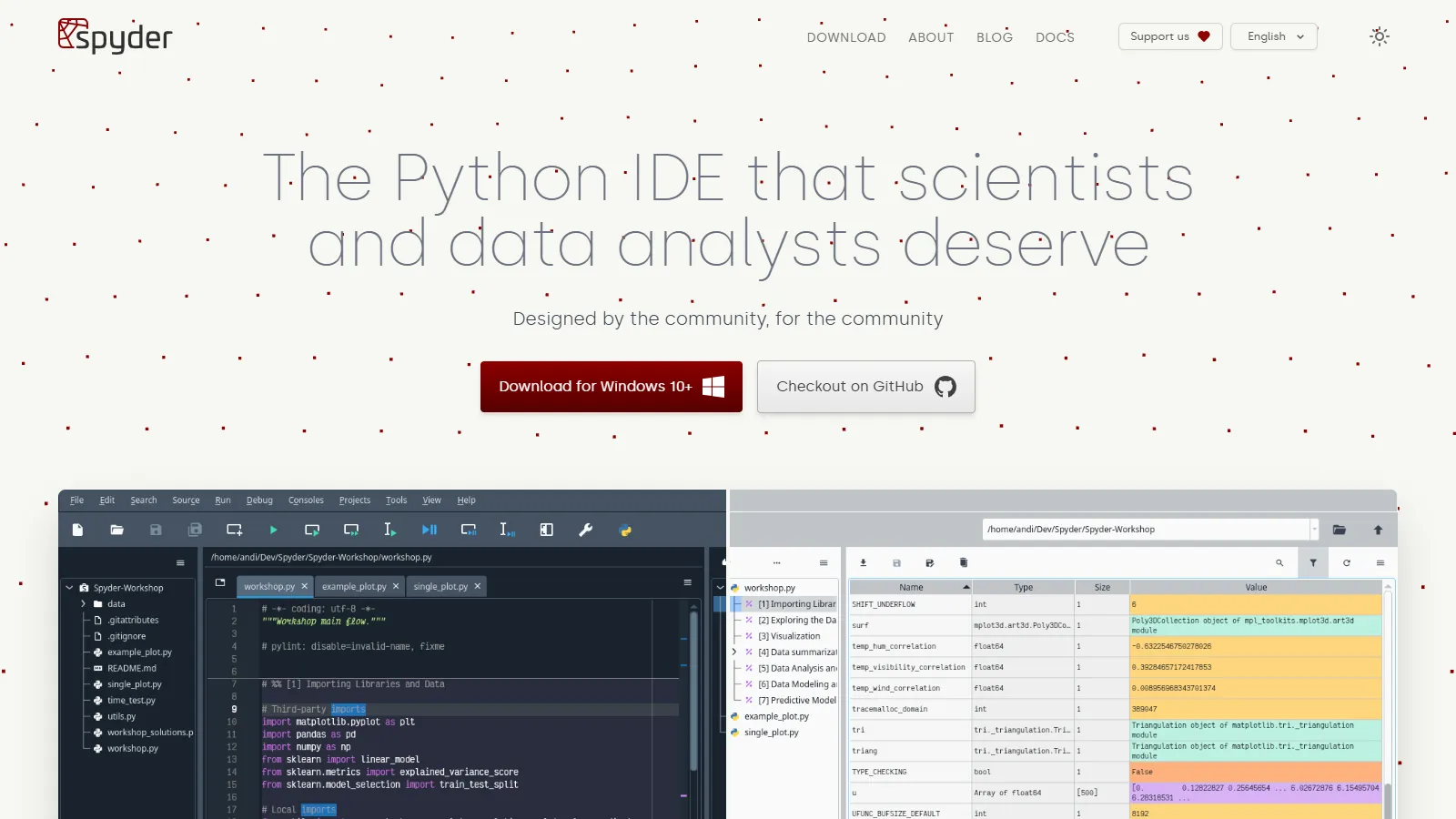
Spyder provides a MATLAB-like environment for scientific Python computing. The variable explorer, plots pane, and integrated console make it natural for scientists transitioning from other tools. It comes bundled with Anaconda.
Starting priceFree
Strengths
MATLAB-like familiarity
Variable explorer shows data
Plots pane for visualization
IPython console integrated
Bundled with Anaconda
Limitations
Limited for web development
Fewer extensions than VS Code
No notebook support
Can feel dated
Who it's for: Best for scientists and engineers coming from MATLAB or similar tools. Good for scientific computing with NumPy, SciPy, and Pandas.
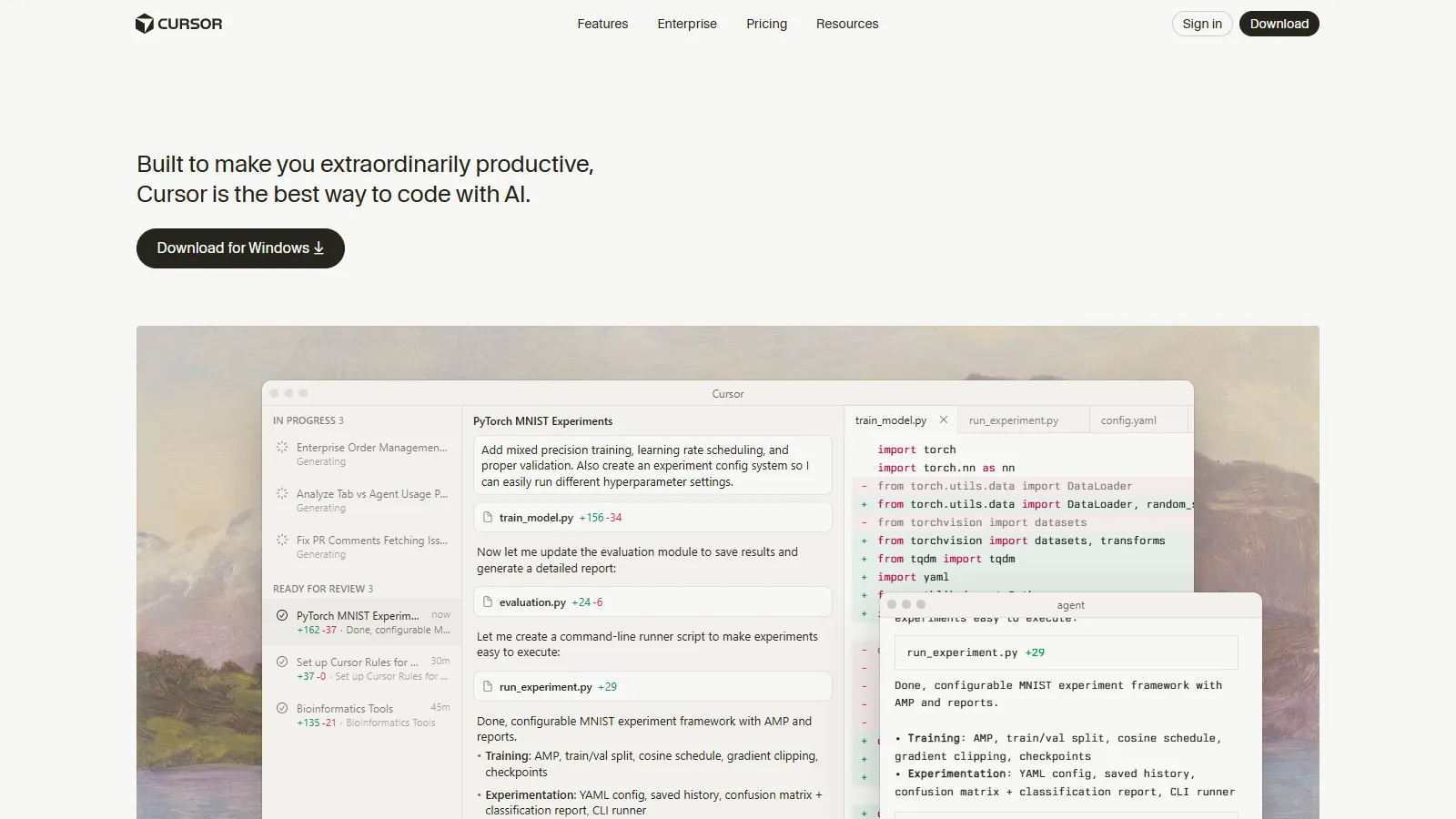
Cursor brings AI-powered development to Python with codebase-aware autocomplete and chat. Built on VS Code, it inherits excellent Python support while adding context-aware AI that understands your entire project.
Starting priceFree/$20/mo
Strengths
AI understands your codebase
VS Code Python extension compatible
Intelligent autocomplete
Chat for code explanations
Multi-file AI edits
Limitations
Full AI features require subscription
AI suggestions can be wrong
Newer with smaller community
Requires internet for AI
Who it's for: Best for Python developers who want AI assistance integrated into their editor. Ideal for complex projects where codebase context matters.
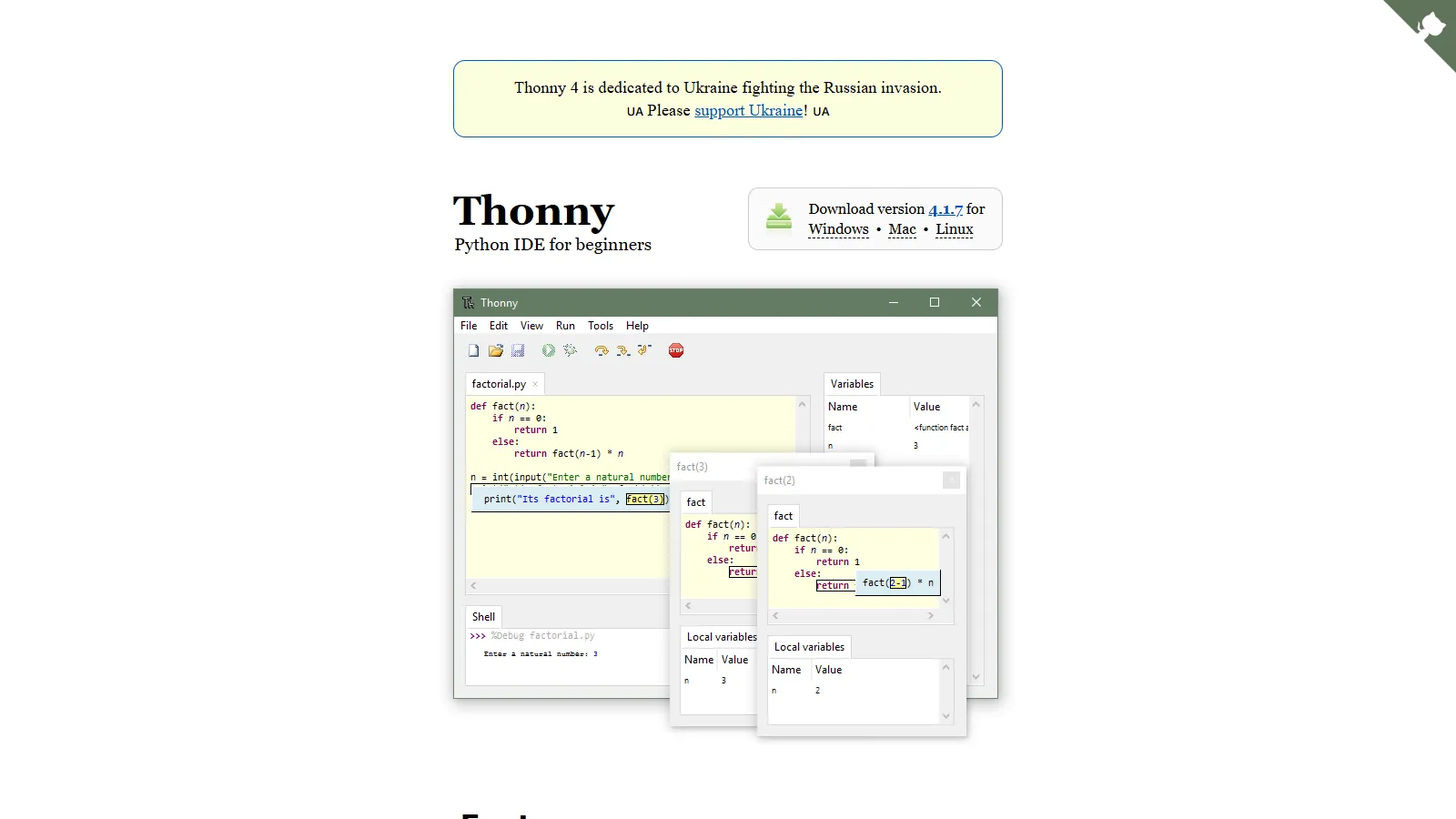
Thonny is designed specifically for learning Python, with a simple interface and unique step-through debugger that visualizes code execution. It handles package installation without command line knowledge.
Starting priceFree
Strengths
Designed for beginners
Visual step-through debugging
Simple package management
No configuration needed
Completely free
Limitations
Too simple for professional use
Limited features overall
No virtual environment management
Few extensions available
Who it's for: Best for Python beginners and educators. Ideal for learning programming concepts with visual debugging and simple interface.
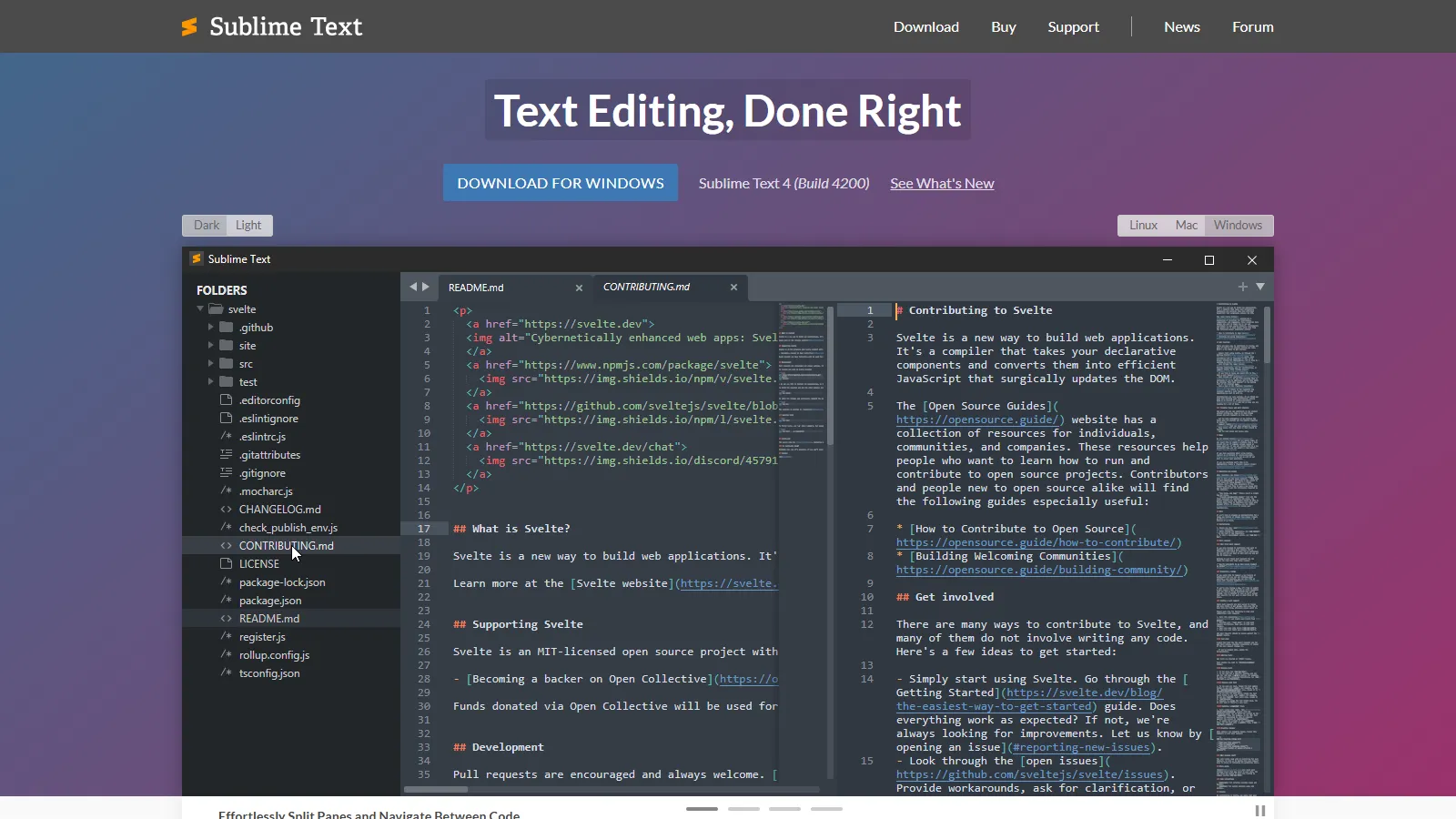
Sublime Text offers the fastest Python editing experience with LSP support for code intelligence. Developers who prefer lightweight tools can configure Python support through packages while maintaining instant performance.
Starting priceFree/$99
Strengths
Fastest editor available
LSP provides code intelligence
Highly customizable
Handles large files easily
One-time license option
Limitations
Requires configuration for Python
No built-in debugging
Fewer Python-specific features
Package setup takes time
Who it's for: Best for experienced developers who value speed and prefer to configure their own Python environment. Good for scripts and quick edits.
We tested each IDE for real Python development including web frameworks, data science, and scripting workflows.
Python Intelligence (30%) — Code completion, type checking, and language understanding.
Debugging (20%) — Breakpoints, variable inspection, and step-through debugging.
Environment Management (20%) — Virtual environment, conda, and package management.
Workflow Fit (15%) — Support for web dev, data science, or general Python.
Value (15%) — Features provided relative to cost.
How to Choose
Choose PyCharm if you need professional Python development.
Choose Visual Studio Code if you need free all-purpose Python IDE.
Choose JupyterLab if you need data science and notebooks.
Choose Spyder if you need scientific computing from MATLAB.
Choose Cursor if you need AI-powered coding assistance.
Choose Thonny if you need learning Python.
Choose Sublime Text if you need maximum speed.
Common Questions
For pure Python development including scripts and packages, Community Edition is excellent. You need Pro for Django, Flask, database tools, and remote interpreters. Many developers start with CE and upgrade when needed.
Use JupyterLab for exploratory analysis and sharing results. Use VS Code when you need better code organization, debugging, or are building Python applications alongside analysis.
VS Code is most popular overall due to being free and versatile. PyCharm is most popular among professional Python developers. Data scientists primarily use JupyterLab.
PyCharm offers smarter code intelligence and refactoring, especially for large projects and frameworks. VS Code is lighter, faster, and free. Both are excellent choices for Python development.
For learning and simple scripts, a text editor works fine. For larger projects, debugging, and professional work, an IDE like PyCharm or VS Code with Python extension saves significant time.