We tested 15+ cloud development environments to find the best options for coding from any device. These browser-based IDEs offer instant dev environments, collaboration features, and eliminate local setup hassles.
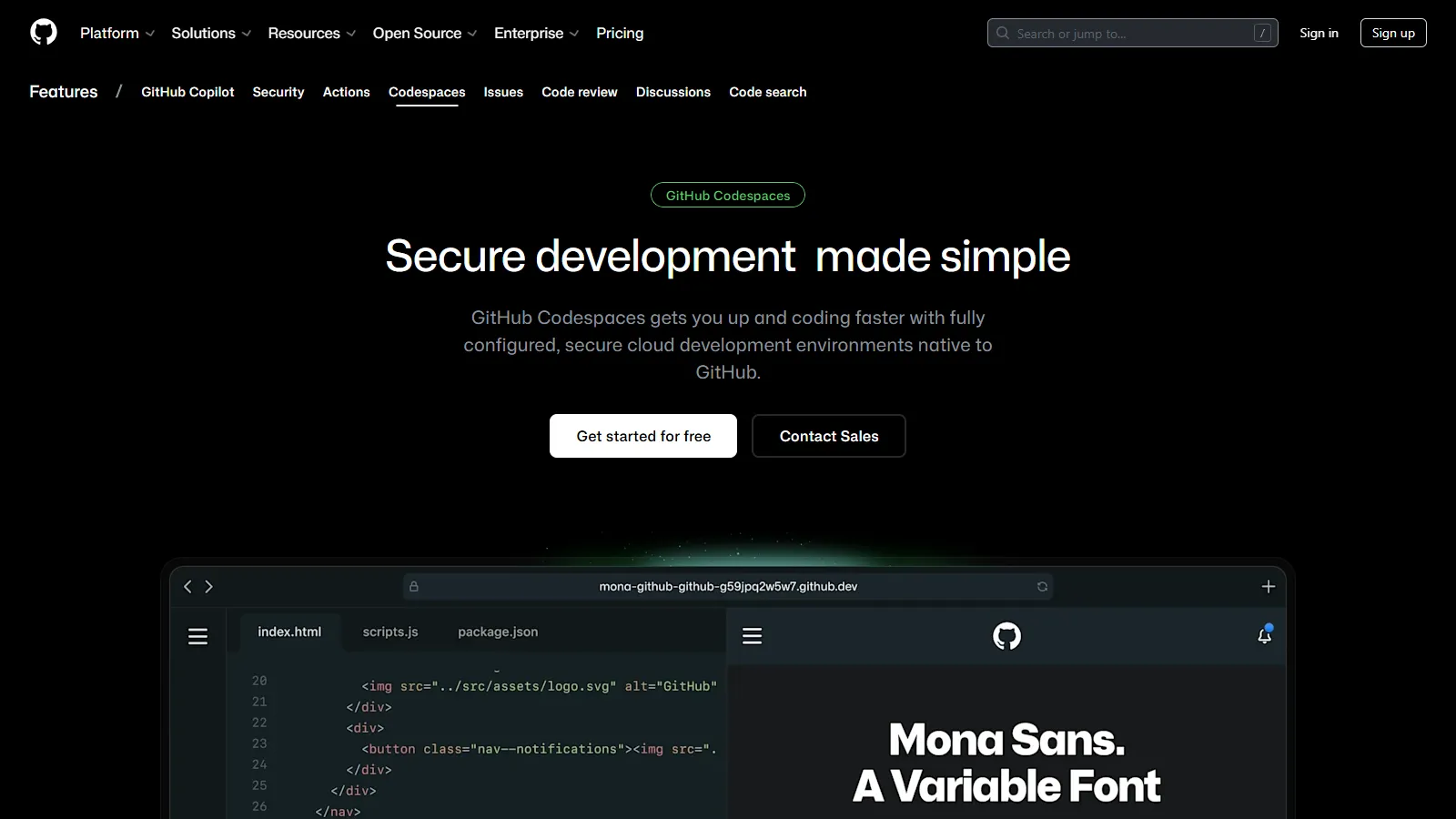
GitHub Codespaces provides VS Code in the browser with native GitHub integration. Prebuilds can have your environment ready in seconds, and the experience is nearly identical to local VS Code including extensions and settings sync.
Starting price$0.18/hr
Strengths
Native GitHub integration
Full VS Code experience in browser
Prebuilds for instant startup
Settings sync with local VS Code
GPU instances available
Limitations
Only works with GitHub repos
Costs can add up with heavy use
60 free hours may not be enough
Requires GitHub account
Who it's for: Best for developers using GitHub who want seamless cloud development. Ideal for open source contributions and team standardization.
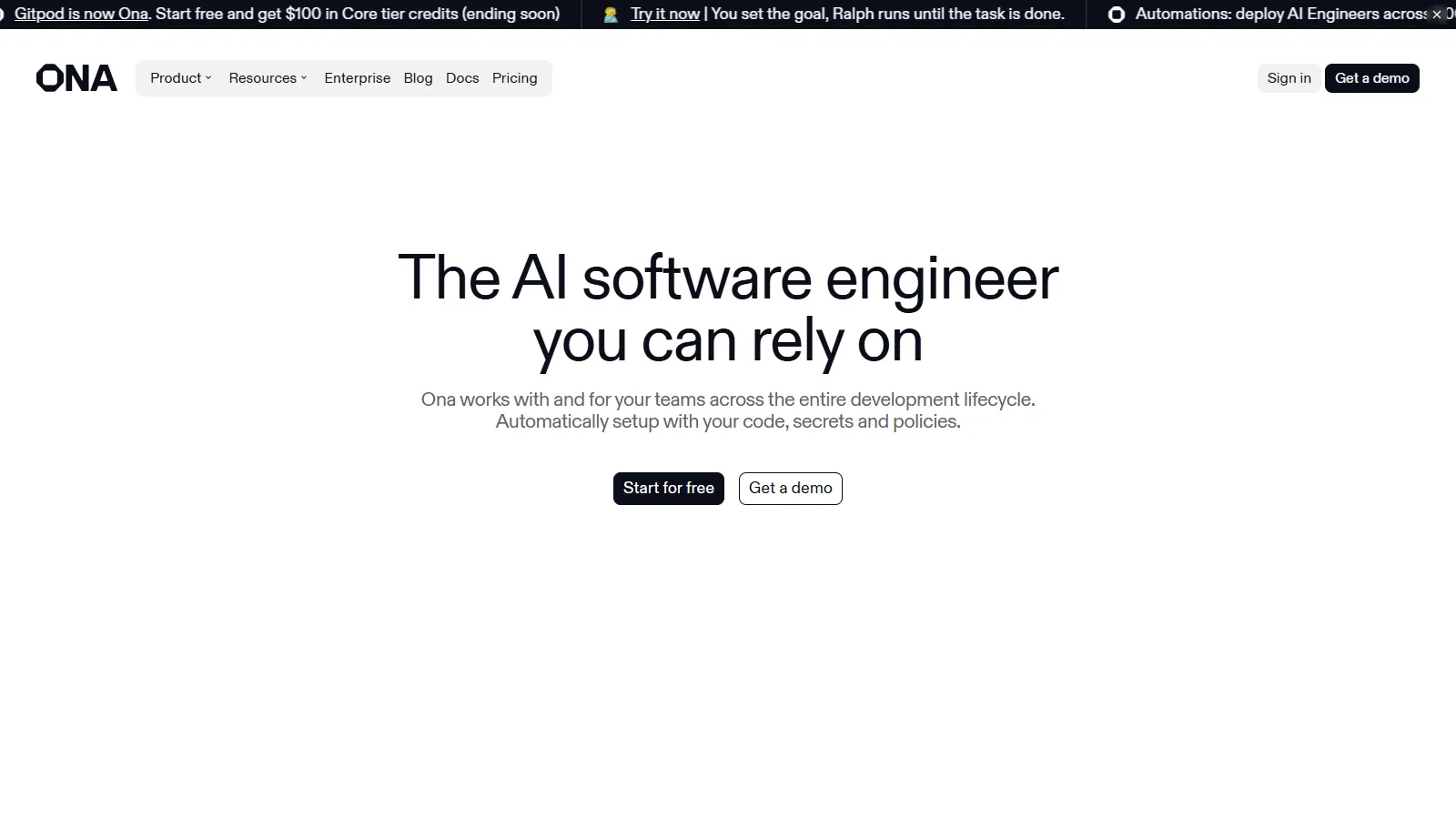
Gitpod works with GitHub, GitLab, and Bitbucket, offering flexibility GitHub Codespaces lacks. Prebuilds automate environment setup, and you can choose between VS Code or JetBrains IDEs. Self-hosted option available for enterprise.
Starting price$9/mo
Strengths
Works with any Git provider
VS Code or JetBrains IDE choice
Excellent prebuild automation
Self-hosted option available
Open source core
Limitations
50 free hours per month
JetBrains IDE requires higher tier
Prebuilds need configuration
Smaller ecosystem than Codespaces
Who it's for: Best for teams using GitLab or Bitbucket, or those wanting JetBrains IDEs in the cloud. Great for enterprises needing self-hosted option.
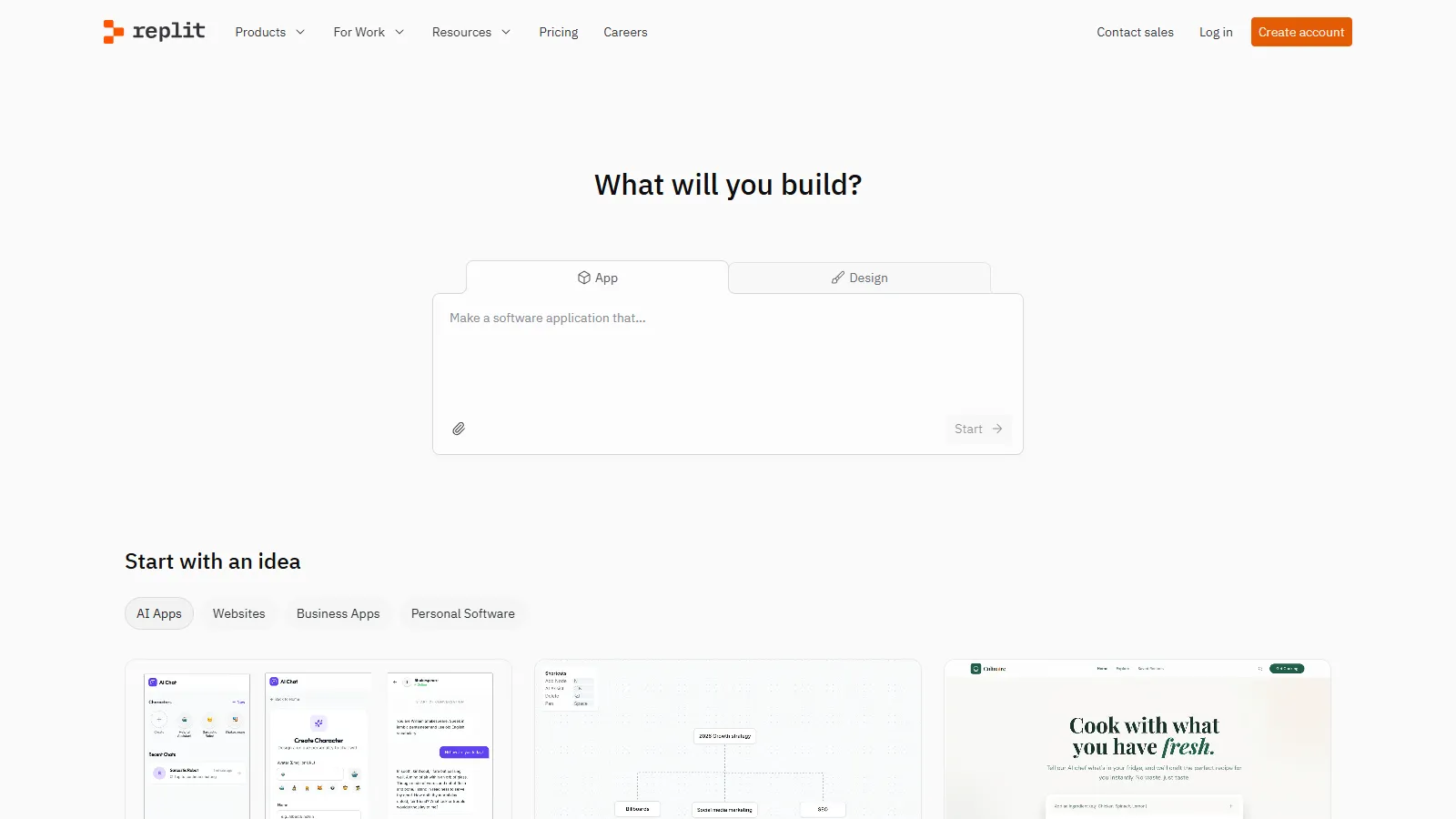
Replit offers the fastest path from idea to running code with zero configuration. Pick a language, start coding, and deploy with one click. AI assistant helps with code generation, and multiplayer allows real-time collaboration.
Starting price$7/mo
Strengths
Zero configuration needed
Instant start for any language
Built-in hosting and deployment
AI coding assistant included
Real-time multiplayer editing
Limitations
Less professional IDE features
Performance varies on free tier
Limited for large projects
Storage and compute limits
Who it's for: Best for learning, prototyping, and quick experiments. Ideal for educators, students, and developers wanting to quickly test ideas.
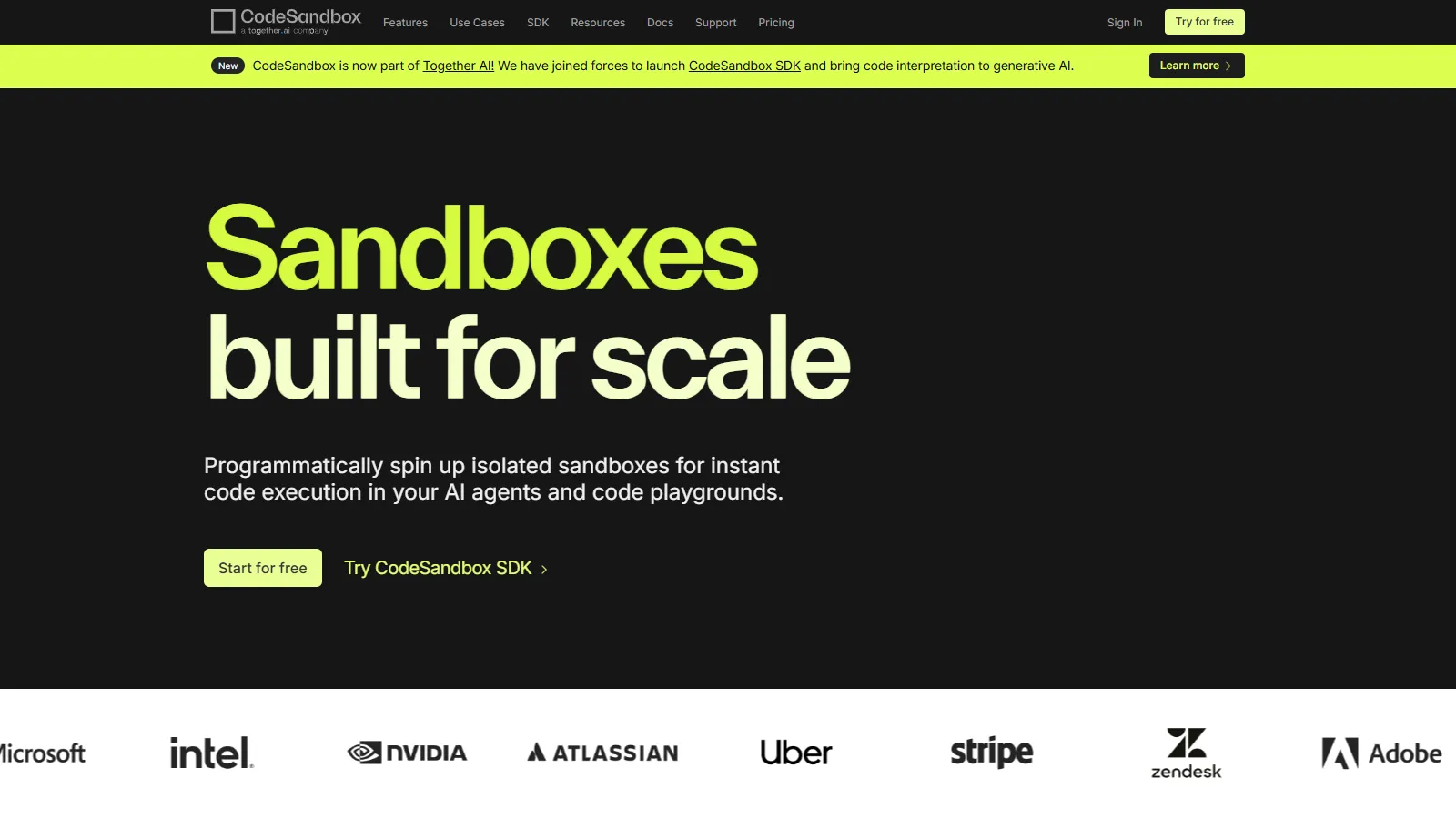
CodeSandbox excels at frontend development with instant previews and excellent React, Vue, and Angular templates. Embedding sandboxes in documentation or blog posts makes it popular for sharing examples.
Starting price$9/mo
Strengths
Excellent frontend framework support
Instant live preview
Embeddable sandboxes
Great templates library
VS Code-like interface
Limitations
Best for frontend, less for backend
Free tier has limitations
Large projects can be slow
Container support requires paid
Who it's for: Best for frontend developers and those creating code examples for documentation. Ideal for React, Vue, and Angular development.
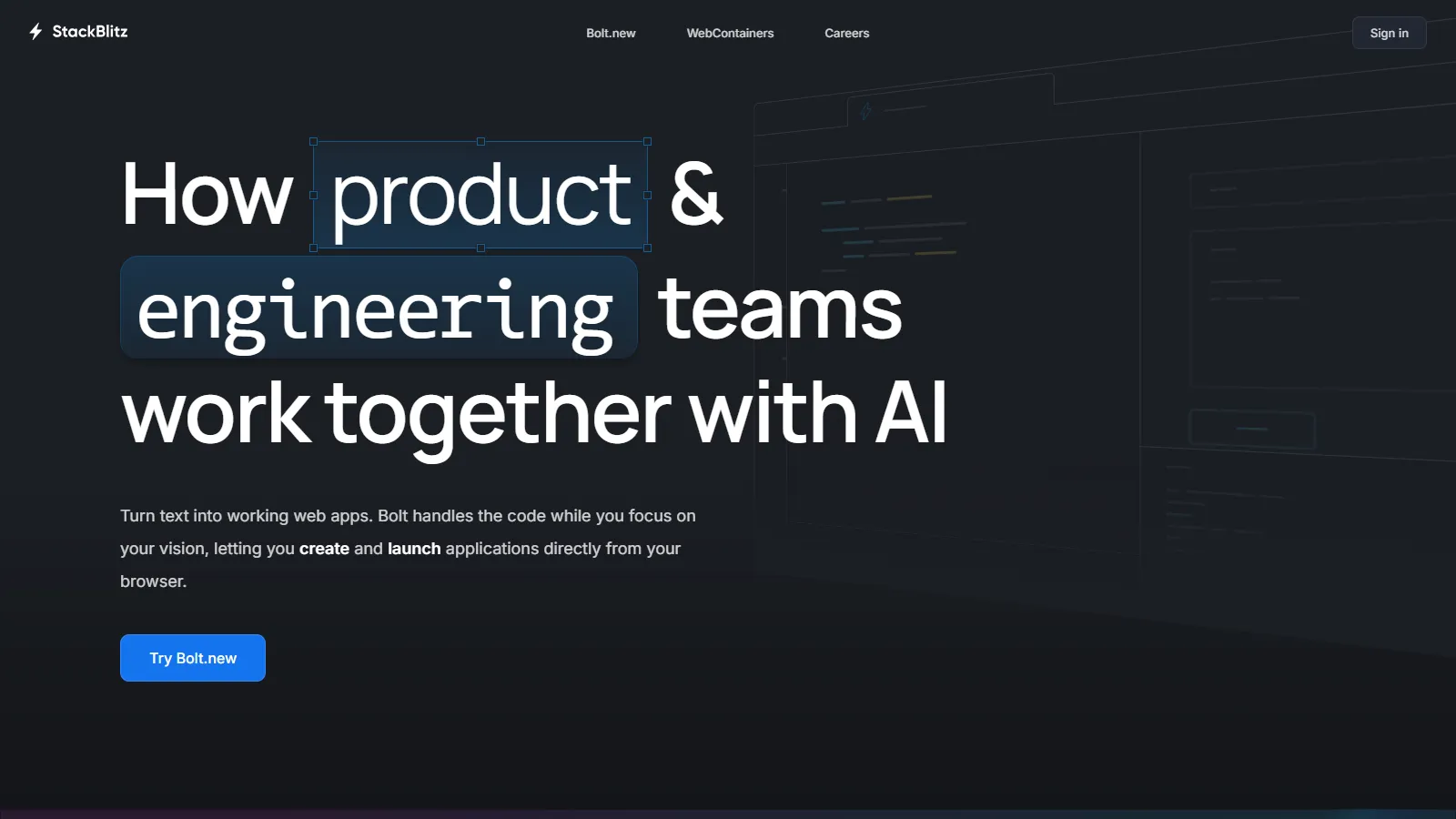
StackBlitz runs Node.js directly in the browser using WebContainers technology, enabling near-instant startup without remote servers. The experience is remarkably fast and even works offline once loaded.
Starting price$8/mo
Strengths
WebContainers run locally in browser
Near-instant startup
Works offline once loaded
No server costs for providers
Full Node.js support
Limitations
Limited to Node.js ecosystem
WebContainer limitations exist
Less suitable for other languages
Newer technology with some bugs
Who it's for: Best for JavaScript and Node.js developers wanting the fastest possible cloud IDE. Ideal for documentation, examples, and quick experiments.
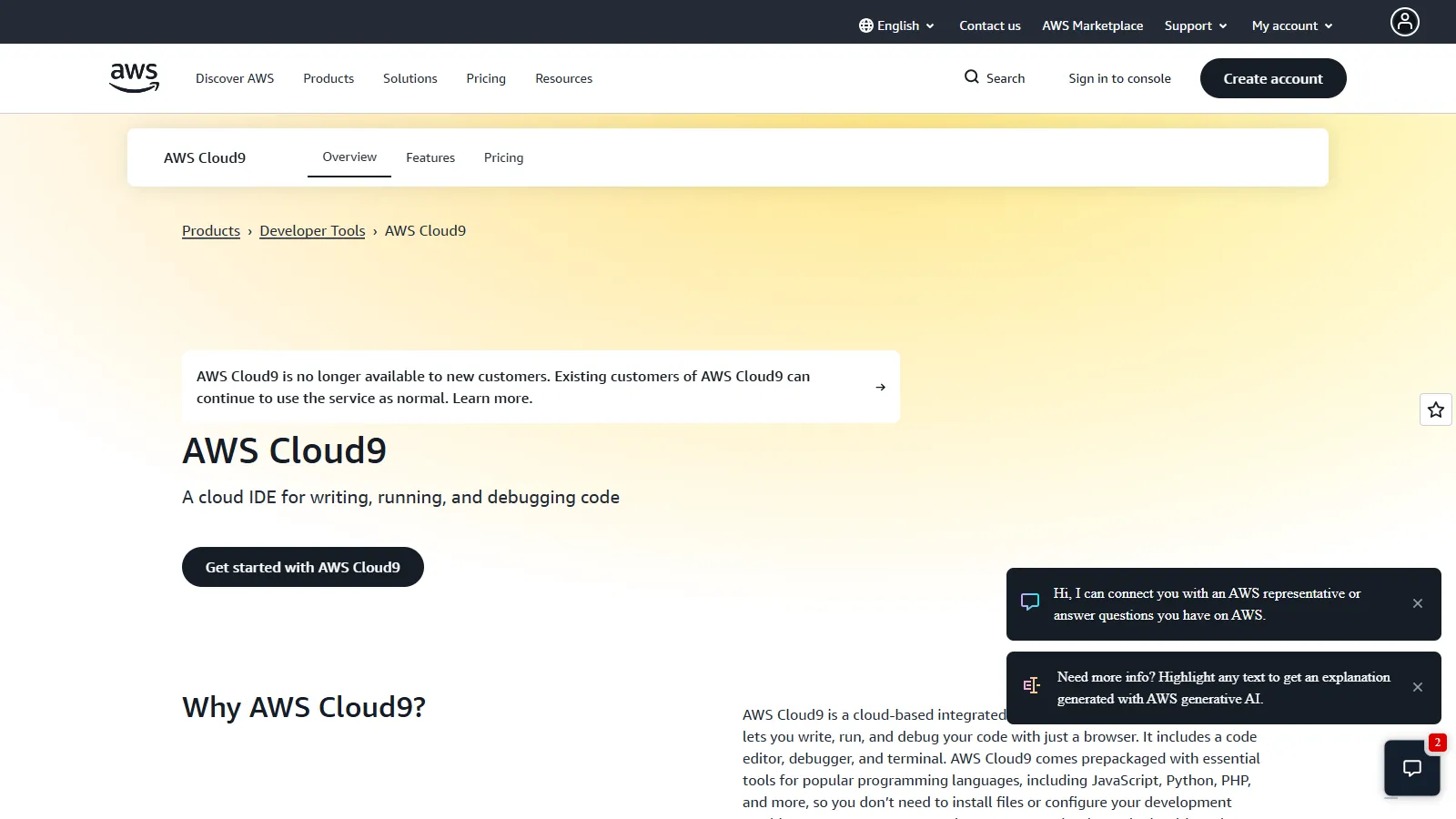
AWS Cloud9 is a browser-based IDE with deep AWS integration. It runs on EC2 instances you control, with direct access to AWS services, Lambda debugging, and the full power of a Linux environment.
Starting priceEC2 costs
Strengths
Deep AWS service integration
Lambda and serverless debugging
Full EC2 Linux environment
Pay only for EC2 usage
Collaborative editing
Limitations
Tied to AWS ecosystem
IDE feels dated compared to others
Requires AWS account setup
EC2 costs can accumulate
Who it's for: Best for AWS developers building serverless or cloud-native applications. Ideal when you need direct AWS service access from your IDE.
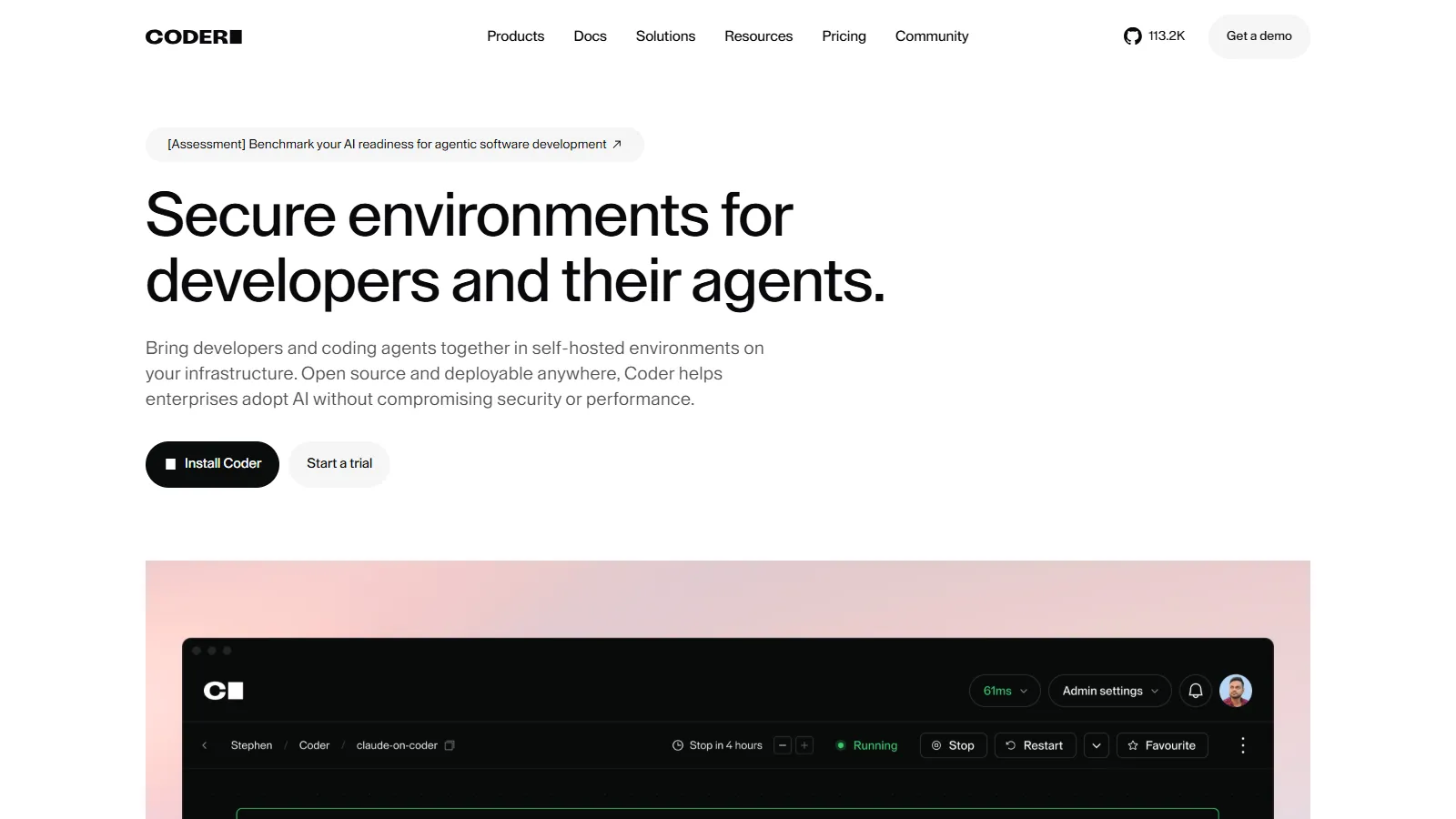
Coder provides self-hosted cloud development environments for enterprises needing control over infrastructure and security. Deploy on any cloud or on-premises, with templates ensuring consistent dev environments.
Starting price$45/user/mo
Strengths
Self-hosted on any infrastructure
Full control over security
Consistent dev environment templates
Open source core available
Enterprise compliance ready
Limitations
Requires infrastructure to host
More setup than SaaS options
Enterprise pricing is significant
Smaller community than SaaS tools
Who it's for: Best for enterprises needing self-hosted cloud development with security and compliance requirements. Ideal for regulated industries.
We tested each cloud IDE for real development workflows including startup time, performance, and collaboration features.
Startup Speed (25%) — Time from click to coding-ready environment.
IDE Experience (25%) — Quality of editor features, extensions, and debugging.
Git Integration (20%) — Workflow with GitHub, GitLab, and Bitbucket.
Collaboration (15%) — Real-time editing, sharing, and team features.
Value (15%) — Free tier generosity and paid plan pricing.
How to Choose
Choose GitHub Codespaces if you need using GitHub for everything.
Choose Gitpod if you need GitLab/Bitbucket or JetBrains IDEs.
Choose Replit if you need quick prototypes and learning.
Choose CodeSandbox if you need frontend framework development.
Choose StackBlitz if you need fastest JavaScript IDE.
Choose AWS Cloud9 if you need AWS serverless development.
Choose Coder if you need enterprise self-hosted needs.
Common Questions
Yes, with prebuilds and good internet, cloud IDEs like Codespaces and Gitpod feel nearly as fast as local development. StackBlitz runs locally in your browser, eliminating latency entirely for JavaScript.
Most cloud IDEs require internet. StackBlitz is unique in that it can work offline once loaded because it runs in your browser. Some tools allow local IDE connection to remote workspaces.
Major providers like GitHub Codespaces and Gitpod have enterprise security certifications. For maximum control, Gitpod and Coder offer self-hosted options on your own infrastructure.
Most offer generous free tiers (50-60 hours/month). Heavy users pay $7-20/month. Enterprise self-hosted options like Coder cost $45+/user/month. AWS Cloud9 charges only for underlying EC2.
Replit is easiest for absolute beginners with zero configuration. CodeSandbox is great for learning web development. GitHub Codespaces works well if you are already comfortable with VS Code.