7 Best Free Marketing Tools for Bootstrap Marketing in 2026
You don't need budget to start marketing effectively. Many excellent tools offer genuinely useful free tiers - not just demos. We tested 20+ free tools to find which deliver real marketing value without requiring upgrade.
HubSpot's free tier is remarkably complete. CRM, email marketing, forms, landing pages, and live chat - all free forever. The foundation for a complete marketing stack at $0.
Strengths
Complete free CRM
Email marketing included
Forms and pop-ups
Landing pages
Live chat
Unlimited users
Limitations
HubSpot branding
Limited automation
Upgrade pressure
Who it's for: Essential free foundation for any marketer.
Canva makes professional design accessible to non-designers. Thousands of templates, drag-and-drop editing, and social media-ready exports. The free tier covers most marketing design needs.
Strengths
Professional templates
Easy to use
Social media sizes
Collaboration
Brand kit (limited)
Mobile app
Limitations
Some templates paid
Limited brand kit
Watermarks on premium
Who it's for: Essential design tool for every marketer.
Google Analytics 4 provides complete web analytics for free. Track visitors, understand behavior, and measure conversions. Essential and completely free.
Buffer's free tier allows scheduling to 3 social channels. Simple interface, reliable scheduling, and basic analytics. Good for getting started with social.
Strengths
3 channels free
Simple to use
Reliable
Mobile app
Basic analytics
Queue system
Limitations
Limited channels
Basic features
No team features
Who it's for: Good for simple social media scheduling.
We evaluated free tiers based on real marketing usability.
Free Tier Generosity (35%) — Can you actually do marketing?
Feature Access (25%) — Good features included free?
Usability (20%) — Easy to use immediately.
No Gotchas (10%) — Free means free.
Upgrade Path (10%) — Reasonable paid pricing.
How to Choose
Choose HubSpot if you need CRM + email.
Choose Canva if you need Design work.
Choose Google Analytics if you need Web analytics.
Choose Mailchimp if you need Email starting out.
Choose Ubersuggest if you need SEO research.
Common Questions
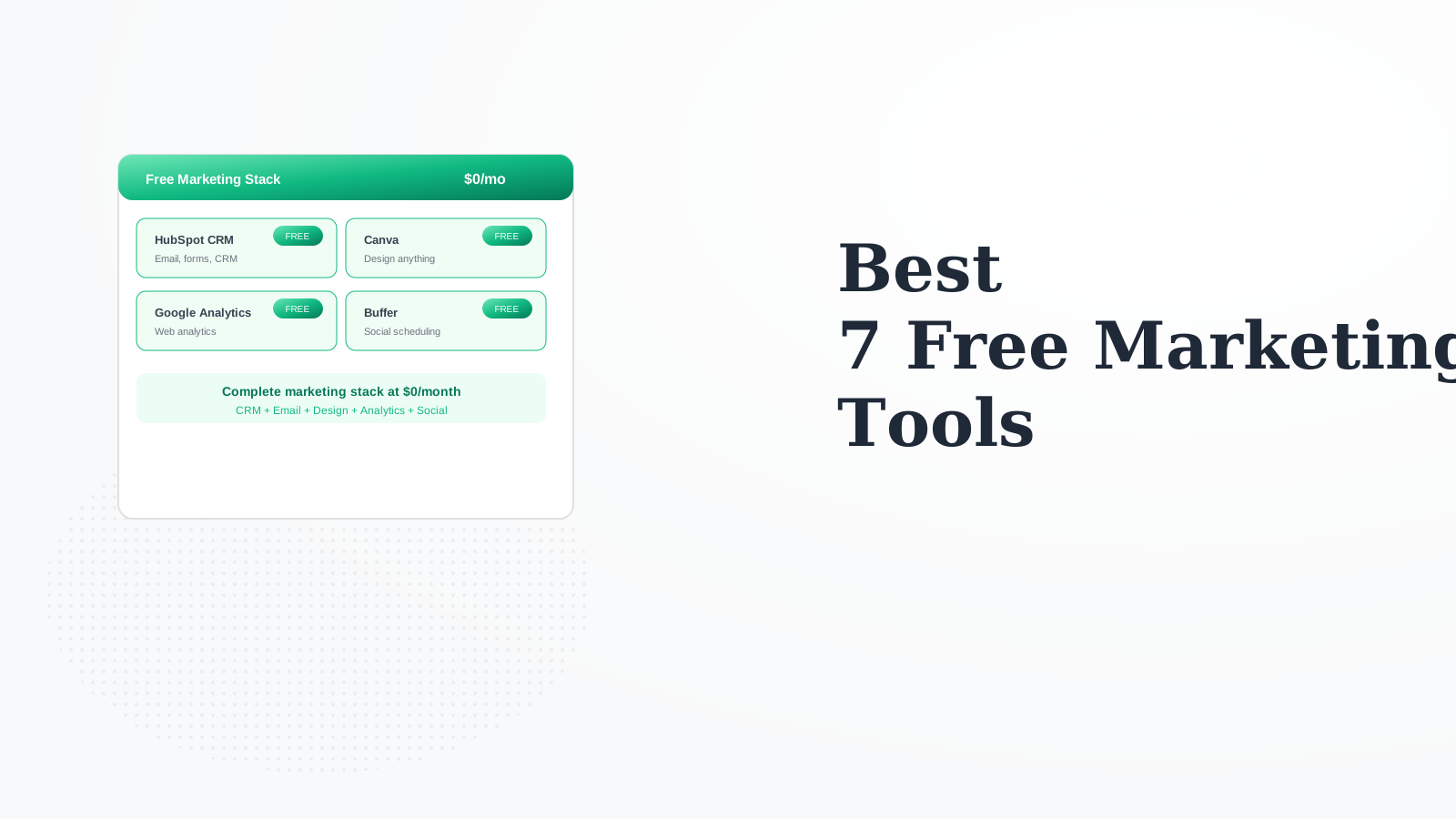
Yes: HubSpot (CRM/email) + Canva (design) + Google Analytics + Buffer (social) + Ubersuggest (SEO). Complete marketing capability at $0/month.
When limits become constraints: HubSpot branding is unprofessional, Mailchimp 500 contacts isn't enough, Buffer 3 channels is limiting. Usually when revenue justifies it.
Usually email marketing (Mailchimp/ConvertKit) or Canva Pro. These have the biggest impact on professional appearance and capability.