8 Best Social Media Scheduling Tools for Consistency in 2026
Content scheduling tools for planning and automating posts across all platforms. We tested 20+ tools to find the best for batch content creation, cross-posting, and maintaining a consistent social presence.
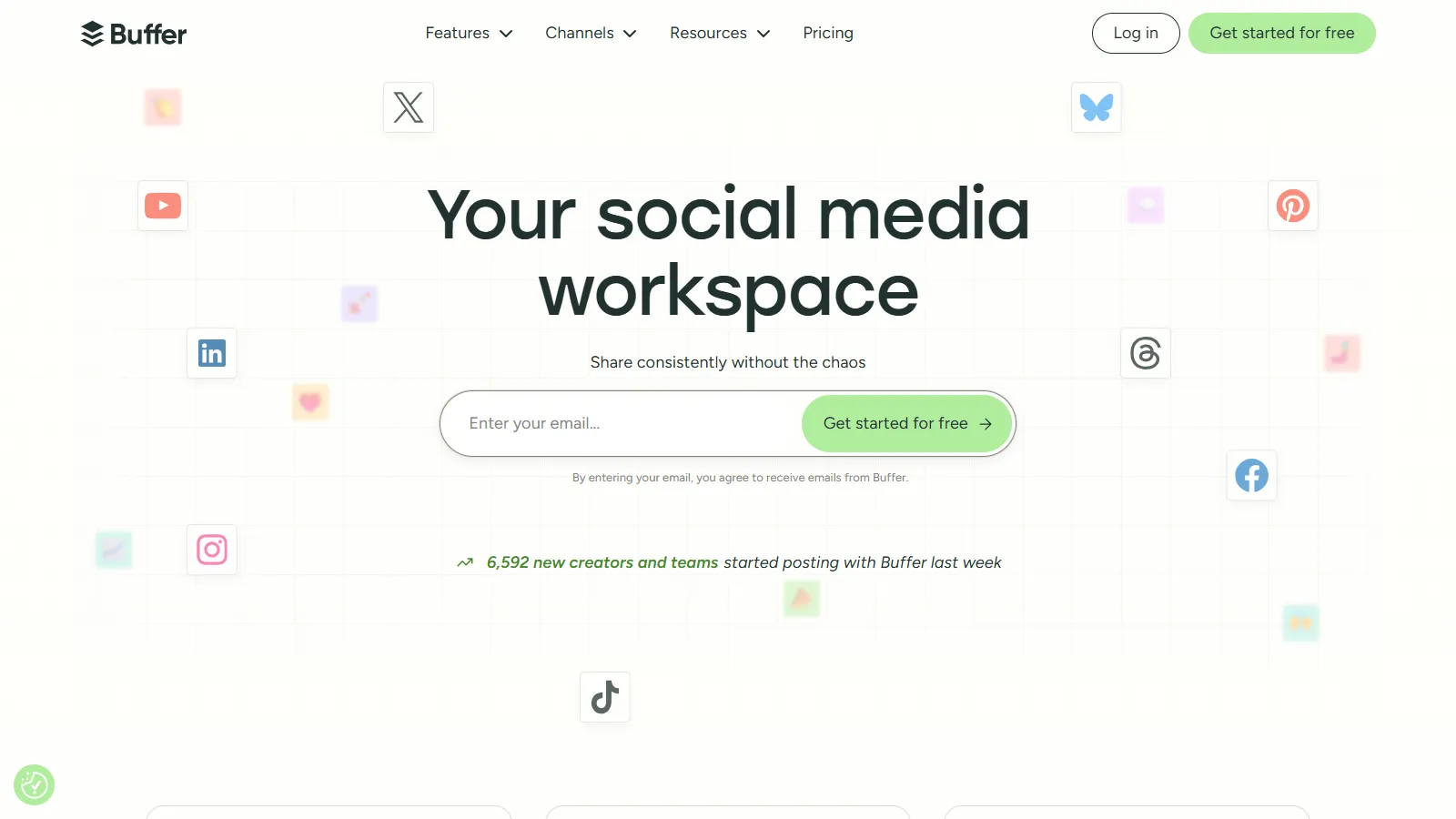
Buffer remains the gold standard for simple, effective social scheduling. Its clean interface makes batch content creation a breeze, and the queue system ensures consistent posting without micromanagement. The free tier is genuinely useful for individuals getting started.
Starting priceFree/$6/mo
Strengths
Cleanest, most intuitive interface
Excellent free tier
Browser extension for quick sharing
AI assistant for content ideas
Reliable posting and support
Limitations
Less advanced analytics
No social listening
Fewer platforms than competitors
Who it's for: Best for solo marketers, creators, and small teams who value simplicity. Ideal when you want scheduling to just work without complexity.
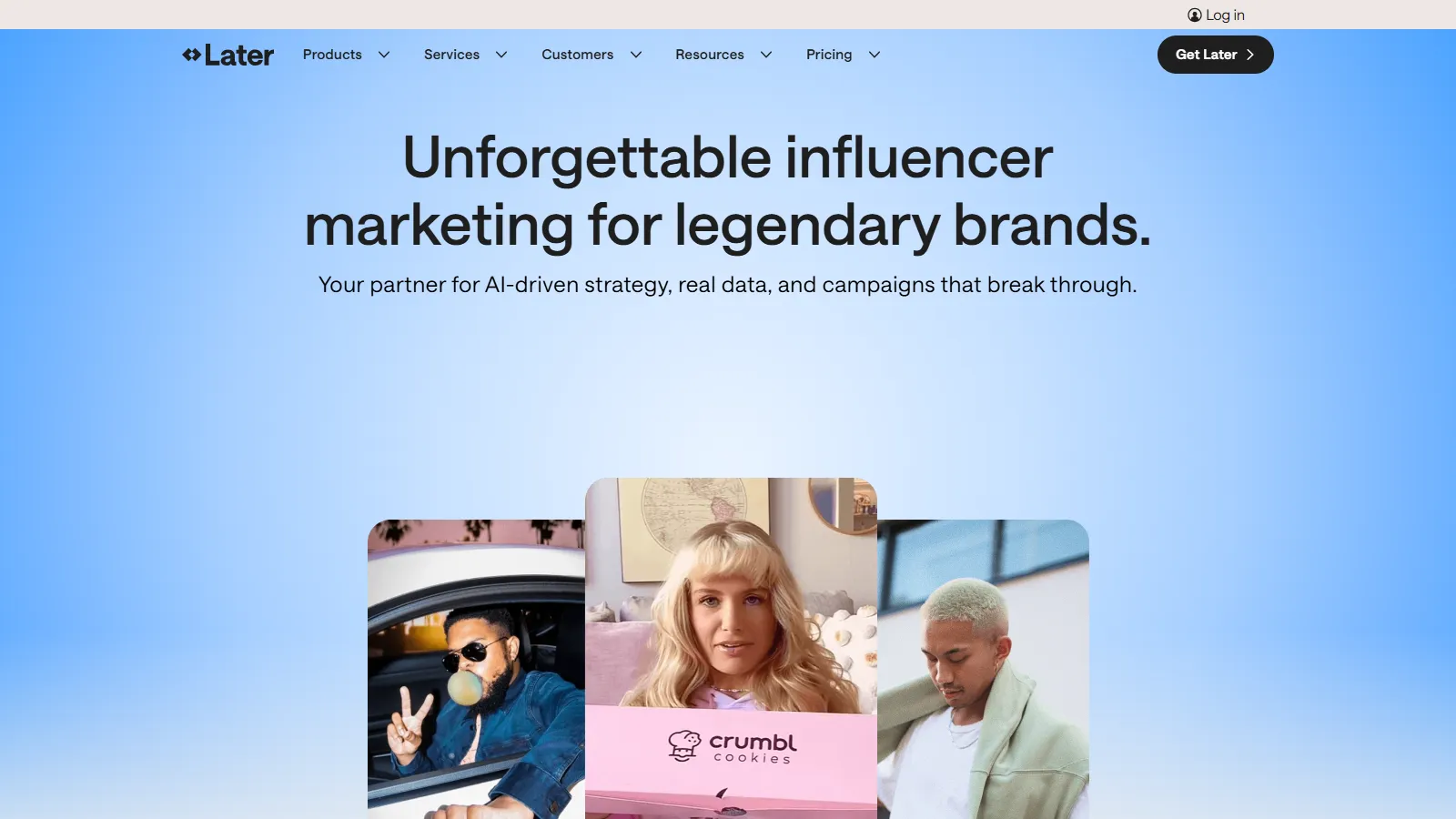
Later leads for visual content planning with its drag-and-drop media calendar. Originally built for Instagram, it excels at visual platforms where seeing your grid preview matters. The Linkin.bio feature helps drive traffic from Instagram.
Starting priceFree/$18/mo
Strengths
Best visual content planner
Instagram grid preview
Linkin.bio landing pages
UGC content collection
Stories and Reels scheduling
Limitations
Instagram-centric features
Less robust for text platforms
Analytics not as deep
Who it's for: Perfect for Instagram-first brands, lifestyle businesses, and visual creators. Best when aesthetics and grid consistency matter.
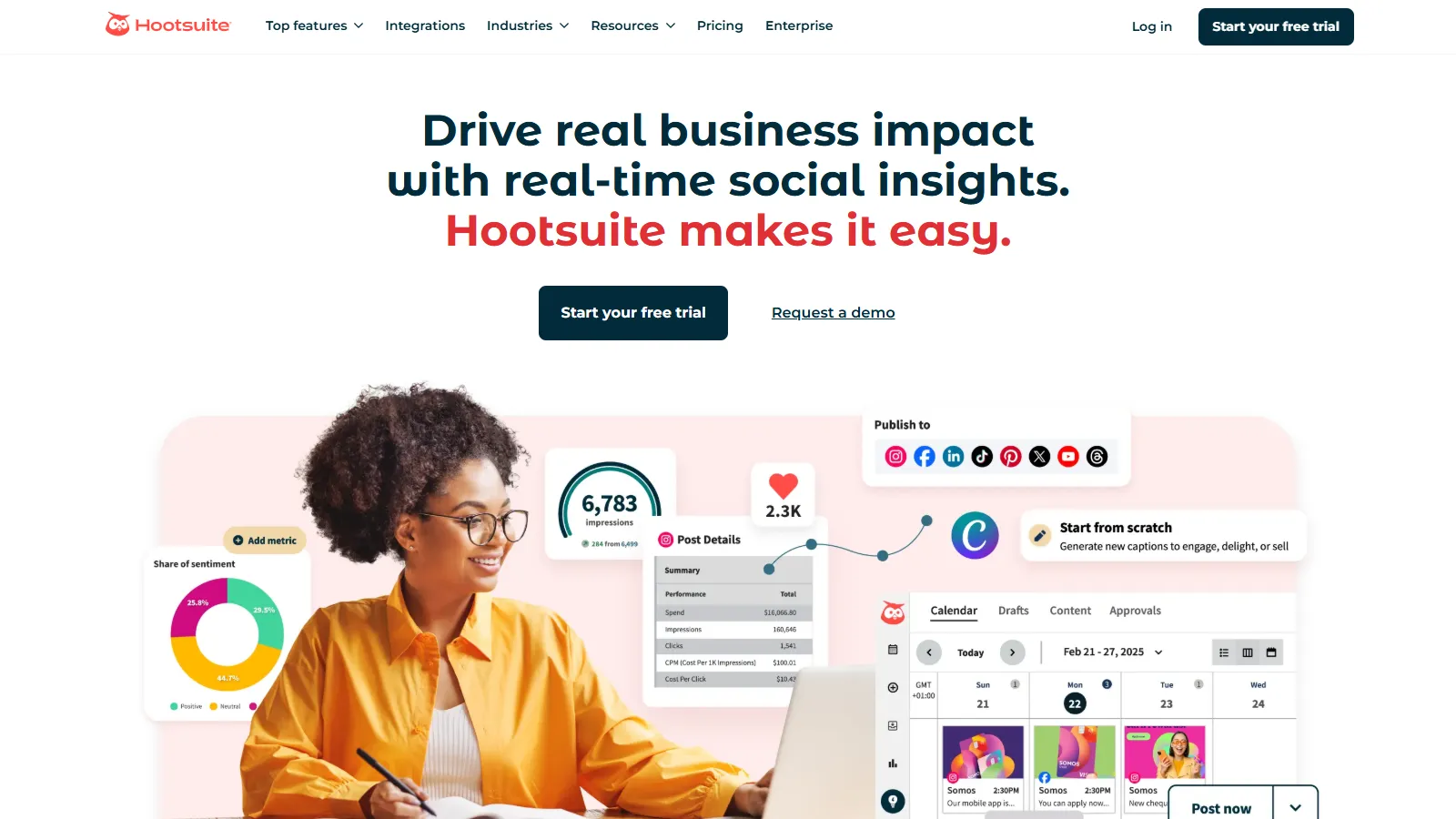
Hootsuite is the enterprise choice with the widest platform support and team collaboration features. Approval workflows, team permissions, and advanced analytics make it suitable for large organizations managing multiple brands and team members.
Starting price$99/mo
Strengths
Most platform integrations
Team workflows and approvals
Social listening included
Advanced analytics
Ad management integration
Limitations
Expensive for small teams
Interface can feel dated
Steep learning curve
Who it's for: Built for enterprise teams and agencies managing multiple brands. Best when you need governance, approvals, and comprehensive reporting.
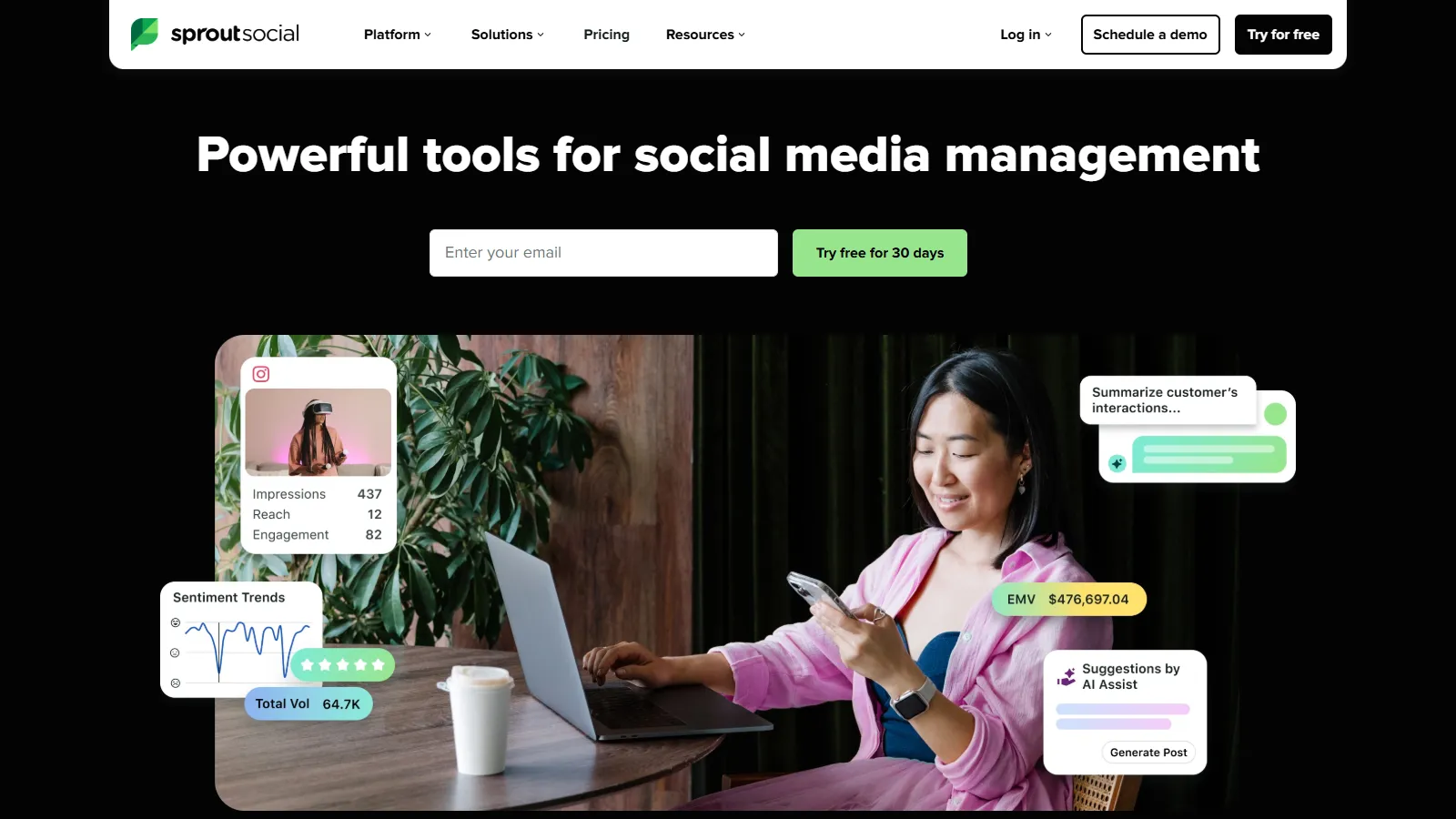
Sprout Social combines scheduling with the best analytics in the category. The unified inbox manages all social conversations in one place, and reporting goes deep enough for executive presentations. Premium pricing reflects premium capabilities.
Starting price$249/mo
Strengths
Industry-leading analytics
Unified smart inbox
Social listening tools
Beautiful reporting
CRM integration
Limitations
High price point
Per-user pricing adds up
Overkill for simple needs
Who it's for: Ideal for brands who need analytics for stakeholder reporting. Best when measuring ROI and engagement trends matters.
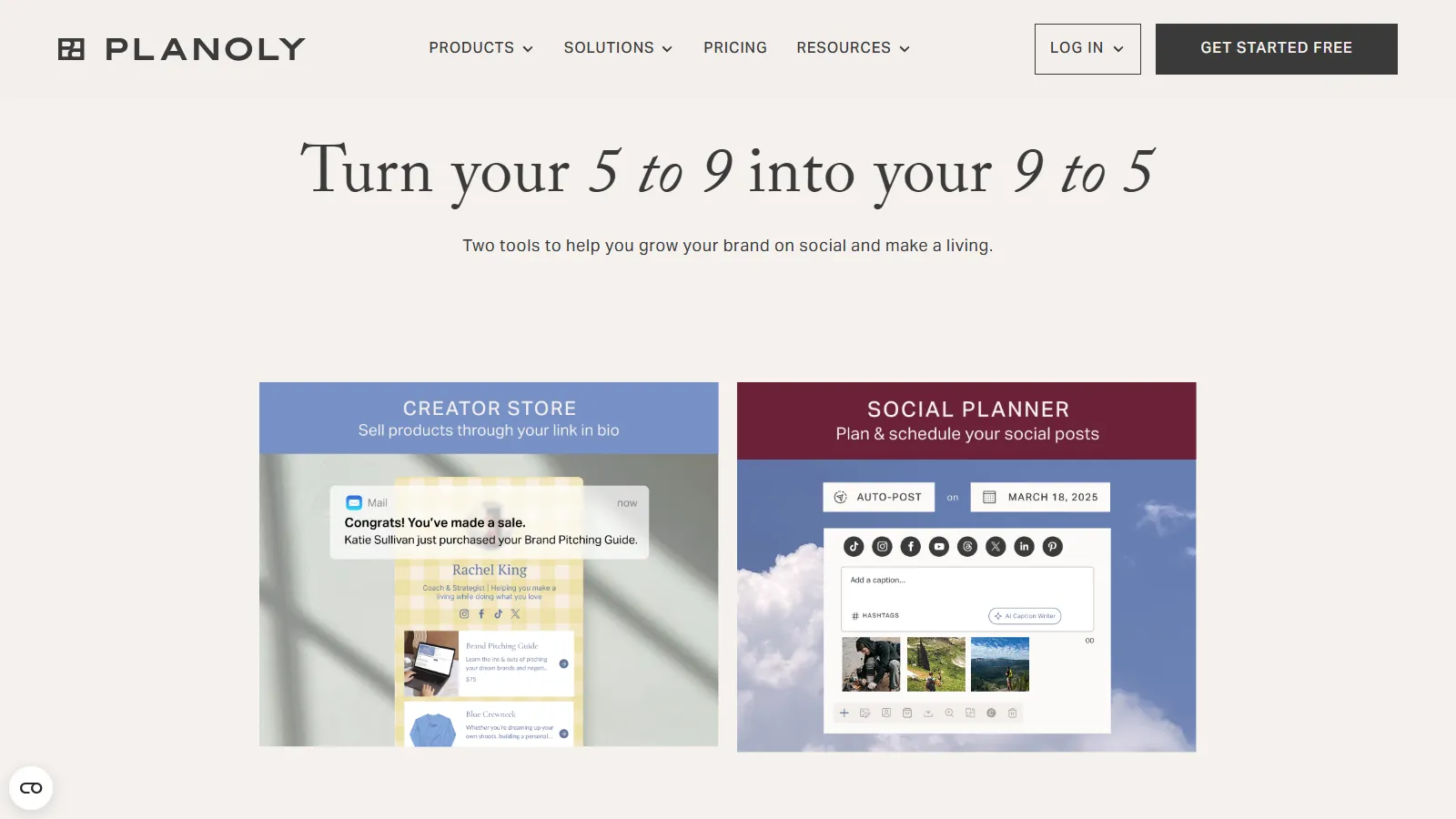
Planoly focuses on Instagram with a visual grid planner that shows exactly how your feed will look. Story scheduling, hashtag management, and Reels support make it a complete Instagram toolkit. Pinterest support was added recently.
Starting priceFree/$13/mo
Strengths
Best Instagram grid planner
Story and Reels scheduling
Hashtag manager
Auto-post to Instagram
Pinterest support
Limitations
Limited platform support
Basic analytics
Less suitable for multi-platform
Who it's for: Perfect for Instagram creators and small businesses where visual consistency is the priority. Best for fashion, lifestyle, and visual brands.
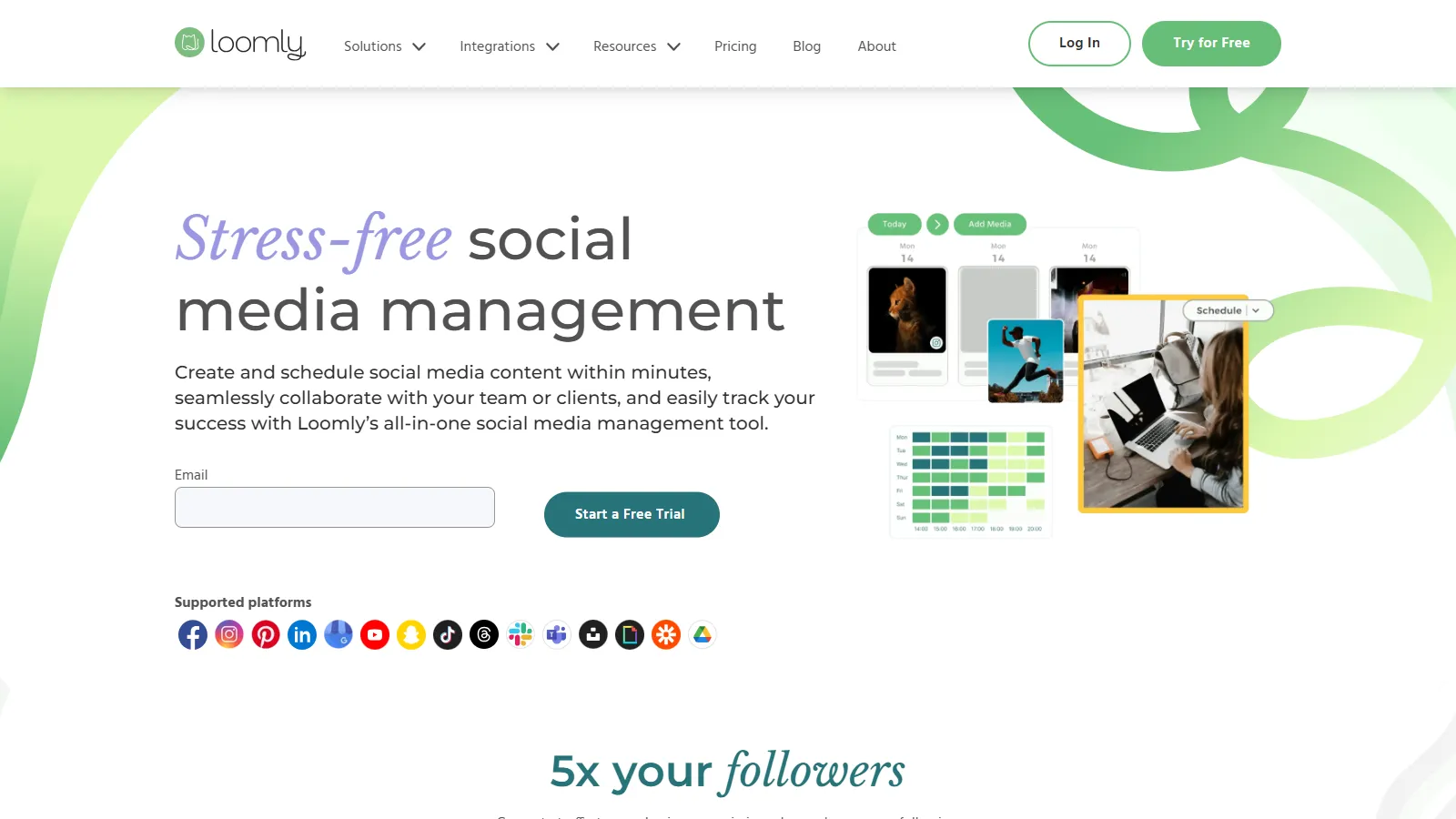
Loomly excels at team collaboration with built-in approval workflows and brand guidelines. The platform suggests content ideas based on trending topics and holidays. Perfect for agencies and marketing teams with approval processes.
Starting price$32/mo
Strengths
Best approval workflows
Content idea suggestions
Brand asset library
Team collaboration
Interaction tracking
Limitations
Higher price point
Less visual planning
Analytics not as deep
Who it's for: Ideal for marketing teams and agencies with approval processes. Best when brand consistency and collaboration matter.
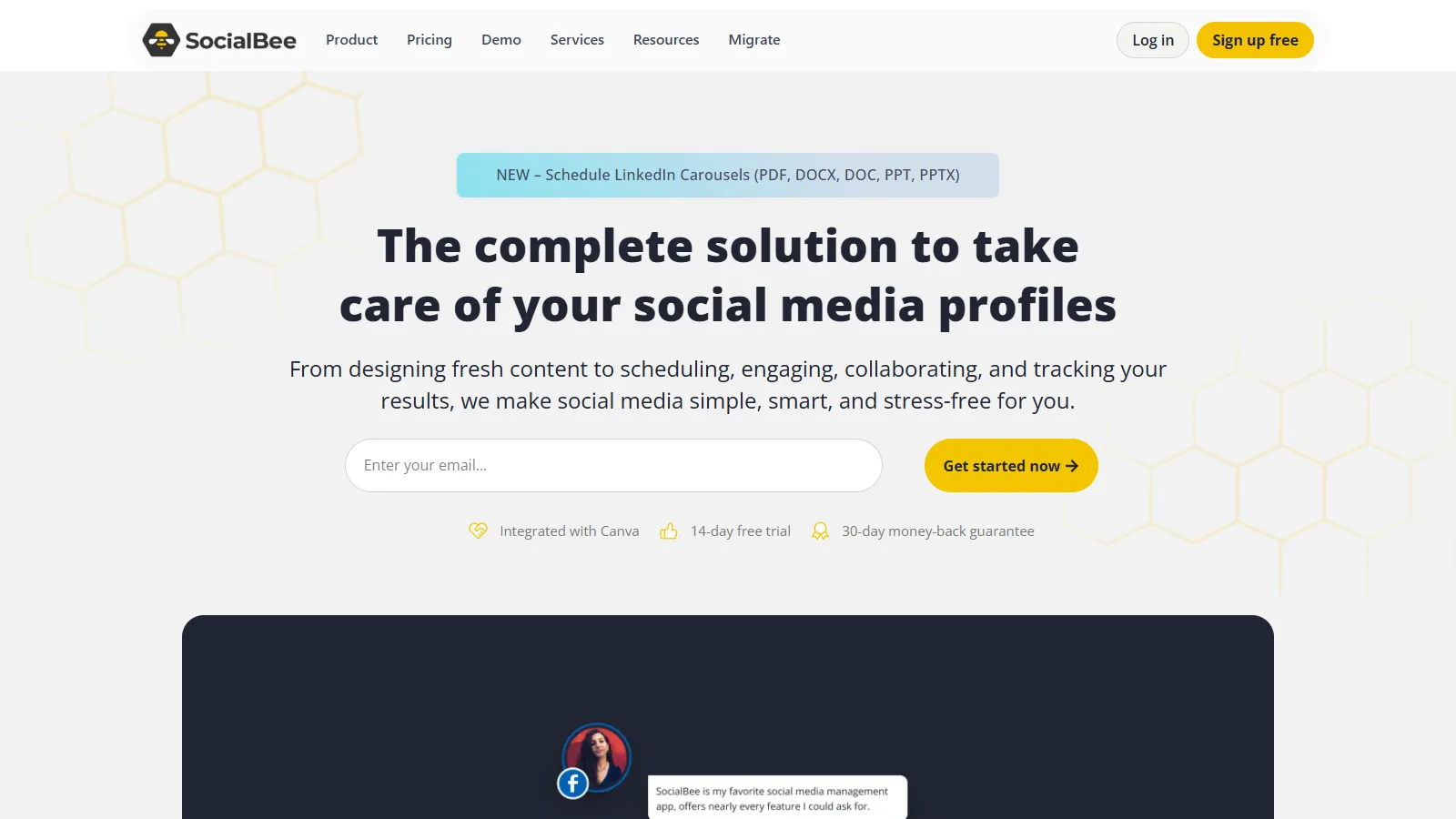
SocialBee specializes in evergreen content recycling with category-based scheduling. Organize posts into categories (promotional, educational, engagement) and schedule each category differently. Perfect for maintaining a consistent mix of content types.
Starting price$29/mo
Strengths
Best for evergreen content
Category-based scheduling
Content recycling
RSS feed automation
Solid platform coverage
Limitations
Learning curve for categories
Interface less modern
Limited analytics
Who it's for: Perfect for businesses with evergreen content who want automated content rotation. Best when you have a library of timeless posts.
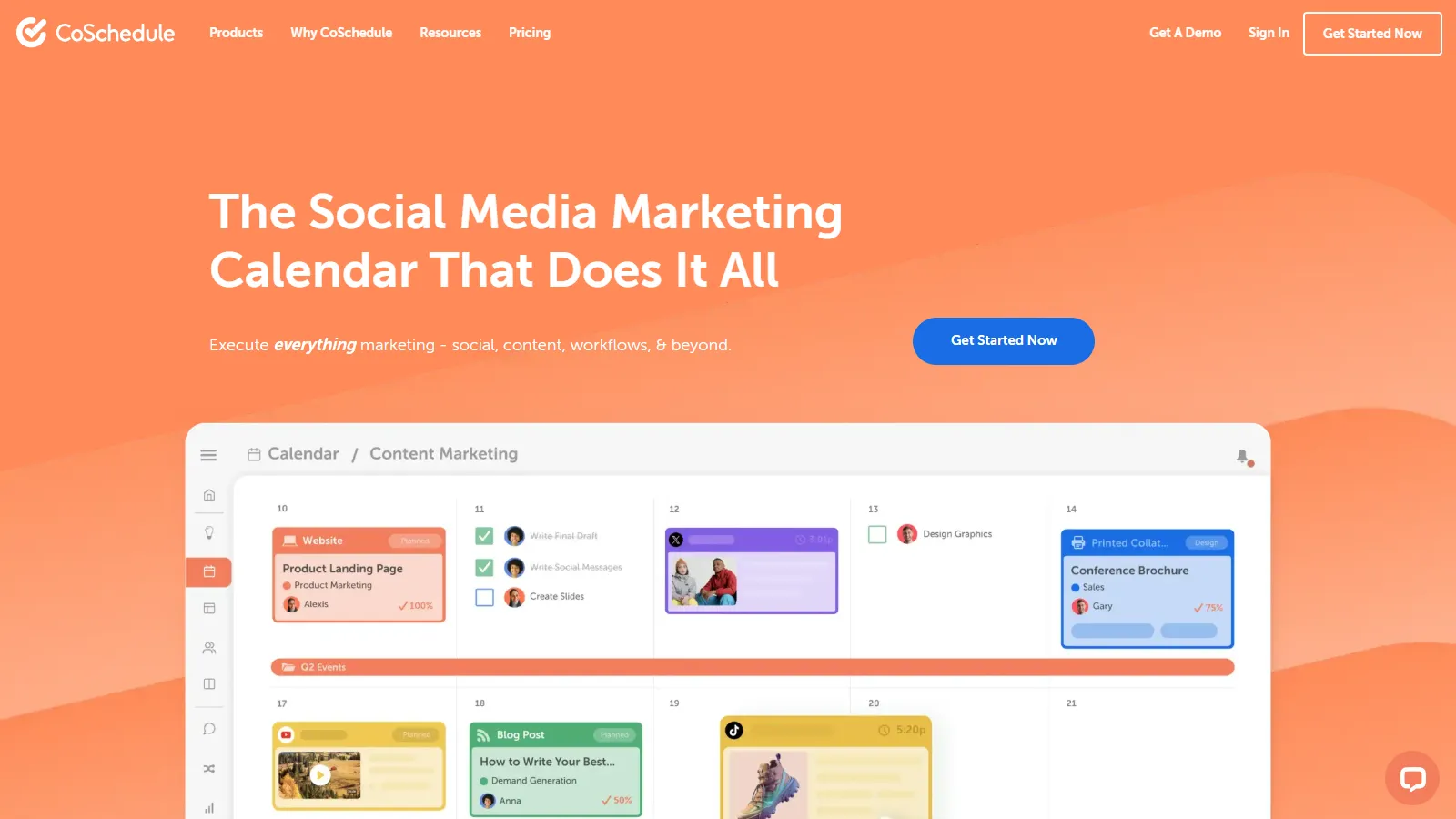
CoSchedule provides a unified marketing calendar that includes social media alongside blog posts, emails, and other marketing activities. The ReQueue feature automatically fills gaps with evergreen content. Great for content marketers.
Starting priceFree/$29/mo
Strengths
Full marketing calendar
Blog and social unified
ReQueue for evergreen
WordPress integration
Team workflows
Limitations
Blog focus may be overkill
Social-only needs other tools
Price scales with features
Who it's for: Ideal for content marketers managing blogs and social together. Best when you need a unified view of all marketing activities.
We scheduled real content across multiple platforms and tested each tool for consistency:
Scheduling Features (30%) — Queue management, optimal timing, and cross-platform posting.
Ease of Use (25%) — Content creation flow and calendar navigation.
Platform Coverage (20%) — Number of social networks supported with full features.
Analytics Quality (15%) — Post performance data and reporting capabilities.
Value for Money (10%) — Feature set relative to pricing across tiers.
How to Choose
Choose Buffer if you need Simplicity first.
Choose Later or Planoly if you need Visual content/Instagram.
Choose Hootsuite if you need Enterprise/multiple brands.
Choose Sprout Social if you need Analytics and reporting.
Choose Loomly if you need Team collaboration.
Choose SocialBee if you need Evergreen content.
Choose CoSchedule if you need Blog + social unified.
Common Questions
It varies by platform and audience. Most tools offer optimal timing features based on when your audience is active. Generally, weekday mornings and lunch hours see high engagement.
Most successful marketers batch content 1-2 weeks ahead while leaving room for timely posts. Having a 2-week buffer reduces stress without sacrificing relevance.
Most support major platforms (Facebook, Instagram, Twitter, LinkedIn, Pinterest). Some platforms like TikTok have limitations due to API restrictions.
No, scheduling itself does not affect reach or engagement. What matters is content quality, timing, and consistency—which scheduling helps maintain.