AI assistants are transforming daily work - from drafting emails to researching topics to summarizing meetings. We tested 25+ AI tools to find which actually deliver productivity gains versus which are just demos. These 11 will genuinely save you time.
ChatGPT Plus with GPT-4 remains the most capable general AI assistant. Use it for drafting, research, coding help, analysis, and creative work. Plugins extend functionality into browsing, data analysis, and specialized tasks.
Starting price$20/mo
Strengths
Most capable model
Plugins ecosystem
Code interpreter
Image generation
Voice mode
Broad knowledge
Limitations
Can hallucinate
Context limits
Generic responses sometimes
Who it's for: Essential for anyone wanting a versatile AI assistant.
Claude excels at long document analysis with its 200K token context window. Upload entire reports, contracts, or codebases and get thoughtful analysis. The responses tend to be more nuanced and careful than competitors.
Starting price$20/mo
Strengths
200K context window
Document analysis
Thoughtful responses
Good with nuance
Code understanding
Safer outputs
Limitations
No plugins
Less creative
Slower sometimes
Who it's for: Best for knowledge workers dealing with long documents.
Microsoft Copilot embeds AI directly into Office 365. Draft emails in Outlook, create presentations in PowerPoint, analyze data in Excel, and summarize meetings in Teams. Seamless if you're in the Microsoft ecosystem.
Starting price$30/user
Strengths
Office integration
Email drafting
Excel analysis
Teams summaries
PowerPoint creation
Enterprise ready
Limitations
Expensive
Microsoft only
Variable quality
Who it's for: Obvious choice for Microsoft 365 enterprise users.
Perplexity reimagines search with AI. Ask questions and get answers with cited sources. Real-time information means current data. Perfect for research, fact-checking, and exploration.
Starting priceFree/$20
Strengths
Cites sources
Real-time data
Research-focused
Good free tier
Follow-up questions
Accurate
Limitations
Less creative
Research-focused only
Basic interface
Who it's for: Best for anyone doing research or needing current information.
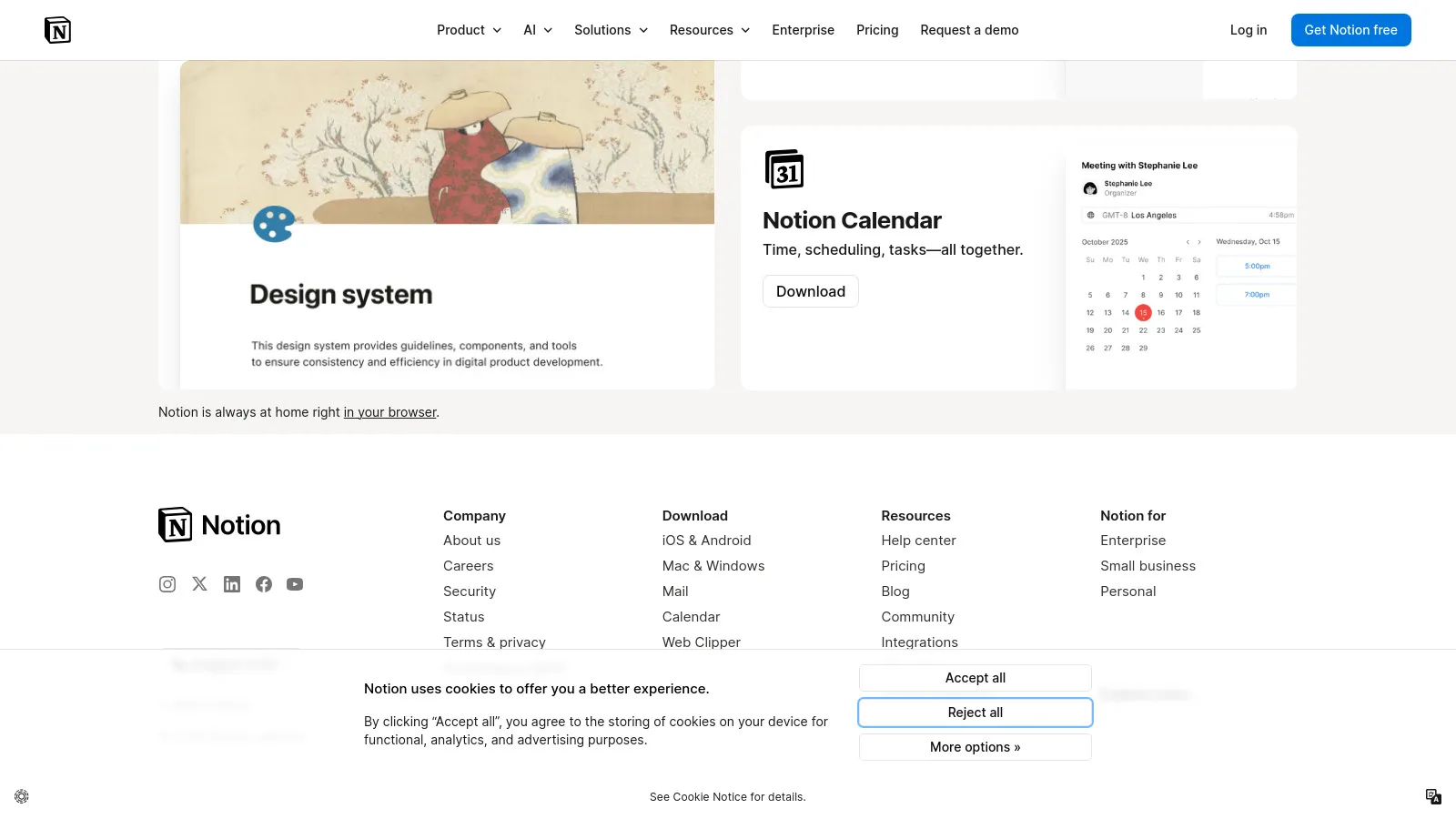
Notion AI adds intelligence to your workspace. Summarize long pages, draft content, brainstorm ideas, and improve writing - all within Notion. The integration means AI where your work already lives.
Starting price$10/user
Strengths
Notion integration
Summarize pages
Draft content
Improve writing
Brainstorm
In-context
Limitations
Notion only
Extra cost
Basic AI features
Who it's for: Essential add-on for Notion power users.
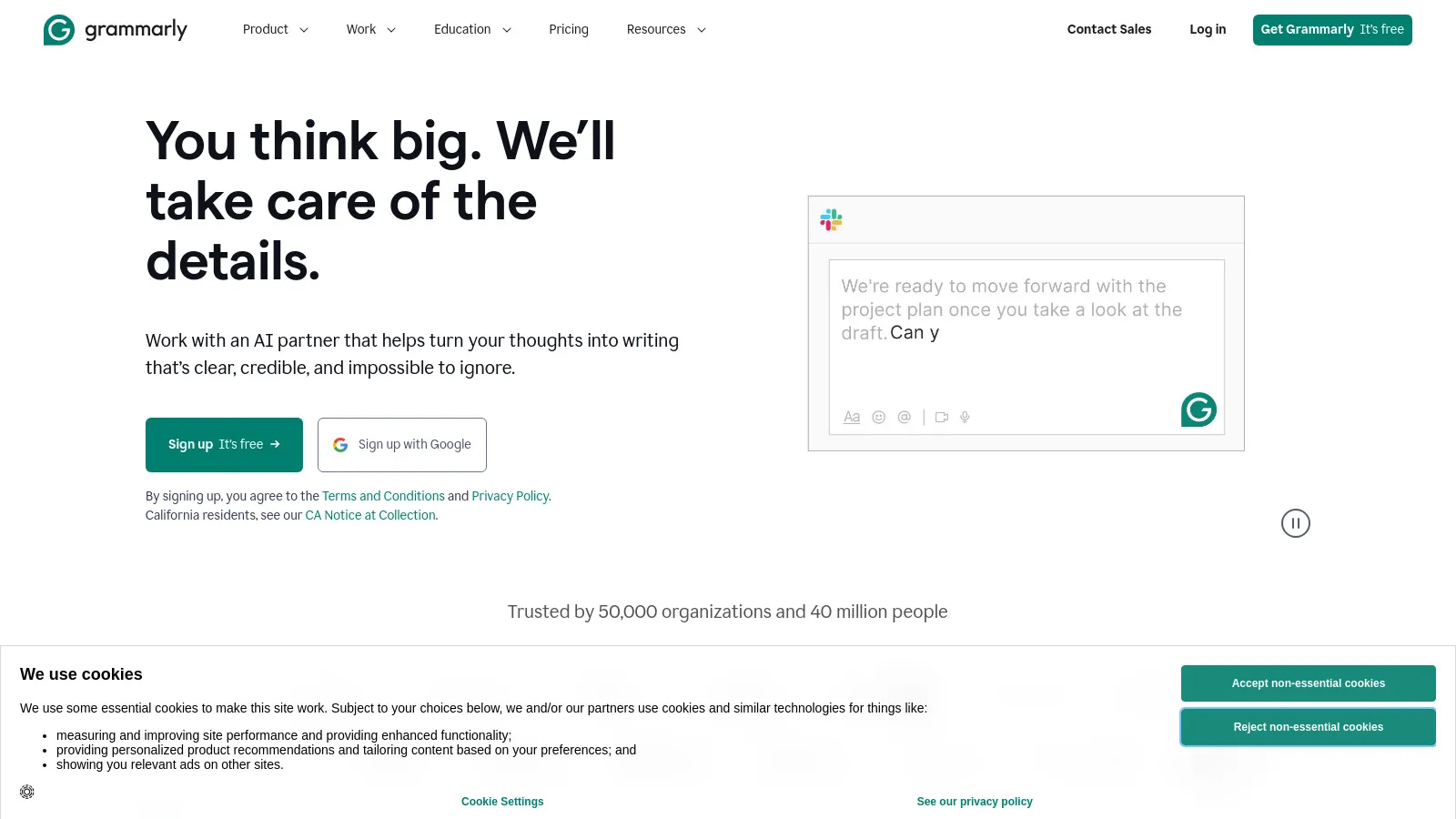
Grammarly works everywhere you write. Beyond grammar, it now offers AI writing assistance, tone detection, and full rewrites. The browser extension and desktop app mean consistent help across all writing.
Starting priceFree/$12
Strengths
Works everywhere
Grammar + style
AI writing
Tone detection
Browser extension
Good free tier
Limitations
Can be prescriptive
Subscription needed for full AI
Privacy concerns
Who it's for: Essential for anyone writing professionally.
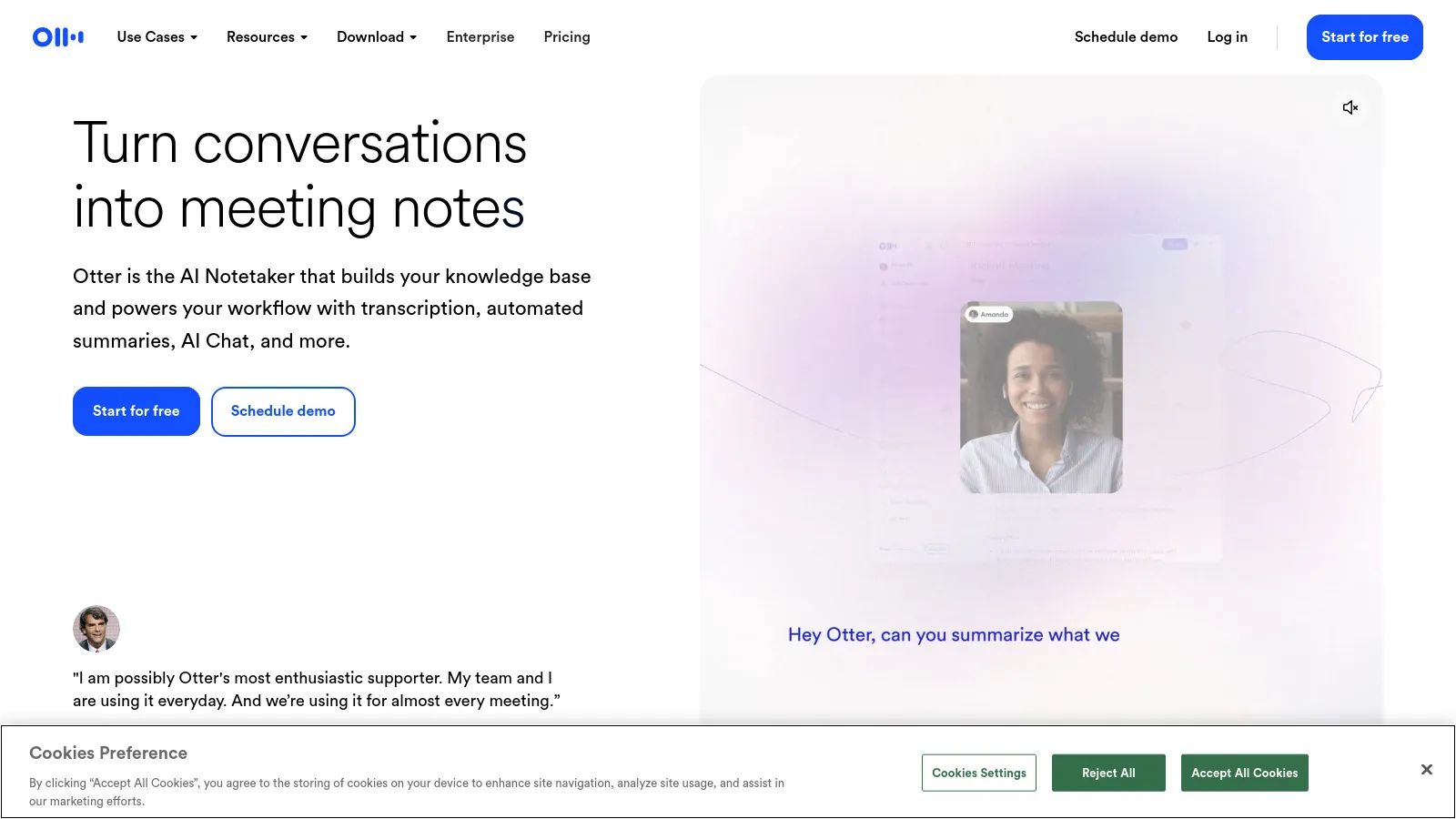
Otter transcribes meetings and generates AI summaries. Join your Zoom or Meet calls and get automatic notes. Search across all your meetings to find specific discussions.
Starting price$8.33/mo
Strengths
Auto transcription
AI summaries
Action items
Searchable
Meeting integration
Good accuracy
Limitations
English best
Privacy for some
Accuracy varies
Who it's for: Great for anyone in many meetings who needs records.
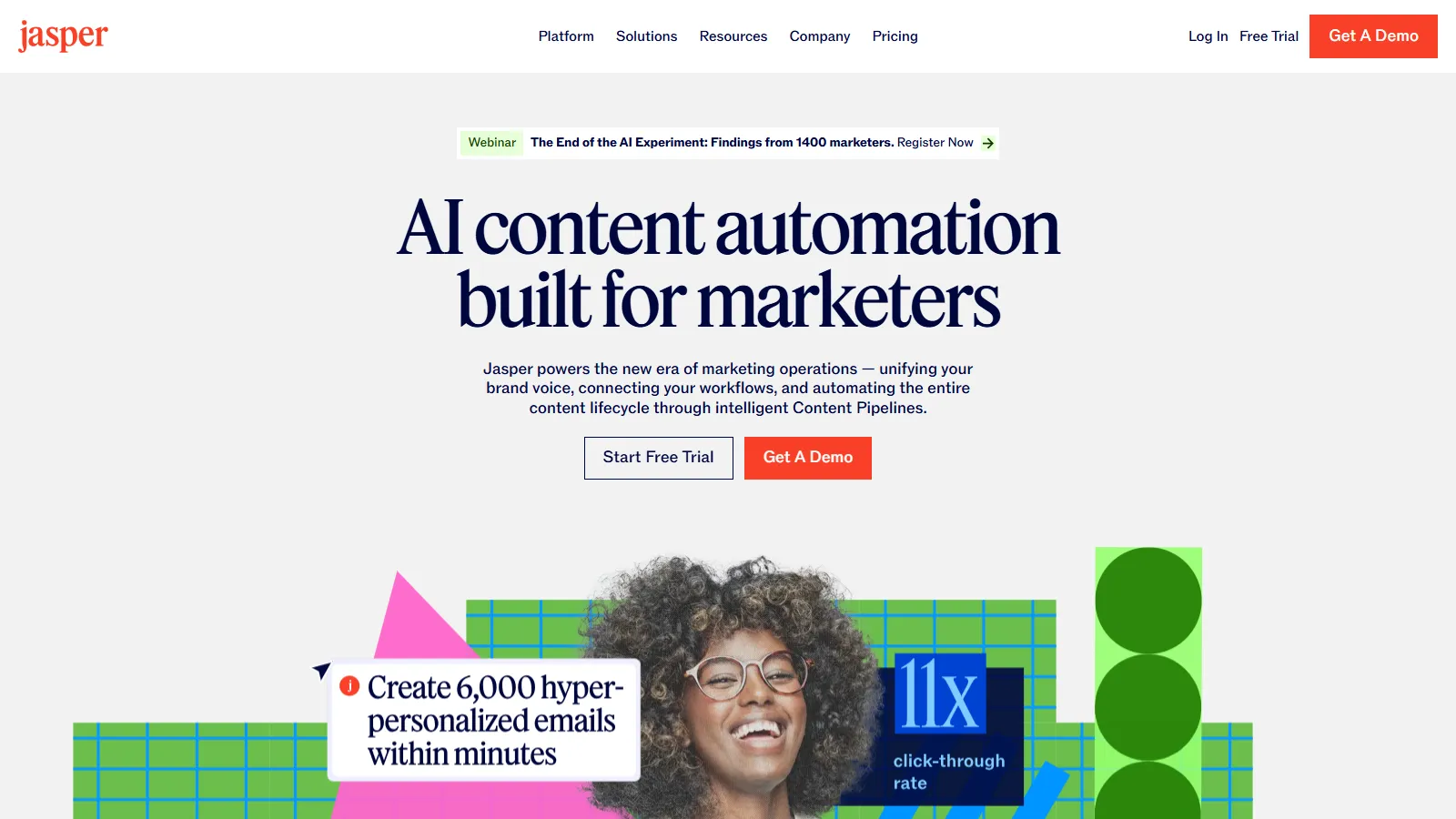
Jasper is built for marketing teams. Train it on your brand voice, use marketing-specific templates, and generate content at scale. More expensive but purpose-built for marketing workflows.
Starting price$39/mo
Strengths
Marketing focus
Brand voice training
Templates
Team features
Campaigns
SEO integration
Limitations
Expensive
Marketing only
Generic AI sometimes
Who it's for: Best for marketing teams creating content at scale.
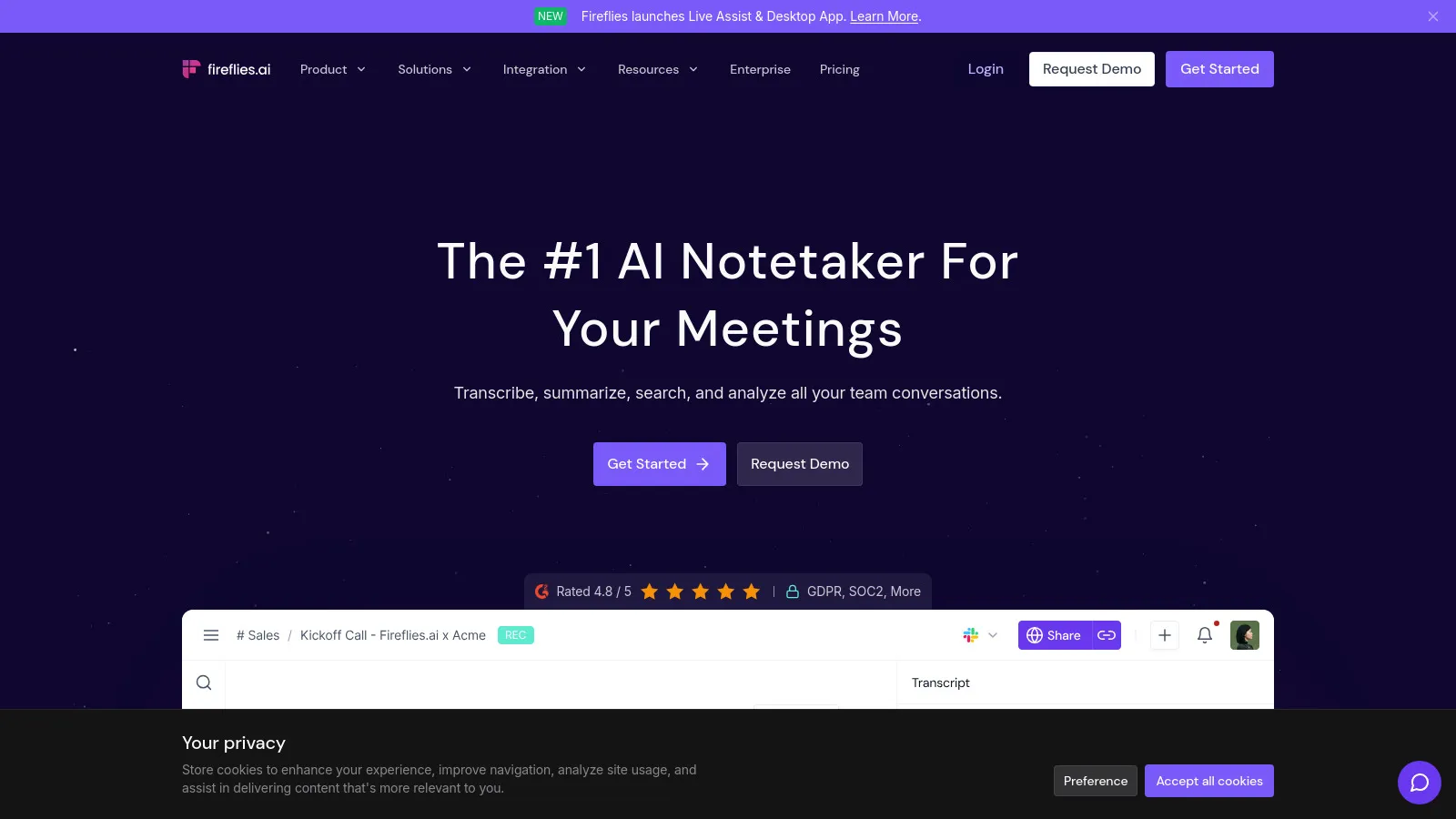
Fireflies captures and transcribes meetings, then syncs key information to your CRM and project tools. The analytics show speaking patterns and meeting effectiveness.
Starting priceFree/$10
Strengths
Meeting capture
CRM sync
Analytics
Action items
Searchable
Good free tier
Limitations
Similar to Otter
Basic AI
Integration setup
Who it's for: Good for sales and customer success teams needing CRM sync.
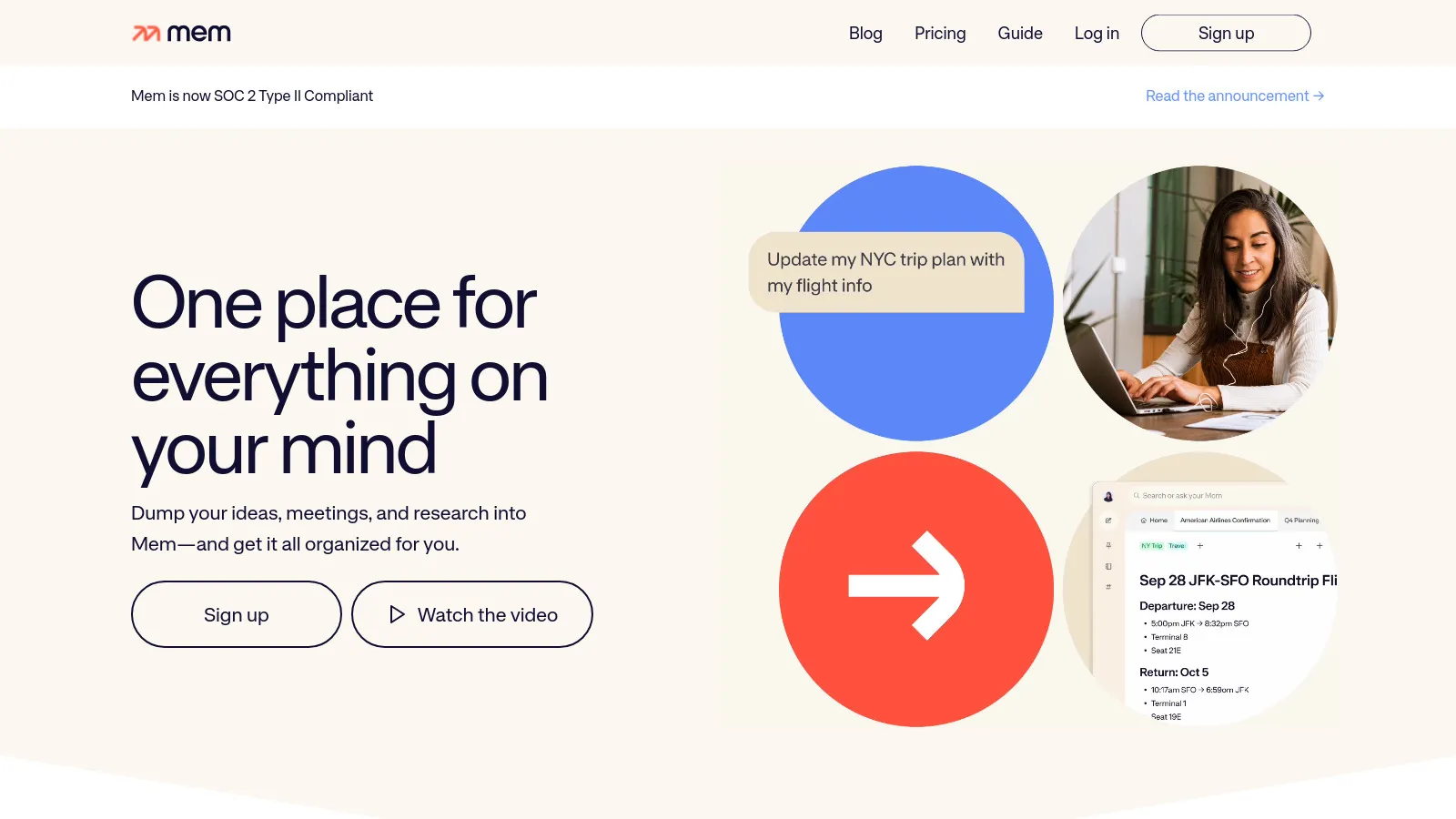
Mem uses AI to surface relevant notes and connections automatically. Write naturally and let AI organize and connect your knowledge. The chat feature lets you query your notes.
Starting price$8/mo
Strengths
AI organization
Smart connections
Query notes
Automatic linking
Clean interface
Memory-like
Limitations
Learning curve
Limited export
Smaller ecosystem
Who it's for: Great for people who take lots of notes and want AI help.
Gamma generates beautiful presentations from prompts. Describe what you want and get professional slides in minutes. Great for quick decks and internal presentations.
Starting priceFree/$10
Strengths
AI-generated slides
Beautiful design
Quick creation
Web-based
Easy sharing
Good templates
Limitations
Less control
Basic customization
Not for complex decks
Who it's for: Perfect for quick presentations and internal decks.
We tested each AI assistant on real work tasks to measure actual productivity gains.
Productivity Impact (30%) — Real time savings in daily work.
Output Quality (25%) — Accuracy and usefulness of AI output.
Ease of Use (20%) — Quick to learn and integrate.
Integration (15%) — Works with existing tools.
Value (10%) — Worth the subscription cost.
How to Choose
Choose ChatGPT Plus if you need General AI help.
Choose Claude if you need Document analysis.
Choose Microsoft Copilot if you need Office 365 user.
Choose Perplexity AI if you need Research tasks.
Choose Jasper if you need Marketing content.
Common Questions
ChatGPT Plus is more versatile with plugins and image generation. Claude is better for long document analysis and nuanced reasoning. Many power users have both.
For heavy Office 365 users, the productivity gains typically justify the cost. For light users, ChatGPT Plus at $20/mo offers more flexibility.
Perplexity AI has the best free tier for research. ChatGPT free is good for general use. Grammarly free covers basic writing help.