8 Best Productivity Tools for Executives and Leaders in 2026
Executive productivity isn't about doing more tasks - it's about making better decisions, delegating effectively, and maintaining strategic focus. We evaluated tools through the lens of how leaders actually work: high-stakes meetings, strategic planning, and team oversight.
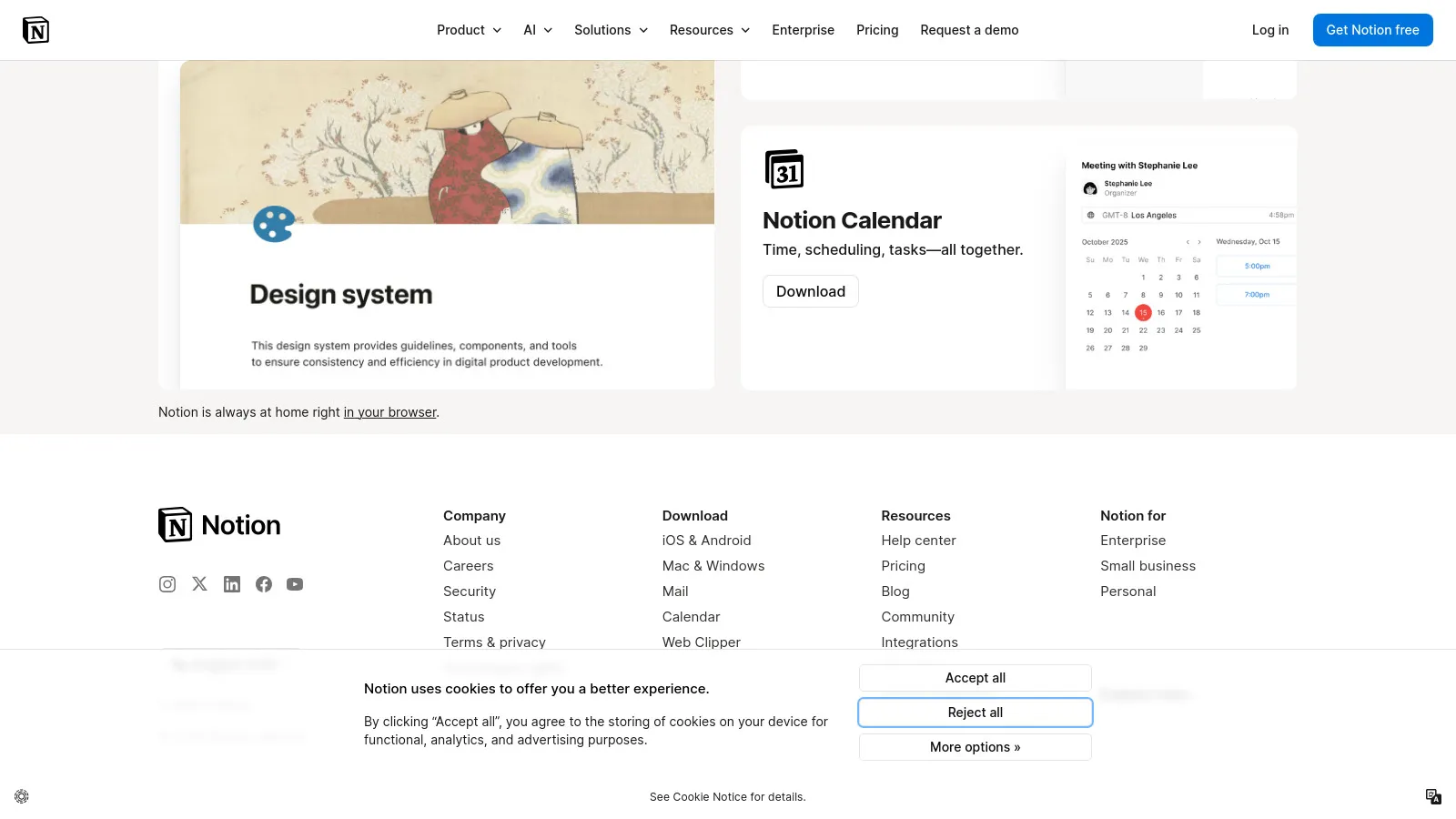
Notion serves as an executive command center. Build strategic planning dashboards, track OKRs, and maintain visibility into team initiatives. The flexibility handles everything from meeting notes to board presentations.
Starting price$8/user
Strengths
Strategic dashboards
OKR tracking
Team visibility
Flexible templates
Document hub
Cross-team wiki
Limitations
Learning curve
Can be overwhelming
Mobile less powerful
Who it's for: Best for executives wanting a unified strategic hub.
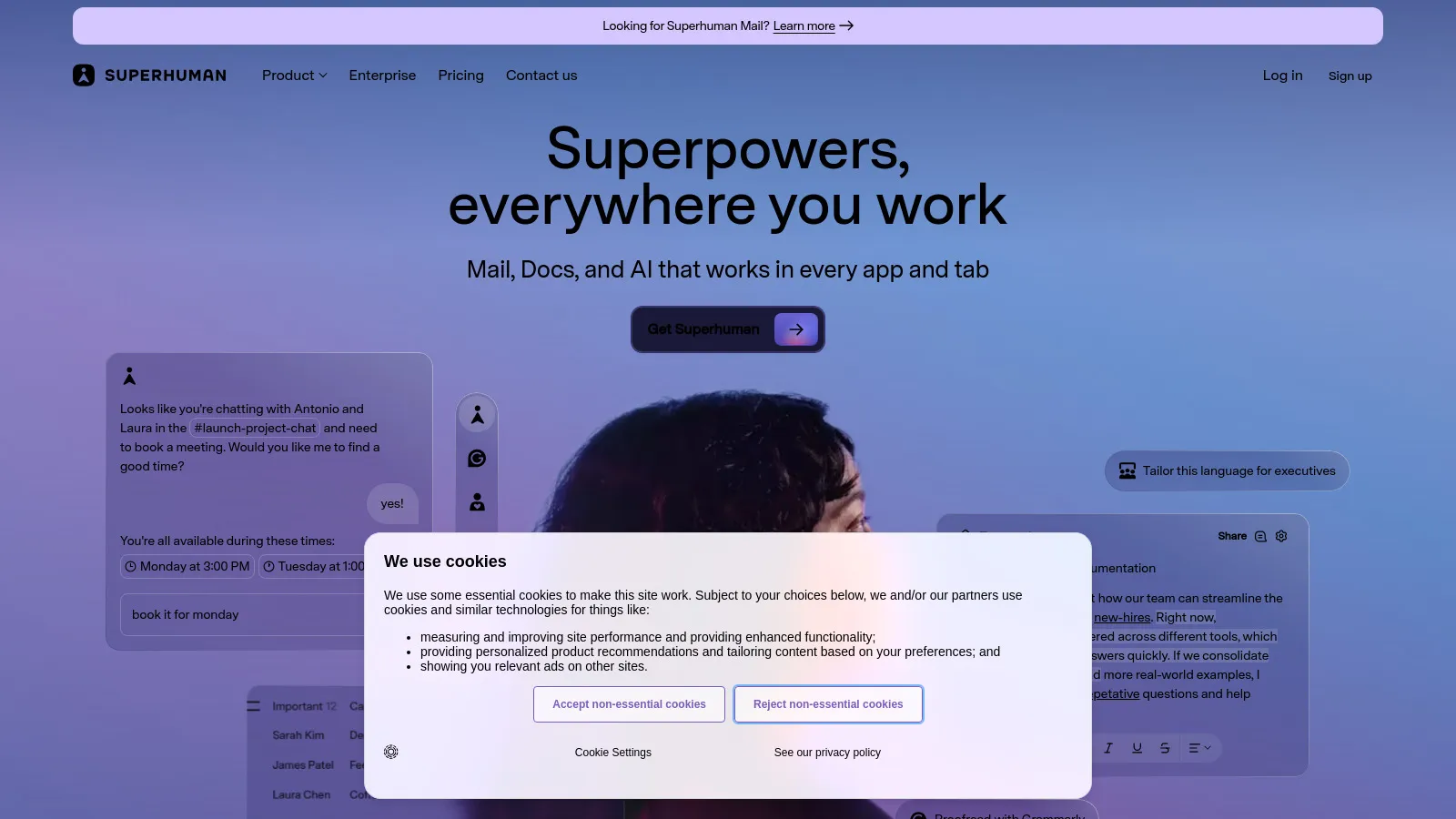
Superhuman reimagines email for executives drowning in inbox. Sub-100ms performance, AI triage, and keyboard shortcuts make email feel effortless. The $30/month feels expensive until you experience the time savings.
Starting price$30/mo
Strengths
Fastest email client
AI-powered triage
Keyboard shortcuts
Split inbox
Scheduled send
Read status
Limitations
Premium pricing
Gmail/Outlook only
Learning curve
Who it's for: Worth it for executives spending 2+ hours daily on email.
Calendly eliminates the back-and-forth of executive scheduling. Set up routing for different meeting types, enforce buffer time between meetings, and let assistants manage availability. Essential for any executive.
Starting price$10/mo
Strengths
Effortless scheduling
Buffer time rules
Team scheduling
Assistant access
CRM integration
Professional
Limitations
Basic free tier
Can seem impersonal
Limited customization
Who it's for: Essential for any executive tired of scheduling emails.
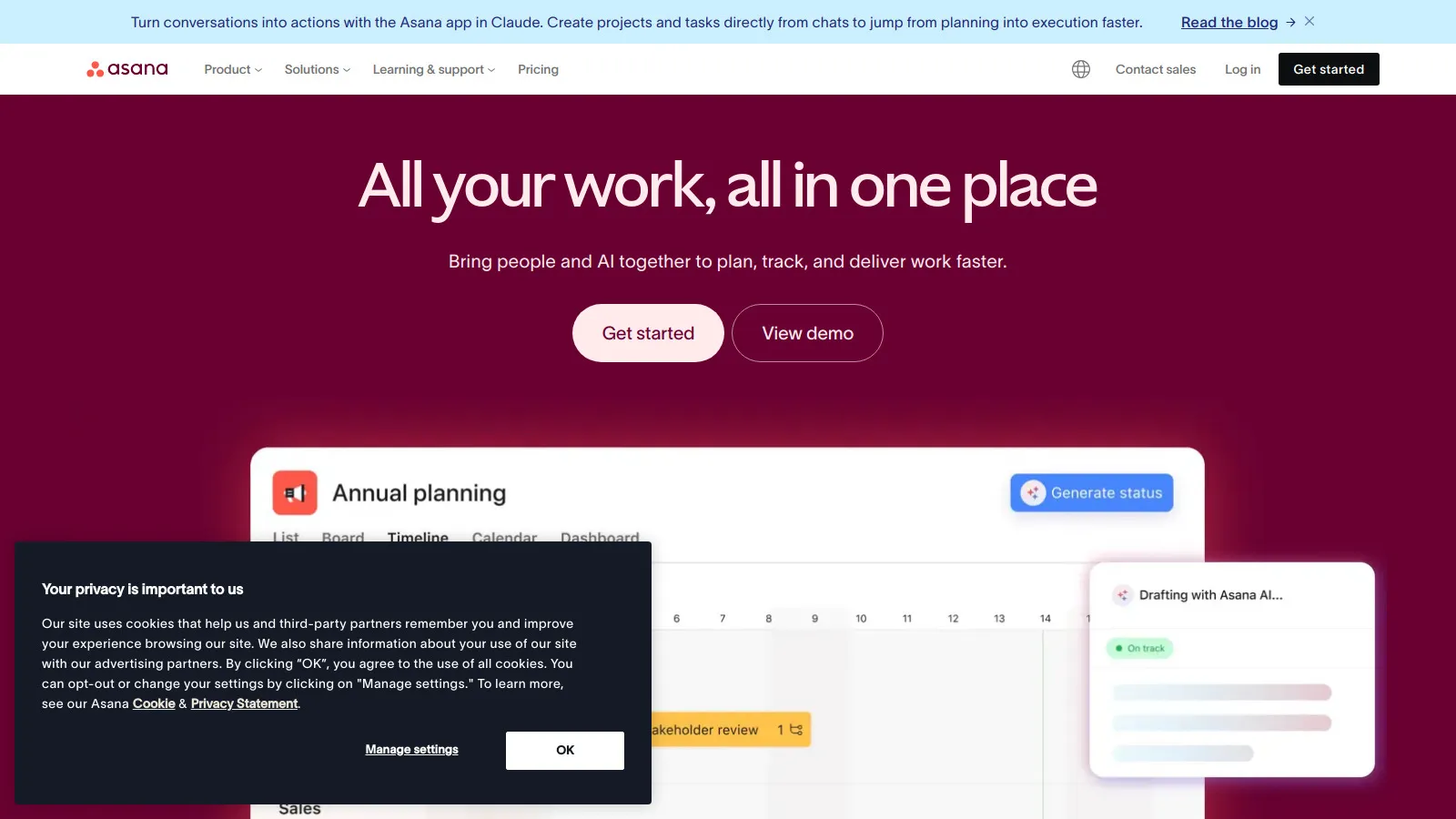
Asana's Portfolio view gives executives visibility across all initiatives without micromanaging. Set goals, track progress, and get executive reports. The Status Updates feature keeps you informed without meetings.
Starting price$10.99/user
Strengths
Portfolio dashboards
Goals & OKRs
Status updates
Executive reports
Cross-team view
Workload management
Limitations
Complex for simple needs
Expensive at scale
Learning curve
Who it's for: Great for executives overseeing multiple teams or initiatives.
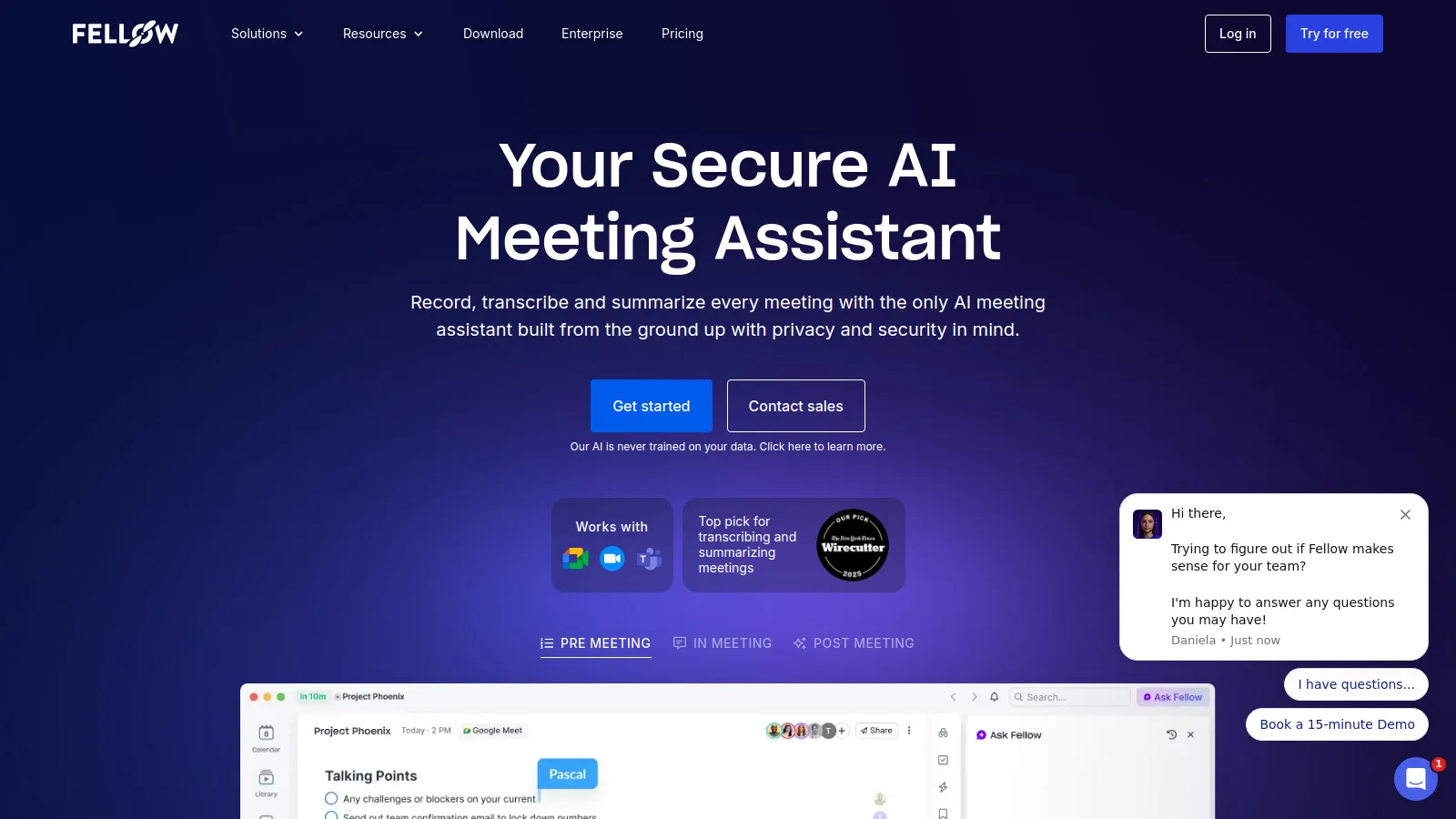
Fellow transforms meeting culture. Collaborative agendas, 1:1 templates, and action item tracking ensure meetings are productive. The meeting cost calculator motivates efficiency. Great for leaders serious about meeting quality.
Starting price$6/user
Strengths
Meeting agendas
1:1 templates
Action tracking
Meeting analytics
Feedback tools
Calendar integration
Limitations
Meeting-focused only
Team adoption needed
Less for solo use
Who it's for: Excellent for leaders wanting to fix meeting culture.
Loom lets executives communicate asynchronously. Record a 5-minute video instead of scheduling a 30-minute meeting. See who watched and for how long. Perfect for updates, feedback, and explanations.
Starting price$12.50/user
Strengths
Async communication
Skip meetings
Viewer analytics
Easy recording
Screen + camera
Embed anywhere
Limitations
Not for discussion
Storage limits
Video fatigue possible
Who it's for: Great for executives wanting fewer synchronous meetings.
Reclaim uses AI to protect your calendar. It automatically schedules focus time, moves flexible meetings, and ensures you have time for strategic work. The habits feature builds in recurring priorities.
Starting priceFree/$8
Strengths
AI scheduling
Focus time protection
Smart rescheduling
Habits
Meeting optimization
Free tier
Limitations
Calendar-focused only
Google Calendar mainly
Requires trust in AI
Who it's for: Perfect for executives whose calendars feel out of control.
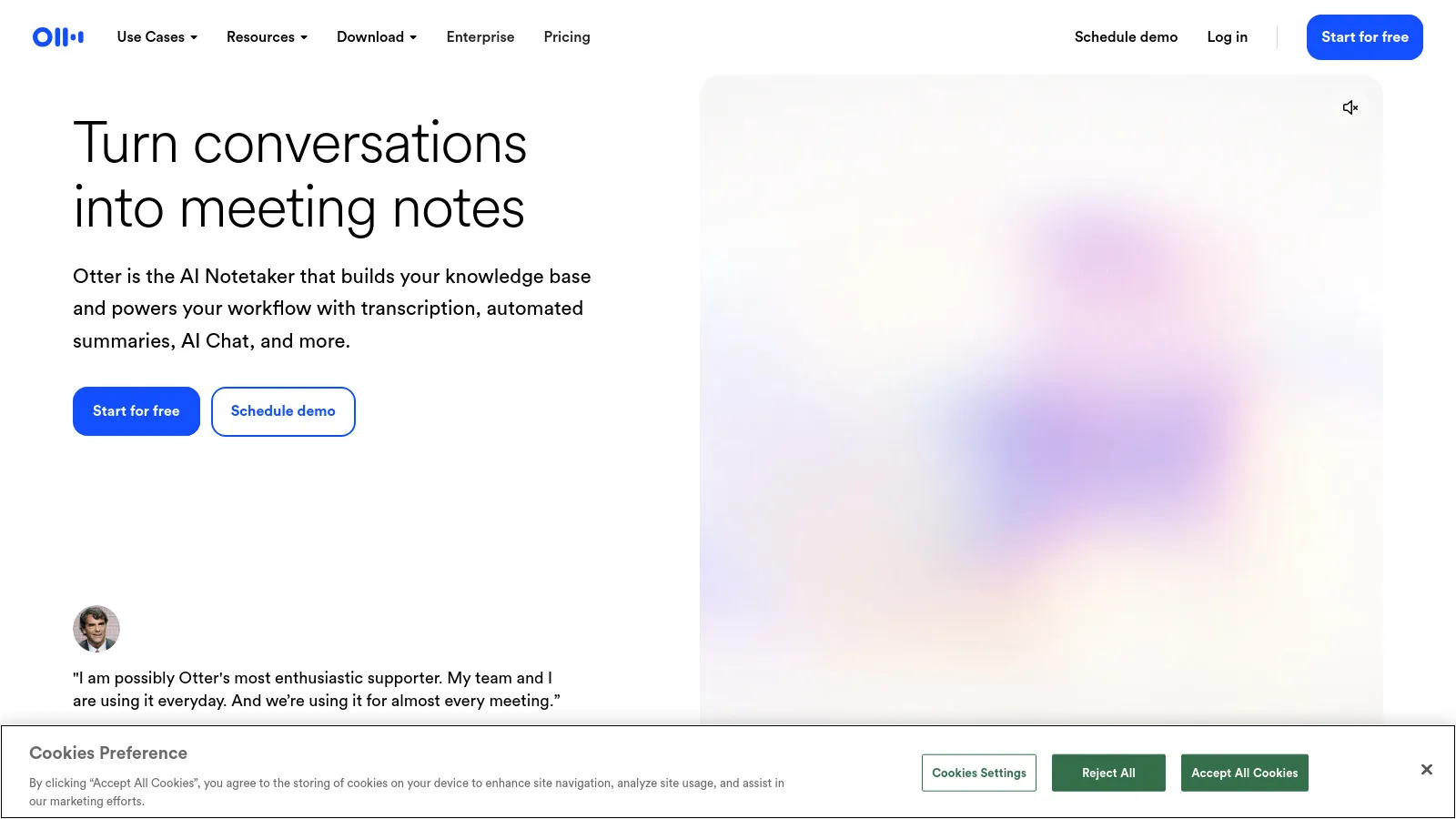
Otter transcribes meetings automatically and generates AI summaries. Search across all your meetings to find specific discussions. Never miss action items or key decisions again.
Starting price$8.33/mo
Strengths
Auto transcription
AI summaries
Searchable archive
Action items
Speaker identification
Integrations
Limitations
Accuracy varies
Privacy concerns
English-focused
Who it's for: Essential for executives in many meetings who need to recall details.