8 Best Documentation Tools for Technical Writing in 2026
We tested 15+ documentation platforms to find the best for technical writing. These tools help you create, maintain, and publish developer docs, API references, and knowledge bases that users actually read.
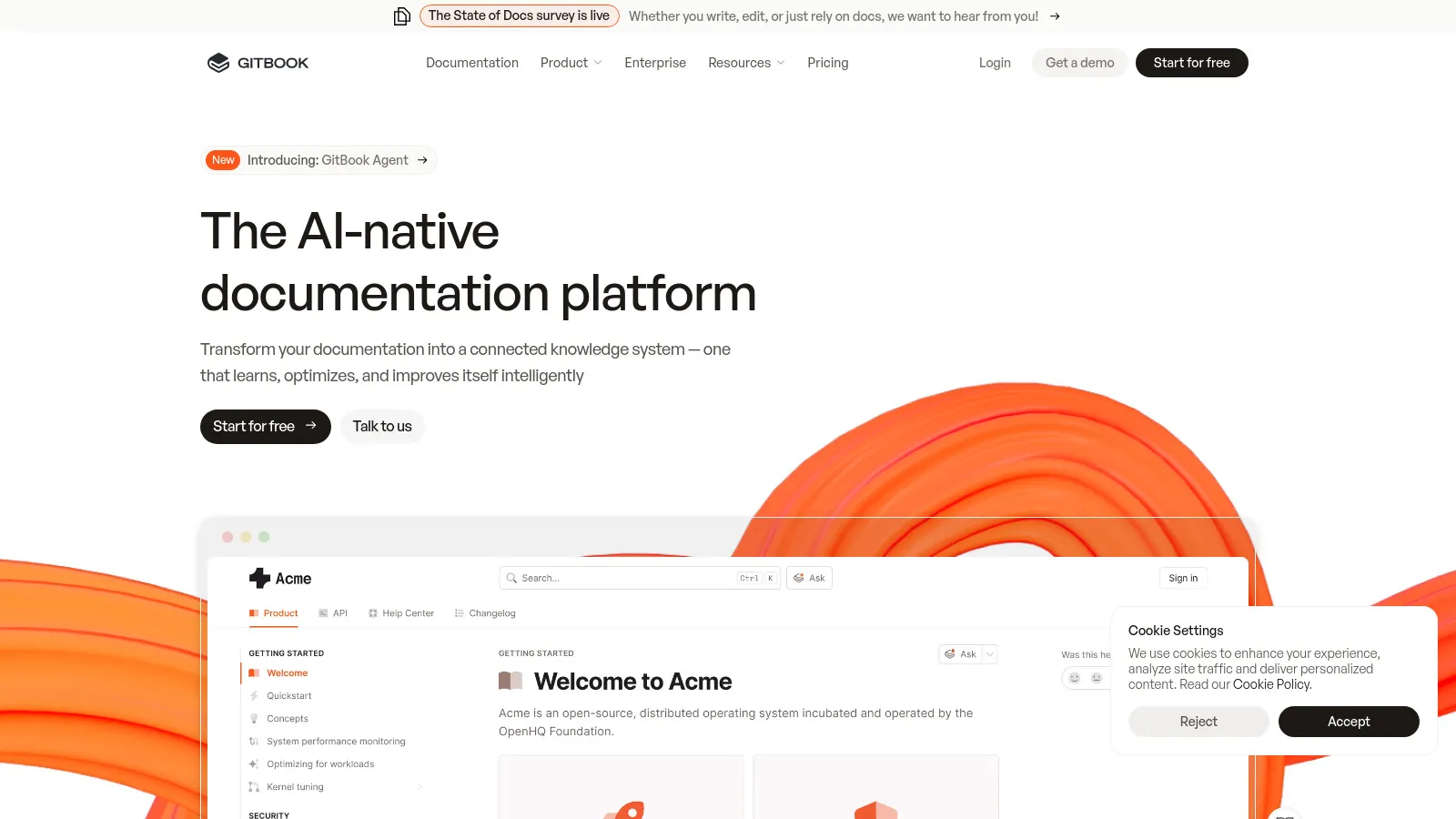
GitBook produces beautiful documentation with minimal effort. Git sync keeps docs in version control alongside code. The editor is fast and pleasant. Good free tier makes it accessible. Works for both internal and public docs.
Starting priceFree
Strengths
Beautiful default design
Git sync
Great free tier
Fast editor
Good for teams
Limitations
Limited customization
API docs basic
Pricing jumps
No diagrams native
Who it's for: Best for teams who want beautiful docs with Git-based workflows.
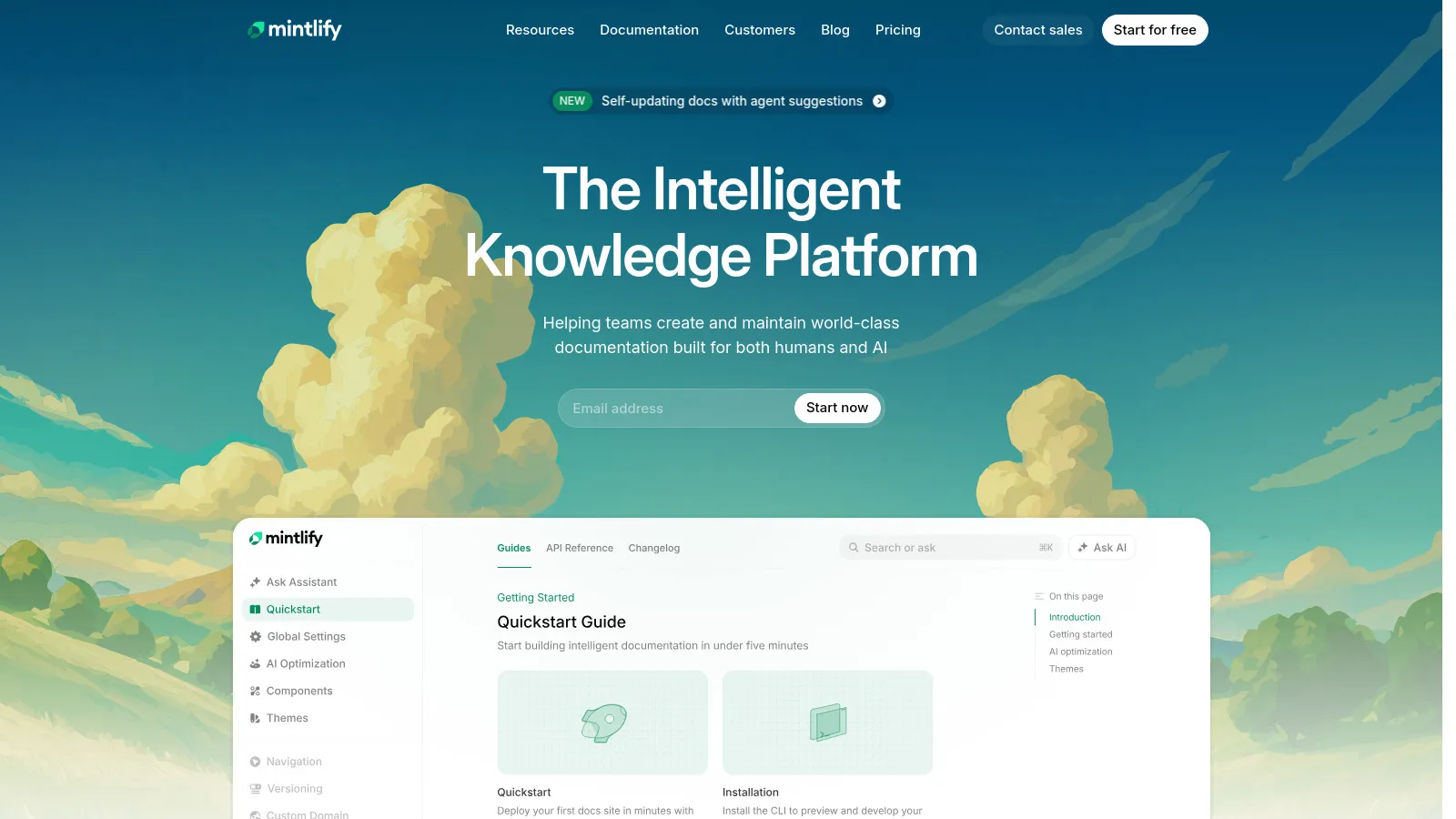
Mintlify has the most stunning docs design available. OpenAPI integration auto-generates API references. AI-powered search helps users find answers. Growing fast as the modern alternative to older platforms.
Starting priceFree
Strengths
Stunning design
OpenAPI integration
AI search
Fast performance
Modern feel
Limitations
Higher pricing
Newer product
Less customization
Smaller community
Who it's for: Best for companies who want the most beautiful docs possible.
Docusaurus is free and open-source from Meta. Built on React for full customization. Version control built-in for multiple doc versions. MDX lets you embed interactive components. The standard for open-source projects.
Starting priceFree
Strengths
Free forever
Full customization
Great versioning
React/MDX
Large community
Limitations
Requires developers
Setup needed
Self-hosting
No built-in analytics
Who it's for: Best for developer teams who want full control and free hosting.
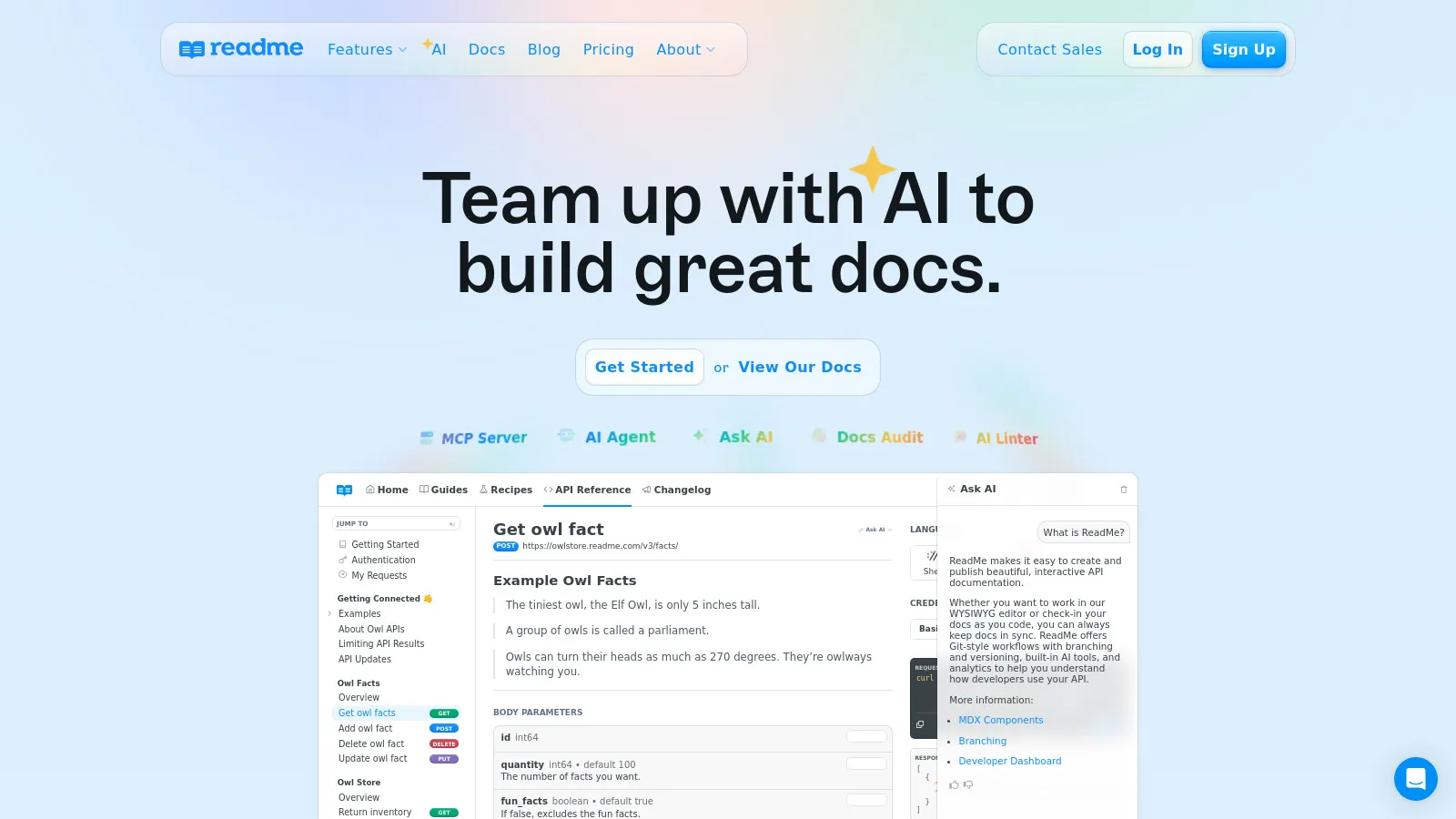
ReadMe is built specifically for API documentation. Interactive API explorer lets users try endpoints directly. Analytics show which docs get read. Developer hub brings all resources together. The enterprise standard for APIs.
Starting price$99/mo
Strengths
Best API explorer
Try it now feature
Analytics included
Developer hub
Enterprise ready
Limitations
Expensive
API-focused
Less flexible
Overkill for simple docs
Who it's for: Best for companies with APIs who need interactive documentation.
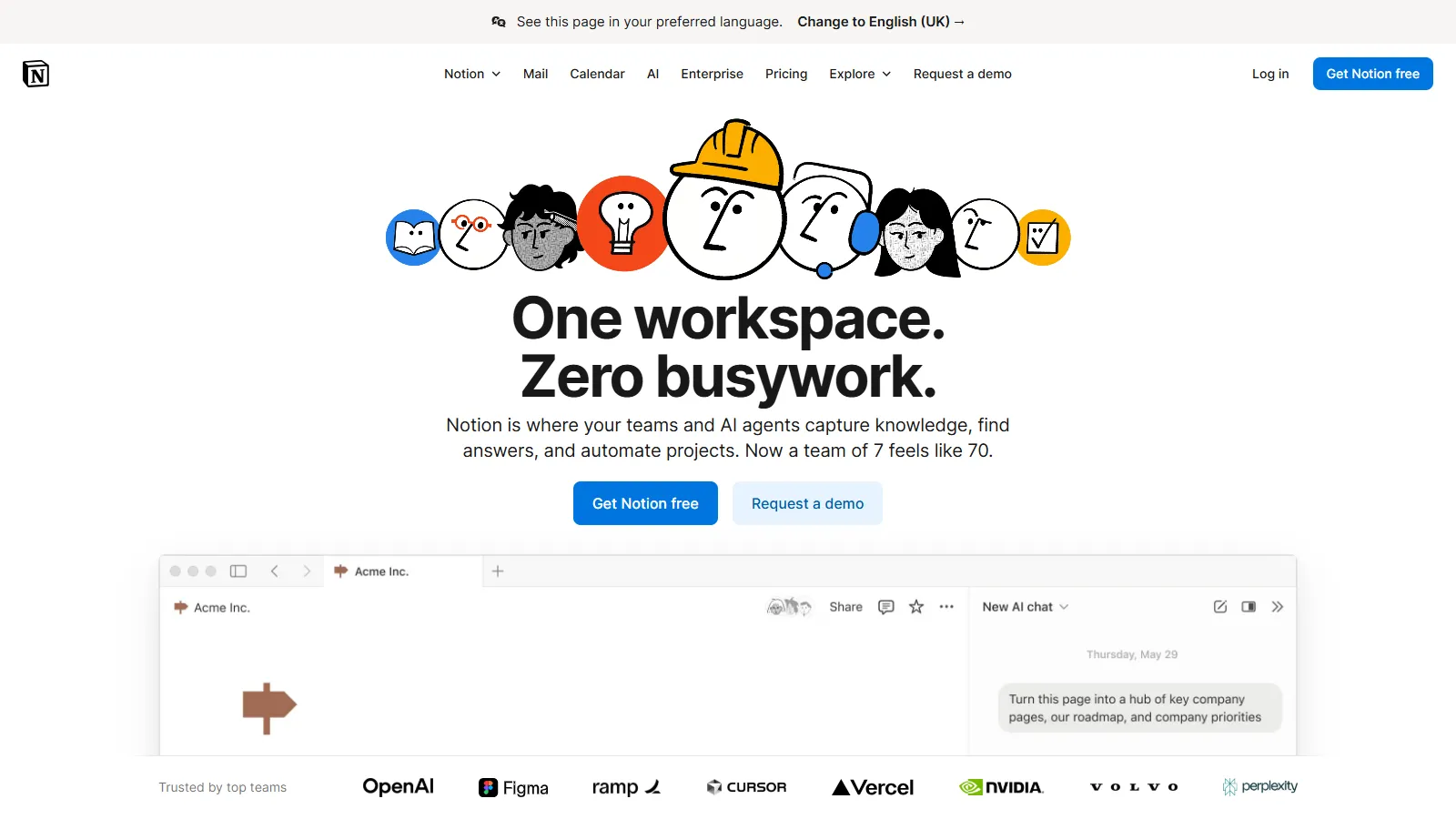
Notion is the easiest option for teams without technical writers. Anyone can edit docs. Databases organize content. Templates help structure. Great for internal documentation where polish matters less than accessibility.
Starting priceFree
Strengths
Easiest editing
Anyone can contribute
Databases
Good templates
Collaborative
Limitations
Not for public docs
No versioning
Limited export
No API docs
Who it's for: Best for internal documentation where ease of contribution matters most.
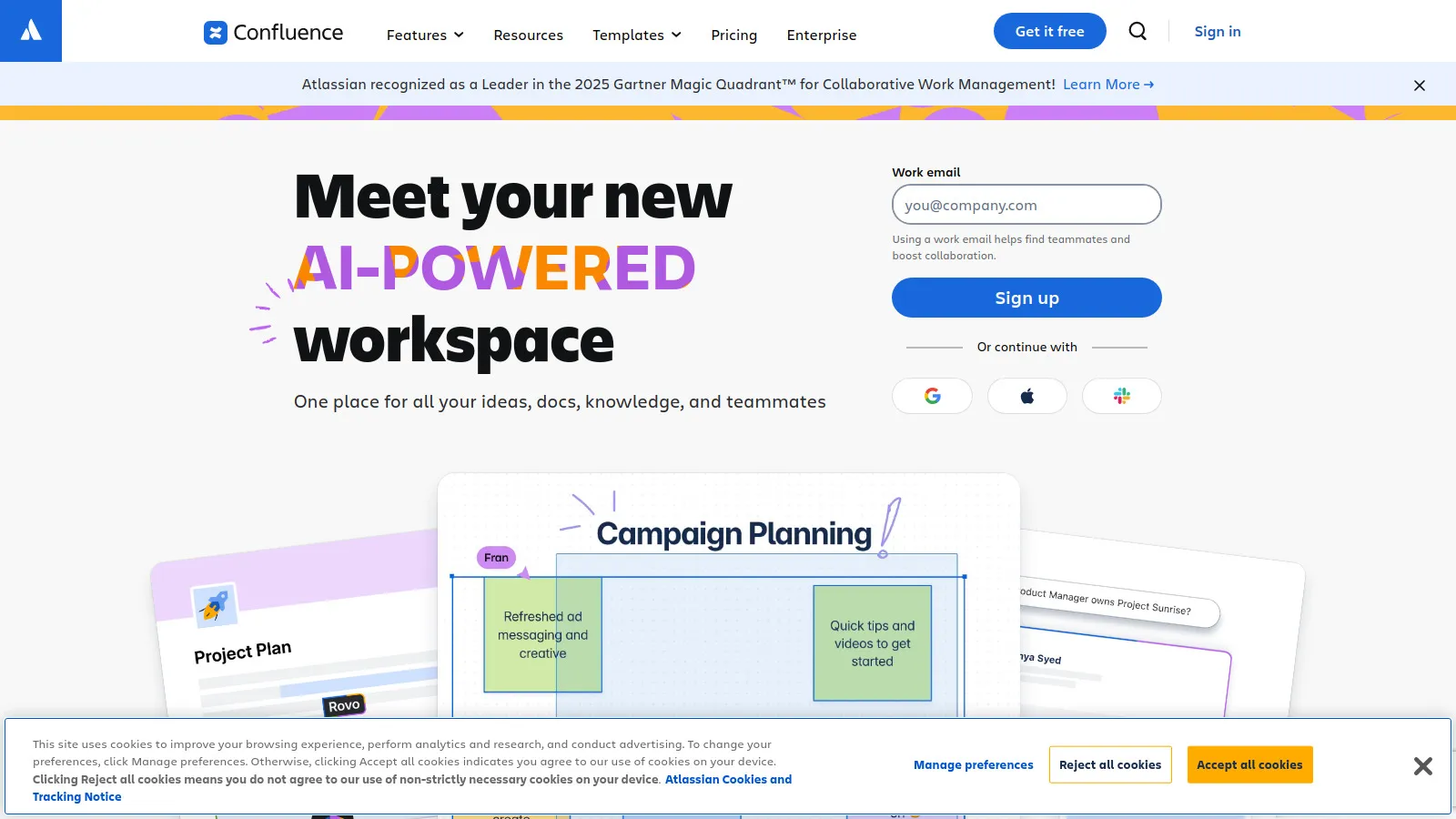
Confluence is the enterprise standard for internal documentation. Deep Jira integration connects docs to projects. Spaces organize by team. Robust permissions satisfy compliance. Integrates with the Atlassian ecosystem.
Starting priceFree
Strengths
Jira integration
Enterprise permissions
Spaces organization
Mature platform
Templates
Limitations
Clunky editor
Can be slow
Dated UI
Atlassian lock-in
Who it's for: Best for enterprises already using Atlassian products.
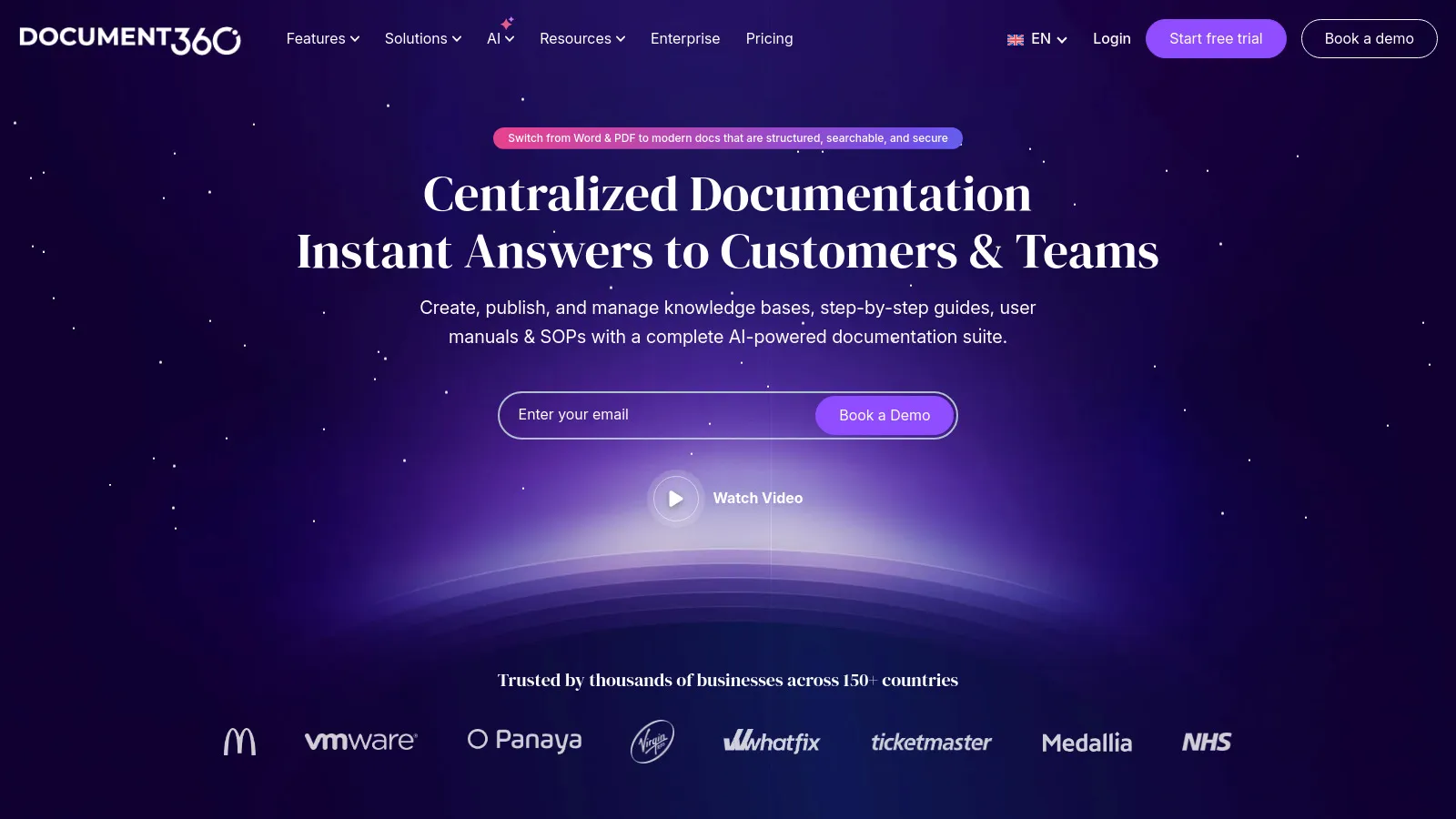
Document360 is purpose-built for customer-facing knowledge bases. Categories and versioning organize content. Analytics show what customers read. Self-service features reduce support tickets.
Starting price$149/mo
Strengths
Built for KB
Good analytics
Versioning
Self-service focus
Category organization
Limitations
Expensive
Limited dev docs
Less technical
Smaller community
Who it's for: Best for customer support teams building self-service knowledge bases.
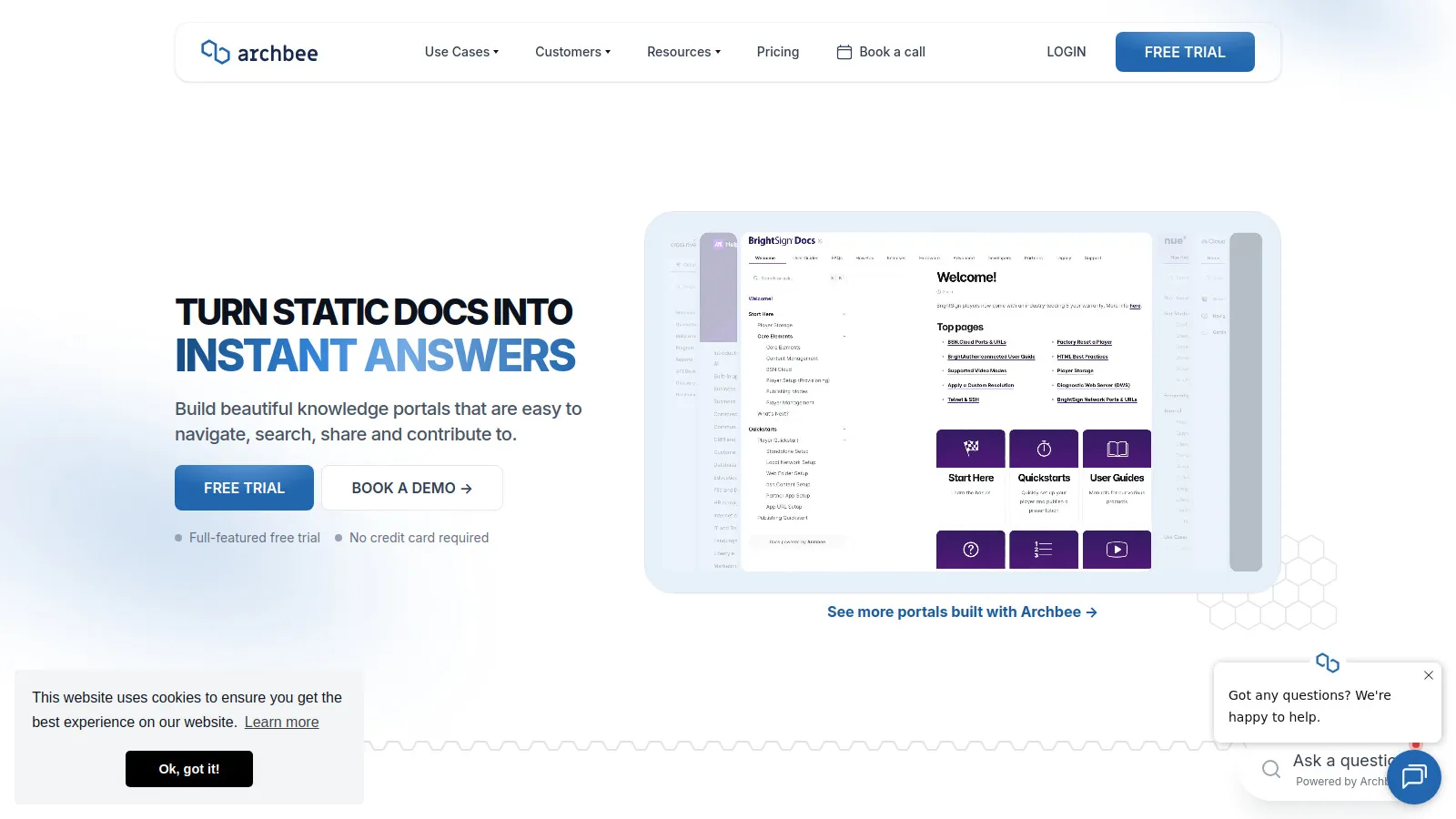
Archbee combines documentation with diagrams and API docs. Built for product teams who need multiple doc types. Collaboration features for team editing. Growing alternative to established players.
Starting priceFree
Strengths
Docs + diagrams
API docs
Collaboration
Modern UI
Good free tier
Limitations
Smaller community
Fewer integrations
Newer product
Less polish
Who it's for: Best for product teams who need docs, diagrams, and API refs together.
We tested each platform for writing experience, publishing, and maintenance.
Writing Experience (25%) — Editor quality and content creation flow.
Output Quality (25%) — How the published docs look and function.
Maintenance (20%) — Version control, updates, and team workflows.
API Docs (15%) — OpenAPI support and API reference features.
Pricing (15%) — Value for documentation teams.
How to Choose
Choose GitBook if you need want beautiful docs.
Choose Mintlify if you need best design possible.
Choose Docusaurus if you need need free + control.
Choose ReadMe if you need have APIs.
Choose Notion if you need internal docs.
Common Questions
For developer docs, yes. Docs-as-code keeps documentation in sync with releases. Most tools support Git sync. For user-facing docs separate from code, a hosted solution may be simpler.
Most tools support versioning. Docusaurus has the best built-in versioning. For others, use folders or the platform versioning feature. Maintain only versions you actively support to reduce maintenance burden.
Docusaurus has built-in i18n. GitBook and others support separate spaces per language. For enterprise needs, specialized localization platforms may be worth integrating. Start with your primary language and add translations when traffic justifies it.