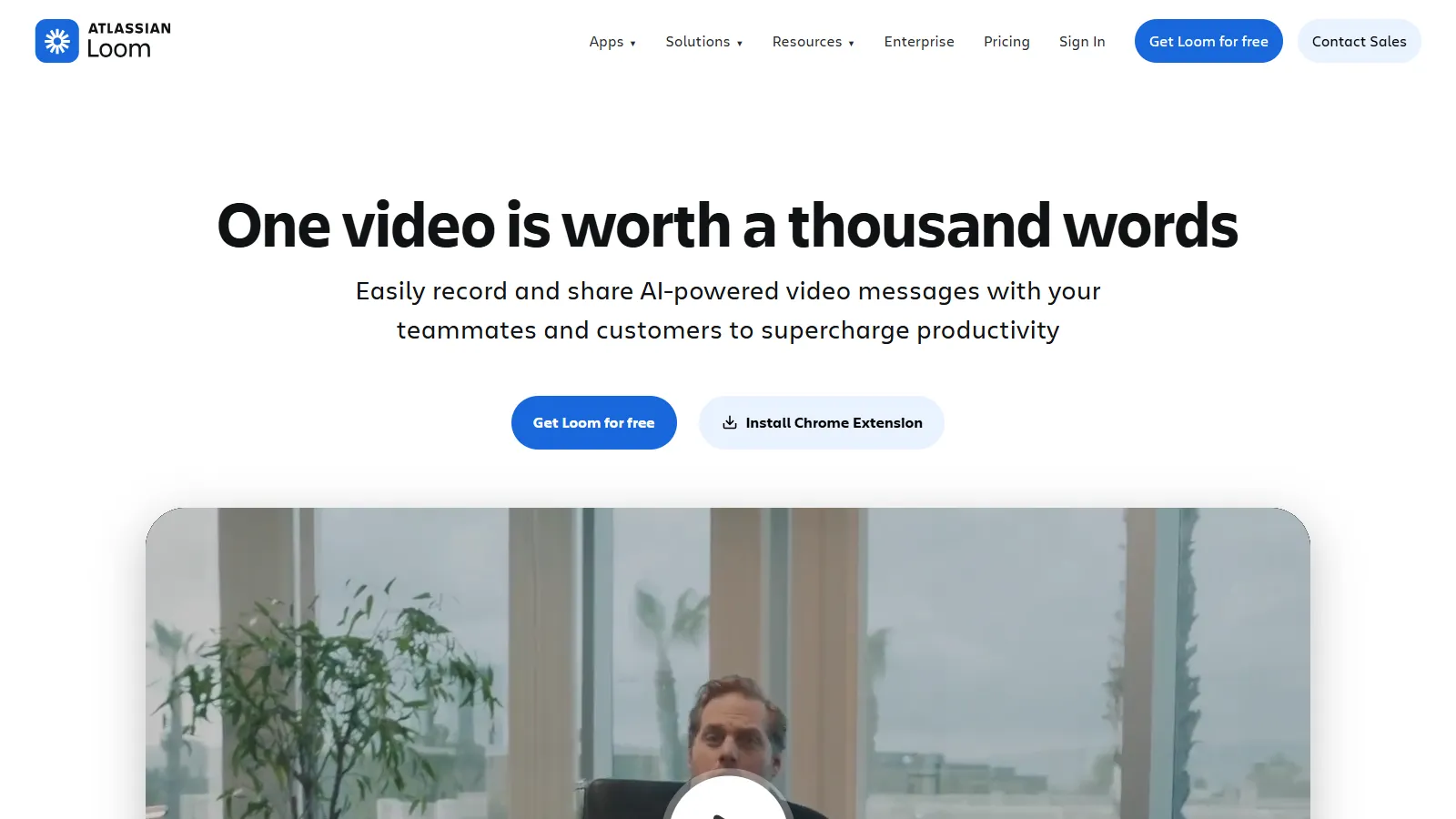
Loom is the leader in async video communication. Record your screen with webcam, share instantly with a link, and see who watched. Comments and reactions make it interactive. The fastest way to replace meetings with video.
Starting priceFree/$15
Strengths
Instant link sharing
Comments and reactions
View analytics
Team workspace
Limitations
Limited editing
Per-user pricing
Who it's for: Ideal for teams replacing meetings with async video and needing quick sharing.
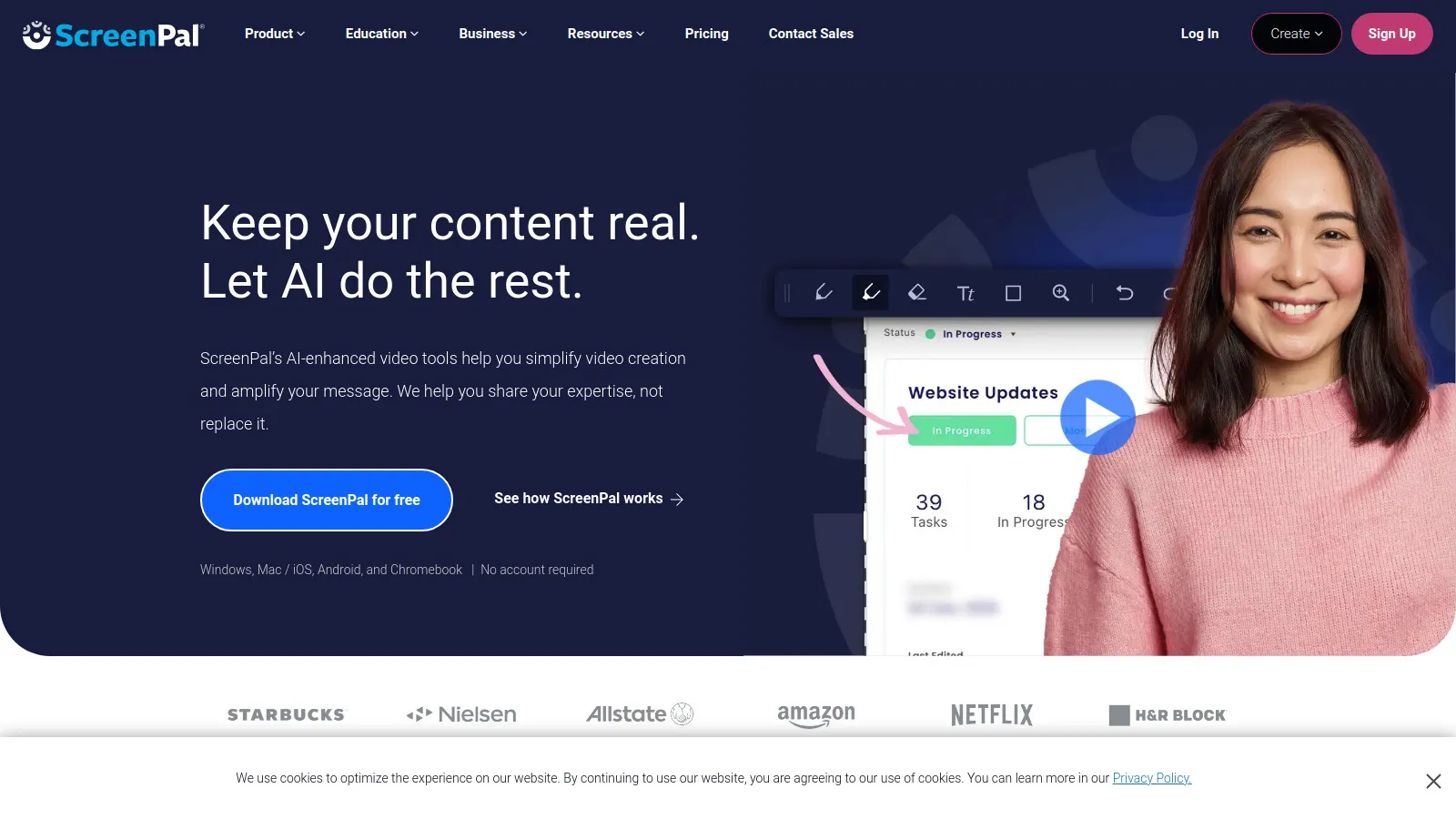
ScreenPal (formerly Screencast-O-Matic) offers screen recording with a powerful built-in video editor. Add annotations, trim clips, and create polished tutorials without external software. Great value at the price.
Starting priceFree/$3
Strengths
Excellent built-in editor
Very affordable
Great for tutorials
Annotations and effects
Limitations
Less focused on sharing
Interface less modern
Who it's for: Best for educators and creators making tutorials who need editing built-in.
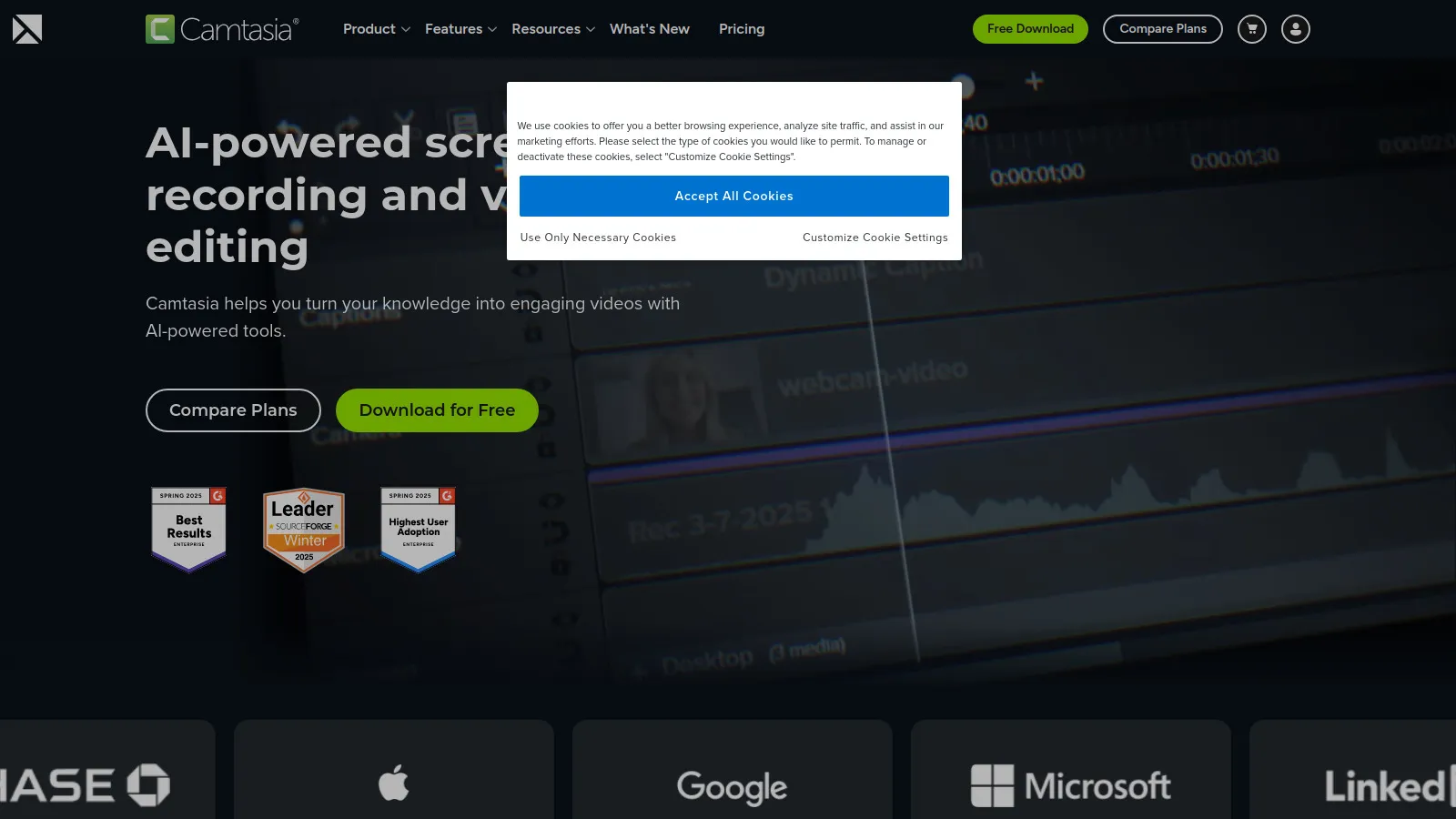
Camtasia is the professional choice for video production with full editing capabilities. Create polished training videos, demos, and presentations with templates, animations, and effects.
Starting price$313
Strengths
Professional editing suite
Templates and assets
Animations and effects
Industry standard
Limitations
One-time purchase cost
Learning curve
Who it's for: Perfect for professionals creating polished training videos and demos.
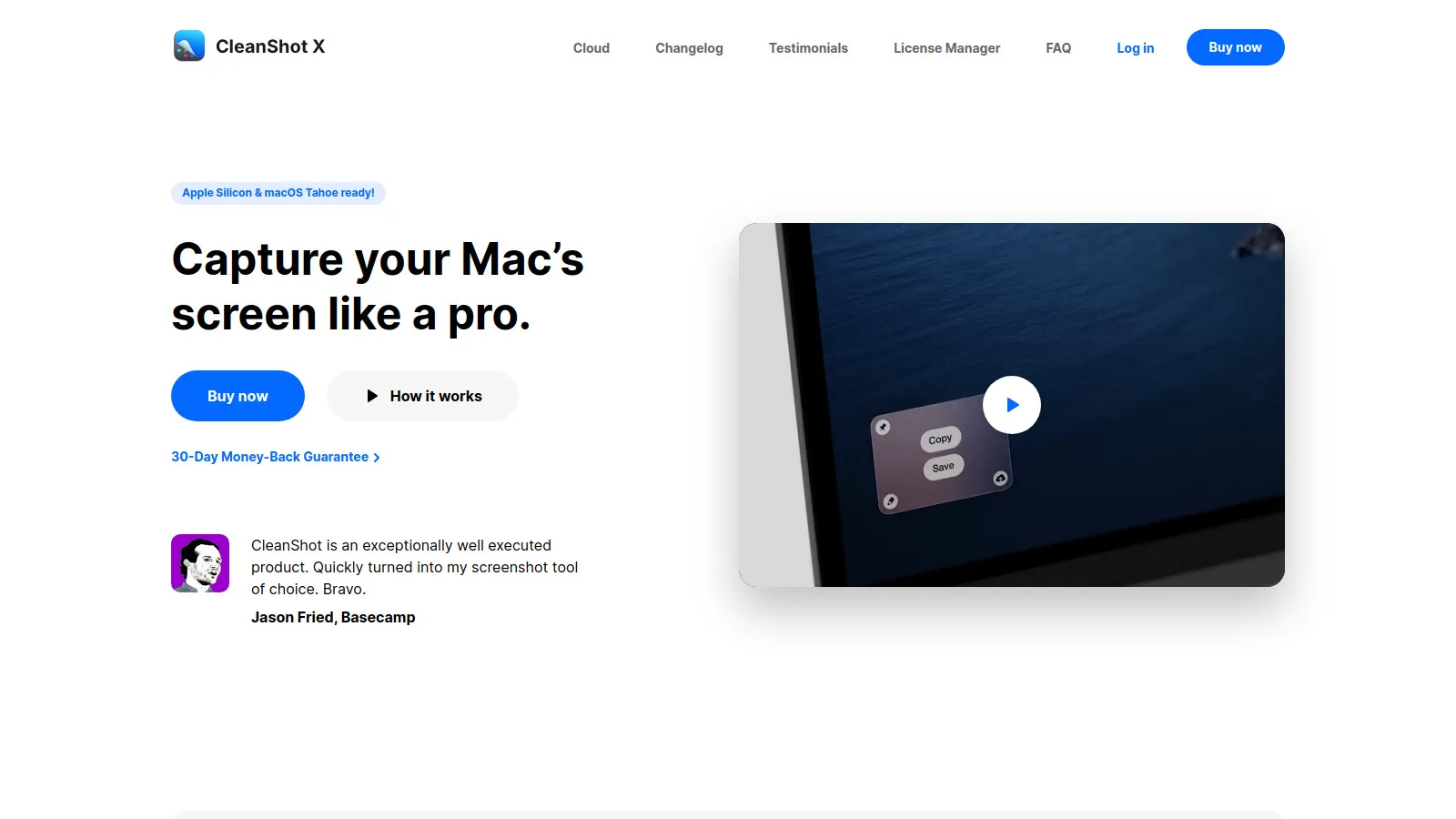
CleanShot X is the best Mac screenshot and screen recording tool. Capture scrolling screenshots, record GIFs or videos, annotate instantly, and upload to the cloud. One-time purchase with no subscription.
Starting price$29
Strengths
Best Mac capture tool
Scrolling screenshots
Built-in annotations
One-time purchase
Limitations
Mac only
Less video editing
Who it's for: Essential for Mac users who need the best screenshot and quick recording tool.
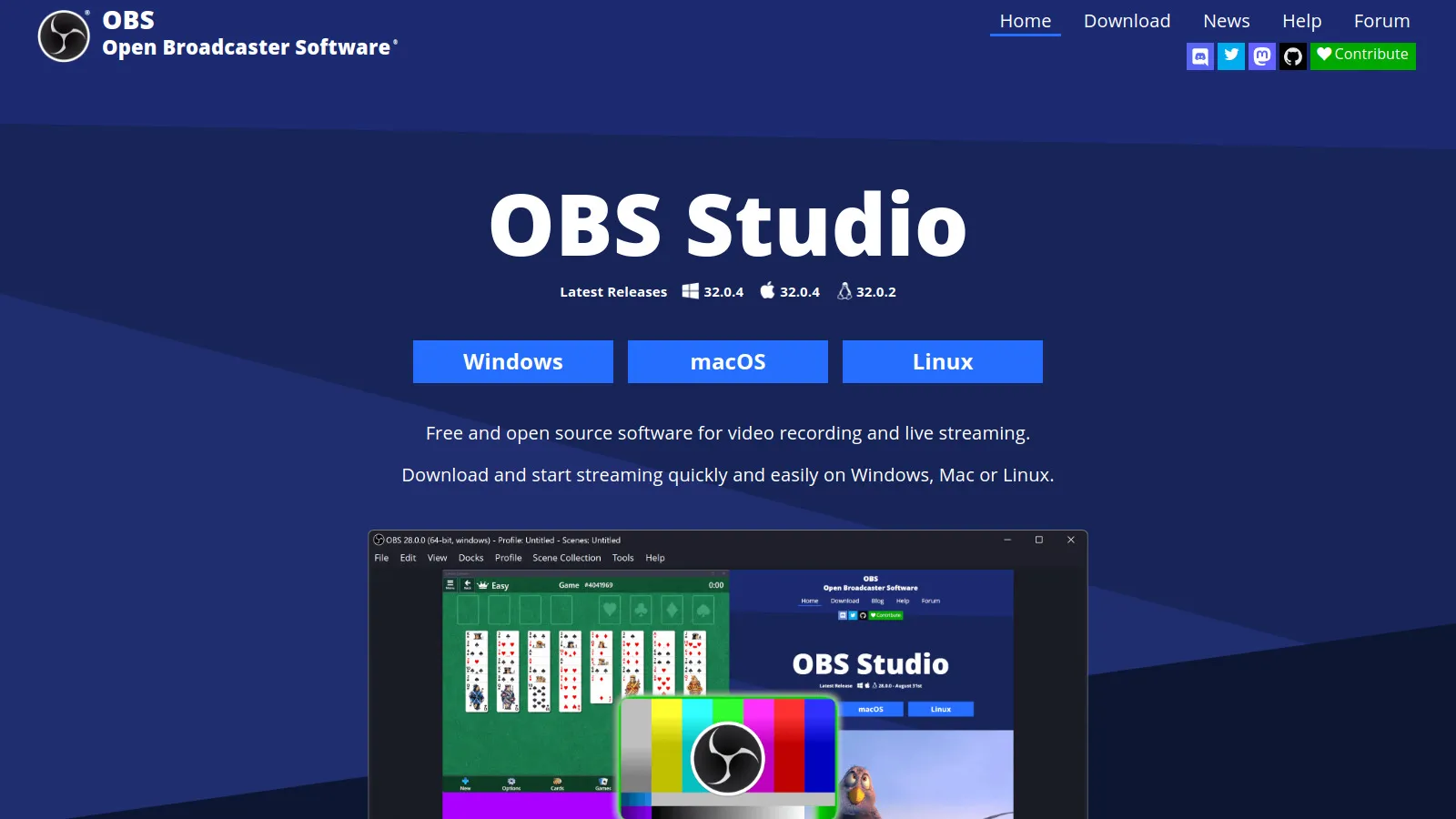
OBS Studio is free, open-source, and incredibly powerful for recording and streaming. While it has a learning curve, it offers professional-grade capabilities used by streamers and content creators worldwide.
Starting priceFree
Strengths
Completely free
Professional capabilities
Streaming support
Highly customizable
Limitations
Steep learning curve
No built-in editing
Who it's for: Great for power users and streamers who want free, professional recording.
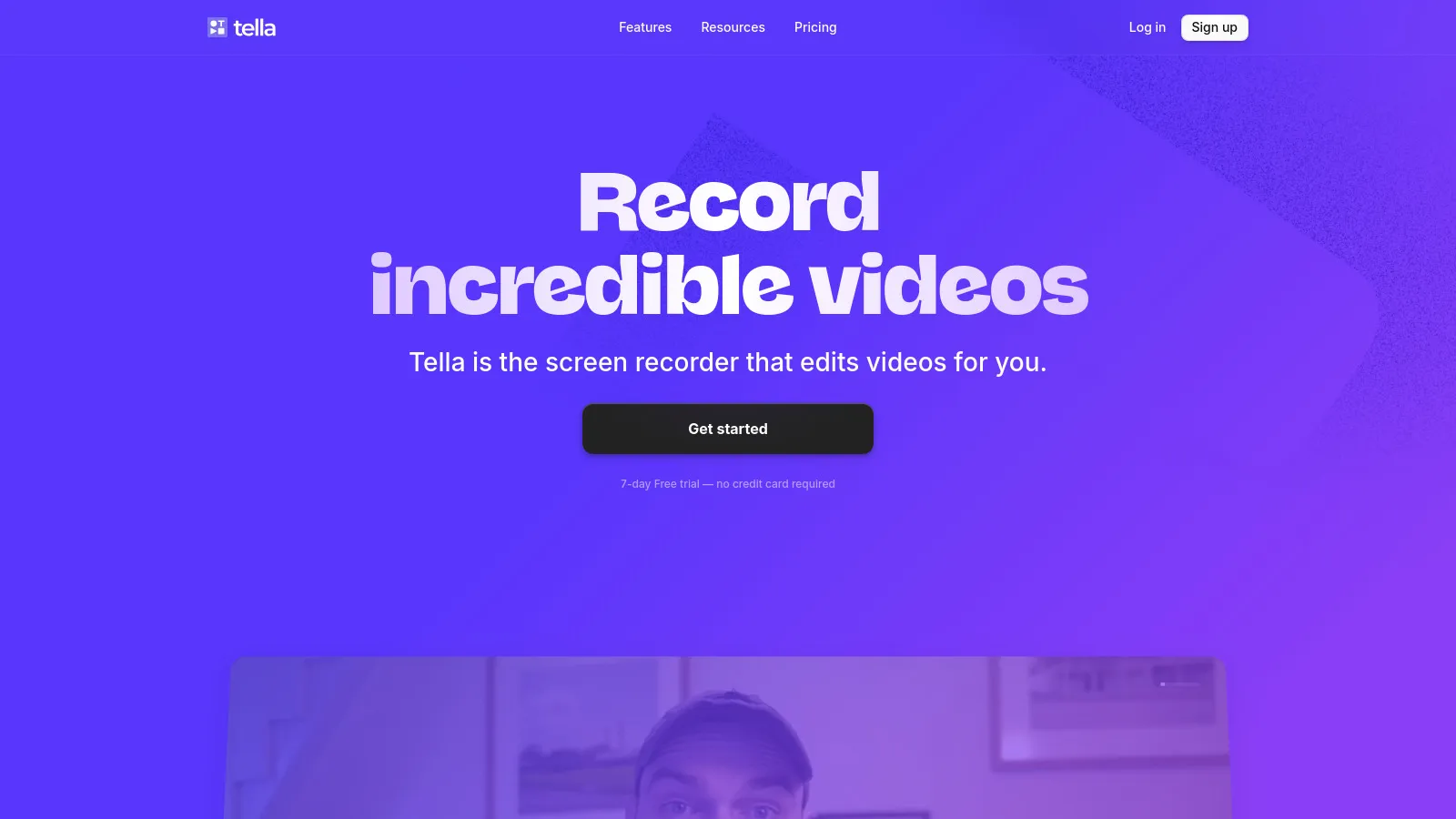
Tella creates beautiful, polished async videos with presenter layouts, backgrounds, and a built-in teleprompter. The focus is on looking professional without video editing skills.
Starting priceFree/$19
Strengths
Beautiful layouts
Built-in teleprompter
Professional look easy
Great backgrounds
Limitations
Newer platform
Limited editing
Who it's for: Perfect for professionals wanting polished async videos without editing skills.
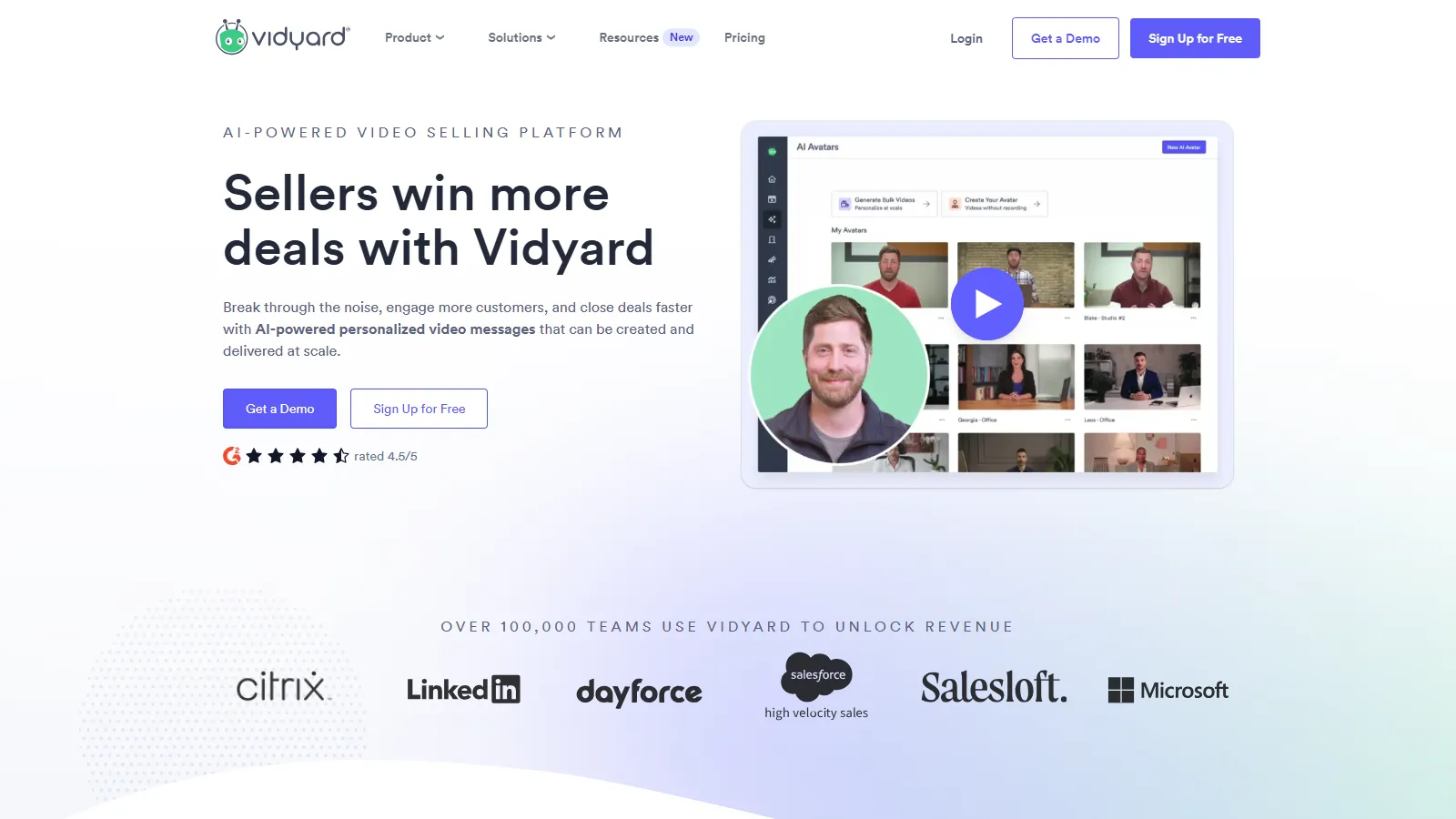
Vidyard focuses on video for sales with CRM integrations, viewer analytics, and personalization. Sales reps can track who watched their videos and for how long.
Starting priceFree/$19
Strengths
Sales-focused features
CRM integration
Detailed analytics
Video personalization
Limitations
Sales-specific
Less general purpose
Who it's for: Ideal for sales teams using video in outreach who need tracking and CRM integration.