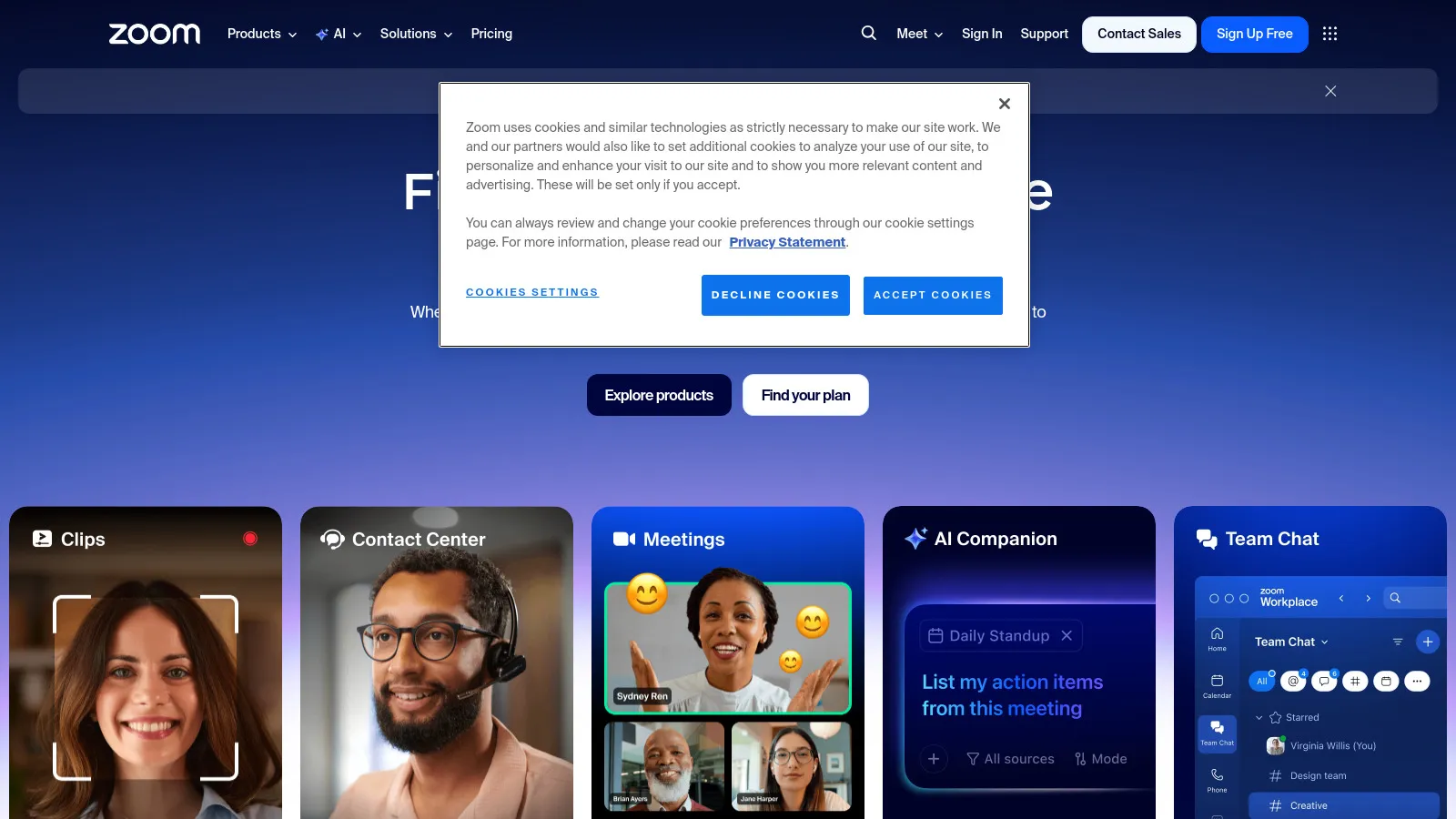
Zoom remains the gold standard for video conferencing with the most reliable quality and comprehensive features. From breakout rooms to webinars to virtual backgrounds, Zoom handles every meeting type. The extensive integration ecosystem connects to virtually every business tool.
Starting priceFree/$15.99
Strengths
Most reliable video quality
Comprehensive feature set
Excellent webinar support
Huge integration ecosystem
Limitations
40-minute free limit
Security concerns (addressed)
Who it's for: Ideal for businesses of all sizes needing reliable, feature-rich video conferencing.
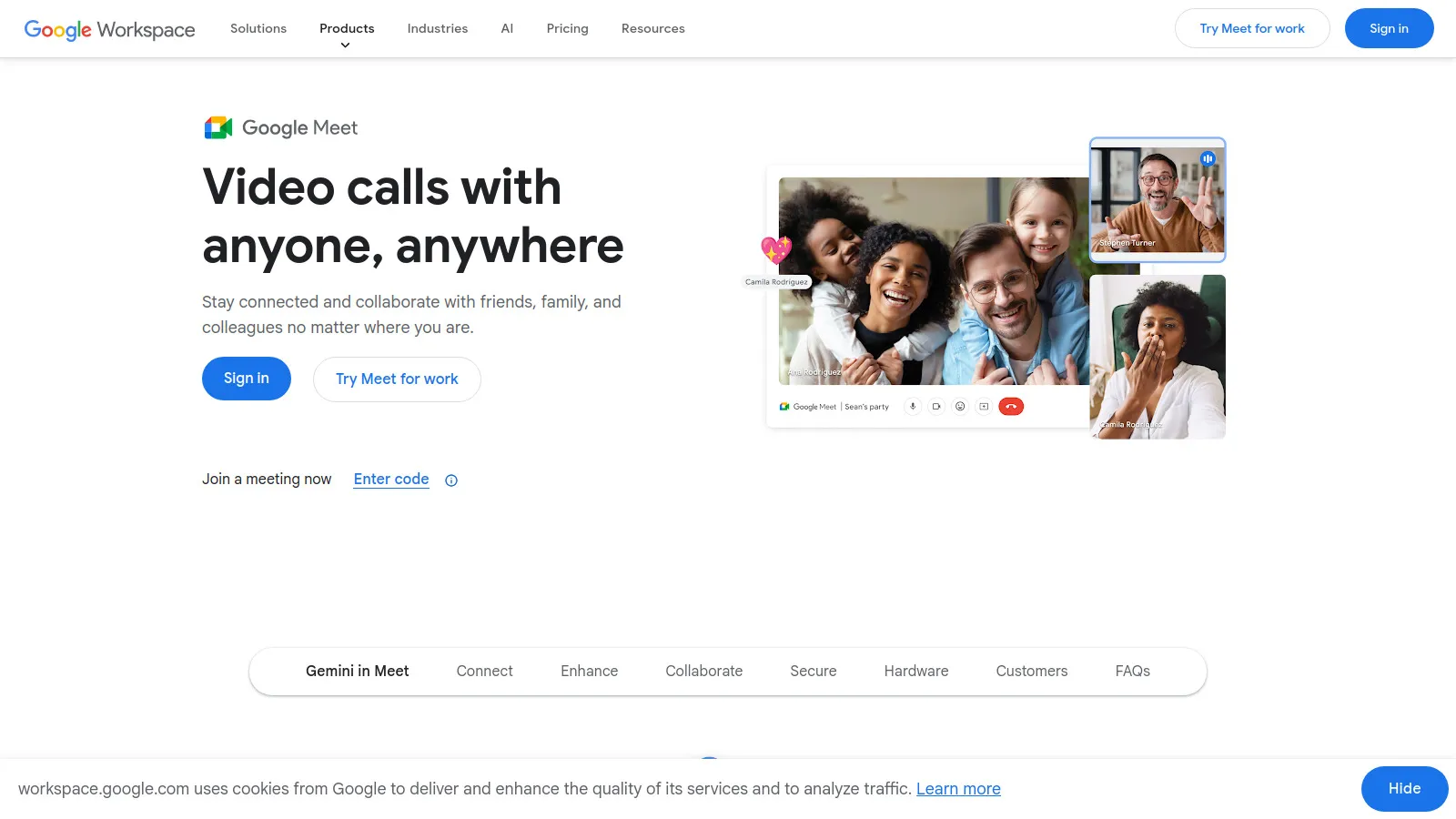
Google Meet offers frictionless video meetings directly in the browser with deep Google Workspace integration. Calendar invites automatically include Meet links, and the quality is excellent. The generous free tier makes it accessible for everyone.
Starting priceFree/$6
Strengths
No downloads required
Google Workspace integration
Good free tier
Clean interface
Limitations
Fewer advanced features
Best with Google ecosystem
Who it's for: Best for Google Workspace users who want simple, reliable video meetings.
Microsoft Teams is more than video conferencing - it's a complete collaboration hub with chat, channels, file sharing, and Office 365 integration. For enterprises on Microsoft 365, Teams provides seamless productivity.
Starting priceFree/$4
Strengths
Complete collaboration platform
Office 365 integration
Channels and chat
Enterprise features
Limitations
Can feel heavy
Best with Microsoft ecosystem
Who it's for: Essential for Microsoft 365 enterprises needing unified communication and collaboration.
Around takes a unique approach with floating video bubbles that don't dominate your screen. The AI reduces background noise and auto-frames your face. Great for teams who want meetings without the fatigue of traditional video calls.
Starting priceFree/$9.50
Strengths
Unique floating UI
Reduced meeting fatigue
AI noise reduction
Minimal footprint
Limitations
Limited features
Smaller team focus
Who it's for: Perfect for teams wanting less intrusive video calls with reduced fatigue.
Whereby provides permanent meeting rooms with custom URLs and branding - no downloads ever required. The browser-based experience works everywhere. Popular for client meetings and consultations.
Starting priceFree/$8.99
Strengths
No downloads ever
Custom branded rooms
Permanent URLs
Simple and reliable
Limitations
Fewer enterprise features
Limited integrations
Who it's for: Great for consultants and agencies wanting branded, no-download meeting rooms.
Cisco Webex offers enterprise-grade video conferencing with strong security and compliance features. The platform integrates with Cisco hardware for meeting rooms and offers AI-powered meeting intelligence.
Starting priceFree/$14.50
Strengths
Enterprise security
Cisco hardware integration
AI meeting intelligence
Compliance features
Limitations
Can feel dated
Complex for simple needs
Who it's for: Best for enterprises needing security, compliance, and Cisco hardware integration.
Discord offers always-on voice and video channels where team members can drop in and out freely. While designed for gaming communities, many startups use it for casual, persistent team communication.
Starting priceFree
Strengths
Always-on voice channels
Great for communities
Completely free
Casual atmosphere
Limitations
Not for formal meetings
No business features
Who it's for: Perfect for communities, startups, and teams wanting casual, always-on communication.