8 Best Timezone Tools for Global Team Coordination in 2026
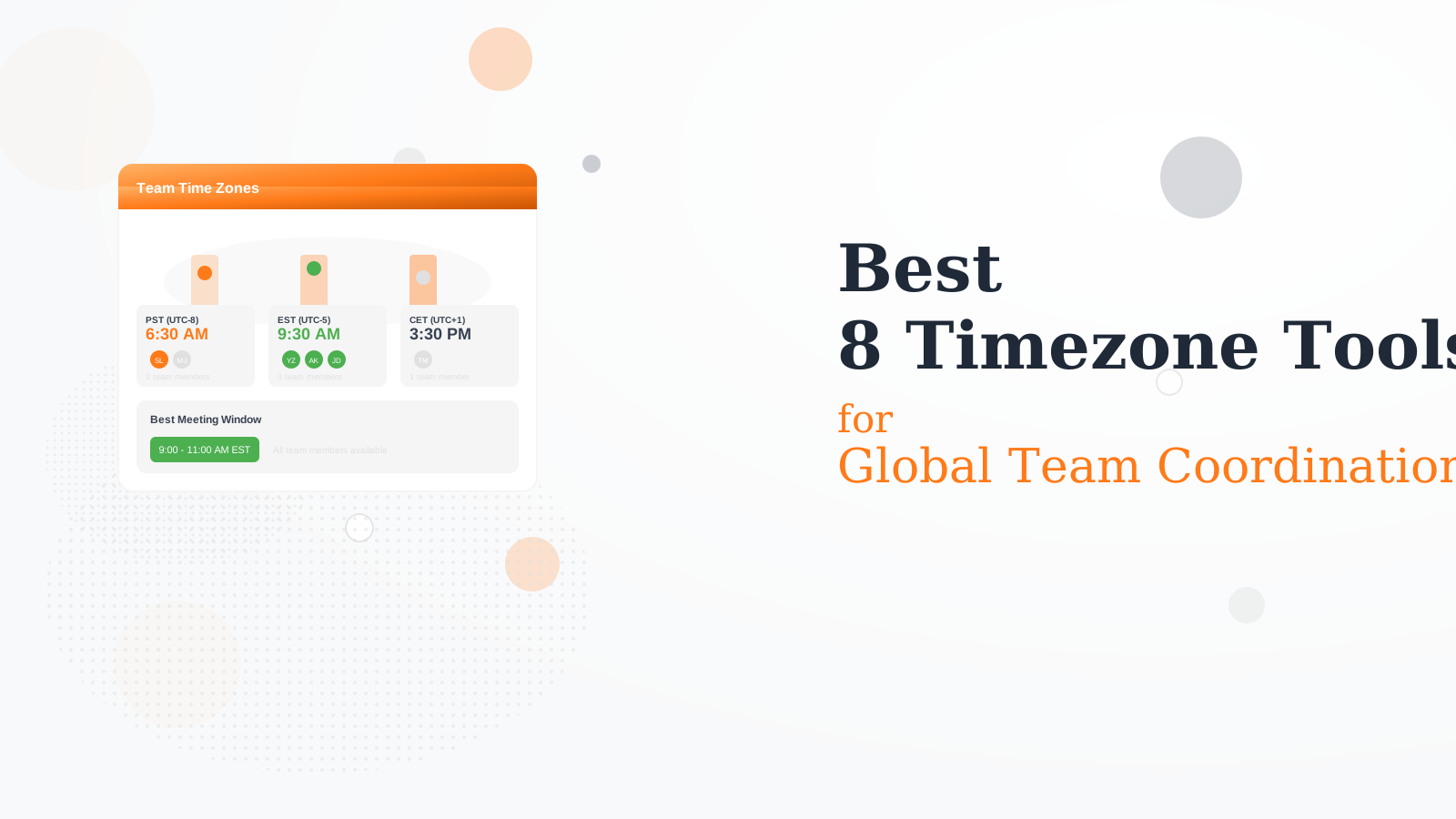
We tested 12+ timezone tools to find the best for distributed teams. These tools help you visualize team availability, schedule meetings fairly, and coordinate across the globe.
World Time Buddy is the go-to for quick timezone conversions. Visual time slider shows overlap hours clearly. Compare multiple cities at once. Free tier covers most use cases.
Starting priceFree
Strengths
Simple
Visual slider
Multiple cities
Free
Browser-based
Limitations
Basic team features
No deep integrations
Manual updates
Limited automation
Who it's for: Best for quick timezone lookups and meeting planning.
Clockwise uses AI to schedule across timezones optimally. Considers everyone's focus time and preferences. Works as a layer on Google Calendar. Team analytics show meeting load.
Starting priceFree/$6.75/mo
Strengths
AI scheduling
Team optimization
Focus time
Analytics
Calendar native
Limitations
Google only
Learning curve
Can be aggressive
Team adoption needed
Who it's for: Best for teams wanting automated timezone-aware scheduling.
Timezone.io creates a beautiful team page showing everyone's local time. Team member profiles with photos and locations. Slack integration for quick lookups. Great for remote team visibility.
Starting priceFree/$2/user
Strengths
Team visualization
Beautiful design
Slack integration
Profiles
Always current
Limitations
Team focused only
Per-user pricing
No scheduling
Simple features
Who it's for: Best for teams wanting a shared timezone dashboard.
Spacetime lives in Slack to show teammate times. Type /spacetime to see everyone. Automatically syncs team member locations. No context switching required.
Starting priceFree
Strengths
Slack native
No context switch
Free
Simple
Auto-sync
Limitations
Slack only
Basic features
No standalone app
Limited customization
Who it's for: Best for Slack teams wanting inline timezone info.
There puts teammates in your Mac menu bar with their local times. Click to see detailed view. Add anyone by timezone or city. Beautiful, minimal design.
Starting priceFree/$4.99/mo
Strengths
Menu bar
People-first
Beautiful
Quick access
Mac native
Limitations
Mac only
No Windows
No team sync
Manual setup
Who it's for: Best for Mac users wanting quick timezone access.
Reclaim automatically considers timezones when scheduling. Smart 1:1s find times that work for both parties. Syncs with calendar to know actual availability. AI handles the coordination.
Starting priceFree/$8/mo
Strengths
AI scheduling
Automatic
Calendar sync
Smart 1:1s
Habits
Limitations
Google only
Learning curve
Beyond just timezone
Requires trust in AI
Who it's for: Best for those wanting AI to handle timezone scheduling.
Time Zone Ninja finds the best meeting time for groups across zones. Add participants by city. Visual overlap shows optimal windows. Share poll to gather availability.
Starting priceFree
Strengths
Group meetings
Visual overlap
Shareable
Free
Simple
Limitations
Meeting-focused
No team profiles
No integrations
Basic
Who it's for: Best for planning specific multi-timezone meetings.
We tested each tool with real global team coordination.
Visualization (30%) — Clarity of timezone display and overlap.
Team Features (25%) — Support for team profiles and shared views.
Integration (20%) — Calendar, Slack, and workflow connections.
Scheduling (15%) — Help finding optimal meeting times.
Value (10%) — Features relative to pricing.
How to Choose
Choose World Time Buddy if you need quick conversions.
Choose Timezone.io if you need team dashboard.
Choose Clockwise if you need AI scheduling.
Choose Spacetime if you need Slack-native.
Choose There if you need Mac menu bar.
Common Questions
Rotate meeting times so the same people do not always have early or late calls. Use tools like Clockwise to optimize automatically. Record meetings for those who cannot attend live.
For US and Europe, 8-11am ET works. For US and Asia, options are limited - often early morning or late evening for one side. Consider async communication to reduce overlap needs.
Set working hours in your calendar. Use tools like Timezone.io or There to make times visible. Add timezone to Slack profile. Communicate explicitly about availability.
Using a standard timezone (like UTC or company HQ) for documentation helps. But schedule actual meetings in local times and rotate who takes inconvenient slots fairly.