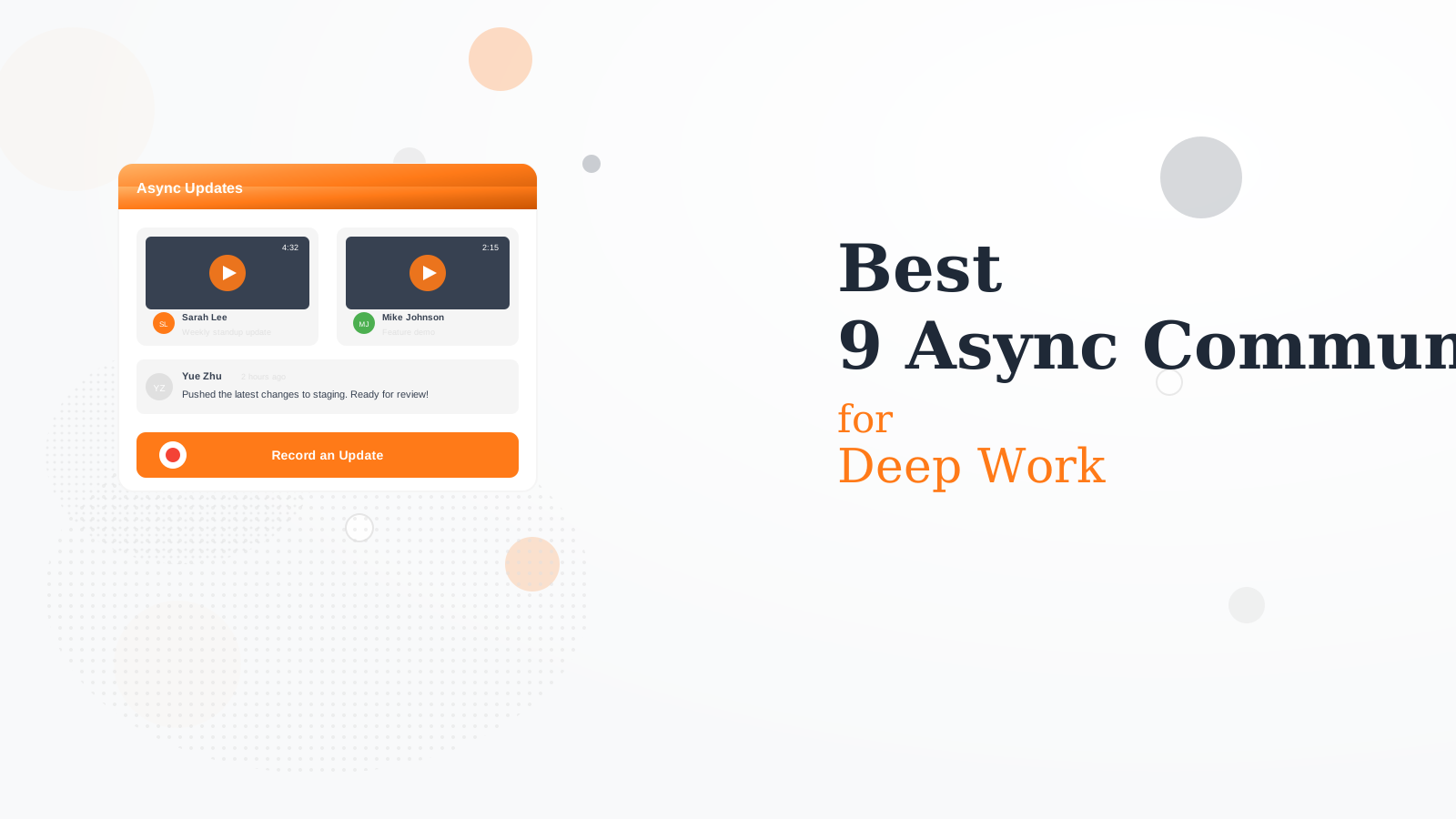
9 Best Async Communication Tools for Deep Work in 2026
We tested 15+ async tools to find the best for reducing meeting overload. These tools let you communicate effectively without requiring everyone to be online simultaneously.
Loom replaces meetings with video messages. Record screen and camera quickly. Viewers watch at 2x speed when convenient. AI generates transcripts and chapter summaries. Comments create threaded discussions.
Starting priceFree/$12.50/mo
Strengths
Video messages
Screen recording
AI summaries
Easy sharing
Comments
Limitations
Video can be long
Storage limits
Per-seat pricing
Needs camera comfort
Who it's for: Best for teams replacing status meetings with video updates.
Notion documents become the source of truth for async work. Decisions live in pages, not chat. Comments and mentions notify without interrupting. Everything searchable and organized.
Starting priceFree/$10/mo
Strengths
Docs as truth
Comments
Organized
Searchable
Flexible
Limitations
Not real-time chat
Learning curve
Can get messy
Requires discipline
Who it's for: Best for teams wanting documentation-first async.
Twist is chat designed for async from the ground up. No presence indicators reduce pressure to respond. Threads keep conversations organized. Everything searchable like email.
Starting priceFree/$6/mo
Strengths
Async-first
Thread-based
No FOMO
Organized
Searchable
Limitations
No video
Different from Slack
Learning curve
Smaller ecosystem
Who it's for: Best for teams wanting calm, organized async chat.
Yac is voice messaging for work. Faster than typing, less production than video. Screen sharing adds context. Transcripts make messages searchable. Good for quick async updates.
Starting priceFree/$6/mo
Strengths
Voice messages
Screen share
Transcripts
Quick
Low friction
Limitations
Audio only
Niche use case
Smaller platform
Limited features
Who it's for: Best for teams preferring voice over video or text.
Linear treats issues as rich async discussion threads. Long-form descriptions, comments, and updates. Cycles provide async standups. Built for product teams who work in different timezones.
Starting priceFree/$8/mo
Strengths
Rich issues
Fast
Modern design
Keyboard-driven
Developer focused
Limitations
Product teams only
Not general chat
Learning curve
Opinionated
Who it's for: Best for product teams wanting async issue discussions.
Slack threads keep async discussions organized. Reply in thread to avoid channel noise. Later catches up on threads while you were away. Video clips share screen recordings inline.
Strengths
Already using Slack
Threads
Video clips
Later feature
Familiar
Limitations
Slack culture can be sync
Threads buried
Not async-first
Noise
Who it's for: Best for teams already in Slack wanting more async.
Claap records meetings for async consumption. AI generates notes, action items, and summaries. Skip meetings and watch recordings at 2x. Comments on specific timestamps.
Starting priceFree/$10/mo
Strengths
Meeting recordings
AI notes
Timestamp comments
Catch up async
Action items
Limitations
Requires recording
Storage costs
Still needs meetings
Privacy concerns
Who it's for: Best for teams recording meetings for async access.
Basecamp uses message boards instead of chat. Automatic check-ins replace standups. Hill charts show progress without meetings. Designed for calm, async work from the start.
Starting price$15/user/mo
Strengths
Message boards
Check-ins
No chat chaos
Opinionated
Simple
Limitations
Per-user pricing
Limited customization
Not for everyone
Basic features
Who it's for: Best for teams wanting an opinionated async platform.
Volley is video conversation threads. Record video responses like a group text but richer. Casual and fun for team bonding. Good for culture-building in remote teams.
Starting priceFree/$8/mo
Strengths
Video threads
Conversational
Fun
Team bonding
Natural
Limitations
Casual focus
Not for serious work
Video fatigue
Niche
Who it's for: Best for remote teams wanting casual video conversations.
Async Design (30%) — How well the tool supports async patterns.
Communication Quality (25%) — Richness and clarity of async messages.
Organization (20%) — Finding and referencing past communication.
Integration (15%) — Works with existing tools and workflows.
Value (10%) — Features relative to pricing.
How to Choose
Choose Loom if you need replace meetings.
Choose Notion if you need documentation-first.
Choose Twist if you need calm async chat.
Choose Linear if you need product team.
Choose Slack Threads if you need already in Slack.
Common Questions
Start by replacing one recurring meeting with async updates. Use Loom for status updates. Document decisions in Notion. Set expectations about response times. Celebrate successful async communication.
Async can feel slower for quick questions but is faster overall. It eliminates meeting scheduling overhead, respects focus time, and creates searchable records. Most work does not need immediate responses.
Use sync for brainstorming, relationship building, complex problem-solving, and sensitive conversations. Default to async for updates, decisions with clear options, and information sharing.
Use video for important messages. Create social channels. Schedule optional sync time for bonding. Celebrate wins publicly. Over-communicate appreciation and context. Tools like Volley help with casual connection.