We tested 14+ PM tools to find the best options for distributed teams. These platforms excel at async collaboration, time zone awareness, and keeping remote teams aligned without endless meetings.
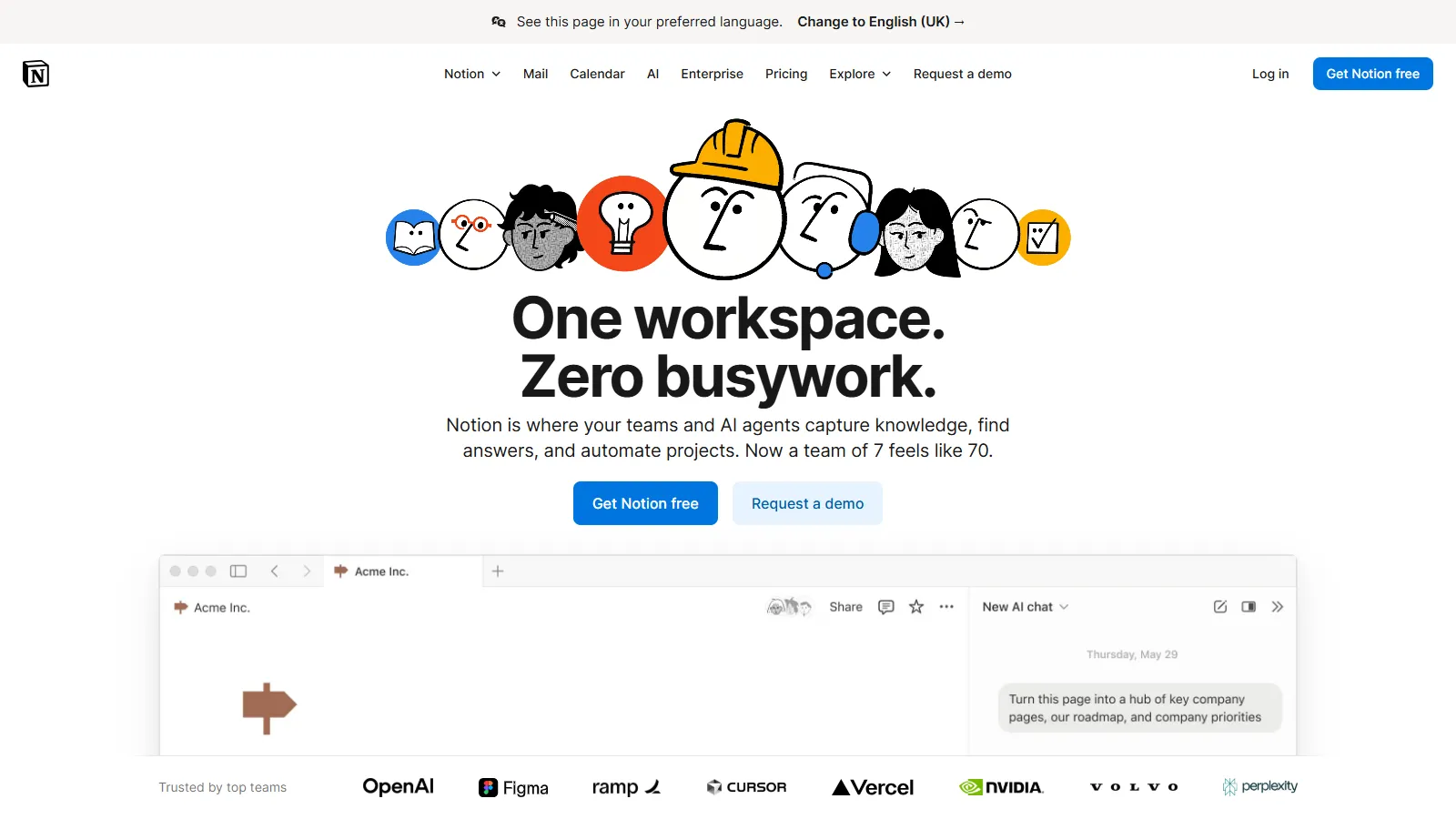
Notion combines documentation with project management, creating a single source of truth for remote teams. Async-first design means team members can get full context without meetings.
Starting priceFree/$10
Strengths
Docs + projects together
Async-first culture
Flexible for any workflow
Great templates
Wiki capabilities
Limitations
Not specialized PM tool
Can get messy
Learning curve
Limited time tracking
Who it's for: Best for remote teams prioritizing documentation and context over specialized PM features.
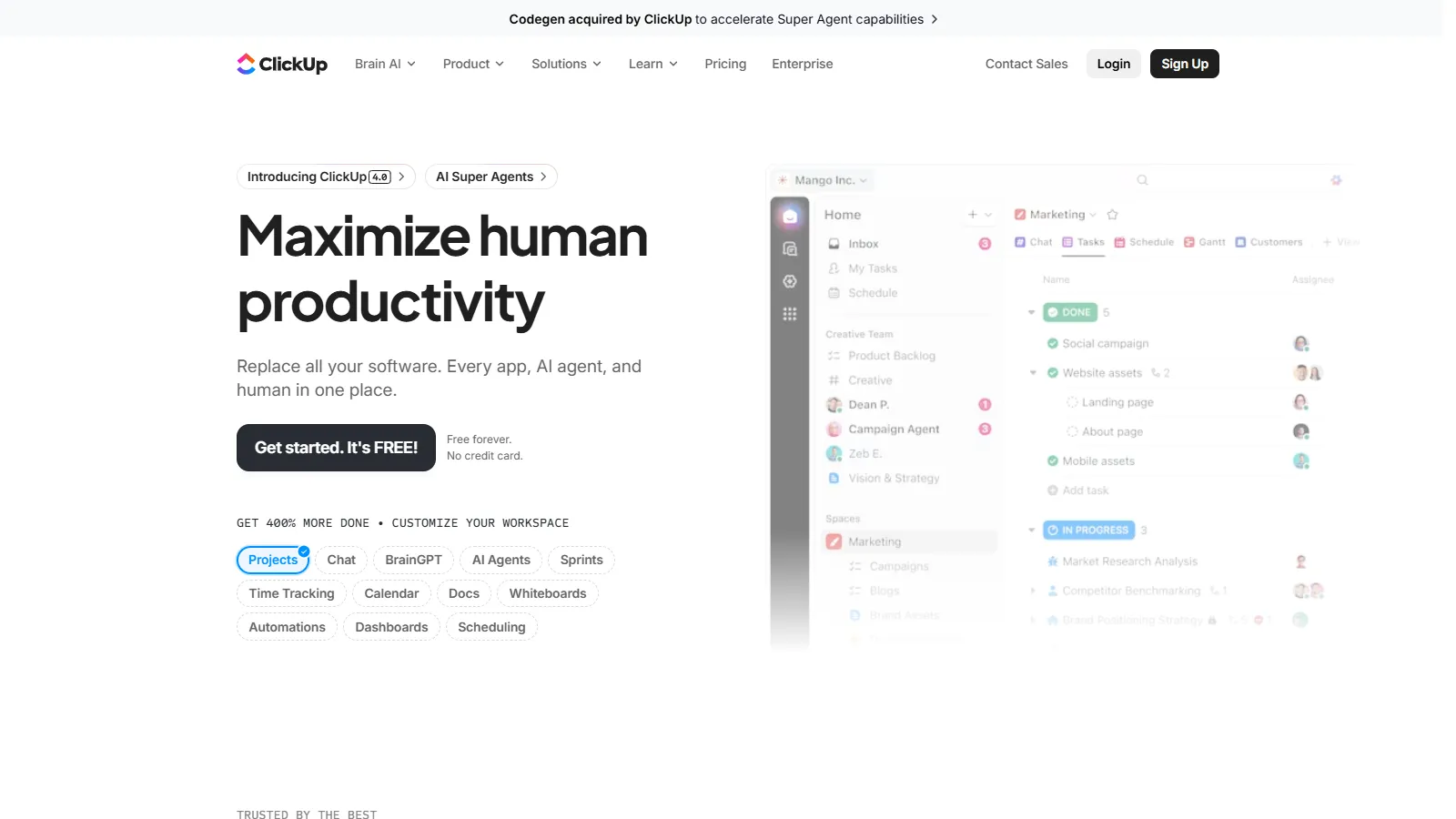
ClickUp provides everything remote teams need in one platform: tasks, docs, goals, whiteboards, and time tracking. The generous free tier makes it accessible for distributed teams.
Starting priceFree/$7
Strengths
All-in-one platform
Generous free tier
Built-in docs
Time tracking included
Many views
Limitations
Feature overwhelm
Performance varies
Learning curve
Too many options
Who it's for: Best for remote teams wanting to consolidate tools into one feature-complete platform.
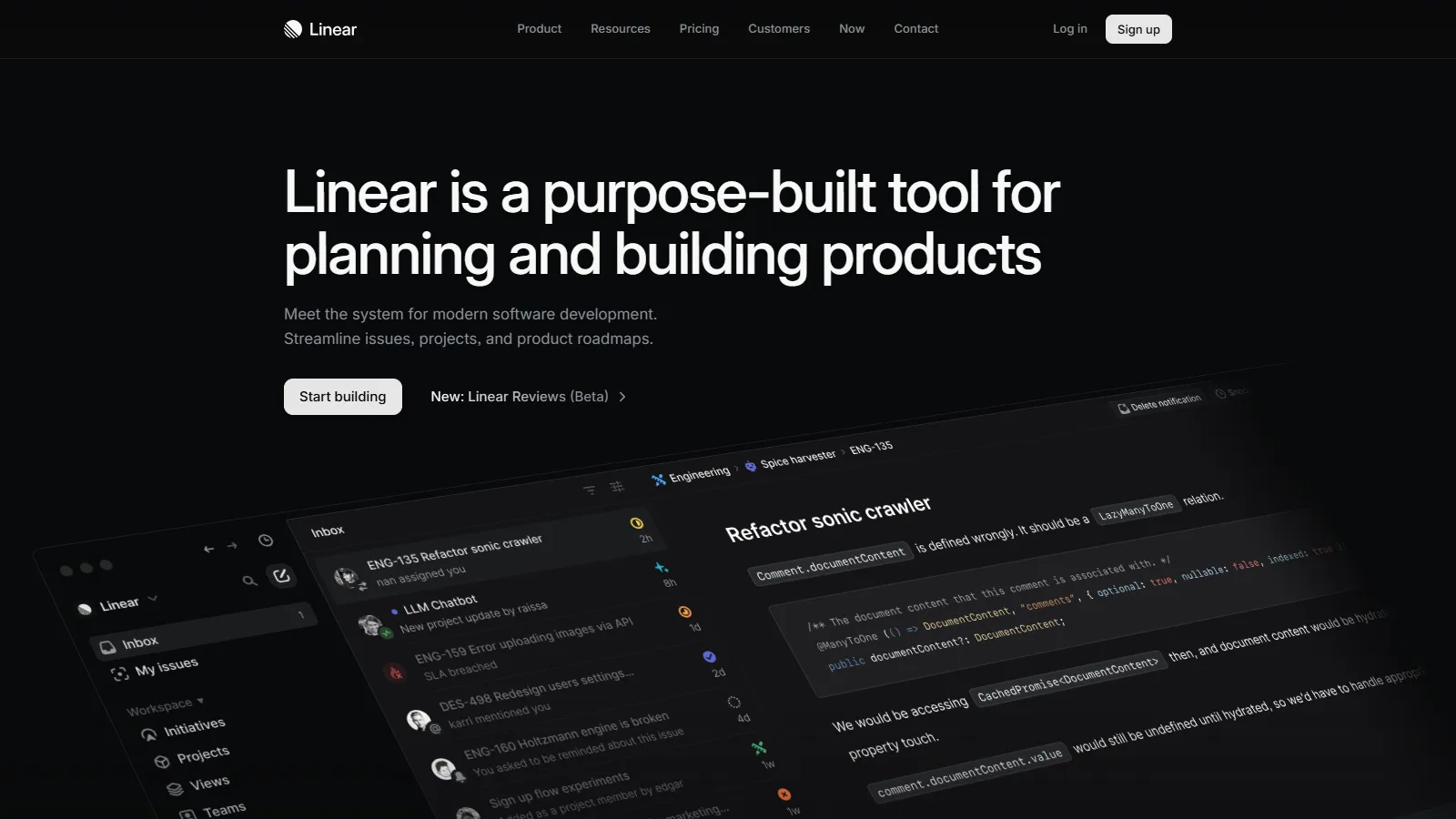
Linear is built for modern engineering teams with a blazing-fast interface and opinionated workflows. Cycles and roadmaps keep remote dev teams aligned without process overhead.
Starting priceFree/$8
Strengths
Incredibly fast
Keyboard shortcuts
Opinionated workflows
Great for devs
Clean UI
Limitations
Dev team focused
Less flexible
Limited integrations
No time tracking
Who it's for: Best for remote engineering teams wanting fast, opinionated issue tracking.
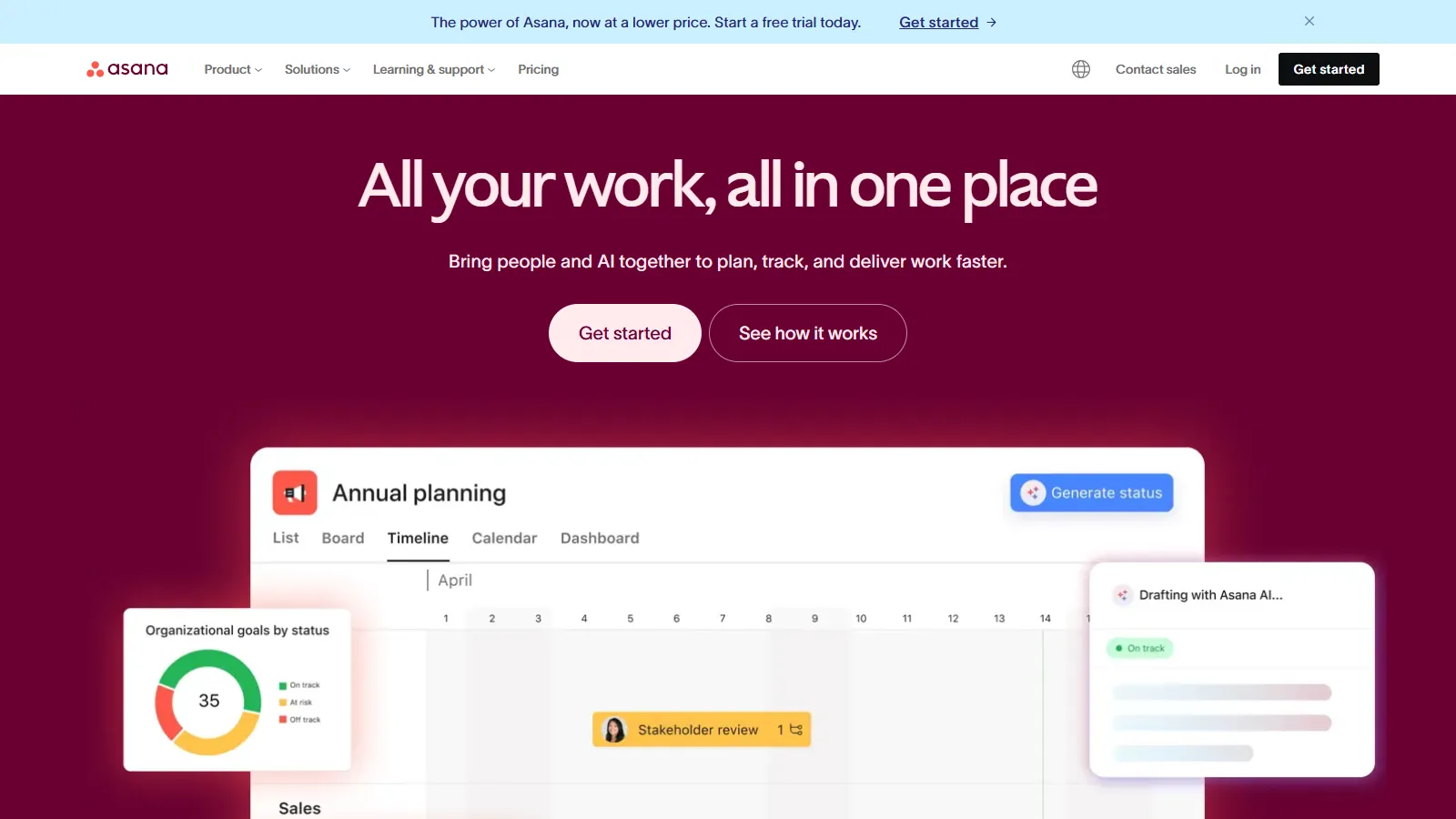
Asana provides portfolio and goal tracking that helps remote leadership maintain visibility across distributed teams. Status updates and project milestones keep everyone aligned.
Starting priceFree/$11
Strengths
Portfolio overview
Goals and OKRs
Status updates
Good automation
Cross-team visibility
Limitations
Pricing adds up
Less documentation focus
Can feel rigid
Time tracking costs extra
Who it's for: Best for remote organizations needing portfolio-level visibility across teams.
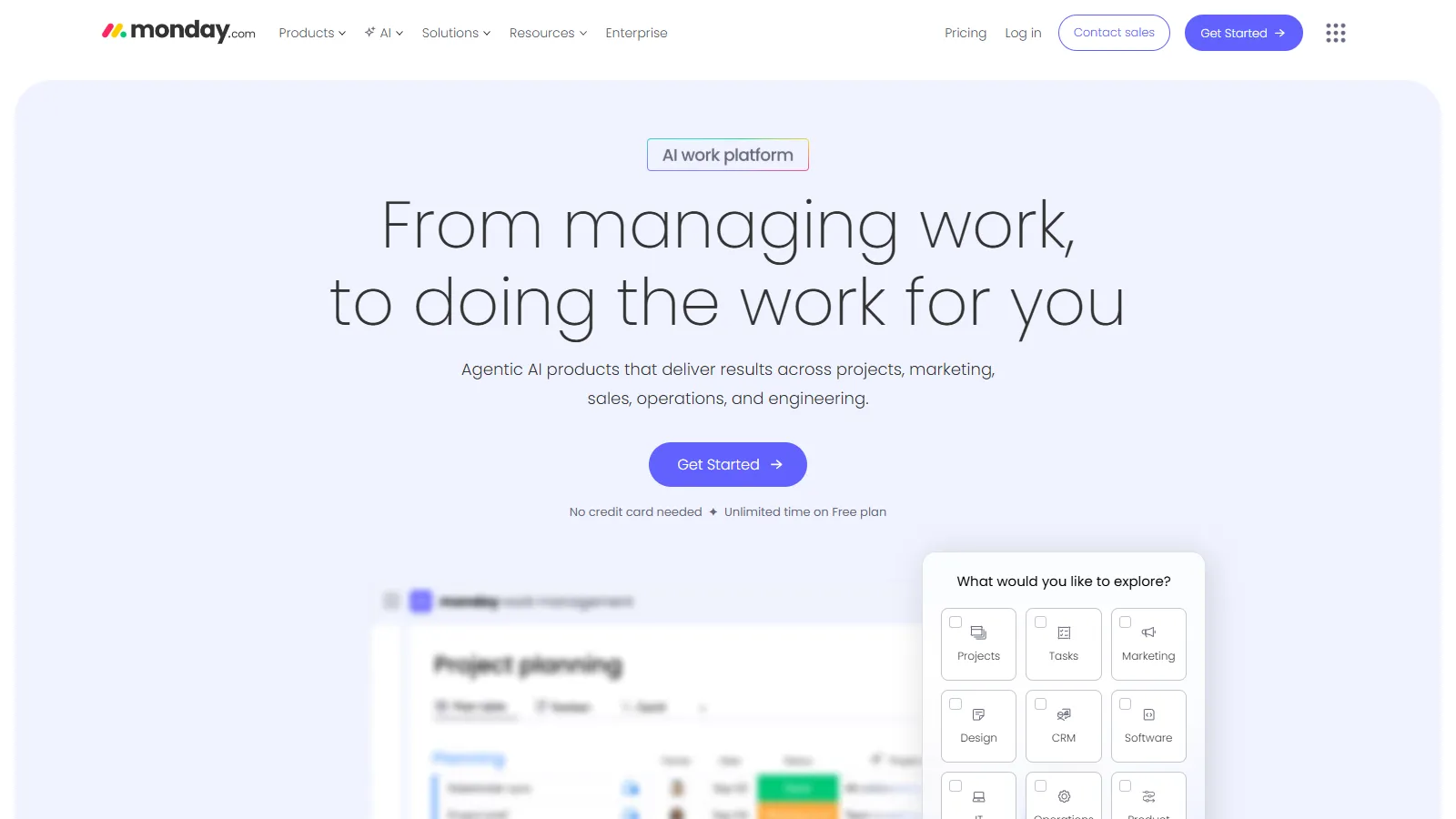
Monday.com highly visual boards make project status immediately clear to team members across time zones. Customizable views and dashboards provide at-a-glance understanding.
Starting price$9/user
Strengths
Very visual
Easy to understand
Good automations
Dashboards
Many templates
Limitations
Per-user pricing
Can get expensive
Less async-focused
Overwhelming options
Who it's for: Best for remote teams wanting highly visual project status that needs no explanation.
Basecamp takes an opinionated approach to async work with message boards, check-ins, and campfire chat. Flat pricing means no per-user math for growing remote teams.
Starting price$99/mo flat
Strengths
Flat pricing
Async message boards
Automatic check-ins
Simple by design
Built by remote company
Limitations
Less flexible
Limited views
No Gantt charts
Opinionated approach
Who it's for: Best for remote teams wanting simple async communication with predictable pricing.
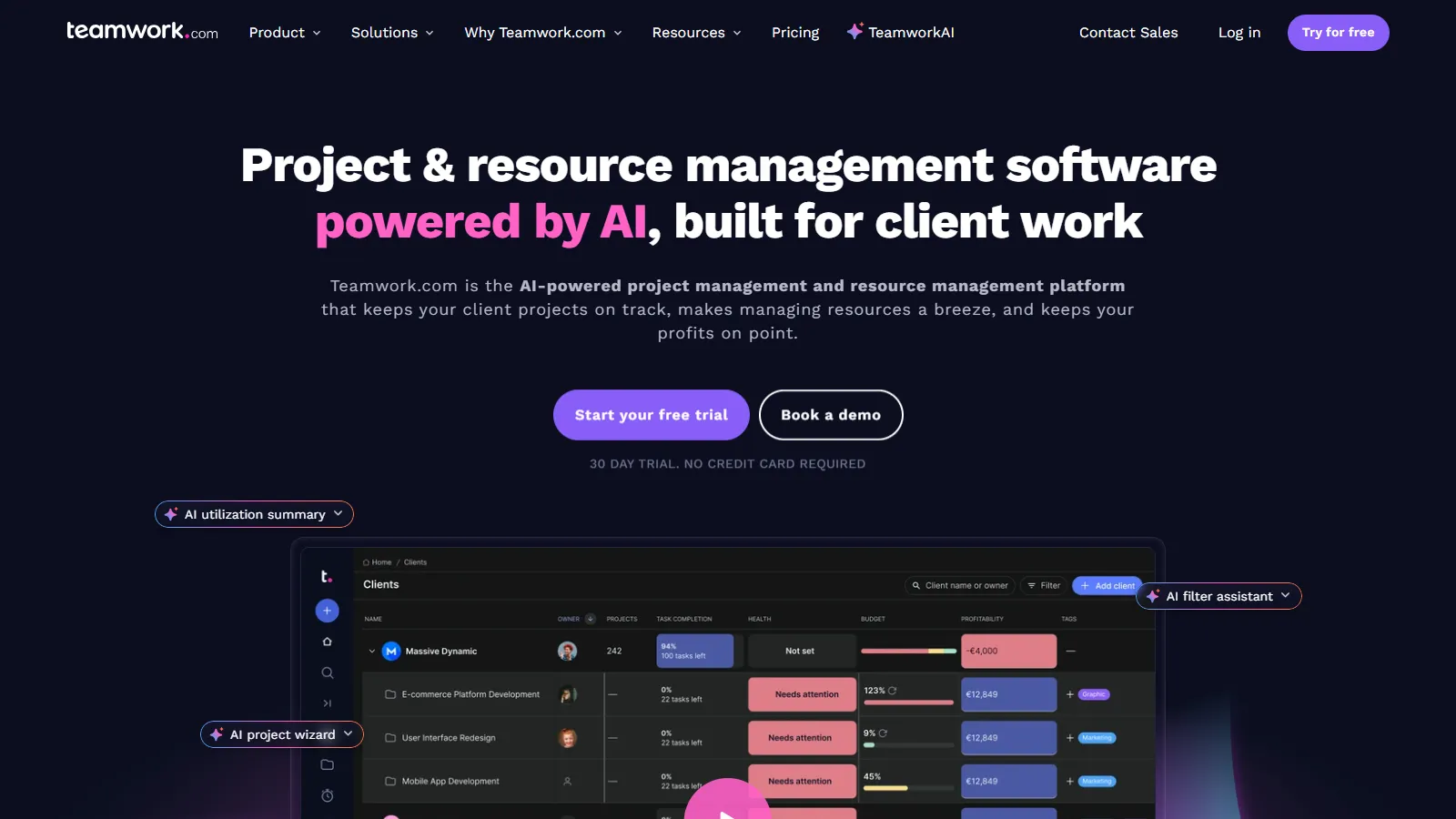
Teamwork is built for agencies with client-facing features, time tracking, and billing. Remote agencies can collaborate with clients and track billable hours in one platform.
Starting priceFree/$10
Strengths
Client access included
Time tracking built-in
Billing features
Templates
Good for agencies
Limitations
Less modern UI
Agency-focused
Can feel dated
Learning curve
Who it's for: Best for remote agencies needing client collaboration with time and billing tracking.
We tested each tool specifically for remote and distributed team workflows.
Async Collaboration (30%) — Features that reduce meeting dependency.
Documentation (25%) — Context preservation for team members in different time zones.
Visibility (20%) — Clear status without real-time communication.
Ease of Use (15%) — Low friction for distributed adoption.
Value (10%) — Features relative to cost per user.
How to Choose
Choose Notion if you need async + documentation focus.
Choose ClickUp if you need all-in-one platform.
Choose Linear if you need remote dev team.
Choose Basecamp if you need simple flat pricing.
Choose Teamwork if you need agency with clients.
Common Questions
Async features that reduce meeting dependency, strong documentation to preserve context, clear status visibility without real-time communication, and time zone awareness for scheduling.
Use async updates instead of status meetings, record video updates for complex topics, document decisions in writing, and reserve meetings for discussions that truly need real-time interaction.
Fewer tools generally work better for remote teams. Context switching is harder when distributed, so consolidated platforms like Notion or ClickUp often beat best-of-breed stacks.