We tested 30+ project management tools to find the ones with genuinely useful free tiers. These tools let you manage projects, collaborate with teams, and track progress without spending a dollar.
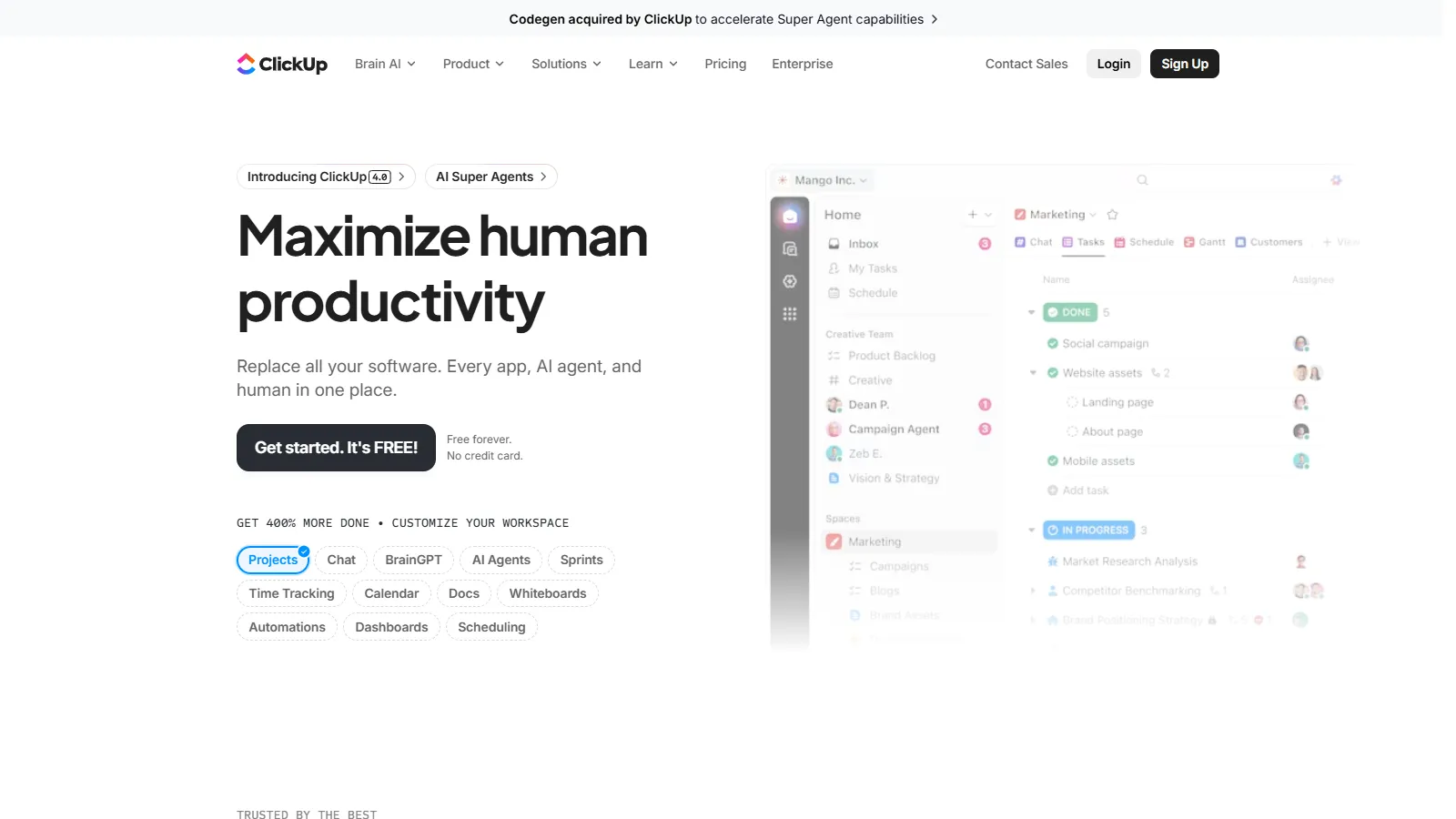
ClickUp offers the most feature-rich free tier of any project management tool. Unlimited tasks, unlimited members, docs, whiteboards, and goals are all included. The only significant limit is 100MB storage, which is enough for most teams.
Strengths
Unlimited tasks and members
Docs and whiteboards included free
Goals and time tracking available
Multiple view types (list, board, calendar)
Strong automation on free tier
Limitations
Only 100MB storage on free plan
No Gantt charts without upgrade
Can feel overwhelming initially
Some features require paid tiers
Who it's for: Best for teams that want maximum features without paying. Ideal if you need docs, whiteboards, and project management in one free platform.
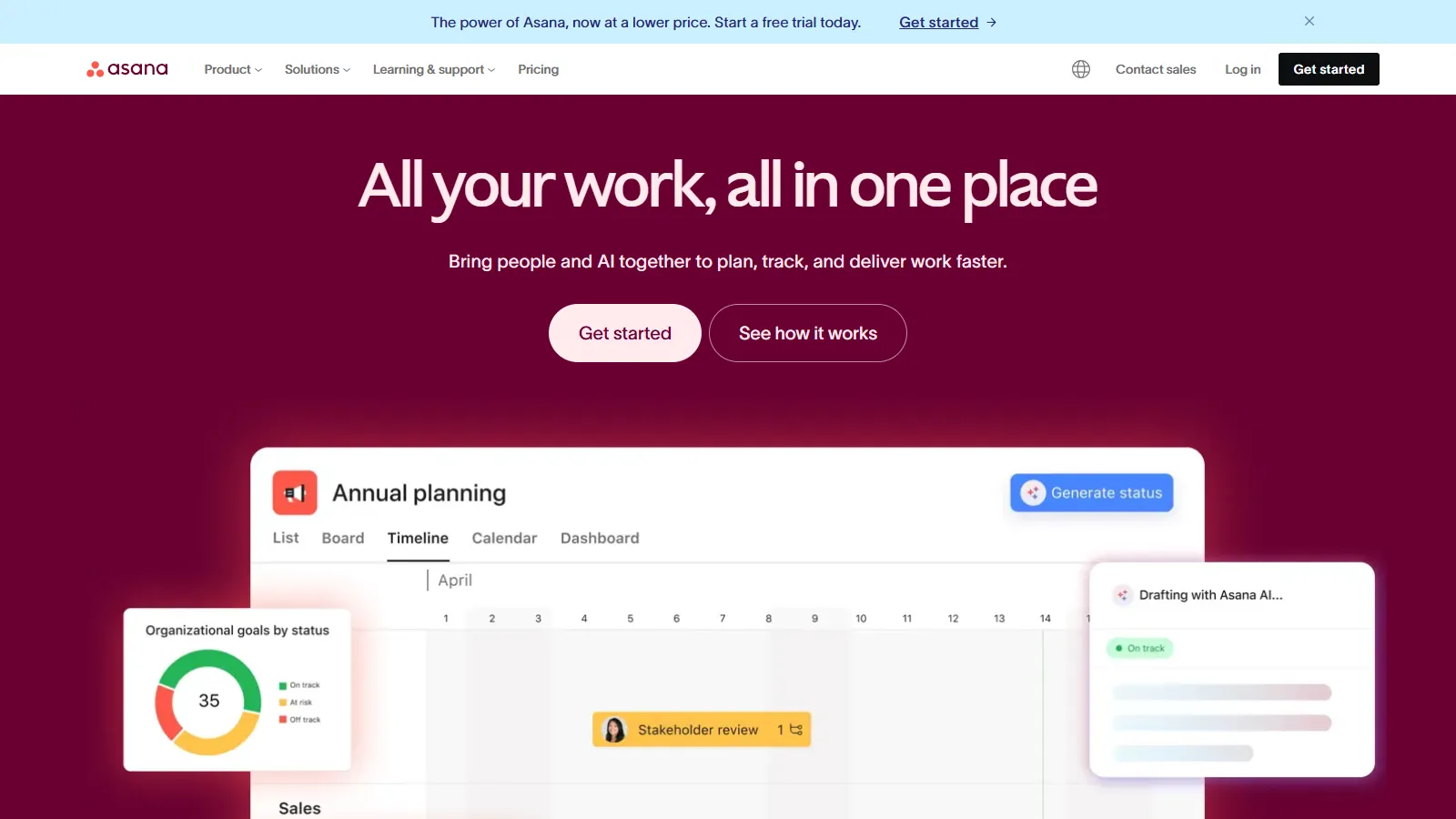
Asana provides a polished free tier for up to 15 team members, making it ideal for small teams that need professional project management without paying. Unlimited tasks and projects with multiple views keep teams organized.
Strengths
Up to 15 users on free tier
Unlimited tasks and projects
Multiple view types available
Clean professional interface
Excellent mobile apps
Limitations
No timeline or Gantt on free
No automation rules on free tier
Limited reporting capabilities
Forms limited to one per project
Who it's for: Perfect for teams of up to 15 who want a polished, professional PM tool without complexity. Great for teams that may upgrade later.
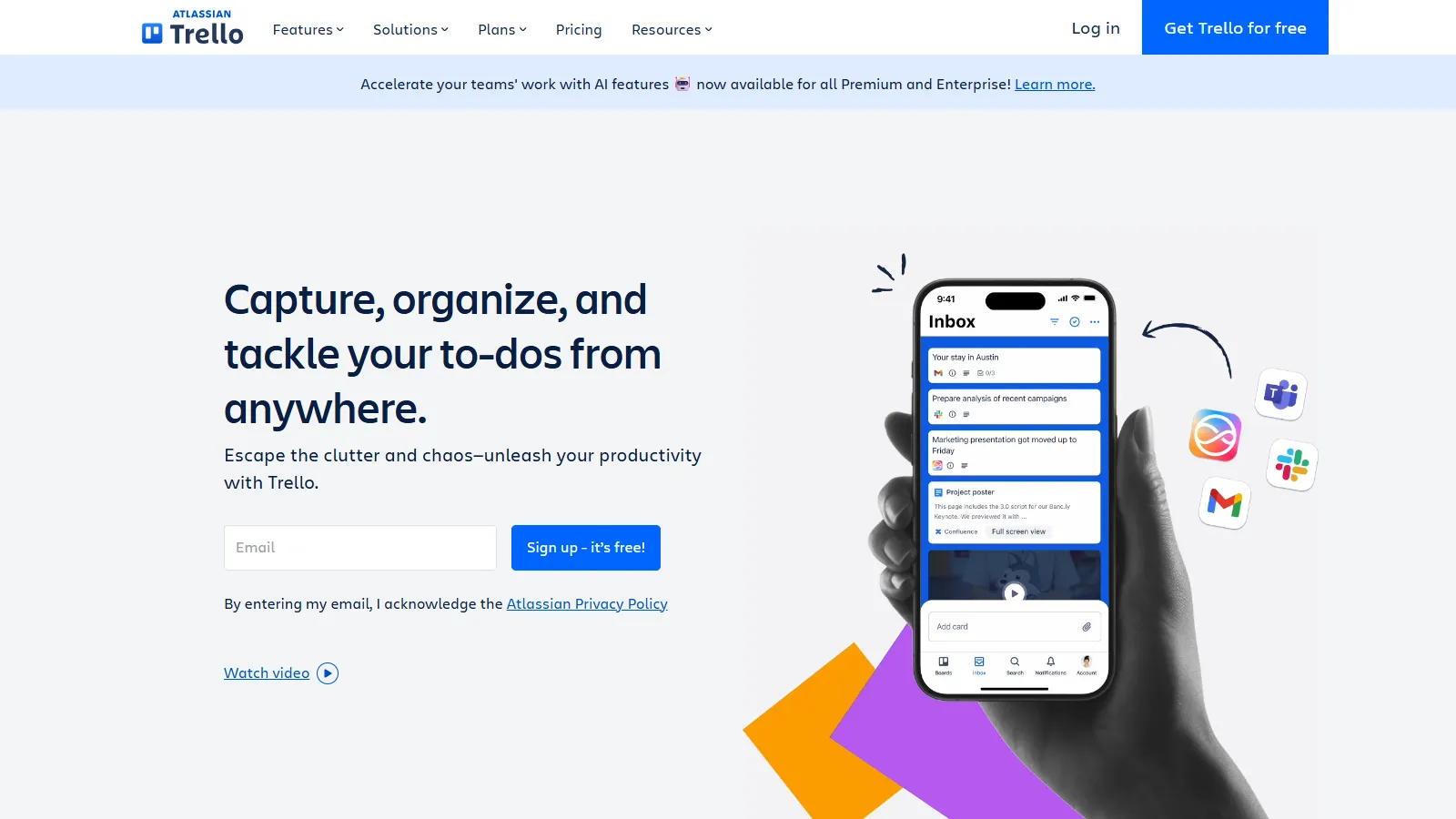
Trello remains the simplest way to get started with project management. The free tier includes unlimited cards with Butler automation for basic workflows. The 10-board limit rarely matters for small teams.
Strengths
Unlimited cards and members
Butler automation included
Simplest learning curve
Power-Ups for integrations
Excellent mobile apps
Limitations
Limited to 10 boards per workspace
Only kanban view available
10MB file attachment limit
Limited reporting
Who it's for: Ideal for teams new to PM software or those who want visual simplicity. Best for straightforward projects that fit the kanban model.
Notion combines project management with documentation in a flexible workspace. The free tier offers unlimited pages and blocks for individuals, with team features available. Perfect for teams that need docs alongside tasks.
Strengths
Unlimited pages and blocks
Flexible database system
Projects plus documentation
Great template library
API access on free tier
Limitations
5MB file upload limit
Not a dedicated PM tool
Requires setup investment
Team features limited on free
Who it's for: Best for teams that need documentation alongside project tracking. Ideal if you want a knowledge base and task management in one place.
Wrike brings enterprise-grade project management to small teams with its free tier. Up to 5 users get access to professional features including board view, task management, and 2GB storage for attachments.
Strengths
Enterprise-quality interface
Board and table views
2GB storage is generous
Good mobile apps
Scales to enterprise if needed
Limitations
Only 5 users on free tier
No Gantt or timeline views
Limited automation
Basic reporting only
Who it's for: Good for small teams of 5 or fewer who want enterprise-quality software. Ideal if you anticipate needing to scale to a larger platform later.
Freedcamp lives up to its name with truly unlimited users, projects, and storage on the free tier. While it lacks the polish of bigger competitors, it provides solid project management for teams that refuse to pay.
Strengths
Truly unlimited everything
No user or project caps
Unlimited storage
Milestones and calendar views
No credit card required
Limitations
Interface less polished
No advanced automation
Fewer integrations
Mobile apps basic
Who it's for: Perfect for teams that need PM software with no limits and no budget. Best for basic project tracking without advanced features.
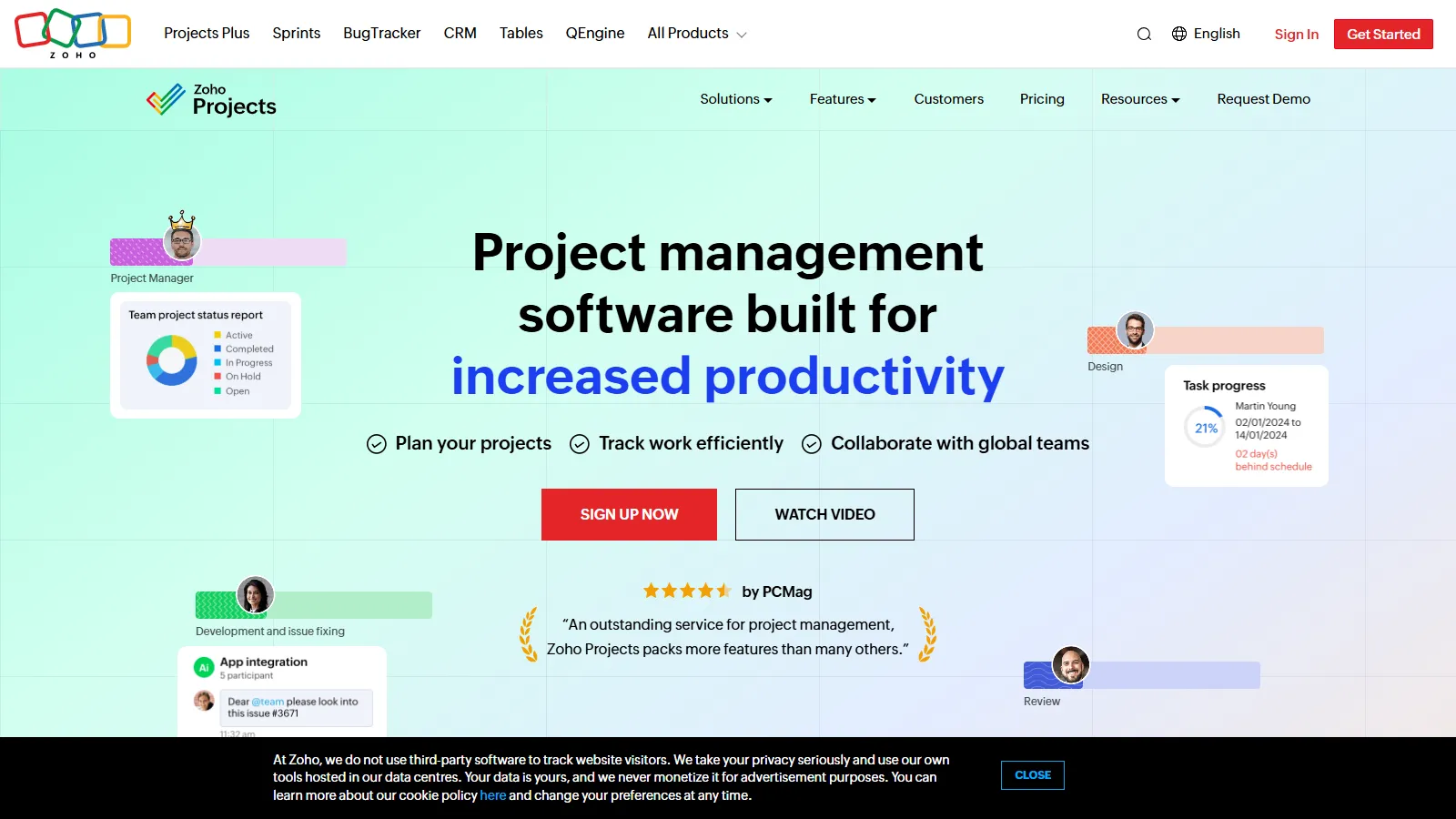
Zoho Projects is the only free PM tool offering Gantt charts. For up to 3 users with 2 projects, you get timeline views, time tracking, and basic automation that competitors charge for.
Strengths
Gantt charts on free tier
Time tracking included
Basic automation available
10GB storage is generous
Part of Zoho ecosystem
Limitations
Only 3 users allowed
Limited to 2 projects
Interface feels dated
Best with other Zoho tools
Who it's for: Best for very small teams that need Gantt charts and time tracking free. Ideal if you already use other Zoho products.
We tested each free tier for real project work, looking for tools that are genuinely usable without upgrading.
Free Tier Generosity (35%) — User limits, project limits, and feature availability without paying.
Core PM Features (25%) — Task management, collaboration, and essential project tracking.
Usability (20%) — Ease of setup and daily use without extensive training.
Upgrade Path (10%) — Reasonable paid tiers when you need to scale.
Mobile Apps (10%) — Quality of free mobile experience.
How to Choose
Choose ClickUp if you need maximum features for free.
Choose Asana if you need a polished tool for 15 users.
Choose Trello if you need the simplest option.
Choose Notion if you need projects plus documentation.
Choose Wrike if you need enterprise quality for 5 users.
Choose Freedcamp if you need truly unlimited everything.
Choose Zoho Projects if you need free Gantt charts.
Common Questions
Yes, the tools on this list offer genuinely free tiers without time limits. ClickUp, Trello, Notion, and Freedcamp have maintained free plans for years. Limits are on features or capacity, not time.
Free tiers typically limit users, storage, advanced features, or views like Gantt charts. Vendors hope you will upgrade as needs grow. Some add branding or limit integrations on free plans.
ClickUp, Trello, Notion, and Freedcamp all offer unlimited users on free tiers. Asana allows 15 users, while Wrike and Zoho Projects limit free plans to 3-5 users.
Many small businesses operate entirely on free PM tiers. ClickUp and Asana free plans are particularly capable. Consider upgrading when you need advanced features like automation or reporting.
Most tools let you continue working but block new additions beyond limits. You can upgrade to paid plans or export data and switch tools. No tool on this list locks your data.