7 Best Project Management Tools for Small Teams in 2026
We tested 25+ project management tools to find the ones that work best for teams of 2-15 people. These tools offer essential features without enterprise complexity or overwhelming learning curves.
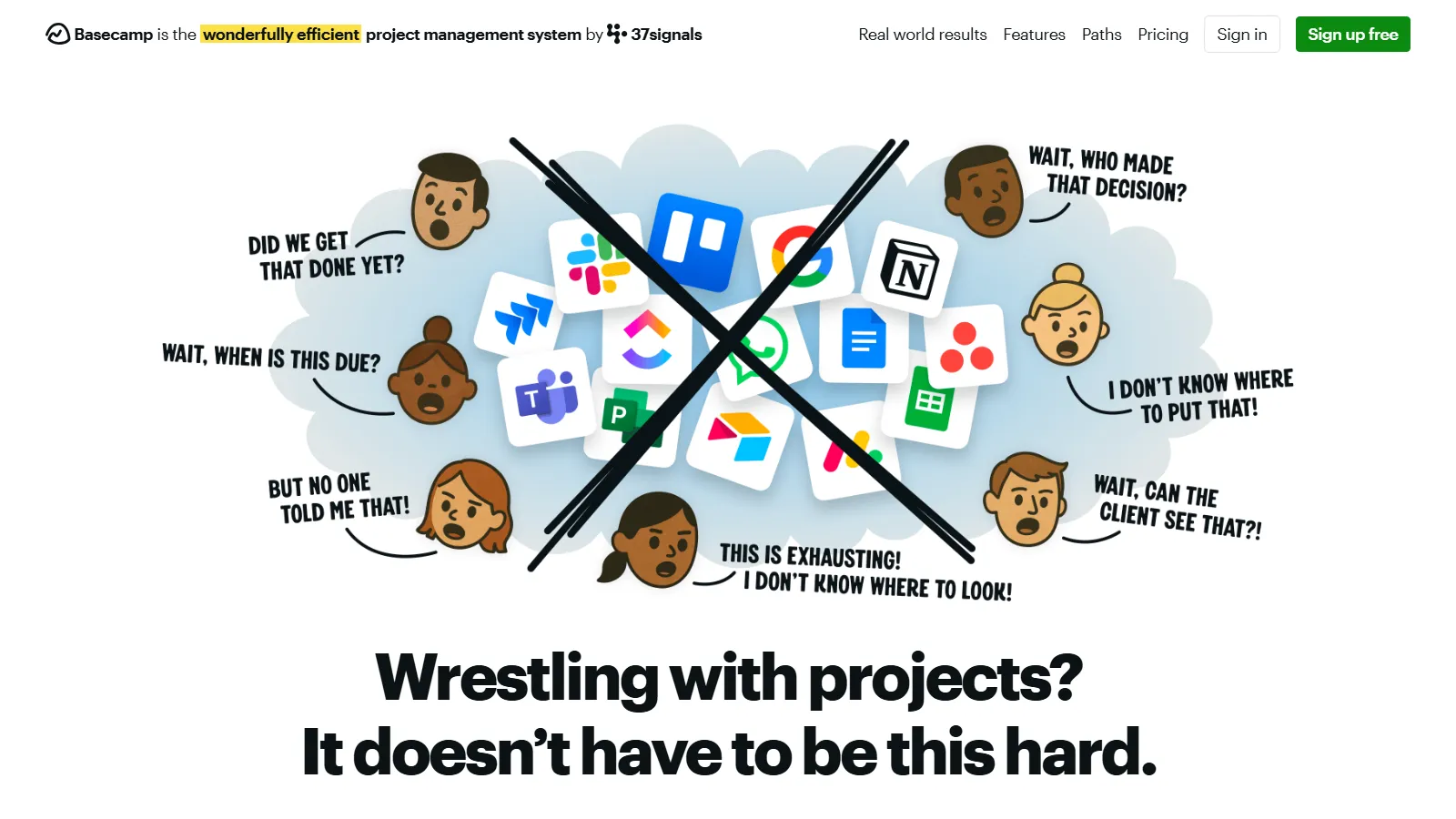
Basecamp takes an opinionated approach to project management, providing exactly what small teams need without overwhelming options. The flat pricing model means unlimited users for one predictable monthly cost, making it perfect for growing teams.
Who it's for: Perfect for small teams that want simplicity over flexibility. Ideal when you have 5+ team members and want predictable costs without per-user pricing.
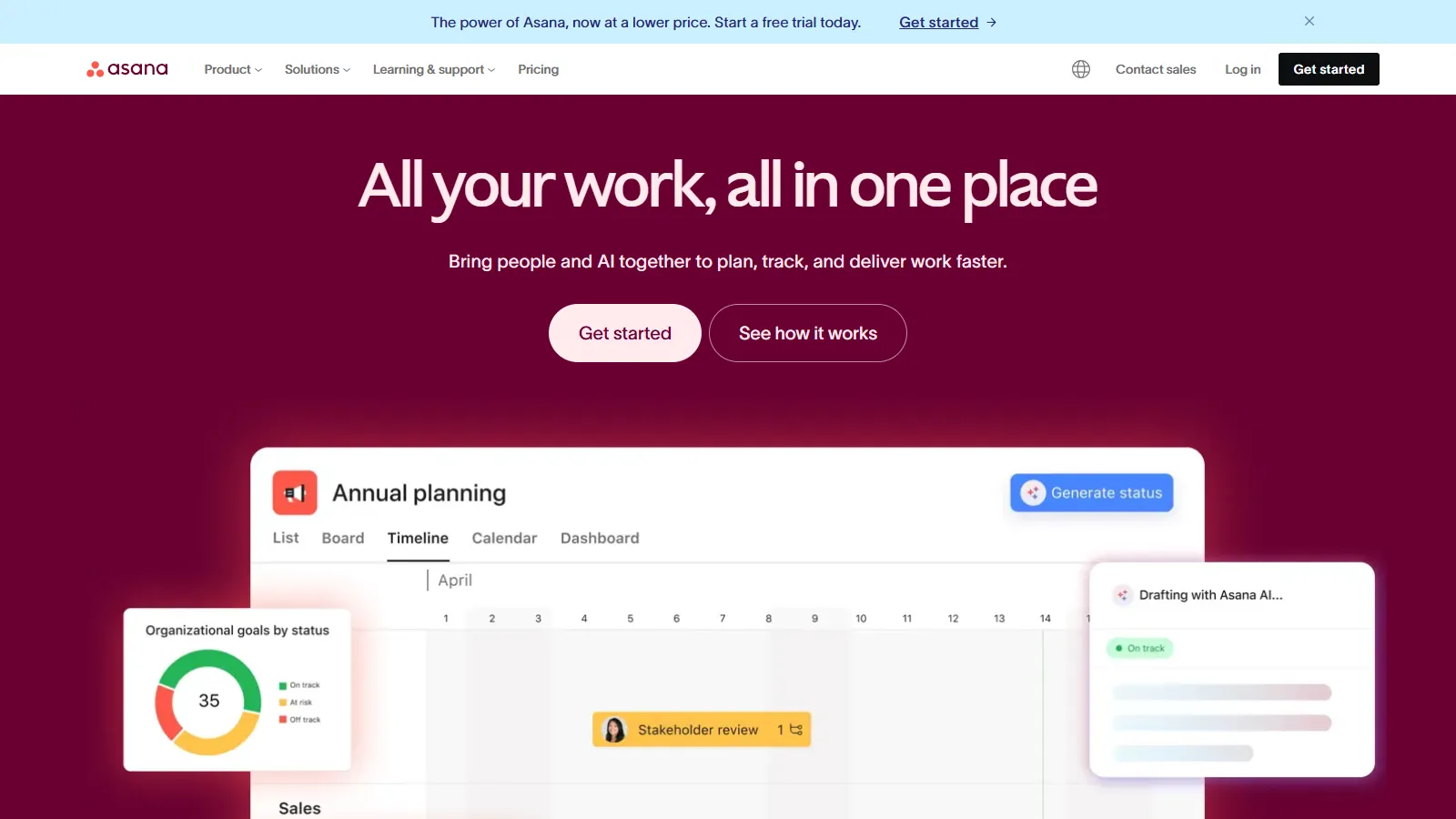
Asana offers the best balance of power and usability for small teams. The free tier supports up to 15 users with essential features, and paid plans add timelines, goals, and automation. Multiple view options let team members work however they prefer.
Starting priceFree/$10.99/user
Strengths
Free tier supports up to 15 users
Multiple project views (list, board, timeline)
Powerful automation rules
Excellent mobile apps
Forms for intake and requests
Limitations
Premium features require paid plan
Can become complex as usage grows
No built-in time tracking
Who it's for: Best for small teams that need flexibility in how they manage projects. Great when different team members prefer different views of the same work.
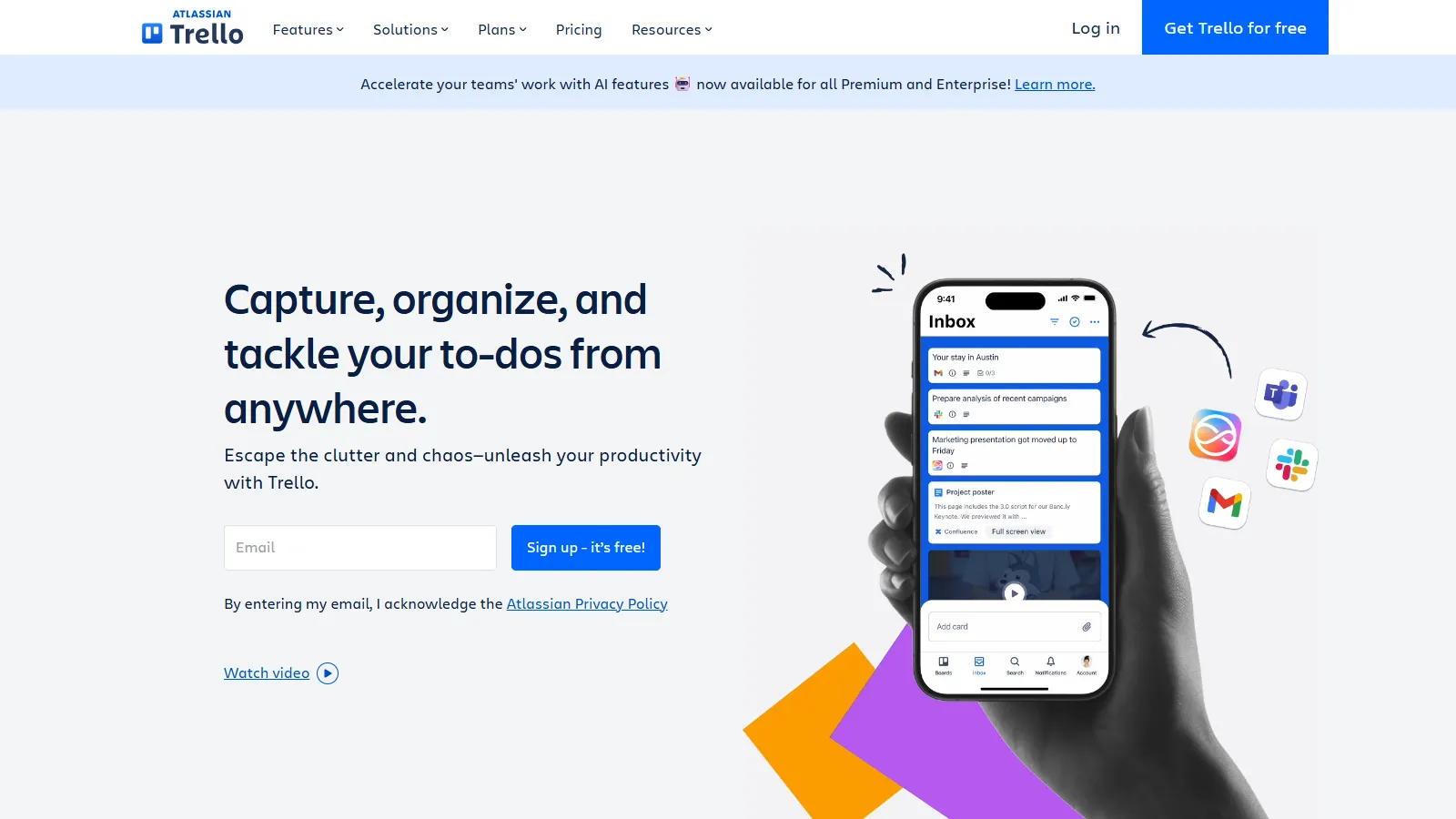
Trello pioneered the kanban board approach and remains the simplest way to get a team organized. The visual drag-and-drop interface requires almost no training, and Power-Ups add functionality as needs grow without complicating the core experience.
Starting priceFree/$5/user
Strengths
Simplest learning curve of any PM tool
Free tier is very generous
Power-Ups extend functionality
Butler automation is powerful
Great mobile experience
Limitations
Only kanban view available
Limited for complex projects
No native time tracking or reporting
Who it's for: Ideal for teams new to project management or those who prefer visual workflows. Best for straightforward projects without complex dependencies.
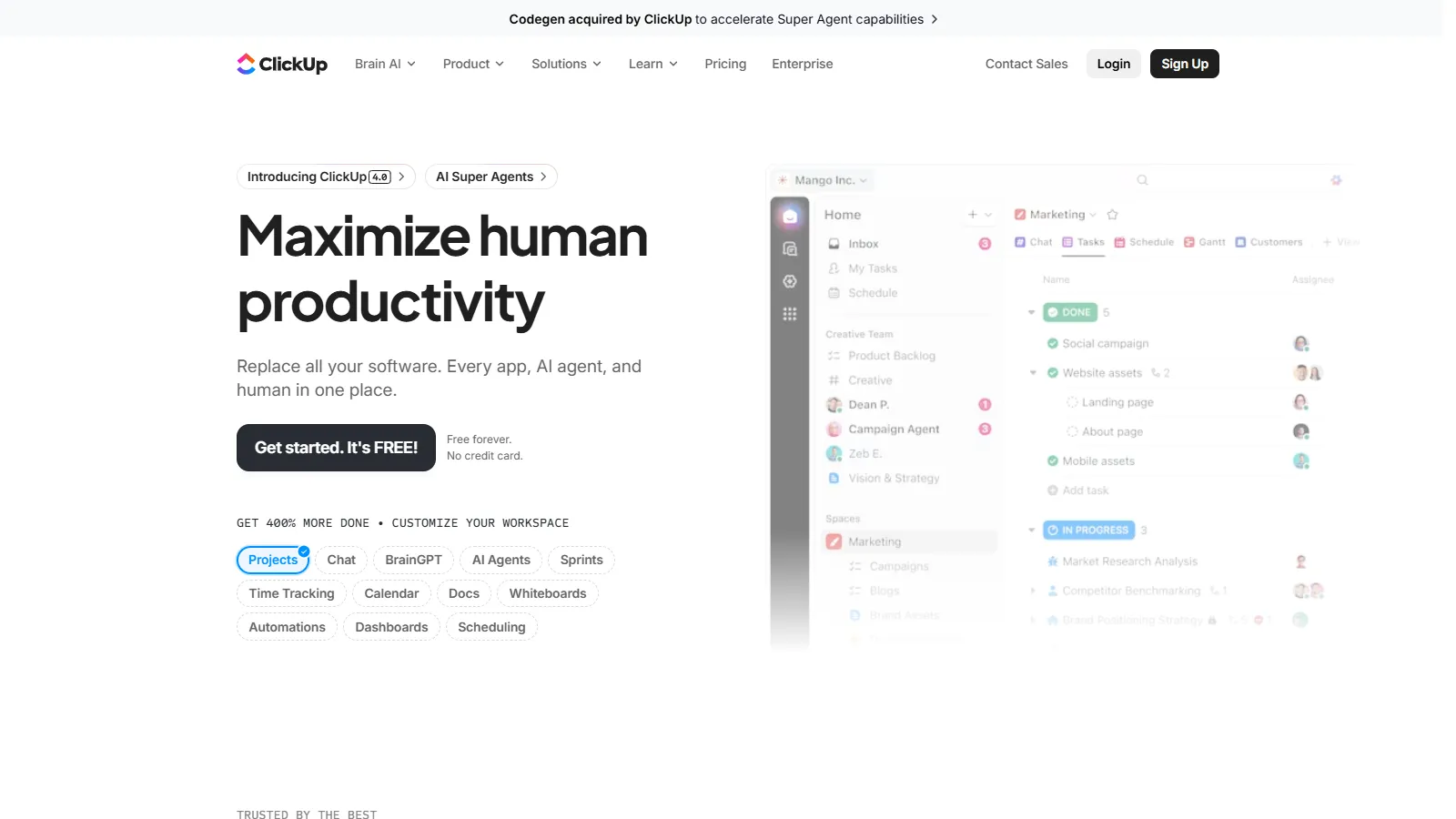
ClickUp packs more features into its free and paid tiers than any competitor. For small teams that want docs, whiteboards, goals, and time tracking without paying for multiple tools, ClickUp delivers exceptional value despite a steeper learning curve.
Starting priceFree/$7/user
Strengths
Most features per dollar
Free tier includes unlimited tasks and users
Built-in docs, whiteboards, and goals
Native time tracking included
Highly customizable views
Limitations
Steeper learning curve
Can feel overwhelming initially
Mobile app less polished than desktop
Who it's for: Best for small teams that want an all-in-one workspace and don't mind investing time to learn the platform. Great value if you would otherwise need multiple tools.
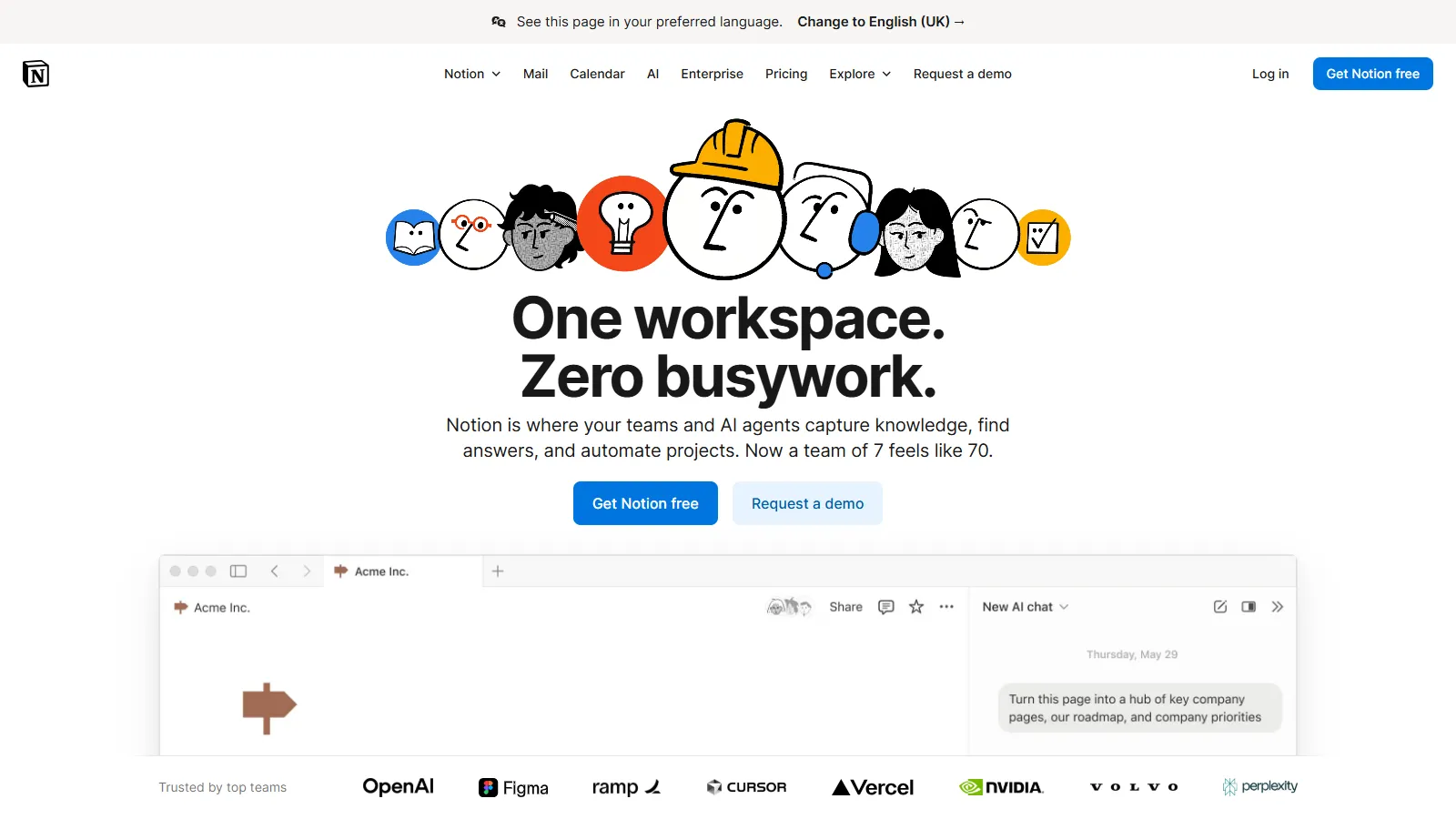
Notion blends project management with documentation and knowledge bases in a unique way. For teams that need to track projects while also maintaining docs, wikis, and meeting notes, Notion provides a flexible all-in-one workspace.
Starting priceFree/$8/user
Strengths
Combines projects with documentation
Extremely flexible database system
Great template ecosystem
Clean minimalist interface
Strong free tier for small teams
Limitations
Not a dedicated PM tool
Can require significant setup
Mobile app less capable than desktop
No native time tracking
Who it's for: Perfect for small teams that value documentation alongside project tracking. Best when you need a knowledge base, wiki, and project management in one place.
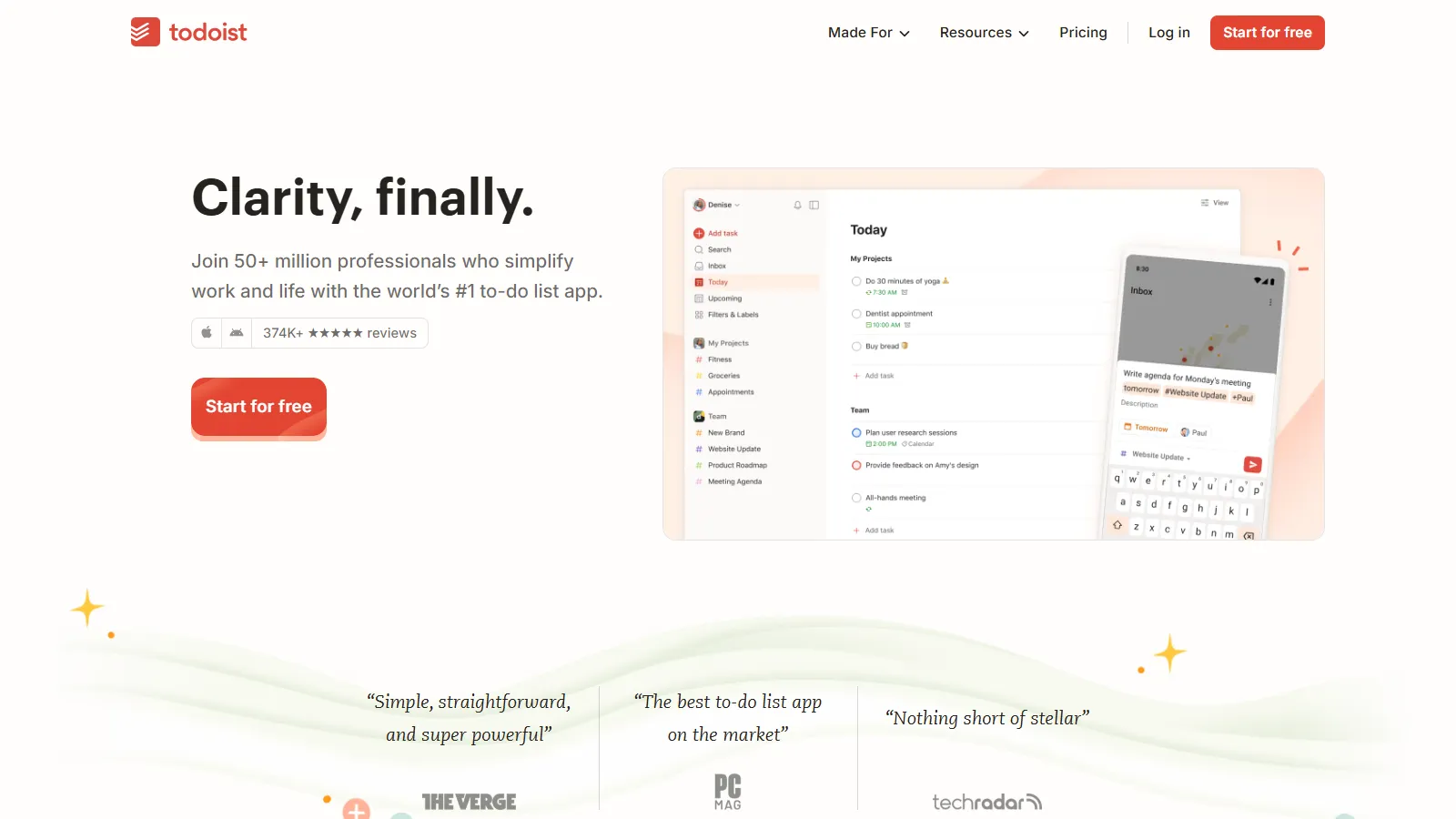
Todoist scales beautifully from personal task management to small team collaboration. The natural language input makes adding tasks instant, and the clean interface keeps focus on getting things done rather than managing the tool itself.
Starting priceFree/$4/user
Strengths
Most affordable paid option at $4/user
Natural language task input
Excellent mobile apps
Clean distraction-free interface
Strong integrations
Limitations
Limited to 5 users on free team plan
No timeline or Gantt views
Basic reporting capabilities
No time tracking
Who it's for: Ideal for small teams that want simple task management without project management complexity. Best for teams transitioning from personal productivity tools.
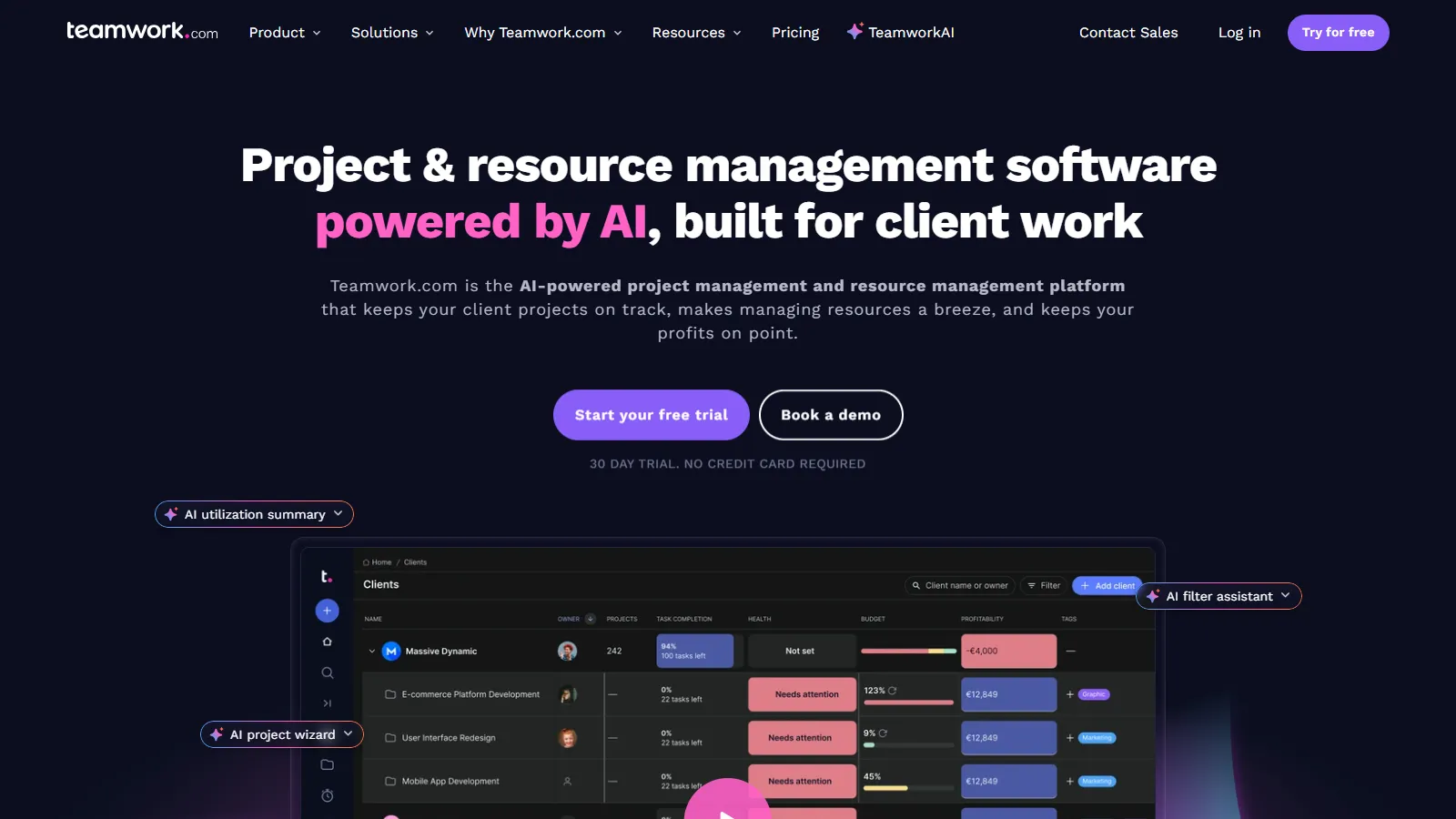
Teamwork is built specifically for teams that do client work, with native time tracking, invoicing, and client access features. Small agencies and consultancies get project management plus billable hours tracking in one integrated platform.
Starting priceFree/$5.99/user
Strengths
Built-in time tracking and invoicing
Client portal for external access
Project templates save setup time
Good balance of features and simplicity
Free tier for up to 5 users
Limitations
Best suited for client work
Less flexible than general PM tools
Some features require higher tiers
Who it's for: Best for small agencies, consultancies, and freelancers managing client projects. Ideal when you need to track billable time and share progress with clients.
We tested each tool with real small team workflows, focusing on what matters most when you don't have a dedicated project manager.
Ease of Adoption (30%) — How quickly can a small team get started without extensive training.
Value for Small Teams (25%) — Pricing that makes sense for 2-15 users without enterprise requirements.
Core Features (20%) — Task management, collaboration, and communication essentials.
Flexibility (15%) — Ability to adapt to different workflows without becoming complex.
Mobile Experience (10%) — Quality of mobile apps for teams that work on the go.
How to Choose
Choose Basecamp if you need simple all-in-one for growing team.
Choose Asana if you need free tool for up to 15 people.
Choose Trello if you need easiest tool to learn.
Choose ClickUp if you need maximum features at low cost.
Choose Notion if you need projects plus documentation.
Choose Todoist if you need cheapest team plan.
Choose Teamwork if you need client work with billing.
Common Questions
Asana offers the best free tier with support for up to 15 users with full task management, multiple views, and basic automation. ClickUp and Trello also offer strong free options with unlimited users.
Most small teams spend $5-15 per user per month. For a team of 5, expect $25-75 monthly. Basecamp's flat $99/month can be more economical for teams over 10 people.
If your team has more than 2-3 people working on shared projects, PM software reduces miscommunication and lost tasks. Free tiers from Trello, Asana, or ClickUp let you try without commitment.
Trello is the easiest to learn with its simple drag-and-drop boards. Basecamp is also very straightforward with its opinionated design. Both require almost no training.
Yes, most PM tools offer data export. However, switching has costs in time and retraining. Choose a tool with room to grow, like Asana or ClickUp, if you anticipate significant scaling.