Best To-Do List Apps for Getting Things Done in 2026
We tested 20+ to-do list apps to find the simplest and most effective options. These apps focus on capturing and completing tasks without the complexity of full project management.
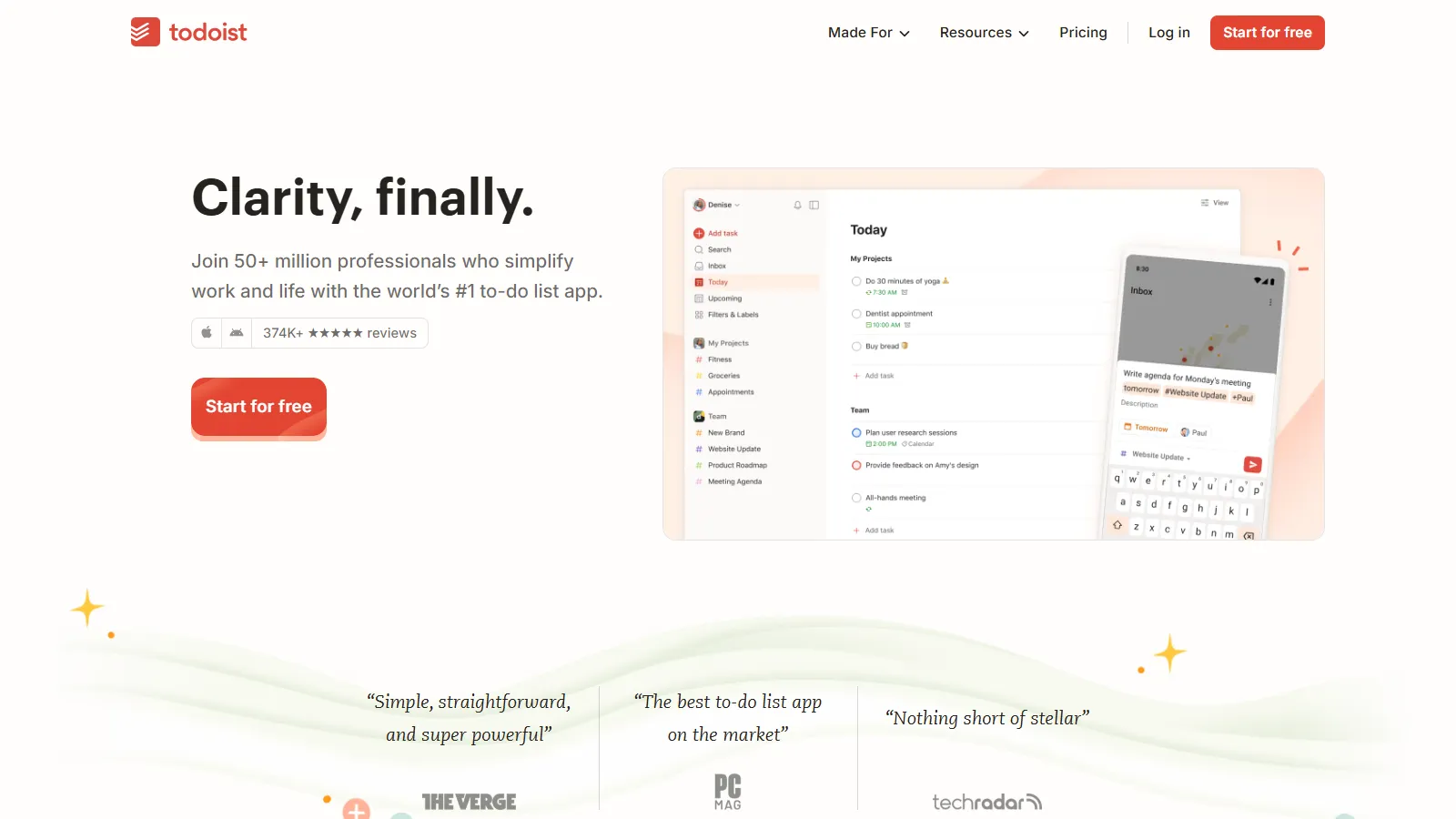
Todoist is the best to-do app for most people. Natural language input makes adding tasks fast, the apps work everywhere, and the free tier is generous enough for most needs.
Starting priceFree/$4/mo
Strengths
Natural language input
All platforms
Fast to use
Good free tier
Reliable sync
Limitations
Calendar view needs Pro
Reminders limited on free
Can grow complex
Subscription model
Who it's for: Best for most people wanting a reliable, cross-platform to-do app.
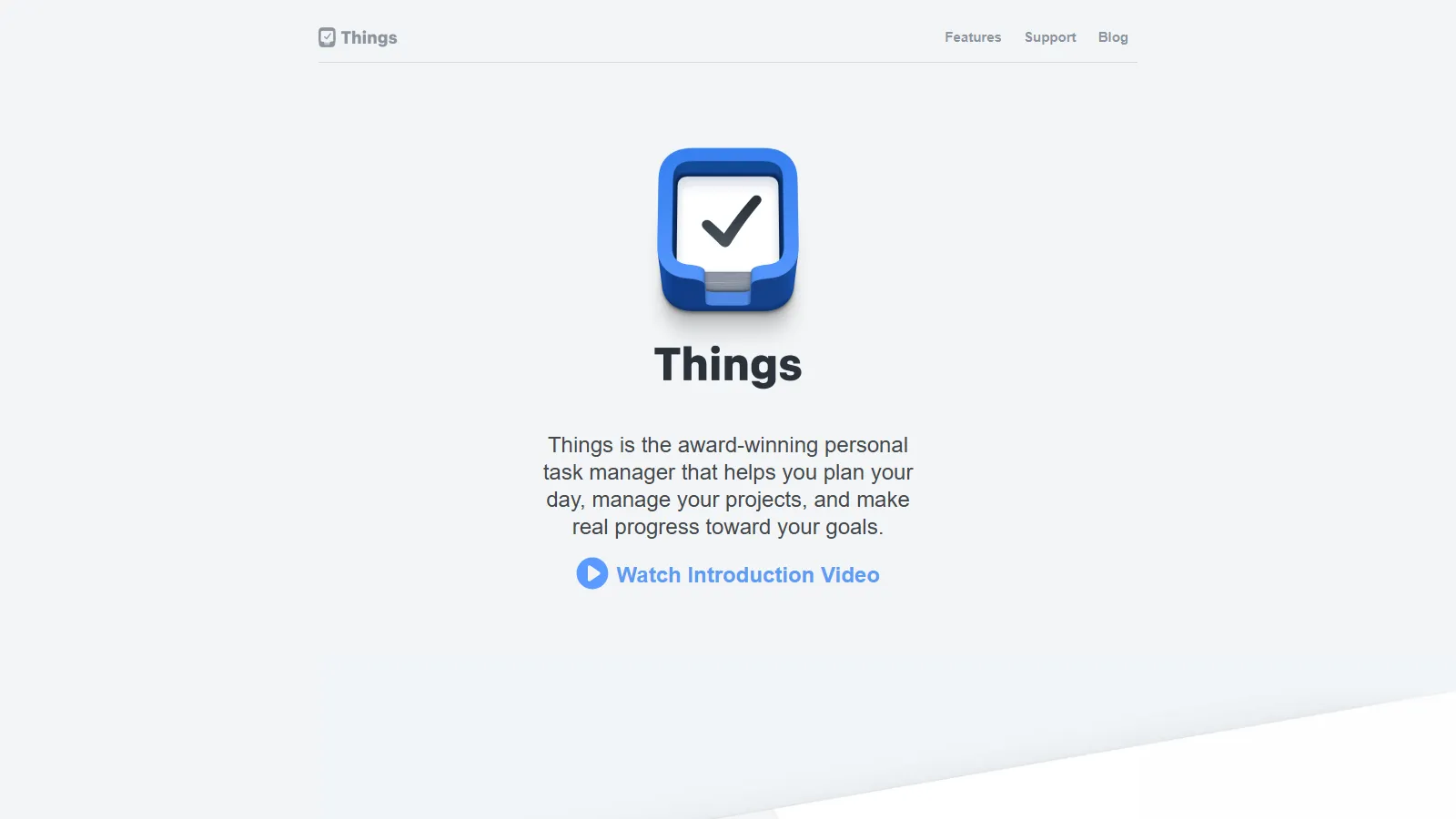
Things 3 is the most beautiful and intuitive to-do app for Apple users. One-time purchase, gorgeous design, and thoughtful organization make it a joy to use.
Starting price$49.99
Strengths
Beautiful design
Intuitive UX
One-time purchase
Today and upcoming views
Quick entry
Limitations
Apple only
No web app
Upfront cost
No collaboration
Who it's for: Best for Apple users willing to pay once for the best design.
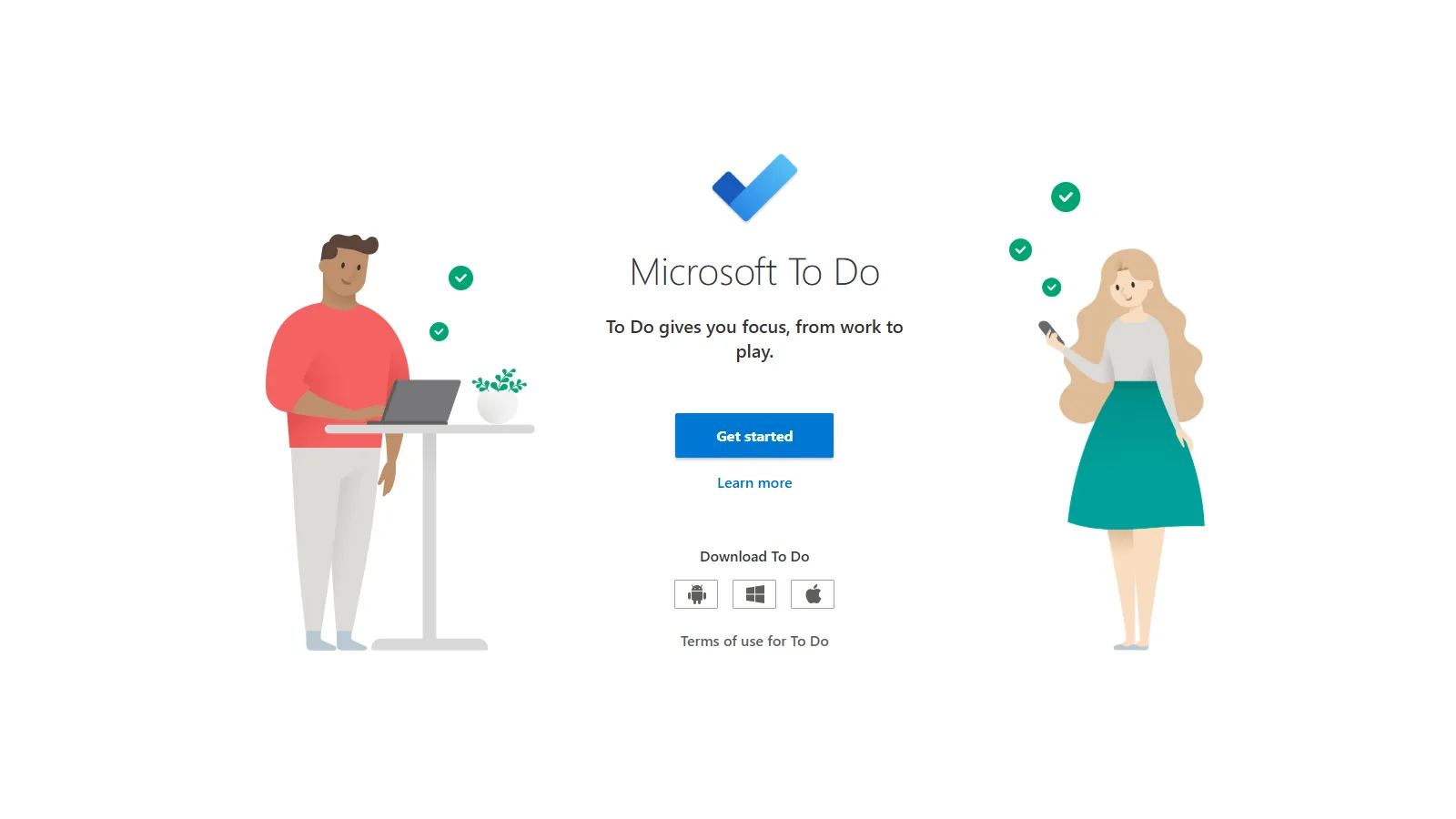
Microsoft To Do is completely free and surprisingly capable. My Day feature helps focus on today, and Outlook integration is seamless for Microsoft users.
Starting priceFree
Strengths
Completely free
My Day feature
Outlook sync
All platforms
Clean design
Limitations
Basic features
No natural language
Limited organization
No calendar view
Who it's for: Best for anyone wanting free, simple task management with Microsoft integration.
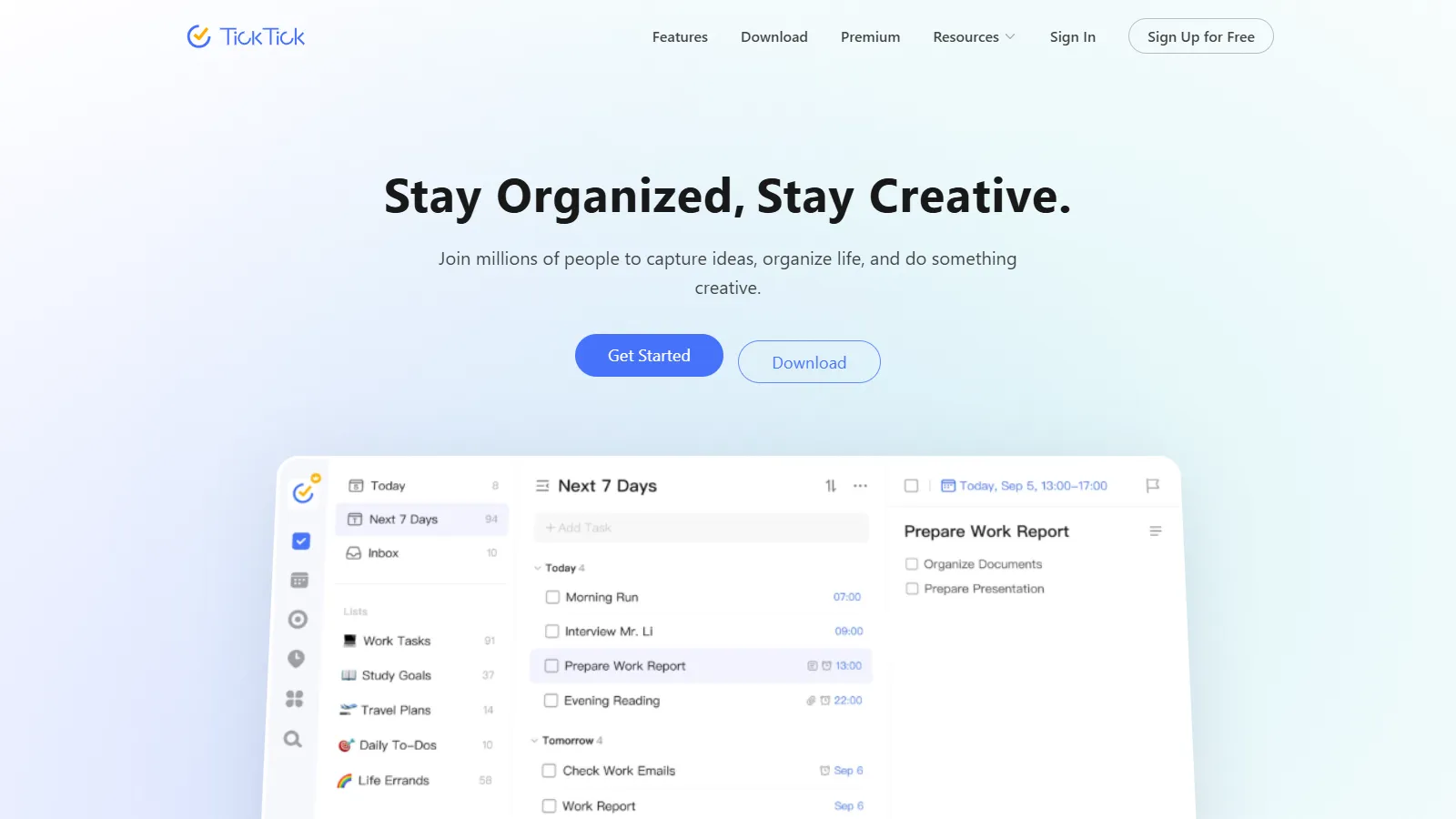
TickTick packs the most features into an approachable package. Calendar view, Pomodoro timer, and habit tracking go beyond basic to-do without overwhelming.
Starting priceFree/$36/yr
Strengths
Many features
Calendar built-in
Pomodoro timer
Habits included
All platforms
Limitations
Some features need Premium
Can feel busy
Less polished than Things
Feature creep risk
Who it's for: Best for people wanting more than basic to-do without paying enterprise prices.
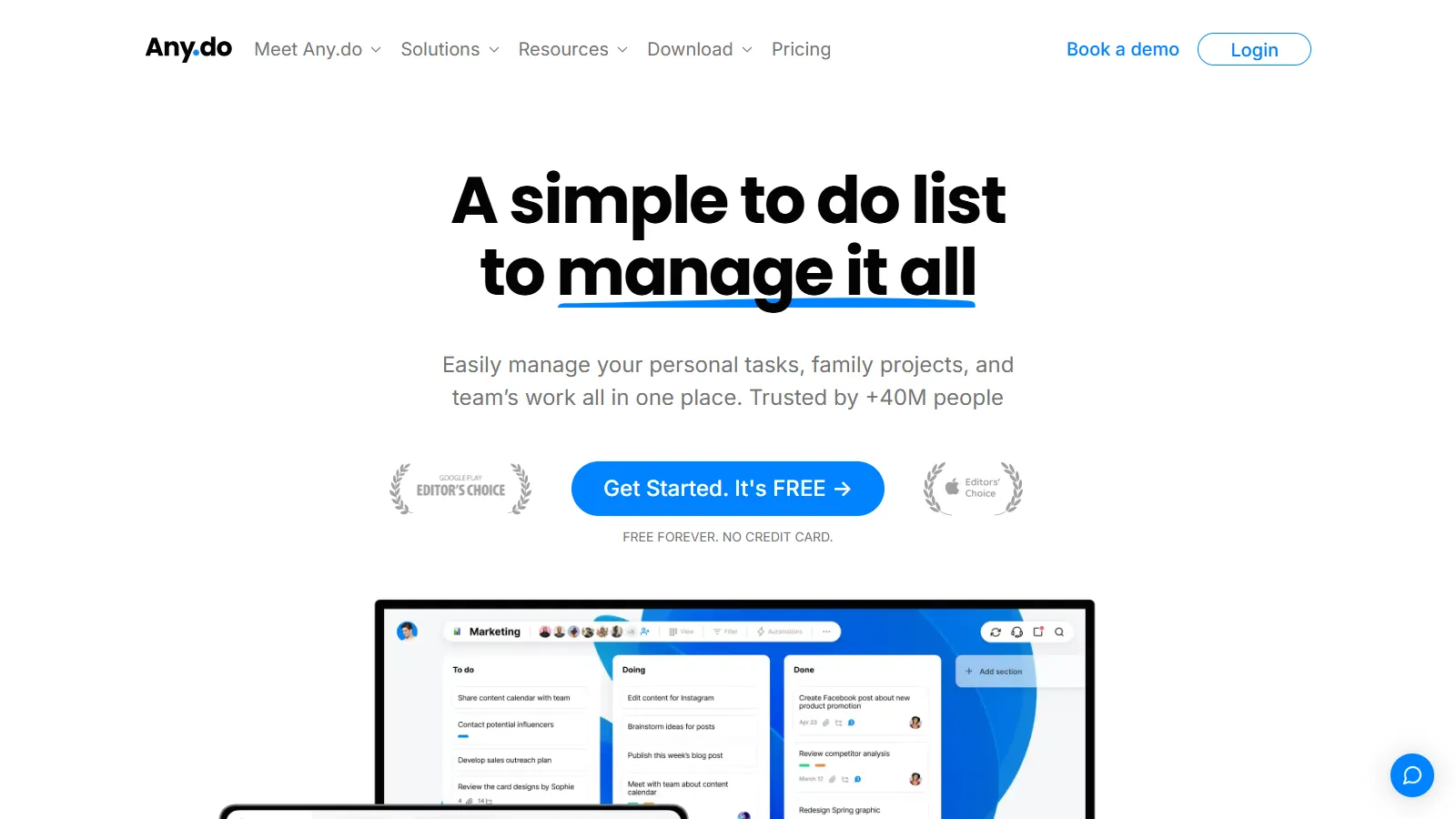
Any.do takes a daily planner approach, prompting you to plan your day each morning. Calendar integration and voice entry round out a focused experience.
Starting priceFree/$6/mo
Strengths
Daily planner prompts
Calendar integration
Voice entry
Clean design
All platforms
Limitations
Premium for features
Less flexible
Smaller user base
Occasional sync issues
Who it's for: Best for people who like structured daily planning prompts.
We tested each app for simple task management without unnecessary complexity.
Simplicity (30%) — How fast to add and complete tasks.
Reliability (25%) — Sync, notifications, and trust.
Cross-platform (20%) — Availability where you need it.
Daily Focus (15%) — Features to plan and focus today.
Value (10%) — What you get for free or paid.
How to Choose
Choose Todoist if you need best for most people.
Choose Things 3 if you need Apple with budget.
Choose Microsoft To Do if you need completely free.
Choose TickTick if you need want extra features.
Choose Google Tasks if you need live in Gmail.
Common Questions
Google Tasks and Apple Reminders are the simplest since they are already on your devices. Microsoft To Do is the simplest full-featured option that is also free.
Start free. Microsoft To Do and Apple Reminders are excellent free options. Upgrade to Todoist Pro or TickTick Premium only if you hit real limitations.
Things 3 if you are all-Apple and prefer one-time purchase with beautiful design. Todoist if you need cross-platform or prefer subscription with regular updates.