We tested 15+ team task tools to find the best options for shared work. These platforms help teams assign, track, and complete tasks together with clear accountability.
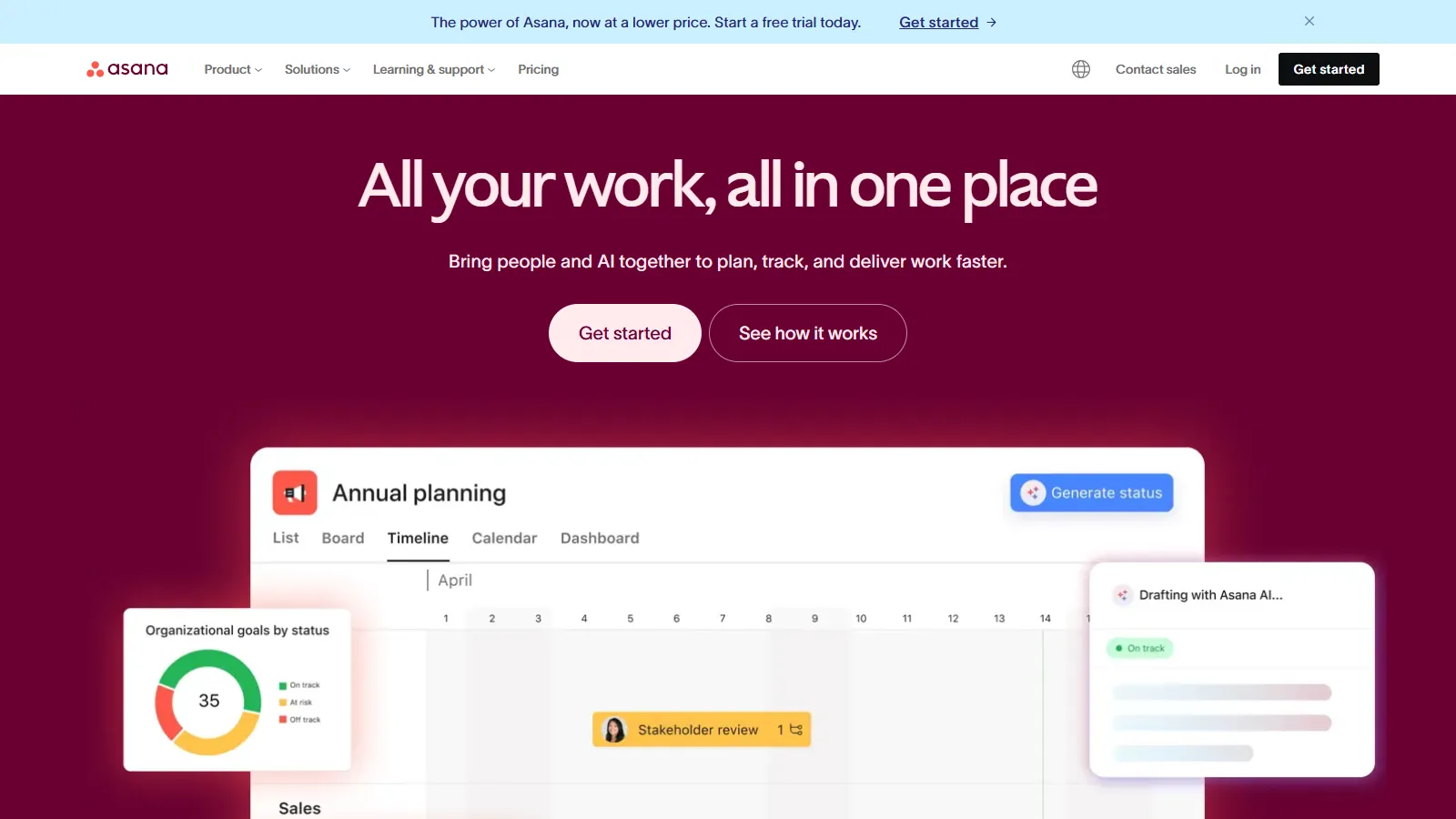
Asana provides the best balance of task management and team visibility. Multiple views, automation, and portfolios work for teams from marketing to engineering.
Starting priceFree/$11/user
Strengths
Multiple views
Good automation
Portfolios and goals
Cross-team visibility
Solid free tier
Limitations
Pricing adds up
Can feel complex
No built-in docs
Time tracking costs extra
Who it's for: Best for cross-functional teams needing task management with organizational visibility.
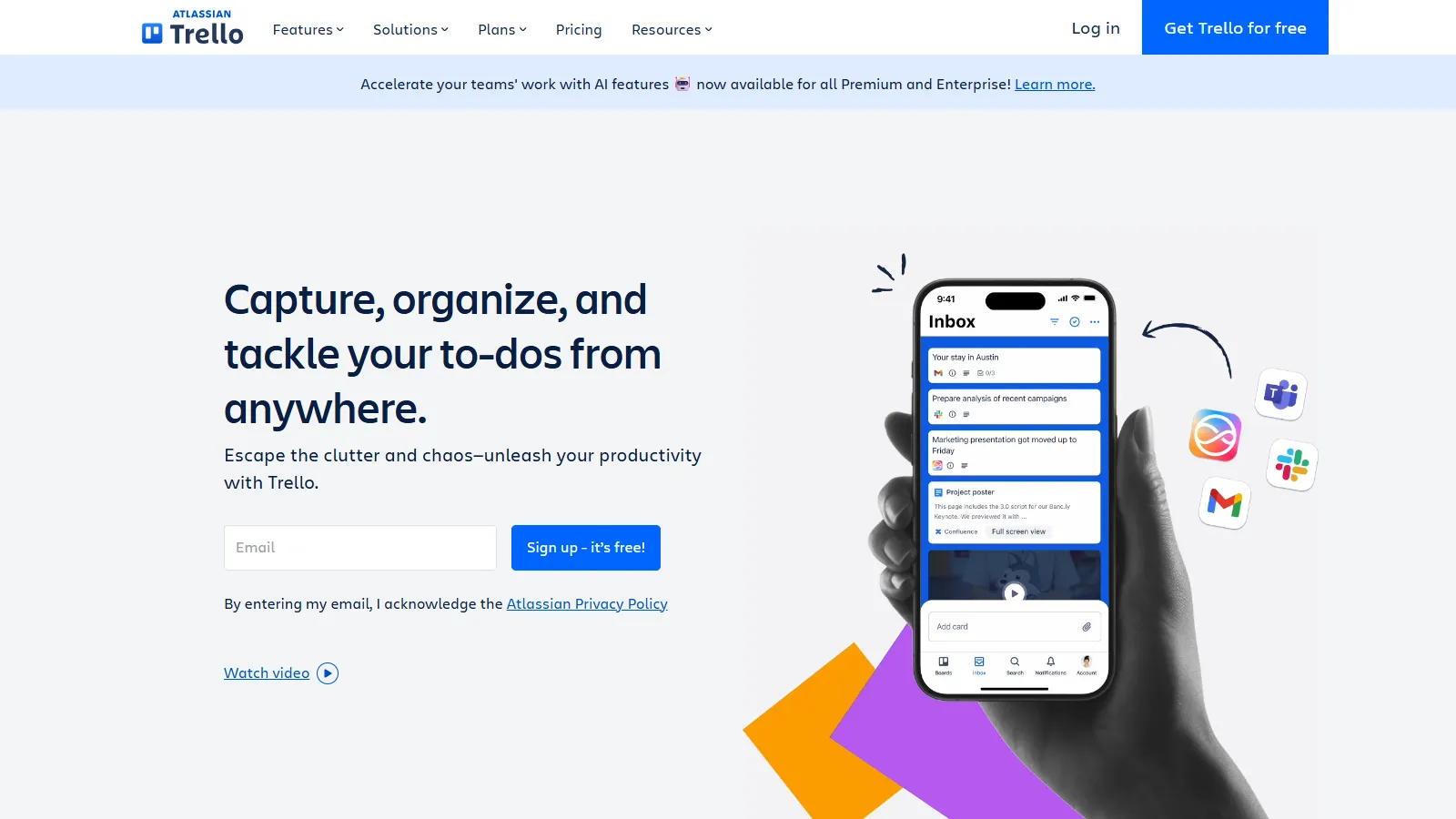
Trello is the simplest way to start with team task management. Intuitive kanban boards require zero training, making it perfect for non-technical teams.
Starting priceFree/$5/user
Strengths
Dead simple
Intuitive kanban
Good free tier
Power-Ups extend features
Quick adoption
Limitations
Basic for complex work
Limited views
Scales poorly
No built-in docs
Who it's for: Best for small teams or those new to task management tools.
We tested each tool for team task collaboration effectiveness.
Team Features (30%) — Assignment, visibility, and coordination.
Ease of Use (25%) — Team adoption and learning curve.
Visibility (20%) — Status clarity and accountability.
Flexibility (15%) — Adapts to different team workflows.
Value (10%) — Features relative to per-seat cost.
How to Choose
Choose Asana if you need cross-functional visibility.
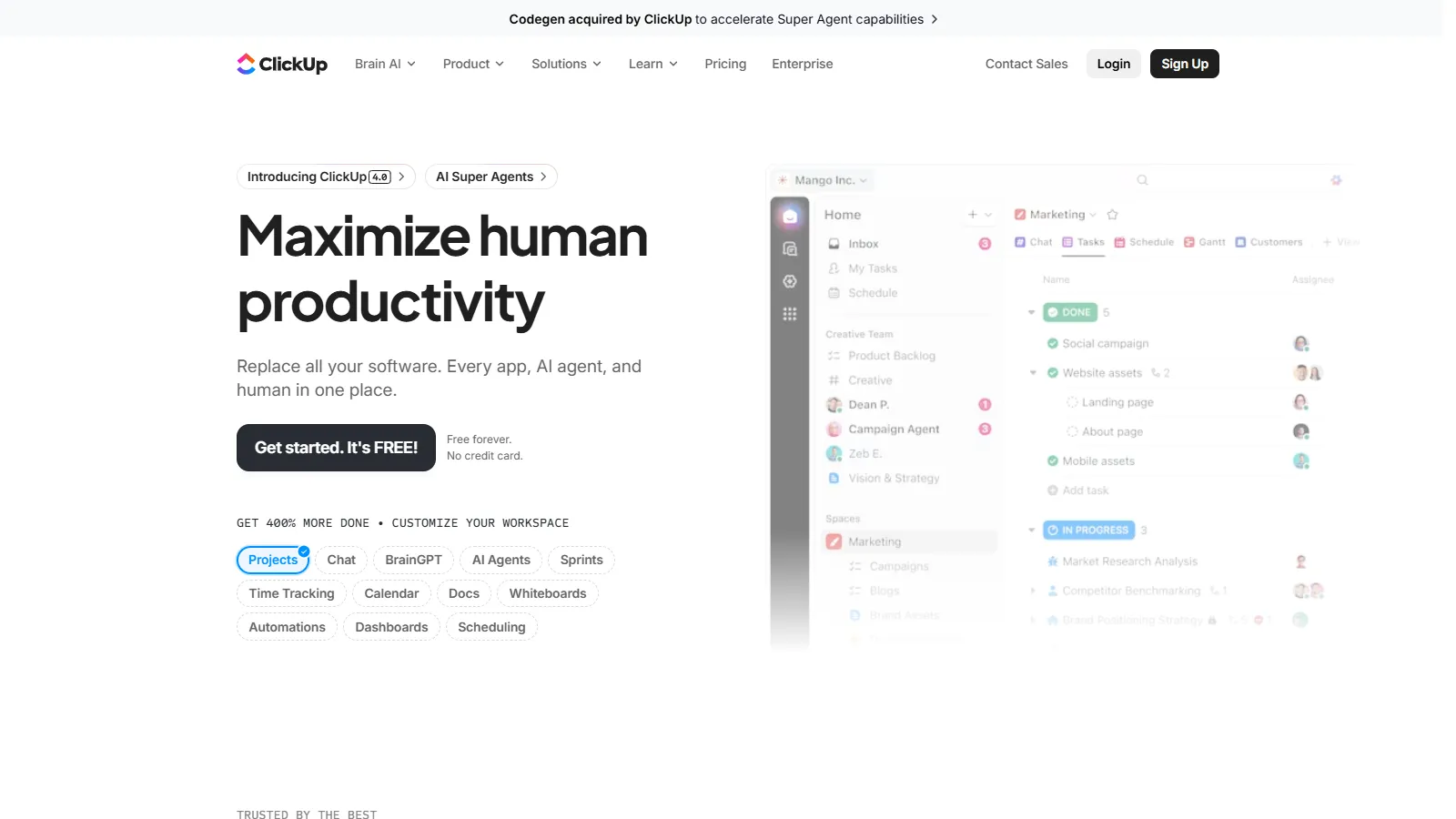
Choose ClickUp if you need want everything in one.
Choose Trello if you need simple getting started.
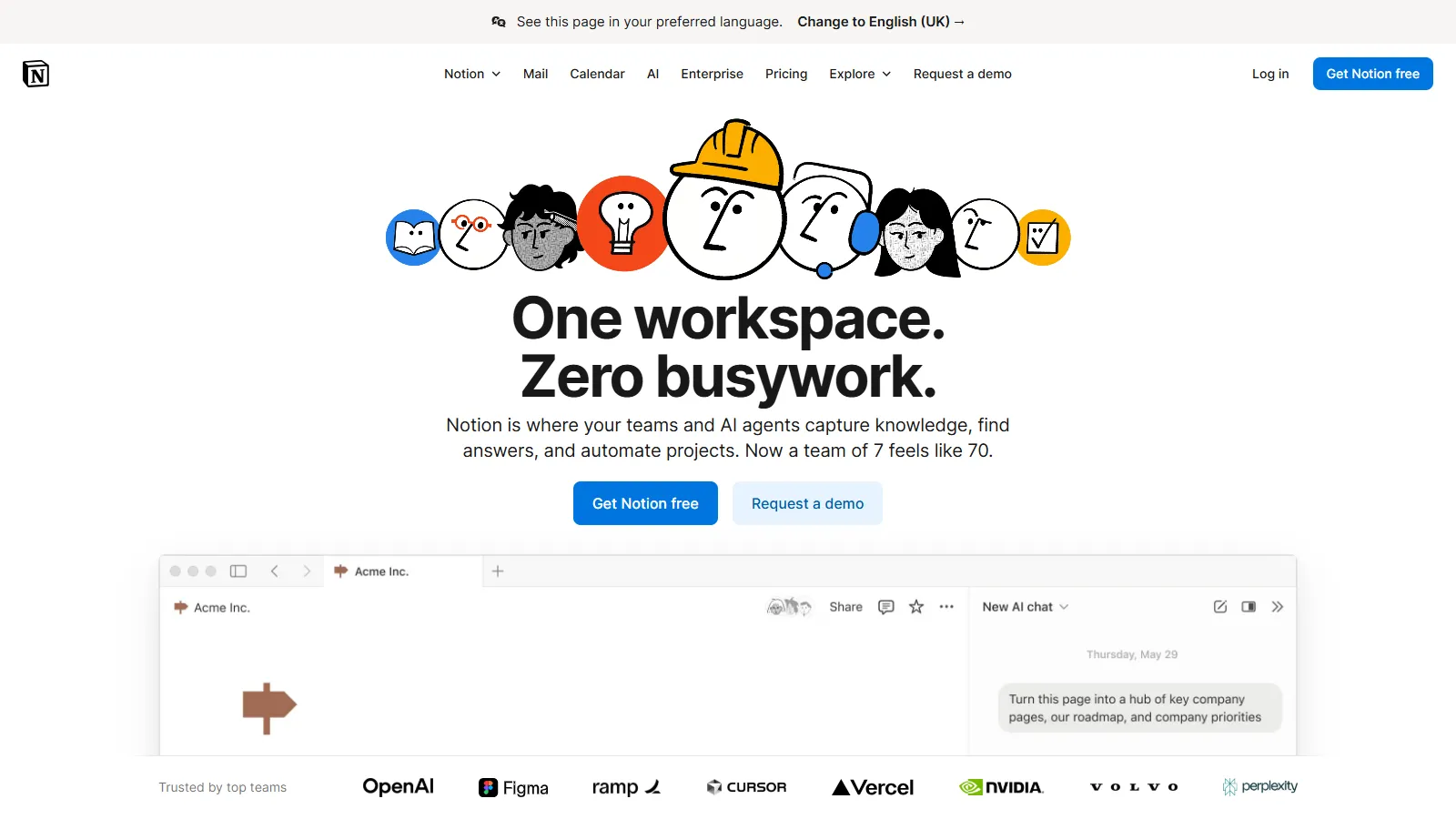
Choose Notion if you need tasks + documentation.
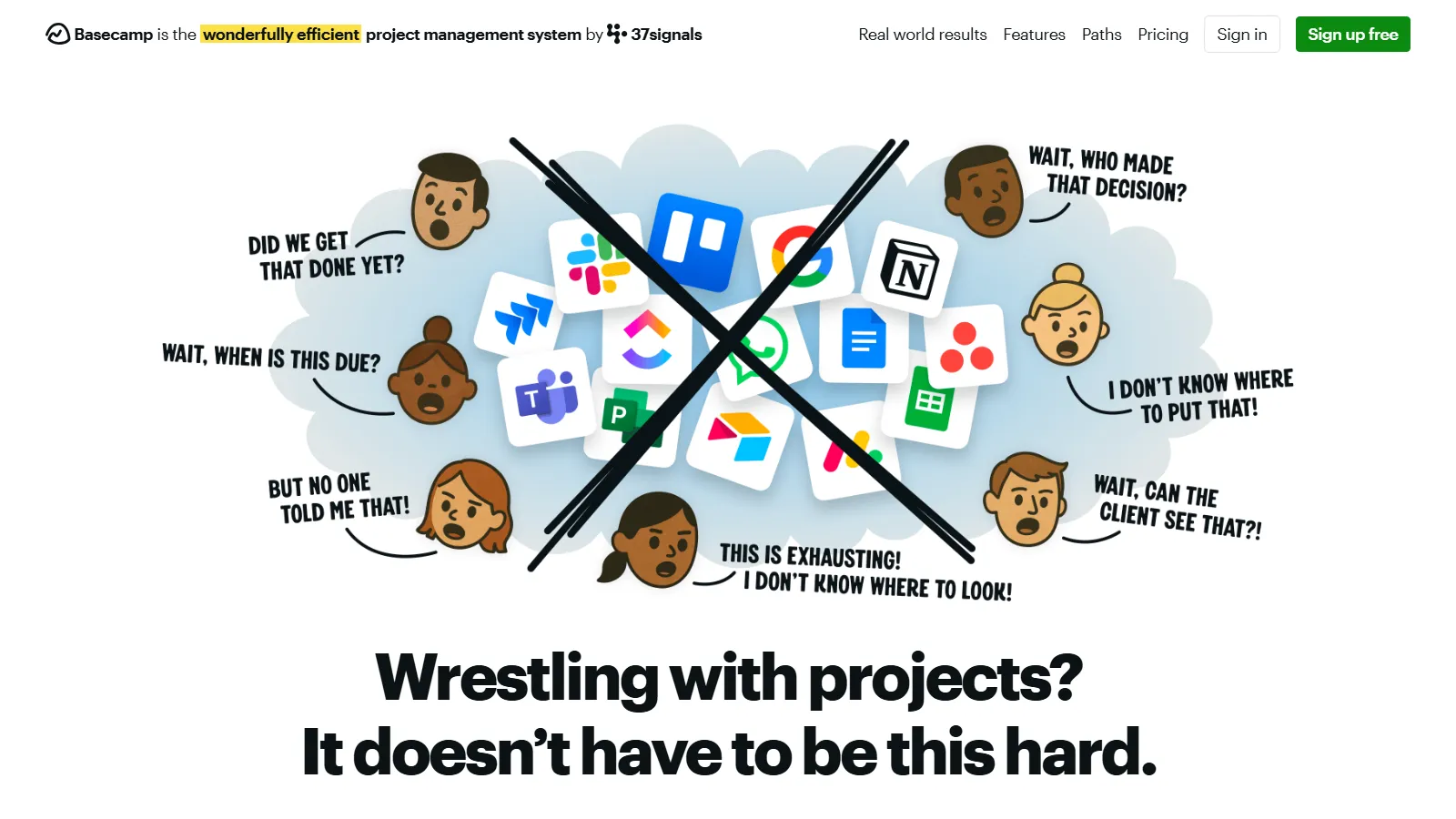
Choose Basecamp if you need flat predictable pricing.
Common Questions
Task management focuses on individual to-dos and assignments. Project management adds timelines, dependencies, resources, and reporting. Most tools listed here do both, but some lean toward one or the other.
Choose the simplest tool that meets your needs. Start with one team or project. Make it required for relevant work. Pick a tool leader who helps others. Adoption requires consistency.
One tool is usually better for visibility and reduced overhead. Specialize only if teams have truly incompatible needs, like engineering using Jira while marketing uses Asana.