Best Task Management Apps for Personal Productivity in 2026
We tested 18+ personal task apps to find the best options for individual productivity. These tools help manage daily tasks, implement GTD, and stay organized without team collaboration overhead.
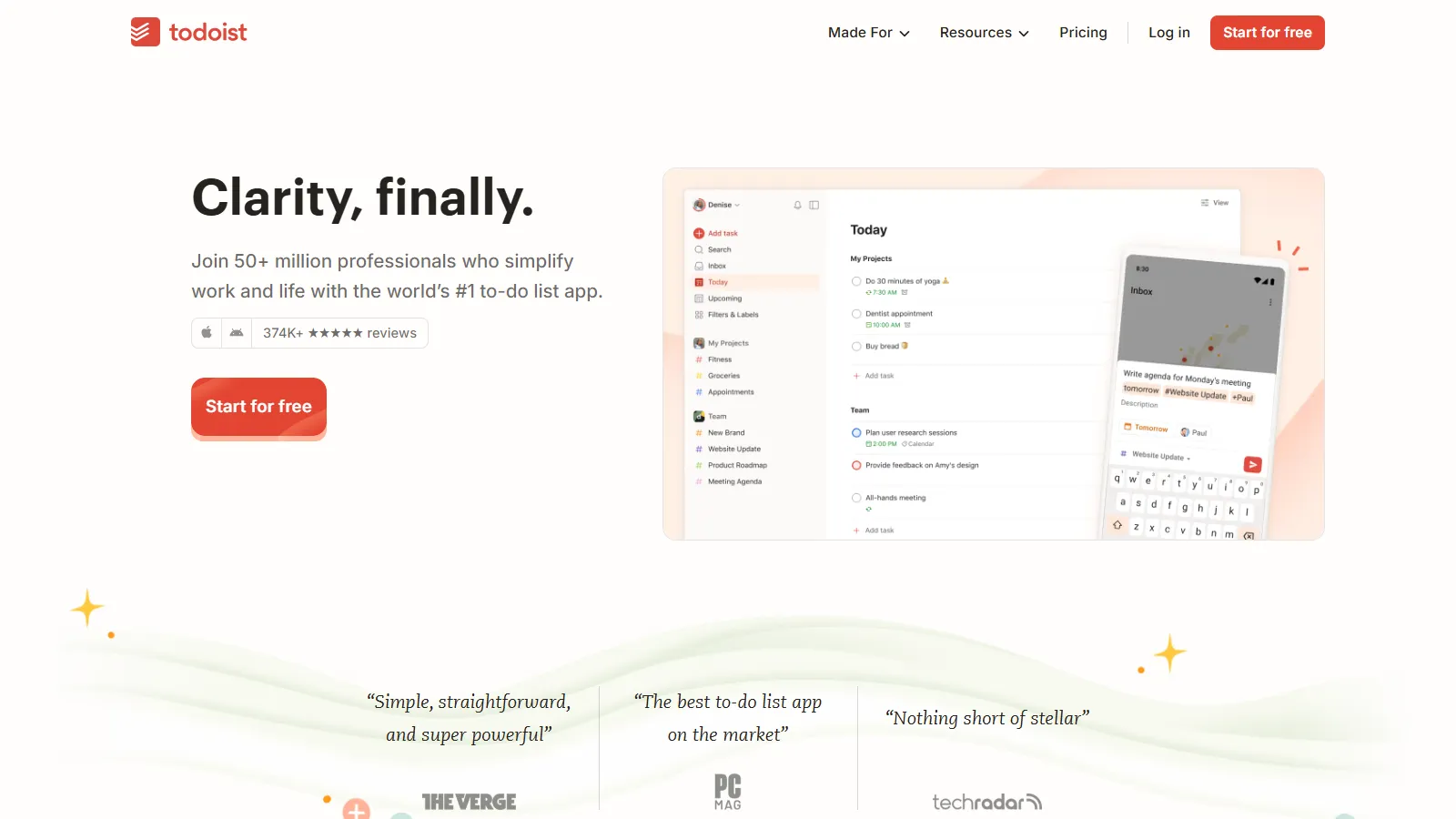
Todoist strikes the best balance between power and simplicity. Natural language input makes adding tasks fast, projects and labels provide organization, and excellent apps cover every platform.
Starting priceFree/$4/mo
Strengths
Natural language input
All platforms
Good free tier
Karma motivation
Filters and labels
Limitations
No calendar view on free
Limited note-taking
No time blocking
Basic reminders on free
Who it's for: Best for most individuals wanting a reliable, cross-platform personal task manager.
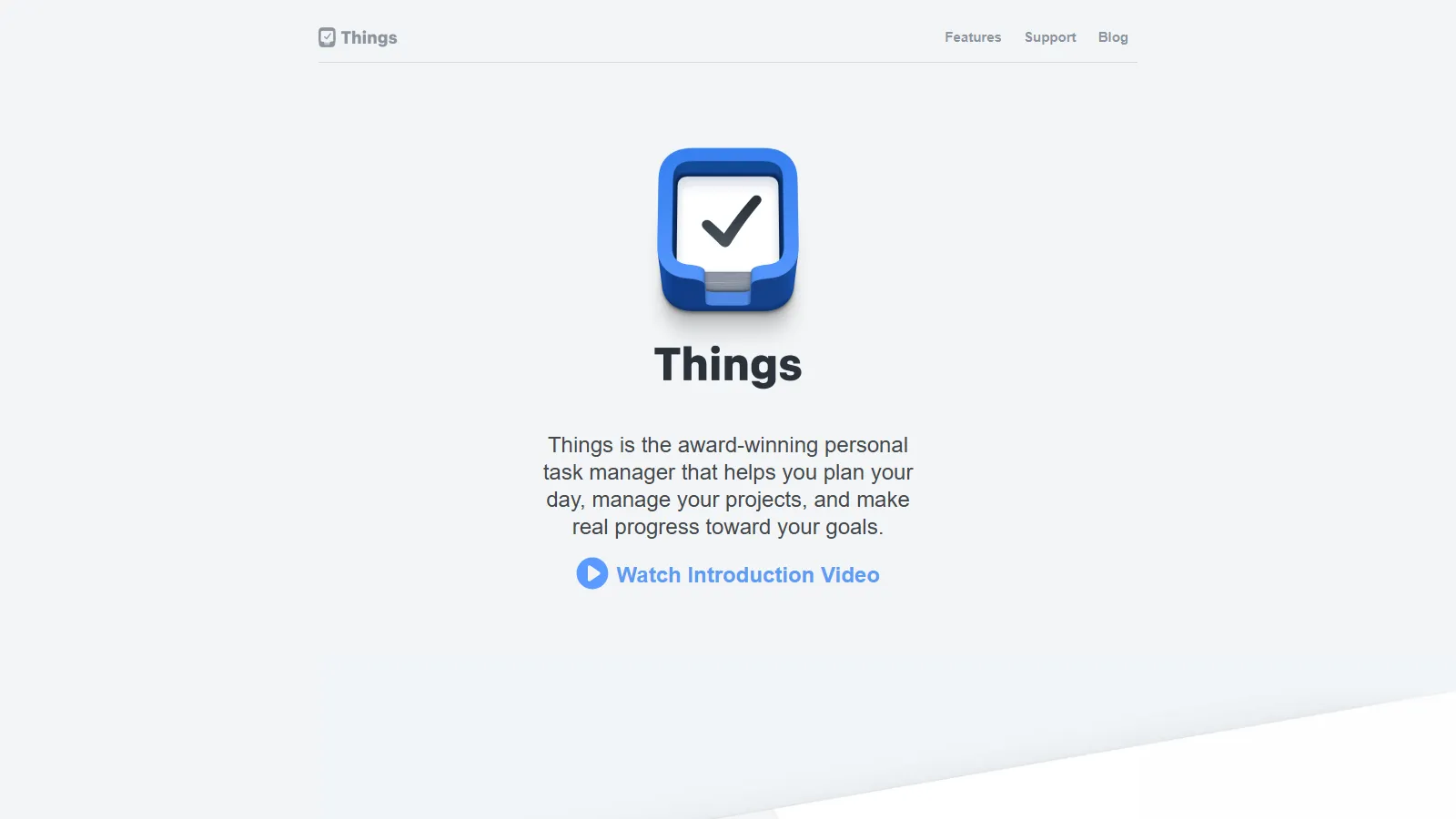
Things 3 is the best-designed task app for Apple users. Areas organize life domains, projects break down goals, and the entire experience feels crafted for how you naturally think.
Starting price$49.99 (Mac)
Strengths
Beautiful design
Areas concept
Quick entry
Headings in projects
One-time purchase
Limitations
Apple only
No web app
Upfront cost
No collaboration
Who it's for: Best for Apple users who value design and are willing to pay for the best experience.
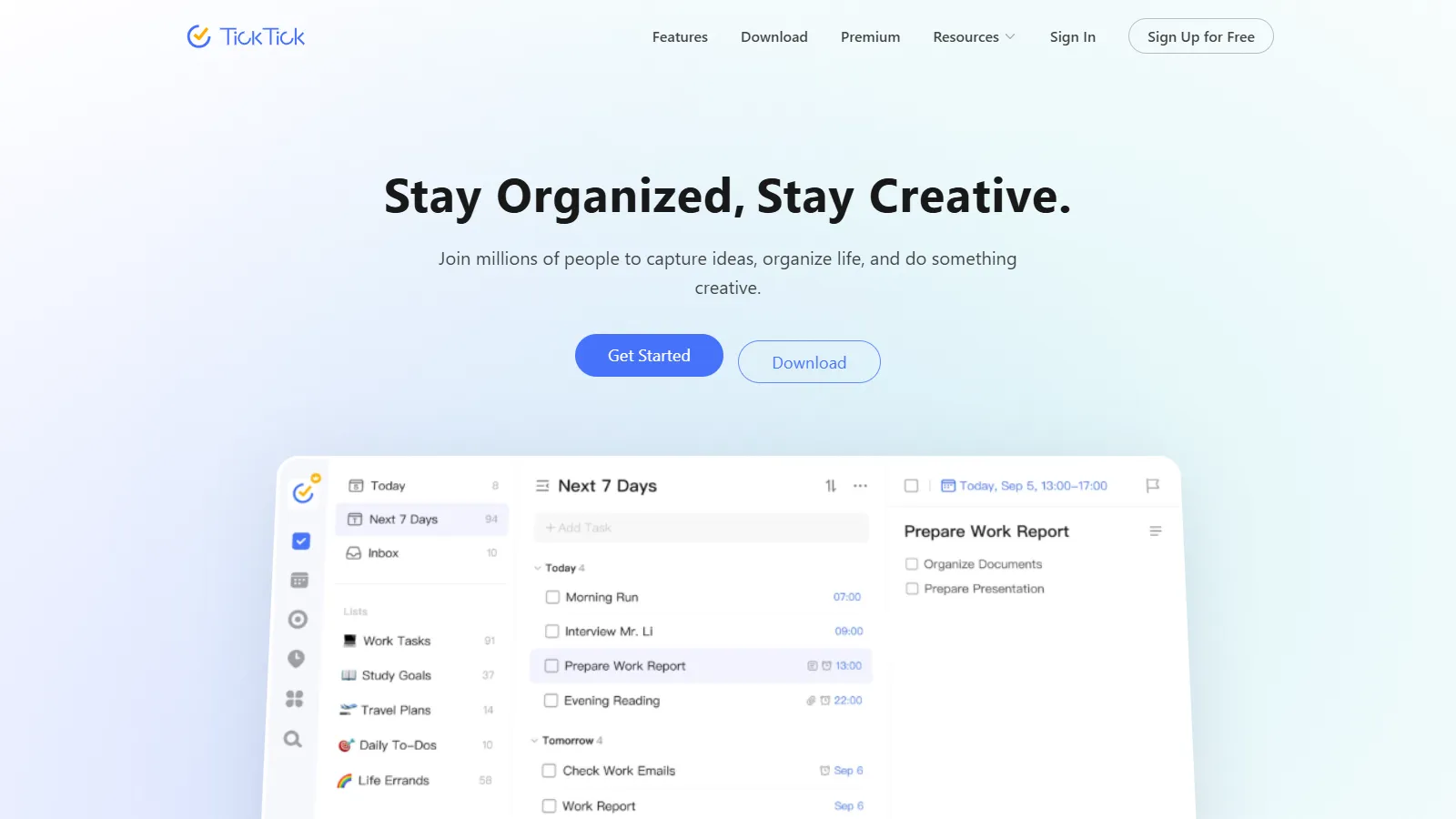
TickTick combines tasks with calendar view, Pomodoro timer, and habit tracking. Feature-rich without being overwhelming, it is great for people who want more than just a task list.
Starting priceFree/$36/yr
Strengths
Calendar integration
Pomodoro built-in
Habit tracking
All platforms
Good free tier
Limitations
Some features need Premium
Less polished than Things
Can feel busy
Habit tracking basic
Who it's for: Best for individuals wanting tasks, calendar, habits, and Pomodoro in one app.
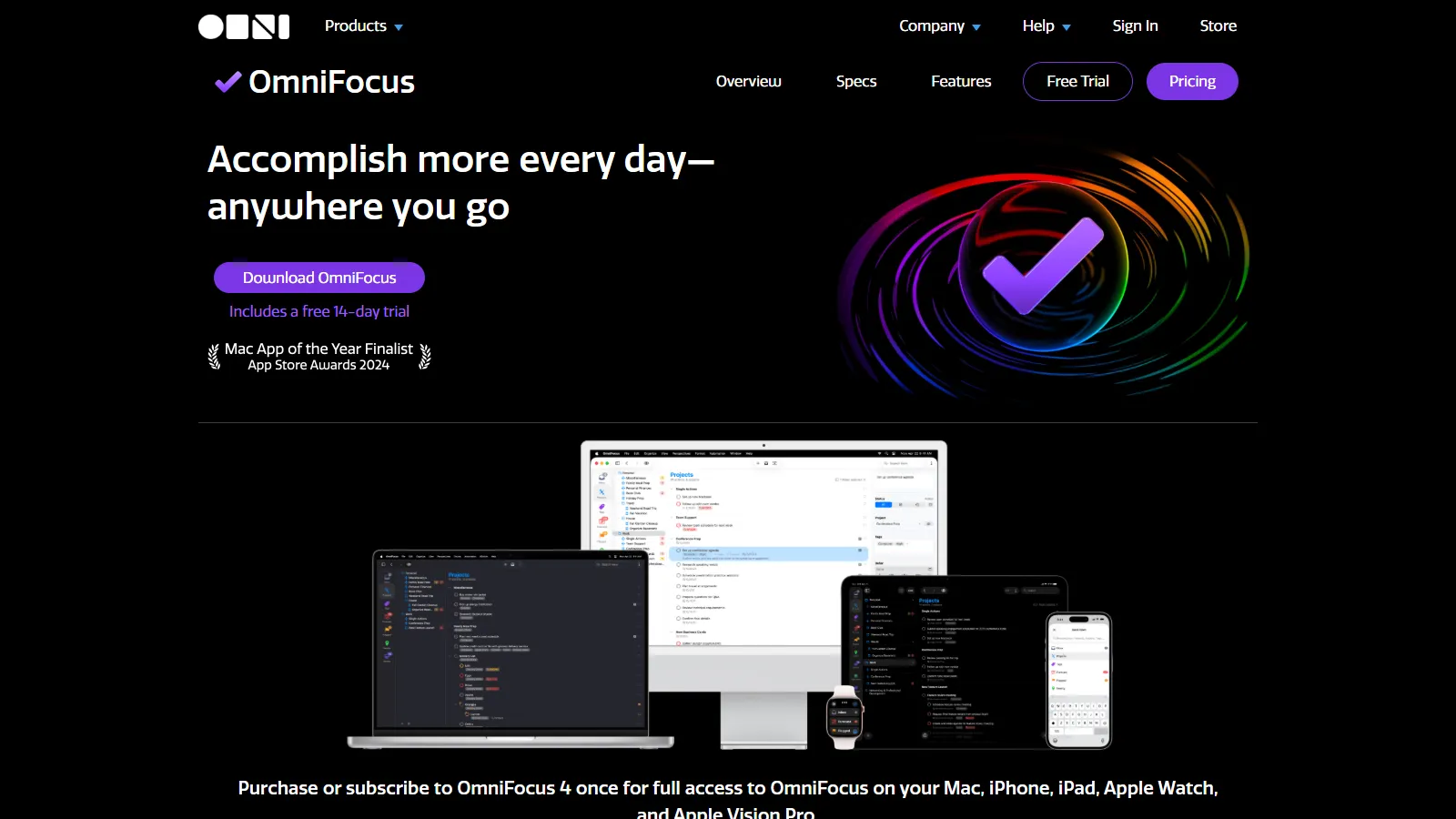
OmniFocus is the most powerful GTD implementation available. Perspectives, defer dates, and contexts let you build exactly the system David Allen describes. Power comes with complexity.
Starting price$9.99/mo
Strengths
Full GTD support
Custom perspectives
Defer dates
Review process
Apple Shortcuts
Limitations
Apple only
Expensive
Steep learning curve
Overkill for most
Who it's for: Best for GTD practitioners on Apple who want the most powerful implementation.
Microsoft To Do is free and integrates seamlessly with Outlook and Microsoft 365. My Day feature helps focus on today, and the app is available everywhere.
Starting priceFree
Strengths
Completely free
Outlook integration
My Day feature
All platforms
Simple and clean
Limitations
Basic features
No GTD support
Limited organization
No calendar view
Who it's for: Best for Microsoft users wanting a free, simple task manager with Outlook integration.
We tested each app for personal (not team) productivity workflows.
Task Capture (25%) — Speed and friction of adding new tasks.
Organization (25%) — Flexibility of projects, tags, and hierarchy.
Daily Planning (20%) — Features for choosing and focusing on today.
Cross-platform (15%) — Availability and sync across devices.
Value (15%) — Features relative to cost for individuals.
How to Choose
Choose Todoist if you need cross-platform reliable.
Choose Things 3 if you need Apple with budget.
Choose TickTick if you need tasks + habits + pomodoro.
Choose OmniFocus if you need serious GTD practitioner.
Choose Microsoft To Do if you need free and simple.
Common Questions
Getting Things Done is a productivity methodology by David Allen. It involves capturing everything, clarifying next actions, organizing by context, reviewing weekly, and engaging with confidence. Apps like OmniFocus and Todoist support GTD workflows.
Try free options first (Todoist free, Microsoft To Do, Apple Reminders). Pay when you hit limitations that frustrate you. For many people, free apps are sufficient.
Start with your platform (Apple-only or cross-platform needed). Then consider complexity (simple lists vs GTD). Try 2-3 options for a week each before committing.