7 Best LinkedIn Sales Tools for Social Selling in 2026
We tested 18+ LinkedIn sales tools to find the best options for prospecting and social selling. These tools help you find leads, automate outreach, and build relationships on LinkedIn at scale.
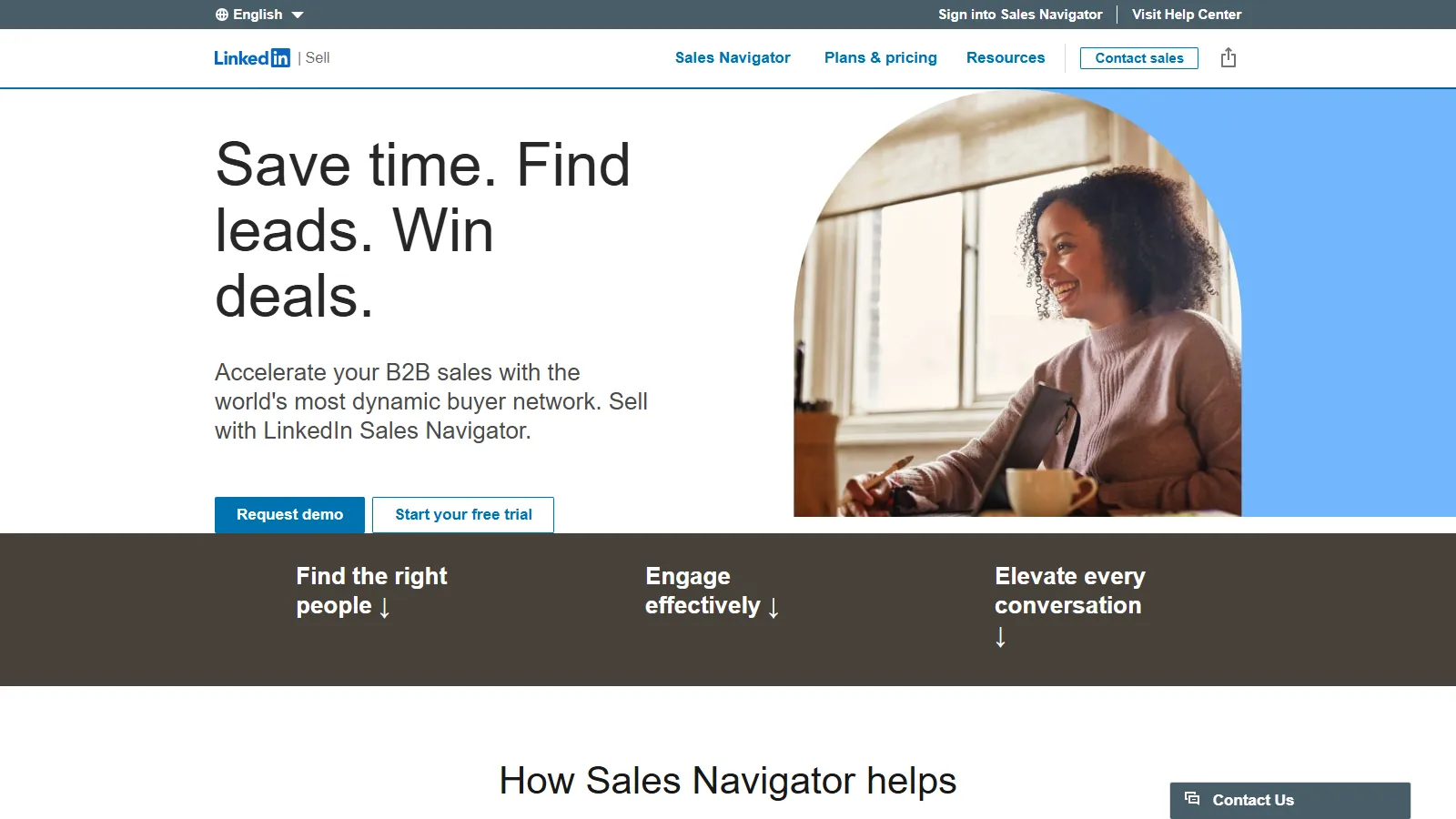
Sales Navigator is LinkedIn official premium tool for sales professionals. It provides advanced search filters, lead recommendations, and real-time insights unavailable on the free platform. InMail credits allow direct outreach to any LinkedIn member, even outside your network.
Starting price$99/mo
Strengths
Official LinkedIn tool with no account risk
Exclusive advanced search filters and Boolean search
Real-time updates on job changes and news
InMail credits for direct outreach
CRM integrations with Salesforce and HubSpot
Limitations
No automation features included
Expensive at $99/month minimum
Contact info requires separate tools
Learning curve for advanced features
Who it's for: Essential for B2B sales professionals doing account-based selling. Best for those who need official LinkedIn features without automation risk.
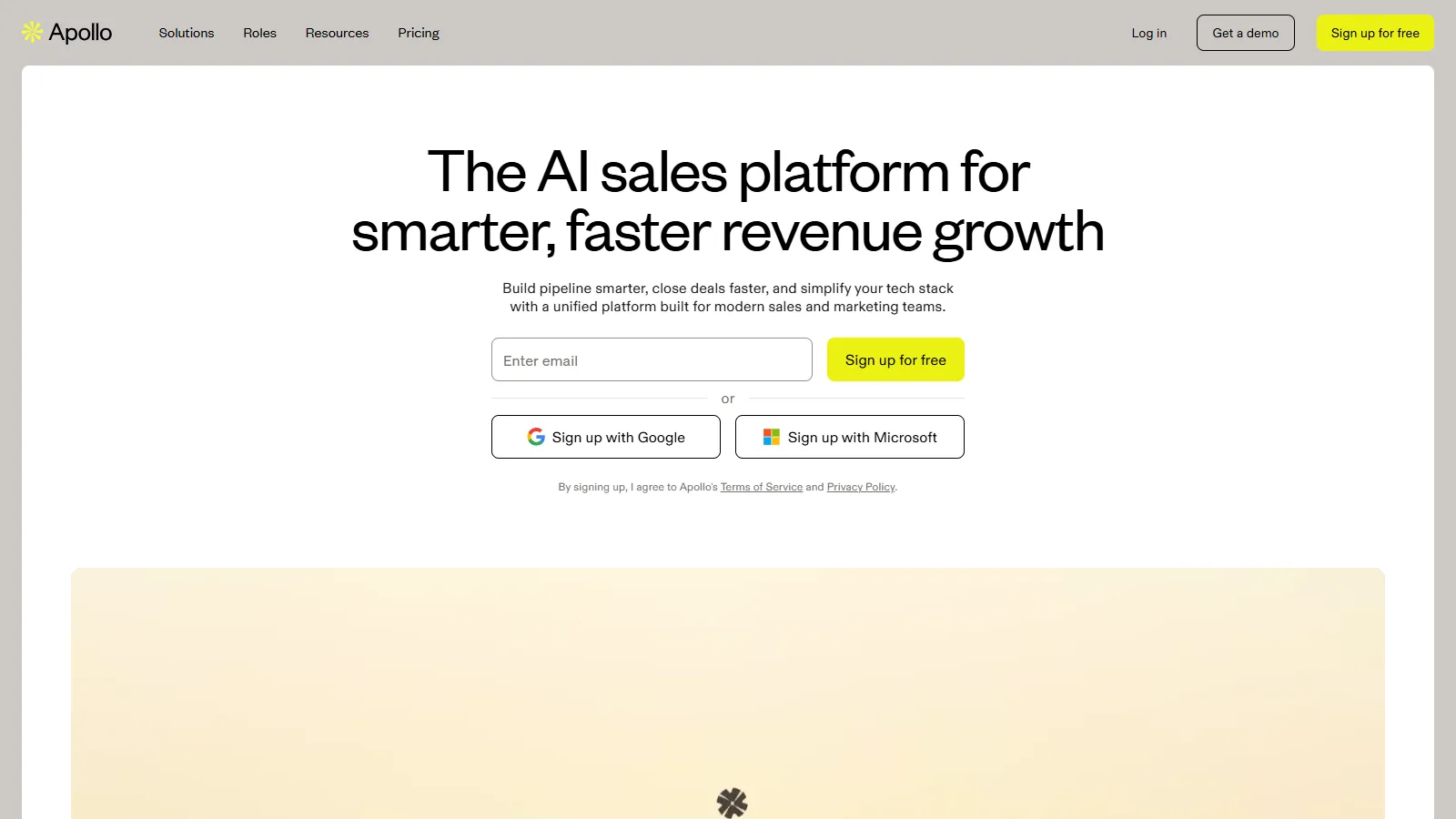
Apollo combines a massive B2B contact database with LinkedIn prospecting and email sequences. You can find leads on LinkedIn, enrich them with verified emails and phone numbers, then engage across multiple channels. Intent data helps prioritize prospects actively researching solutions.
Who it's for: Ideal for sales teams wanting prospecting database and engagement in one platform. Best for those doing multi-channel outreach beyond just LinkedIn.
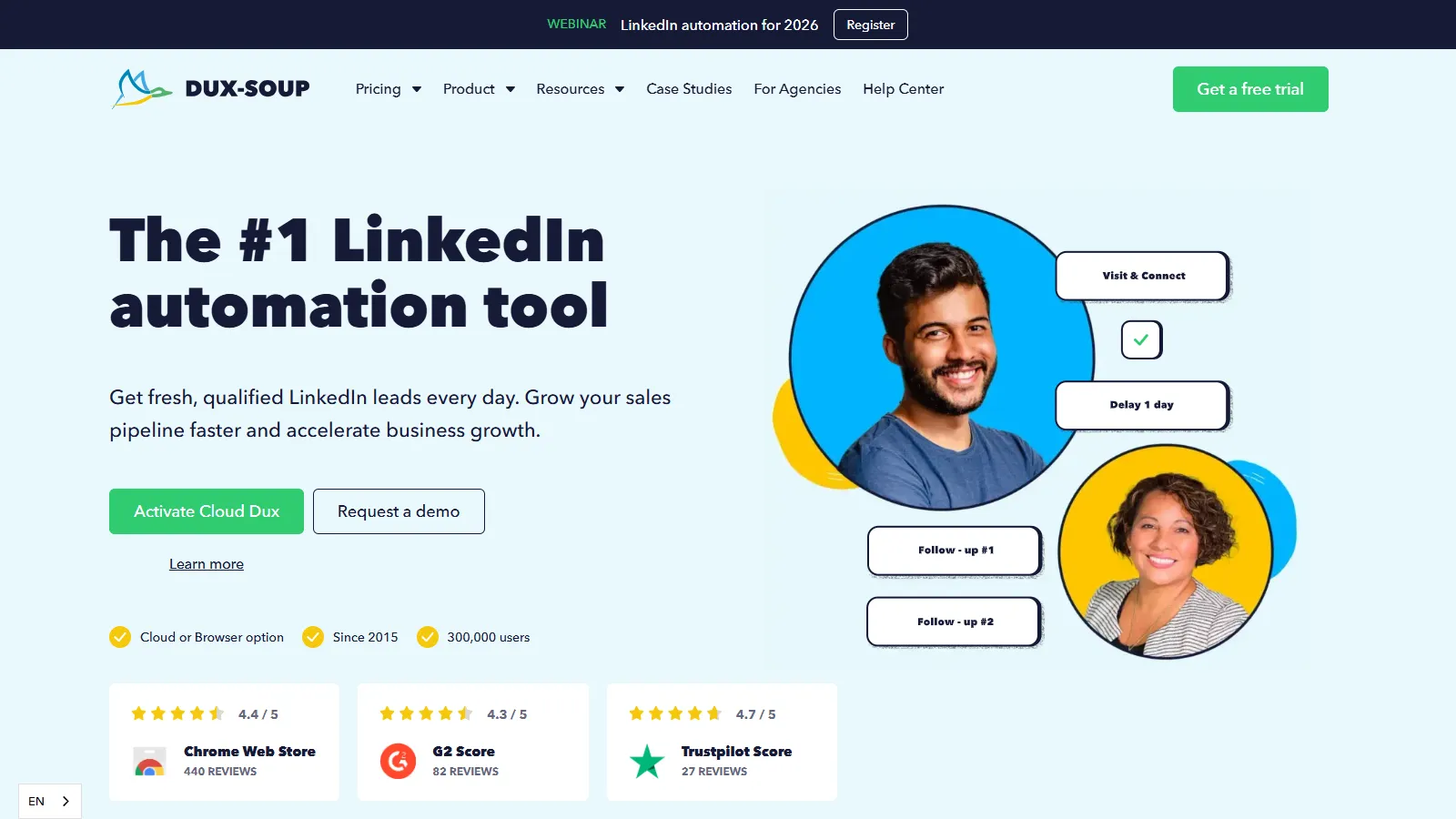
Dux-Soup is a browser extension that automates LinkedIn prospecting activities at an affordable price. It handles profile visits, connection requests, and messaging campaigns while you focus on conversations. The tool works with both regular LinkedIn and Sales Navigator.
Starting price$14.99/mo
Strengths
Most affordable LinkedIn automation option
Works with free LinkedIn and Sales Navigator
Drip campaigns with personalized messaging
CRM integration and data export
Tag and organize prospects easily
Limitations
Browser extension requires computer to be on
Less sophisticated than cloud-based tools
No email integration
Account safety relies on user settings
Who it's for: Perfect for solo entrepreneurs and small teams on a budget. Best for those starting with LinkedIn automation who want low financial risk.
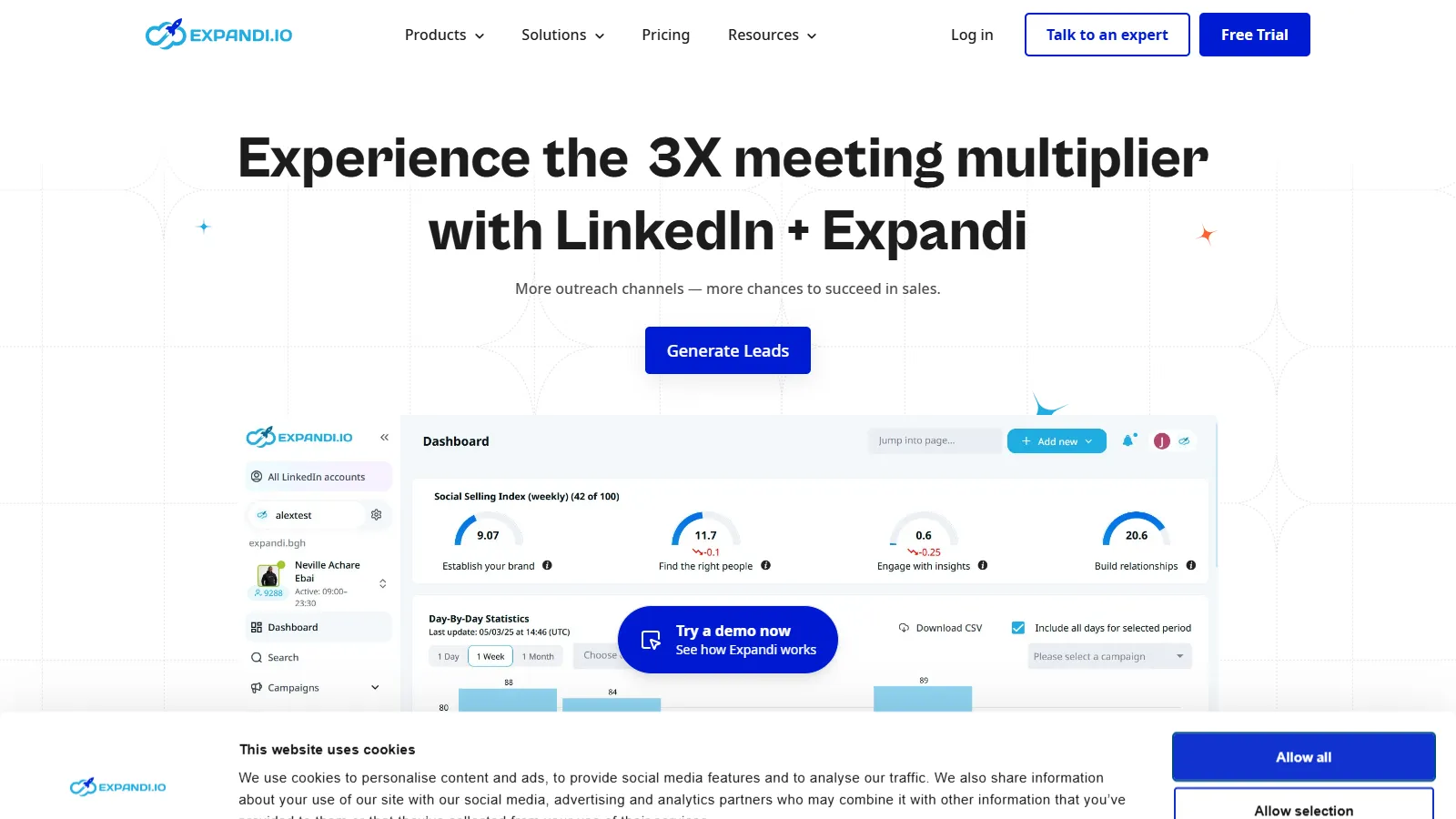
Expandi is a cloud-based LinkedIn automation tool focused on account safety. It simulates human behavior with smart delays and limits, uses dedicated IP addresses, and runs 24/7 without your computer. Advanced personalization options help achieve higher acceptance rates.
Starting price$99/mo
Strengths
Cloud-based runs 24/7 automatically
Built-in safety features and limits
Dedicated IP addresses per account
Advanced personalization with images and GIFs
Webhook integrations for workflows
Limitations
Higher price point at $99/month
Steeper learning curve for advanced features
Some features require technical setup
Who it's for: Best for sales professionals and agencies running LinkedIn outreach at scale. Ideal for those prioritizing account safety with automation.
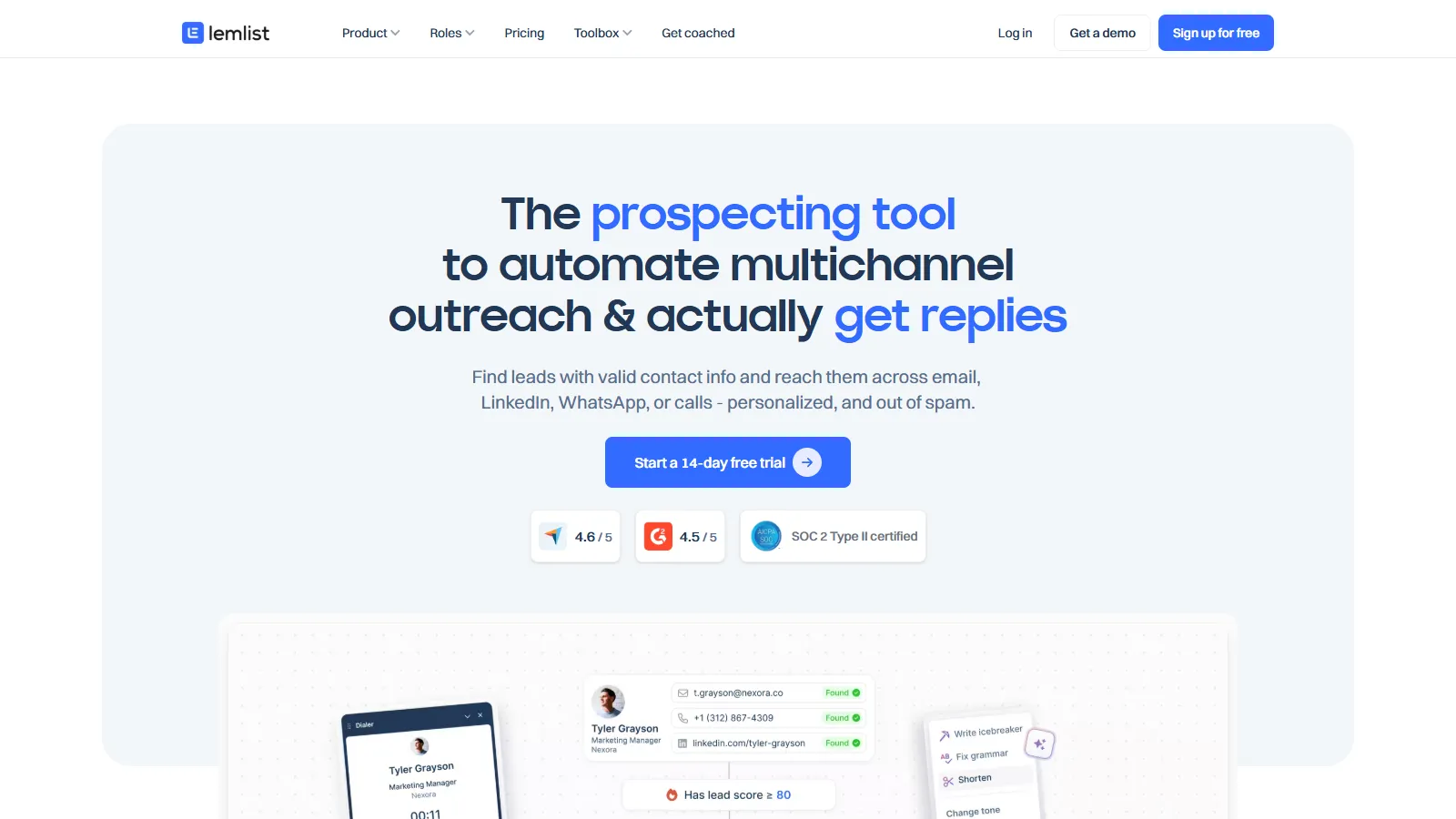
Lemlist excels at multi-channel outreach combining LinkedIn and email in unified campaigns. Prospects receive a mix of LinkedIn touches and emails timed for maximum impact. Personalized images and landing pages help stand out in crowded inboxes.
Starting price$59/mo
Strengths
True multi-channel campaigns (LinkedIn + email)
Personalized images and dynamic landing pages
Email warm-up to improve deliverability
Team collaboration and performance analytics
Pre-built templates for quick setup
Limitations
LinkedIn features require separate extension
Can be complex to set up properly
Email features stronger than LinkedIn
Who it's for: Ideal for sales teams wanting coordinated LinkedIn and email outreach. Best for those who prioritize personalization and multi-touch campaigns.
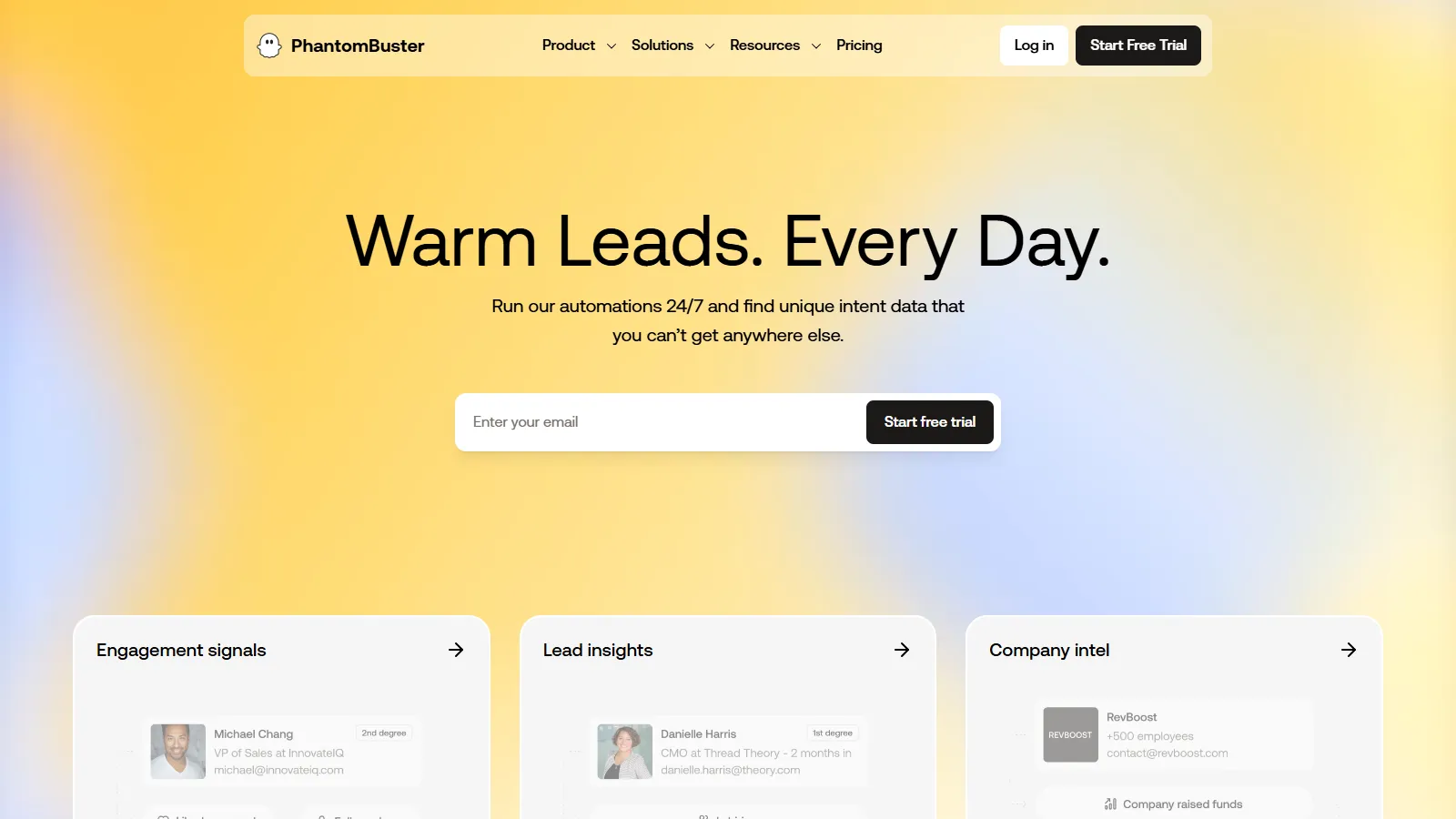
PhantomBuster specializes in LinkedIn data extraction and automation workflows. It can scrape search results, export connections, enrich profiles with emails, and automate connection requests. The visual workflow builder chains multiple actions together.
Starting price$59/mo
Strengths
Powerful data extraction capabilities
Chain multiple automations together
Works across LinkedIn, Sales Navigator, and more
Email enrichment built-in
Flexible enough for custom workflows
Limitations
Technical setup required
No messaging sequences included
Credit system can get expensive
Steeper learning curve
Who it's for: Best for growth hackers and technical users who need data extraction and custom automation. Ideal for building targeted lead lists at scale.
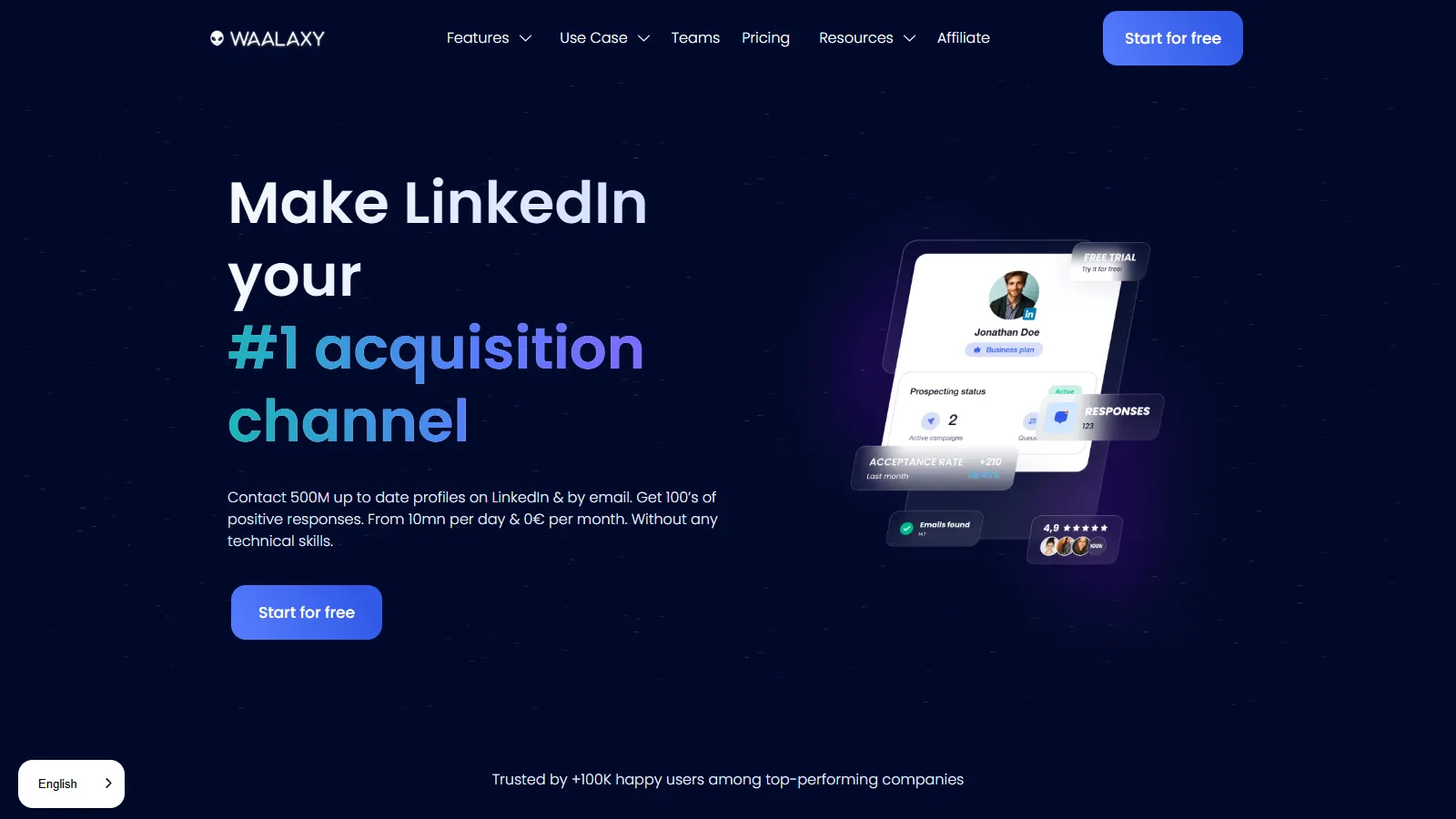
Waalaxy offers the most beginner-friendly LinkedIn automation experience. Pre-built campaign templates get you started in minutes, while the visual sequence builder makes customization intuitive. The free tier allows testing before committing financially.
Starting priceFree/$56/mo
Strengths
Easiest setup and learning curve
Pre-built templates for common scenarios
Free tier for testing
Multi-channel with email integration
Cloud-based with mobile app
Limitations
Less advanced than competitors
Campaign limits on lower tiers
Fewer personalization options
Who it's for: Perfect for LinkedIn automation beginners and small businesses. Best for those who want quick setup without technical complexity.
Value for Money (15%) — Features and limits relative to pricing.
How to Choose
Choose LinkedIn Sales Navigator if you need the official LinkedIn sales tool.
Choose Apollo.io if you need prospecting database plus LinkedIn.
Choose Dux-Soup if you need affordable LinkedIn automation.
Choose Expandi if you need safe automation at scale.
Choose Lemlist if you need LinkedIn plus email campaigns.
Choose PhantomBuster if you need data extraction and custom workflows.
Choose Waalaxy if you need easy automation for beginners.
Common Questions
LinkedIn can restrict or ban accounts that violate their terms of service. Safer tools use human-like delays, daily limits, and cloud-based operation. Sales Navigator is the only zero-risk option since it is official.
Most automation tools work with free LinkedIn, but Sales Navigator provides better search filters and more profile views. Some tools like Dux-Soup work with either version.
LinkedIn limits are around 100-200 connection requests per week. Safe automation tools typically stay under 50-80 per day with randomized timing to avoid detection.
Yes, aggressive automation can result in temporary or permanent restrictions. Use tools with safety features, respect daily limits, and personalize your outreach to reduce risk.
Sales Navigator is the safest choice for serious B2B sales. For automation with good safety, try Expandi. For an all-in-one solution including email, Apollo.io offers the best value.