7 Best Sales Email Tracking Tools for Follow-Ups in 2026
We tested 15+ email tracking tools to find the best options for sales teams. These tools show when prospects open emails, click links, and help you time your follow-ups perfectly.
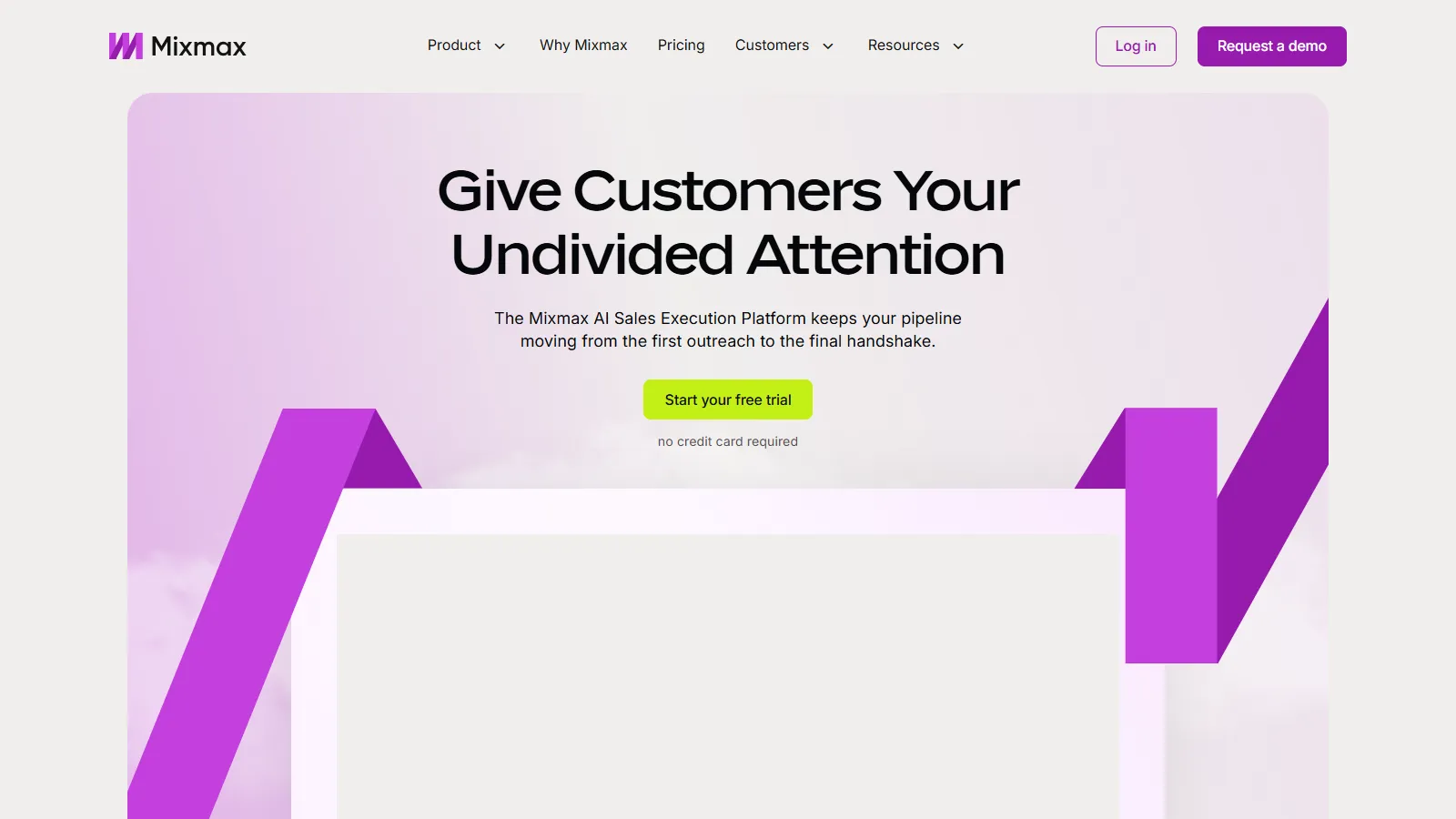
Mixmax transforms Gmail into a complete sales engagement platform. Beyond email tracking, it offers sequences, scheduling, polls, and templates all within your inbox. The real-time sidebar shows prospect engagement as it happens, enabling perfectly timed follow-ups.
Starting priceFree/$29/user/mo
Strengths
Comprehensive Gmail enhancement beyond just tracking
Real-time engagement notifications in sidebar
Built-in meeting scheduler with one-click booking
Powerful email sequences with branching logic
Team performance analytics and insights
Limitations
Gmail only (no Outlook support)
Can slow down Gmail with heavy usage
Higher price than basic tracking tools
Who it's for: Best for sales teams and SDRs using Gmail who want an all-in-one productivity suite. Ideal for those who need sequences, scheduling, and tracking in one tool.
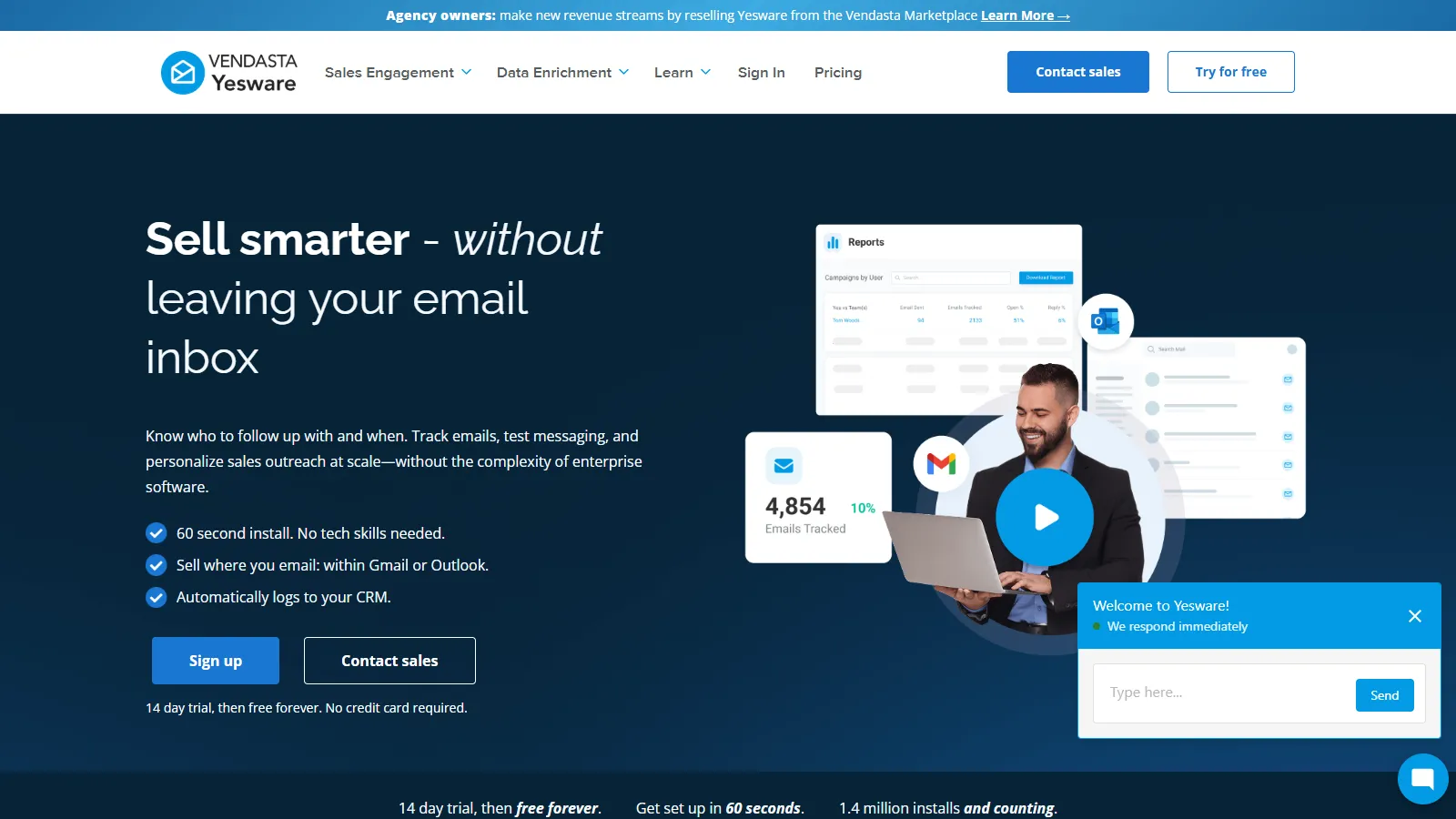
Yesware is purpose-built for B2B sales teams with deep Salesforce integration. Every email, open, click, and reply automatically syncs to your CRM. Team-wide dashboards show which templates and sequences perform best, enabling data-driven sales coaching.
Starting price$15/user/mo
Strengths
Deep Salesforce and CRM integration
Automatic activity logging saves hours weekly
Team analytics for coaching and optimization
Works with both Gmail and Outlook
Template library with performance tracking
Limitations
No free tier available
Best features require Salesforce
Interface can feel dated
Who it's for: Ideal for B2B sales teams using Salesforce who need automatic CRM logging. Great for sales managers wanting team-wide visibility into email performance.
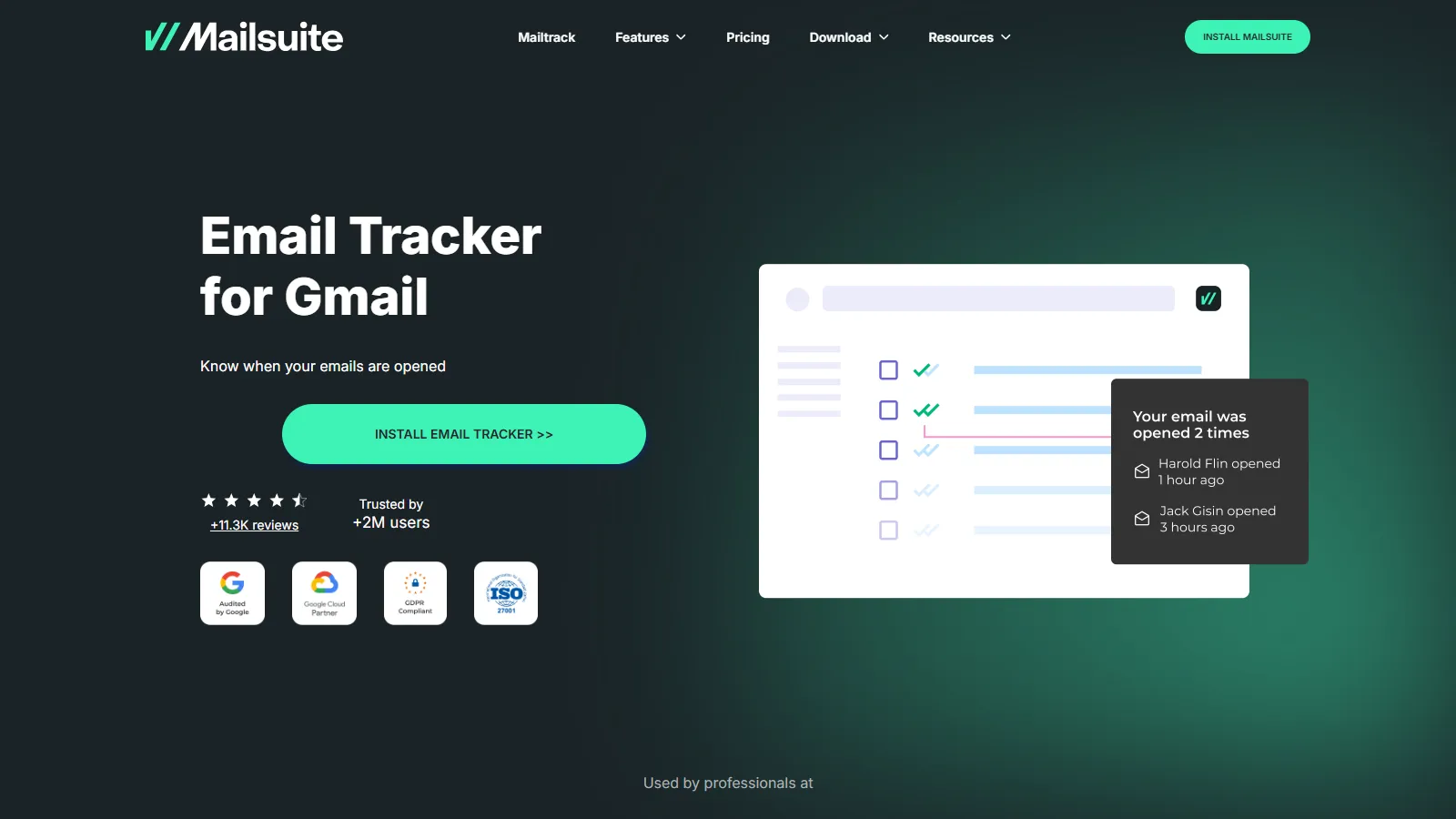
Mailtrack offers unlimited free email tracking for Gmail users. The signature double-check marks show exactly when emails are opened, similar to WhatsApp read receipts. Daily digest emails summarize all your email engagement without notification overload.
Starting priceFree/$1/mo
Strengths
Unlimited free email tracking forever
Simple double-check read receipt system
Daily digest summarizes all engagement
Minimal setup with instant activation
Clean interface without bloat
Limitations
Free tier adds Mailtrack signature
No link tracking on free plan
No sequences or automation features
Gmail only
Who it's for: Perfect for individuals and freelancers who need basic email tracking without paying. Great starting point for those new to email tracking.
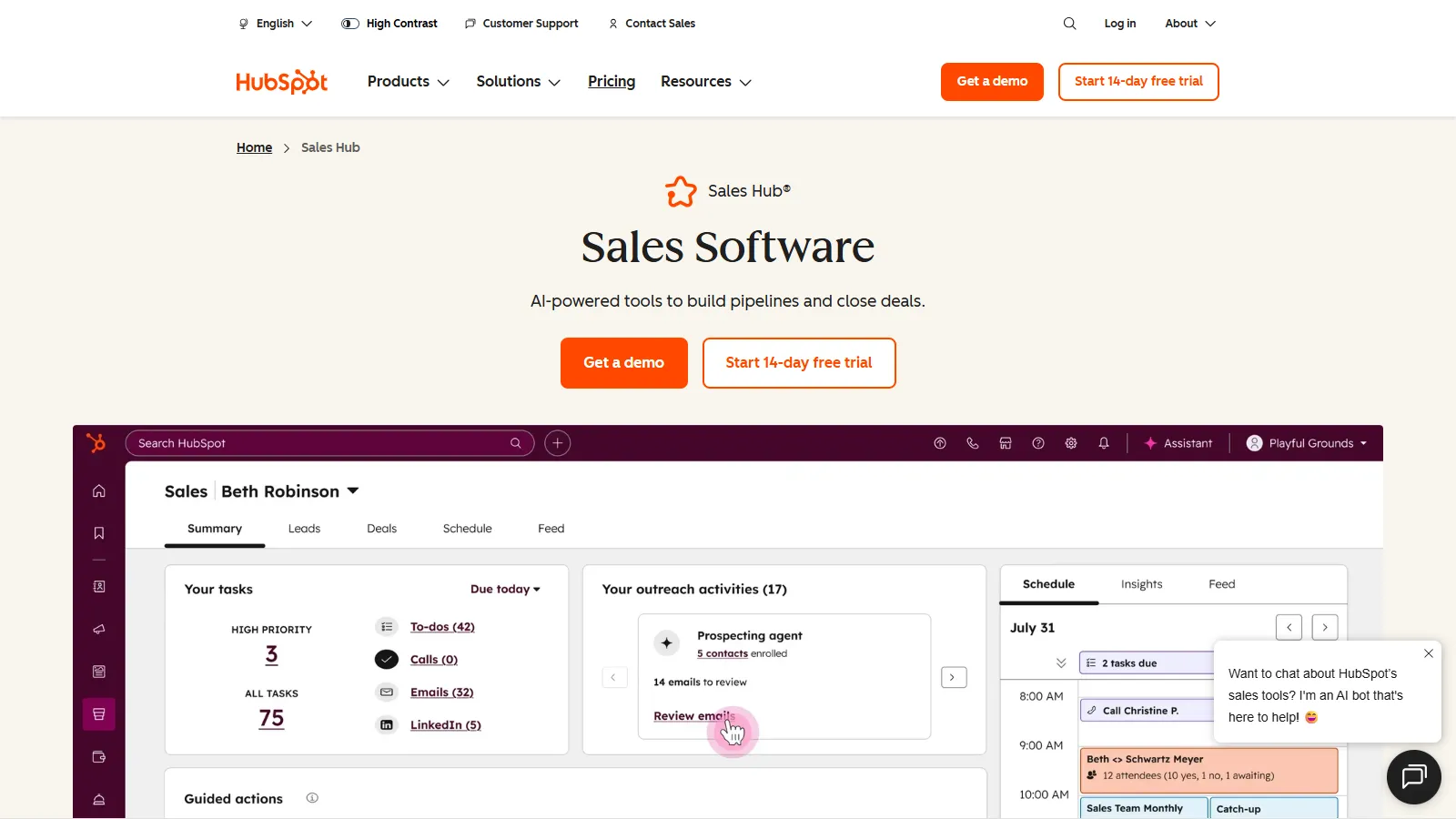
HubSpot Sales Hub brings email tracking into the broader HubSpot ecosystem. Every tracked email automatically enriches contact records in HubSpot CRM. The free tier offers generous tracking limits, while paid plans add sequences, playbooks, and forecasting.
Starting priceFree/$20/user/mo
Strengths
Seamless HubSpot CRM integration
Free tier with solid tracking features
Contact enrichment and activity timeline
Meeting scheduler included
Works with Gmail and Outlook
Limitations
Best value when using full HubSpot stack
Can feel heavy for just email tracking
Paid features get expensive quickly
Who it's for: Best for teams already using or planning to adopt HubSpot CRM. Excellent choice if you want tracking as part of a complete sales platform.
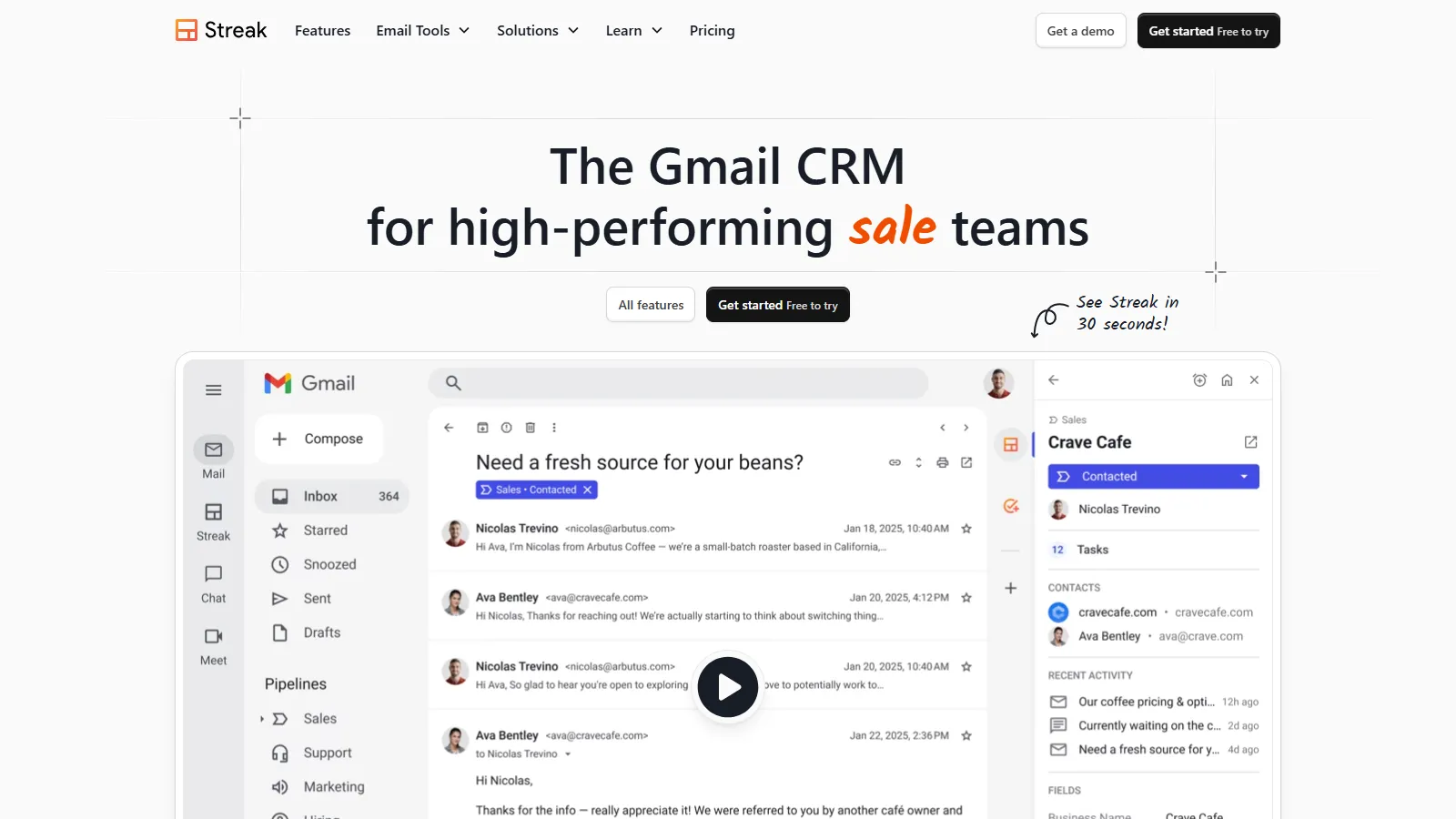
Streak combines email tracking with a full CRM built directly inside Gmail. You can track emails, manage deal pipelines, and send mail merges without ever leaving your inbox. The visual pipeline view makes deal tracking intuitive for small sales teams.
Starting priceFree/$15/user/mo
Strengths
Full CRM built into Gmail interface
Email tracking plus pipeline management
Mail merge for personalized outreach
Shared pipelines for team collaboration
Generous free tier for small teams
Limitations
Gmail only platform
CRM features are basic vs standalone CRMs
No automated sequences
Who it's for: Ideal for small teams wanting CRM and tracking in one Gmail-native solution. Best for those who live in Gmail and want minimal context switching.
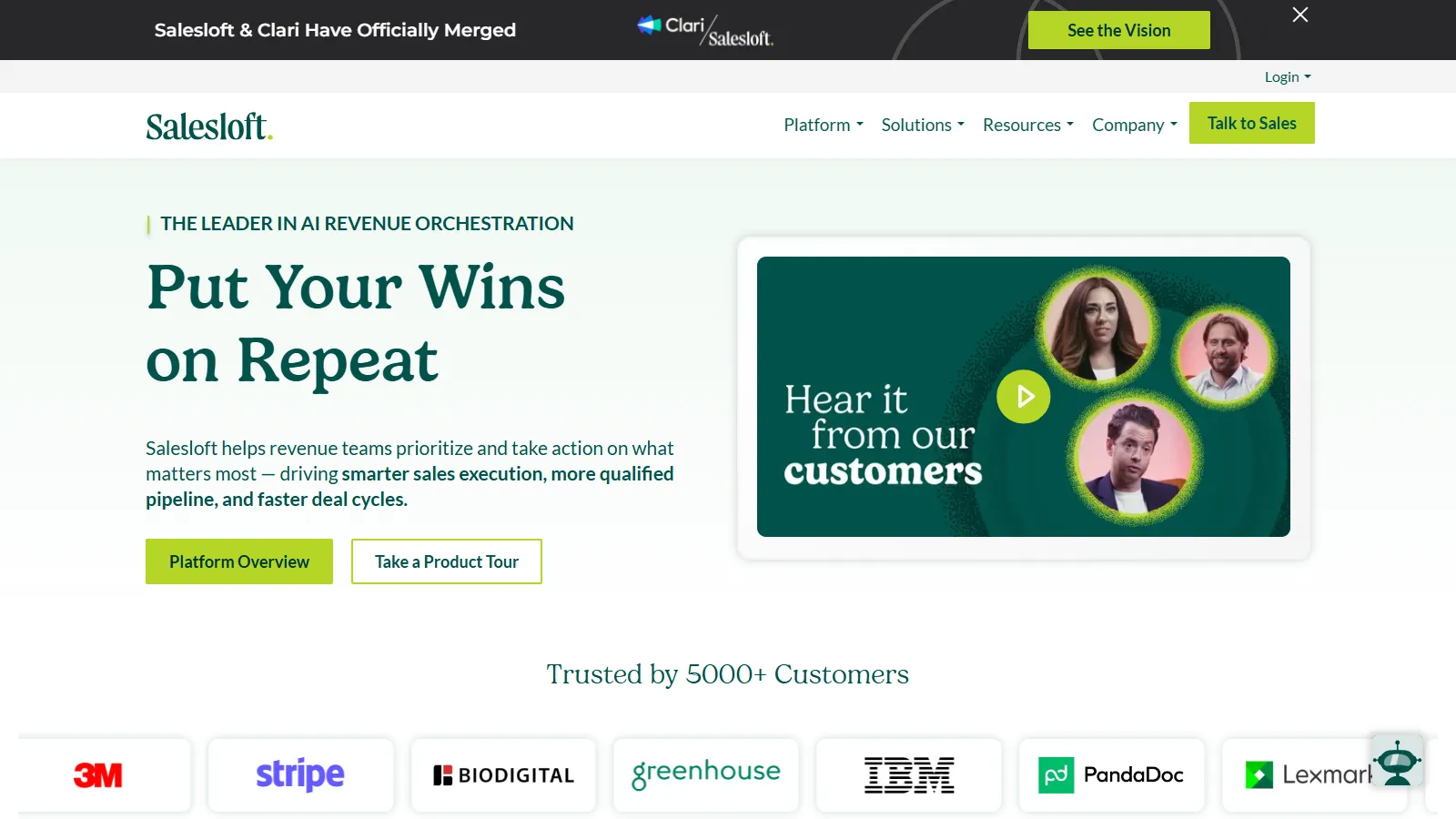
Salesloft is an enterprise sales engagement platform where email tracking is just one component. The platform combines cadences, dialer, analytics, and conversation intelligence. AI-powered insights help identify what separates top performers from the rest.
Starting priceCustom pricing
Strengths
Enterprise-grade sales engagement platform
Advanced analytics and AI insights
Integrated dialer with call recording
Conversation intelligence for coaching
Deep CRM integrations
Limitations
Enterprise pricing not transparent
Overkill for small teams
Significant implementation required
Who it's for: Built for enterprise sales organizations with dedicated sales ops. Best for companies with 50+ sales reps needing comprehensive engagement tools.
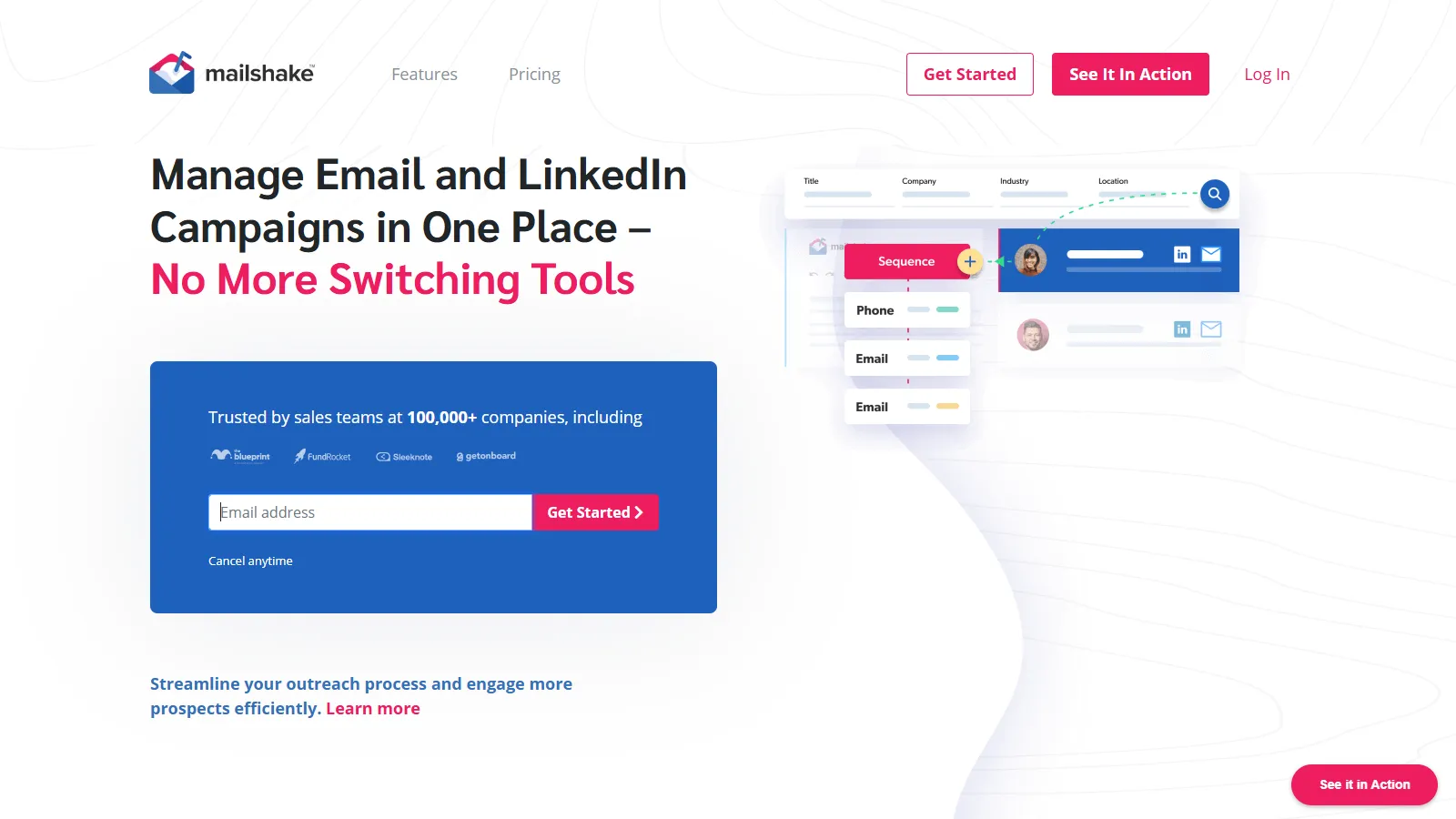
Mailshake specializes in cold email outreach with built-in tracking and deliverability optimization. The platform helps you build sequences, test subject lines, and catch interested leads. Warm-up features ensure your emails land in inboxes rather than spam.
Starting price$58/user/mo
Strengths
Purpose-built for cold outreach
Email warm-up and deliverability tools
A/B testing for subject lines and content
Lead Catcher identifies interested prospects
Phone dialer for multi-channel outreach
Limitations
Higher price point than basic trackers
Focused on cold email not warm relationships
Learning curve for all features
Who it's for: Best for sales teams running cold email campaigns at scale. Ideal for SDRs and agencies doing outbound prospecting.
Ease of Use (15%) — Setup simplicity and daily workflow impact.
Value for Money (15%) — Features included relative to pricing tier.
How to Choose
Choose Mixmax if you need an all-in-one Gmail productivity suite.
Choose Yesware if you need Salesforce integration for your team.
Choose Mailtrack if you need free unlimited email tracking.
Choose HubSpot Sales Hub if you need tracking as part of a full CRM.
Choose Streak if you need CRM and tracking in Gmail.
Choose Salesloft if you need enterprise sales engagement.
Choose Mailshake if you need cold email campaigns.
Common Questions
Most email tracking tools embed a tiny invisible pixel in your emails. When the recipient opens the email and loads images, the pixel notifies the tracking service. Link tracking works by routing clicks through tracking URLs.
Email tracking is legal in most jurisdictions for business communications. However, some regions like the EU under GDPR require disclosure. Most tools add tracking disclosures automatically when required.
Yes, recipients can block tracking by disabling image loading in their email client. Apple Mail Privacy Protection also blocks tracking pixels. This means tracking accuracy is typically 60-80% rather than 100%.
Most CRMs include basic email tracking, but dedicated tools often provide faster notifications, better accuracy, and more detailed analytics. The best approach is using a tracker that syncs with your CRM.
Mailtrack offers the best free tier with unlimited tracking. HubSpot Sales Hub and Streak also have generous free plans that include tracking plus additional CRM features.