7 Best JavaScript SEO Tools for SPAs and Frameworks in 2026
We tested 12+ tools to find the best options for auditing JavaScript-heavy sites. These tools help diagnose rendering issues, compare raw vs rendered HTML, and ensure React, Vue, and Angular sites are properly indexed.
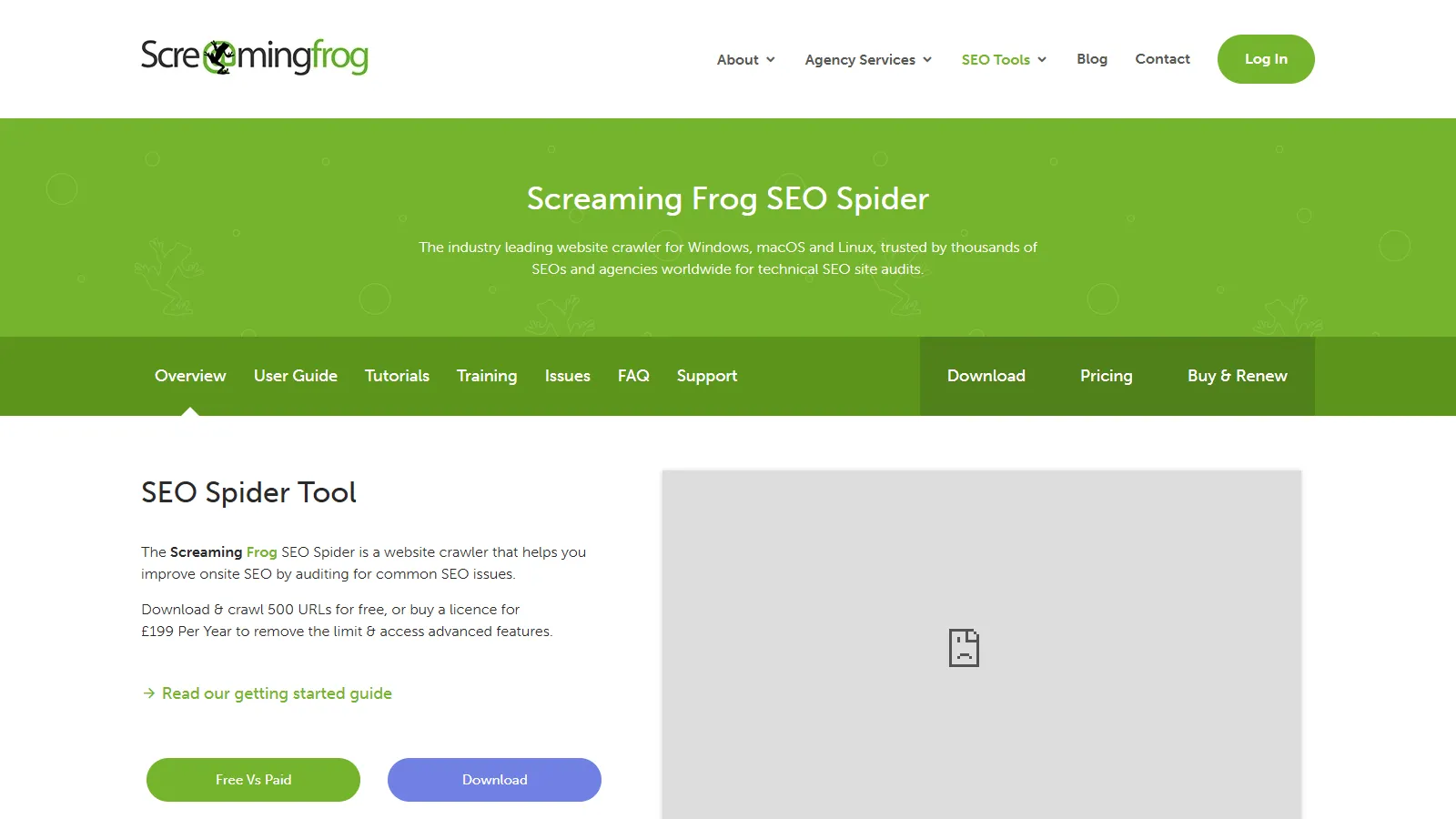
Screaming Frog SEO Spider crawls JavaScript-rendered sites using Chrome, comparing raw HTML with rendered content. It identifies discrepancies that cause indexing issues and extracts dynamic content for analysis.
Strengths
Chrome-based rendering
Raw vs rendered comparison
Custom JS extraction
Full site crawling
Affordable annual license
Limitations
Desktop-only
Memory intensive for large sites
Rendering slows crawls
Learning curve
Who it's for: Best for technical SEOs auditing JavaScript sites. Essential tool for React, Vue, and Angular SEO.
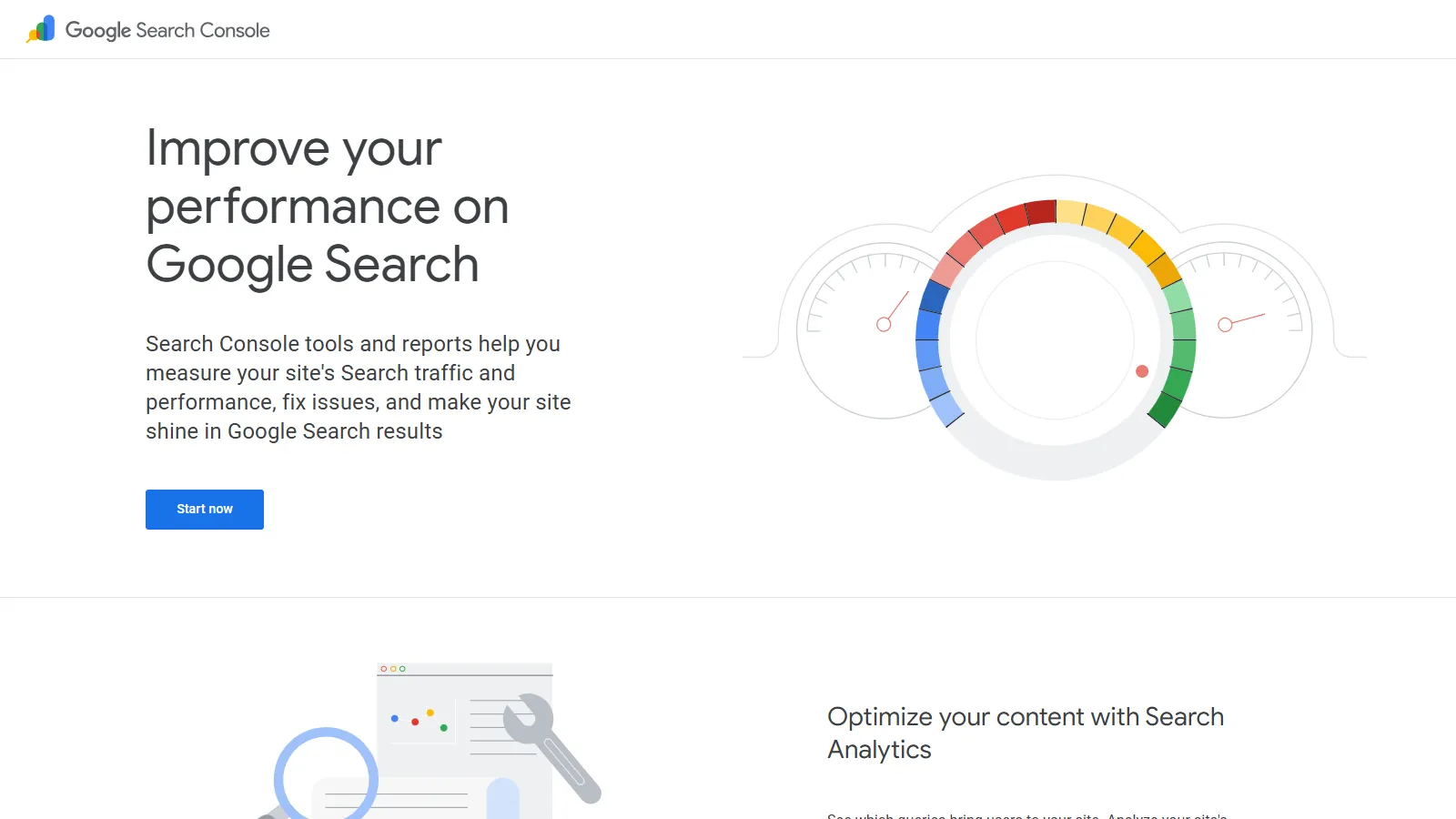
Google Search Console URL Inspection tool shows exactly what Google sees after rendering your JavaScript. The Coverage report reveals indexing issues across your entire site caused by rendering problems.
Starting priceFree
Strengths
Official Google data
Free
Shows exact Googlebot view
Coverage at scale
Mobile and desktop
Limitations
One URL at a time
No site-wide JS comparison
Limited diagnostic depth
Delayed data
Who it's for: Essential for all site owners. Start here to verify how Google renders your JavaScript pages.
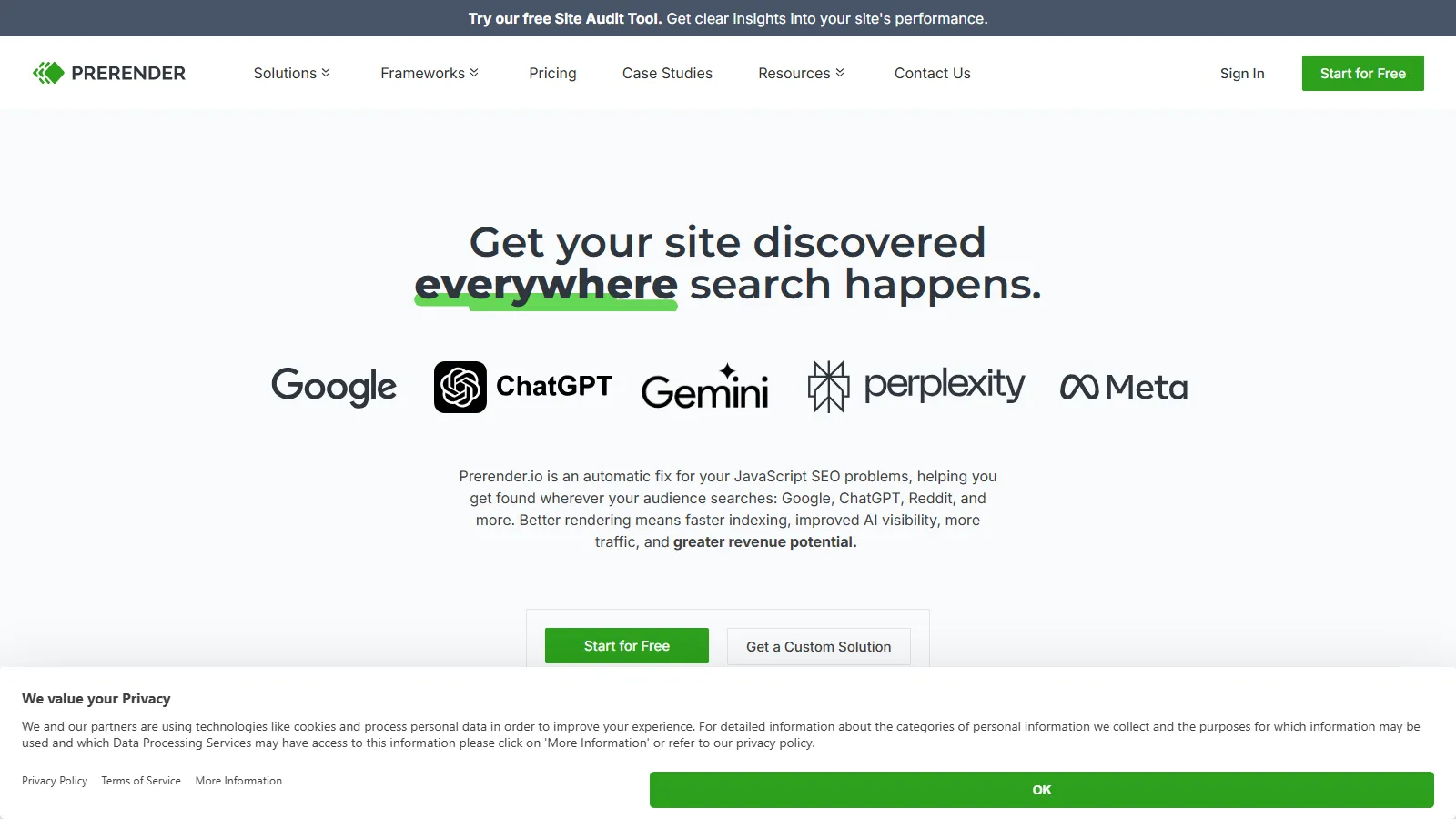
Prerender.io is a dynamic rendering service that pre-renders JavaScript pages and serves cached HTML to search bots. It solves JS SEO issues without requiring code changes to your SPA.
Starting price$99/mo+
Strengths
Drop-in solution
No code changes needed
CDN caching
Bot detection
Scales automatically
Limitations
Monthly costs
Third-party dependency
Cache management needed
Not a diagnostic tool
Who it's for: Best for teams who need to fix JS indexing quickly without rebuilding their SPA.
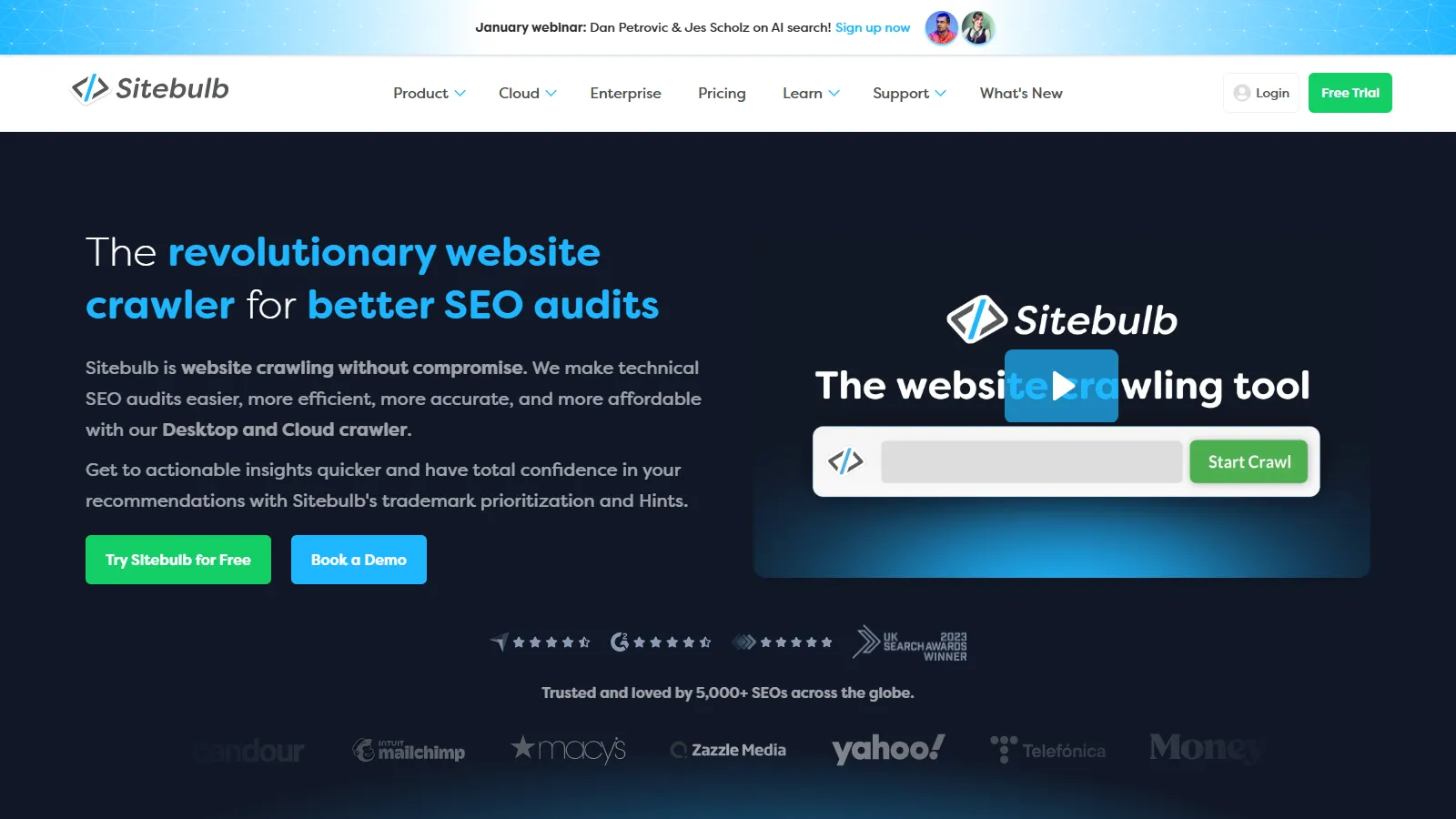
Sitebulb provides beginner-friendly JavaScript SEO auditing with clear hints explaining issues in plain language. The visual reports make it easy to understand and communicate JS rendering problems.
Starting price$35/mo
Strengths
Beginner-friendly hints
Visual reports
Chrome rendering
Clear explanations
Good documentation
Limitations
Desktop only
Slower than Screaming Frog
Higher per-month cost
Fewer advanced features
Who it's for: Best for beginners or those who prefer clear explanations over raw technical data.
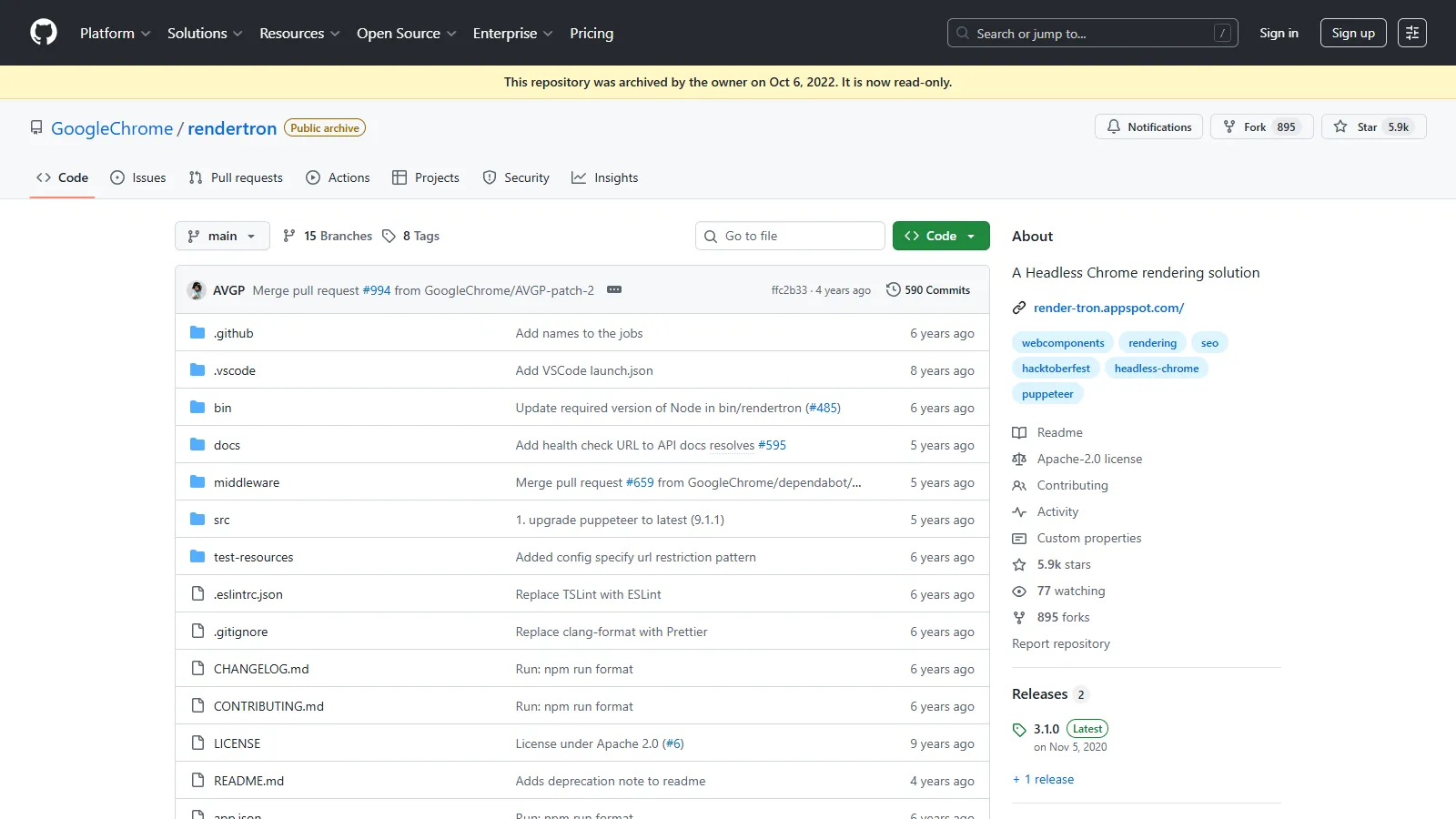
Rendertron is Google's open-source solution for dynamic rendering using Puppeteer. Self-hosted and free, it provides pre-rendering for those with technical resources to deploy and maintain it.
Starting priceFree
Strengths
Google-backed
Free open source
Full control
Puppeteer-based
No vendor lock-in
Limitations
Requires self-hosting
DevOps knowledge needed
Maintenance burden
No support
Who it's for: Best for technical teams with DevOps resources who want free, self-hosted pre-rendering.
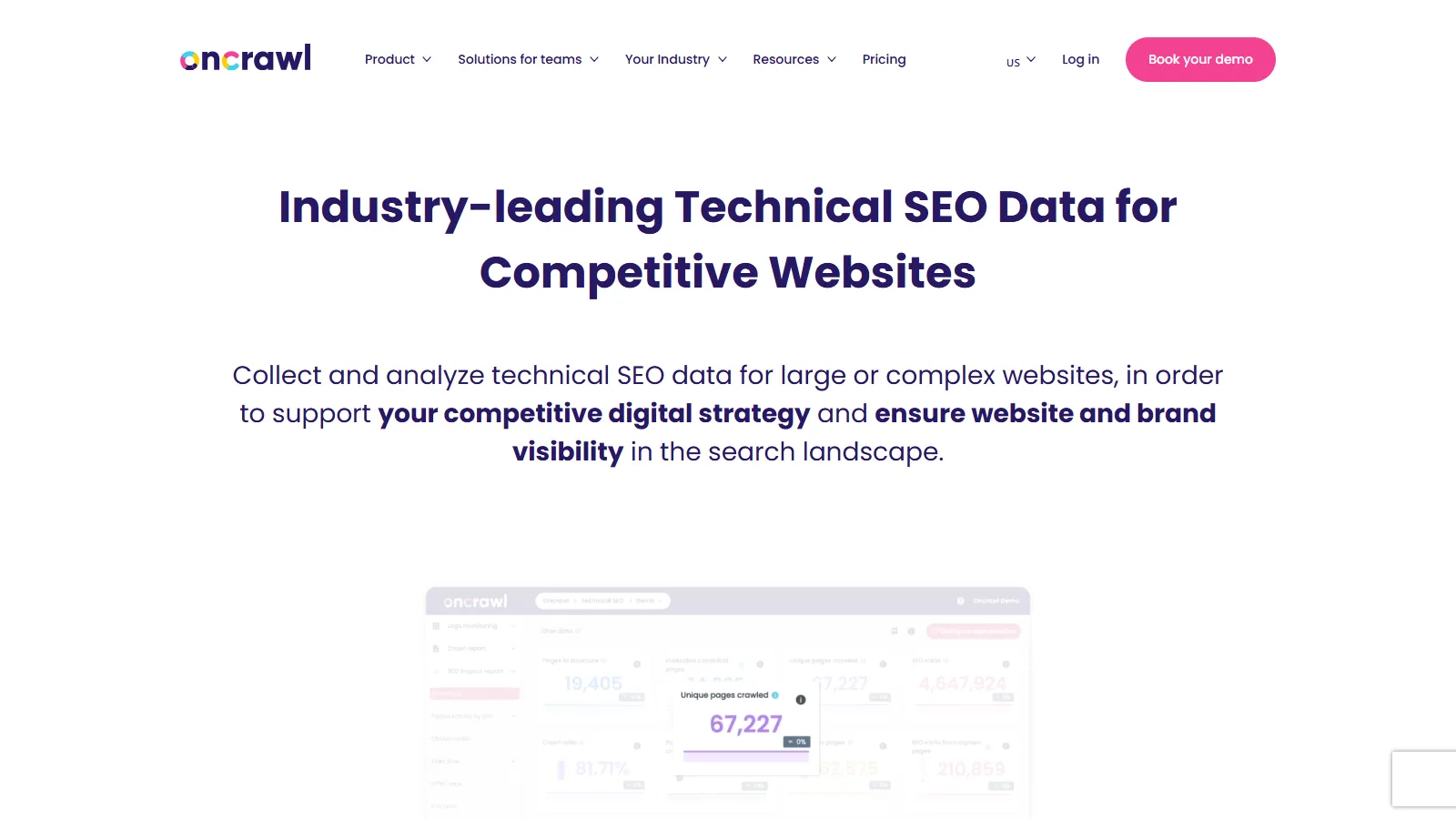
OnCrawl provides enterprise-grade JavaScript crawling combined with log file analysis. It correlates Googlebot behavior with rendered content to provide comprehensive JS SEO intelligence.
Starting price$99/mo+
Strengths
Enterprise crawling
Log file correlation
Data science features
API access
Segmentation
Limitations
Enterprise pricing
Complex setup
Overkill for small sites
Learning curve
Who it's for: Best for enterprises needing comprehensive JS SEO analysis with log correlation.
We tested each tool for diagnosing and solving JavaScript rendering issues for SEO.
JS Rendering Quality (30%) — Accuracy in rendering JavaScript like Googlebot.
Diagnostic Capability (25%) — Ability to identify specific JS SEO issues.
Ease of Use (20%) — Learning curve and interface clarity.
Scale (15%) — Ability to analyze full sites, not just single pages.
Value (10%) — Features relative to cost.
How to Choose
Choose Screaming Frog if you need full site JS auditing.
Choose Search Console if you need verify Google sees JS content.
Choose Prerender.io if you need quick fix without code changes.
Choose Sitebulb if you need beginner-friendly auditing.
Choose Rendertron if you need self-hosted free option.
Common Questions
Yes, Googlebot renders JavaScript using a Chrome-based renderer. However, rendering is deferred and resource-intensive, so pre-rendering or SSR is recommended for critical content.
Dynamic rendering serves pre-rendered HTML to search bots while serving JavaScript to regular users. It solves indexing issues without changing your SPA architecture.
Generally yes. SSR and SSG provide HTML immediately, ensuring faster indexing. Client-side rendering requires Googlebot to render JavaScript, which can delay or miss content.