7 Best Site Speed Optimization Tools for Core Web Vitals in 2026
We tested 15+ performance tools to find the best options for diagnosing and fixing Core Web Vitals issues. These tools help you improve LCP, FID, CLS, and INP to boost both rankings and user experience.
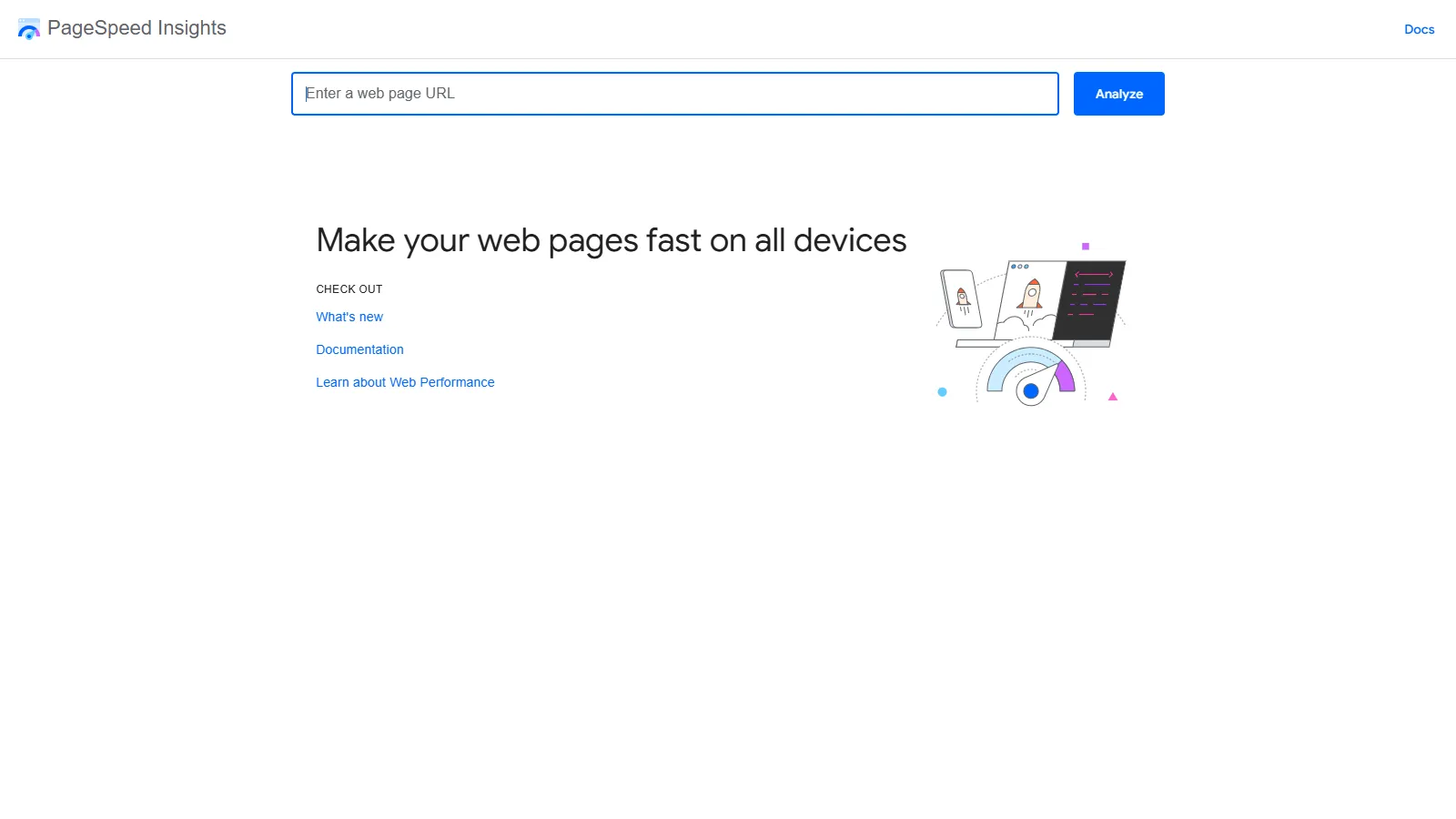
PageSpeed Insights is the official Google tool combining Lighthouse lab data with Chrome User Experience Report (CrUX) field data. It shows exactly how Google evaluates your page performance and provides prioritized recommendations for improvement.
Starting priceFree
Strengths
Official Google metrics
Real user data from CrUX
Clear pass/fail for Core Web Vitals
Prioritized recommendations
Completely free
Limitations
No historical tracking
Limited diagnostic depth
No waterfall analysis
One URL at a time
Who it's for: Essential for all site owners. Start here to understand how Google sees your performance before diving deeper with other tools.
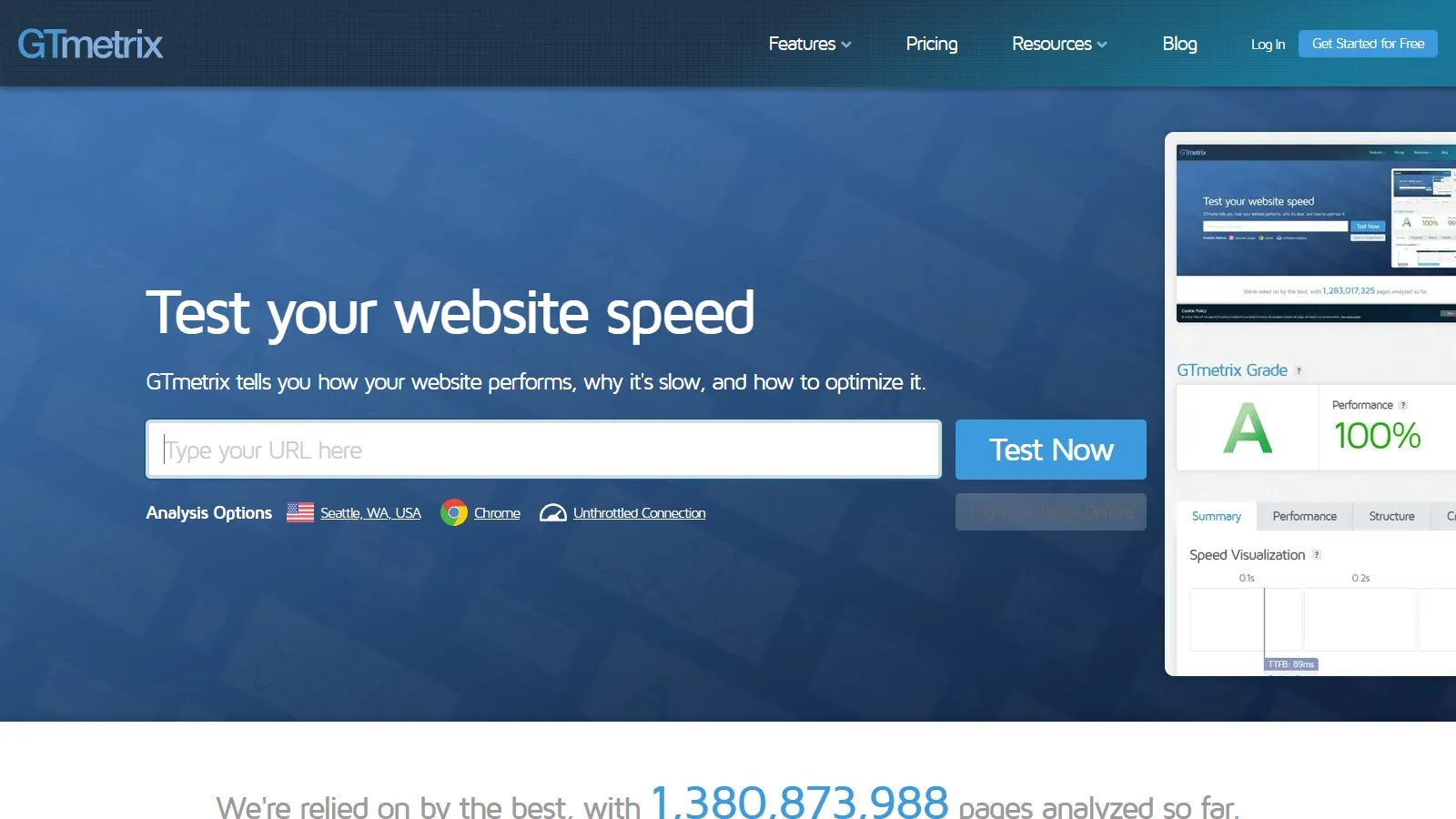
GTmetrix provides the best waterfall analysis for identifying exactly what slows your page. Video playback shows the user experience during load, and monitoring tracks performance over time with alerts.
Starting priceFree/$14.95/mo
Strengths
Excellent waterfall analysis
Video playback of page load
Performance monitoring
Multiple test locations
Free tier available
Limitations
Free tier limited
Some features require paid
Not official Google data
Can be slow during peak
Who it's for: Best for developers needing detailed waterfall analysis. Ideal for identifying specific resources causing bottlenecks.
WebPageTest offers the most detailed free performance testing available. Test from real browsers worldwide, view filmstrip comparisons, and analyze connection-level details that other tools miss.
Starting priceFree
Strengths
Most detailed analysis
Filmstrip view
Real browsers worldwide
Completely free
Compare multiple runs
Limitations
Complex interface
Learning curve
No monitoring without API
Can be overwhelming
Who it's for: Best for technical SEOs and developers who need deep analysis. Essential for complex performance debugging.
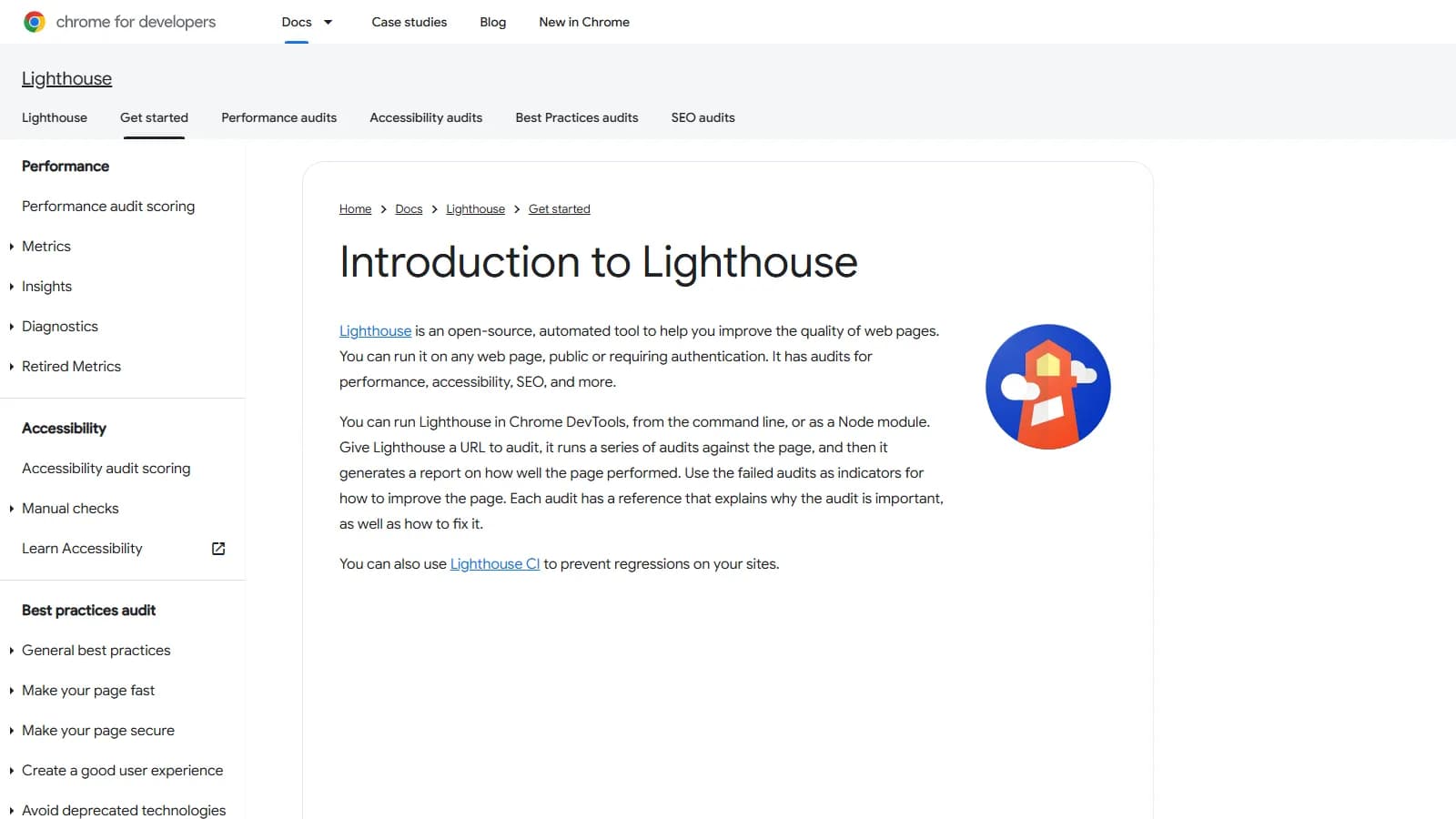
Lighthouse is built into Chrome DevTools, providing instant performance audits during development. It powers PageSpeed Insights scores and integrates into CI/CD pipelines for automated testing.
Starting priceFree
Strengths
Built into Chrome
Instant audits
CI/CD integration
PWA auditing
Accessibility checks
Limitations
Lab data only
No real user metrics
Scores vary between runs
Local machine affects results
Who it's for: Essential for developers testing during development. Use in CI to catch regressions before deployment.
Cloudflare Observatory provides performance insights for Cloudflare users with real user monitoring data. It combines RUM with specific recommendations for Cloudflare optimization features.
Starting priceFree
Strengths
Free for Cloudflare users
Real user data
Cloudflare-specific optimizations
Easy setup
Integrated recommendations
Limitations
Requires Cloudflare
Less detailed than others
Limited without Cloudflare
Newer tool
Who it's for: Best for sites already using Cloudflare. Get RUM data and CDN-specific optimization suggestions free.
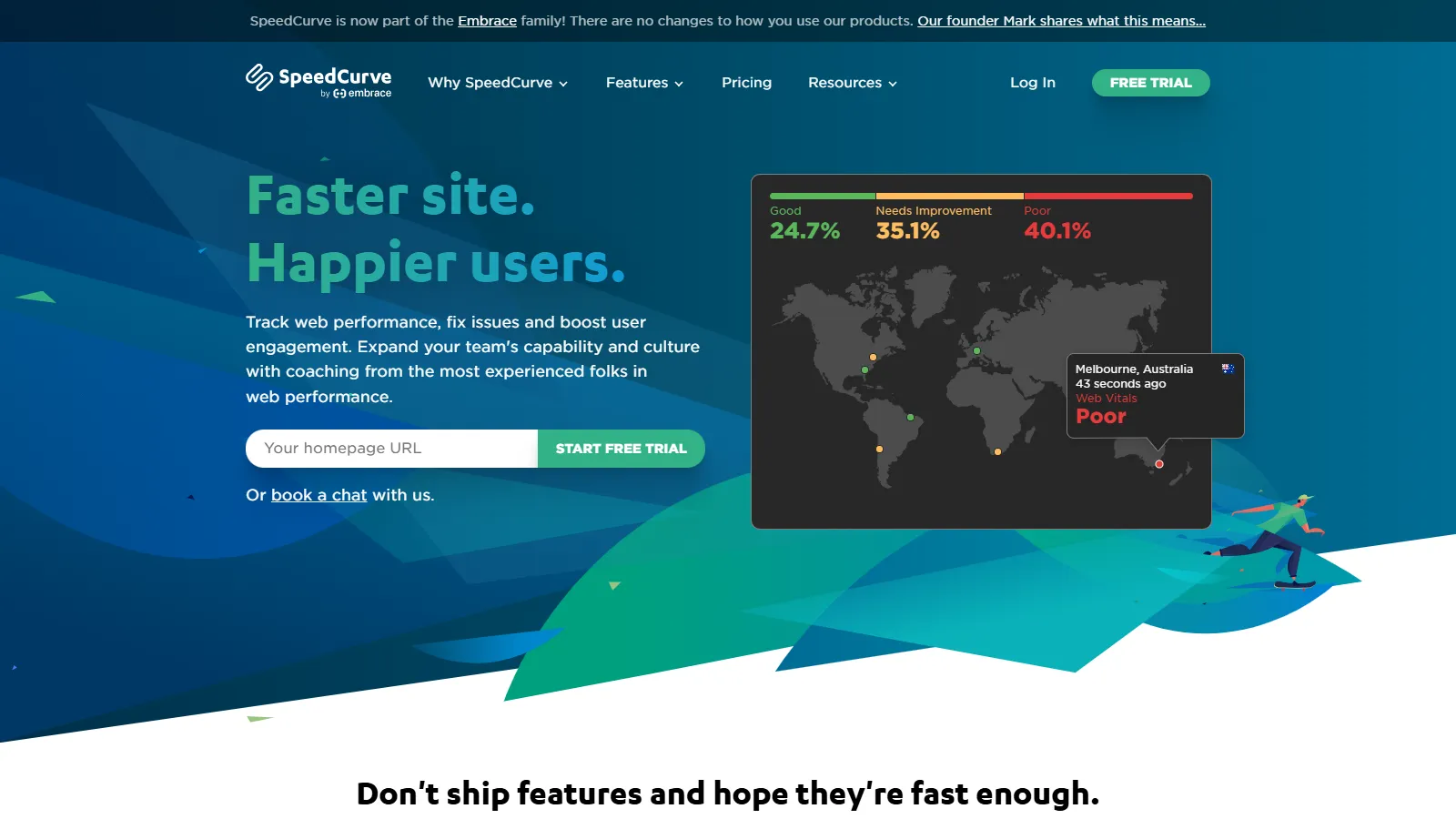
SpeedCurve provides enterprise-grade performance monitoring with both synthetic and real user measurement. Performance budgets alert teams before regressions ship, and competitive analysis shows how you compare.
Starting price$20/mo+
Strengths
Enterprise monitoring
Performance budgets
Competitive analysis
RUM and synthetic
Team features
Limitations
Expensive for small sites
Complex setup
Overkill for simple sites
Learning curve
Who it's for: Best for enterprises and agencies managing multiple sites. Ideal when performance is a business KPI.
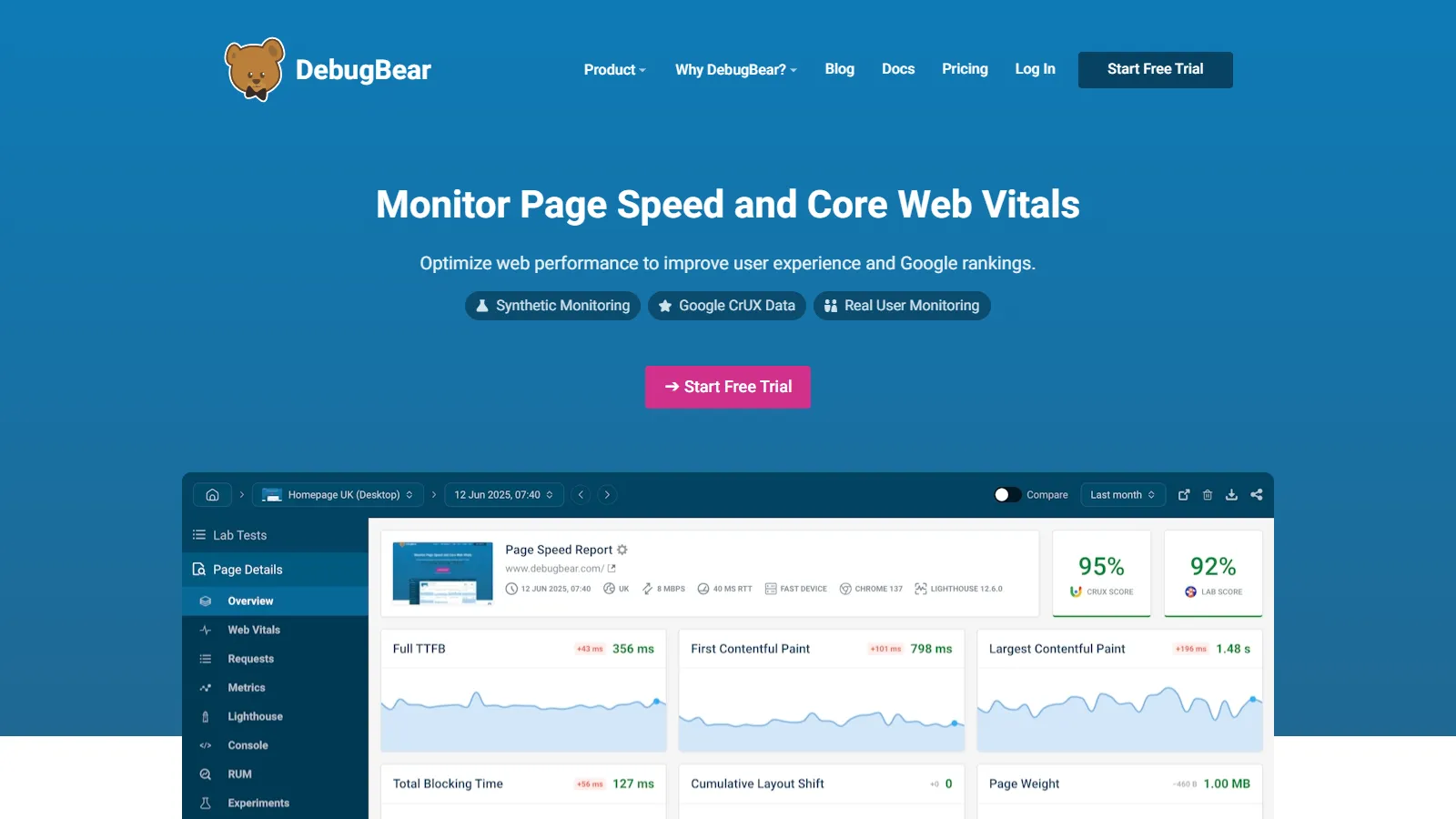
DebugBear focuses specifically on Core Web Vitals monitoring with automatic regression detection and alerts. The dashboard shows trends over time with clear pass/fail status for Google requirements.
Starting price$39/mo
Strengths
CWV-focused monitoring
Regression alerts
Clear dashboards
RUM integration
Reasonable pricing
Limitations
Narrower focus
Less detailed than WebPageTest
Smaller company
Fewer features than SpeedCurve
Who it's for: Best for teams focused specifically on Core Web Vitals compliance. Good value for ongoing CWV monitoring.