7 Best Log File Analyzers for SEO Insights in 2026
We tested 10+ log file analysis tools to find the best options for understanding how Googlebot and other crawlers interact with your site. These tools reveal crawl budget usage, bot behavior, and indexing issues invisible in other tools.
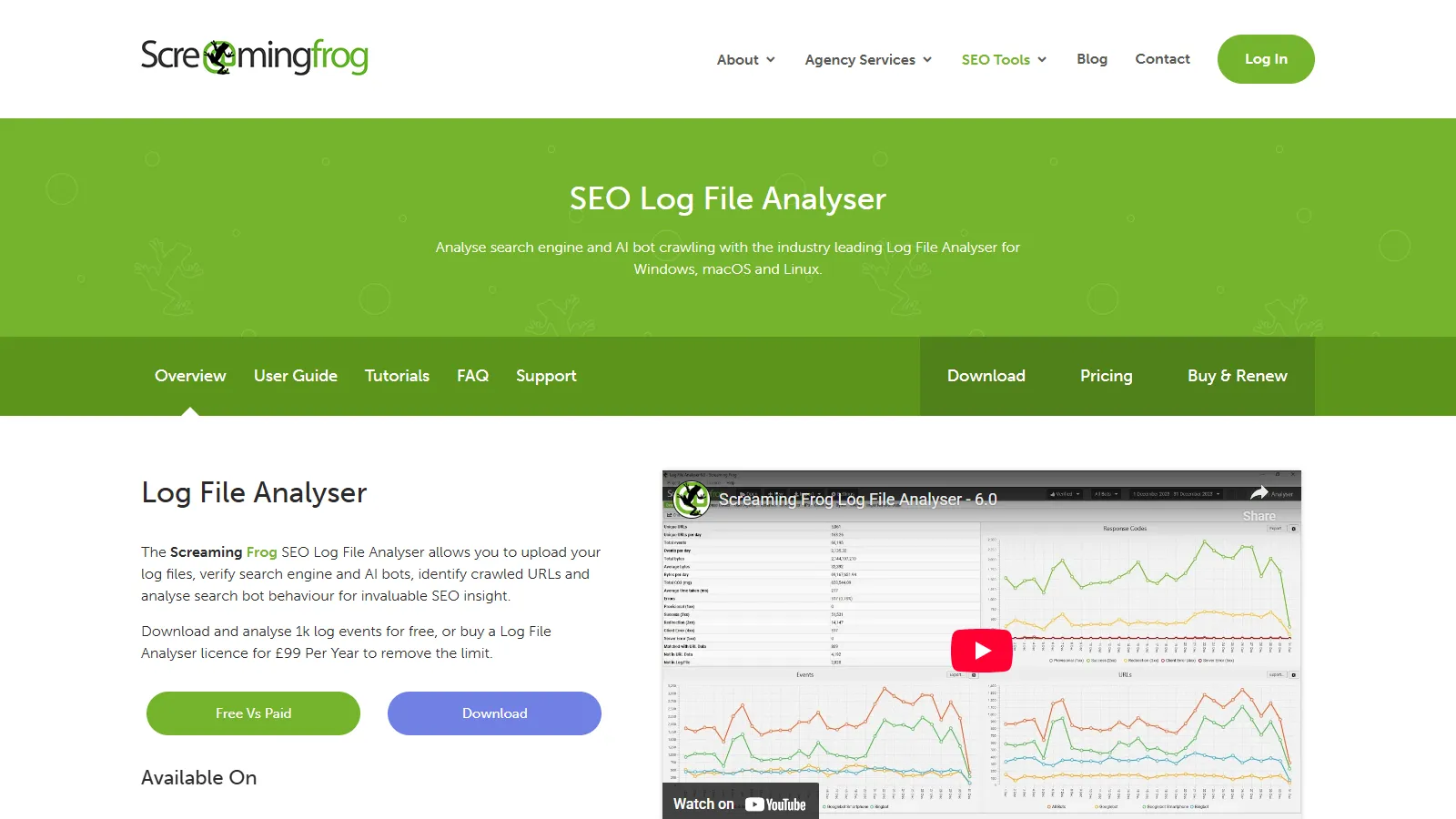
Screaming Frog Log Analyzer is a powerful desktop tool from the makers of the popular SEO Spider. It identifies bot hits, analyzes crawl frequency, and compares log data with crawl data to reveal orphan pages and crawl budget waste.
Starting price$259/yr
Strengths
Detailed bot analysis
Crawl comparison features
GSC integration
One-time annual license
Works with SEO Spider data
Limitations
Desktop only
Memory limits for huge logs
Learning curve
Not real-time
Who it's for: Best for SEO professionals who already use Screaming Frog SEO Spider. Excellent value for mid-sized sites.
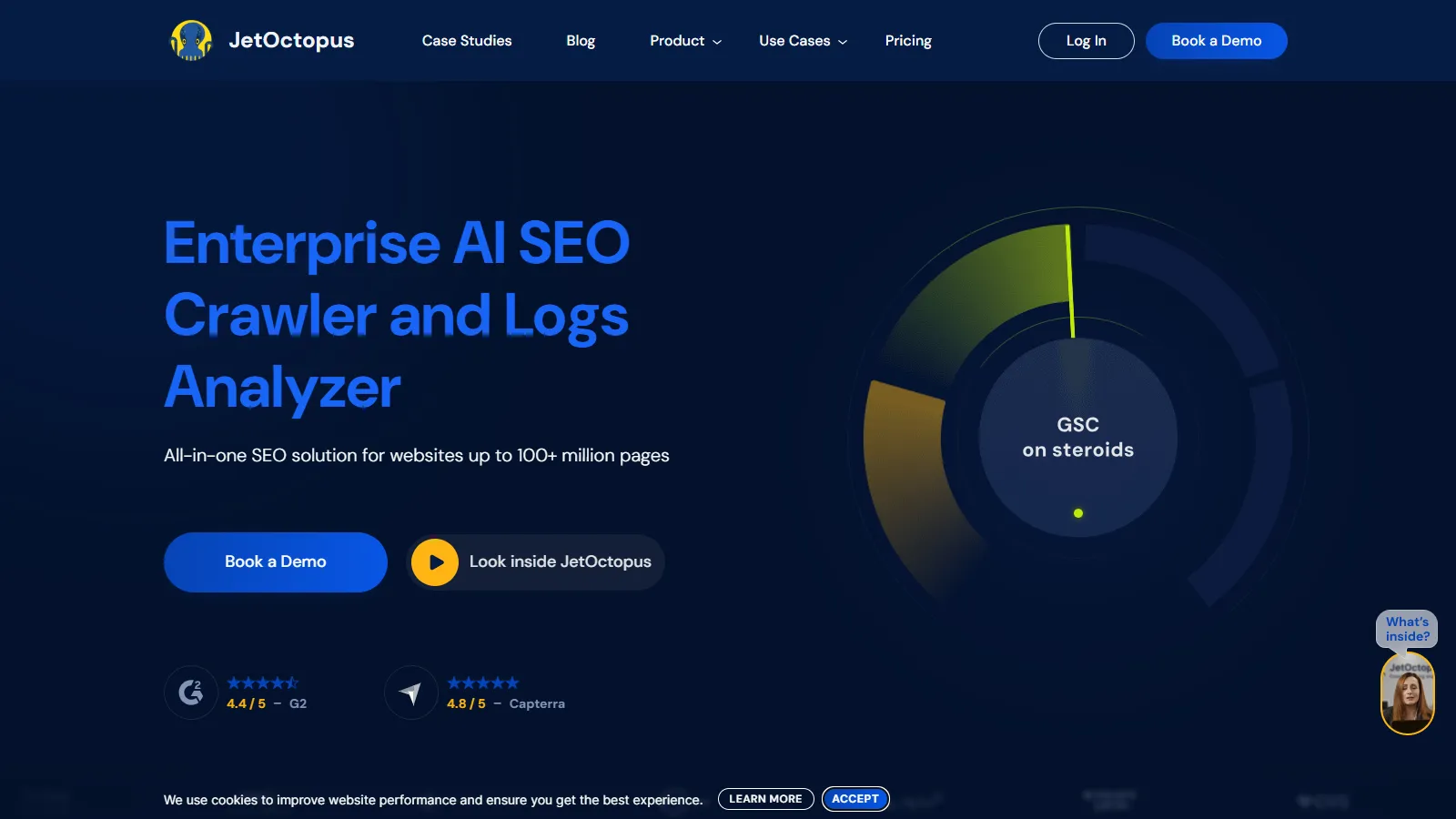
JetOctopus is a cloud-based platform that handles massive log files for enterprise sites. Real-time dashboards show Googlebot activity as it happens, and visualizations make complex crawl patterns understandable.
Starting price$90/mo+
Strengths
Cloud-based scalability
Real-time monitoring
Beautiful visualizations
Handles billions of rows
Integrated crawler
Limitations
Monthly subscription
Price scales with size
Overkill for small sites
Learning curve
Who it's for: Best for large sites and enterprises needing cloud-based log analysis at scale.
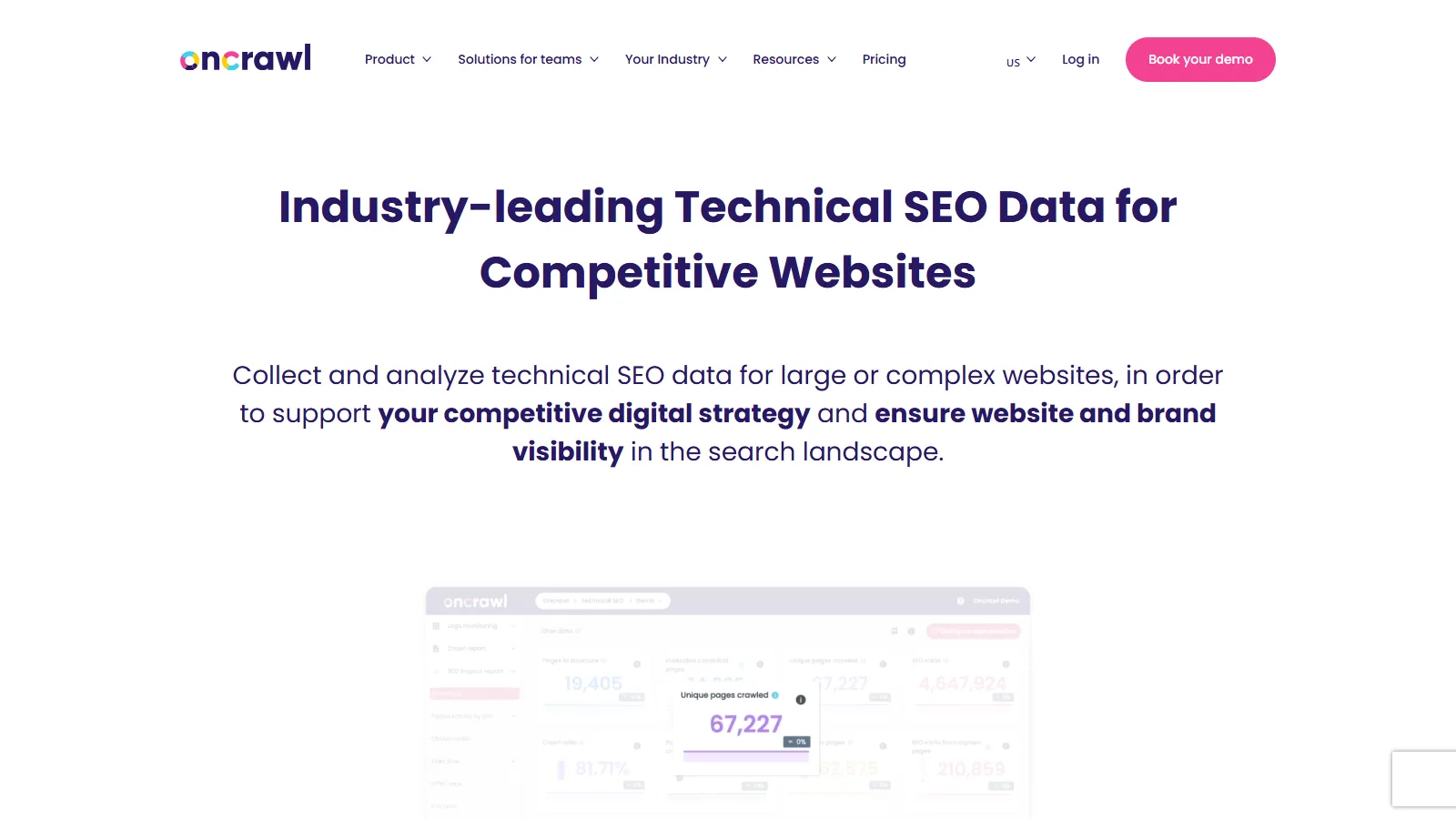
Oncrawl combines log file analysis with web crawling for complete crawl intelligence. Data science features help correlate crawl behavior with rankings and traffic for advanced SEO analysis.
Starting price$99/mo+
Strengths
Log + crawl combined
Data science features
Segmentation
API for custom analysis
Enterprise support
Limitations
Higher pricing
Complex for beginners
Setup required
Enterprise focused
Who it's for: Best for enterprise SEO teams wanting to combine log analysis with advanced data science.
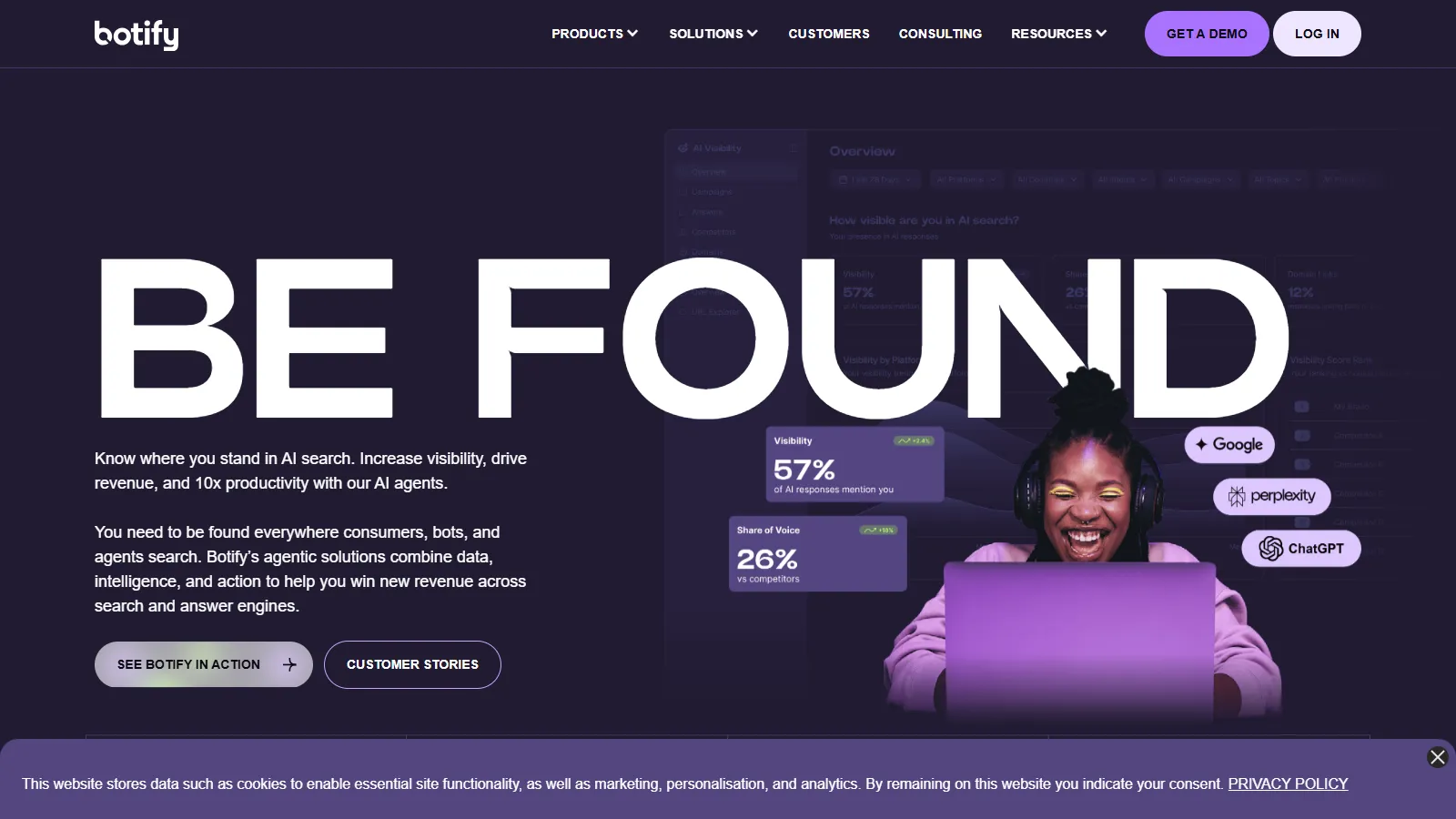
Botify is an enterprise SEO platform with powerful log analysis capabilities. Dedicated support teams help set up log ingestion and interpret results for large, complex sites.
Starting priceCustom
Strengths
Enterprise platform
Dedicated support
Automation features
Combined crawl/log
Action recommendations
Limitations
Enterprise pricing
Requires commitment
Complex setup
Overkill for small sites
Who it's for: Best for large enterprises with dedicated SEO teams and budget for premium tools.
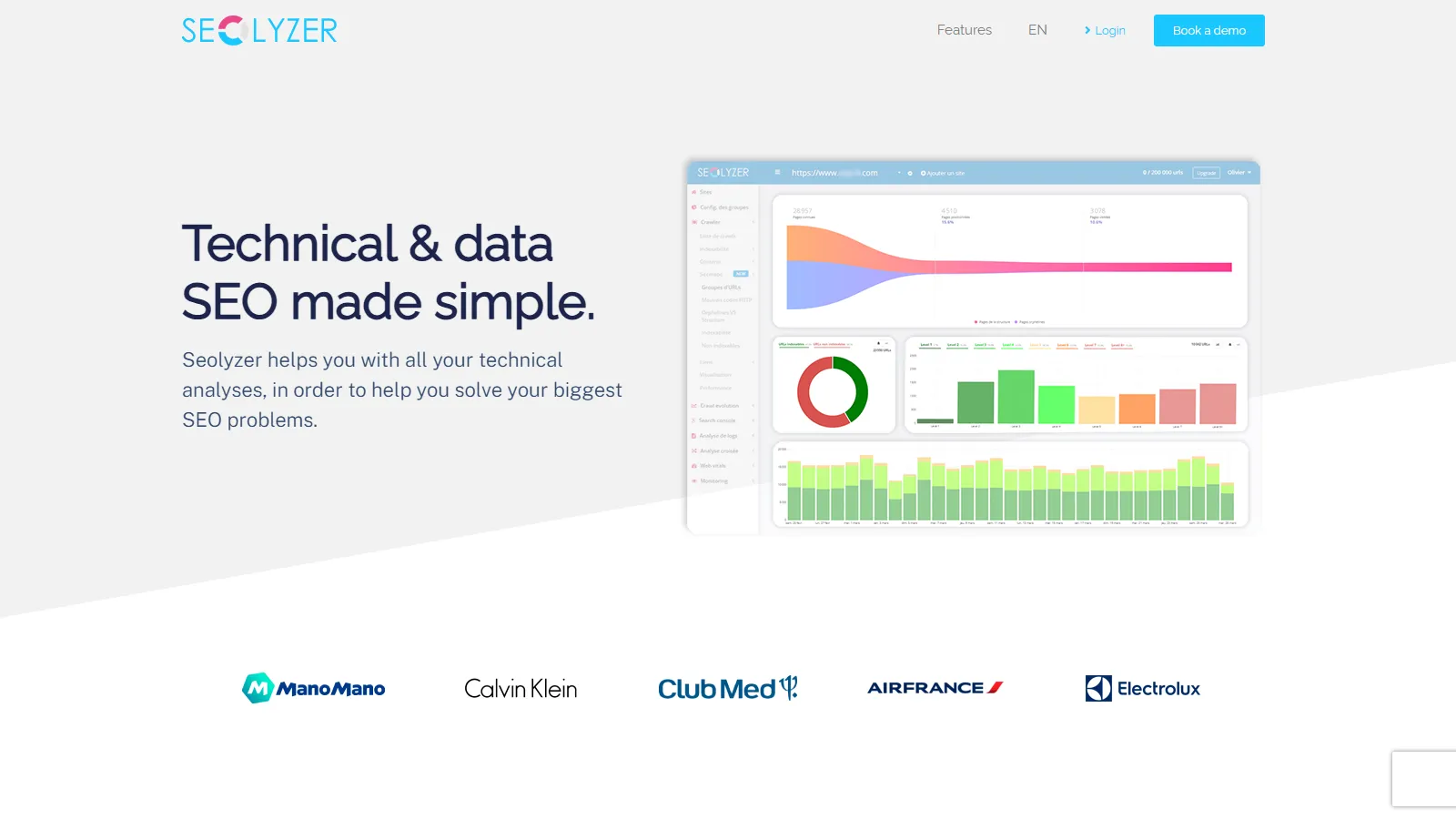
SEOlyzer provides real-time Googlebot monitoring at an accessible price point. Alerts notify you of crawl anomalies, and the simple interface makes log analysis approachable.
Starting price$49/mo
Strengths
Affordable pricing
Real-time monitoring
Alert system
Simple interface
Quick setup
Limitations
Fewer advanced features
Limited integrations
Smaller company
Basic reporting
Who it's for: Best for small to mid-sized sites wanting real-time crawl monitoring without enterprise pricing.
OpenWebAnalytics is a free, self-hosted option for those wanting full control over their log data. It requires technical setup but provides bot tracking without ongoing costs.
Starting priceFree
Strengths
Completely free
Self-hosted control
Open source
Privacy focused
No data sharing
Limitations
Technical setup required
Self-maintenance
Limited features
No support
Who it's for: Best for technical users wanting free, self-hosted log analysis with full data ownership.
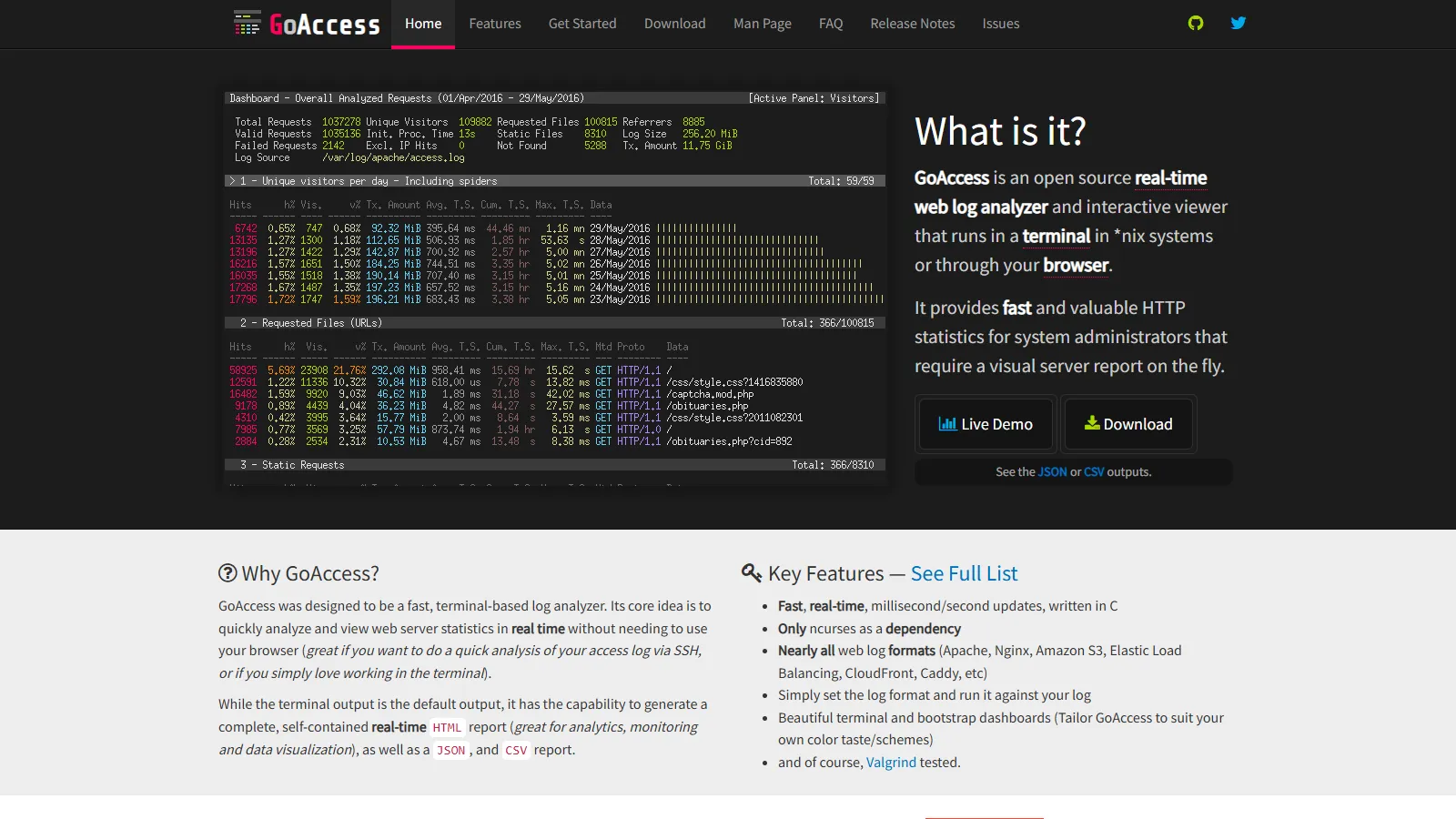
GoAccess is a fast, terminal-based log analyzer that technical SEOs love. It processes logs instantly and can generate real-time HTML reports for sharing.
Starting priceFree
Strengths
Lightning fast
Free and open source
Real-time reports
Handles huge logs
HTML export
Limitations
Terminal interface
Technical users only
Limited SEO focus
Manual bot filtering
Who it's for: Best for technical SEOs comfortable with command line who need fast log processing.
We tested each tool for analyzing real server logs to understand search engine crawler behavior.
Bot Detection (30%) — Accuracy in identifying Googlebot and other crawlers.
Analysis Depth (25%) — Insights provided about crawl patterns and issues.
Scale Handling (20%) — Ability to process large log files efficiently.
Usability (15%) — Ease of uploading logs and understanding reports.
Value (10%) — Features relative to cost.
How to Choose
Choose Screaming Frog if you need desktop power tool.
Choose JetOctopus if you need cloud-based for large sites.
Choose Botify if you need enterprise with support.
Choose SEOlyzer if you need affordable real-time monitoring.
Choose GoAccess if you need free technical option.
Common Questions
Logs show exactly how Googlebot crawls your site - which pages it visits, how often, and what errors it encounters. This data is unavailable in other tools.
Request logs from your hosting provider or access them via cPanel, AWS CloudWatch, or similar. Most hosts retain 30-90 days of logs.
Check crawl frequency of important pages, identify wasted crawl budget on low-value URLs, find orphan pages, and spot crawl errors.