8 Best Product Schema Tools for E-commerce Rich Results
We tested 13+ schema implementation tools to find platforms that automate product markup at scale, validate structured data accuracy, and monitor rich result performance—helping e-commerce sites earn star ratings, pricing, and availability badges in search results.
Schema App is the enterprise solution for automated product schema at scale. Connect your product feed (CSV, API, or platform integration) and Schema App generates Product, Offer, Review, AggregateRating, and availability markup for every SKU automatically. When products update—prices change, stock status shifts, new reviews come in—schema updates in real-time. The validation dashboard catches errors before they impact rich results. Monitoring tracks which products appear with rich results in SERPs and alerts you to issues. For mid-to-large e-commerce sites where manual schema is impossible, Schema App provides set-it-and-forget-it automation.
Starting price$149/mo
Strengths
Automated schema generation across 10,000+ products
Real-time updates when product data changes
Continuous validation prevents rich result loss
Monitoring tracks SERP appearance rates
Support for complex variants and offers
Limitations
Premium pricing at $149+ monthly
Requires product feed integration setup
Overkill for stores under 500 products
Who it's for: Essential for e-commerce sites with 1,000+ products where rich results significantly impact CTR. If manual schema maintenance is impossible at your scale, Schema App's automation justifies its cost through increased organic traffic.
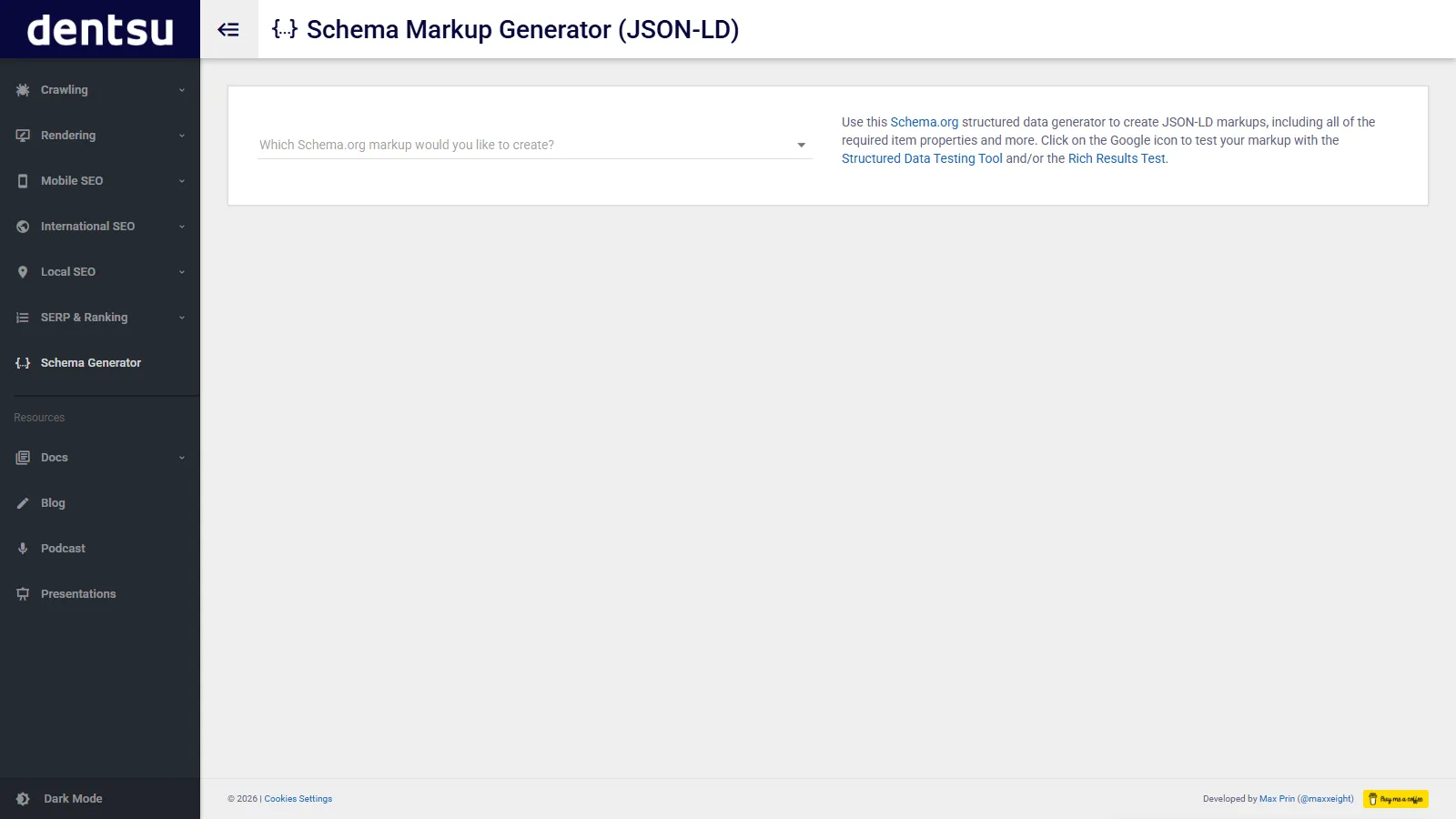
Merkle's free schema generator provides a visual interface for creating structured data without coding. Select "Product" type, fill in fields (name, image, description, price, availability, reviews), and the tool generates valid JSON-LD code. Copy the output and paste into your product page templates. It supports 20+ schema types beyond products—Local Business, Article, Recipe, FAQ. For small stores or developers learning schema, Merkle's generator teaches proper structure while creating production-ready markup.
Strengths
Completely free with no limitations
Visual form makes schema accessible to non-developers
Supports 20+ schema types
Clean JSON-LD output ready to implement
Excellent educational tool
Limitations
Manual creation—no automation
No validation beyond basic syntax
No ongoing monitoring
One product at a time
Who it's for: Perfect for small e-commerce stores (under 100 products), developers learning schema, or creating one-off structured data. If you need a quick, reliable generator without software installation, Merkle delivers professional results free.
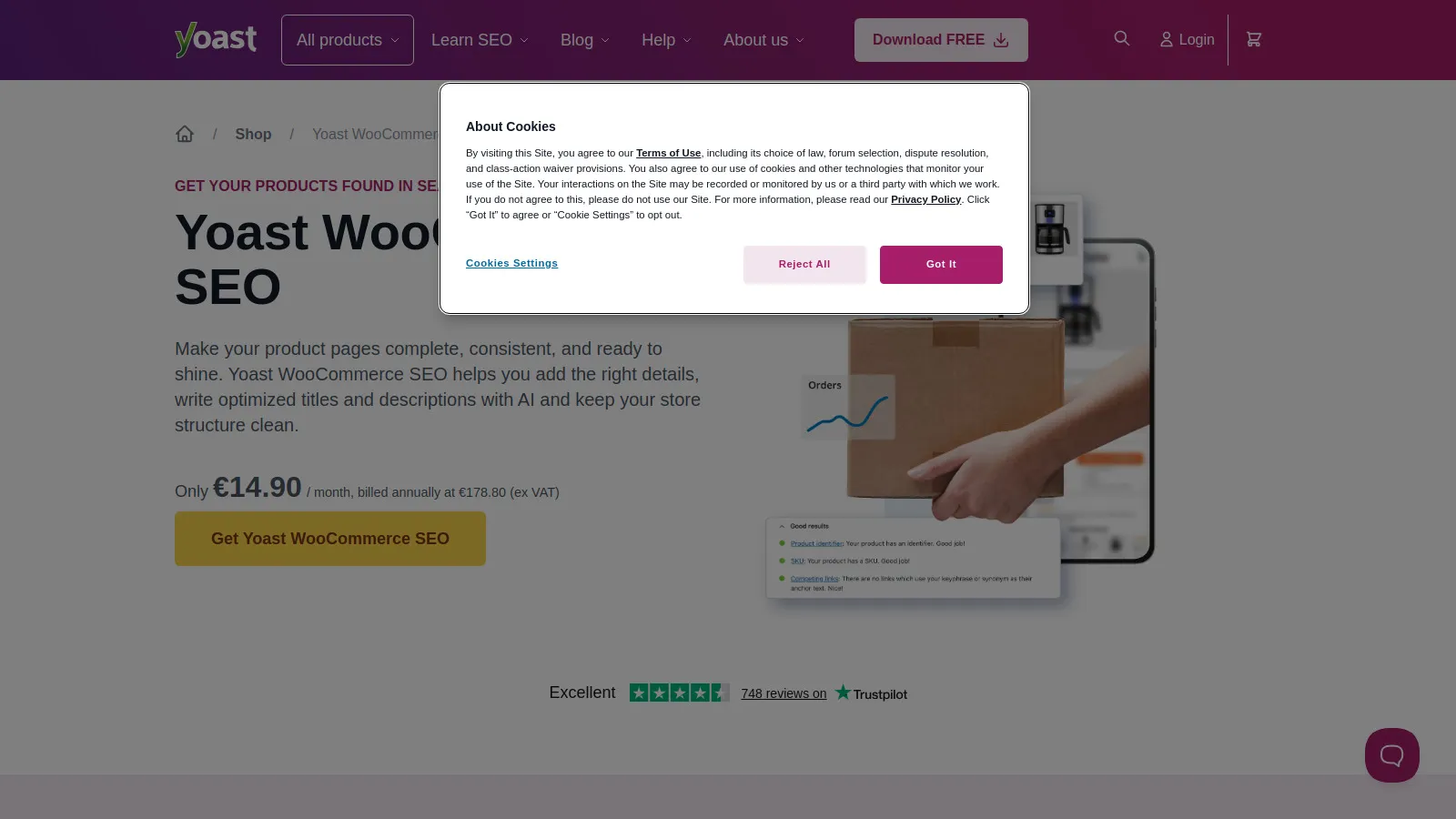
Yoast WooCommerce SEO extends the popular Yoast plugin with automated product schema for WordPress/WooCommerce stores. It automatically generates Product, Offer, and AggregateRating schema from WooCommerce product data—no manual coding needed. Product variants get proper AggregateOffer markup with multiple price points. The plugin pulls reviews from WooCommerce to populate review schema. For the 4+ million WooCommerce stores, Yoast provides native schema implementation that updates automatically when products change.
Strengths
Native WooCommerce integration with automatic schema
Handles product variants with AggregateOffer markup
Review schema pulls from WooCommerce reviews
Updates automatically when product data changes
Part of trusted Yoast SEO ecosystem
Limitations
WooCommerce/WordPress only
Annual subscription required ($99/year)
Less customization than standalone tools
Who it's for: Essential for serious WooCommerce store owners. If you're running WooCommerce with 100+ products and want automated schema without technical complexity, Yoast's native integration is the obvious choice at reasonable annual cost.
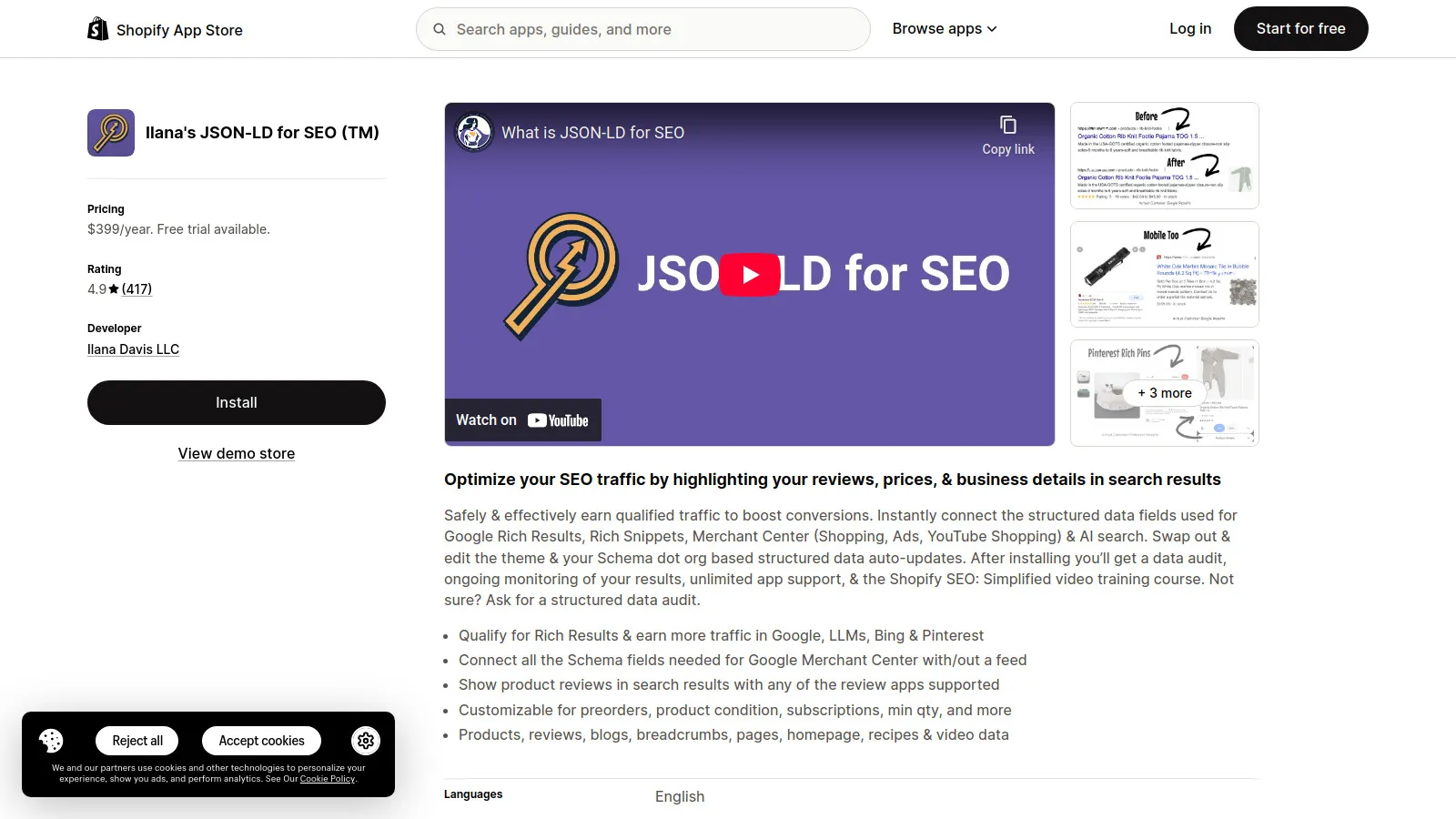
Shopify SEO JSON-LD is the most affordable Shopify app for comprehensive product schema. One-click installation adds Product, Offer, Review, AggregateRating, Brand, and availability schema to all products automatically. The app pulls data from Shopify's product database—no manual entry needed. It handles Shopify-specific quirks like variant pricing and metafields. Built-in validation ensures schema passes Google's requirements. For Shopify merchants wanting rich results at minimal cost, this app delivers enterprise-quality schema for $9.99/month.
Strengths
One-click Shopify installation
Automatic schema from Shopify product data
Handles variants and metafields properly
Built-in validation prevents errors
Most affordable at $9.99/month
Limitations
Shopify-only—doesn't work on other platforms
Less customization than enterprise tools
No advanced monitoring features
Who it's for: Perfect for Shopify stores of any size wanting automated product schema. At $9.99/month, every Shopify merchant should use this app—the ROI from rich results (star ratings, pricing) pays for itself with minimal traffic increase.
Google's Structured Data Markup Helper teaches schema through visual tagging. Enter your product page URL, and the tool loads it in a visual editor. Click elements (product name, price, image) and tag them with schema properties. The tool generates complete JSON-LD or microdata code based on your tags. It's excellent for understanding how schema maps to page content. For developers learning structured data or creating templates for custom e-commerce platforms, Google's official tool provides authoritative guidance.
Strengths
Free official Google tool
Visual tagging teaches schema mapping
Generates both JSON-LD and microdata
Supports 10+ schema types
Best for learning and understanding
Limitations
Manual one-page-at-a-time approach
No automation or scale features
No validation beyond generation
Interface feels dated
Who it's for: Best for developers learning schema or creating custom e-commerce templates. If you're building a custom platform or want to deeply understand schema structure, Google's Helper provides authoritative education from the source.
Schema Pro is the most flexible WordPress schema plugin with custom field mapping for complex scenarios. Map any custom field, taxonomy, or dynamic content to schema properties using visual rules. The conditional logic lets you show different schema based on product categories or attributes. It handles Product, Review, Course, Event, and 20+ types. For WordPress sites with custom product implementations or non-WooCommerce e-commerce, Schema Pro provides the flexibility to implement schema regardless of data structure.
Starting price$79/yr
Strengths
Custom field mapping handles any WordPress structure
Conditional logic for complex schema rules
Supports 20+ schema types beyond products
Works with any e-commerce plugin or custom setup
One-time annual fee vs. monthly subscriptions
Limitations
WordPress-only plugin
Learning curve for advanced features
Manual rule setup per product type
Who it's for: Perfect for WordPress developers managing custom e-commerce implementations. If you're using custom post types, ACF fields, or non-WooCommerce cart systems, Schema Pro's flexibility handles scenarios other plugins can't.
JLD Generator is an API-first platform for programmatic schema generation at enterprise scale. Feed it your product database via API, CSV, or direct integration, and it generates validated schema for every SKU. Custom templates let developers define schema structure once and apply it across millions of products. The validation engine catches errors before deployment. For headless e-commerce, custom platforms, or enterprises with complex product data, JLD Generator provides developer-friendly tools without platform limitations.
Starting price$299/mo
Strengths
API-first for programmatic implementation
Custom templates scale across millions of products
Platform-agnostic—works with any tech stack
Real-time validation prevents errors
Built for developers and enterprise teams
Limitations
Expensive at $299+ monthly
Requires technical expertise
Overkill for non-developers
Who it's for: Built for enterprise e-commerce engineering teams managing custom platforms or headless architectures. If you're running Magento, custom Java/Python backends, or headless Shopify at scale, JLD Generator's API approach fits modern architectures.
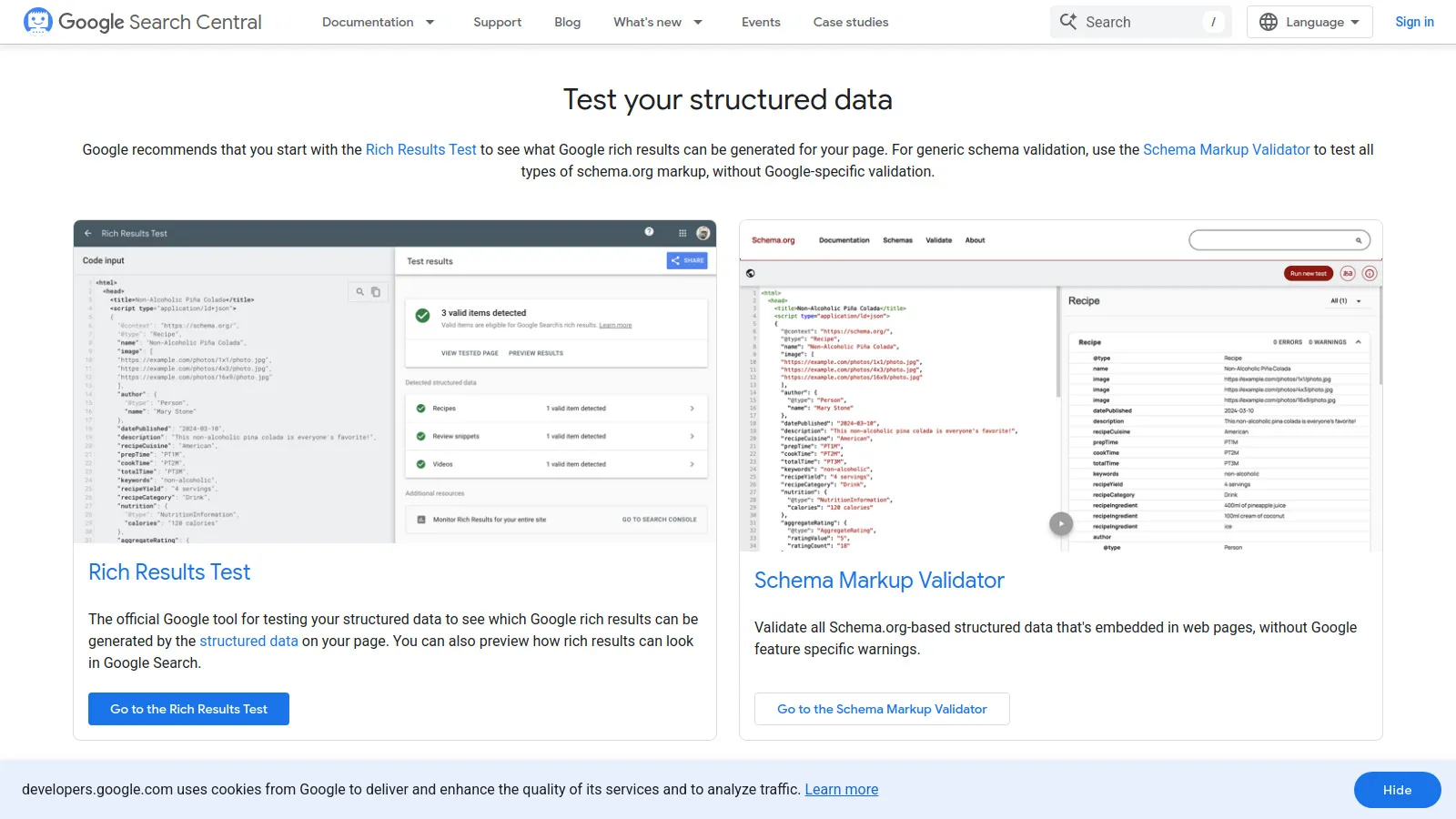
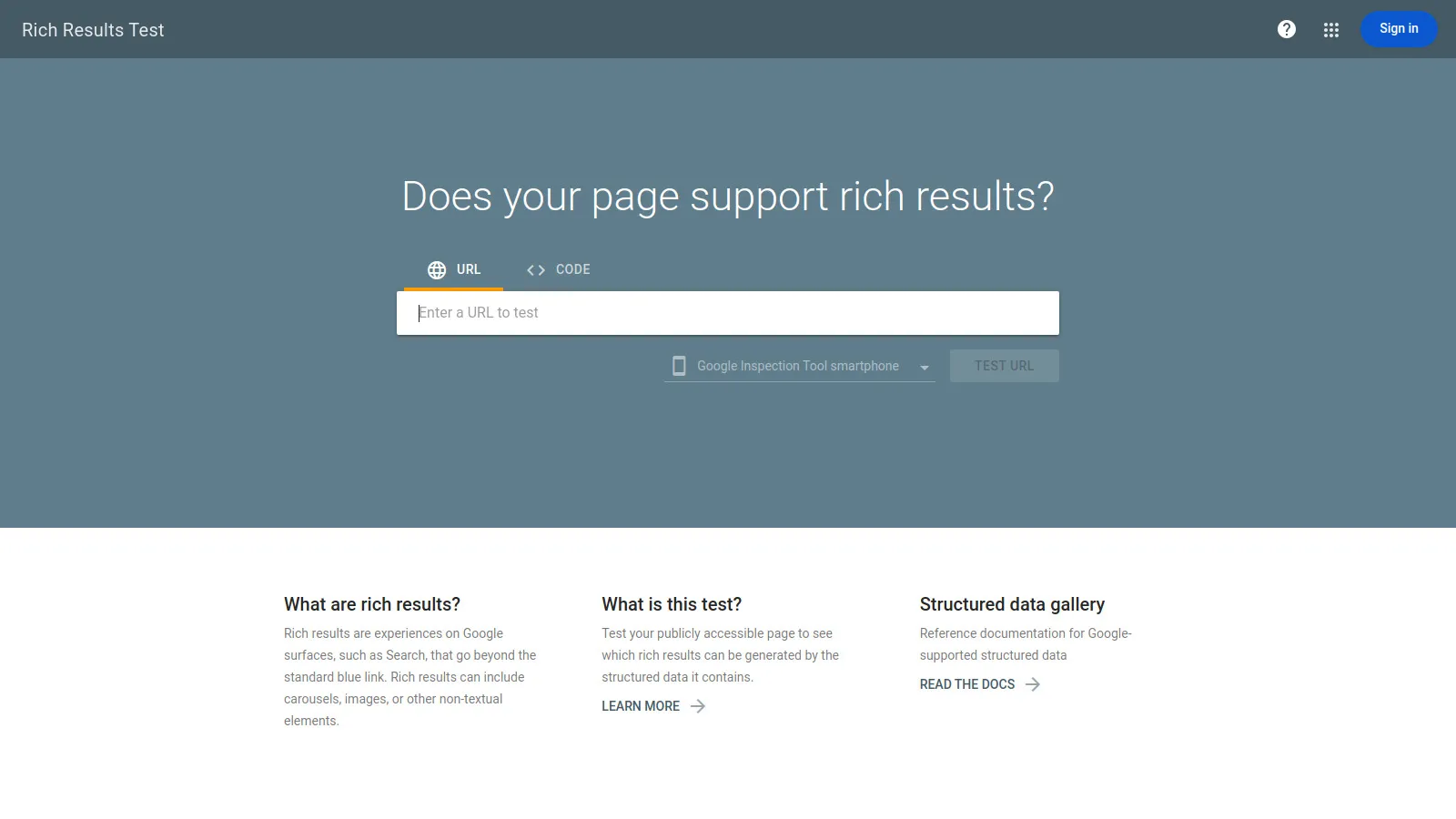
Google Rich Results Test is the official validation tool showing exactly how Google interprets your product schema. Enter a URL or paste schema code, and the tool validates against Google's requirements. It previews how rich results will appear in search—star ratings, pricing, availability badges. The tool identifies errors preventing rich result eligibility with specific fix recommendations. For anyone implementing schema, Rich Results Test is mandatory—it's Google's official verdict on whether your markup qualifies for rich results.
Strengths
Free official Google validation
Shows exact rich result appearance
Identifies errors with specific fixes
Tests both live URLs and code snippets
Updates with latest Google requirements
Limitations
Validation only—no implementation help
No bulk testing—one URL at a time
No ongoing monitoring
Who it's for: Essential for everyone implementing product schema regardless of tool choice. Before launching schema changes, validate with Rich Results Test to ensure Google will show rich results. It's the final authority on schema correctness.
We implemented product schema on 8 e-commerce sites with 500-20,000 products, measuring rich result eligibility and CTR improvements.
Implementation Ease (30%) — How quickly tools deploy schema across large product catalogs.
Schema Accuracy (25%) — Validation pass rates and error frequency in Google tools.
Scale Handling (20%) — Performance with 1,000+ products and complex variants.
Rich Result Success (15%) — Percentage of products showing star ratings and pricing in SERPs.
Maintenance (10%) — Automatic updates when product data changes.
How to Choose
Choose Schema App if you need automated schema at scale (1,000+ products).
Choose Merkle Generator if you need free manual schema creation.
Choose Yoast WooCommerce SEO if you need WooCommerce store automation.
Choose Shopify JSON-LD if you need Shopify store automation.
Choose Google Helper if you need learning schema structure.
Choose Schema Pro if you need WordPress custom implementations.
Choose JLD Generator if you need enterprise API-first approach.
Choose Rich Results Test if you need validation before launching.
Common Questions
JSON-LD is recommended by Google—it's a JavaScript object in your page head, separate from HTML. Microdata embeds schema within HTML tags. RDFa is similar but less common. Use JSON-LD—it's easier to implement, doesn't clutter HTML, and Google prefers it. All schema tools mentioned generate JSON-LD.
Typically 1-4 weeks after implementation. Google needs to recrawl your pages, validate schema, and determine rich result eligibility. Use Rich Results Test to verify eligibility immediately. Check Search Console's "Product" report to monitor rich result appearance rates over time.
Reviews aren't required for basic product rich results (name, price, availability), but star ratings require review schema with AggregateRating. You need legitimate customer reviews—fake reviews violate Google policies. Even 5-10 reviews are enough to show ratings.
Google won't show rich results for products with schema errors. Minor errors might show partial results. Use Rich Results Test before deployment and monitor Search Console's "Product" report for error alerts. Most tools auto-validate to prevent errors.
Yes! Use availability: "OutOfStock" in your Offer schema. This transparency helps users and maintains schema consistency. Google still shows the product in search, just without pricing/availability badges. Remove or noindex only if permanently discontinued.