10 Best Developer Documentation Tools for Teams in 2026
Good documentation separates great engineering teams from chaotic ones. The right tool makes it easy to write, find, and maintain technical docs. We evaluated tools specifically for developer documentation needs: code snippets, API docs, and technical wikis.
Notion is the most flexible wiki for engineering teams. Code blocks with syntax highlighting, databases for tracking, and easy collaboration. The template gallery accelerates setup.
Starting priceFree/$8
Strengths
Very flexible
Good code blocks
Databases
Templates
Collaboration
Free tier
Limitations
Not dev-focused
Search could be better
No versioning
Who it's for: Great all-around choice for engineering wikis.
Confluence is the enterprise standard, especially for Jira users. Spaces organize documentation, macros extend functionality, and it scales to large organizations. Less loved but widely used.
Starting price$5.75/user
Strengths
Jira integration
Enterprise features
Spaces organization
Permissions
Proven at scale
Macros
Limitations
Dated interface
Can be slow
Complex
Who it's for: Default for enterprise Atlassian shops.
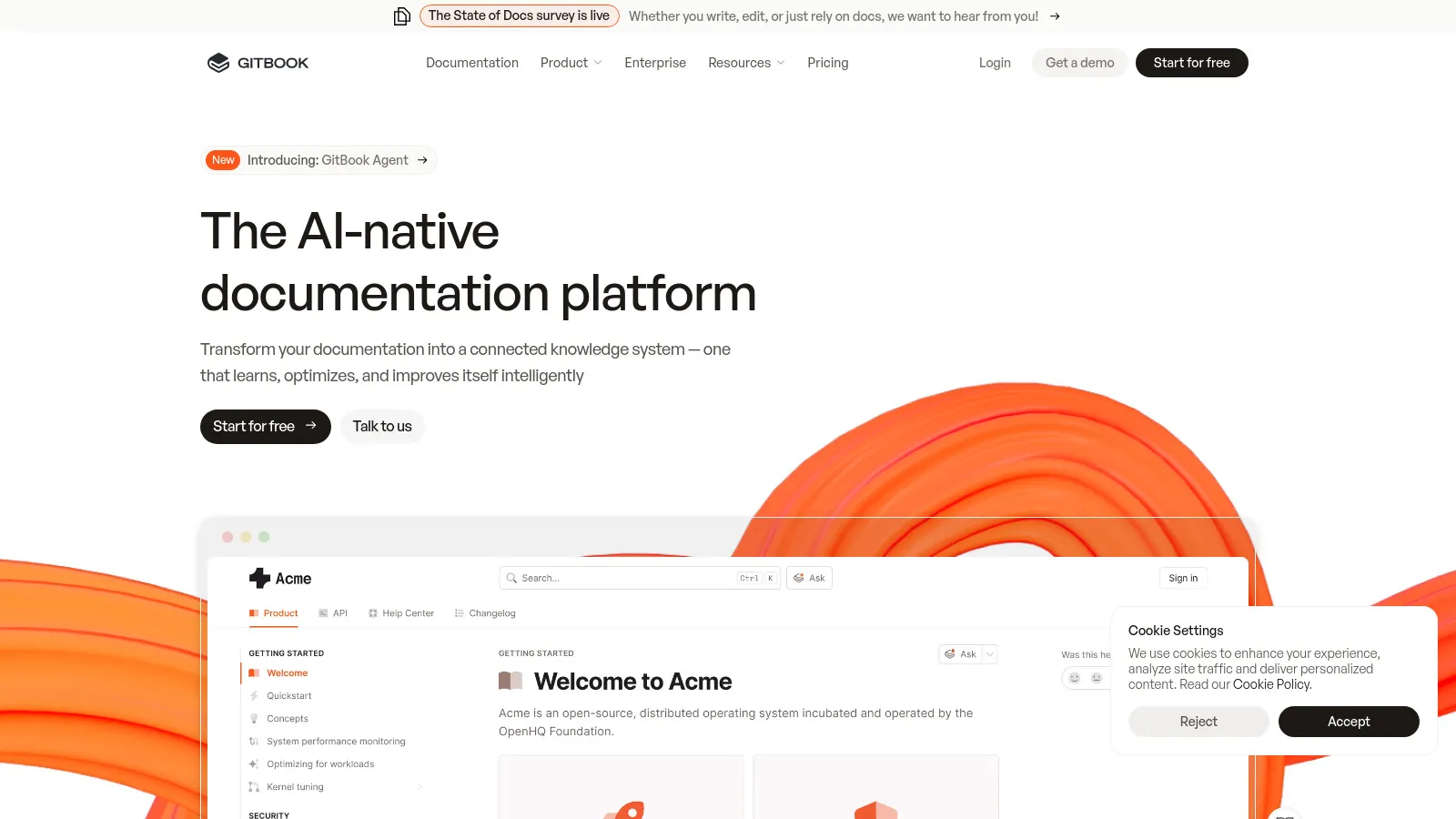
GitBook produces beautiful documentation with Git-backed version control. Perfect for public-facing developer docs. The editor is pleasant and the output is professional.
Starting priceFree/$8
Strengths
Beautiful output
Git-backed
Great for APIs
Easy to use
Custom domains
Free tier
Limitations
Less for internal wiki
Pricing jumps
Less flexible
Who it's for: Best for public-facing technical documentation.
Docusaurus (by Meta) is the go-to for open source documentation. React-based, versioned docs, MDX support, and highly customizable. Free and self-hosted.
Starting priceFree
Strengths
Free and open source
Versioned docs
MDX support
Highly customizable
Great community
React-based
Limitations
Requires development
Self-hosted only
Learning curve
Who it's for: Best for open source projects and tech companies.
Readme specializes in API documentation with interactive "Try It" functionality. The developer hub combines docs, API reference, and changelog. Premium but polished.
Starting price$99/mo
Strengths
Interactive API docs
Try It feature
Developer hub
Beautiful design
Changelog
Metrics
Limitations
Expensive
API-focused only
Less for internal
Who it's for: Best for companies with public APIs.
Slite offers a lightweight, fast wiki with AI-powered search. Less feature-rich than Notion but easier to adopt. Good for teams wanting simplicity over flexibility.
Starting priceFree/$8
Strengths
Simple and fast
AI search
Modern interface
Easy adoption
Good templates
Free tier
Limitations
Less powerful
Basic code support
Fewer features
Who it's for: Good for teams wanting simple documentation.
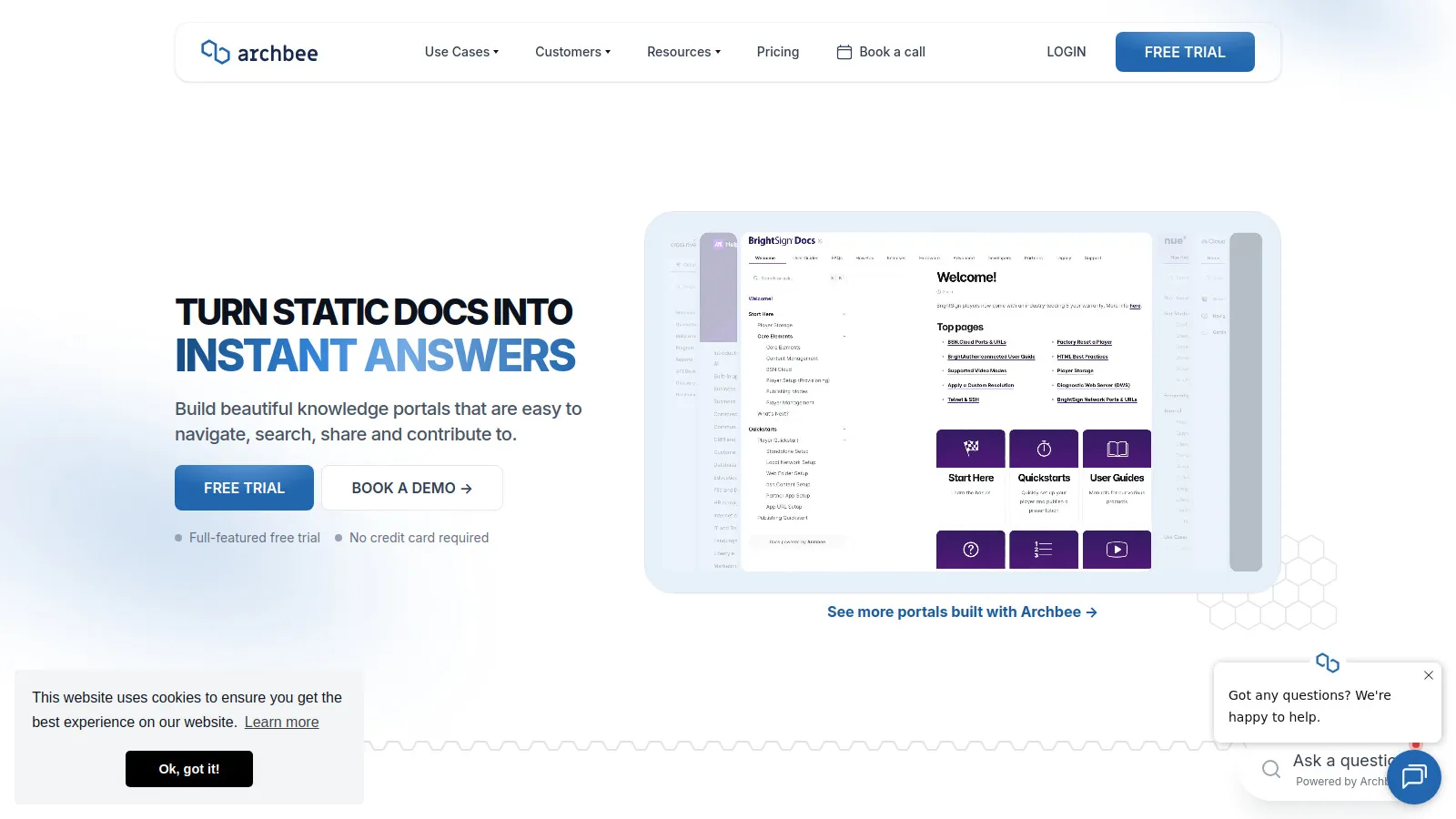
Archbee is built specifically for developer documentation. Diagram support, API documentation, and code-focused features. A good Notion alternative for engineering teams.
Starting priceFree/$10
Strengths
Developer-focused
Diagram support
API docs
Code blocks
Modern
Good pricing
Limitations
Smaller company
Less known
Fewer integrations
Who it's for: Great alternative for developer-focused teams.
Outline is an open source wiki you can self-host. Clean interface, good search, and privacy-friendly. Great option for teams with data sovereignty requirements.
Starting priceFree/$10
Strengths
Self-hosted option
Open source
Clean interface
Good search
Privacy
Free self-hosted
Limitations
Self-hosting effort
Fewer features
Smaller community
Who it's for: Best for teams needing self-hosted wiki.
We evaluated tools for developer-specific documentation needs.
Developer Experience (30%) — Code blocks, syntax, API docs.
Search & Discovery (25%) — Can you find docs quickly?
Collaboration (20%) — Team editing and reviews.
Maintenance (15%) — Keeping docs up to date.
Value (10%) — Pricing for teams.
How to Choose
Choose Notion if you need General wiki.
Choose Confluence if you need Enterprise/Jira.
Choose GitBook if you need Public docs.
Choose Docusaurus if you need Open source.
Choose Readme if you need API documentation.
Common Questions
Notion is more flexible and modern. Confluence is better for large enterprises and Jira integration. Most teams prefer Notion unless they need Atlassian integration.
Docusaurus if you can self-host. Notion free tier for small teams. GitBook free tier for public docs.
Make docs part of code review process. Tools like Swimm auto-sync with code. Regular documentation sprints help.