Best Git Workflow Tools for Team Collaboration in 2026

We tested 12+ Git workflow tools to find the best options for team collaboration. These platforms help manage branching strategies, enforce standards, and streamline Git workflows.

Last updated: January 23, 2026Reviewed 12+ tools

Git workflow tools for team collaboration

Feature Comparison

ToolPriceTypeBranching HelpEnforcementCI IntegrationOur Rating
GraphiteFree/$24PlatformStacked9.3/10
GitKrakenFree/$5ClientGitflow9.1/10
GitHub FlowFreeWorkflowSimple9.0/10
TrunkFree/$20PlatformTrunk-based8.9/10
GitflowFreeWorkflowGitflow8.5/10
HuskyFreeTool8.7/10
Conventional CommitsFreeStandardVia tools8.6/10

Deep Dives

1

Graphite

Best Overall
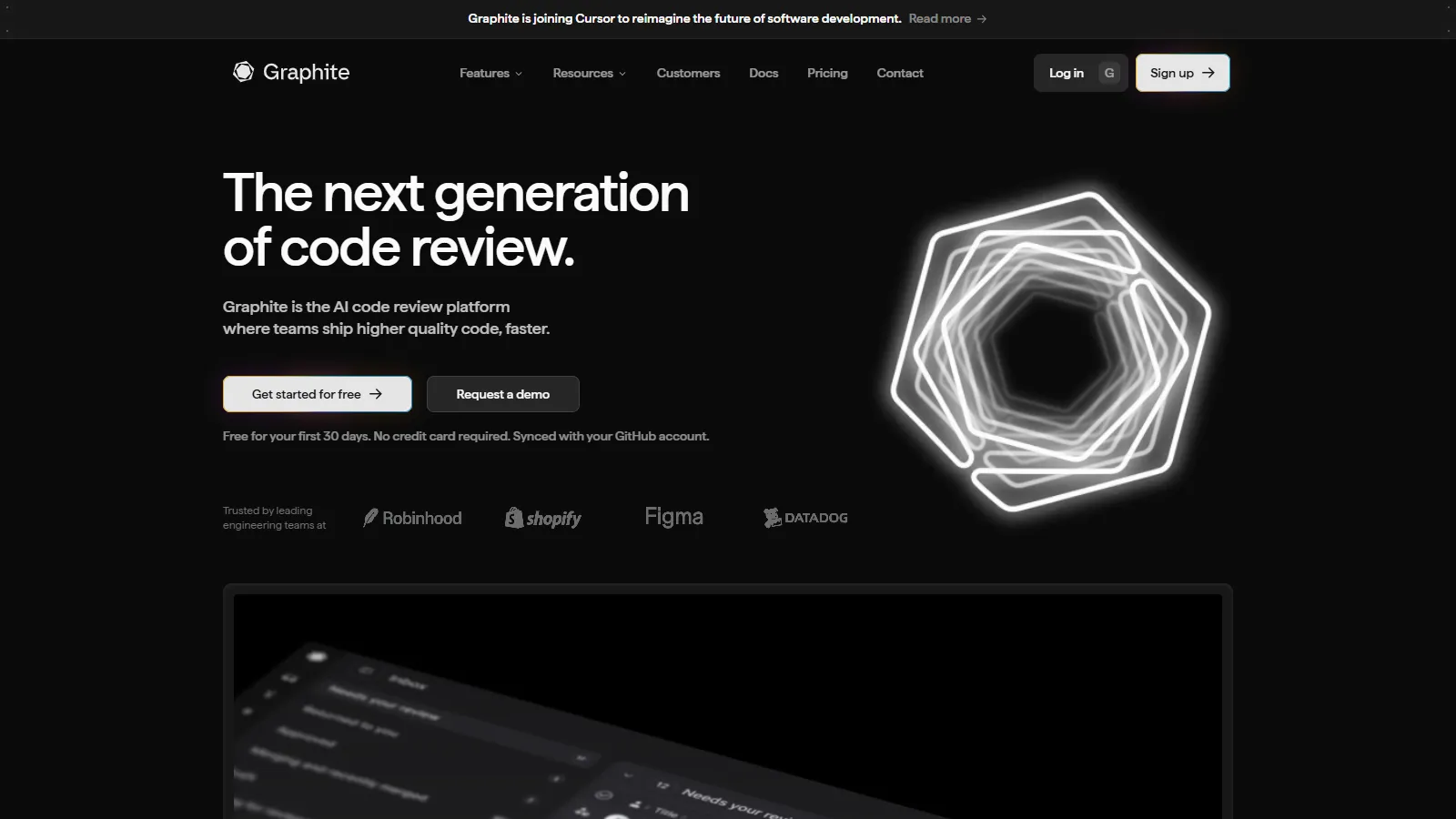
Graphite stacked PRs

Graphite brings stacked PR workflows to GitHub. Break large changes into reviewable chunks that merge independently, dramatically speeding up review cycles.

Starting priceFree/$24

Strengths

  • Stacked PRs
  • Faster reviews
  • GitHub native
  • Great CLI
  • Modern workflow

Limitations

  • New paradigm
  • Team adoption needed
  • Premium for teams
  • Learning curve
Who it's for: Best for teams wanting to speed up code review with stacked PRs.
Try Graphite
2

GitKraken

Best for Teams
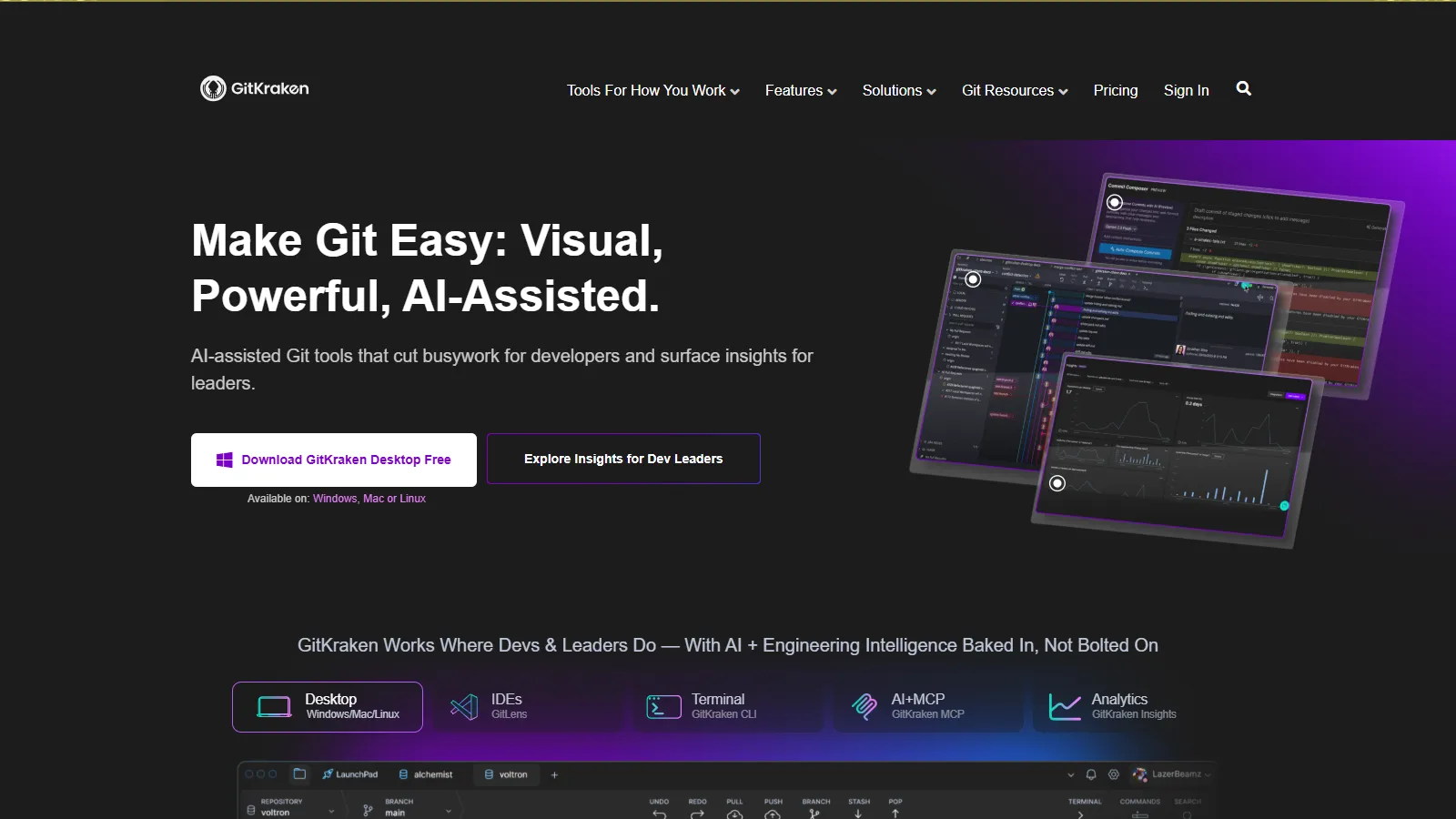
GitKraken visual Git

GitKraken provides beautiful visual Git management with built-in Gitflow support. Team features and integrations make complex workflows manageable.

Starting priceFree/$5

Strengths

  • Beautiful visualization
  • Gitflow built-in
  • Team features
  • Cross-platform
  • Integrations

Limitations

  • Subscription for teams
  • Can be heavy
  • Learning curve
  • Less for CLI users
Who it's for: Best for visual teams wanting structured Git workflows.
Try GitKraken
3

GitHub Flow

Best for Budget
GitHub Flow branch protection

GitHub Flow is a simple branching workflow built into GitHub. Feature branches, pull requests, and branch protection provide a lightweight but effective process.

Starting priceFree

Strengths

  • Simple workflow
  • Built into GitHub
  • Branch protection
  • Actions integration
  • Free

Limitations

  • Basic for complex releases
  • No release branches
  • GitHub specific
  • Manual enforcement
Who it's for: Best for teams wanting simple, continuous deployment workflows.
Learn GitHub Flow
4

Trunk

Best for Beginners
Trunk merge queue

Trunk provides a merge queue that ensures main branch stays green. CI optimization and flaky test detection keep trunk-based development working.

Starting priceFree/$20

Strengths

  • Merge queue
  • CI optimization
  • Flaky test detection
  • GitHub native
  • Prevents broken main

Limitations

  • Trunk-based focus
  • Premium for features
  • Less for Gitflow teams
  • GitHub only
Who it's for: Best for teams doing trunk-based development with CI.
Try Trunk
5

Gitflow

Gitflow branching model

Gitflow is a structured branching model with develop, release, and hotfix branches. Good for teams with scheduled releases and version management.

Starting priceFree

Strengths

  • Structured releases
  • Hotfix process
  • Parallel development
  • Well documented
  • Widely known

Limitations

  • Complex for CI/CD
  • Overhead for small teams
  • Long-lived branches
  • Merge conflicts
Who it's for: Best for teams with scheduled releases and version management needs.
Learn Gitflow
6

Husky

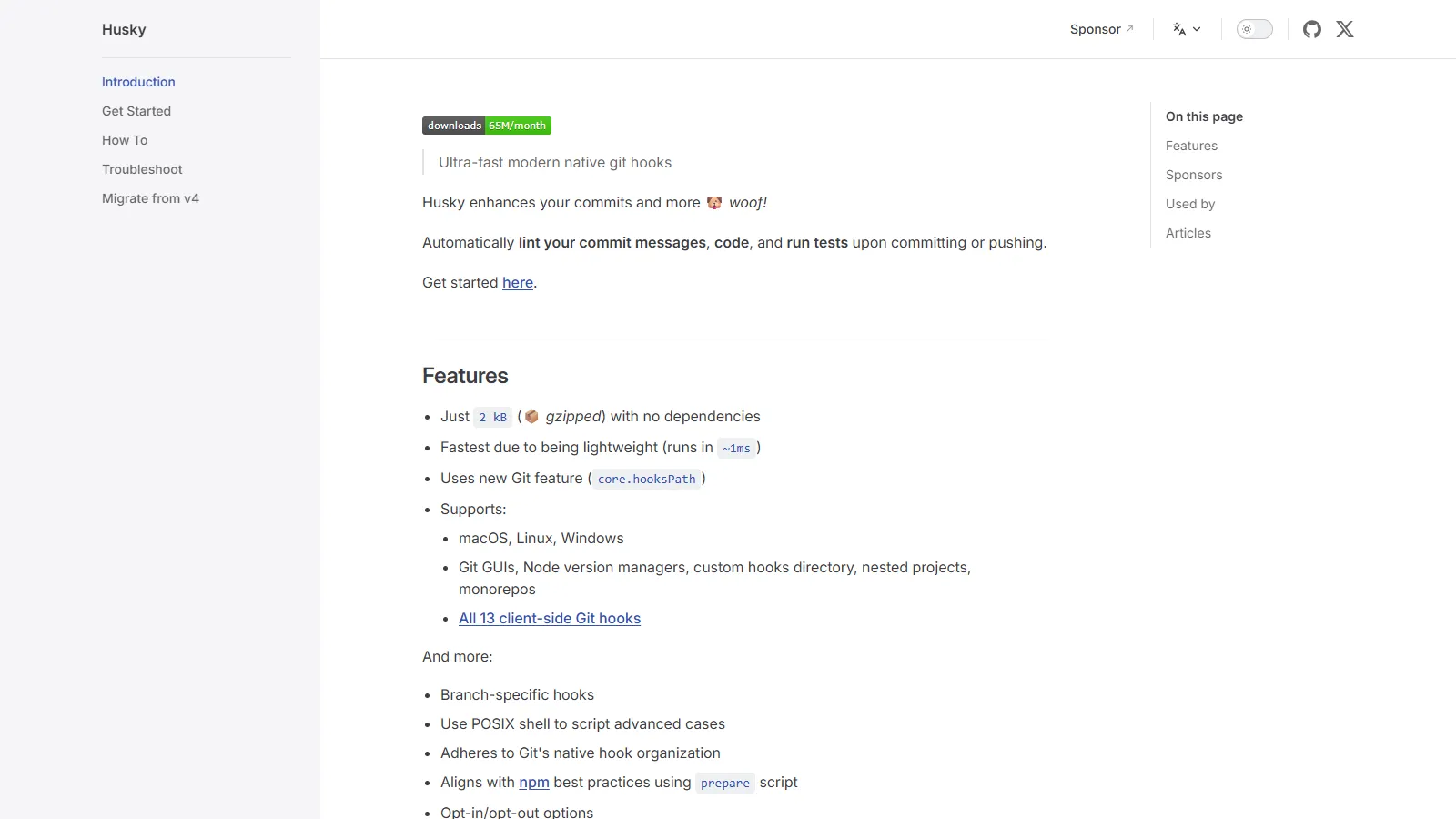
Husky Git hooks

Husky makes Git hooks easy. Run linting, tests, and checks on pre-commit and pre-push to catch issues before they reach the repository.

Starting priceFree

Strengths

  • Easy Git hooks
  • Pre-commit checks
  • Lint-staged integration
  • Free
  • Simple setup

Limitations

  • Local only
  • Can be bypassed
  • Node.js focused
  • Not for workflow
Who it's for: Best for enforcing code quality standards on commit.
Use Husky
7

Conventional Commits

Conventional Commits format

Conventional Commits is a commit message standard that enables automated changelogs and semantic versioning. Tools like Commitizen help enforce it.

Starting priceFree

Strengths

  • Standardized messages
  • Automated changelog
  • Semantic versioning
  • Tooling available
  • Free standard

Limitations

  • Adoption needed
  • Enforcement separate
  • Learning curve
  • Verbose commits
Who it's for: Best for teams wanting structured commits and automated releases.
Learn Conventional Commits

How We Evaluated

We tested each tool for Git workflow management and team collaboration.

  • Workflow Support (30%)Help with branching and merging strategies.
  • Team Features (25%)Collaboration and visibility.
  • Enforcement (20%)Ability to enforce standards.
  • Ease of Use (15%)Learning curve and adoption.
  • Value (10%)Features relative to cost.

How to Choose

  • Choose Graphite if you need faster code review.
  • Choose GitKraken if you need visual Git management.
  • Choose GitHub Flow if you need simple workflow.
  • Choose Trunk if you need prevent broken main.
  • Choose Husky if you need pre-commit enforcement.

Common Questions

Trunk-based for continuous deployment, GitHub Flow for simple feature branches, Gitflow for scheduled releases. Most modern teams do well with trunk-based or GitHub Flow.

Stacked PRs break large changes into smaller, dependent pull requests. Each can be reviewed independently, speeding up review cycles and allowing parts to merge as ready.

Use Husky for local Git hooks, branch protection rules for server-side enforcement, and tools like Commitizen for commit message standards.