Best IDEs for Java Development in 2026

We tested 8+ Java IDEs to find the best options for different workflows. These IDEs provide the refactoring, debugging, and build tool integration that Java development demands.

Last updated: January 22, 2026Reviewed 8+ tools

Java IDEs showing code completion and debugging

Feature Comparison

ToolPriceRefactoringFramework SupportDebuggingPerformanceOur Rating
IntelliJ IDEAFree/$599/yrExcellentExcellentExcellentGood9.6/10
Eclipse IDEFreeGoodGoodGoodMedium8.8/10
VS Code + JavaFreeBasicBasicGoodFast8.5/10
NetBeansFreeGoodGoodGoodMedium8.3/10
JDeveloperFreeGoodOracle onlyGoodSlow7.8/10
BlueJFreeBasicNoneBasicFast8.0/10

Deep Dives

1

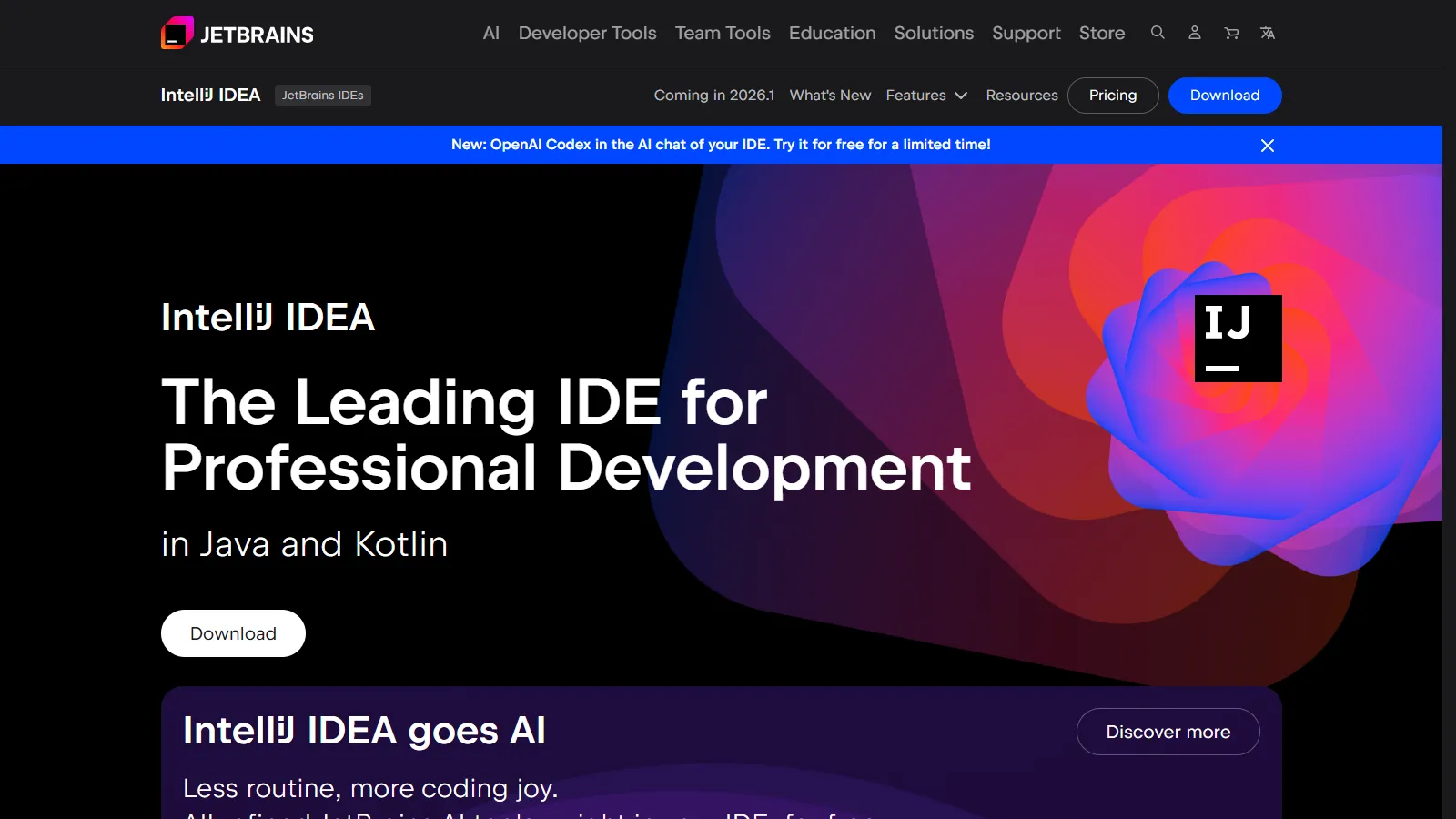
IntelliJ IDEA

Best Overall
IntelliJ IDEA Java development

IntelliJ IDEA is the industry-leading Java IDE with the smartest code intelligence. Refactoring, framework support, and developer experience are unmatched.

Starting priceFree/$599/yr

Strengths

  • Best code intelligence
  • Excellent refactoring
  • Deep framework support
  • Great debugging
  • Continuous improvement

Limitations

  • Ultimate is expensive
  • Resource heavy
  • Slow startup
  • Community lacks frameworks
Who it's for: Best for professional Java developers, especially those using Spring or enterprise frameworks.
Download IntelliJ
2

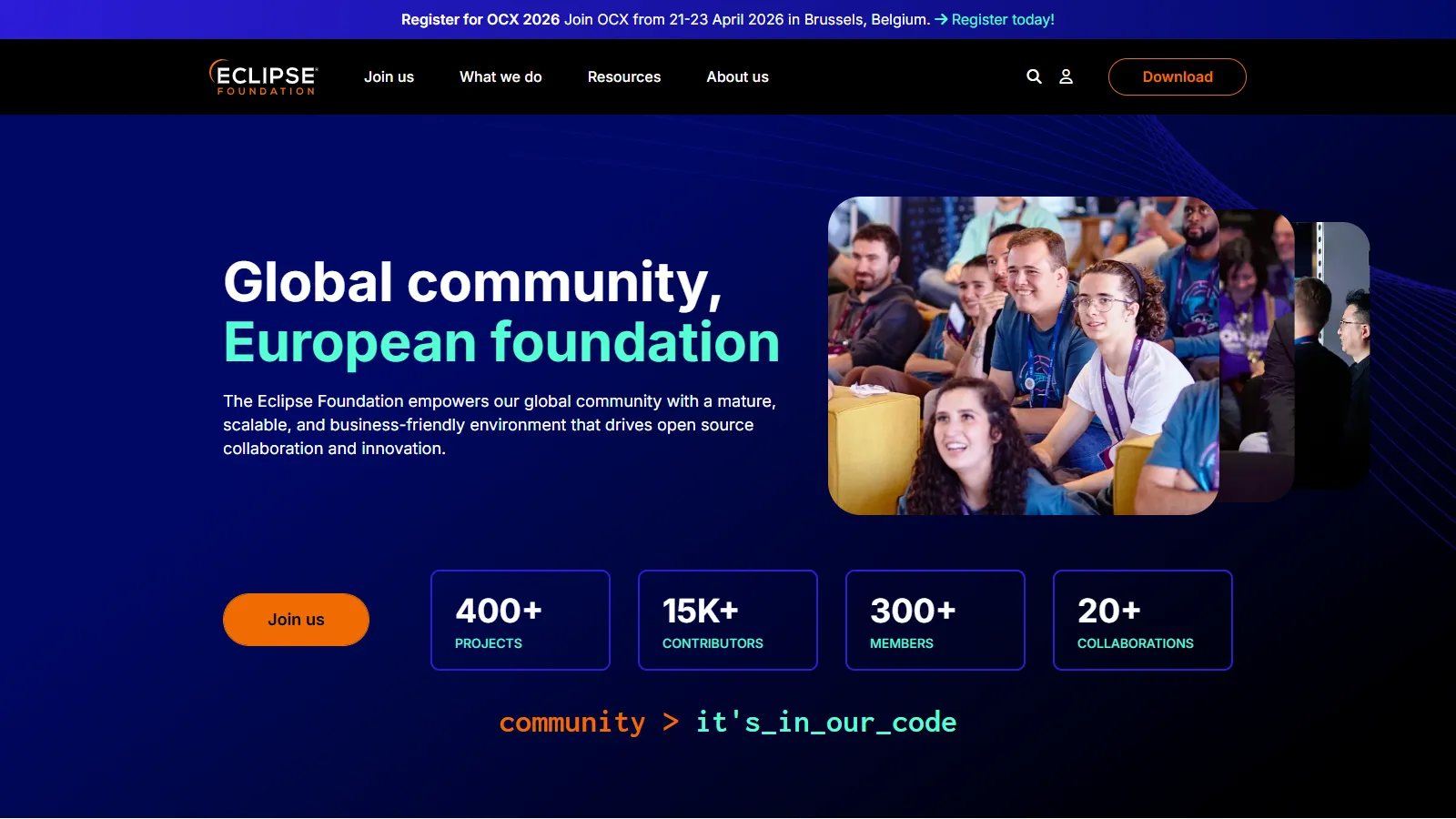
Eclipse IDE

Best for Budget
Eclipse IDE for Java

Eclipse is the mature, free Java IDE with deep enterprise support. Workspace management and plugin ecosystem make it powerful for large projects.

Starting priceFree

Strengths

  • Completely free
  • Enterprise Java support
  • Massive plugin ecosystem
  • Workspaces
  • Mature and stable

Limitations

  • Dated UI
  • Slower than IntelliJ
  • Complex configuration
  • Plugin quality varies
Who it's for: Best for enterprise Java teams needing a free, capable IDE.
Download Eclipse
3

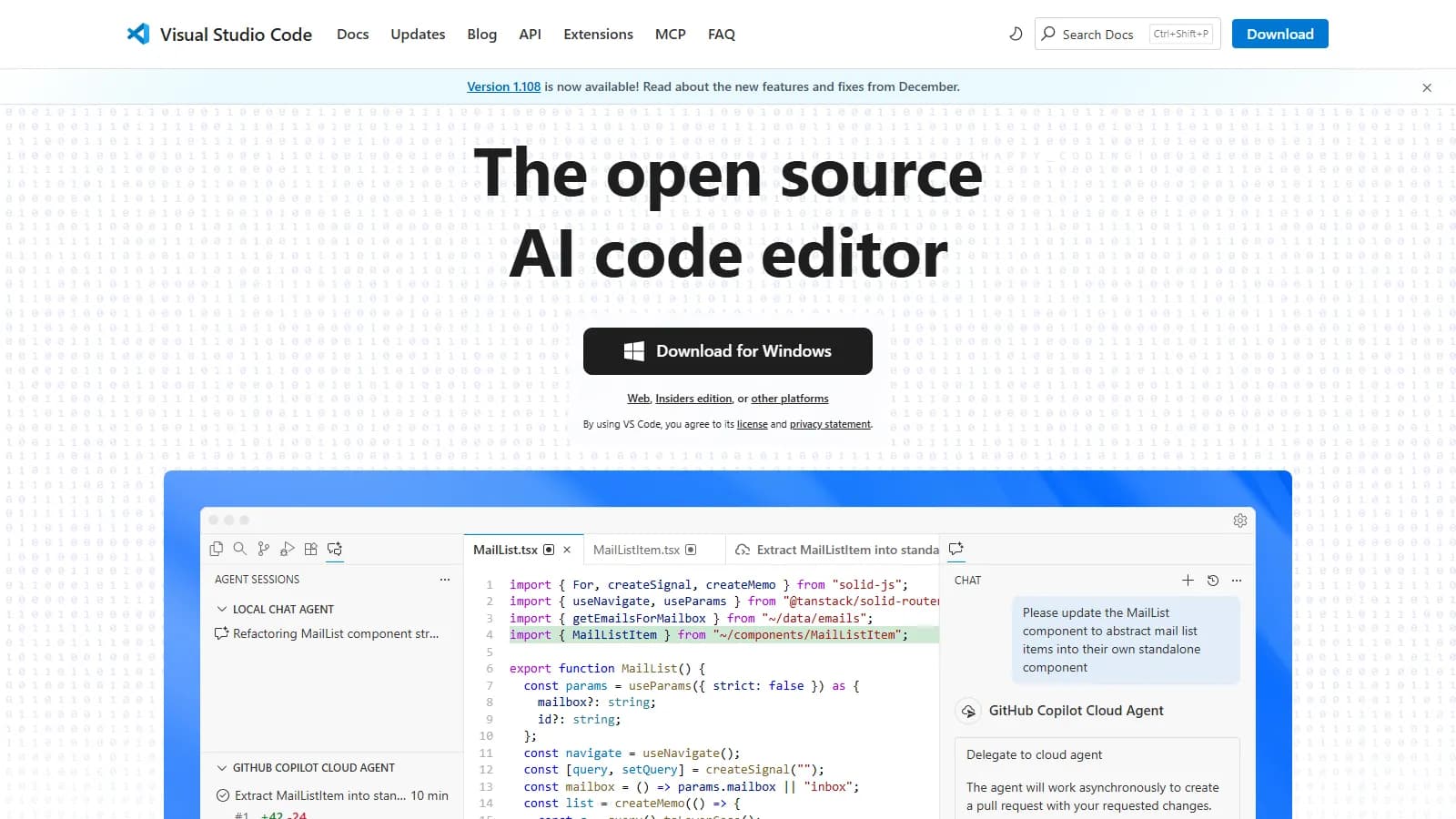
VS Code + Java

Best for Beginners
VS Code with Java extensions

VS Code with Microsoft Java extensions provides a lightweight, modern Java development experience. Great for learning and smaller projects.

Starting priceFree

Strengths

  • Lightweight
  • Fast startup
  • Modern UI
  • Good for learning
  • Free

Limitations

  • Less powerful refactoring
  • Limited enterprise features
  • Extension dependency
  • Not purpose-built
Who it's for: Best for beginners and developers who want lightweight Java editing.
Get Java Extension Pack
4

NetBeans

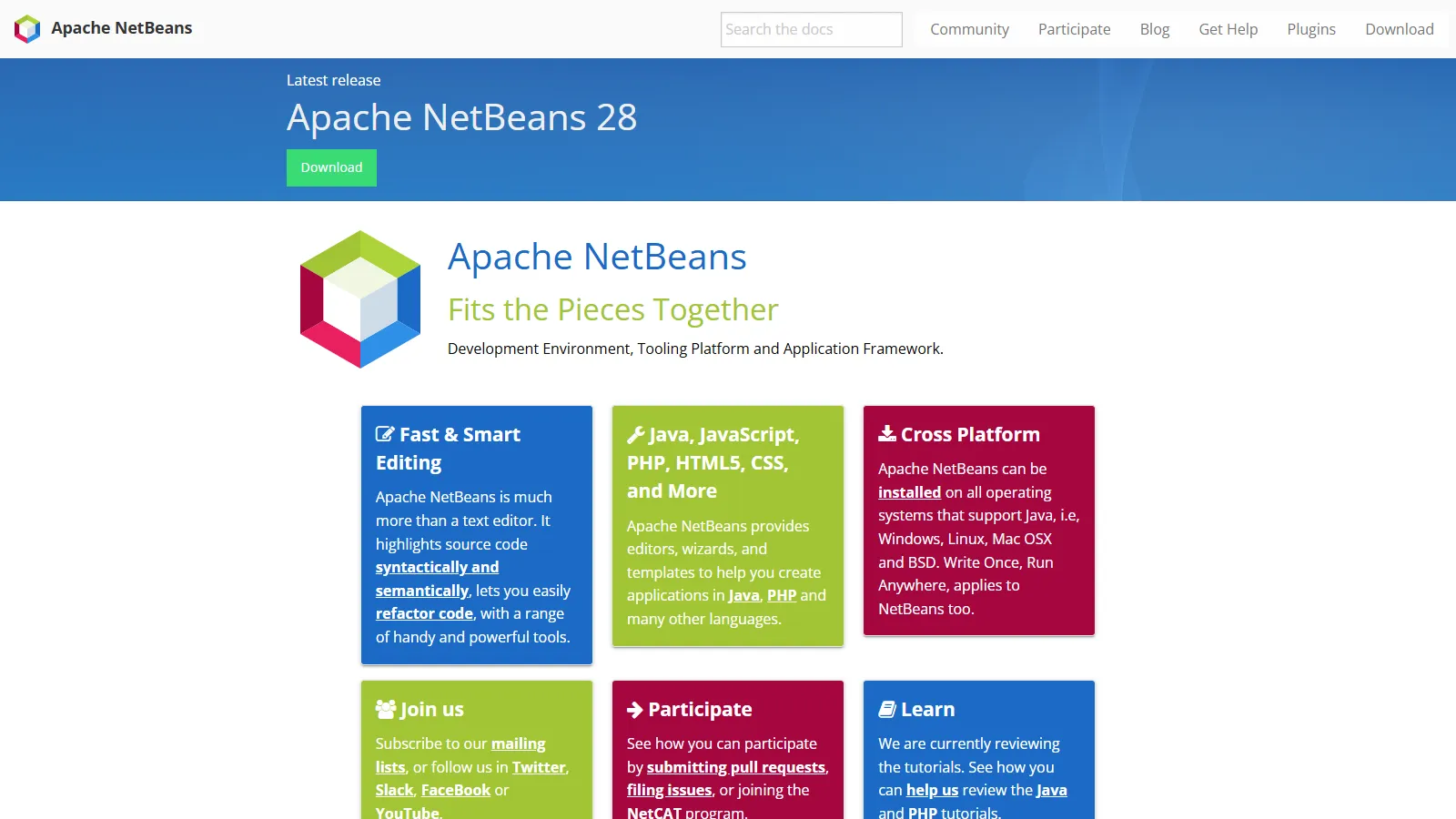
Apache NetBeans IDE

Apache NetBeans provides excellent Maven integration and Java SE support. The official Apache IDE is free and actively maintained.

Starting priceFree

Strengths

  • Free and open source
  • Great Maven support
  • Clean interface
  • Good Java SE support
  • Apache backing

Limitations

  • Slower development pace
  • Less framework support
  • Smaller community
  • Fewer plugins
Who it's for: Best for Java SE development and Maven-centric workflows.
Download NetBeans
5

Oracle JDeveloper

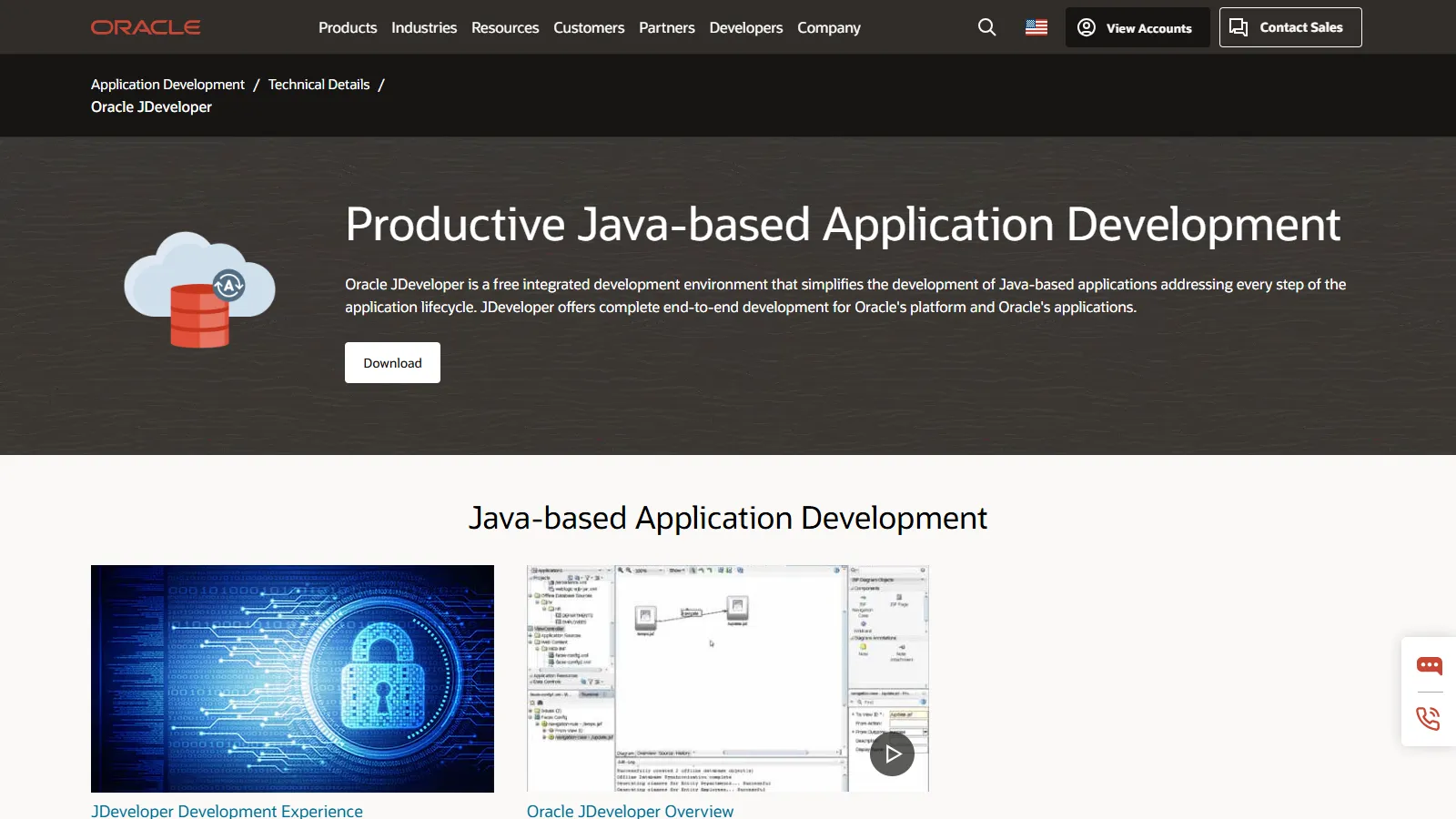
Oracle JDeveloper

JDeveloper provides the best integration with Oracle technologies including ADF, WebLogic, and Oracle Database. Essential for Oracle shops.

Strengths

  • Oracle integration
  • ADF support
  • WebLogic tools
  • Database integration
  • Free

Limitations

  • Oracle-centric
  • Slower performance
  • Dated interface
  • Limited outside Oracle
Who it's for: Best for teams heavily invested in Oracle technologies.
Download JDeveloper
6

BlueJ

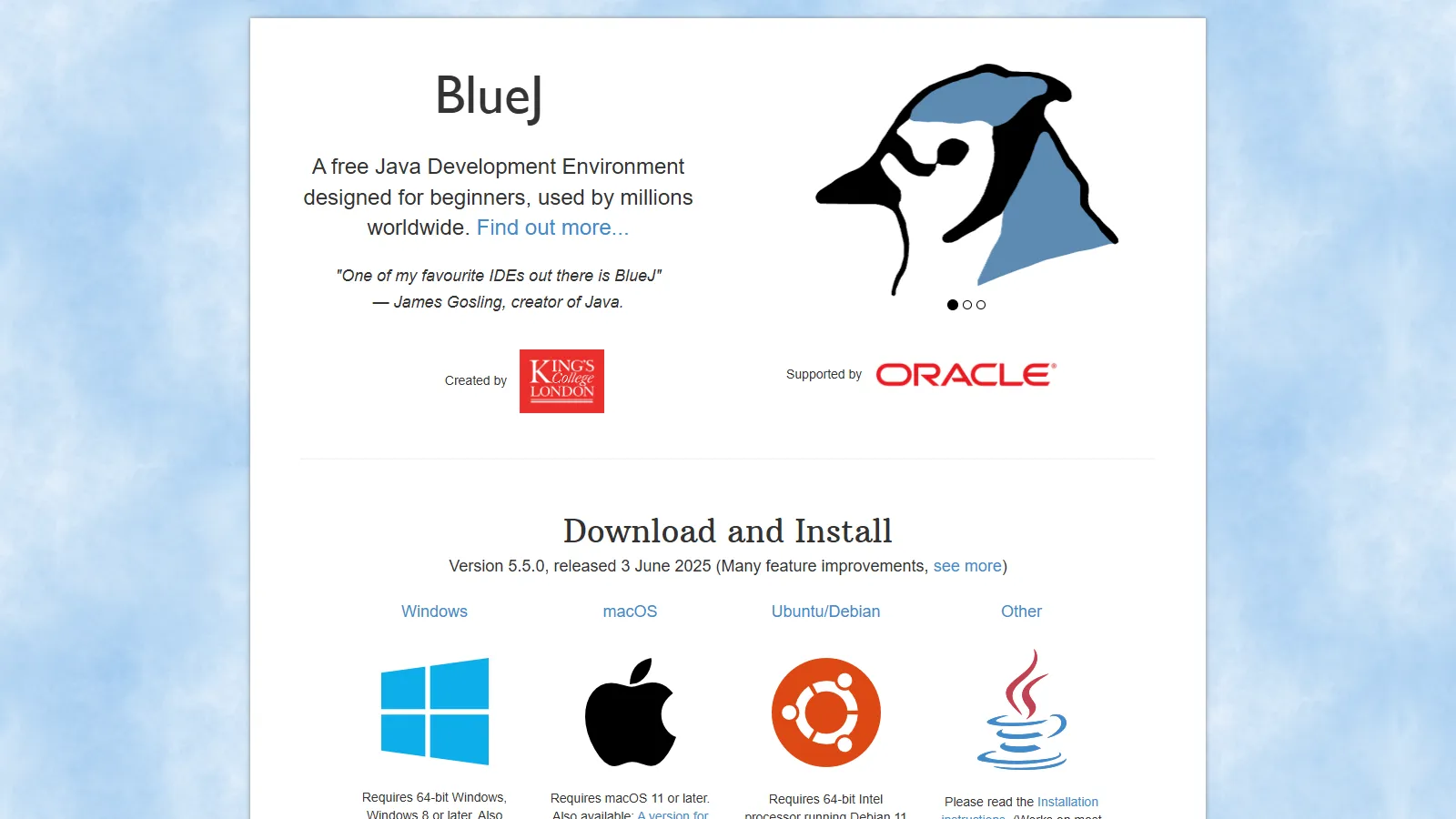
BlueJ educational IDE

BlueJ is designed specifically for teaching and learning Java. Visual class diagrams and simplified interface make OOP concepts tangible.

Starting priceFree

Strengths

  • Made for learning
  • Visual class diagrams
  • Simple interface
  • Free
  • Interactive objects

Limitations

  • Not for production
  • Limited features
  • Educational only
  • No enterprise support
Who it's for: Best for students and educators learning object-oriented Java.
Download BlueJ

How We Evaluated

We tested each IDE for professional Java development workflows.

  • Code Intelligence (30%)Completion, navigation, and understanding.
  • Refactoring (25%)Safe code transformation capabilities.
  • Build Integration (20%)Maven, Gradle, and build tool support.
  • Debugging (15%)Breakpoints, inspection, and hot reload.
  • Performance (10%)Startup time and responsiveness.

How to Choose

  • Choose IntelliJ IDEA if you need professional Java dev.
  • Choose Eclipse if you need free enterprise IDE.
  • Choose VS Code + Java if you need lightweight and modern.
  • Choose JDeveloper if you need Oracle stack.
  • Choose BlueJ if you need learning Java.

Common Questions

For professional Java developers, yes. The productivity gains from superior code intelligence and refactoring pay for themselves. Community Edition is free for basic Java.

For smaller projects and microservices, yes. For large enterprise applications with complex refactoring needs, a purpose-built Java IDE like IntelliJ or Eclipse is more productive.

IntelliJ IDEA Ultimate has the best Spring support. For free options, Spring Tools for Eclipse (STS) is excellent.