We tested 10+ mobile development IDEs to find the best options for iOS, Android, and cross-platform development. These tools provide the debugging, emulation, and platform integration mobile developers need.
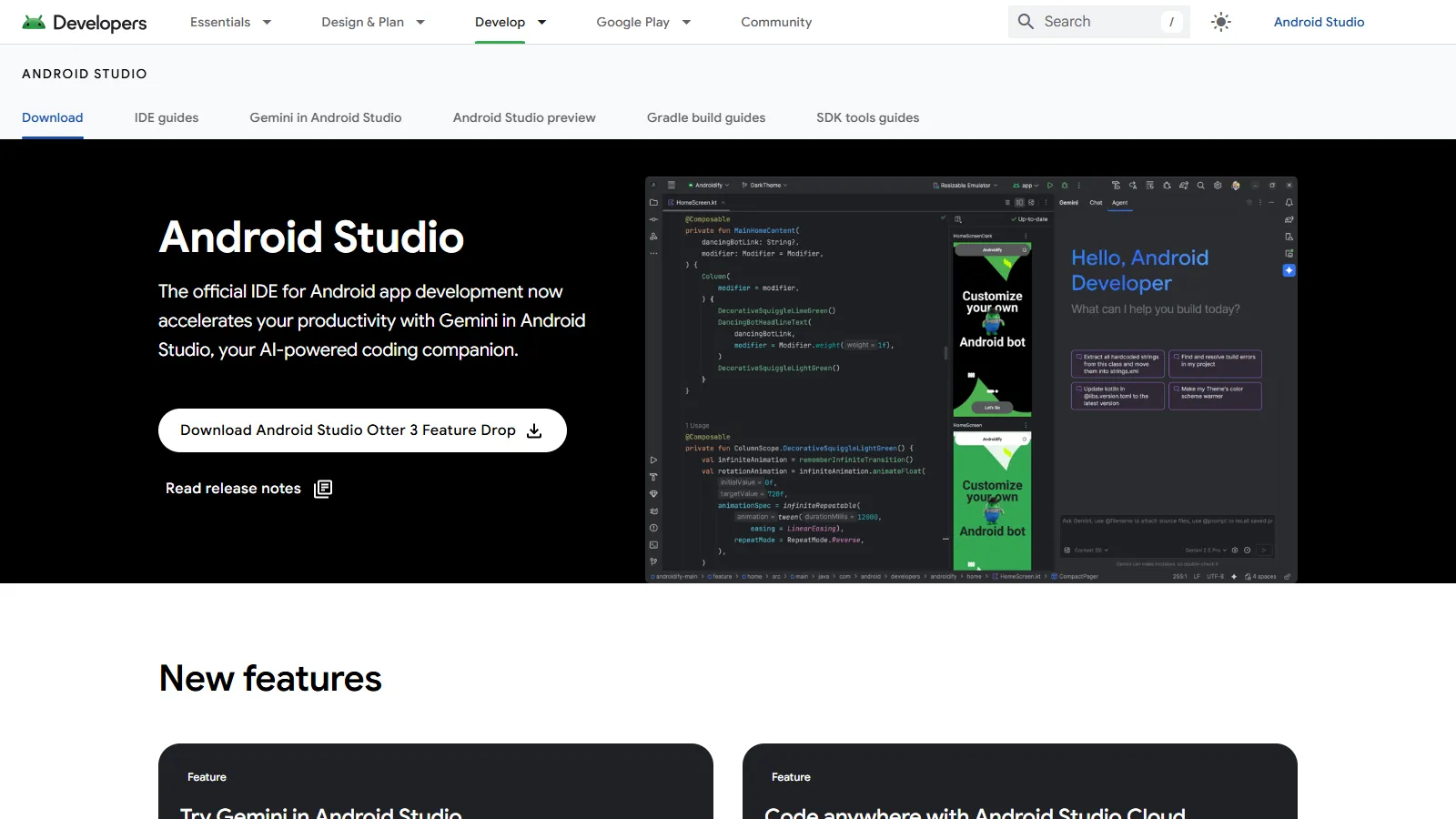
Android Studio is the official IDE for Android development with best-in-class Kotlin support, built-in emulator, and Jetpack Compose tooling. Essential for native Android.
Starting priceFree
Strengths
Official Android IDE
Excellent Kotlin support
Built-in emulator
Jetpack Compose preview
Profiling tools
Limitations
Resource heavy
Slow startup
macOS for iOS needed
Can be overwhelming
Who it's for: Essential for Android developers building native apps with Kotlin or Java.
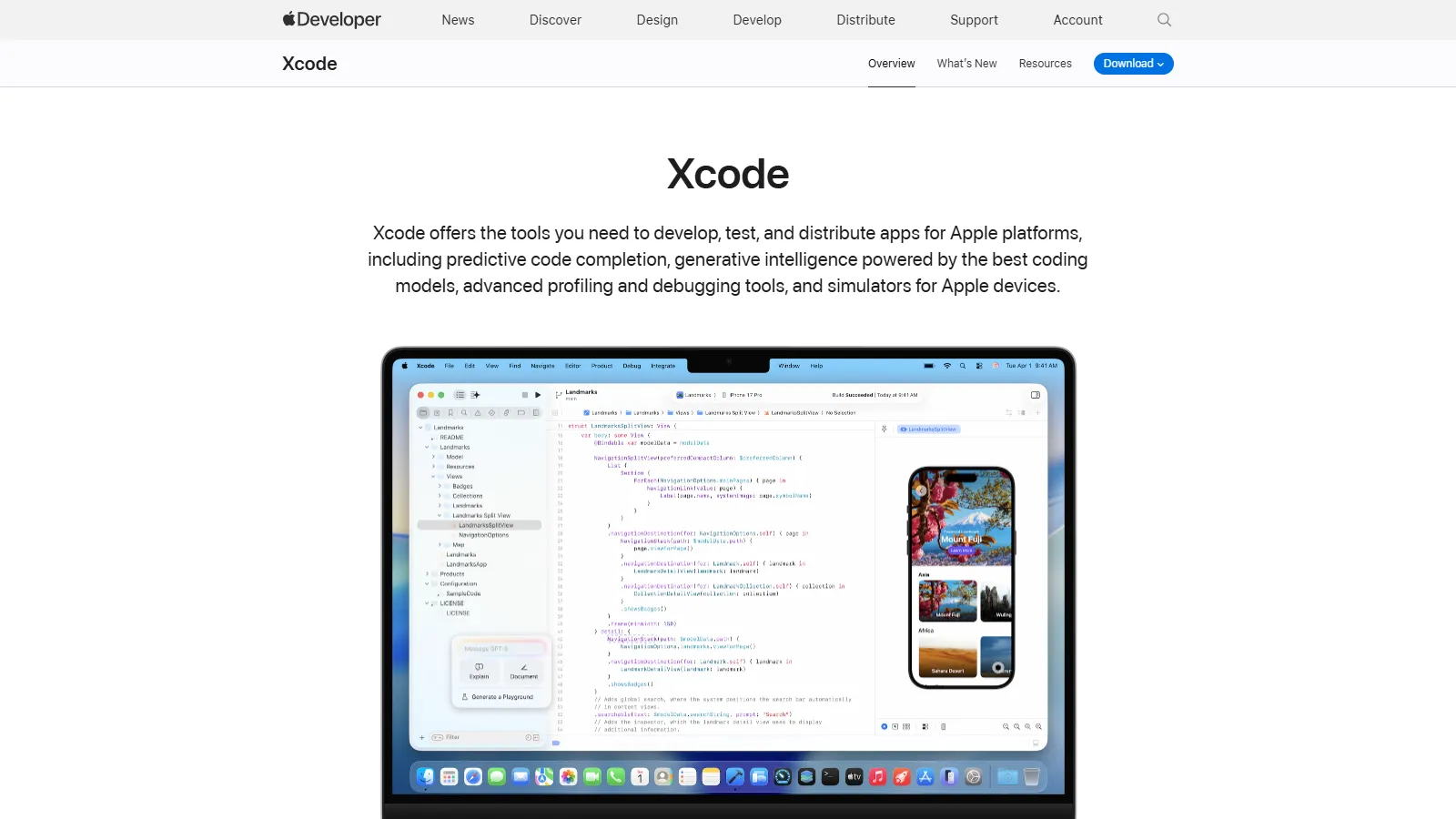
Xcode is required for iOS and macOS development. Integrated simulator, SwiftUI previews, and Instruments profiling make it the complete Apple development environment.
Starting priceFree
Strengths
Required for iOS
SwiftUI previews
Integrated simulator
Instruments profiler
App Store submission
Limitations
macOS only
Large download
Can be slow
Swift-focused
Who it's for: Required for all iOS and macOS developers.
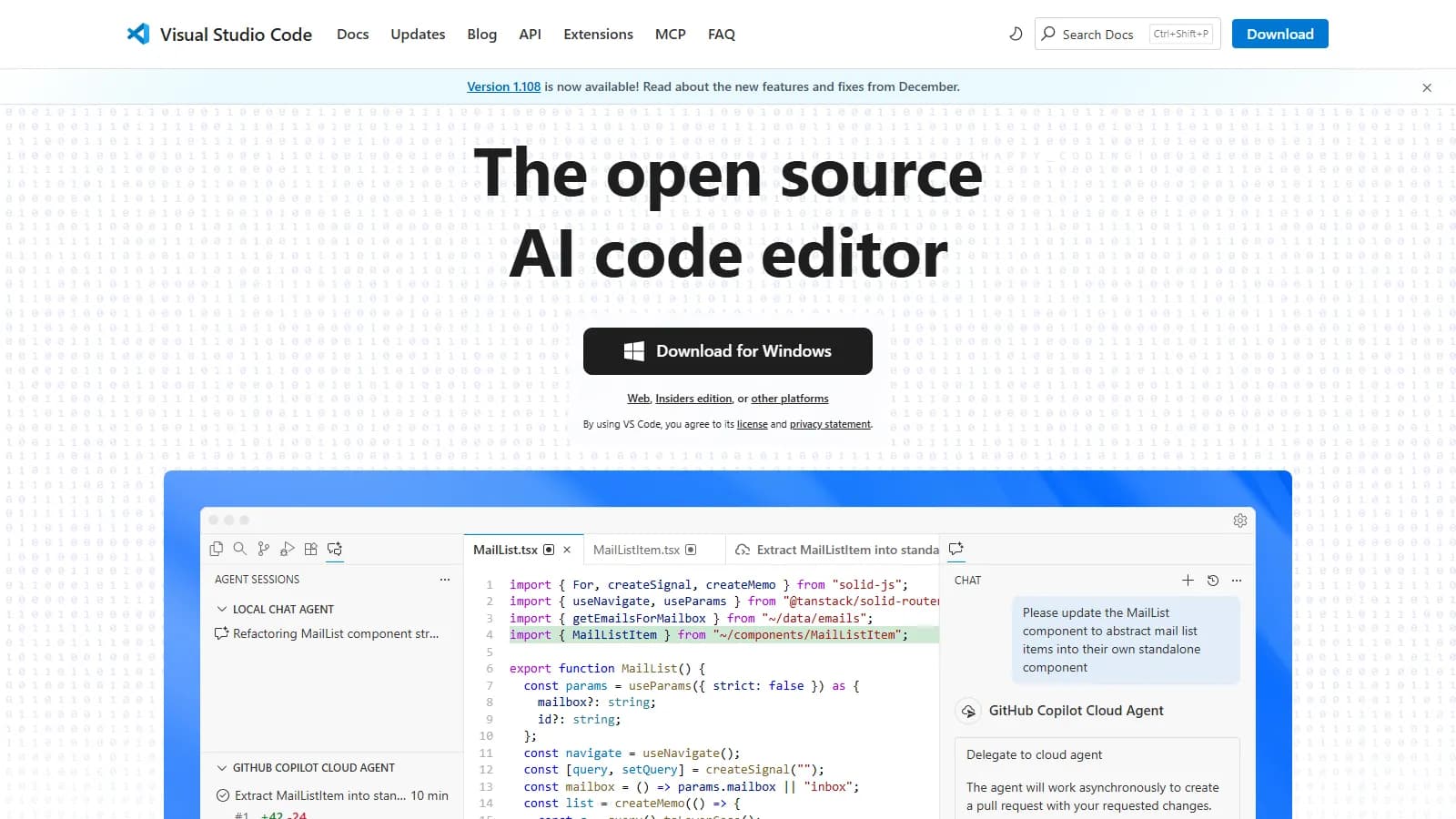
VS Code with Flutter and React Native extensions provides a lightweight cross-platform development experience. Great flexibility with extension ecosystem.
Strengths
Lightweight
Great Flutter support
React Native support
Extension flexibility
Free
Limitations
No built-in emulator
Extension dependency
Less integrated
Setup required
Who it's for: Best for cross-platform developers using Flutter or React Native.
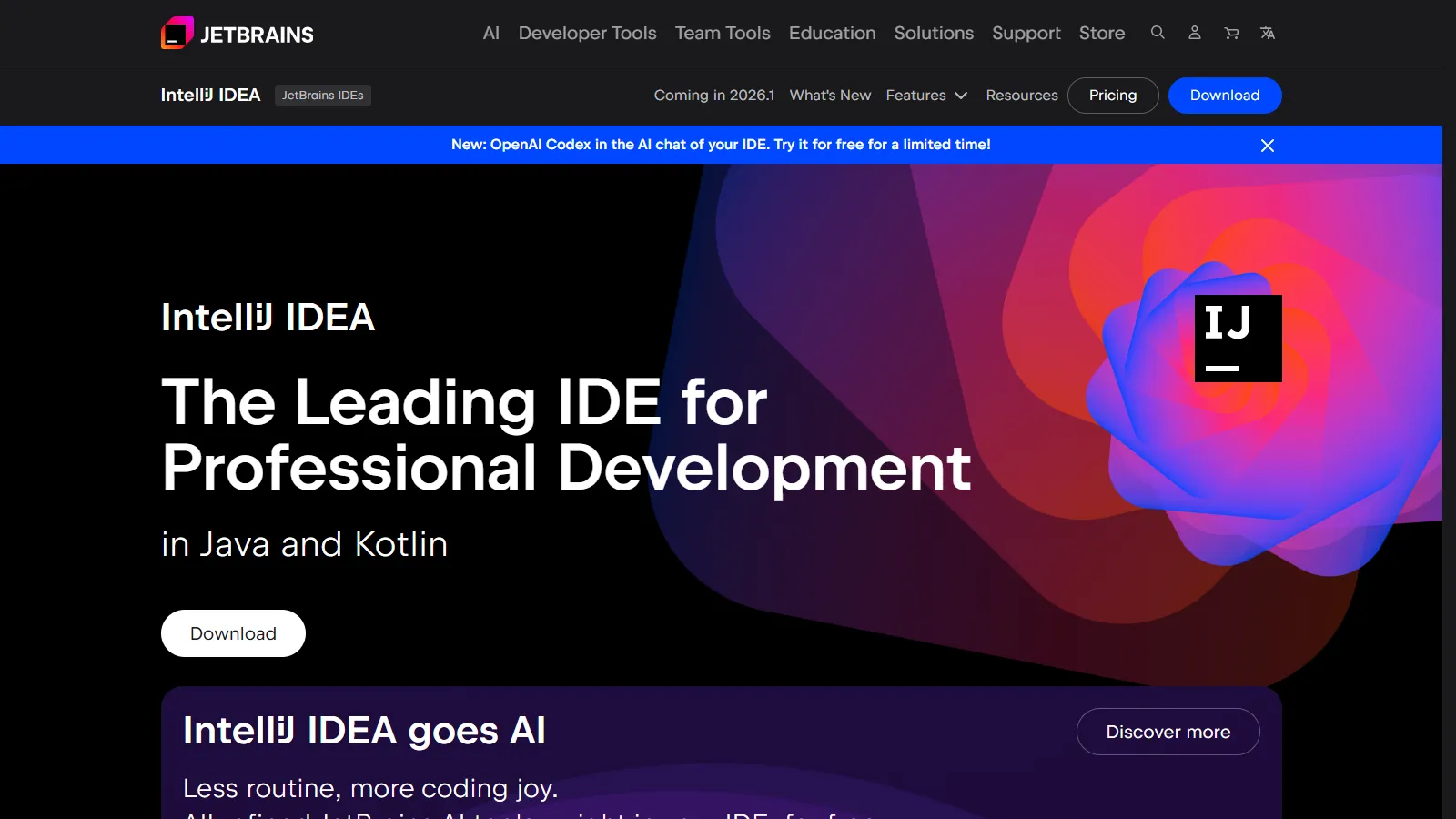
IntelliJ IDEA provides the best Kotlin support for Android and Kotlin Multiplatform projects. Superior refactoring and code intelligence for serious Kotlin developers.
Starting priceFree/$599
Strengths
Best Kotlin support
Kotlin Multiplatform
Superior refactoring
Android plugin
Code intelligence
Limitations
Expensive Ultimate
Resource heavy
iOS limited
Learning curve
Who it's for: Best for Kotlin developers doing Android or Kotlin Multiplatform.
We tested each IDE for mobile development workflows and platform support.
Platform Support (30%) — iOS, Android, and cross-platform capabilities.
Development Experience (25%) — Code completion, debugging, and tooling.
Emulation (20%) — Built-in simulators and emulators.
Performance (15%) — Speed and resource usage.
Value (10%) — Features relative to cost.
How to Choose
Choose Android Studio if you need native Android.
Choose Xcode if you need native iOS.
Choose VS Code if you need Flutter cross-platform.
Choose IntelliJ IDEA if you need Kotlin Multiplatform.
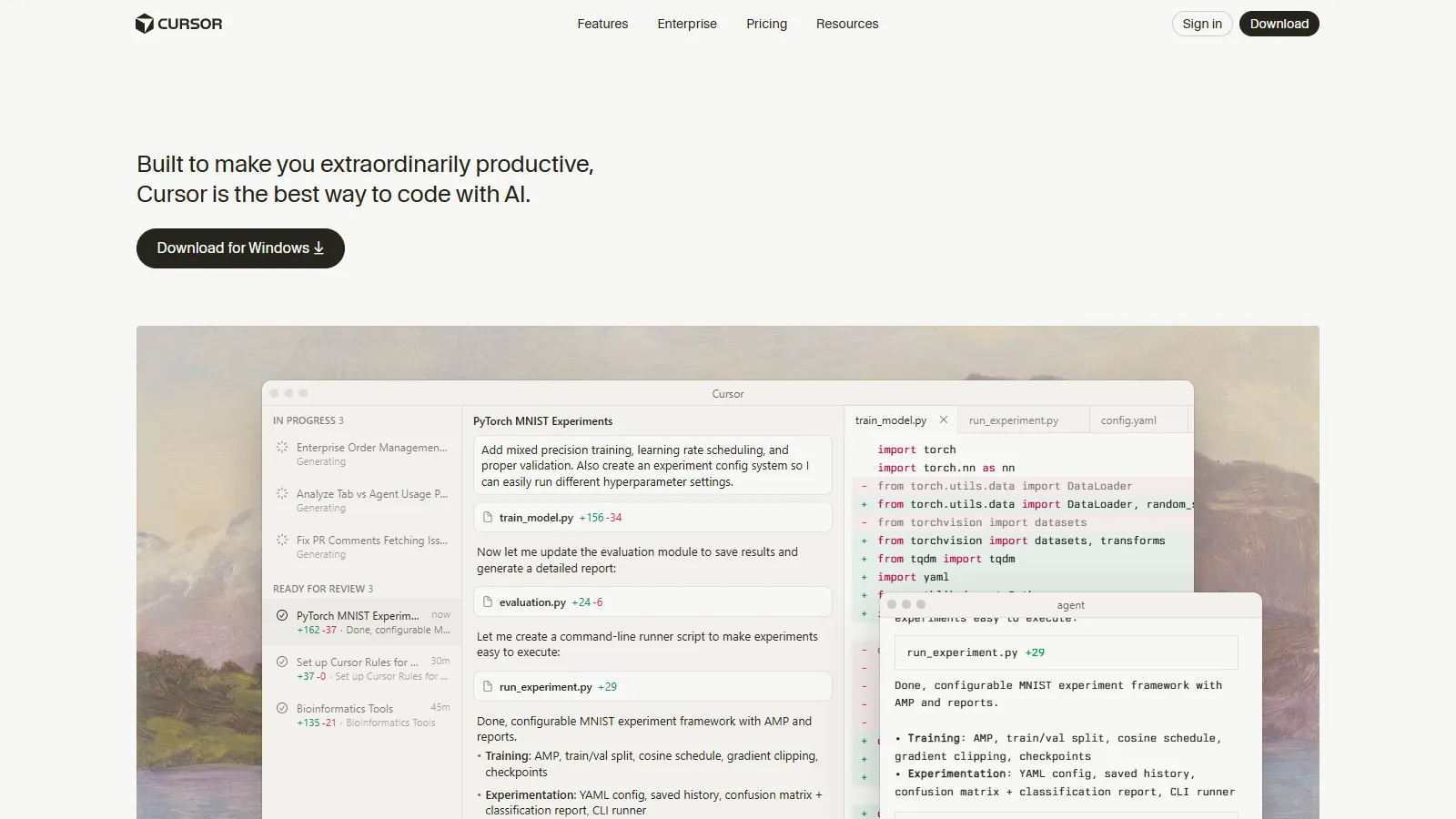
Choose Cursor if you need AI-assisted development.
Common Questions
For native development on both platforms, yes. For cross-platform (Flutter, React Native), you need both for building but can code in VS Code primarily.
VS Code with Flutter extension is most popular. Android Studio also has excellent Flutter support. Both are free and work well.
Not natively. iOS requires macOS and Xcode for building. Cloud services like MacStadium can provide remote macOS access for Windows developers.