We tested 15+ lightweight editors to find the fastest options for quick edits. These editors launch instantly and get out of your way when you need to make a quick change.
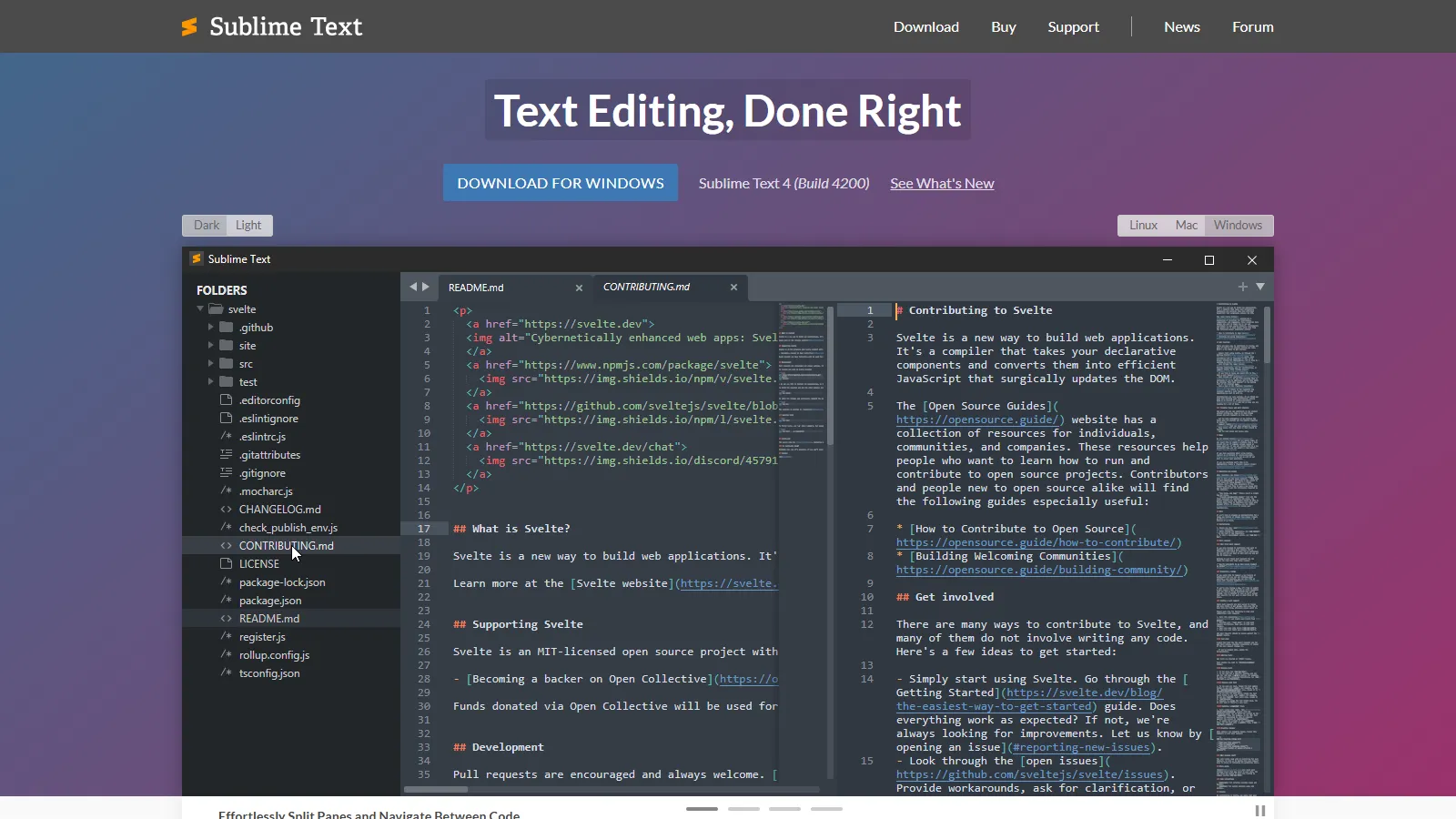
Sublime Text launches instantly while offering powerful features like multiple cursors, Goto Anything, and a rich plugin ecosystem. The best balance of speed and capability.
Starting priceFree/$99
Strengths
Instant startup
Multiple cursors
Goto Anything
Great plugins
Cross-platform
Limitations
License nag without purchase
Less modern UI
Plugin discovery
No built-in terminal
Who it's for: Best for developers wanting lightweight speed with IDE-like features available.
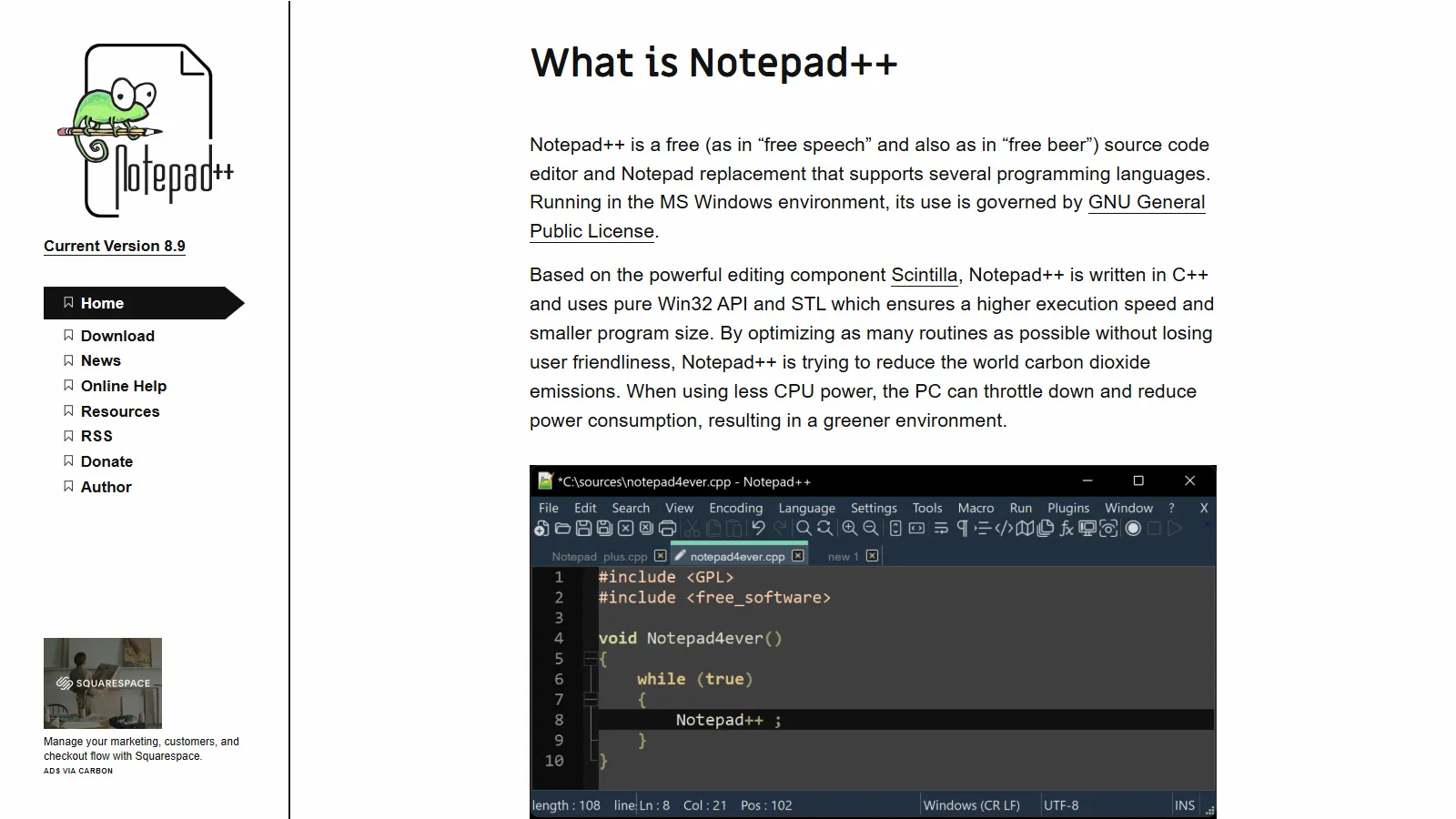
Notepad++ is the trusted Windows lightweight editor. Instant startup, syntax highlighting for everything, and completely free. Perfect for config files and logs.
Starting priceFree
Strengths
Free forever
Instant startup
Trusted and stable
Plugin support
Handles large files
Limitations
Windows only
Dated interface
No multiple cursors
Less modern features
Who it's for: Best for Windows users needing a free, reliable quick editor.
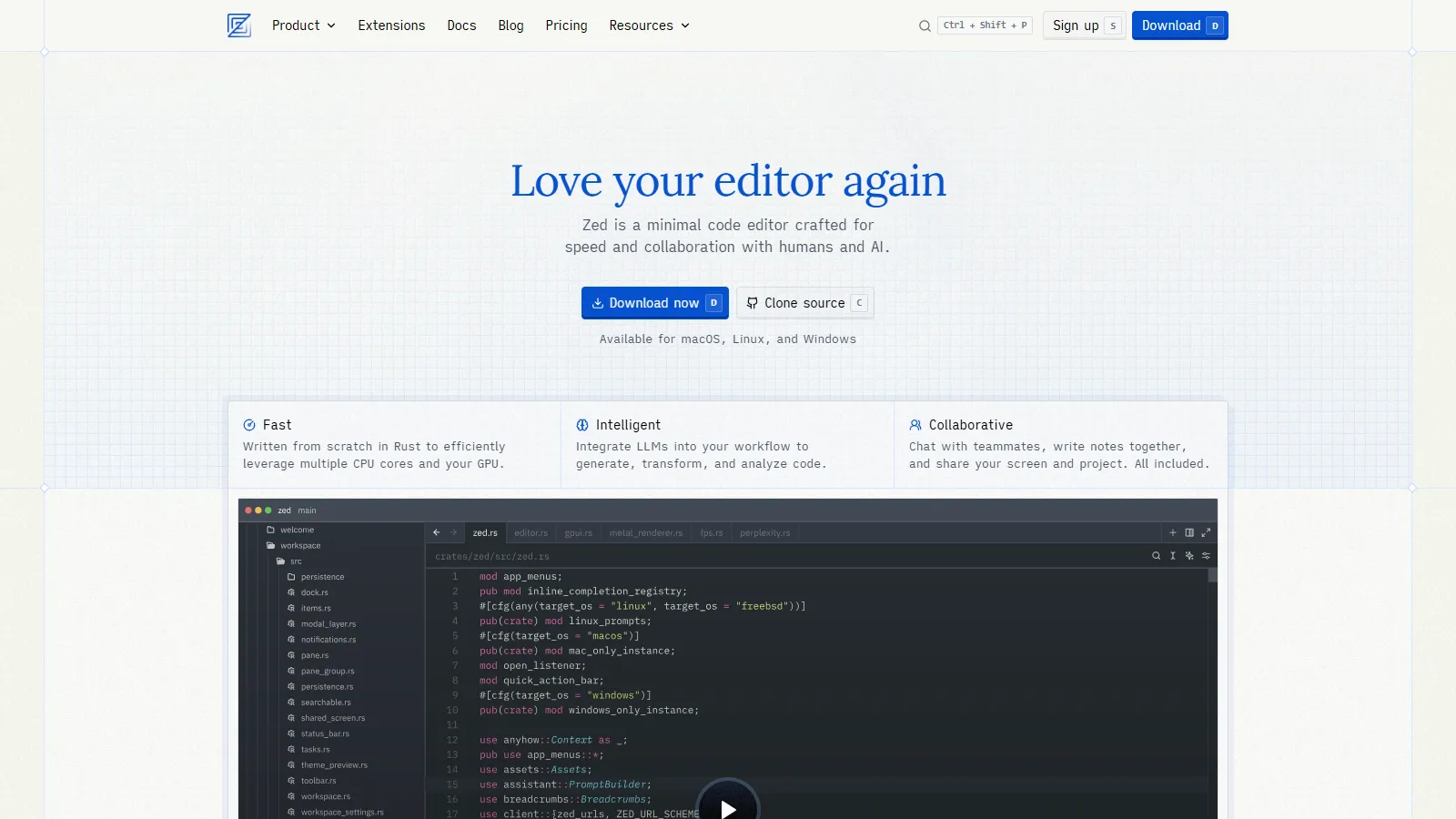
Zed is a next-generation editor built in Rust by the creators of Atom. GPU-accelerated rendering and real-time collaboration in a package that rivals Sublime speed.
Starting priceFree
Strengths
Built in Rust
GPU accelerated
Real-time collab
Modern UI
Very fast
Limitations
No Windows yet
Newer ecosystem
Fewer plugins
Still maturing
Who it's for: Best for developers on Mac/Linux wanting the next generation of fast editors.
We tested each editor for speed and minimal resource usage.
Startup Speed (30%) — Time from launch to editing.
Memory Usage (25%) — RAM footprint during use.
Core Features (20%) — Syntax highlighting, search, tabs.
Extensibility (15%) — Plugins and customization options.
Platform Support (10%) — Availability across OS.
How to Choose
Choose Sublime Text if you need power with speed.
Choose Notepad++ if you need Windows free editor.
Choose Zed if you need modern and fast.
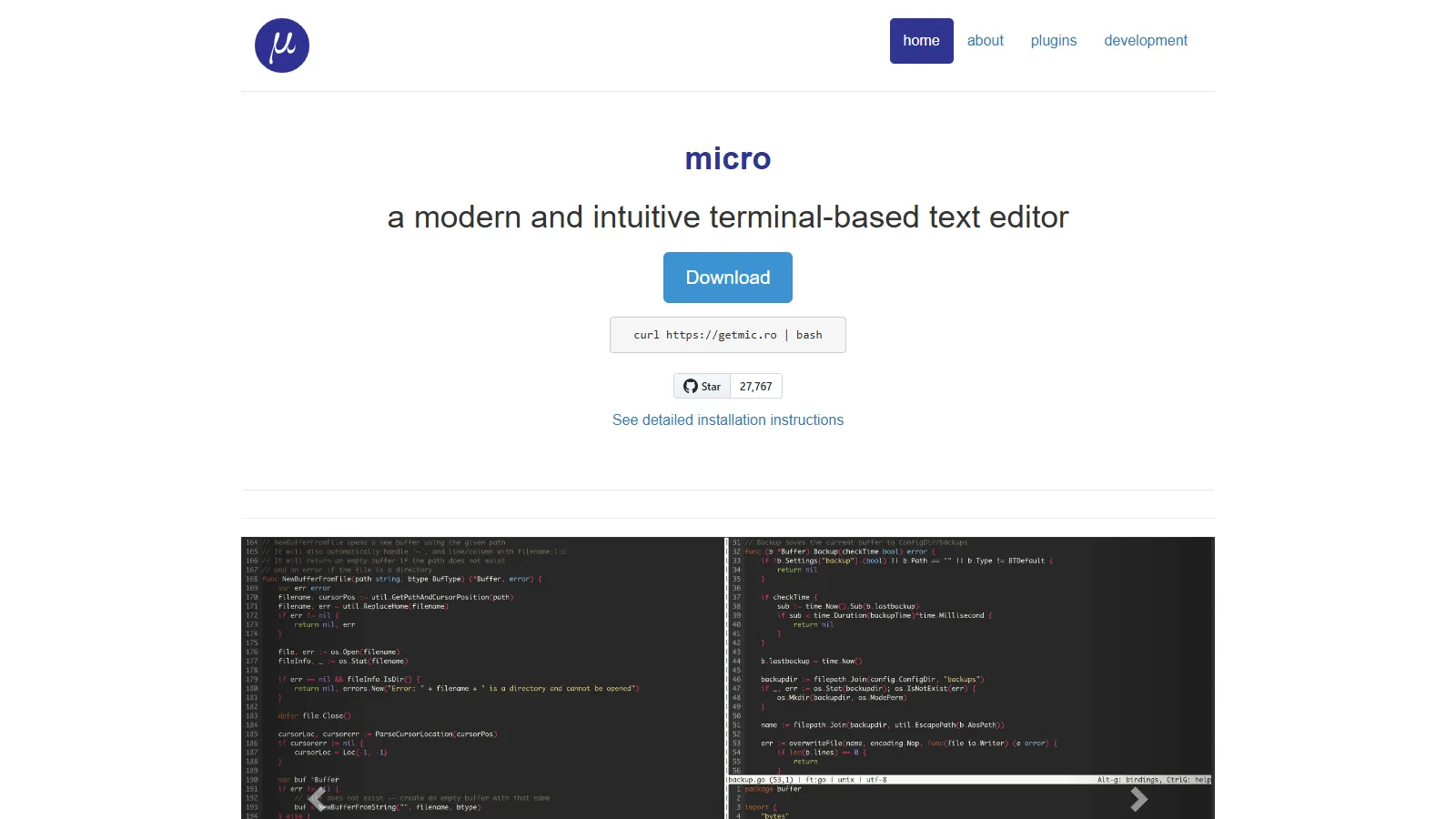
Choose micro if you need terminal editing.
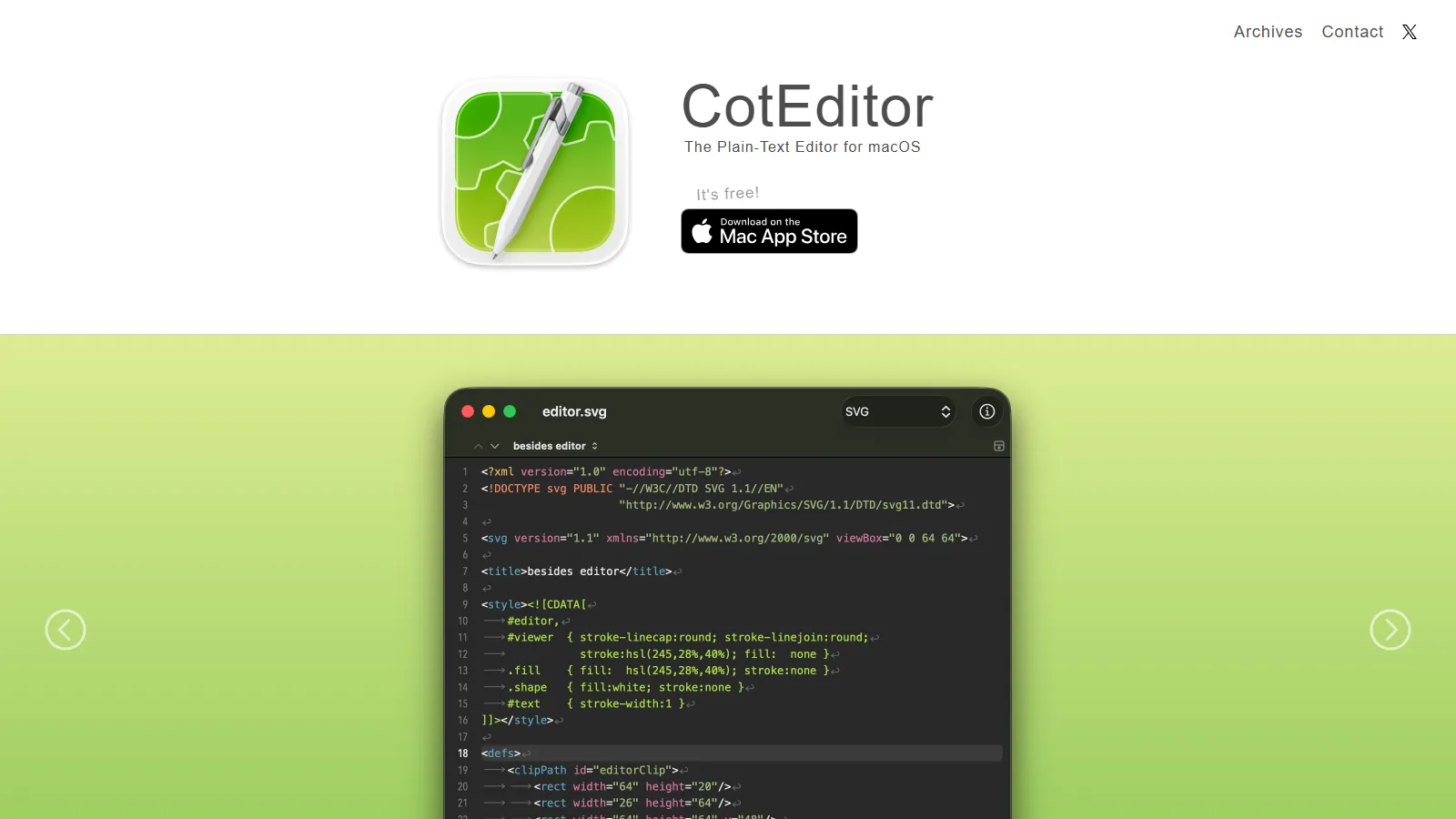
Choose CotEditor if you need native macOS.
Common Questions
Lightweight editors launch instantly and use less memory. Great for quick config edits, viewing logs, or scripting when you dont need a full IDE. Many developers use both.
Sublime Text has an unlimited evaluation period with occasional purchase reminders. The $99 license removes the nag and supports development.
Sublime Text and Notepad++ handle large files (100MB+) well. VS Code struggles with very large files due to its architecture.