We tested modal editors and Vim alternatives for developers who love keyboard-driven workflows. These editors offer Vim-style editing, modern features, or both for maximum coding efficiency.
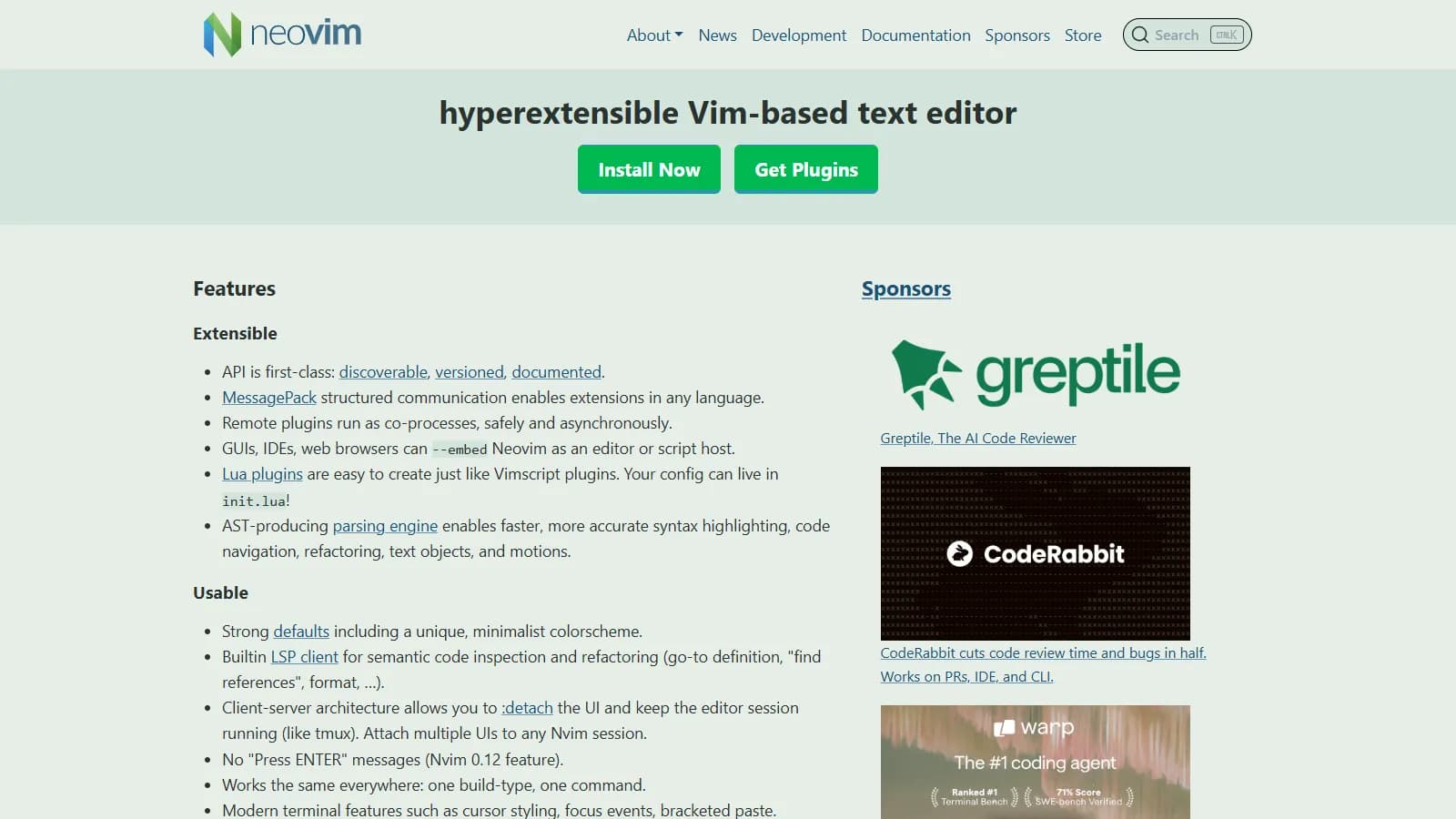
Neovim is the modern evolution of Vim with native LSP support, Lua-based configuration, and asynchronous operations. It maintains full Vim compatibility while offering better defaults and extensibility. The plugin ecosystem is thriving with tools like Telescope, nvim-cmp, and treesitter.
Starting priceFree
Strengths
Full Vim compatibility
Native LSP support
Lua configuration and plugins
Async architecture
Thriving plugin ecosystem
Limitations
Configuration takes time
Can become complex
Many plugin choices to evaluate
Terminal-based by default
Who it's for: Best for Vim users wanting modern features or developers building a custom editing environment. Ideal when you want IDE-like features with Vim efficiency.
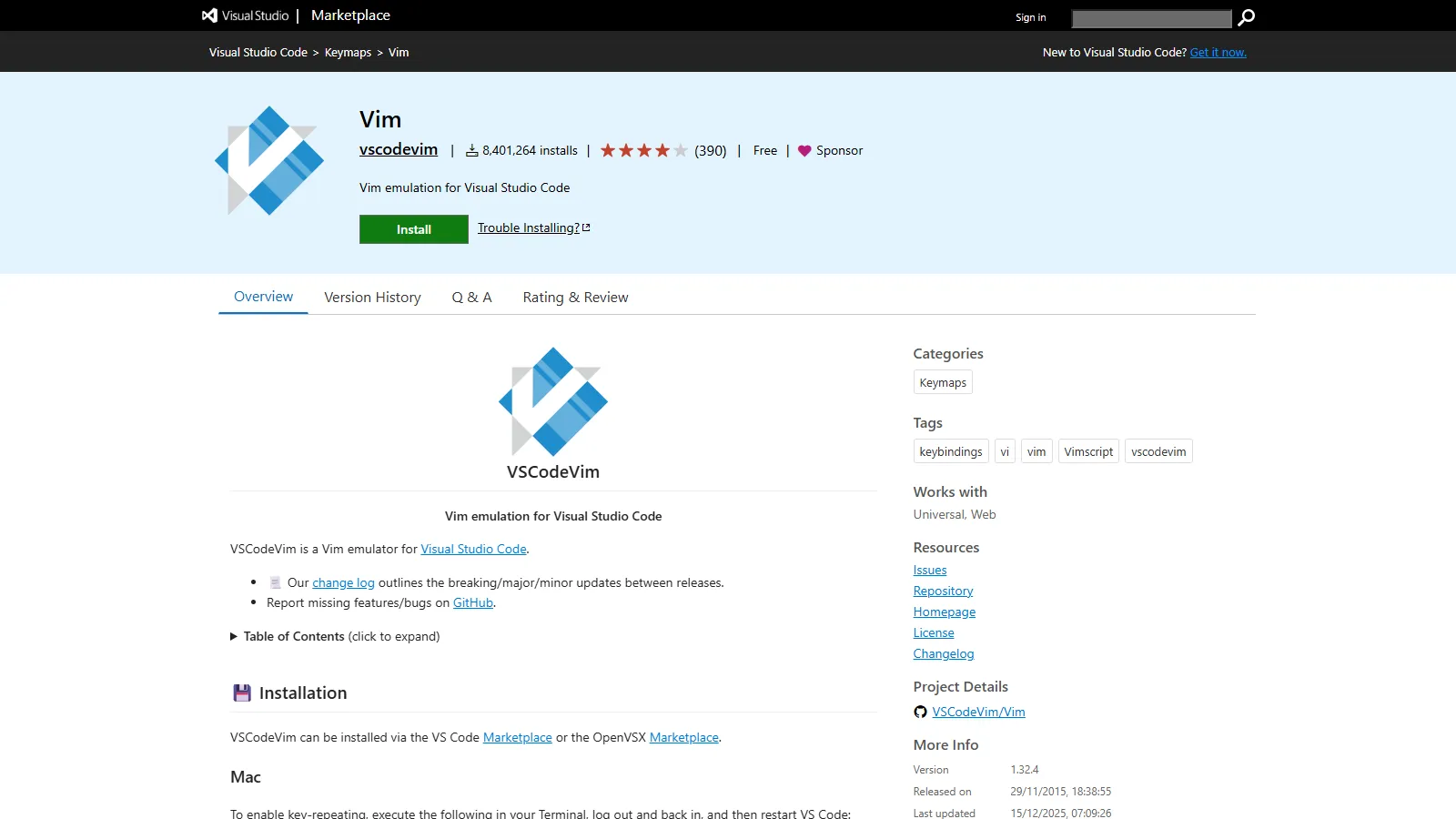
The Vim extension for VS Code provides excellent Vim keybinding emulation within the popular editor. You get modal editing with all of VS Code features including extensions, debugging, and integrated terminal. Setup is simple and most Vim commands work as expected.
Strengths
Full VS Code ecosystem
Easy to set up
Most Vim commands supported
Best for teams on VS Code
No configuration required to start
Limitations
Some Vim features missing
Occasional performance issues
Not as fast as native Vim
Plugin conflicts possible
Who it's for: Best for Vim users on teams using VS Code or those wanting Vim editing without leaving VS Code features. Ideal for gradual Vim learning.
Helix is a modern modal editor with LSP and treesitter built-in, requiring zero configuration. Unlike Vim, it uses a selection-first approach inspired by Kakoune: select text, then act on it. This can be more intuitive for new modal editing users.
Starting priceFree
Strengths
Works out of the box
LSP and treesitter built-in
Selection-first is intuitive
No plugins needed
Fast Rust implementation
Limitations
Different from Vim keybindings
Smaller plugin ecosystem
Terminal only
Less customizable than Neovim
Who it's for: Best for those new to modal editing or wanting a batteries-included experience. Ideal if you like Vim concepts but not the configuration burden.
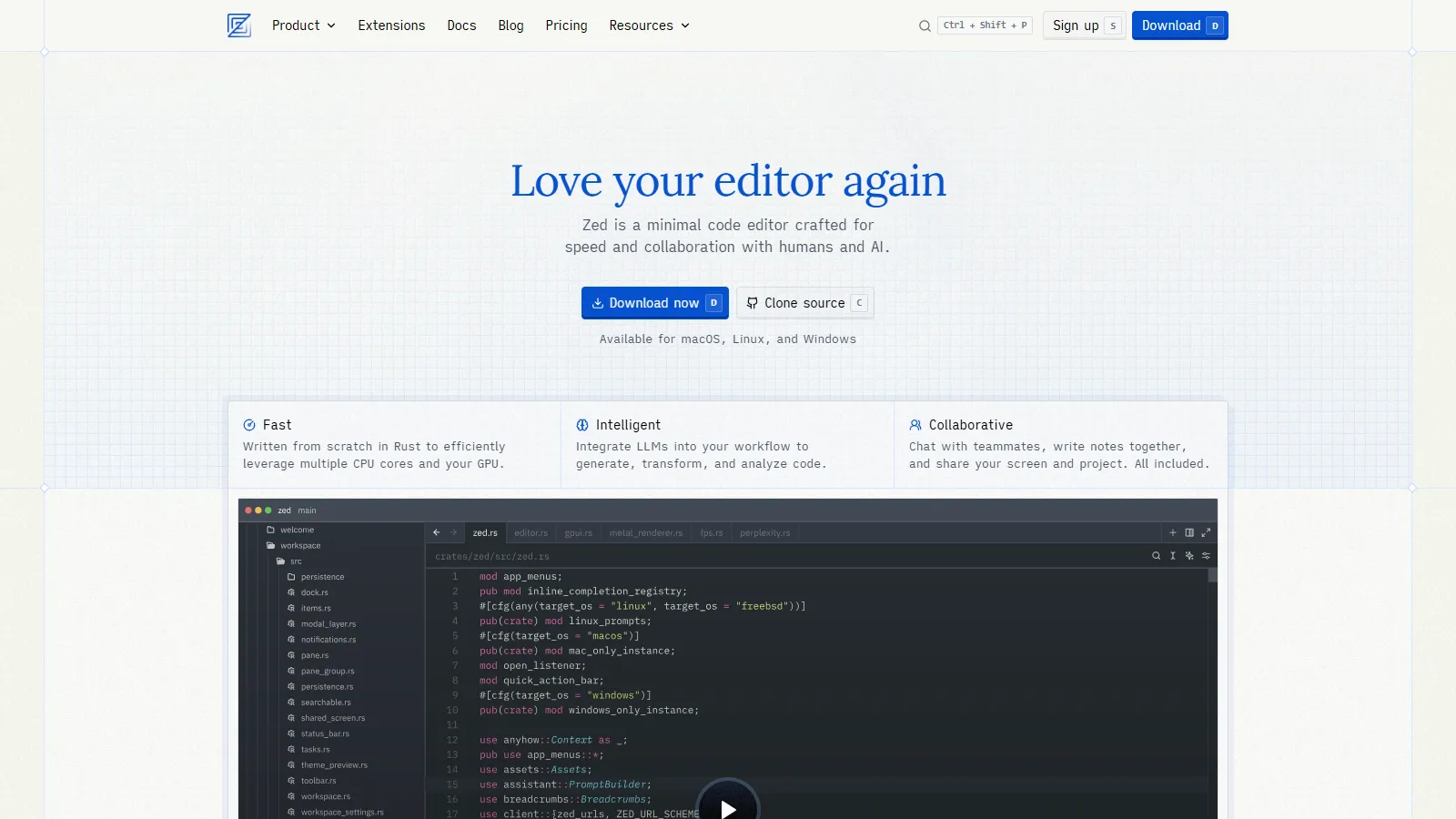
Zed is a performance-focused editor built in Rust with an optional Vim mode. It combines native speed with modern features including AI integration and real-time multiplayer collaboration. Vim mode covers essential keybindings for modal editing fans.
Starting priceFree
Strengths
Native Rust performance
Vim mode available
Real-time multiplayer
Built-in AI features
Modern clean interface
Limitations
Vim mode not as complete
Newer with smaller ecosystem
macOS and Linux only currently
Less customizable than Neovim
Who it's for: Best for developers wanting a fast modern editor with Vim keybindings. Ideal for pair programming with multiplayer features.
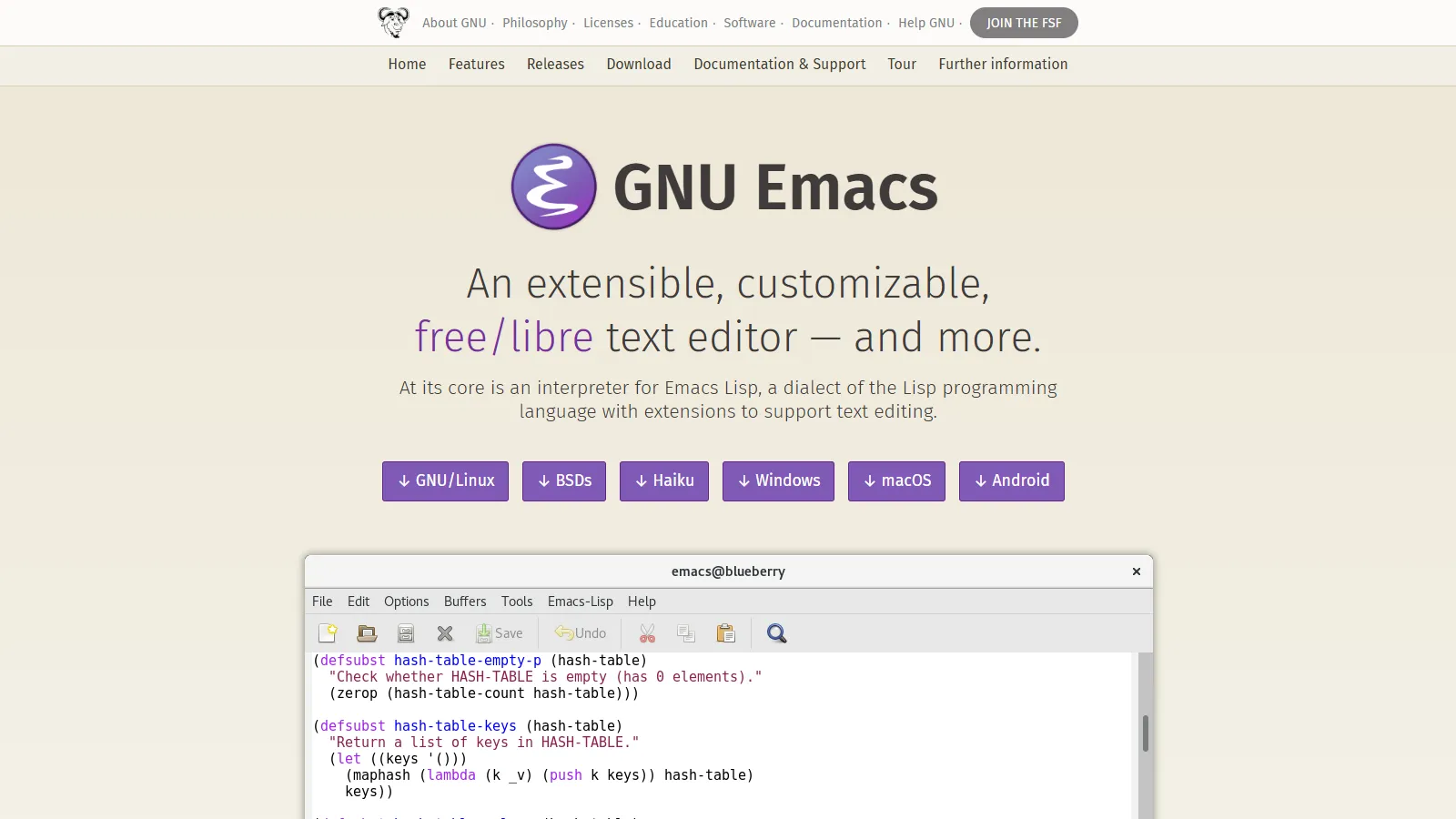
Evil mode brings Vim emulation to Emacs, combining Vim editing efficiency with Emacs unlimited extensibility. You get the best modal editing in the most customizable editor, plus access to Org mode, Magit, and the entire Emacs ecosystem.
Starting priceFree
Strengths
Excellent Vim emulation
Unlimited customization
Org mode for organization
Magit for Git
Runs anywhere
Limitations
Steep learning curve
Configuration can be complex
Startup time without optimization
Two editors to learn
Who it's for: Best for those wanting maximum customization with Vim editing. Ideal if you want Org mode or other Emacs features with modal editing.
Kakoune rethinks modal editing with a selection-first approach: select text, then operate on it. This inverts Vim grammar but can be more intuitive and visual. Multiple selections are first-class, making complex edits natural.
Starting priceFree
Strengths
Selection-first is visual
Multiple selections native
Unix philosophy design
Fast and minimal
Orthogonal design
Limitations
Different from Vim
Smaller ecosystem
Terminal only
Learning curve for Vim users
Who it's for: Best for those wanting to try an alternative to Vim modal philosophy. Ideal for developers who find Vim verb-noun grammar confusing.
IdeaVim brings excellent Vim emulation to all JetBrains IDEs including IntelliJ, PyCharm, and WebStorm. You get modal editing with full IDE power: refactoring, debugging, and intelligent code assistance work seamlessly with Vim keybindings.
Strengths
Excellent Vim emulation
Full JetBrains IDE power
Refactoring and debugging
.ideavimrc configuration
Supports Vim plugins (emulated)
Limitations
Requires JetBrains subscription
Heavier resource usage
Not all Vim features
IDE-specific setup
Who it's for: Best for professional developers using JetBrains IDEs who want Vim keybindings. Ideal when you need IDE features but prefer modal editing.
We tested each editor for modal editing quality, modern development features, and overall developer productivity.
Modal Editing Quality (30%) — Accuracy and completeness of Vim-style commands.
Modern Features (25%) — LSP, treesitter, completion, and IDE-like capabilities.
Performance (20%) — Startup time, responsiveness, and resource usage.
Customizability (15%) — Ability to configure and extend the editor.
Ecosystem (10%) — Available plugins, community, and documentation.
How to Choose
Choose Neovim if you need the modern Vim experience.
Choose VS Code + Vim if you need Vim keybindings in VS Code.
Choose Helix if you need modal editing without configuration.
Choose Zed if you need native speed with Vim mode.
Choose Emacs + Evil if you need maximum customization.
Choose Kakoune if you need alternative to Vim grammar.
Choose JetBrains + IdeaVim if you need Vim in professional IDE.
Common Questions
Start with Neovim. It is fully Vim-compatible but has better defaults, native LSP, and Lua configuration. Skills transfer directly to Vim if ever needed.
Native Vim/Neovim is faster for startup and text operations. However, VS Code Vim extension is fast enough for most users and provides more IDE features out of the box.
Vim uses verb-noun grammar (d for delete, then motion). Kakoune uses selection-first: select text, then act. Kakoune multiple cursors are also more intuitive than Vim visual block mode.
Yes, for developers who type a lot. Modal editing reduces hand movement and repetitive strain. Once learned, it is faster than traditional editing. Many modern editors support Vim modes.
Yes, Neovim reads .vimrc and Vimscript. However, consider migrating to Lua init.lua for access to Neovim-specific features and better plugin compatibility.