Best Merge Conflict Resolution Tools in 2026

We tested 10+ merge tools to find the best options for resolving Git conflicts. These tools provide visual three-way merging that makes complex conflicts manageable.

Last updated: January 22, 2026Reviewed 10+ tools

Merge conflict tools showing three-way diff

Feature Comparison

ToolPriceThree-way MergeFolder ComparePlatformsGit IntegrationOur Rating
VS CodeFreeAllBuilt-in9.2/10
MeldFreeAllManual9.0/10
Beyond Compare$35-$70All9.3/10
KDiff3FreeAllManual8.6/10
P4MergeFreeAllManual8.7/10
Kaleidoscope$69.99macOS8.9/10
Araxis Merge$129+Win/Mac8.8/10

Deep Dives

1

VS Code

Best Overall
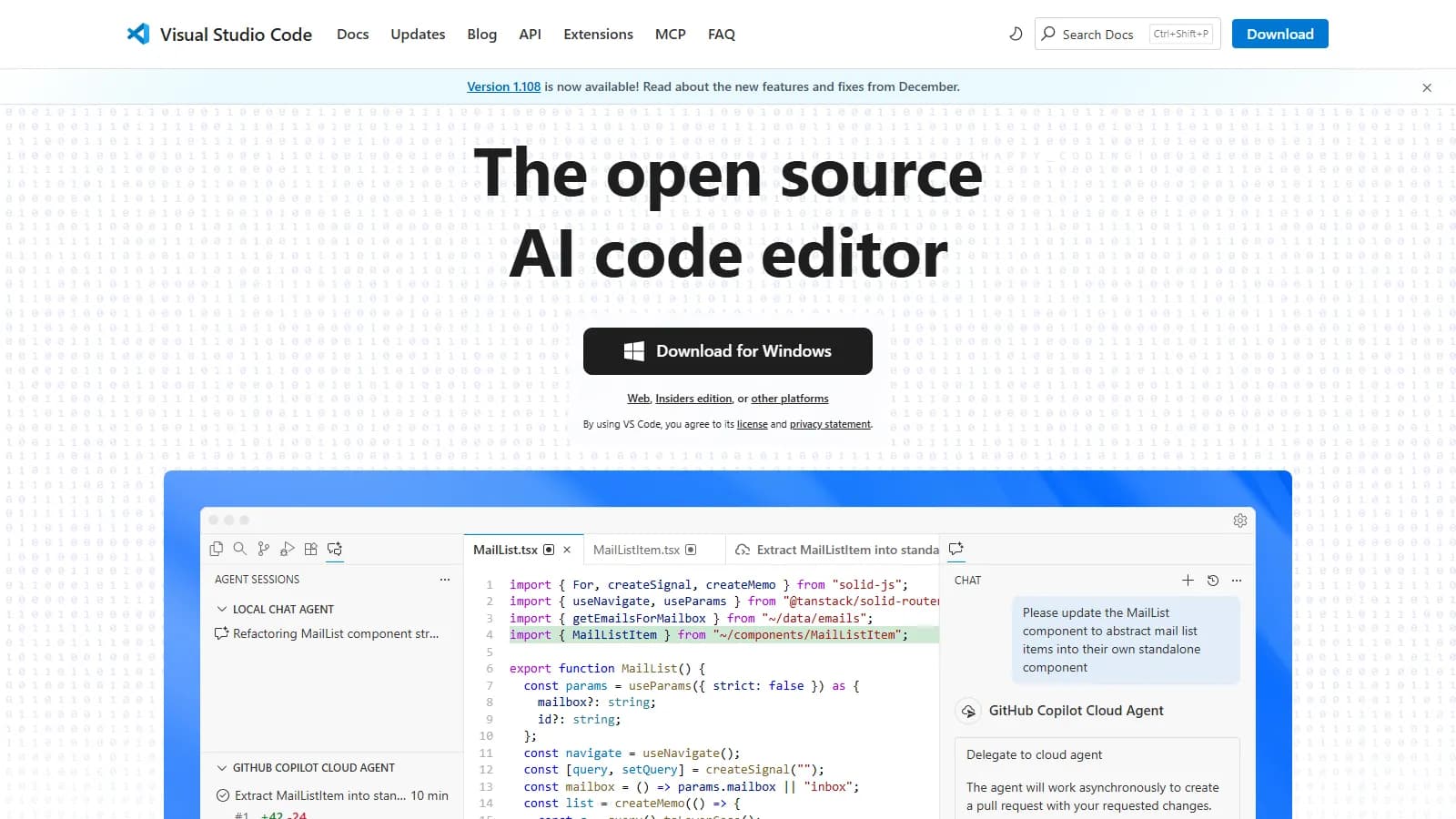
VS Code merge editor

VS Code built-in merge editor provides inline conflict resolution without switching tools. Accept buttons and three-way view make most merges easy.

Starting priceFree

Strengths

  • Built into editor
  • Inline resolution
  • Accept buttons
  • Free
  • No setup

Limitations

  • Less powerful than standalone
  • No folder compare
  • Complex conflicts harder
  • Limited customization
Who it's for: Best for developers who want merge resolution without leaving their editor.
Use VS Code
2

Meld

Best for Budget
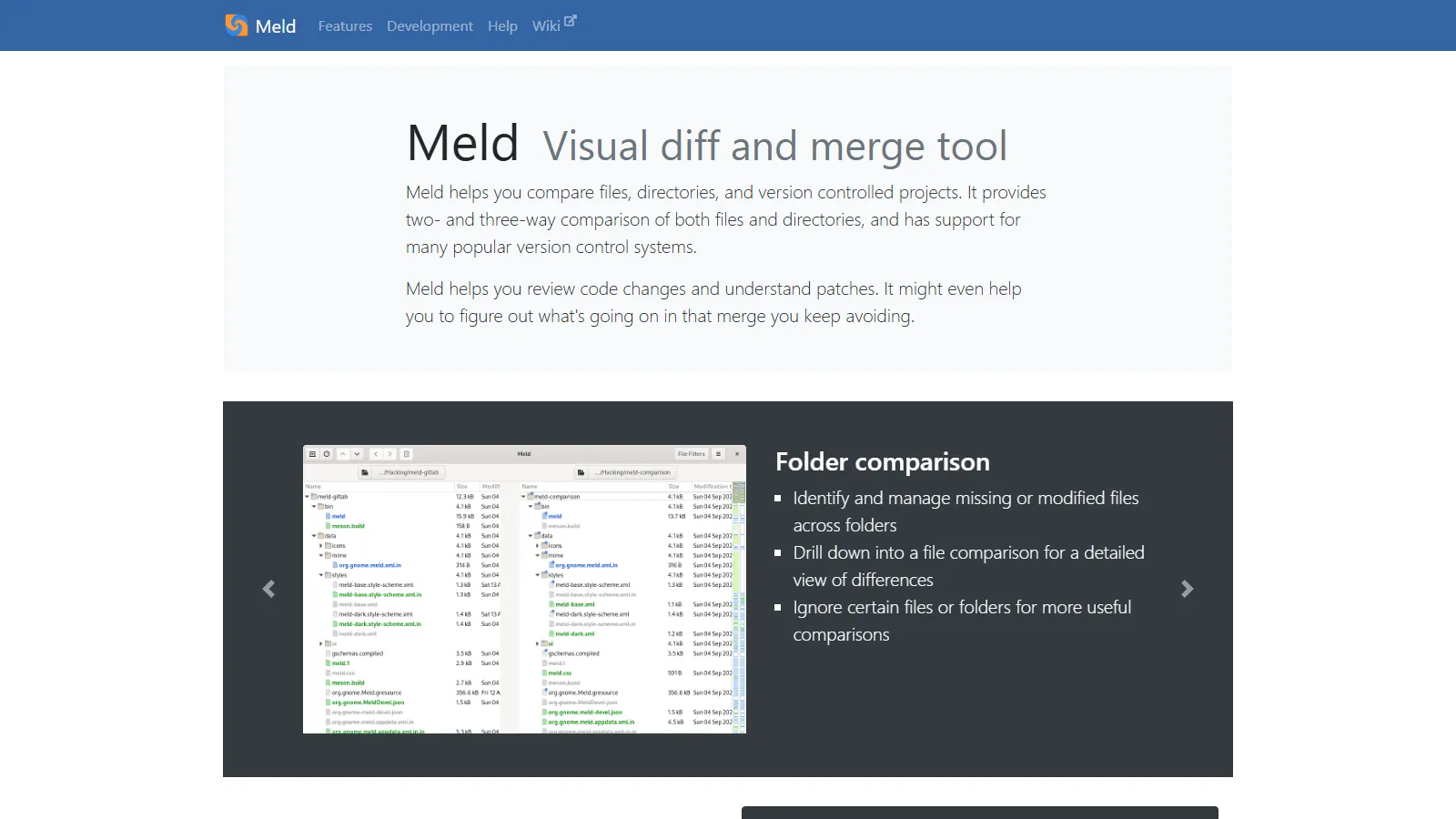
Meld three-way merge

Meld is a free visual merge tool with excellent three-way comparison. Intuitive interface and cross-platform support make it the best free standalone option.

Starting priceFree

Strengths

  • Completely free
  • Intuitive interface
  • Three-way merge
  • Folder compare
  • Cross-platform

Limitations

  • Less polished UI
  • Fewer advanced features
  • Setup required
  • No automation
Who it's for: Best for developers wanting a capable free merge tool.
Download Meld
3

Beyond Compare

Best for Teams
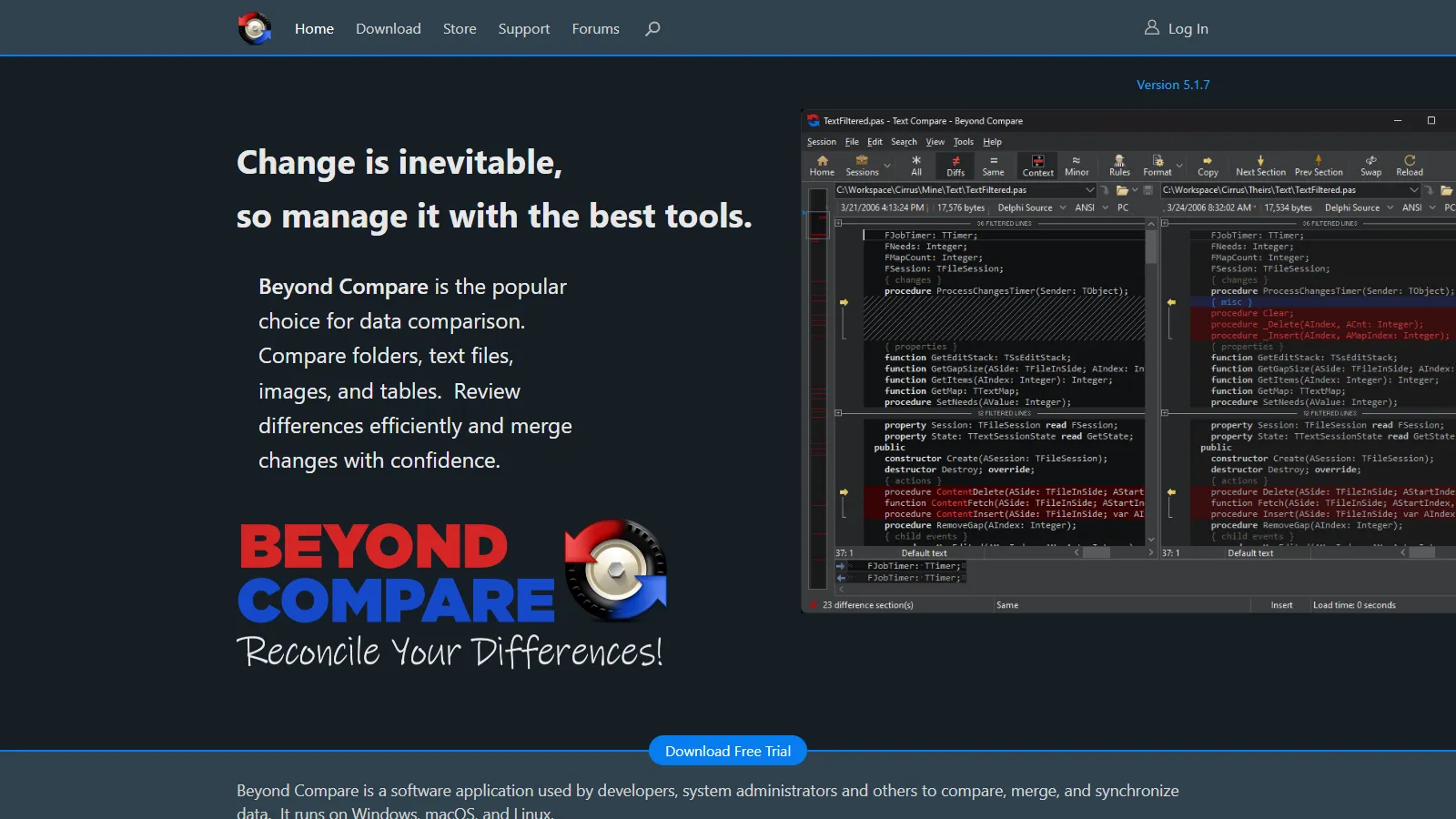
Beyond Compare merge

Beyond Compare is the professional standard for merging and comparison. Folder comparison, merge rules, and scripting handle complex scenarios.

Starting price$35-$70

Strengths

  • Professional quality
  • Folder compare
  • Merge rules
  • Scripting
  • Handles complexity

Limitations

  • Paid license
  • Learning curve
  • Can be overkill
  • License per OS
Who it's for: Best for professionals handling complex merges and folder synchronization.
Try Beyond Compare
4

KDiff3

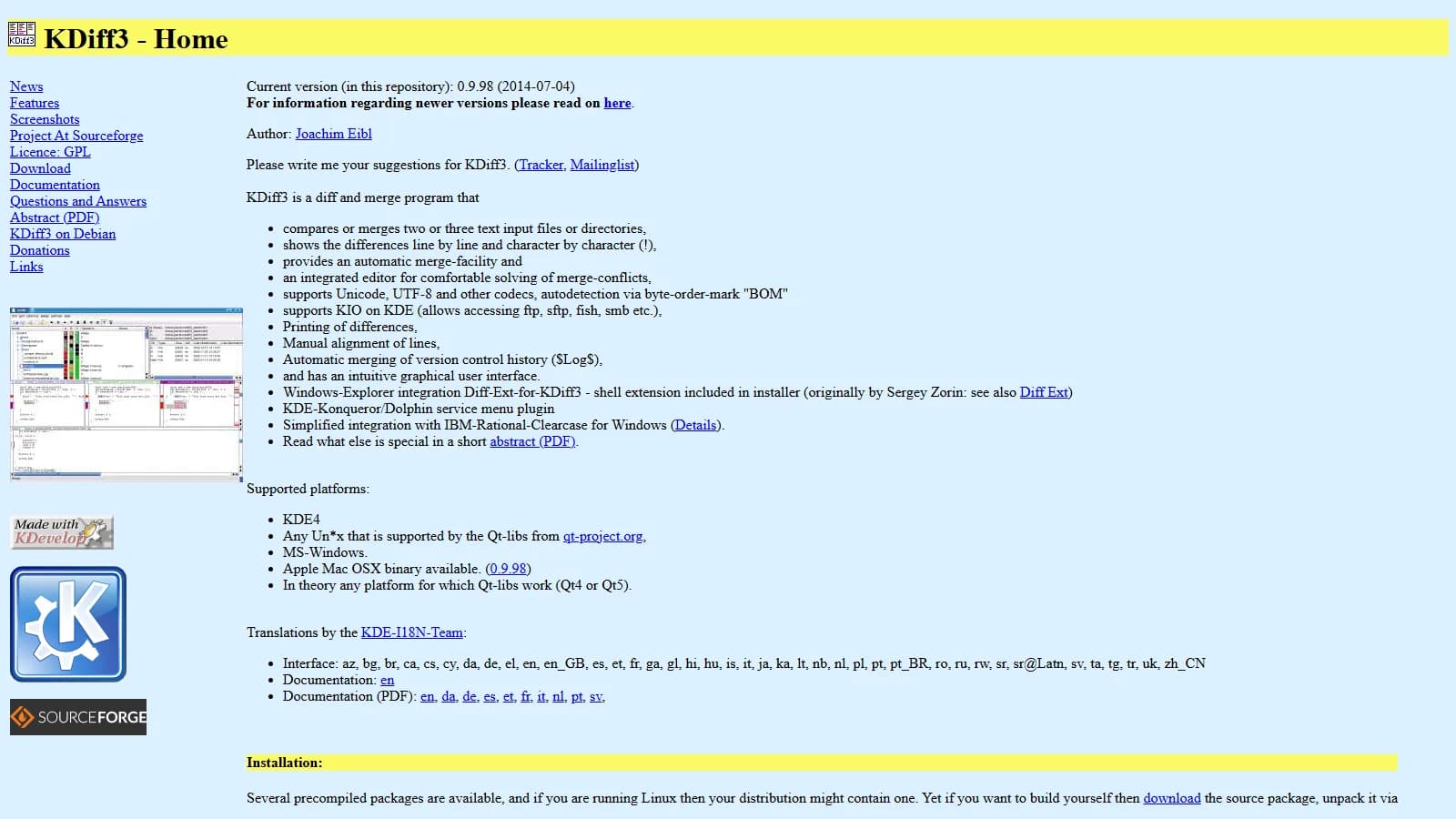
KDiff3 merge interface

KDiff3 is a powerful open source three-way merger with automatic resolution capabilities. Handles complex merges with manual and automatic options.

Starting priceFree

Strengths

  • Free and open source
  • Auto merge
  • Three-way
  • Directory compare
  • Powerful

Limitations

  • Dated interface
  • Steeper learning curve
  • Less intuitive
  • Manual Git setup
Who it's for: Best for developers wanting powerful free merging with auto-resolution.
Download KDiff3
5

P4Merge

Best for Beginners
P4Merge visual merge

P4Merge from Perforce provides professional quality merging for free. Clean interface and reliable three-way merge without cost.

Starting priceFree

Strengths

  • Free
  • Clean interface
  • Professional quality
  • Cross-platform
  • Reliable

Limitations

  • No folder compare
  • Fewer features
  • Requires account
  • Basic customization
Who it's for: Best for developers wanting a professional free merge tool.
Download P4Merge
6

Kaleidoscope

Kaleidoscope macOS merge

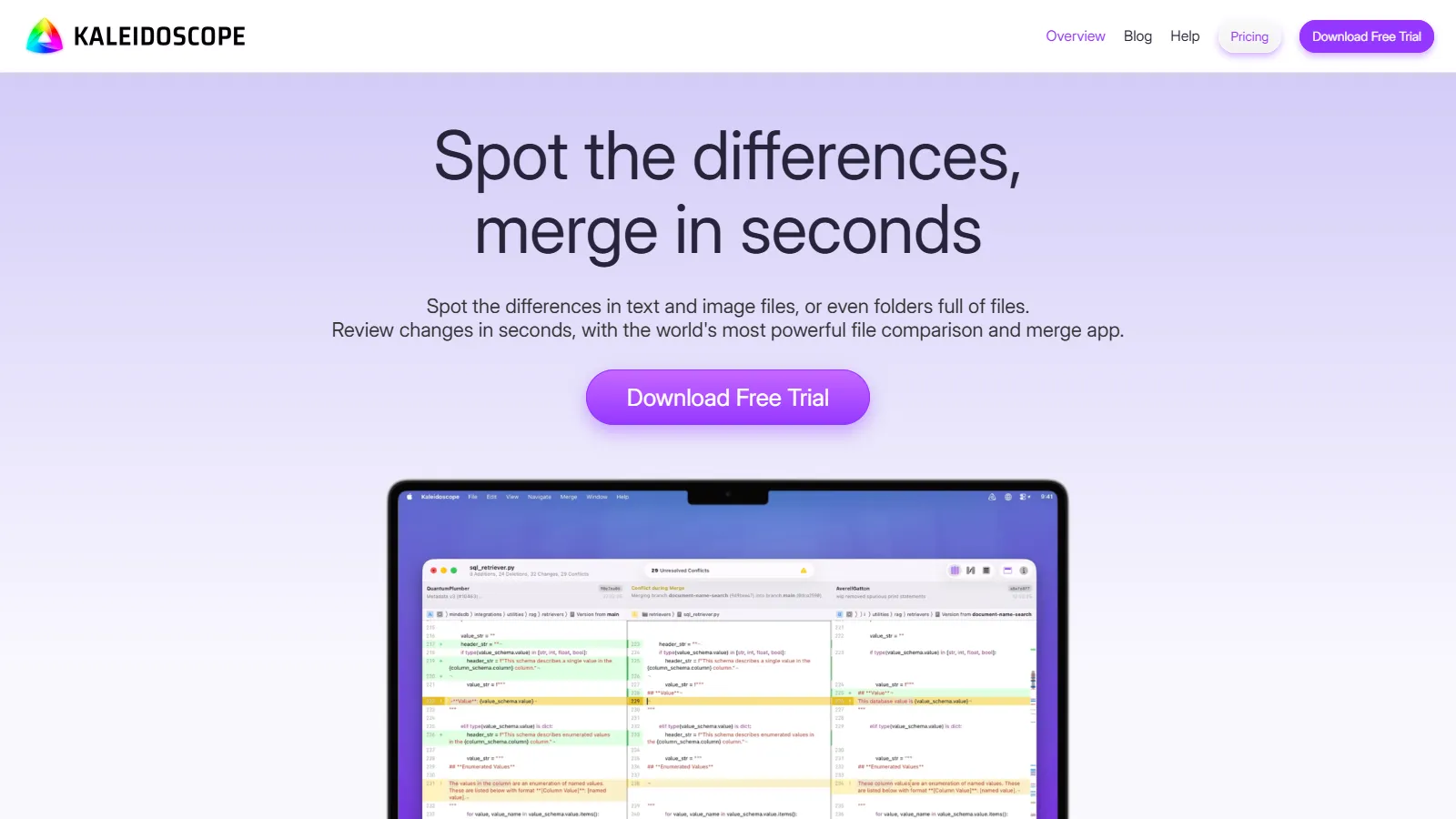
Kaleidoscope is a beautiful native macOS merge tool that also handles image comparison. Deep Git integration and polished experience.

Starting price$69.99

Strengths

  • Native macOS
  • Beautiful design
  • Image comparison
  • Git integration
  • Folder compare

Limitations

  • macOS only
  • Paid
  • Limited to Mac users
  • Niche
Who it's for: Best for macOS developers who value design and want image diff.
Get Kaleidoscope
7

Araxis Merge

Araxis Merge professional

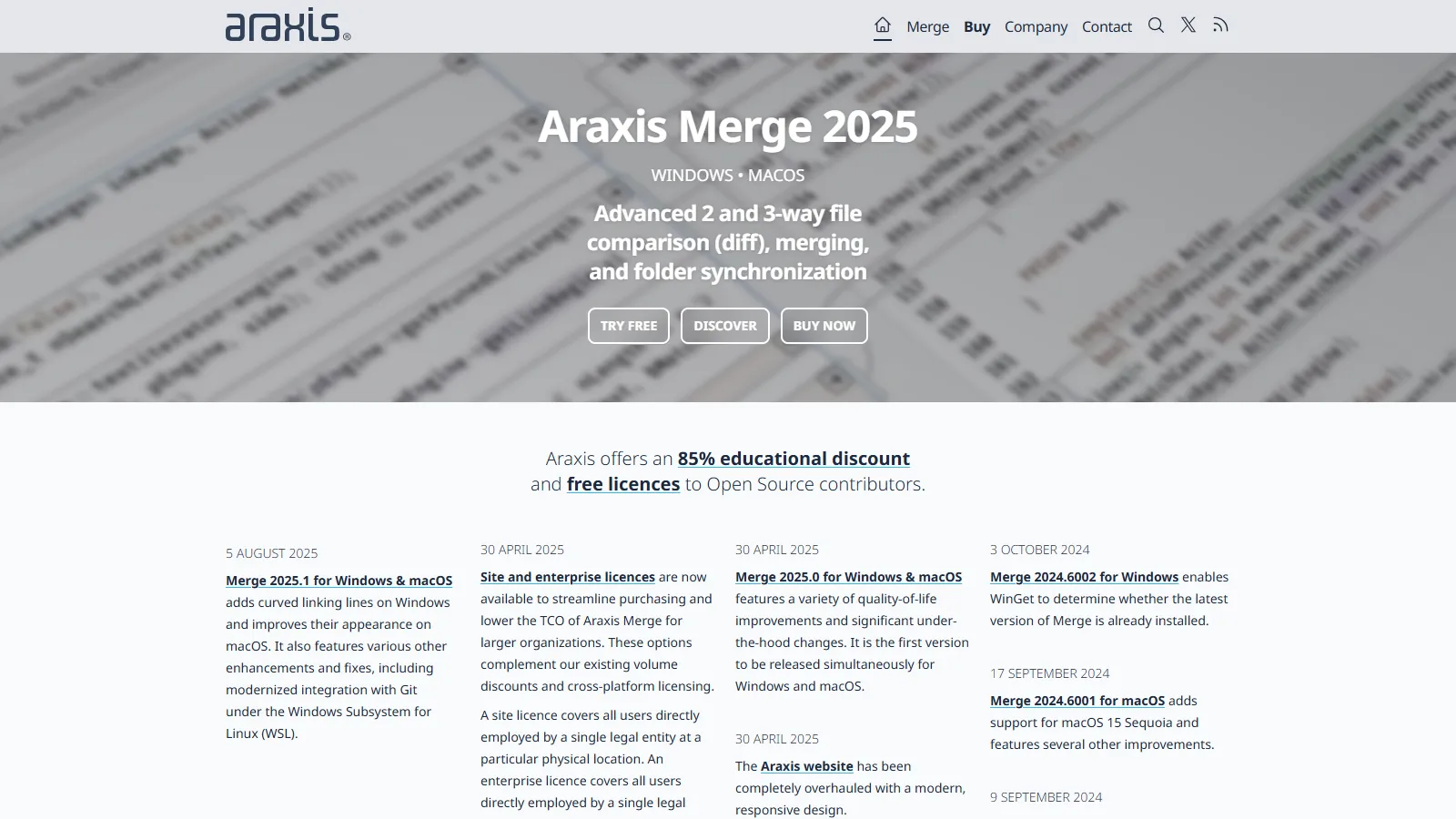
Araxis Merge provides enterprise features like reporting, automation, and command-line integration. Professional tool for demanding environments.

Starting price$129+

Strengths

  • Enterprise features
  • Reporting
  • Automation
  • Command-line
  • Professional support

Limitations

  • Expensive
  • Enterprise focused
  • Complex
  • Overkill for individuals
Who it's for: Best for enterprise environments needing merge reporting and automation.
Try Araxis Merge

How We Evaluated

We tested each tool for complex merge conflict resolution.

  • Merge Quality (30%)Ability to resolve complex conflicts correctly.
  • Visual Clarity (25%)How clearly differences are shown.
  • Git Integration (20%)Ease of use as Git mergetool.
  • Features (15%)Folder compare, image diff, etc.
  • Value (10%)Capability relative to cost.

How to Choose

  • Choose VS Code if you need stay in editor.
  • Choose Meld if you need free standalone.
  • Choose Beyond Compare if you need professional needs.
  • Choose Kaleidoscope if you need macOS native.
  • Choose P4Merge if you need free professional quality.

Common Questions

Run git config --global merge.tool and git config --global mergetool..path /path/to/tool. Then use git mergetool during conflicts.

Three-way merge shows the common ancestor alongside both versions being merged. This context helps understand why changes conflict and how to resolve them.

IDE merge is convenient for simple conflicts. Standalone tools like Beyond Compare handle complex merges better with more context and features.