6 Best Content Calendar Tools for Editorial Planning in 2026
Editorial calendar tools for planning, scheduling, and collaborating on content. We tested 15+ tools to find the best for content teams, marketers, and editorial workflows.
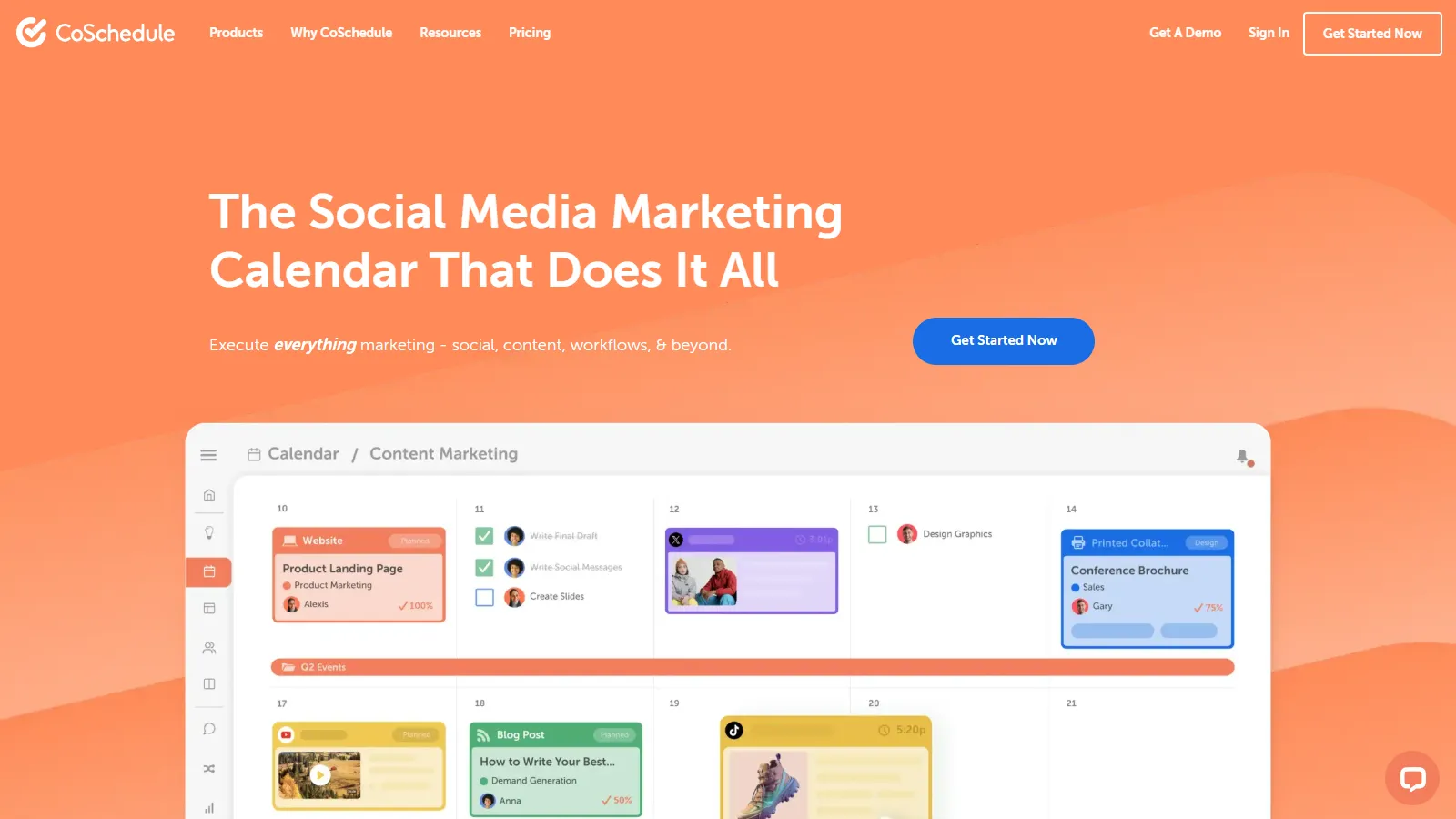
CoSchedule is purpose-built for marketing teams with a unified calendar that shows blog posts, social media, emails, and events in one view. The ReQueue feature automatically reshares evergreen content to fill gaps in your schedule.
Starting priceFree/$29/mo
Strengths
Unified marketing calendar view
Social media scheduling included
ReQueue for evergreen content
WordPress integration
Team workflows and approvals
Limitations
Higher price for full features
Can be complex for small teams
Social features require higher tiers
Who it's for: Best for marketing teams who manage blogs and social media together. Ideal when you need a unified view of all marketing activities.
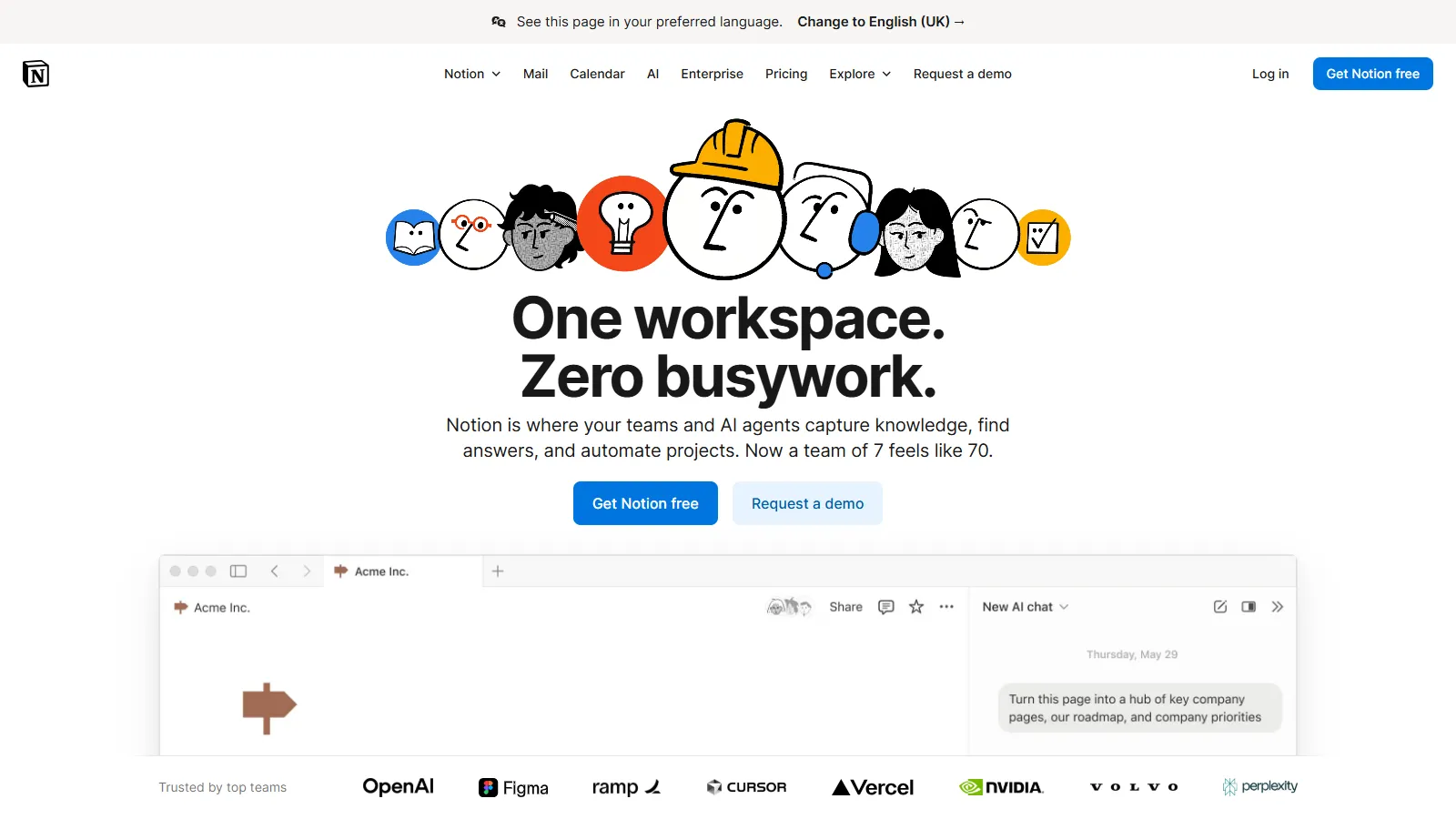
Notion offers unmatched flexibility for content calendars with its database and page system. Build any editorial workflow you can imagine with calendar, board, and list views. Templates help you get started quickly.
Starting priceFree/$10/mo
Strengths
Unlimited customization
Multiple view options
Rich content pages
Great template gallery
Generous free tier
Limitations
Requires setup time
No native social publishing
Can become complex
Who it's for: Perfect for teams who want complete control over their workflow. Best when you need flexibility to adapt the system to your process.
Airtable combines spreadsheet flexibility with database power for content planning. Relational data lets you link content pieces to campaigns, authors, and assets. Powerful automations reduce manual work.
Starting priceFree/$20/mo
Strengths
Powerful relational database
Advanced automations
Multiple view types
Strong API and integrations
Scalable for large teams
Limitations
Steeper learning curve
Gets expensive at scale
No native publishing
Who it's for: Ideal for larger content teams who need database power. Best when you manage complex content relationships and workflows.
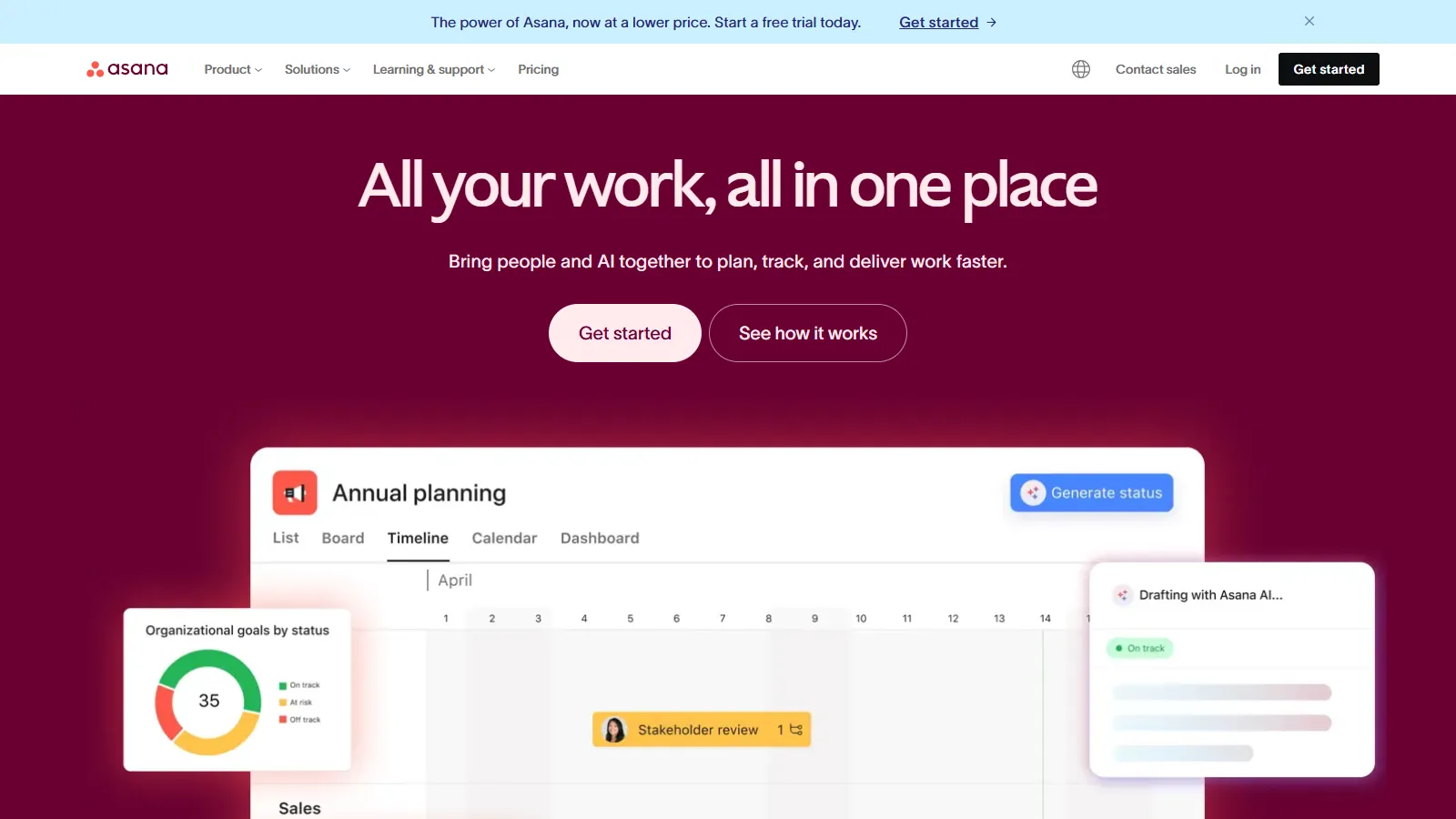
Asana brings project management features to content planning with timeline views, dependencies, and milestones. Content calendar templates help you start quickly, and approval workflows keep stakeholders in the loop.
Starting priceFree/$11/mo
Strengths
Strong project management
Timeline and calendar views
Built-in approvals
Great template library
Good free tier
Limitations
Less content-specific features
No social publishing
Can feel heavy for simple needs
Who it's for: Great for teams who need project management alongside content planning. Best when content is part of larger campaigns and projects.
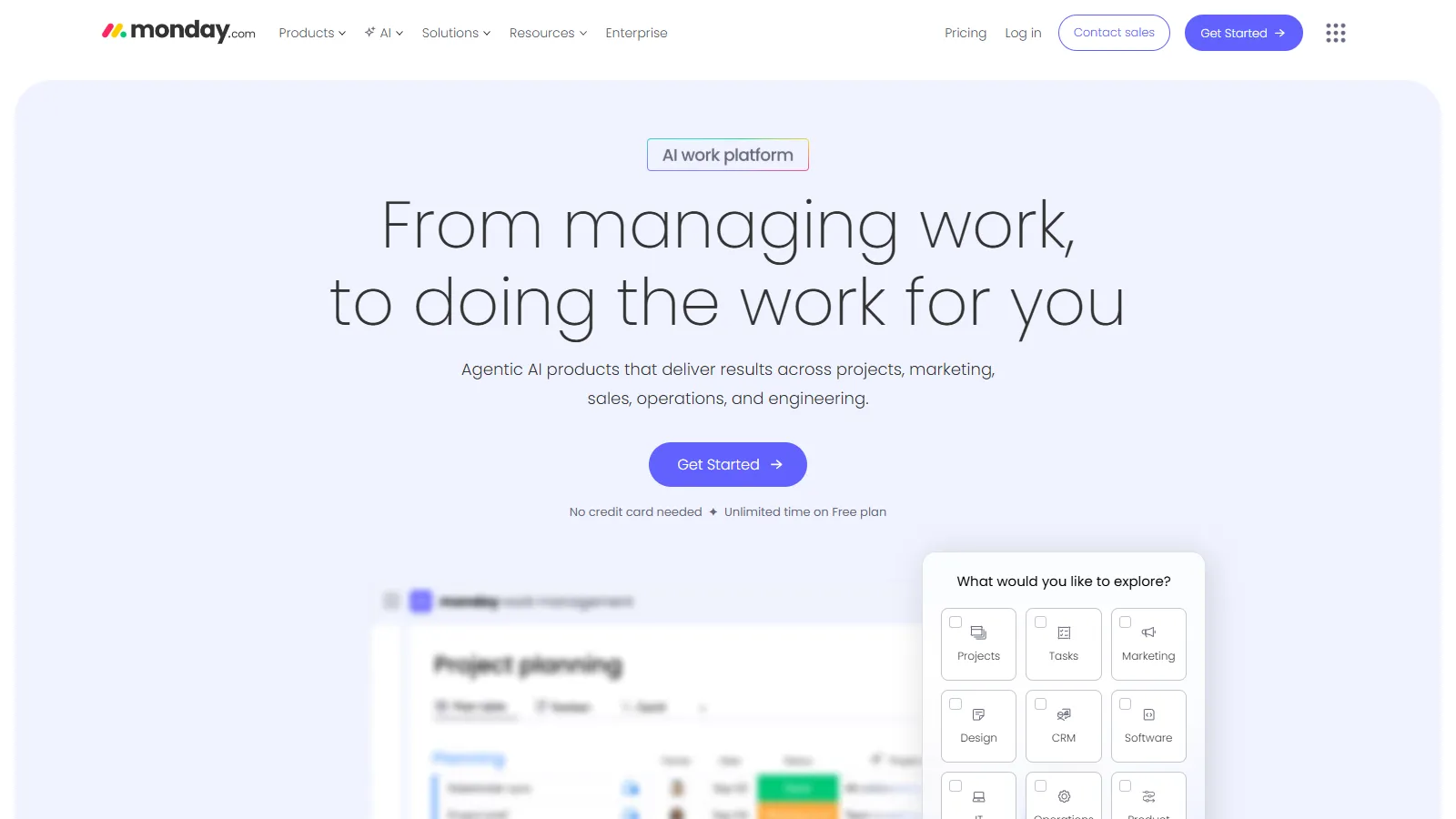
Monday.com offers colorful, visual content calendars that are easy to understand at a glance. The automation builder helps reduce repetitive tasks, and dashboards provide overview reporting for stakeholders.
Starting price$9/mo
Strengths
Visual and colorful interface
Easy automation builder
Dashboard reporting
Good mobile app
Quick to set up
Limitations
Price per seat adds up
Less flexible than Notion
No social publishing
Who it's for: Perfect for visual thinkers who want quick setup. Best when you need colorful status tracking and stakeholder dashboards.
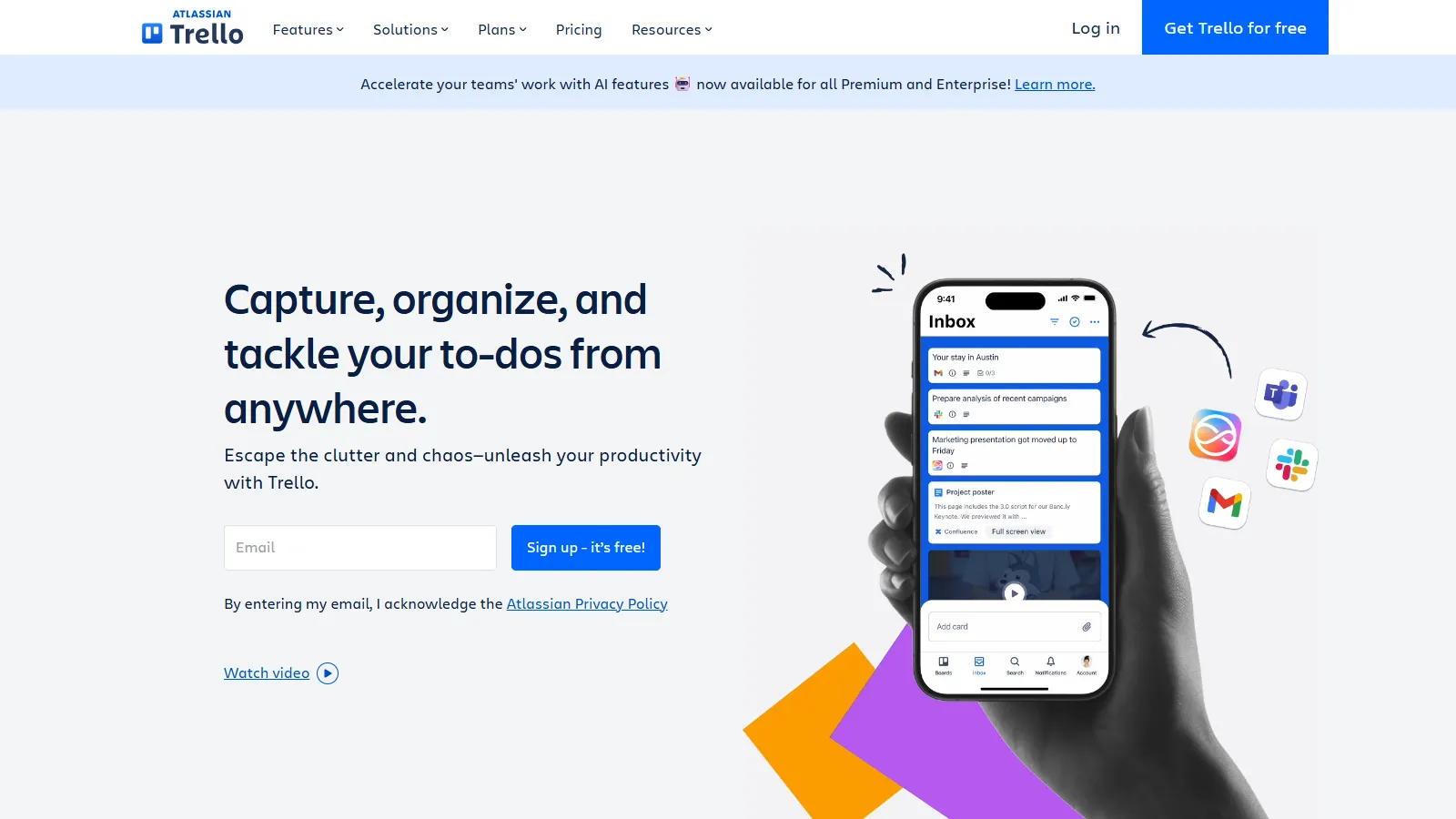
Trello provides simple, card-based content planning that anyone can understand. The kanban approach works well for editorial workflows, and Power-Ups add features like calendar views and automations.
Starting priceFree/$5/mo
Strengths
Simple and intuitive
Great free tier
Flexible Power-Ups
Easy to adopt
Good mobile apps
Limitations
Limited reporting
Calendar requires Power-Up
Less suitable for complex workflows
Who it's for: Ideal for small teams and individuals who want simplicity. Best when you need basic content tracking without complexity.
We planned real content calendars and tested editorial workflows:
Calendar Features (30%) — Calendar views, scheduling options, and deadline management.
Collaboration (25%) — Team workflows, comments, approvals, and real-time editing.
Flexibility (20%) — Customization options and ability to adapt to different workflows.
Integrations (15%) — Connections with CMS, social media, and other marketing tools.
Value for Money (10%) — Features and user seats relative to pricing.
How to Choose
Choose CoSchedule if you need Marketing teams.
Choose Notion if you need Maximum flexibility.
Choose Airtable if you need Database power.
Choose Asana if you need Project management focus.
Choose Monday.com if you need Visual and colorful.
Choose Trello if you need Simple and free.
Common Questions
A content calendar is a tool for planning when and where you will publish content. It helps teams organize blog posts, social media, emails, and other content in one place.
You can start with a spreadsheet, but dedicated tools offer collaboration, automations, and integrations that save time as your content operation grows.
Most teams plan 2-4 weeks ahead for social media and 1-3 months ahead for blog content. Leave room for timely content while maintaining a consistent base.
Some tools like CoSchedule and ContentCal can publish to social media and WordPress. Others like Notion and Airtable are planning tools that integrate with publishing platforms.