8 Best Content Repurposing Tools for Multi-Channel in 2026
We tested 14+ content repurposing platforms to find the best for transforming content across channels. These tools turn one piece of content into videos, social posts, podcasts, and more.
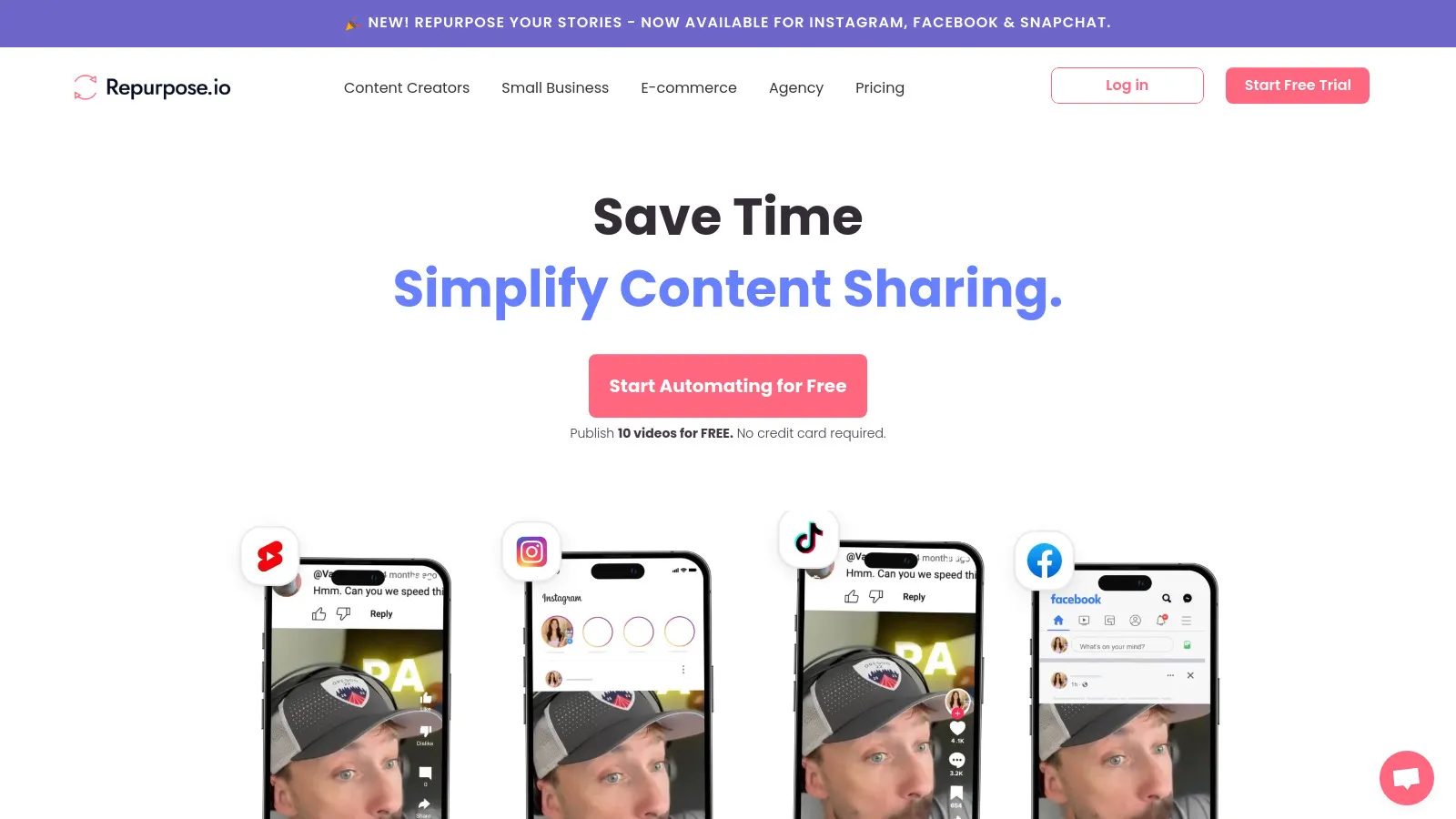
Repurpose.io automates content distribution across platforms. Connect YouTube, TikTok, Instagram, and more for auto-publishing. Turn long videos into shorts automatically. Podcast episodes get distributed to video platforms with audiograms.
Starting price$25/mo
Strengths
Auto-publishing
Multi-platform
Video to shorts
Podcast support
Set and forget
Limitations
Basic editing
No AI clips
Learning curve
Workflow complexity
Who it's for: Best for creators wanting automated content distribution.
Descript revolutionizes video and audio editing. Edit by editing the transcript text. AI removes filler words automatically. Overdub clones your voice for corrections. Screen recording, podcast editing, and video production in one tool.
Starting priceFree/$12/mo
Strengths
Transcript editing
AI features
All-in-one
Great UX
Overdub
Limitations
Learning curve
Processing time
Not fully automated
Subscription needed
Who it's for: Best for creators who edit video and audio regularly.
Opus Clip uses AI to find the most engaging moments from long videos. Virality score predicts which clips will perform best. Auto-captions with speaker tracking. One video becomes dozens of ready-to-post short clips.
Starting priceFree/$19/mo
Strengths
AI clip finding
Virality score
Auto-captions
Fast processing
Good results
Limitations
Video only
Hit or miss AI
Limited editing
Credit system
Who it's for: Best for creators turning long videos into viral shorts.
Canva makes visual content creation accessible to everyone. Templates for every social platform and format. Turn blog content into carousels, infographics, and presentations. Magic Resize adapts designs to any platform instantly.
Starting priceFree/$12.99/mo
Strengths
Huge template library
Easy to use
Magic Resize
Brand kit
Collaboration
Limitations
Not automation focused
Manual work
Generic designs
Pro features cost
Who it's for: Best for teams creating visual content across platforms.
Castmagic turns podcast episodes into complete content packages. AI generates show notes, social posts, email newsletters, and blog drafts from audio. Timestamps and chapter markers created automatically. Perfect for podcast content repurposing.
Starting price$23/mo
Strengths
Podcast-focused
Complete content suite
Show notes
Social posts
Email drafts
Limitations
Audio/video only
Quality varies
Editing needed
Podcast specific
Who it's for: Best for podcasters wanting full content suites from episodes.
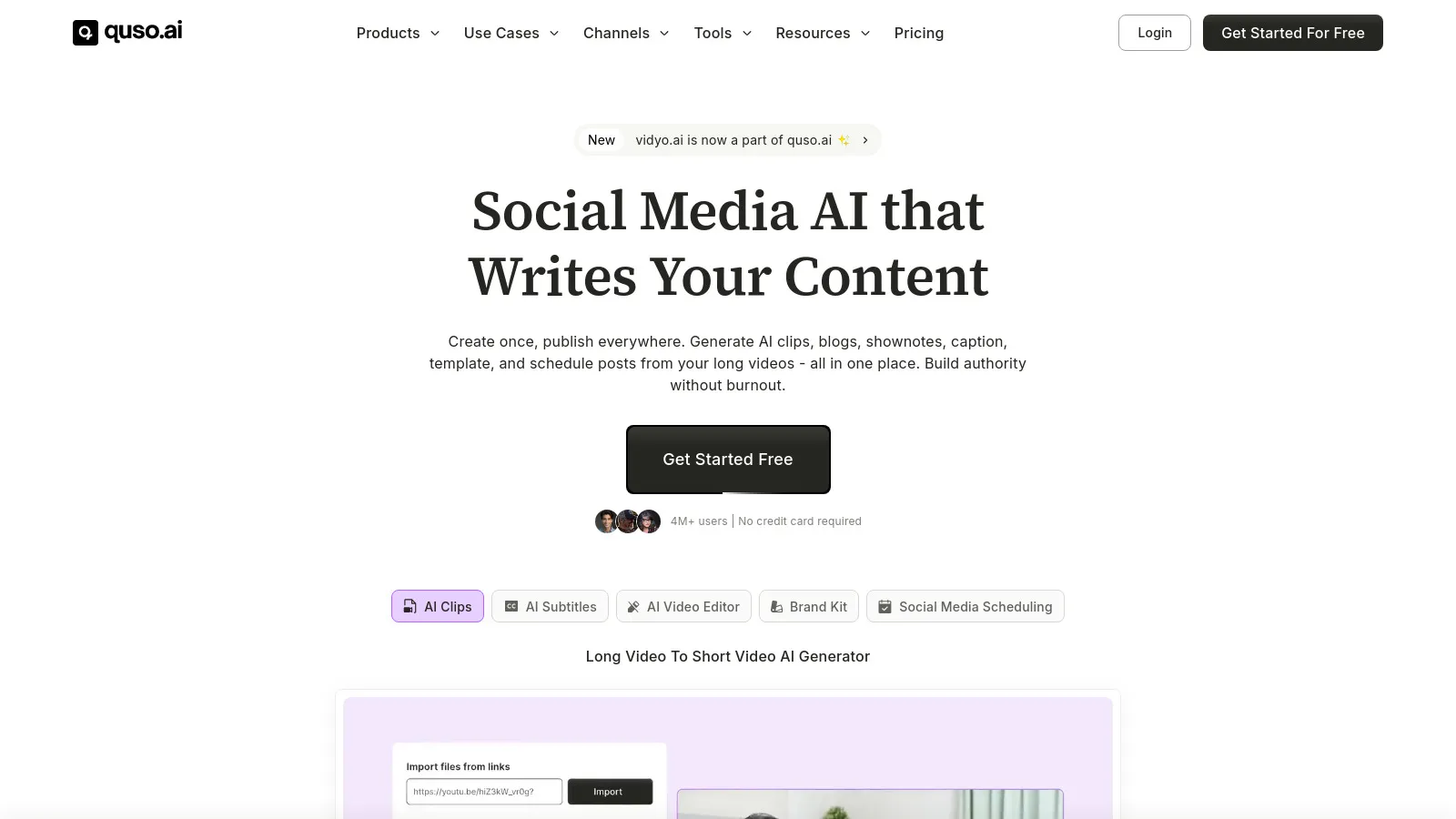
Vidyo.ai creates social-ready clips from long videos using AI. Auto-detects best moments and applies captions. Templates match each platform format. Bulk processing handles multiple videos efficiently.
Starting priceFree/$29/mo
Strengths
AI moments
Auto-captions
Templates
Bulk processing
Social formats
Limitations
Video only
Variable quality
Credit limits
Basic editing
Who it's for: Best for teams needing high-volume social clip creation.
Lately atomizes long-form content into dozens of social posts. AI learns your brand voice and high-performing patterns. Blog posts, podcasts, and videos become social content calendars. Analytics track which atomized posts perform best.
Starting priceCustom
Strengths
Social focus
Brand voice AI
Any input format
Analytics
Scale
Limitations
Expensive
Social only output
Learning period
Complex setup
Who it's for: Best for teams needing high-volume social from long content.
Pictory transforms blog posts into videos automatically. Paste a URL and get a video with relevant stock footage. AI voiceover options eliminate recording need. Captions and branding applied automatically.
Starting price$19/mo
Strengths
Blog to video
AI voiceover
Stock footage
Easy to use
Fast
Limitations
Generic results
Stock feel
Limited customization
Quality varies
Who it's for: Best for teams wanting quick video versions of written content.
We tested each tool by repurposing real content across multiple formats.
Output Quality (30%) — Quality of transformed content ready for publishing.
AI Capabilities (25%) — Smartness of AI in identifying key content moments.
Format Coverage (20%) — Range of input and output formats supported.
Ease of Use (15%) — Time from upload to finished repurposed content.
Value (10%) — Output volume relative to pricing.
How to Choose
Choose Repurpose.io if you need automated distribution.
Choose Descript if you need video/audio editing.
Choose Opus Clip if you need viral short clips.
Choose Castmagic if you need podcast repurposing.
Choose Canva if you need visual content.
Common Questions
Start with your highest-performing long-form content. Blog posts with good traffic, popular podcast episodes, and YouTube videos that got engagement are ideal starting points for repurposing.
Expect 10-30% manual refinement for quality output. AI gets you 70-90% there. Review captions, trim clip endpoints, and ensure brand voice consistency before publishing.
Focus on pillar content that drives business results. Not every blog post deserves a video. Prioritize content that educates, converts, or represents your core expertise.
Short video clips (30-60 seconds) currently get highest engagement. Carousel posts work well on LinkedIn and Instagram. Audio snippets work for podcast promotion. Test what resonates with your audience.