We tested 15+ LinkedIn marketing tools to find the best options for B2B lead generation. These tools help with content scheduling, analytics, outreach automation, and Sales Navigator enhancement.
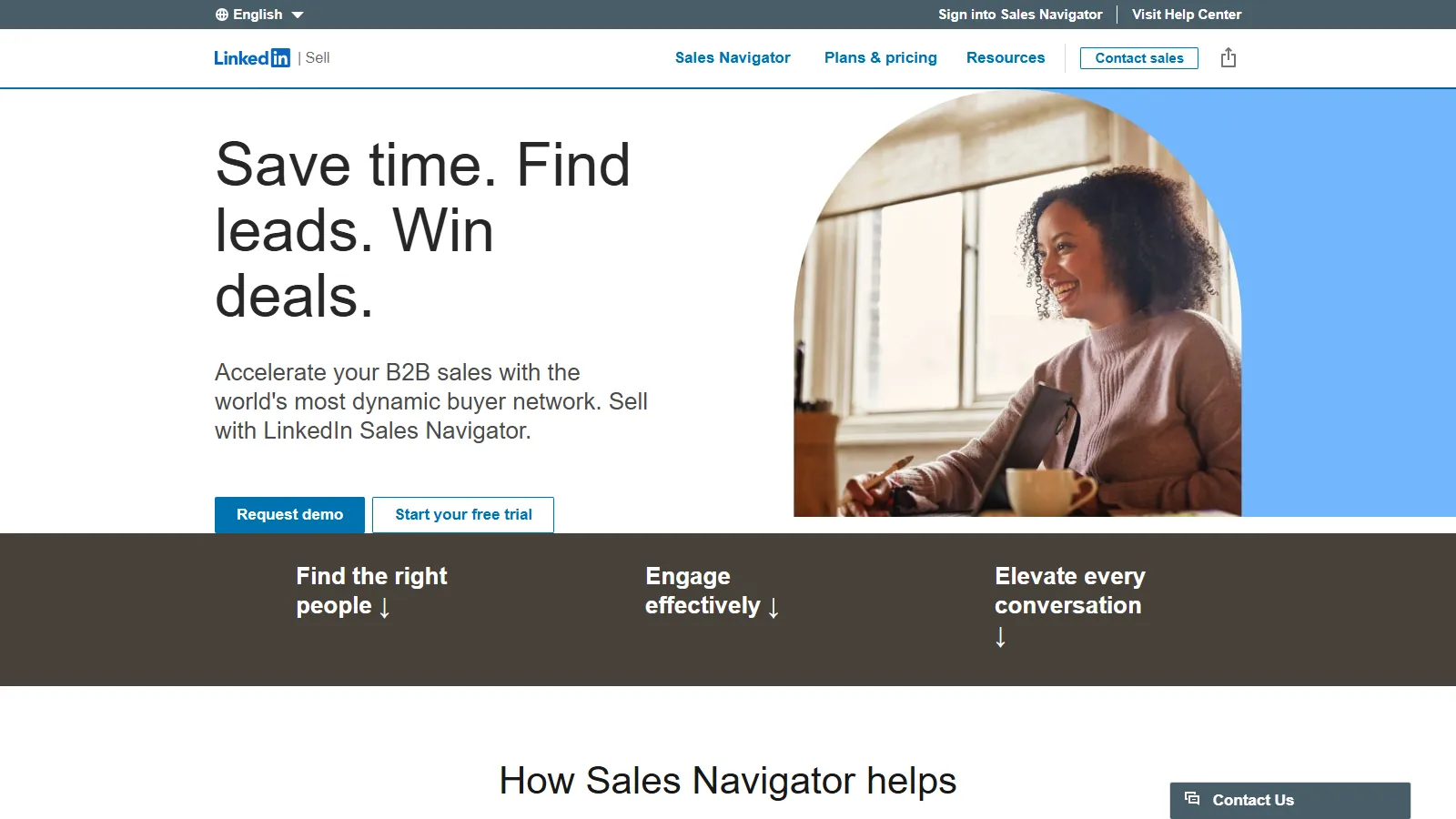
Sales Navigator is LinkedIn official advanced prospecting tool with search filters unavailable in free LinkedIn. Lead recommendations, saved searches, and InMail credits make it essential for serious B2B sales teams.
Strengths
Official LinkedIn tool
Advanced search filters
Lead recommendations
InMail credits
CRM integrations
Limitations
Expensive
Still limited by LinkedIn
No automation
Learning curve
Who it's for: Essential for B2B sales teams doing LinkedIn prospecting. The official tool with no account risk.
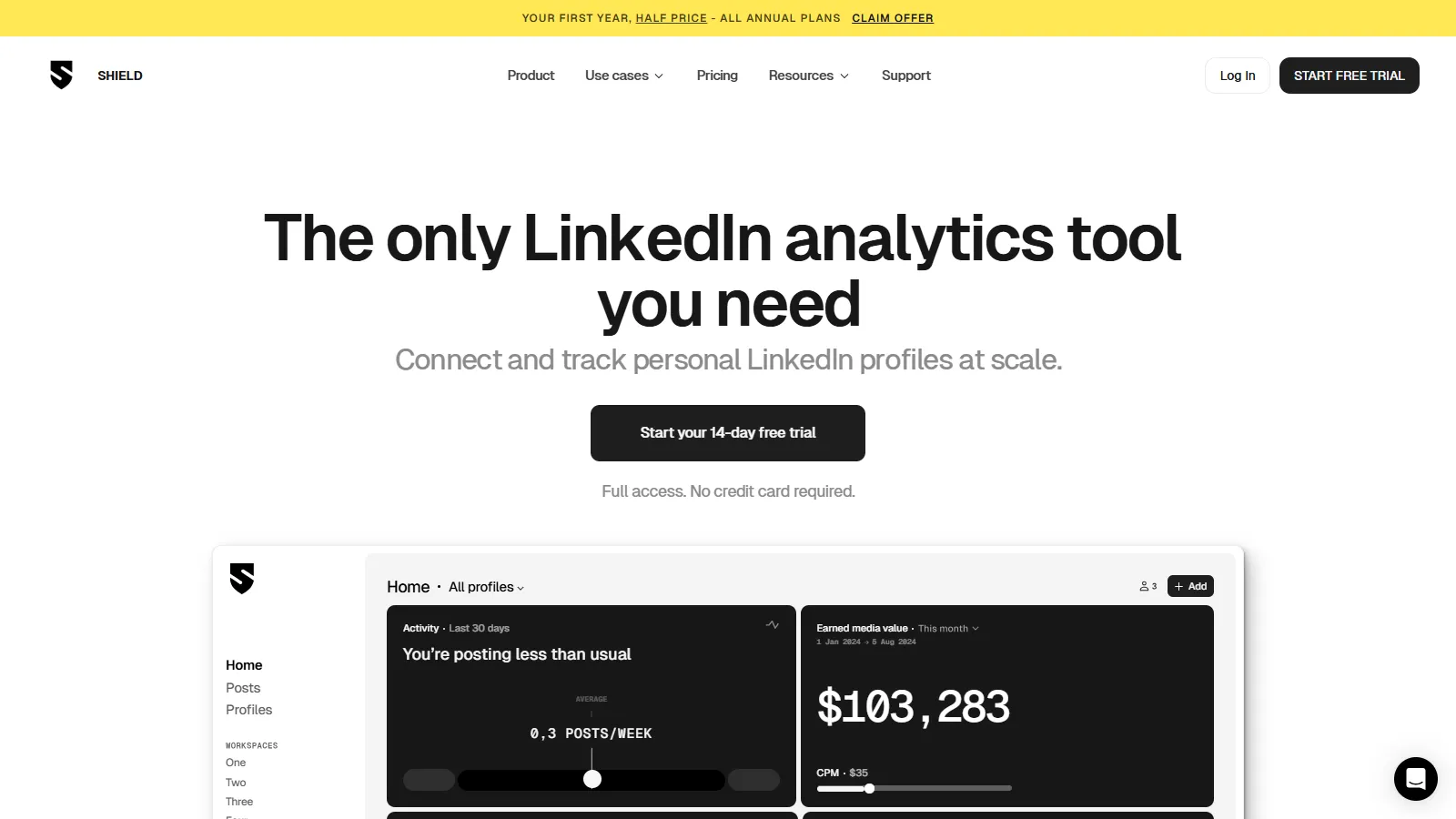
Shield provides LinkedIn content analytics far beyond native insights. Track post performance over time, understand your audience demographics, and monitor competitor content strategies.
Starting price$25/mo
Strengths
Deep content analytics
Competitor tracking
Audience insights
Historical data
Team dashboards
Limitations
Analytics only
No publishing
No automation
Data delay
Who it's for: Best for content creators and marketers wanting to understand LinkedIn content performance deeply.
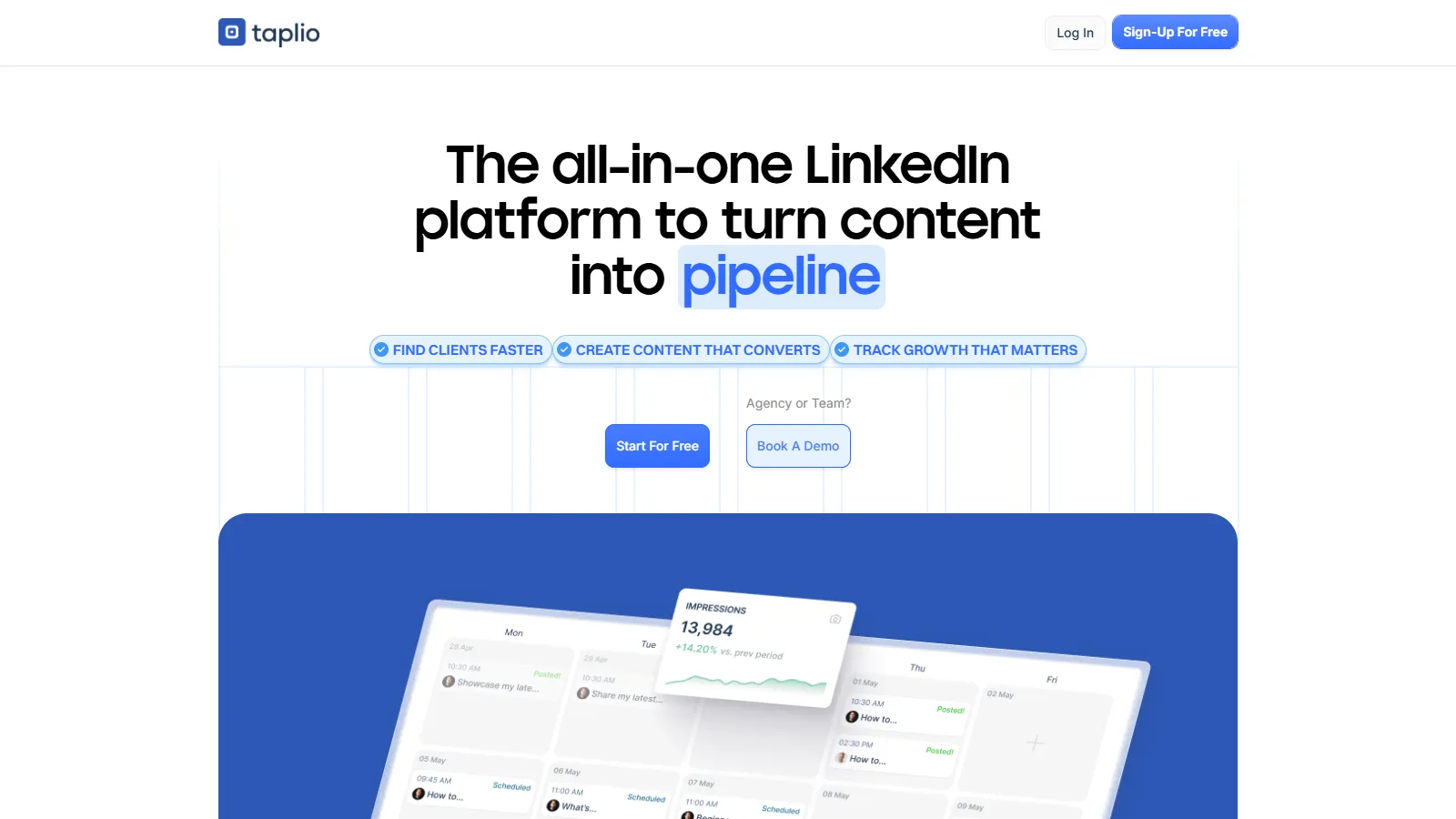
Taplio combines AI-powered content creation with scheduling and analytics. The viral post inspiration library and AI writing assistant help create engaging LinkedIn content consistently.
Starting price$49/mo
Strengths
AI writing assistant
Viral post inspiration
Carousel creator
Scheduling
Analytics included
Limitations
AI content needs editing
No automation
Mid-range pricing
LinkedIn-only
Who it's for: Best for solopreneurs and marketers wanting AI help with consistent LinkedIn content creation.
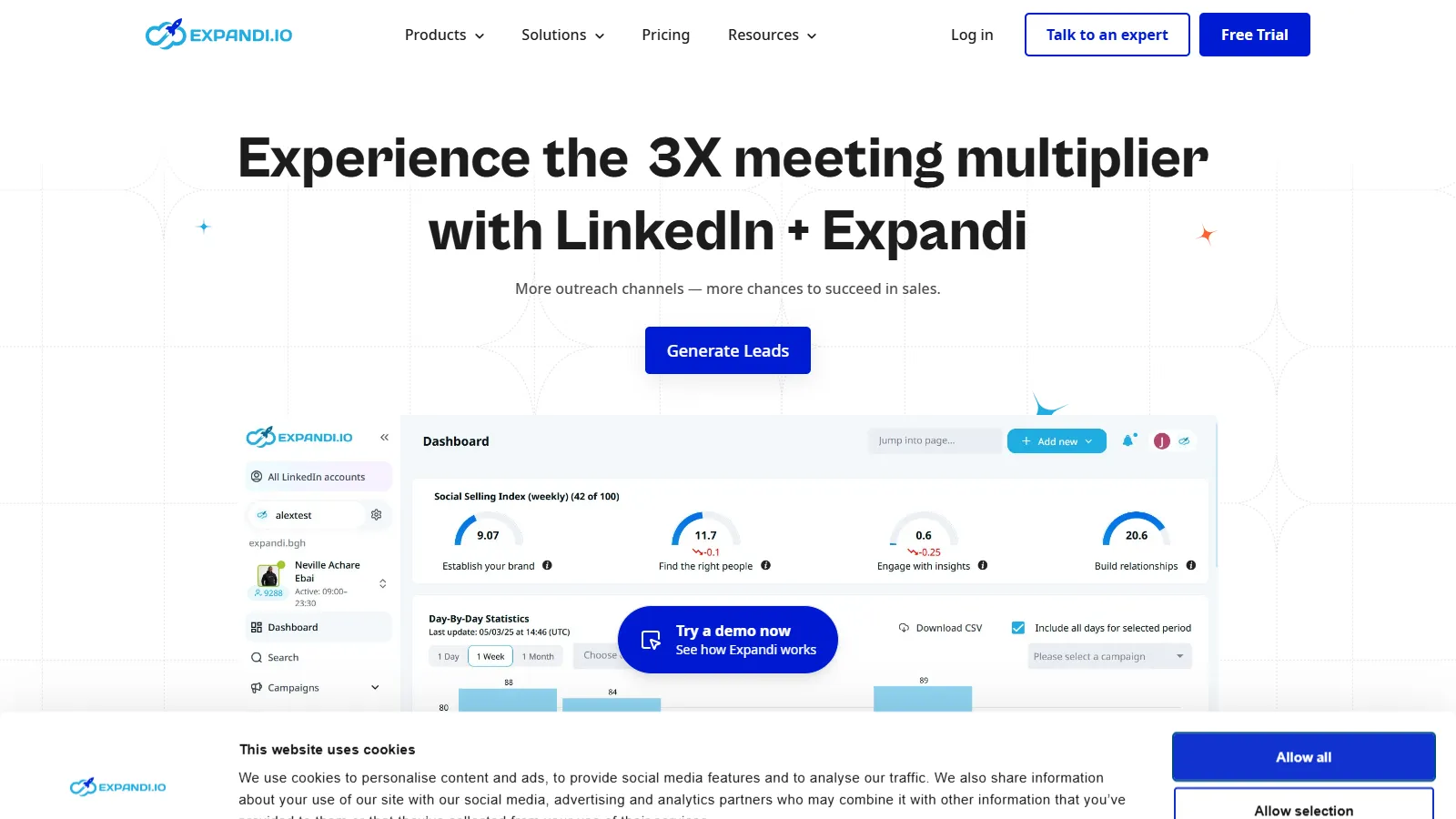
Expandi offers cloud-based LinkedIn automation with smart sequences and A/B testing. Dedicated IP addresses and human-like behavior patterns aim to reduce detection risk.
Starting price$99/mo
Strengths
Cloud-based safety
A/B testing
Smart sequences
Webhooks
Image personalization
Limitations
Against LinkedIn TOS
Higher pricing
Account risk
Complex setup
Who it's for: For power users wanting advanced automation features with safety measures.
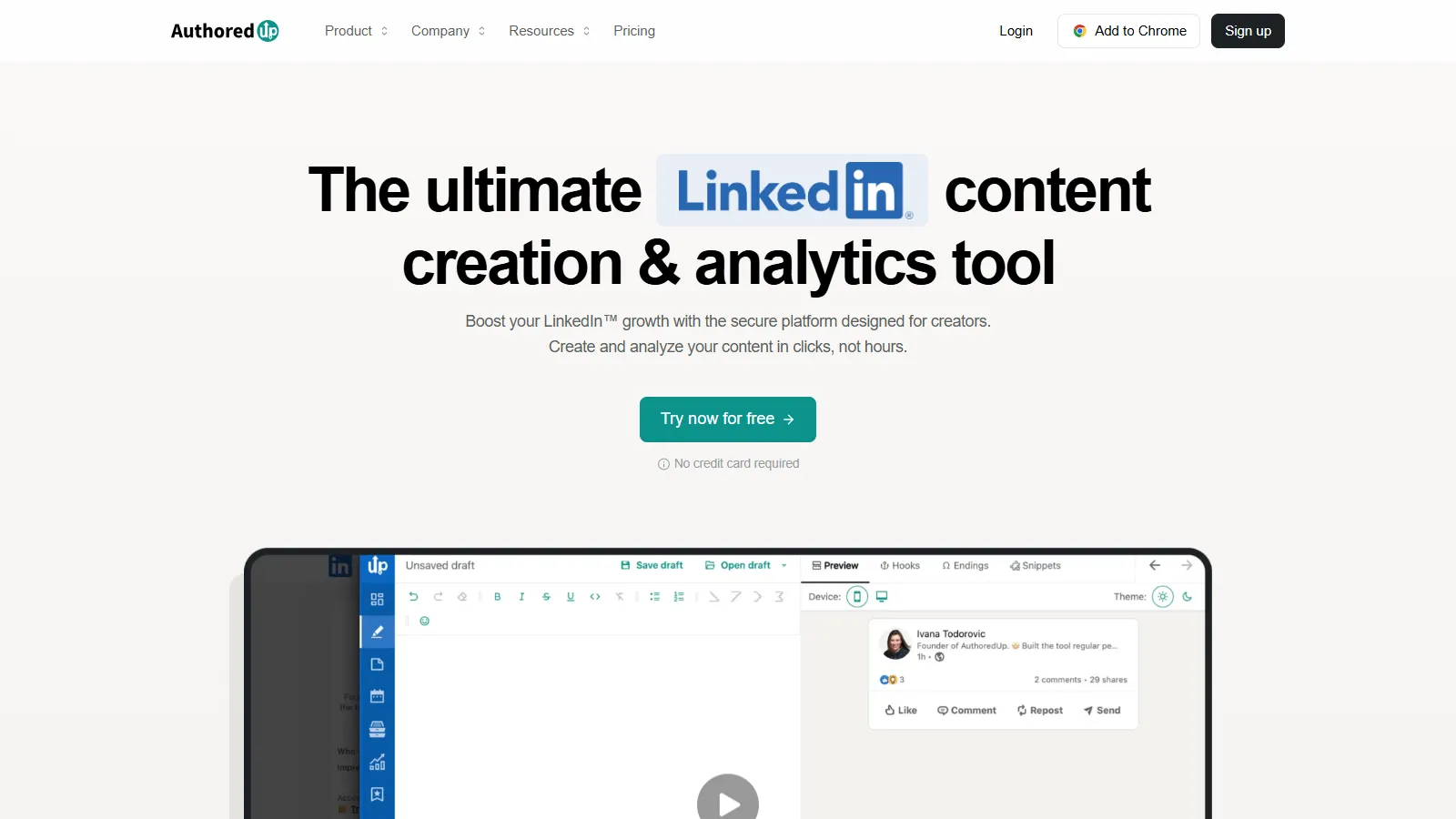
AuthoredUp is a free LinkedIn post editor with formatting, templates, and preview. See exactly how your post will look before publishing with proper line breaks and formatting.
Starting priceFree/$19.95
Strengths
Free tier available
Post formatting
Templates library
Preview feature
Simple to use
Limitations
Limited features
No scheduling on free
No automation
Basic analytics
Who it's for: Best for anyone wanting better LinkedIn post formatting without paying.
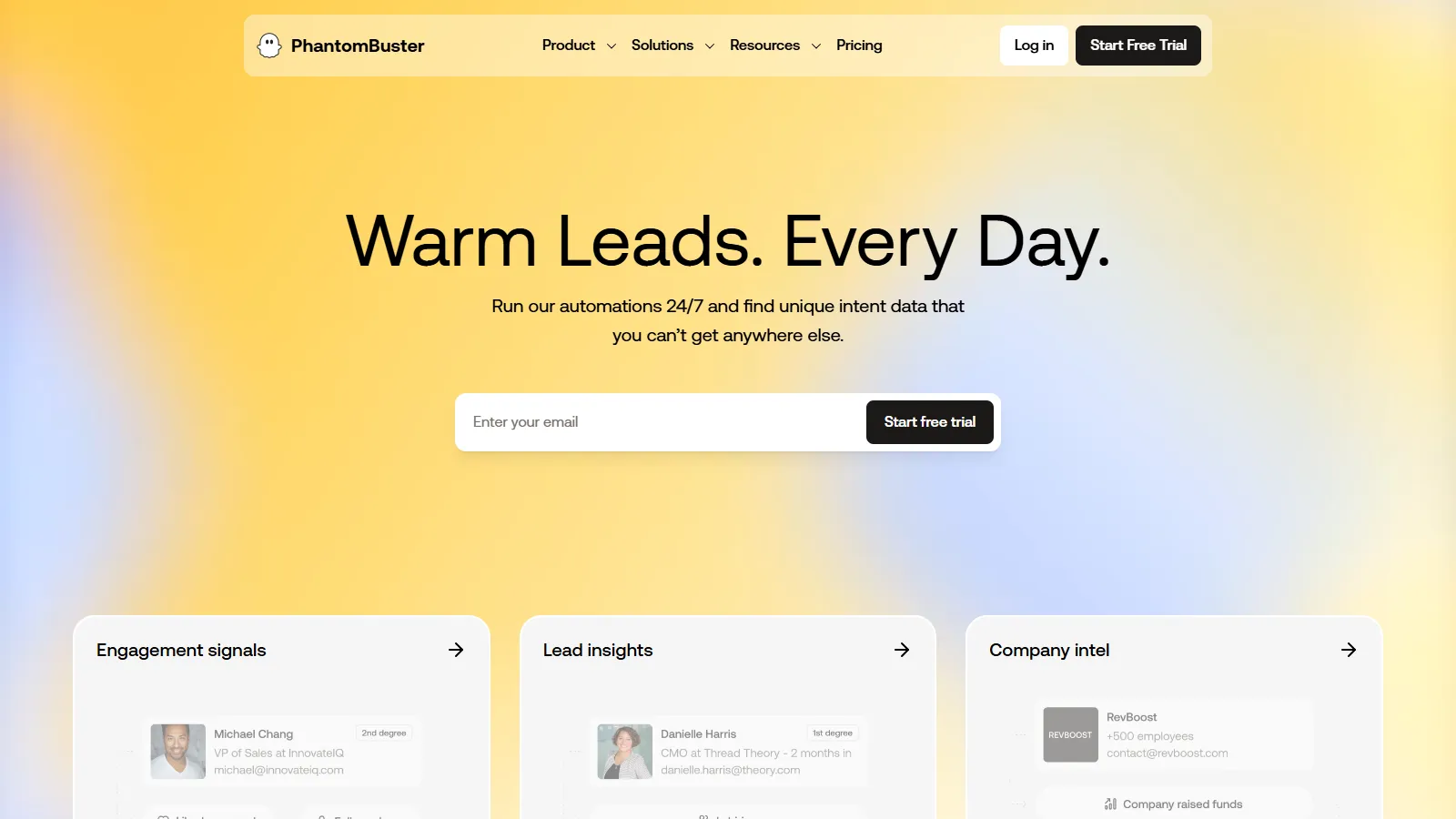
Phantombuster extracts LinkedIn data and automates actions with pre-built "Phantoms." Export search results, auto-connect, and integrate data with your CRM and workflows.
Starting price$69/mo
Strengths
Data extraction
Pre-built automations
API integrations
Multi-platform
Flexible workflows
Limitations
Technical setup
Against LinkedIn TOS
Account risk
Learning curve
Who it's for: For technical users wanting LinkedIn data extraction and custom automation workflows.
We tested each tool for LinkedIn-specific B2B marketing and lead generation effectiveness.
LinkedIn Effectiveness (30%) — How well the tool works specifically for LinkedIn.
Safety & Compliance (25%) — Adherence to LinkedIn terms and account safety.
Ease of Use (20%) — Learning curve and daily workflow efficiency.
Integration (15%) — Connections to CRMs and other marketing tools.
Value (10%) — Features relative to cost.
How to Choose
Choose Sales Navigator if you need official safe prospecting.
Choose Shield Analytics if you need content performance analytics.
Choose Taplio if you need AI content creation.
Choose Dripify if you need outreach automation.
Choose AuthoredUp if you need free post formatting.
Common Questions
Automation violates LinkedIn Terms of Service and risks account restrictions. Official tools like Sales Navigator are safe. Third-party automation should be used cautiously with conservative limits.
For B2B sales teams actively prospecting on LinkedIn, yes. Advanced search, lead recommendations, and InMail credits justify the cost for serious lead generation efforts.
Post consistently with valuable content, engage with others posts, use relevant hashtags, and maintain a complete profile. Tools like Taplio and Shield help optimize content strategy.